review billing activity

Personalized health app home dashboard showing recommended actions, including rating a recent provider appointment with a star review prompt, browsing medication managers, and scheduling the next therapy session. Top actions provide Help and profile access, with a bottom tab bar for navigating Home, Journey, My care, Self care, and Services.

Account bottom sheet overlay on a healthcare/therapy app home screen, providing quick access to Settings, Billing and payments, View benefits, and Log out. The sheet is opened from the home header and appears over care progress and session scheduling content.

Account profile details form for viewing and editing personal information, including required first/last name, email, phone number with country code selector, and street address. Includes a date of birth field with calendar picker and a Help action for support or updating restricted information.

Billing and payments management screen with tabs for Billing, Reimbursements, and Payment history, plus segmented filters for Action required, Pending invoices, and Completed. Shows an empty state indicating no action required and explains that appointment payments can be tracked here, with back navigation and a Help button.
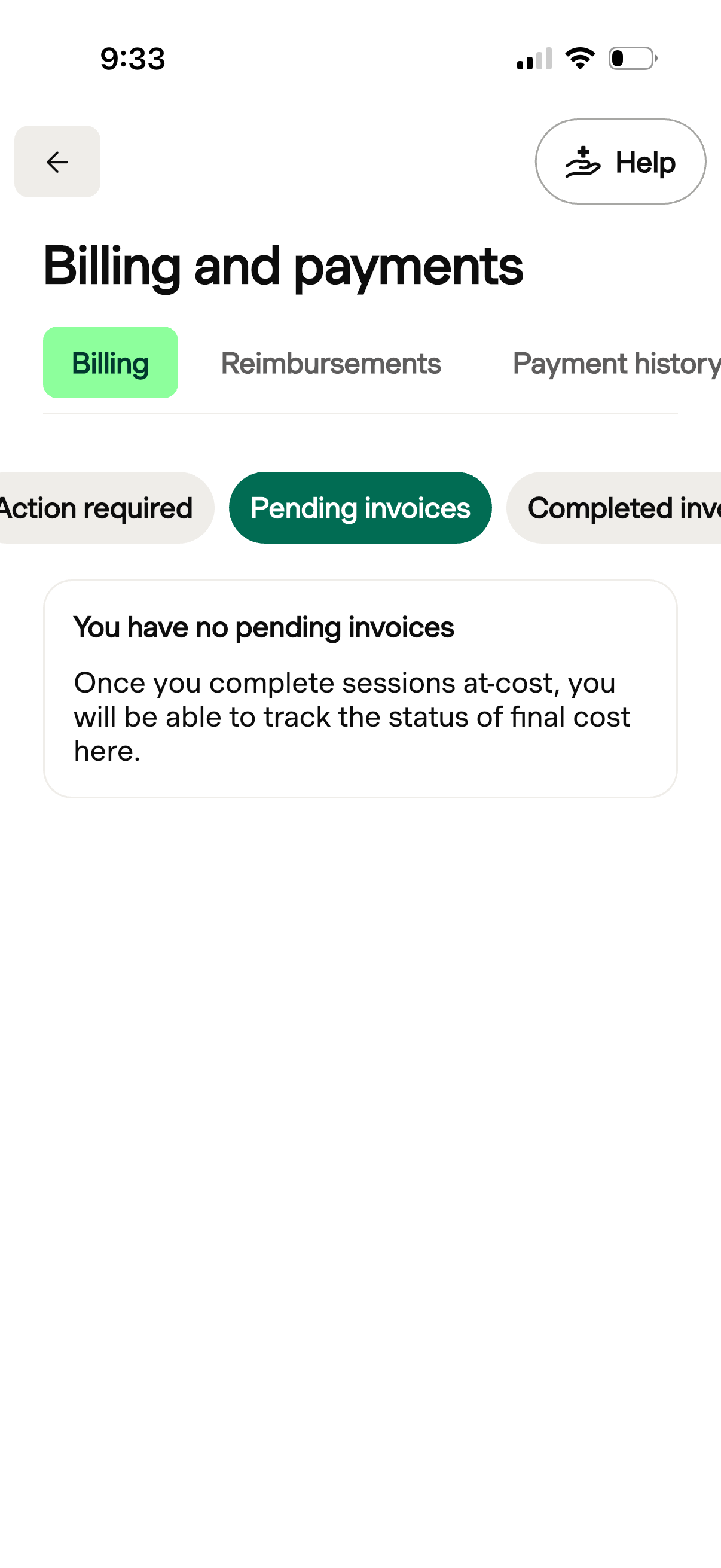
Billing and payments dashboard with tabs for Billing, Reimbursements, and Payment history, plus a Help button and back navigation. The Billing tab includes filters for action required, pending invoices, and completed invoices, showing an empty state message indicating there are no pending invoices and that final costs will be tracked here.

Billing and payments screen with tabs for Billing, Reimbursements, and Payment history, plus filter chips to view invoice categories such as pending and completed invoices. Shows an empty state for completed invoices indicating no paid invoices yet, with a Help button and back navigation.

Billing and payments screen with tab navigation for Billing, Reimbursements, and Payment history, plus a Help button. The Billing tab lists completed invoices and sponsored sessions as transaction cards showing provider, date, session type, attendance status, sponsorship/free session details, and a “Covered” label.

Billing and payments settings screen with tabs for Billing, Reimbursements, and Payment history, focused on reimbursement guidance. Explains how to request a superbill (itemized receipt) for out-of-pocket sessions for insurance reimbursement, with a link to request and a Help button.

Billing and payments dashboard with tabs for Billing, Reimbursements, and Payment history, plus a Help button. The Payment history tab shows an empty state indicating no payments yet and explains that payments for sessions will appear here once made.