Create Playlist
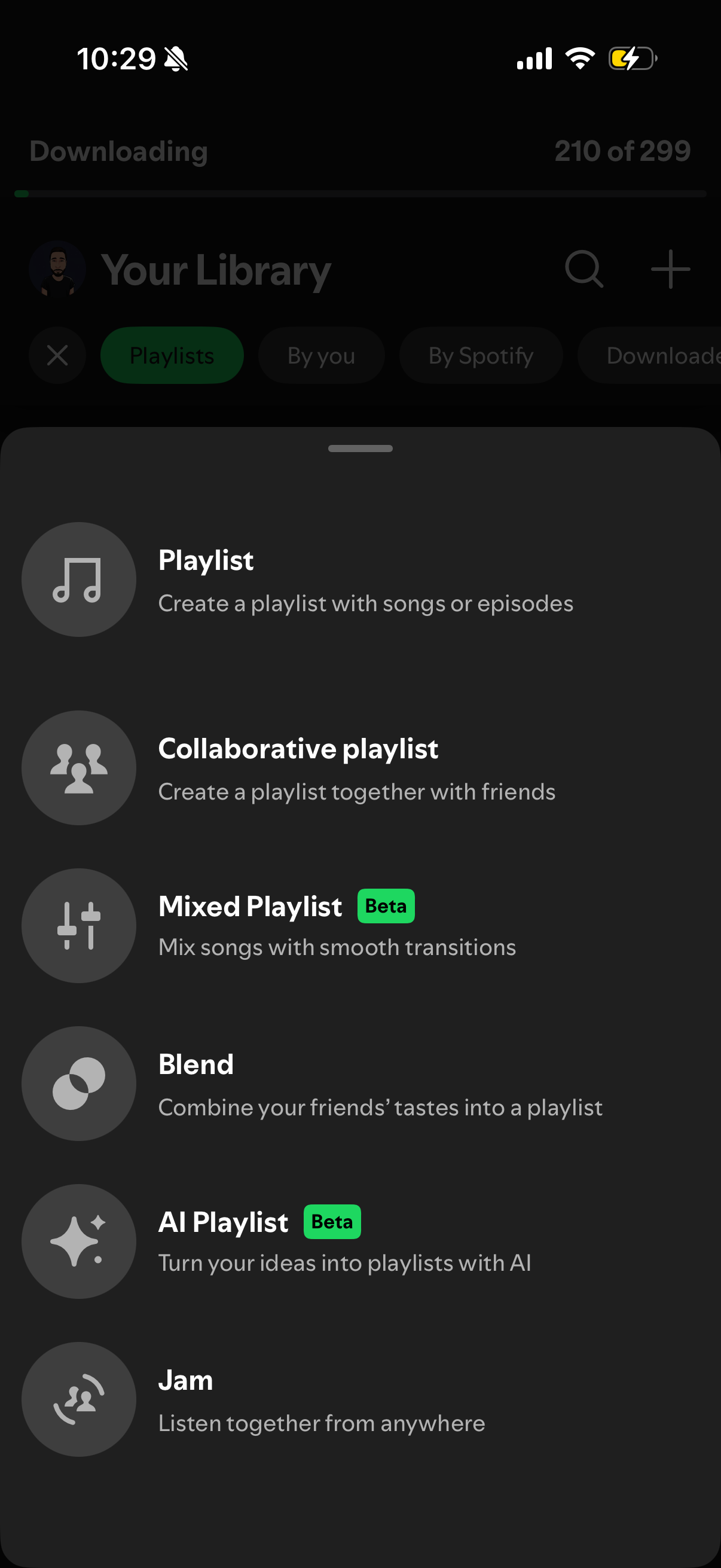
Bottom-sheet creation menu in a music streaming app’s Library that lets users start a new playlist and choose playlist types like collaborative playlist, mixed playlist (beta), Blend, AI playlist (beta), or a group listening “Jam” session. The modal overlays the library screen and presents tappable options with icons and short descriptions.
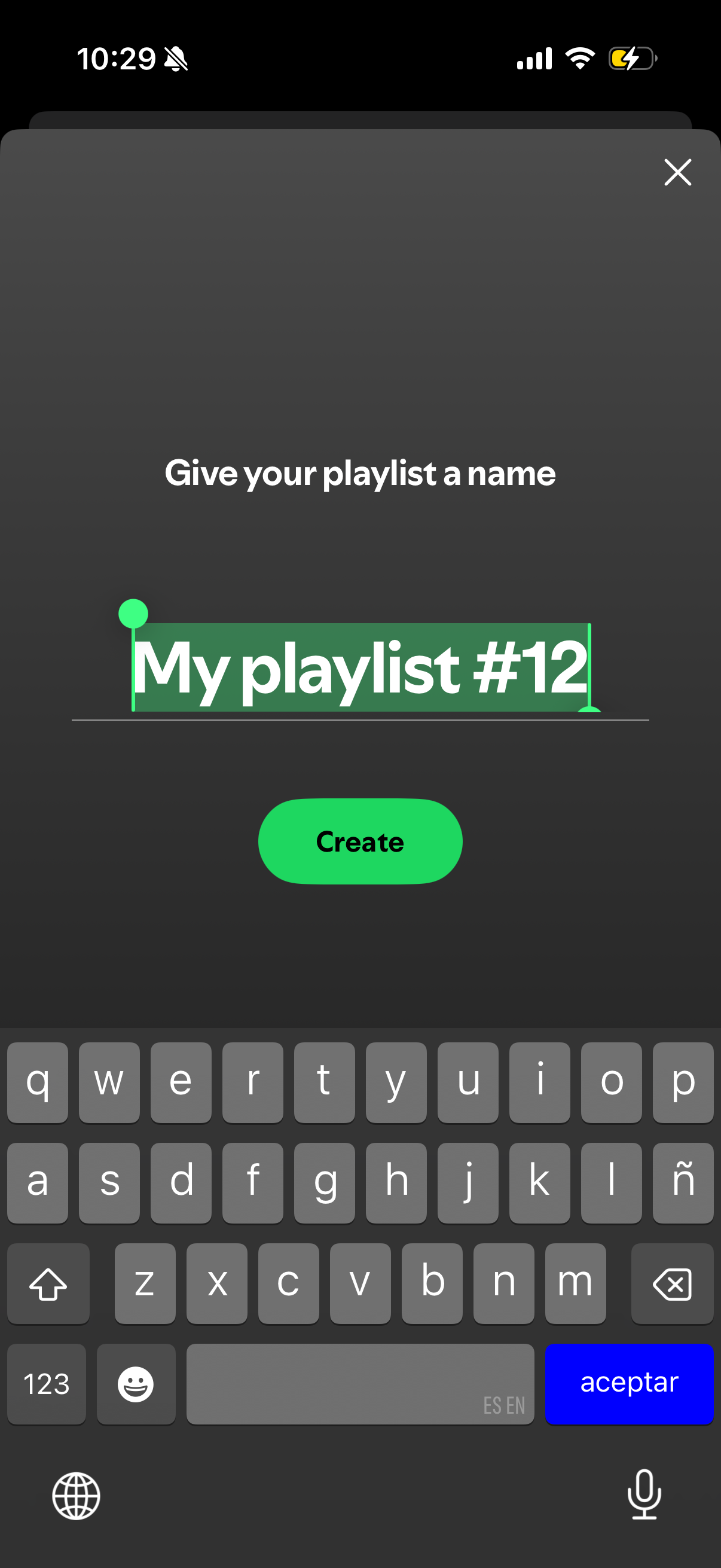
Modal screen for creating a new music playlist where the user enters or edits the playlist name in a text field and taps a primary “Create” button to confirm, with an X icon to close/cancel.
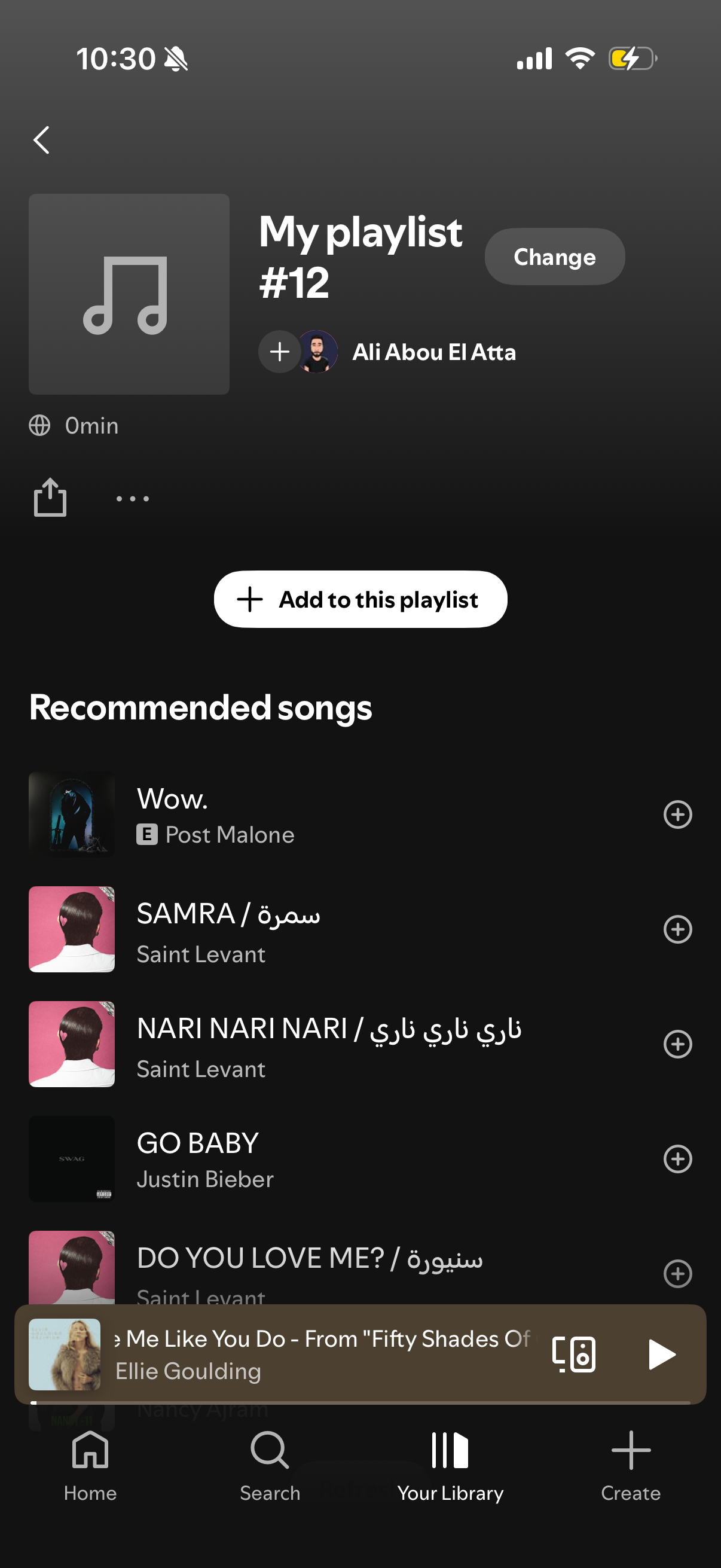
Playlist detail screen in a music streaming app showing playlist cover, title, owner, and options to change/edit, share, or open more actions. Includes a primary “Add to this playlist” button and a scrollable list of recommended songs with plus icons to quickly add tracks, with a mini player bar visible at the bottom.
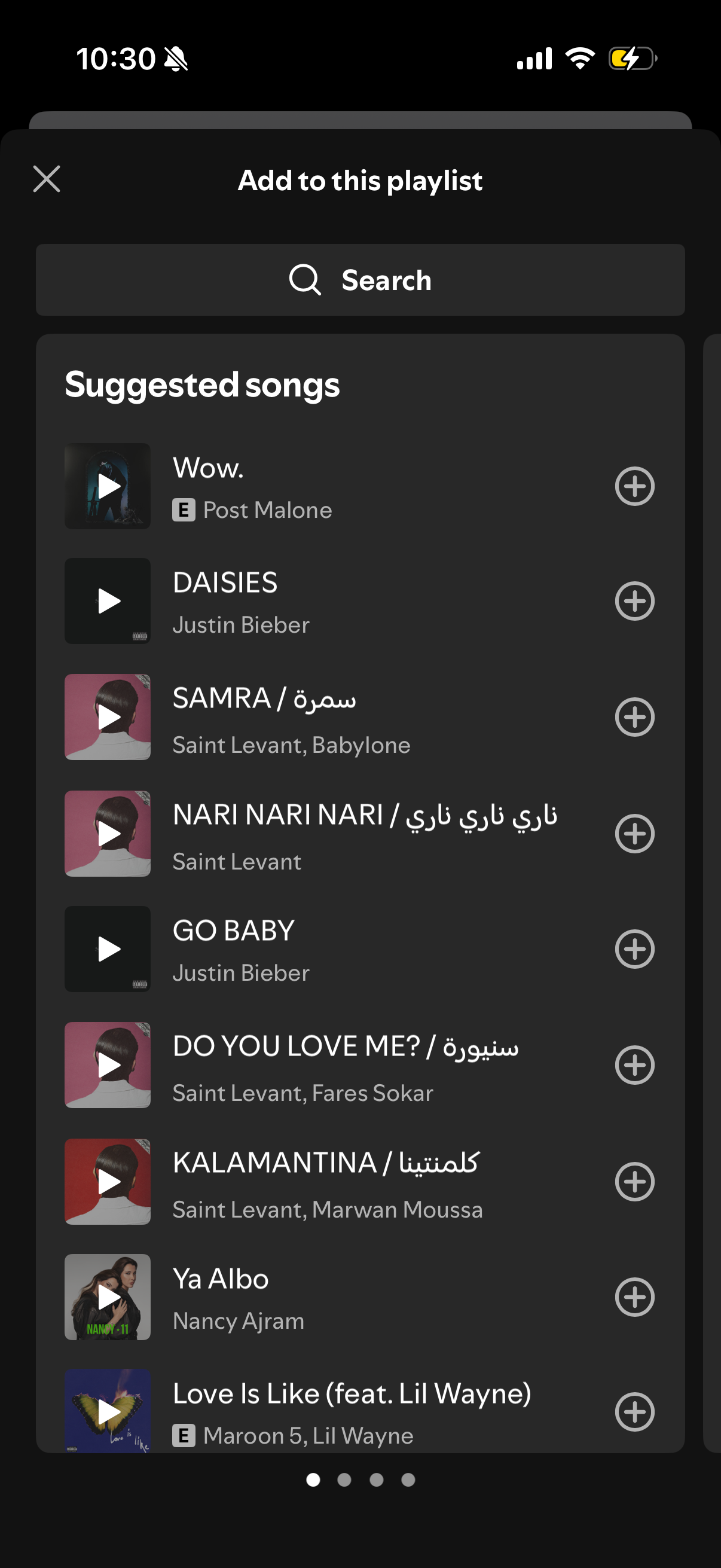
Modal “Add to this playlist” screen for a music app featuring a search bar and a scrollable list of suggested songs with album art, title, and artist. Each track row includes a play preview button and a plus icon to quickly add the song to the playlist, with a close button to dismiss the sheet.
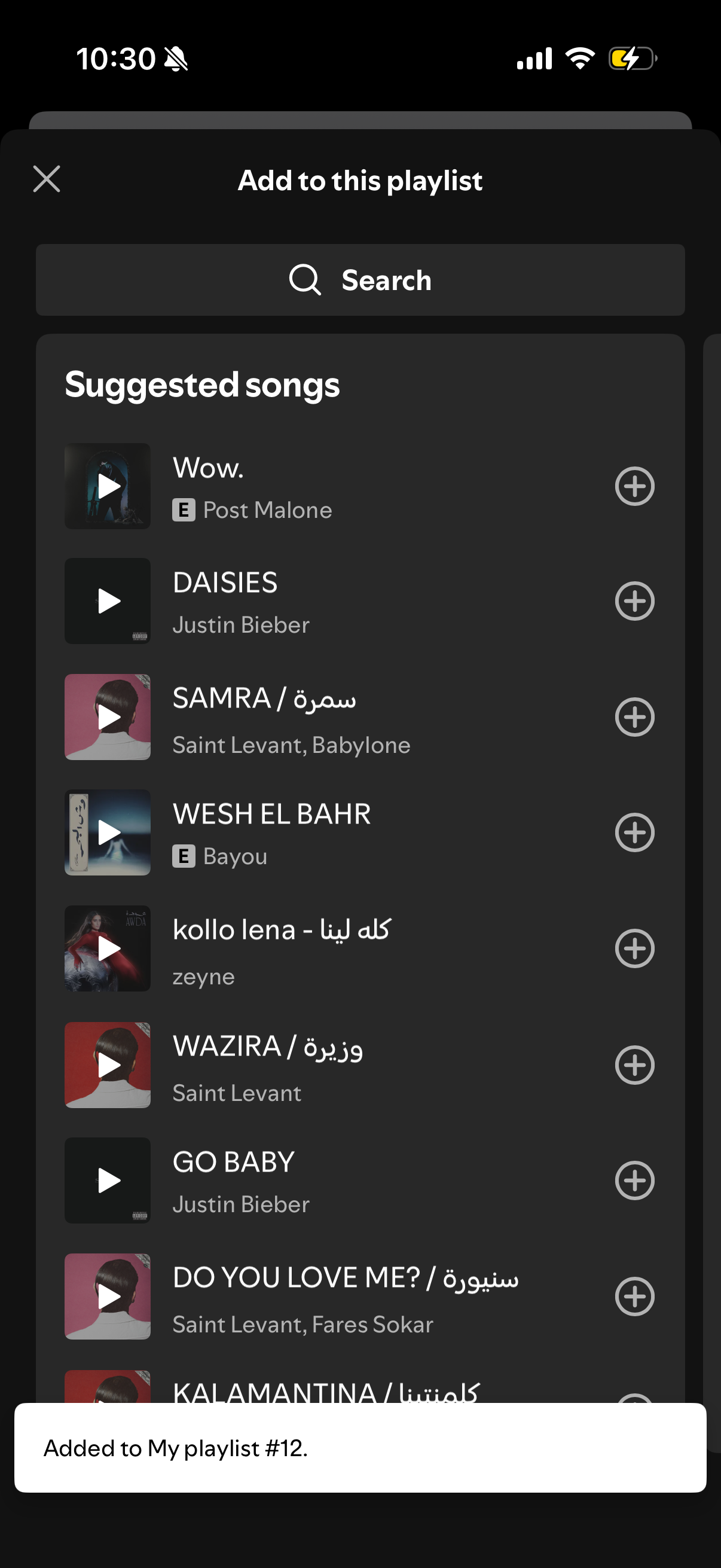
Music app modal for adding tracks to an existing playlist, featuring a search field and a scrollable list of suggested songs with artwork, titles, artists, and a plus button to add each track. A toast confirmation appears at the bottom after a song is added to the playlist.
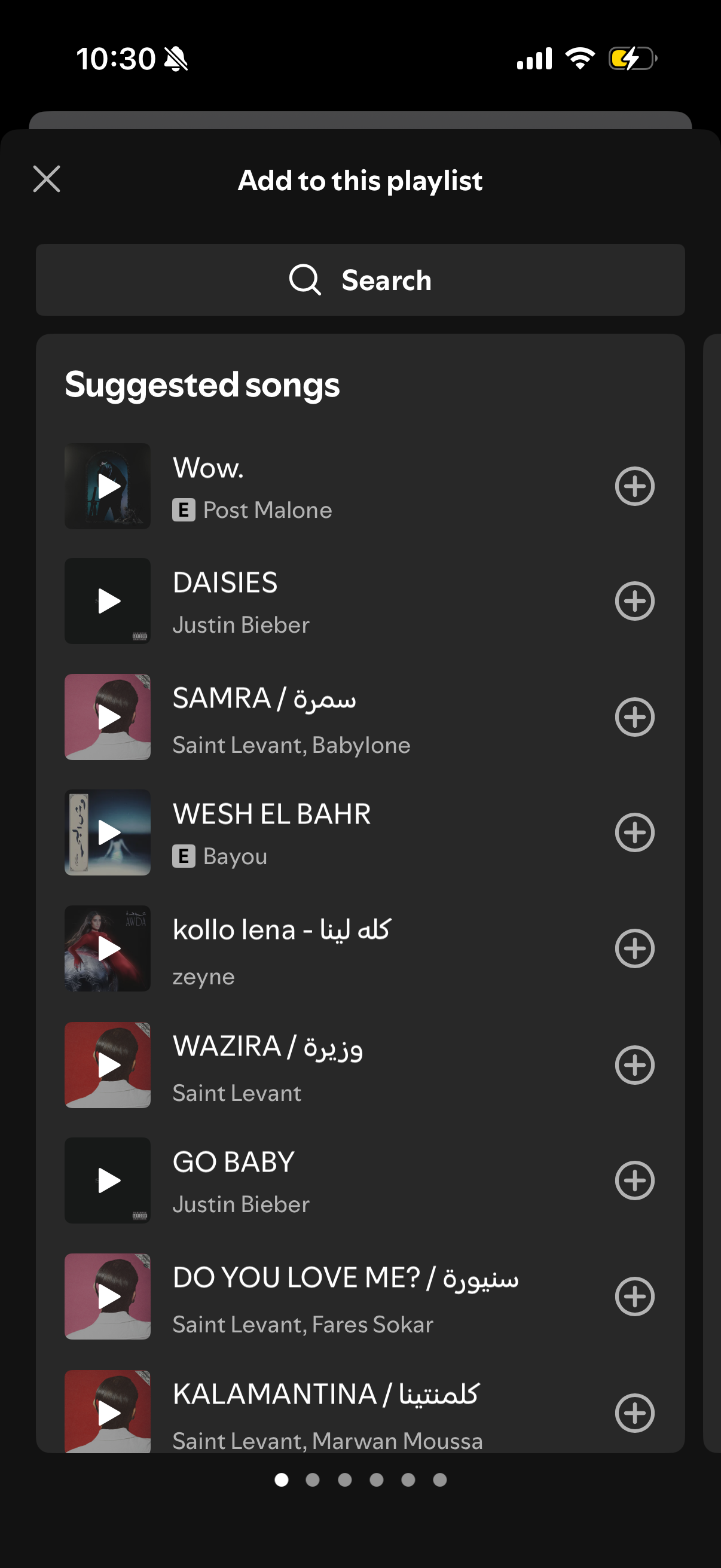
Modal “Add to this playlist” screen in a music streaming app with a search bar and a scrollable list of suggested songs showing artwork, title, and artist. Each track has a plus button to quickly add it to the current playlist, with an X to dismiss the modal.
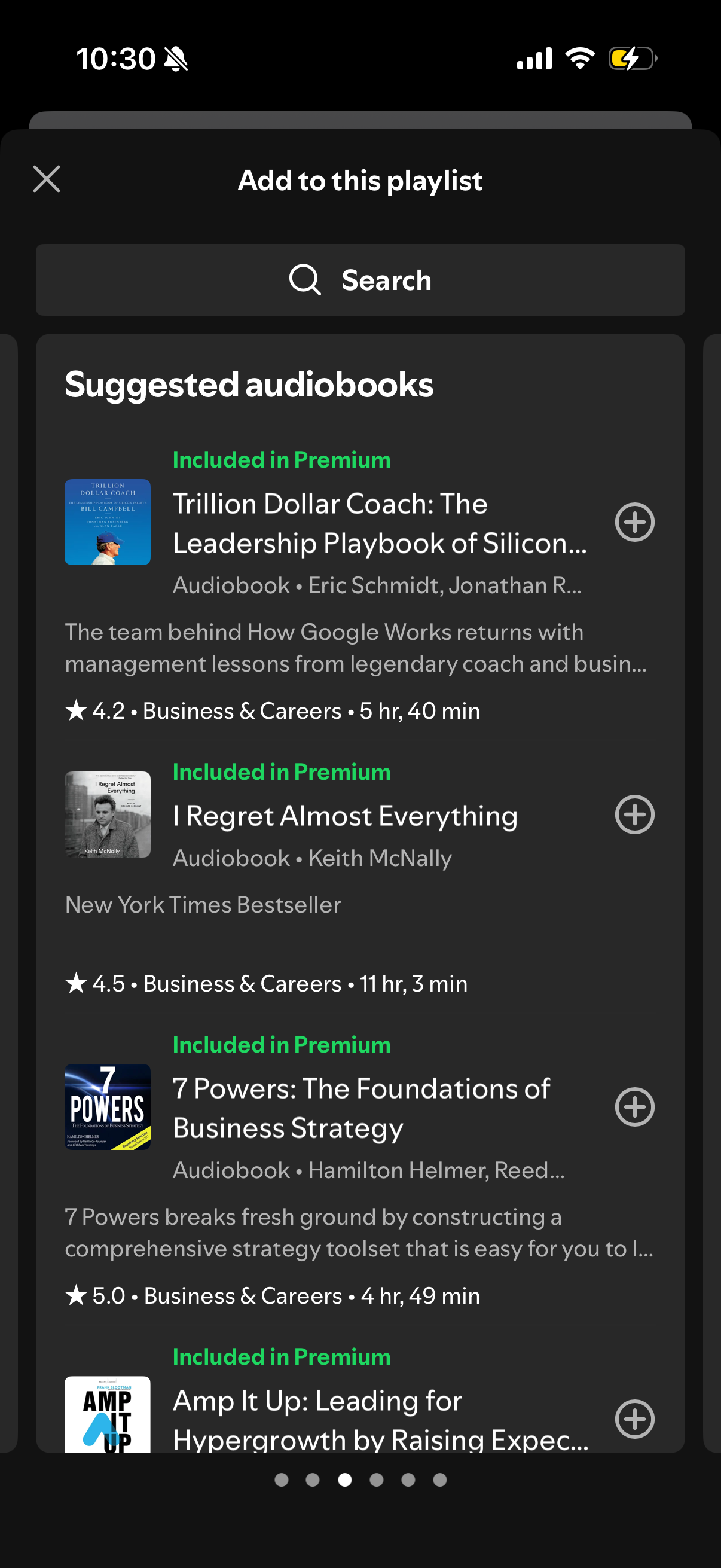
Modal bottom sheet for adding content to a playlist, featuring a search bar and a scrollable list of suggested audiobooks with cover art, Premium labels, ratings, categories, and duration. Each item includes an add “+” button to quickly add the audiobook to the playlist, with a close icon to dismiss the modal.
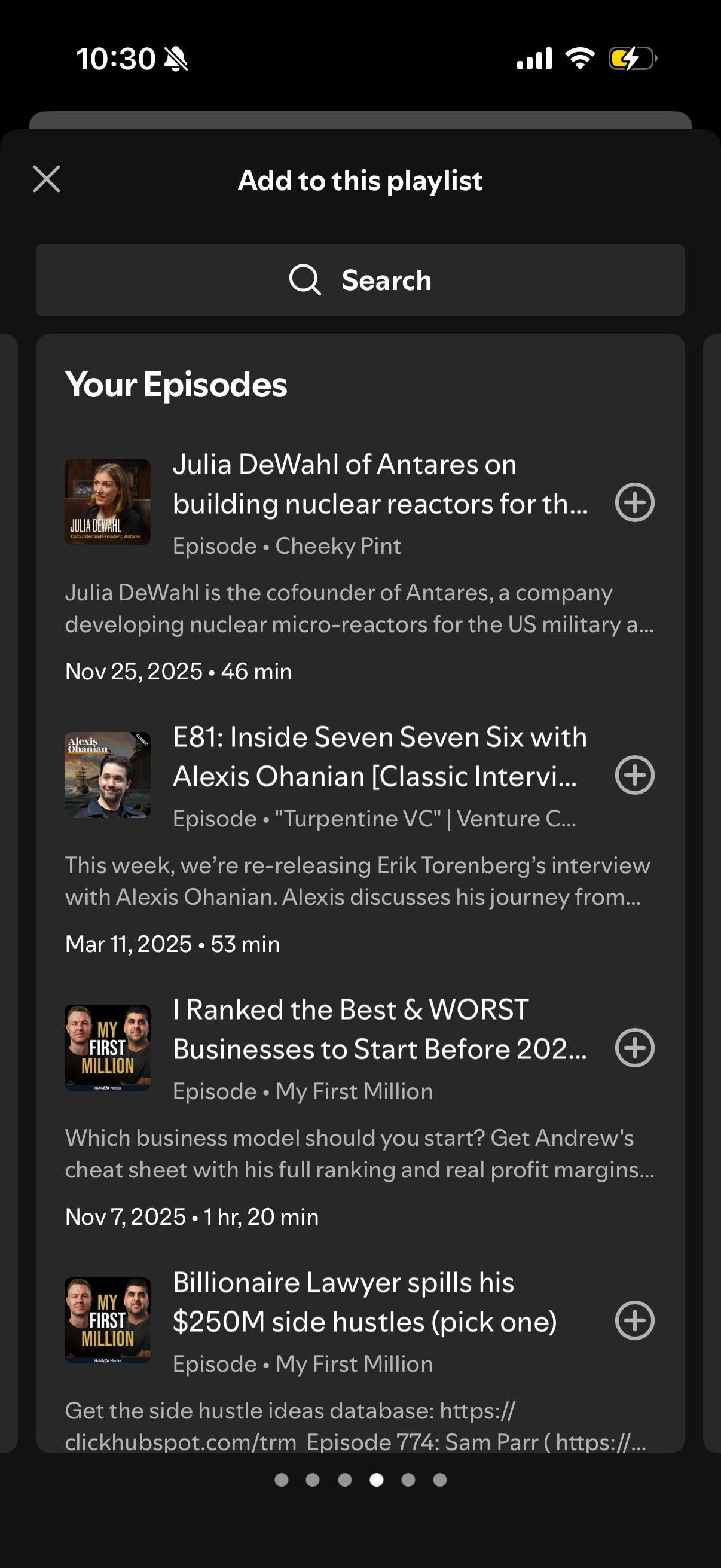
Modal sheet for adding content to a playlist, featuring a search bar and a scrollable list of “Your Episodes” with episode artwork, title, show, date and duration. Each episode row includes a plus button to add it to the playlist and a close icon to dismiss the sheet.
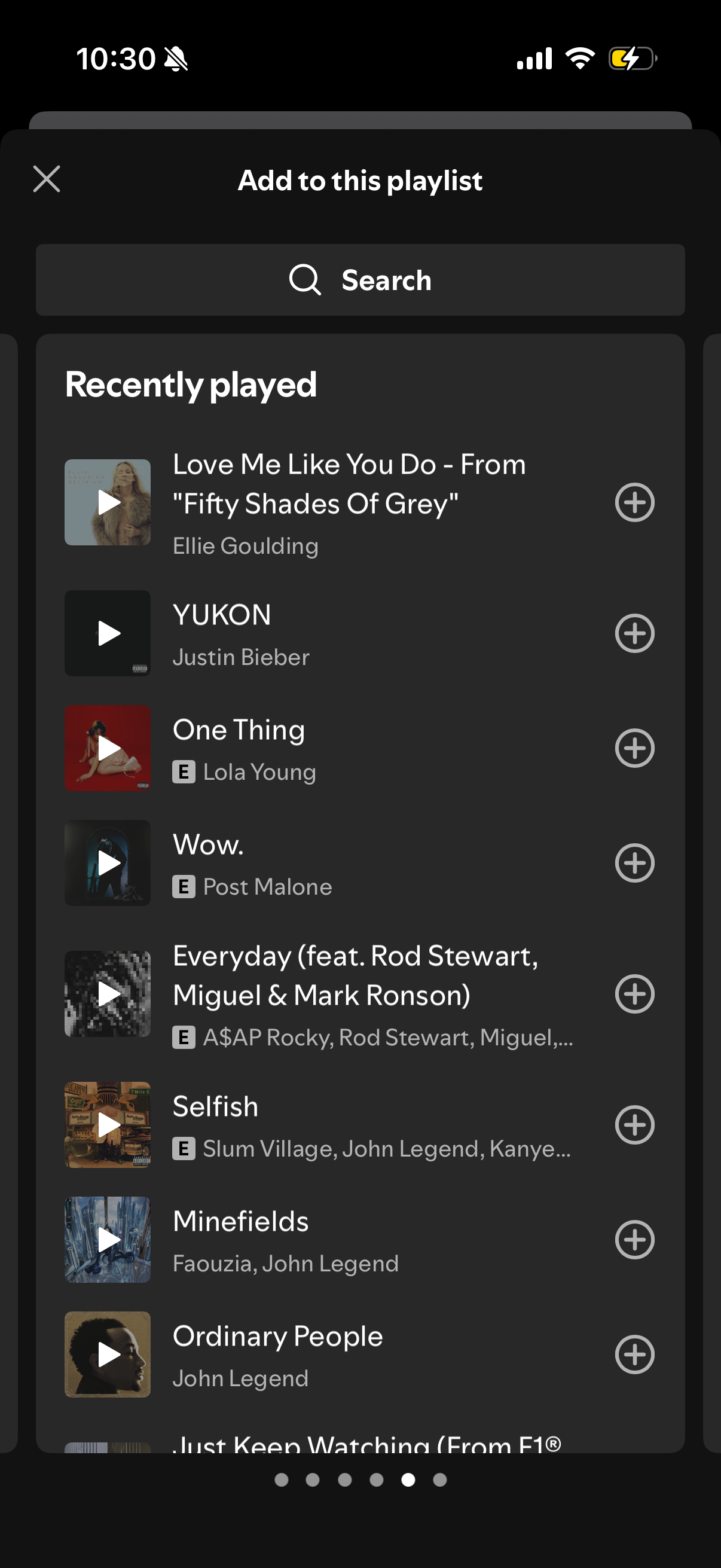
Music app “Add to this playlist” bottom sheet that lets users search and browse a “Recently played” list of tracks. Each song row shows cover art, title, artist, and an add (+) button to quickly add the track to the selected playlist, with a close icon to dismiss.
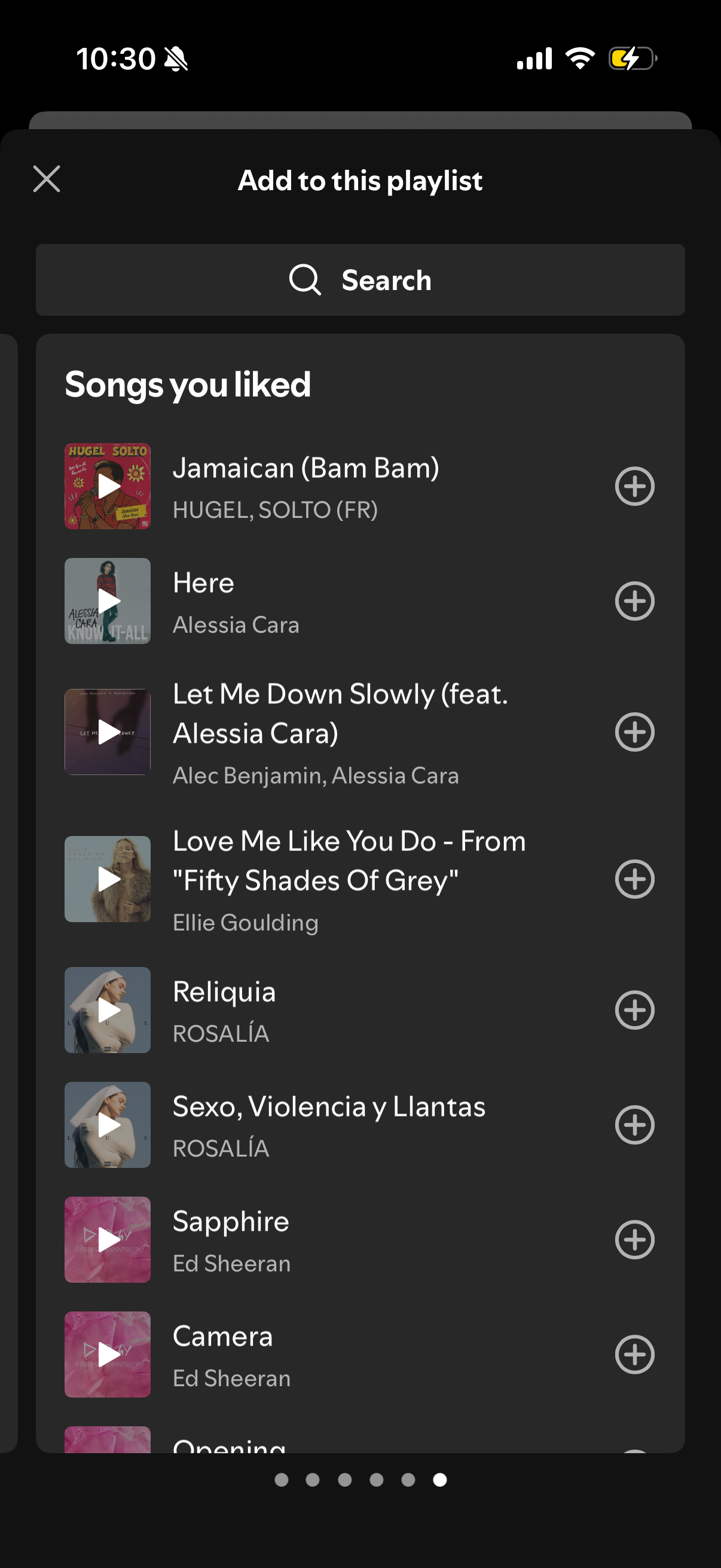
Modal bottom sheet for adding songs to an existing playlist, featuring a search bar and a scrollable list of “Songs you liked” with album art, song/artist details, and a plus button on each row to add tracks. Includes a close icon to dismiss the sheet.
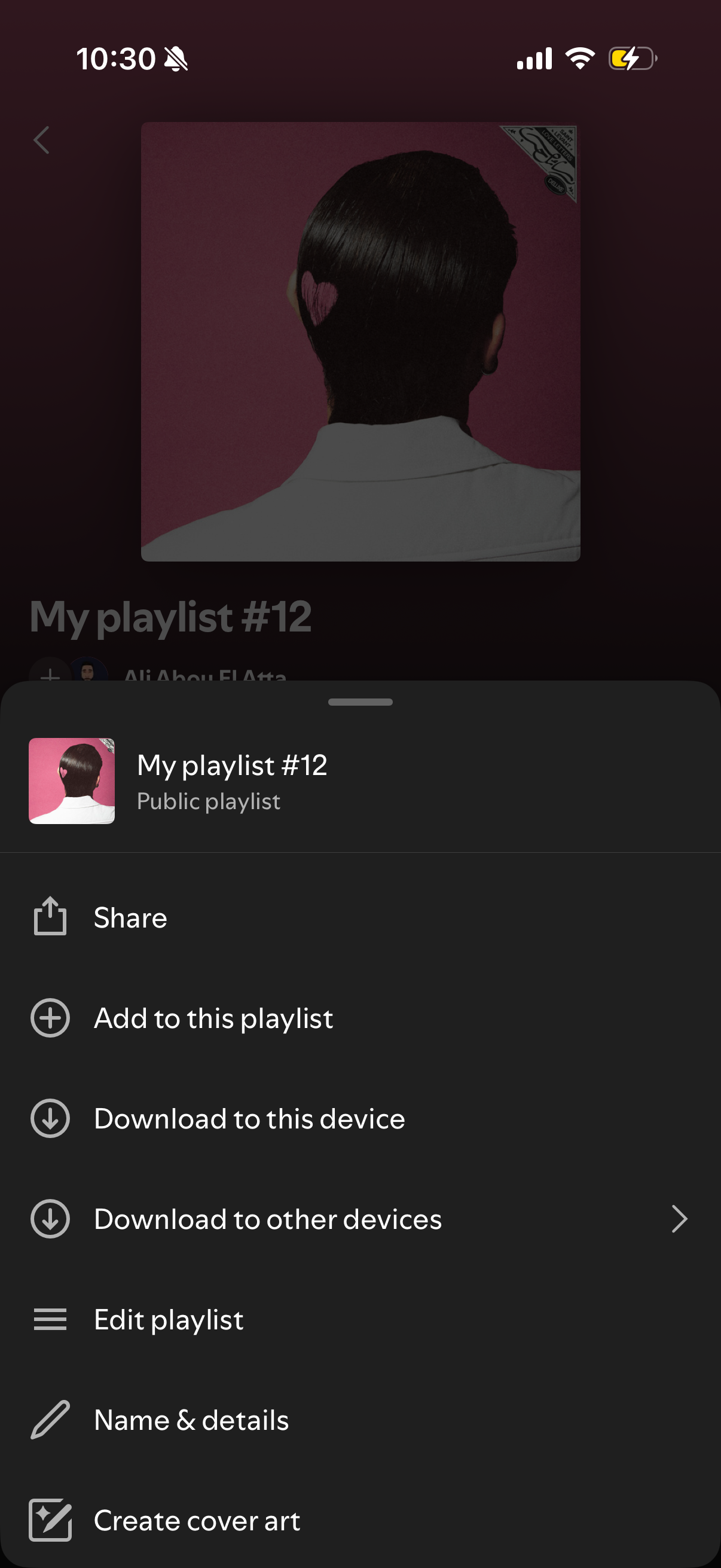
Playlist options bottom sheet in a music streaming app showing actions for a public playlist, including share, add songs, download to this device or other devices, edit playlist, update name and details, and create cover art. The modal overlays the playlist cover and title with a draggable handle and icon-based menu items.
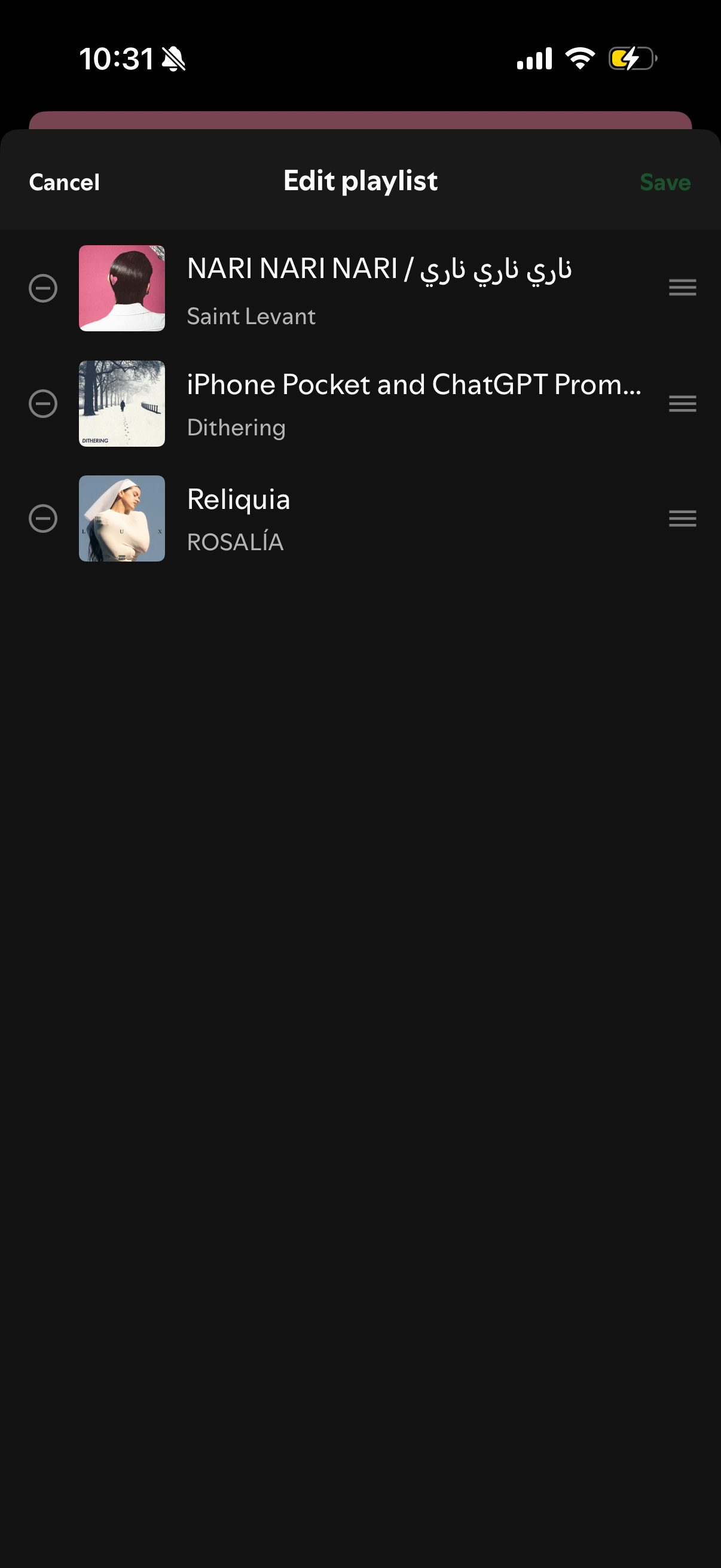
Edit playlist screen in a music app showing the current song list with album art, track titles, and artists, allowing users to remove tracks or reorder them via drag handles. Top navigation provides Cancel and Save actions to discard or apply playlist changes.