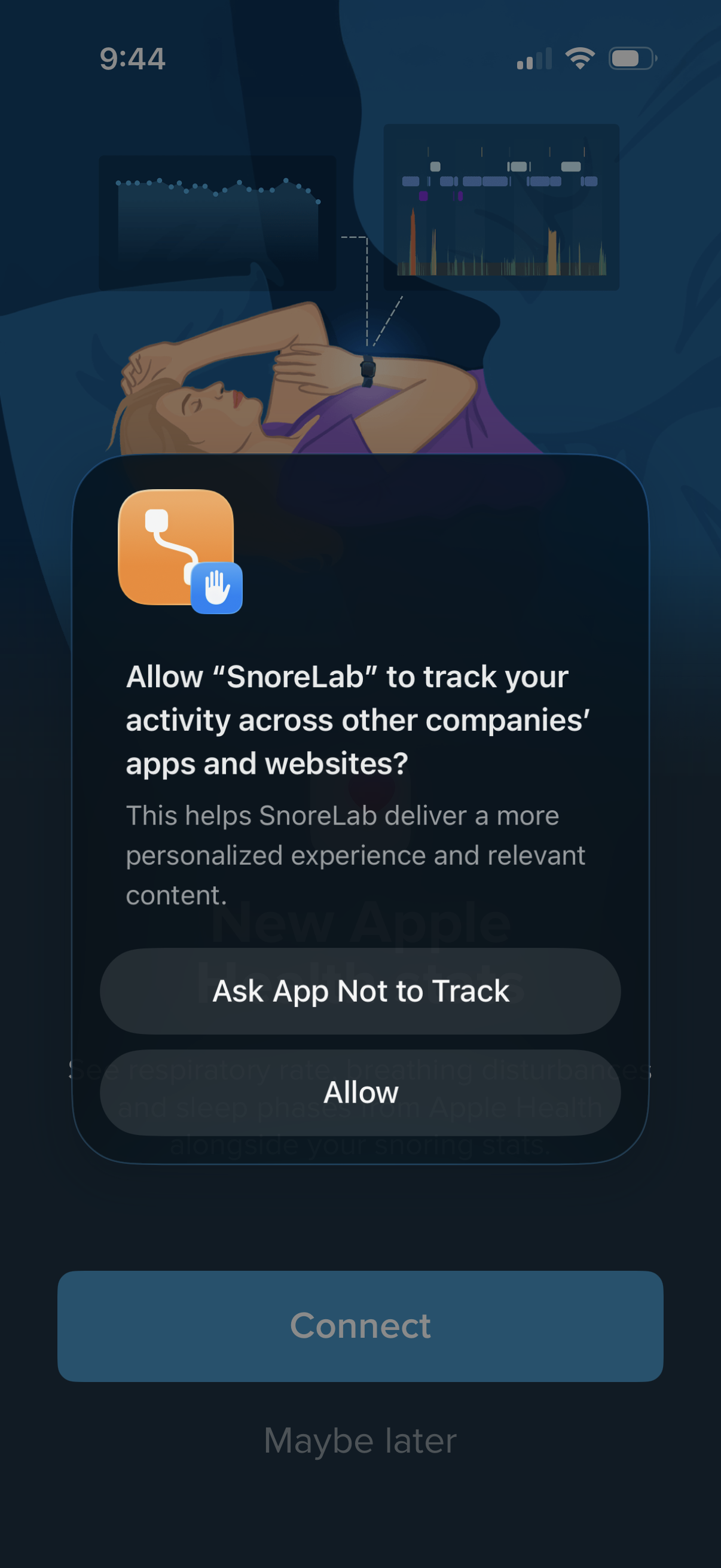
iOS App Tracking Transparency permission prompt asking whether to allow a sleep/snore tracking app to track activity across other companies’ apps and websites, with primary actions to “Ask App Not to Track” or “Allow. ” The underlying onboarding screen includes a disabled “Connect” CTA and a “Maybe later” option.

Onboarding permission screen prompting users to connect Apple Health to import new sleep-related metrics like respiratory rate, breathing disturbances, and sleep phases alongside snoring stats. Primary action is a “Connect” button with a secondary “Maybe later” option to skip.

iOS Health Access permission screen asking the user to allow a third‑party app to access and update Apple Health data, with toggles for specific categories like Sleep and a “Turn On All” option. Includes primary actions to Allow or Don’t Allow the requested health data read/write permissions.

iOS Health Access permission modal asking to allow an app to access and update Apple Health data, with toggles to grant specific read/write categories (e. g.