Sign in
Branded app splash screen for Nike SNKRS featuring a full-screen red background with the Nike swoosh and SNKRS logo, shown during app launch/loading before entering the sneaker shopping experience.
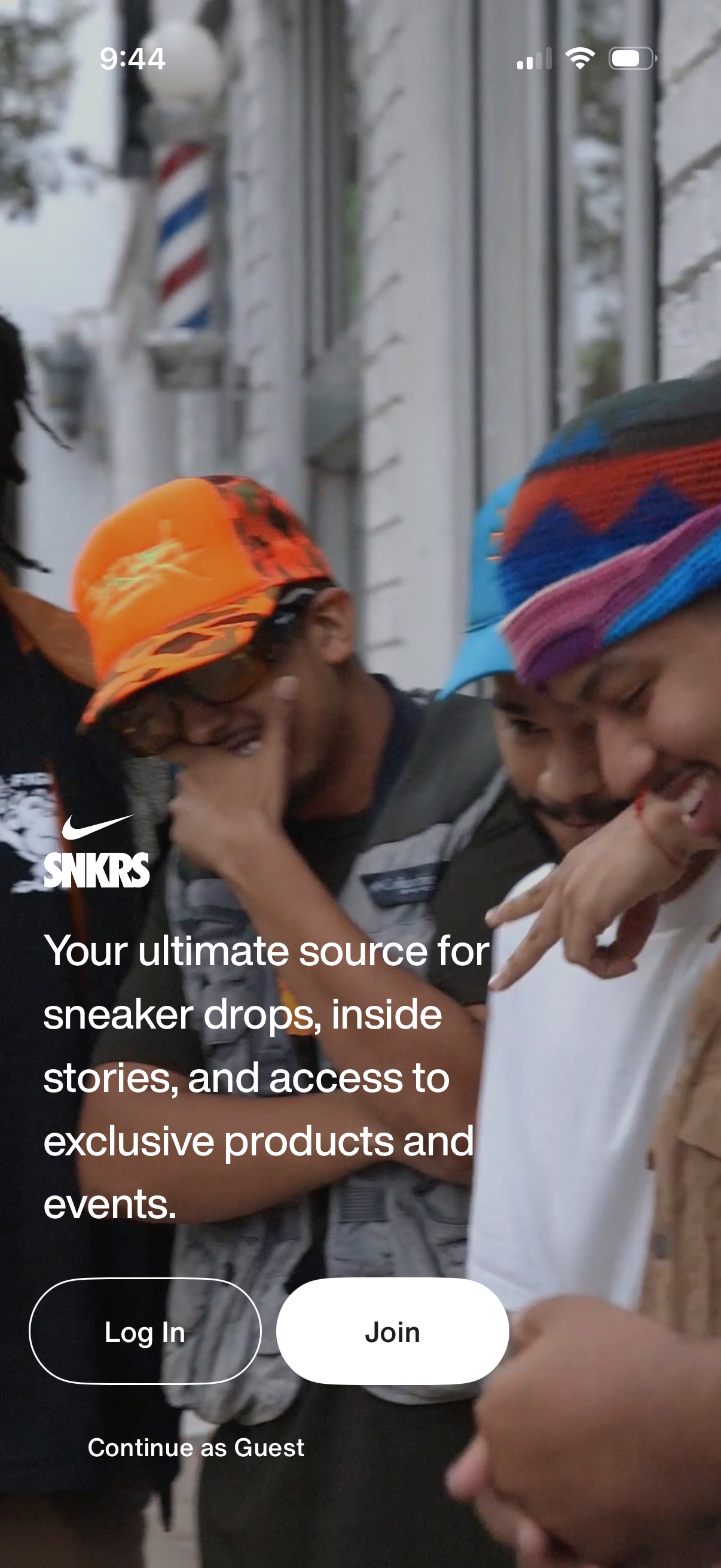
Full-screen onboarding/welcome screen for a sneaker release app (Nike SNKRS) highlighting sneaker drops, stories, and access to exclusive products and events. Primary actions offer Log In, Join (sign up), and Continue as Guest.
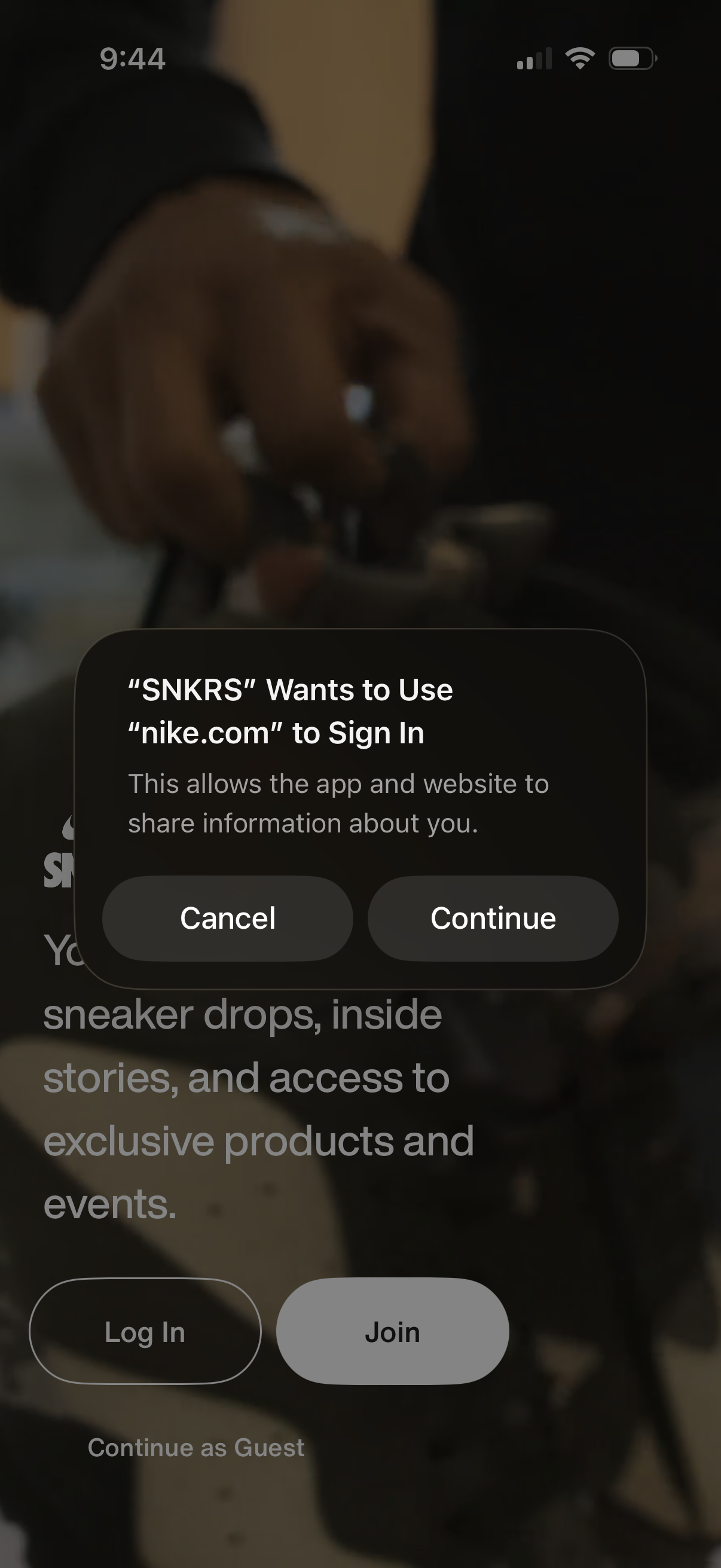
System sign-in permission modal asking to let the app use an external website account (nike. com) to log in, with Cancel and Continue actions.
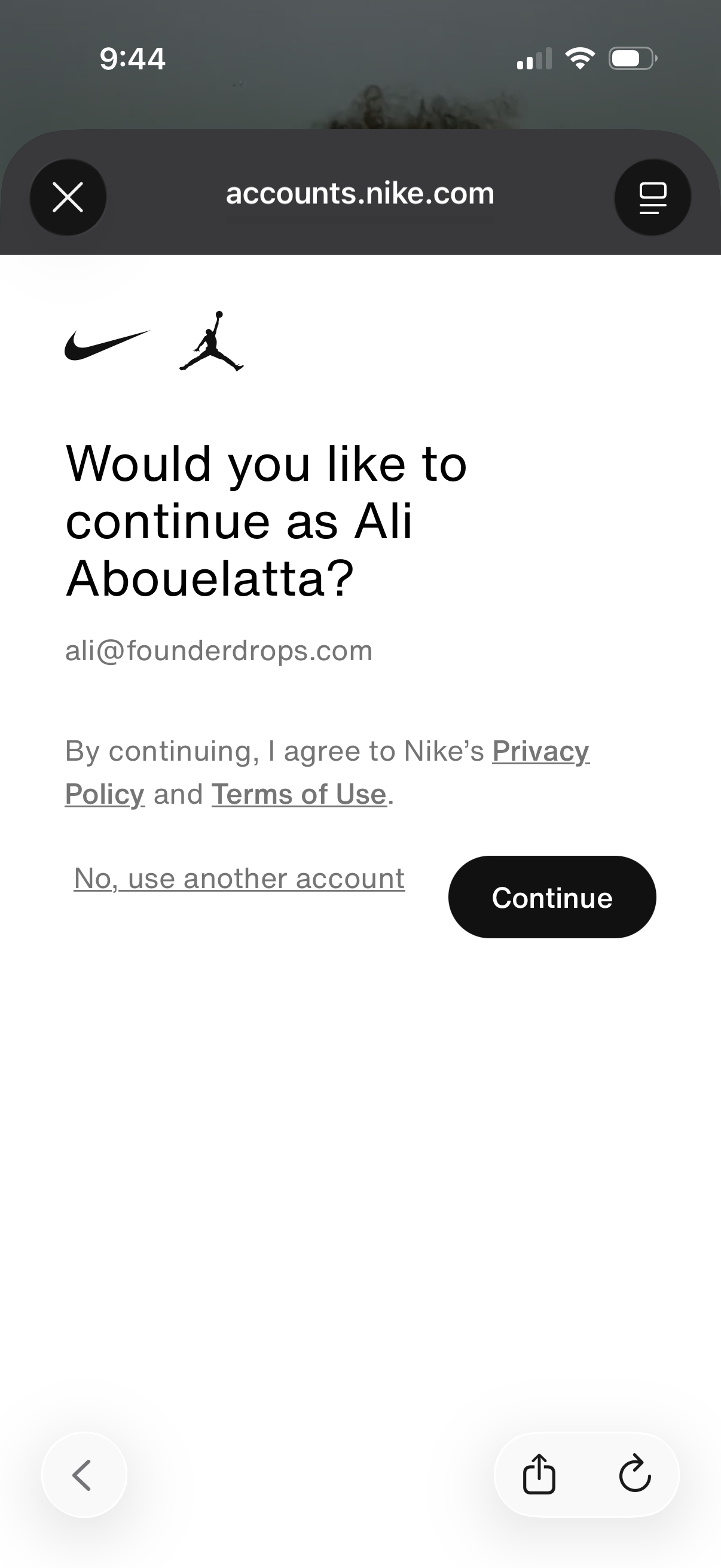
Account login confirmation screen asking whether to continue as the currently signed-in user, showing the email, links to Privacy Policy and Terms of Use, and actions to either Continue or use another account.
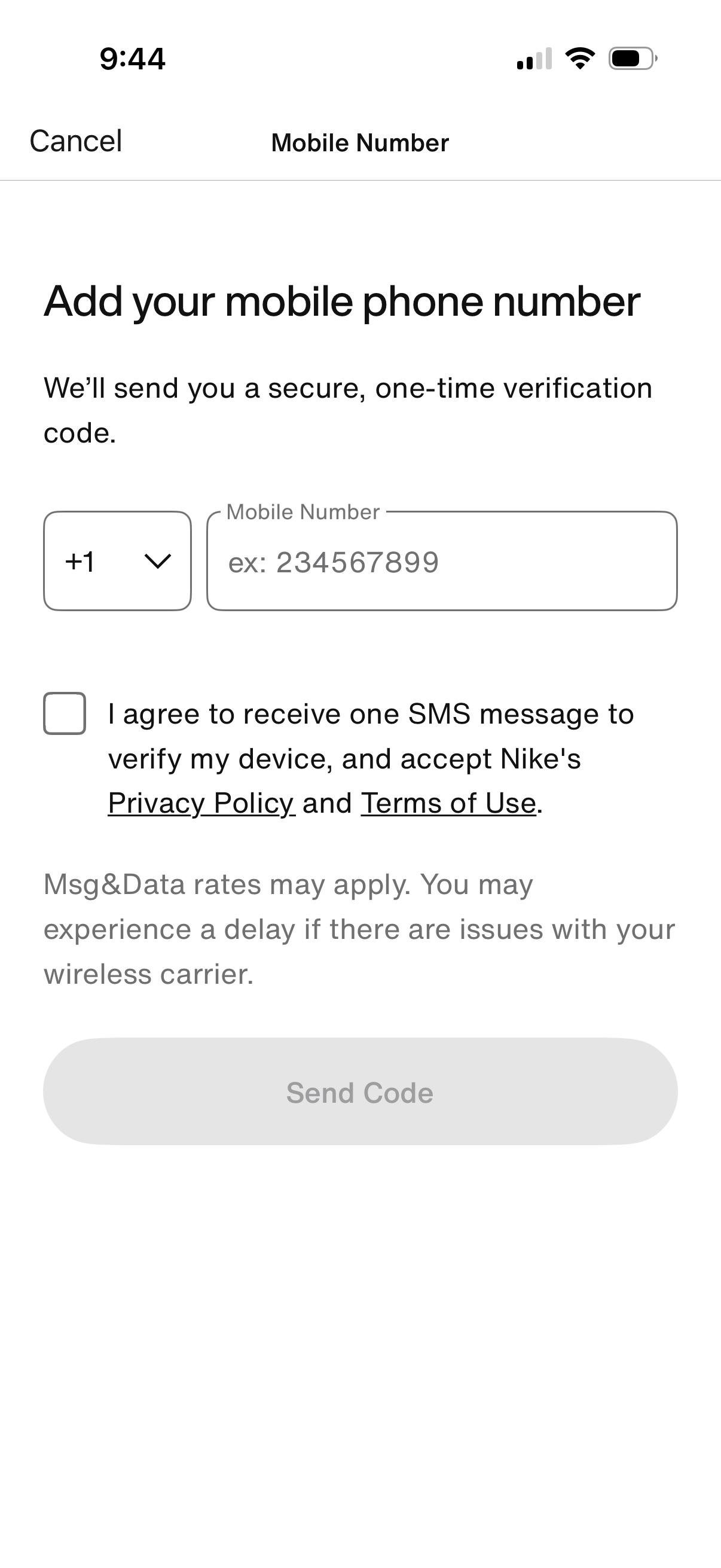
Mobile number verification screen prompting users to add their phone number with a country code selector to receive a one-time SMS verification code. Includes a consent checkbox agreeing to receive the verification text and accept privacy policy/terms, with a disabled “Send Code” button until requirements are met.
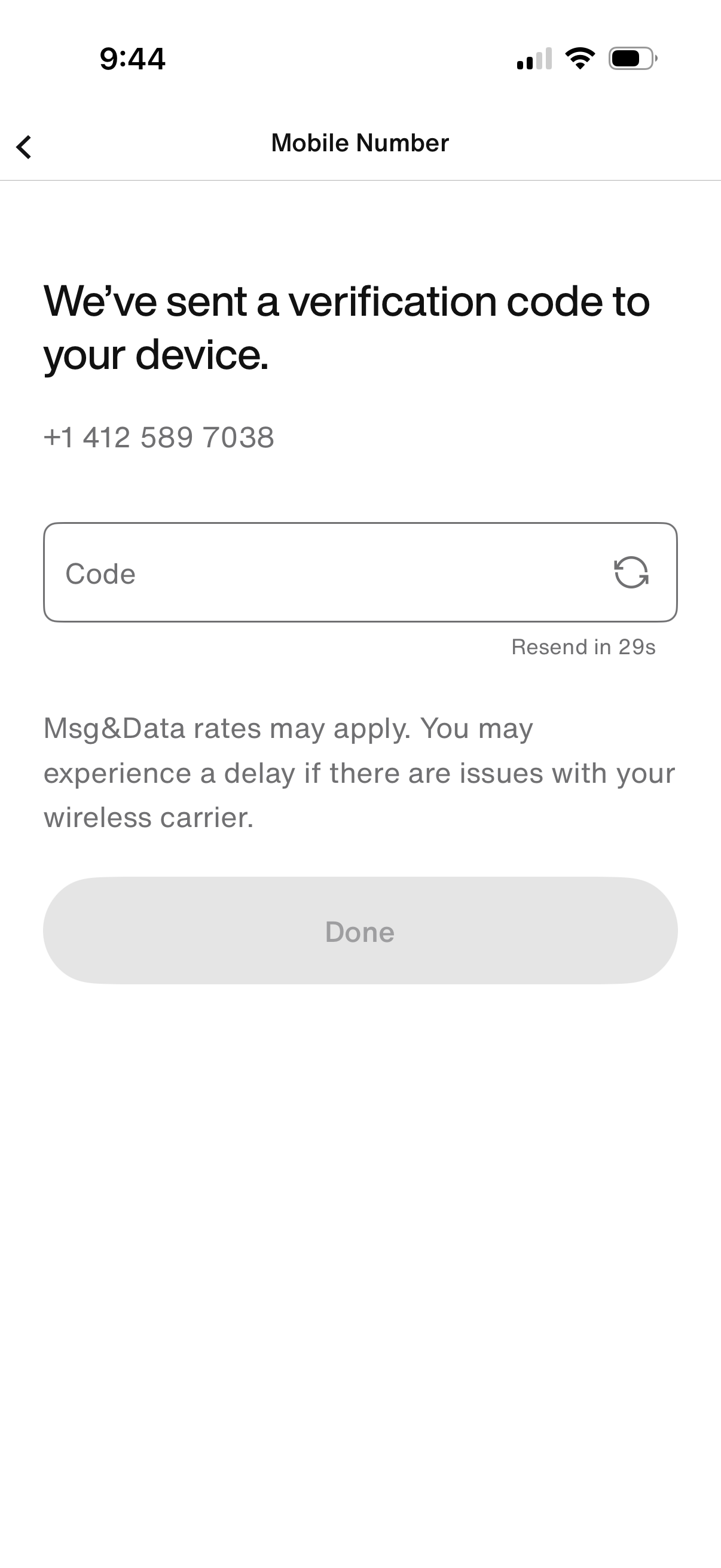
Mobile number verification OTP screen confirming a code was sent via SMS and prompting the user to enter the verification code in a single input field. Includes a resend-code timer/link, carrier message-rate disclaimer, back navigation, and a disabled Done button that activates after code entry.
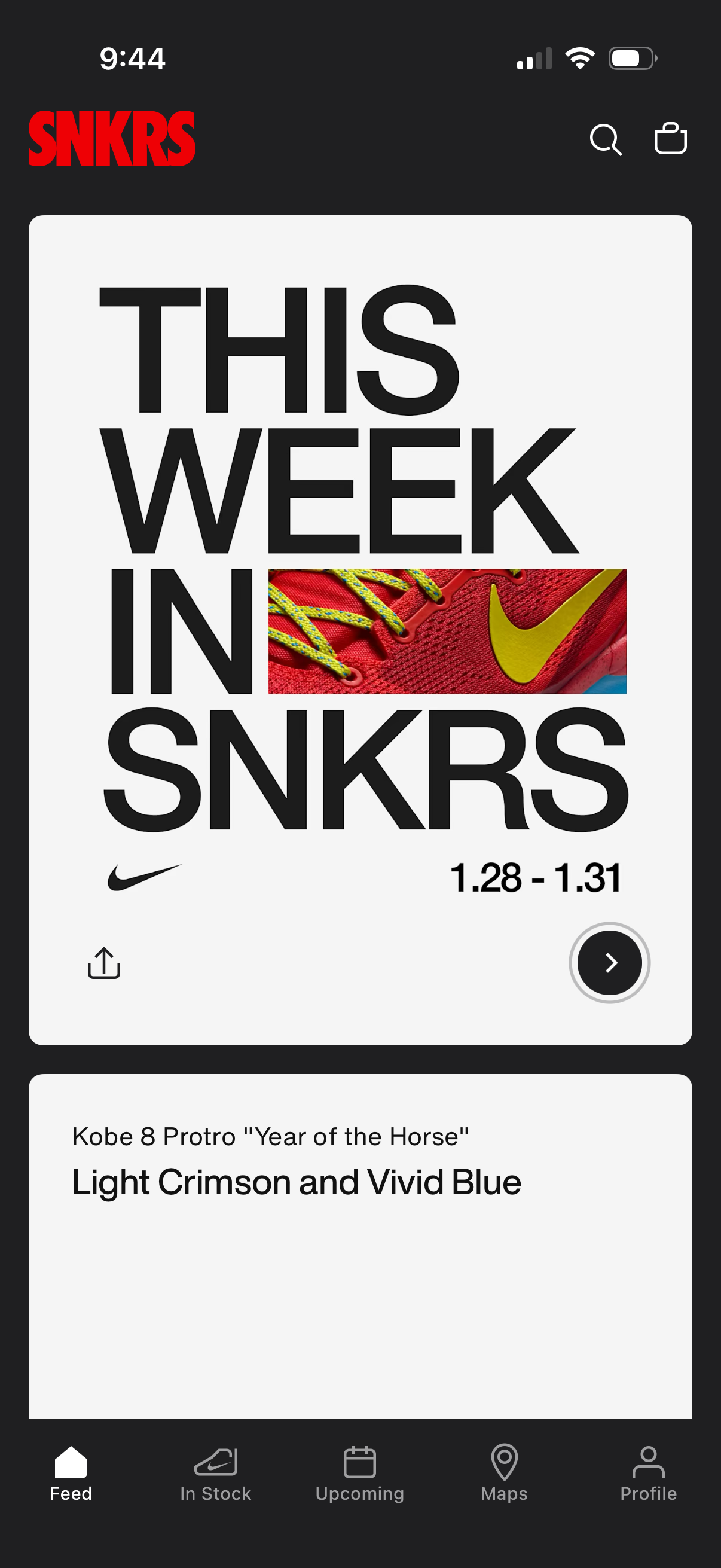
Sneaker shopping app feed home screen featuring a large promotional “This Week” banner for upcoming releases with date range, share and tap-to-view CTA. Top bar includes search and cart icons, and a bottom tab bar for navigating between Feed, In Stock, Upcoming, Maps, and Profile.