Sign up
Dark minimal splash/loading screen showing a centered app icon (robot/AI assistant logo) on a plain background, used as the initial launch screen before entering the app.
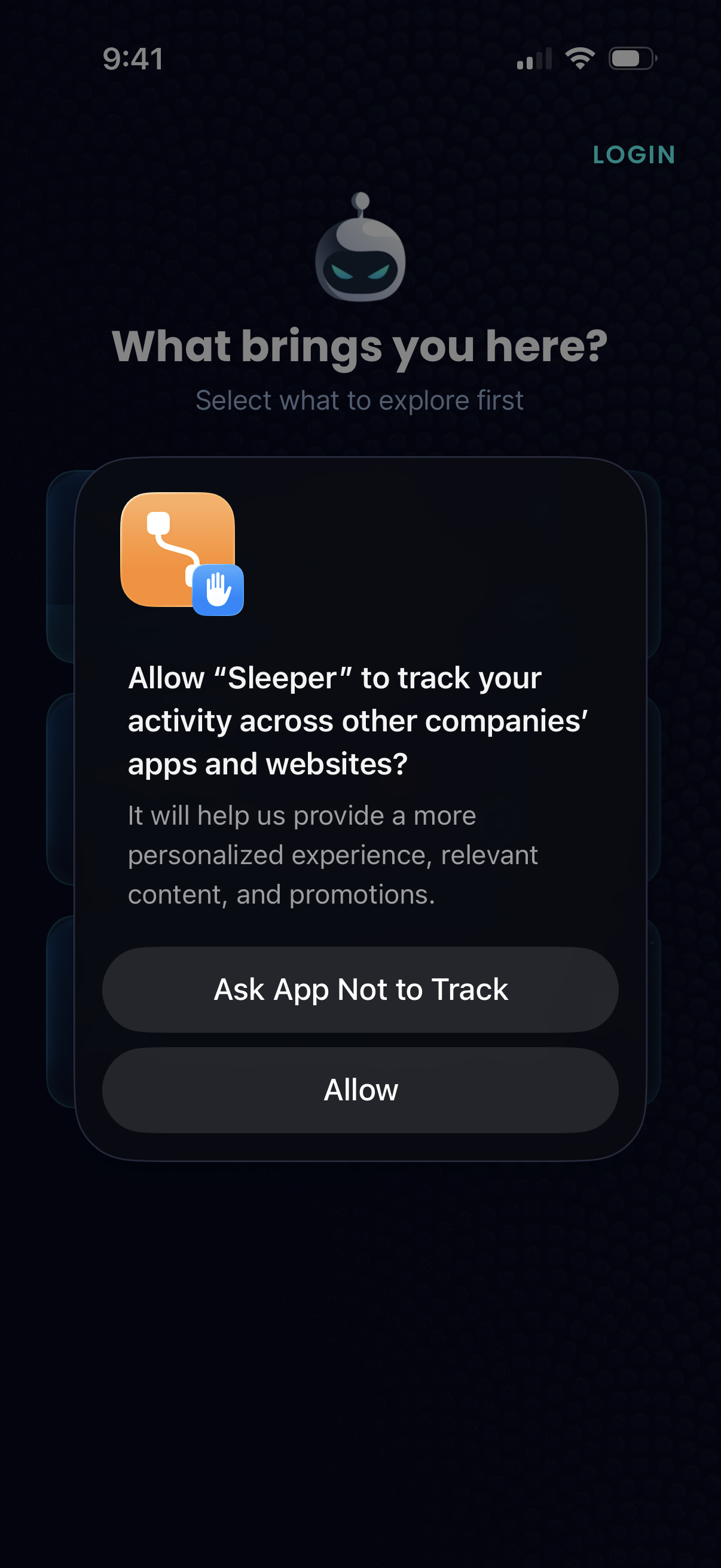
iOS App Tracking Transparency permission prompt shown during onboarding, asking whether to allow the app to track activity across other companies’ apps and websites for personalized content and promotions. Primary actions are “Ask App Not to Track” or “Allow,” overlaying a welcome/explore screen with an option to log in.
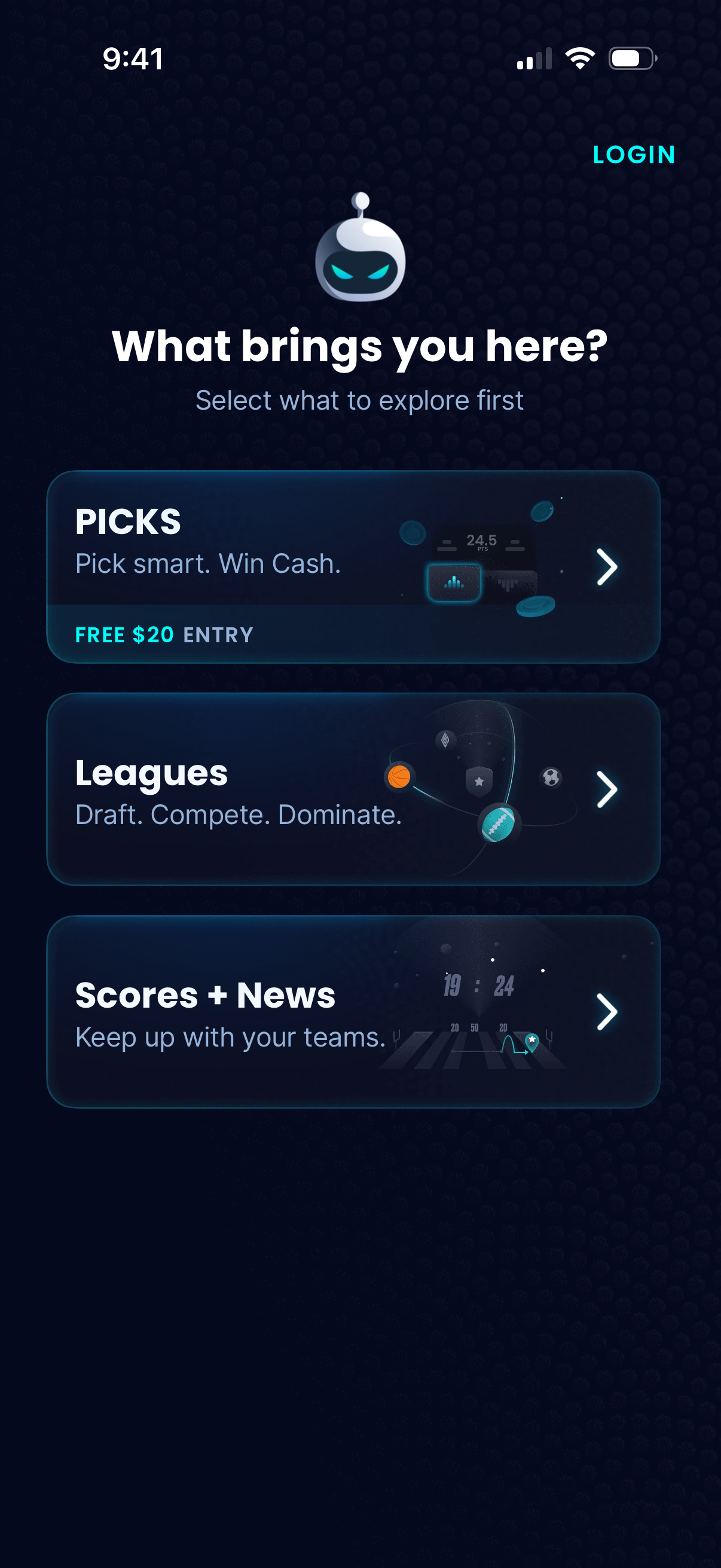
Onboarding choice screen asking “What brings you here? ” with a login link and three large selectable cards to choose what to explore first: Picks (cash prize contests with a free entry offer), Leagues (draft and compete), and Scores + News (follow teams), each leading into its respective section.
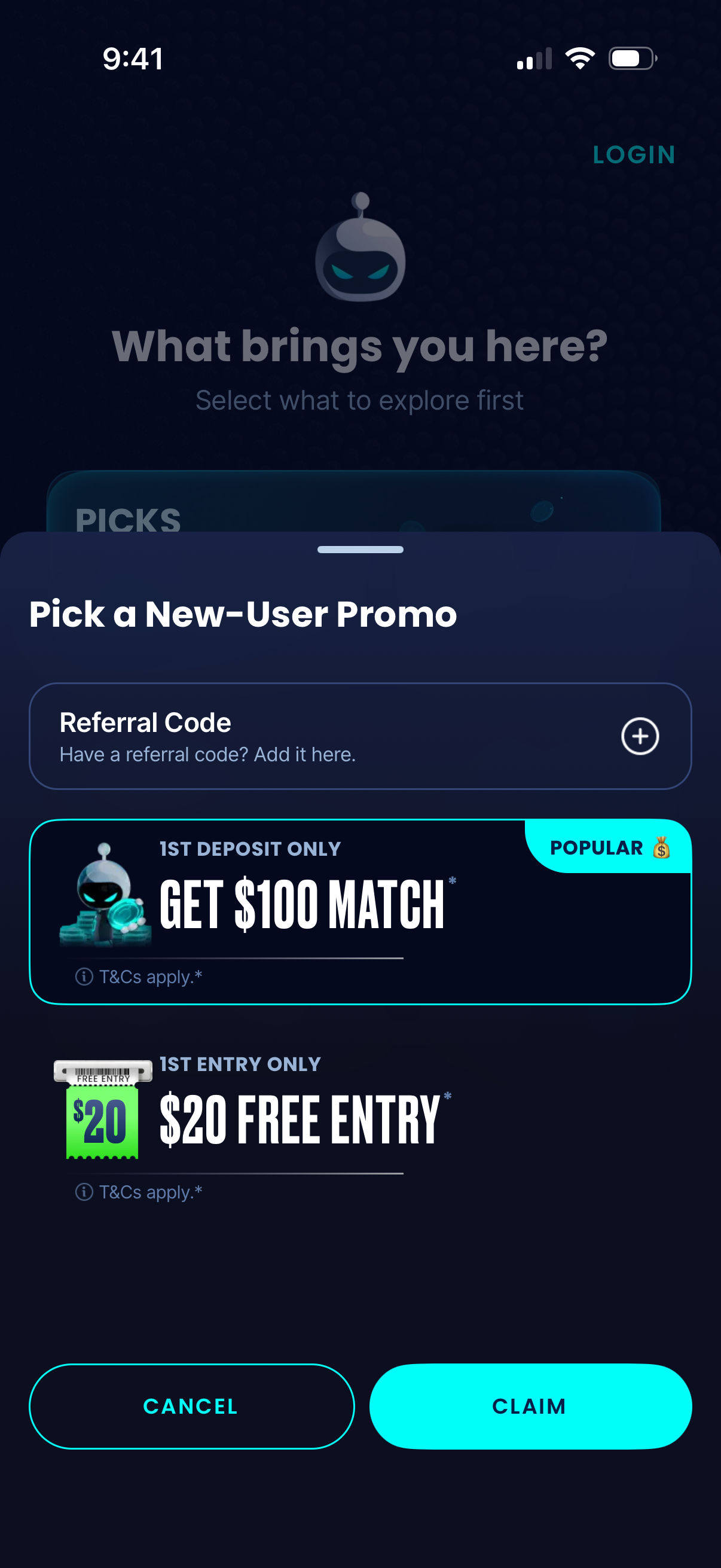
Modal bottom sheet prompting new users to pick a promotional offer, with an option to enter a referral code and selectable promo cards (e. g.
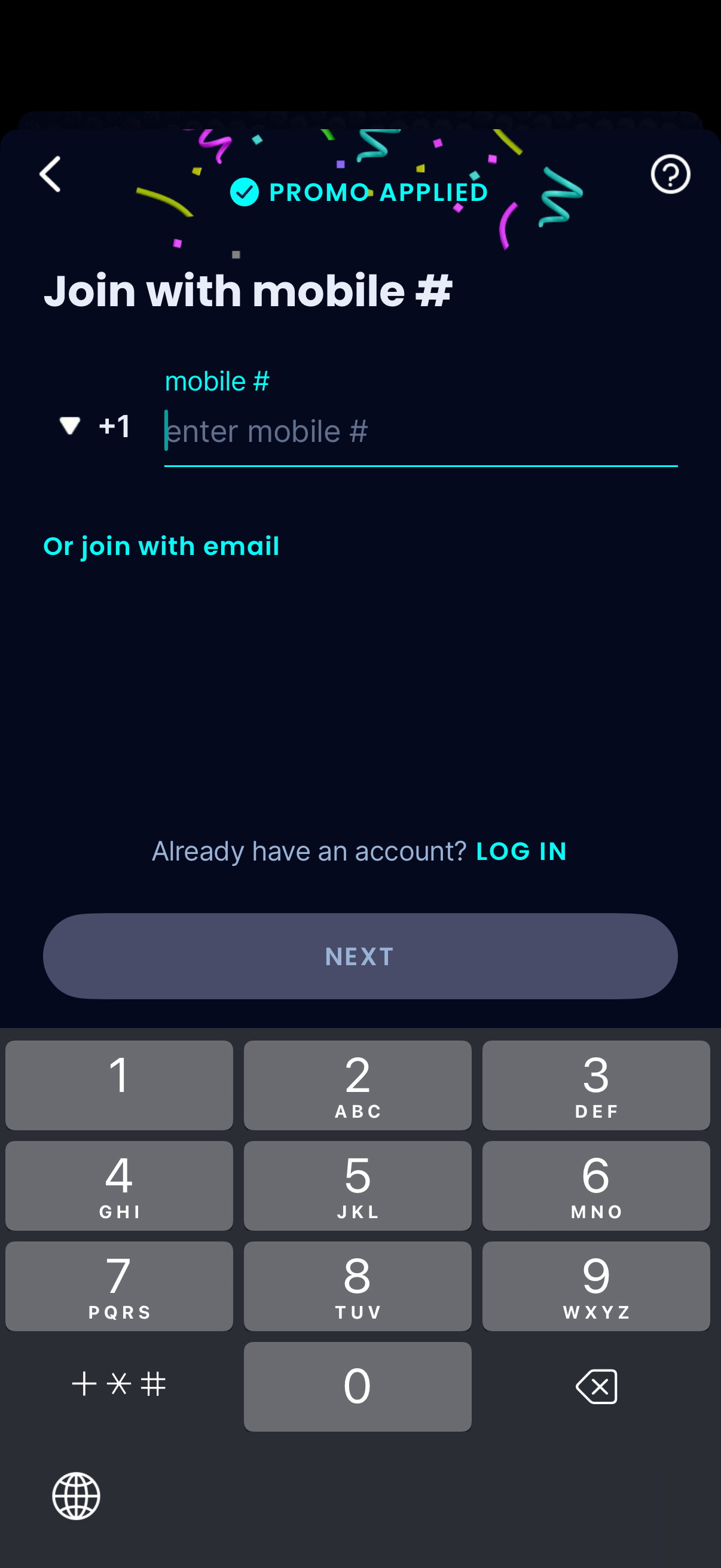
Sign-up/join screen prompting the user to enter a mobile phone number with country code selector, showing a “Promo applied” confirmation and an option to join with email instead. Includes a disabled Next button until a valid number is entered, plus links to log in for existing users and access help/back navigation.
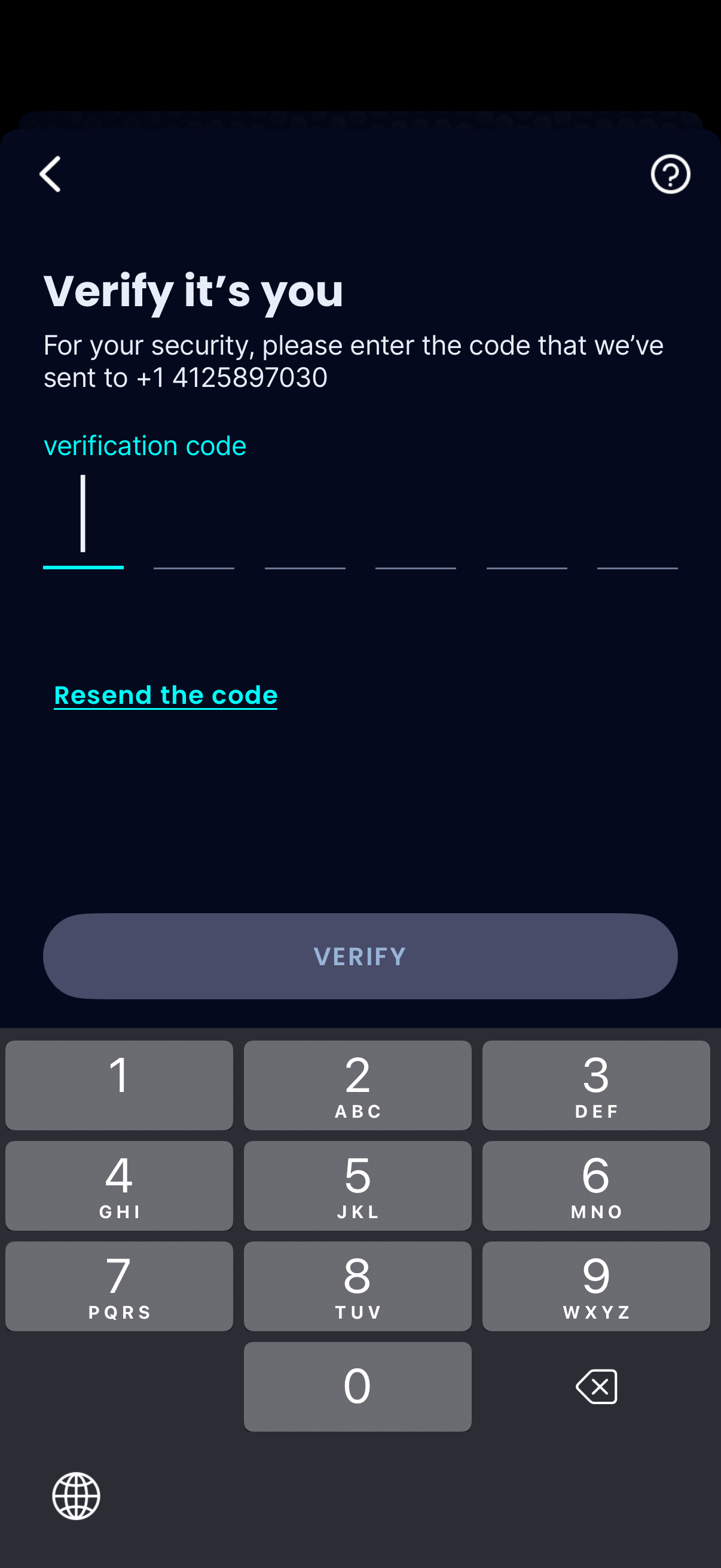
Two-factor authentication screen prompting the user to enter an SMS verification code sent to their phone number, with segmented OTP input fields and a resend code link. Includes a disabled/enabled Verify button plus back navigation and help icon for account security verification.
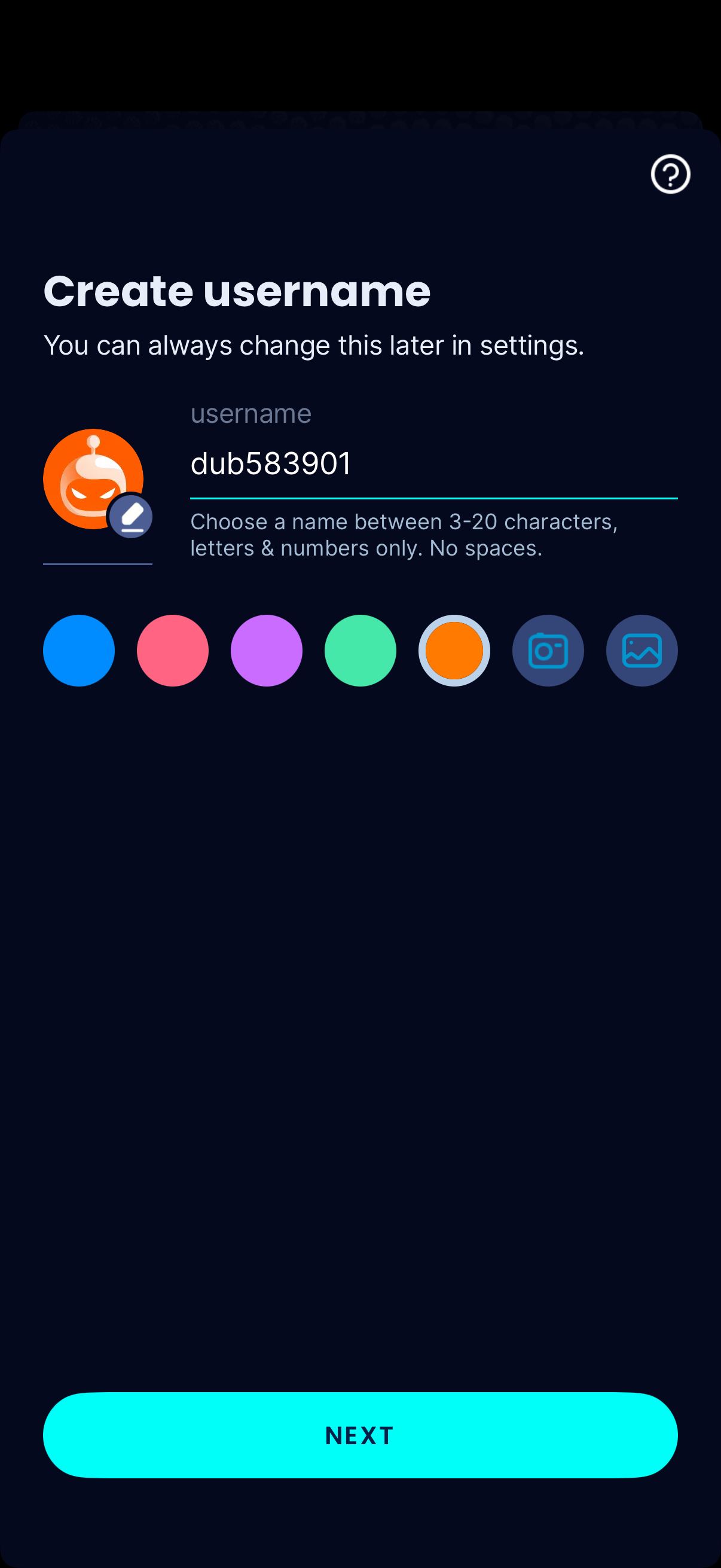
Account setup screen for creating a username, with a text field and validation rules (3–20 characters, letters and numbers only, no spaces). Includes avatar customization options like color selection and uploading an image via camera or photo library, plus a prominent Next button to continue.
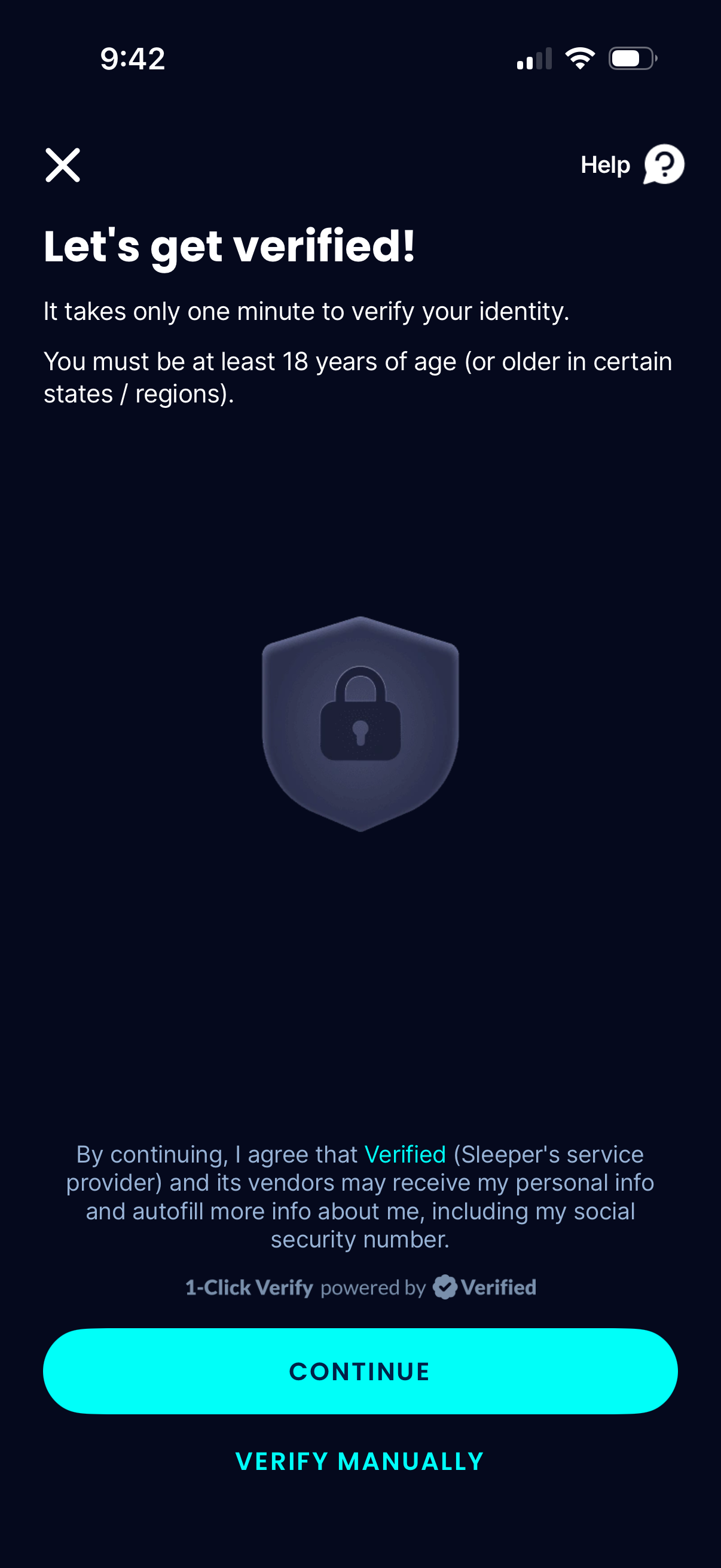
Identity verification onboarding screen prompting users to get verified in about one minute, including an age requirement notice and consent disclosure about sharing personal information for autofill. Primary action is a Continue button for one-click verification, with an alternate Verify manually option plus close and help controls.