Sign up
1
2
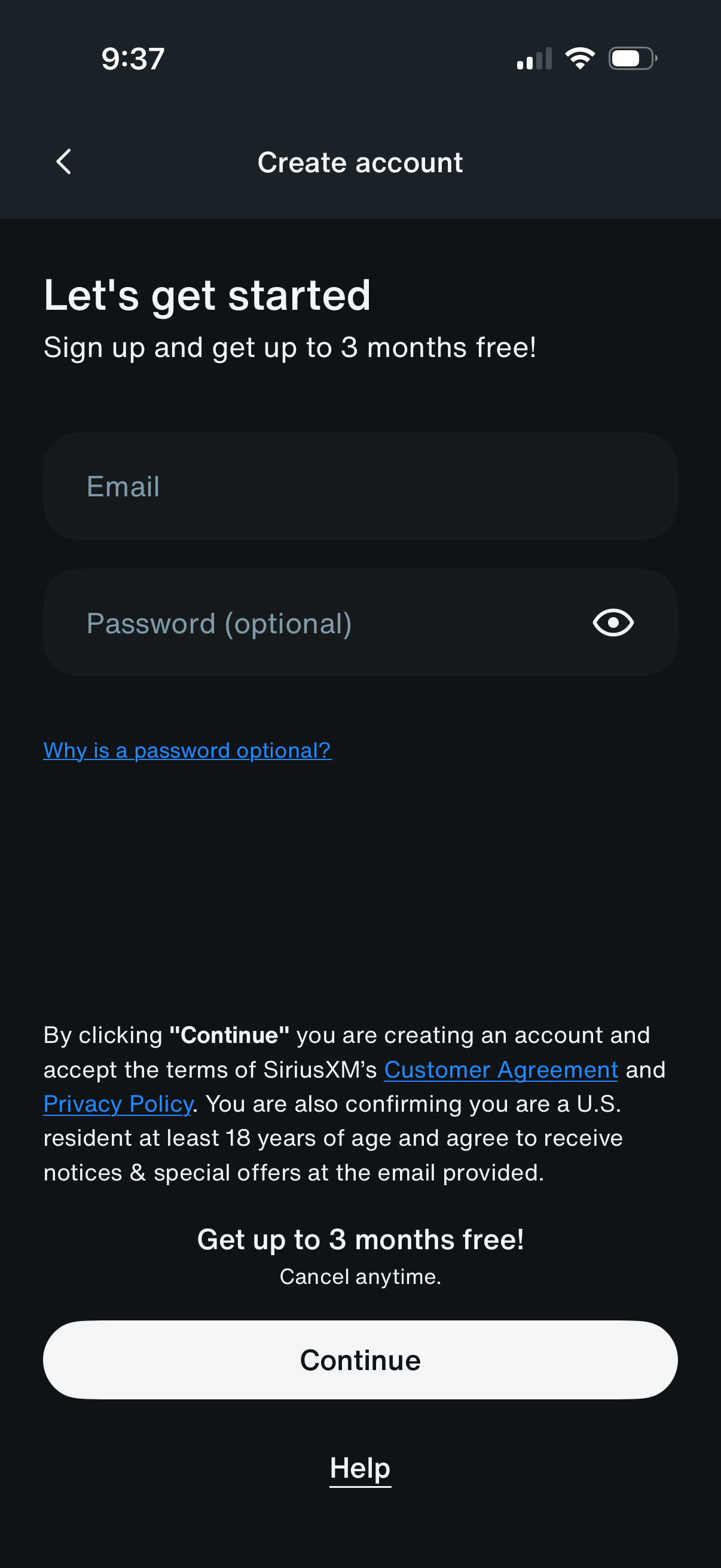
Account creation sign-up screen prompting users to enter an email and optionally set a password with a visibility toggle, including a link explaining why a password is optional. Highlights a promotional free trial offer and requires accepting terms and privacy policy before tapping the primary Continue button, with back navigation and a Help link.
3
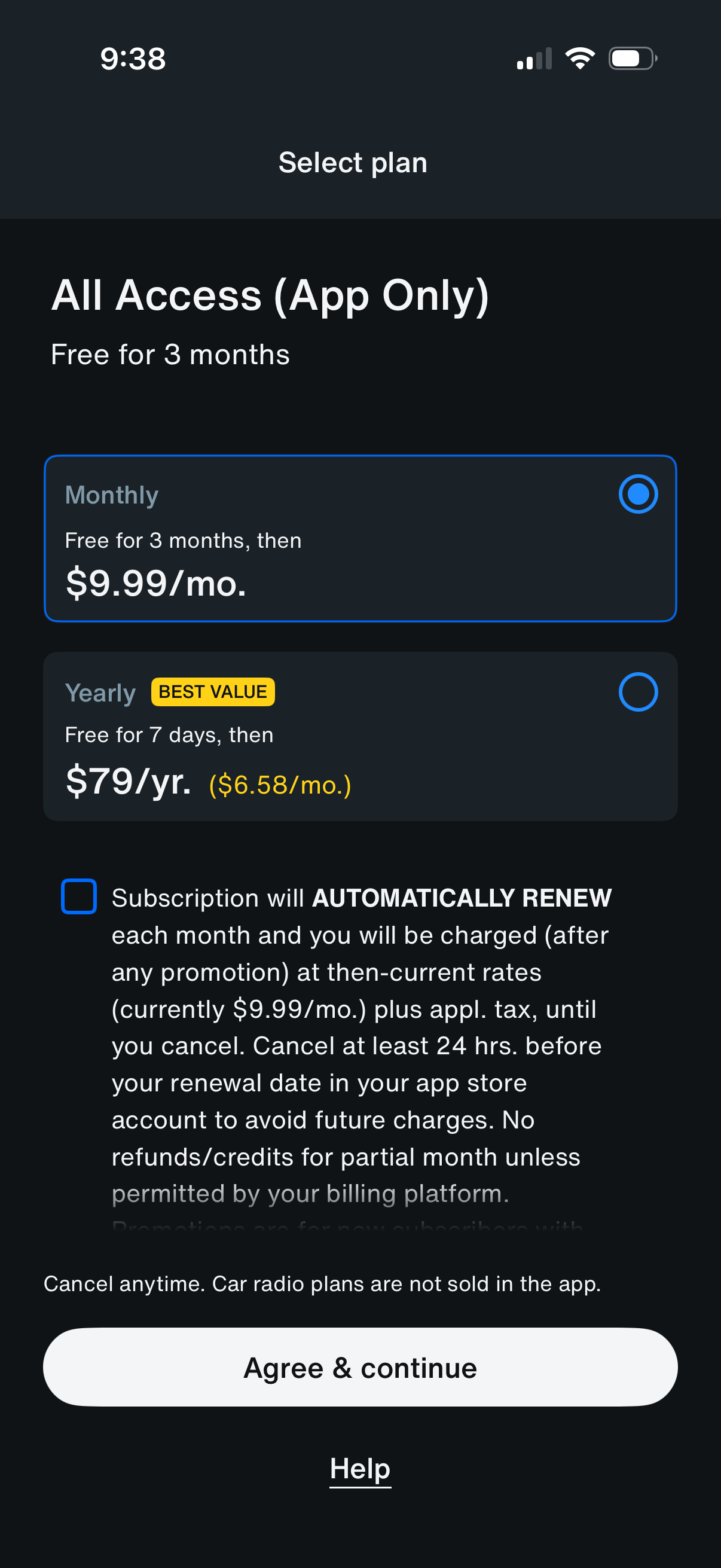
Subscription paywall screen to select an “All Access (App Only)” plan, showing monthly vs yearly pricing options with radio buttons, free trial details, and a “Best Value” yearly badge. Includes an auto-renewal acknowledgment checkbox, legal renewal/cancellation text, a primary “Agree & continue” CTA, and a Help link.