view your profile tabs
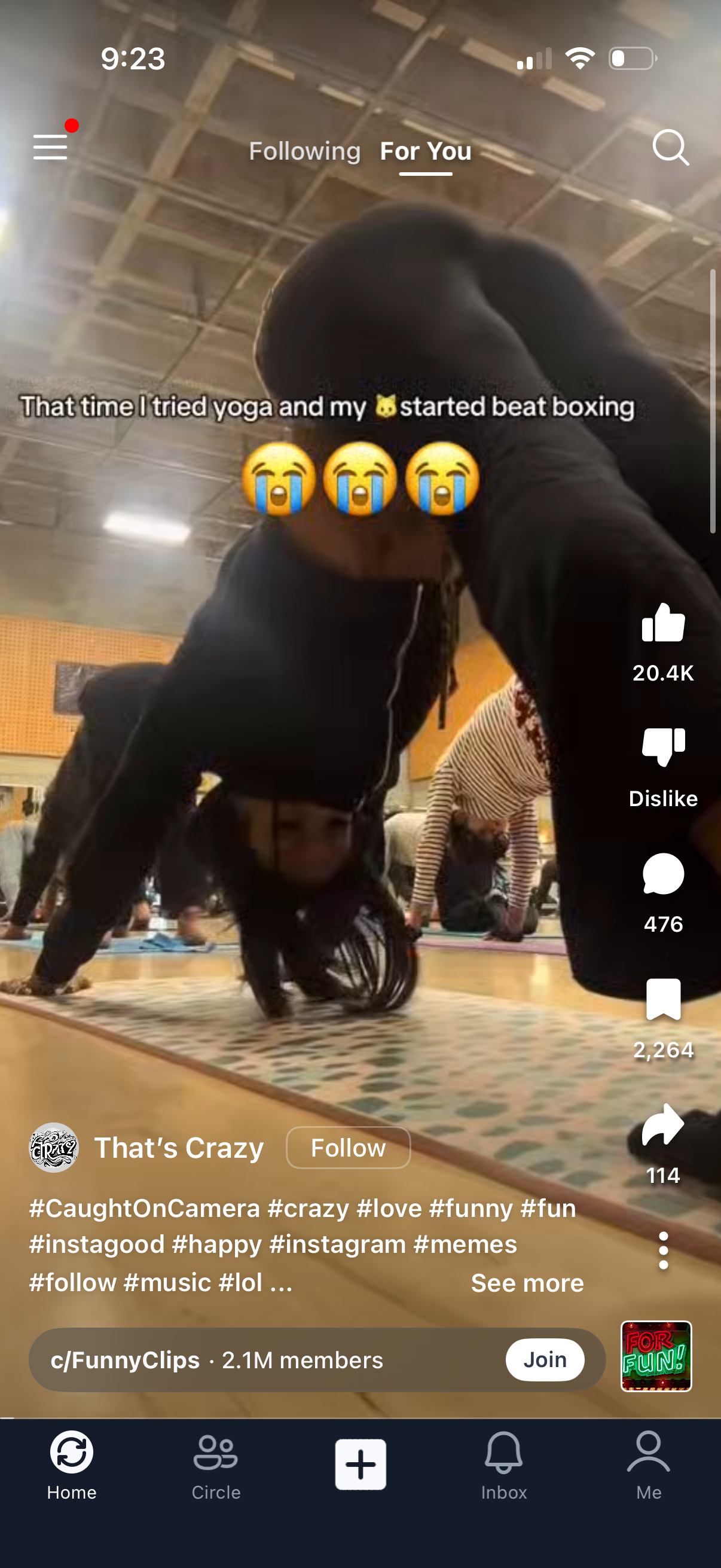
Short-form vertical video feed on a “For You” tab with an overlaid caption and creator info plus a Follow button. Right-side actions allow liking, disliking, commenting, saving, and sharing, with a search icon, menu access, hashtag/description text with “see more,” and a bottom navigation bar including Home, community, create (+), Inbox, and profile.
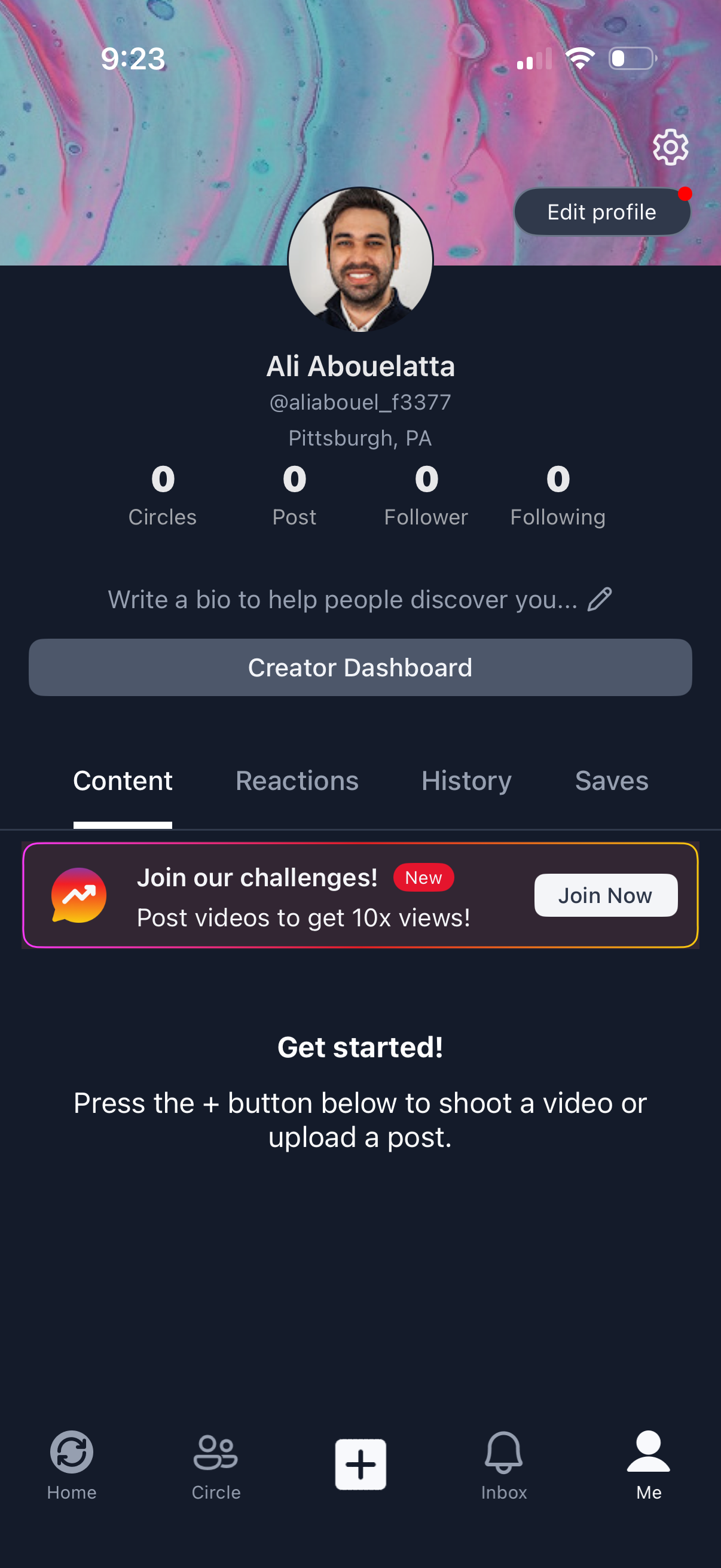
User profile screen in a social video app showing avatar, display name/username, location, and stats for circles, posts, followers, and following, with a prompt to add a bio. Primary actions include Edit profile, settings, a Creator Dashboard button, tabbed sections for Content/Reactions/History/Saves, and onboarding to create a post via the central + button, plus a promotional banner to join challenges.
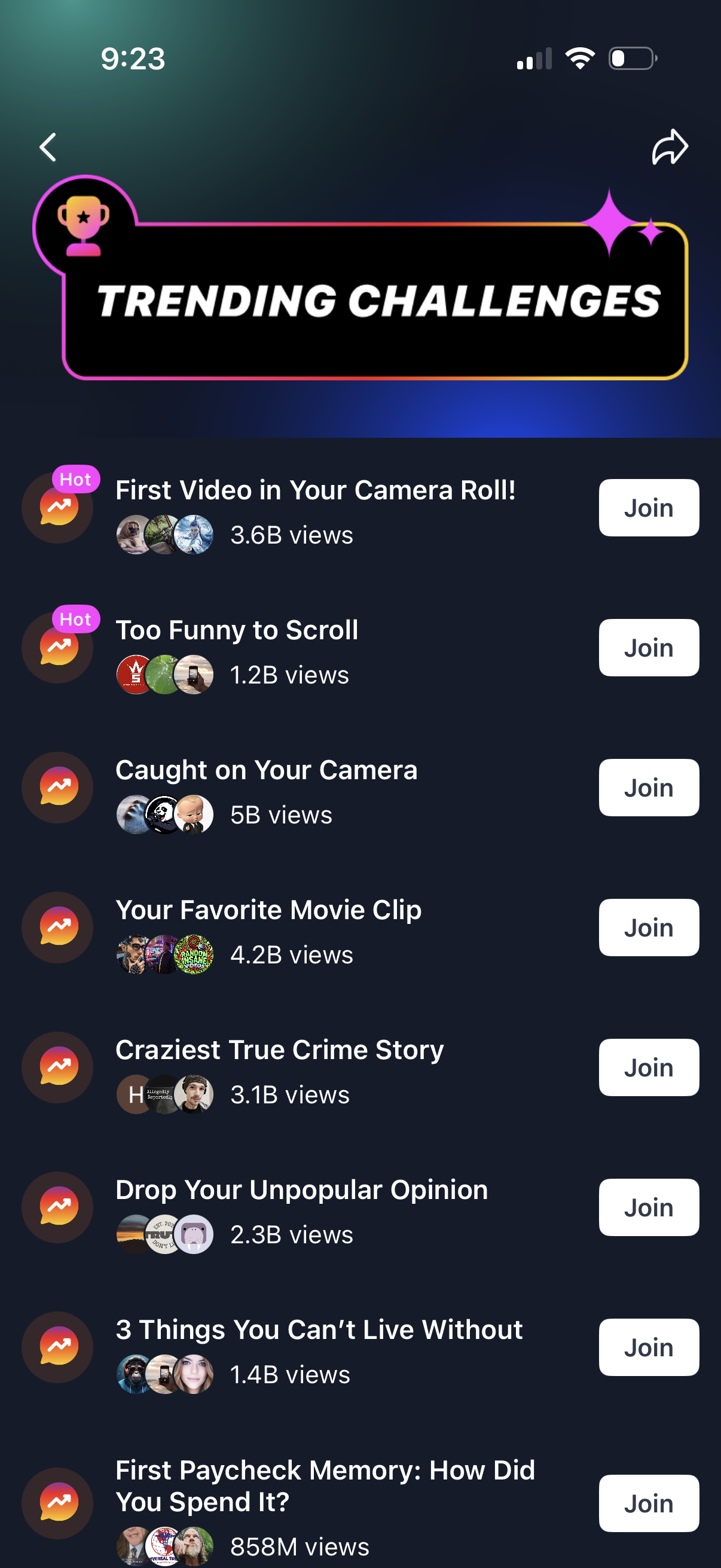
Trending challenges discovery screen showing a scrollable list of popular social video challenges with view counts and participant avatars. Each challenge row includes a prominent Join button to participate, with navigation back and share options in the header.
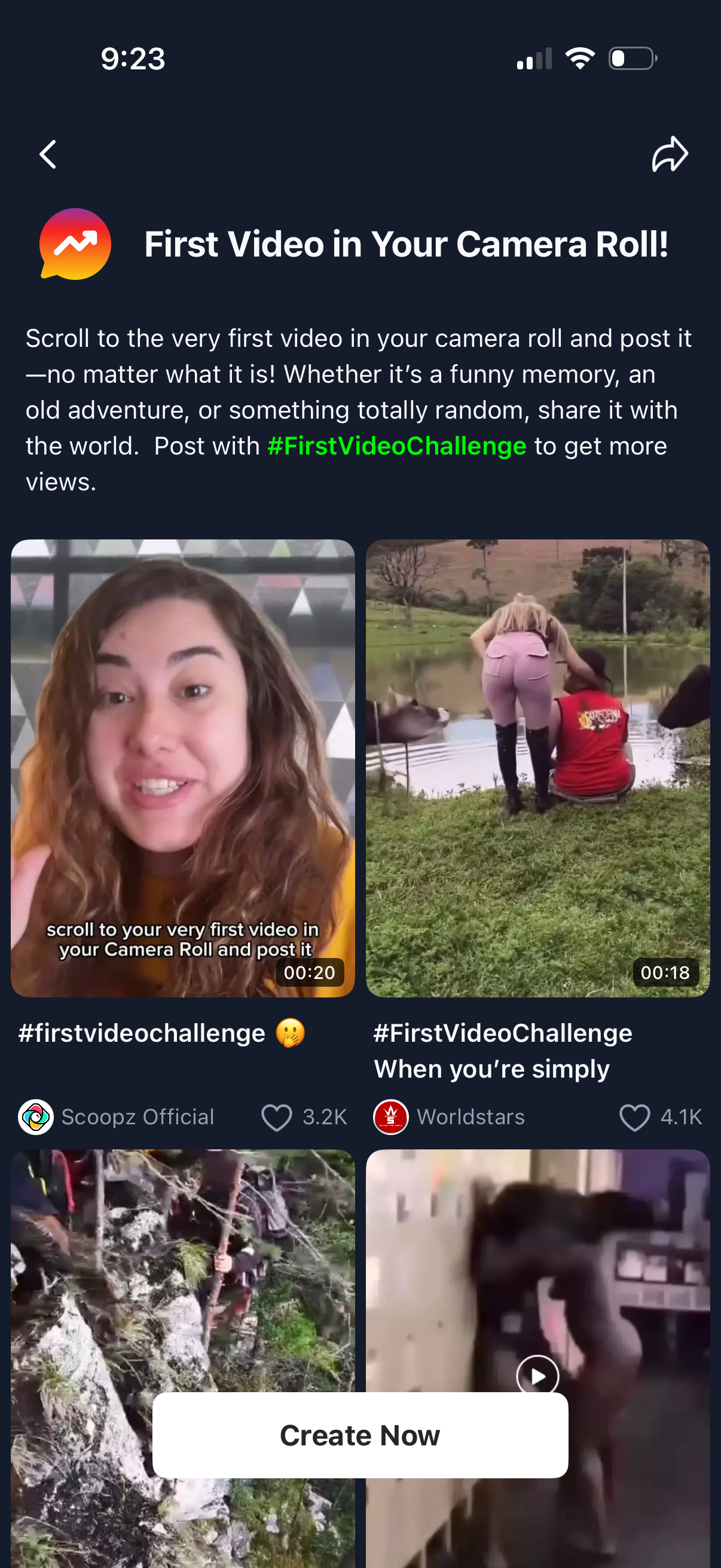
Social video app challenge page promoting the “First Video in Your Camera Roll” trend, with instructions to post using a hashtag to gain views. Shows a grid of example videos with durations and engagement counts, plus a prominent “Create Now” button to start creating and posting the challenge video.
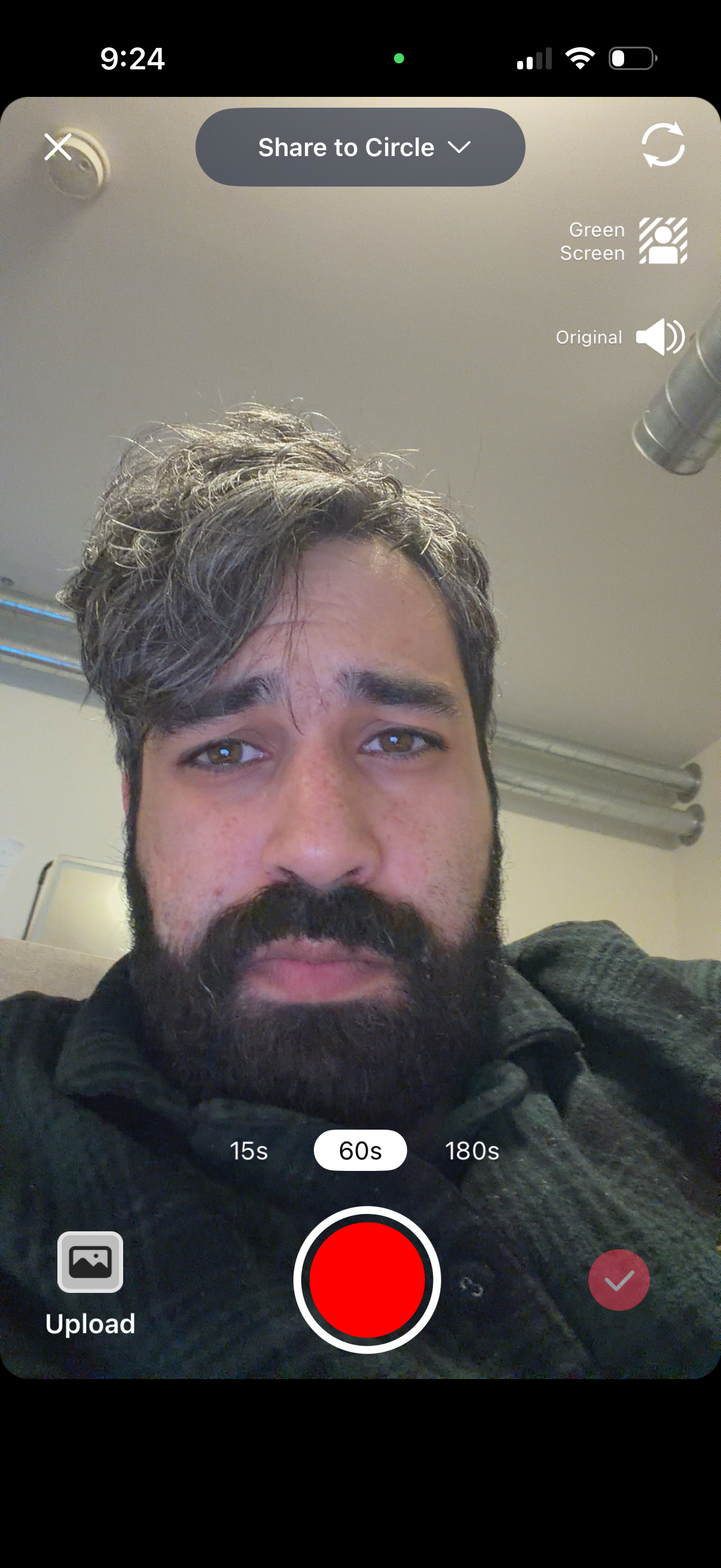
Front-facing camera recording screen for creating and sharing a short video to a selected circle, with a large record button and selectable duration presets (15s, 60s, 180s). Includes options to flip the camera, toggle green screen effect and original audio, upload media from gallery, and confirm/submit the recording.
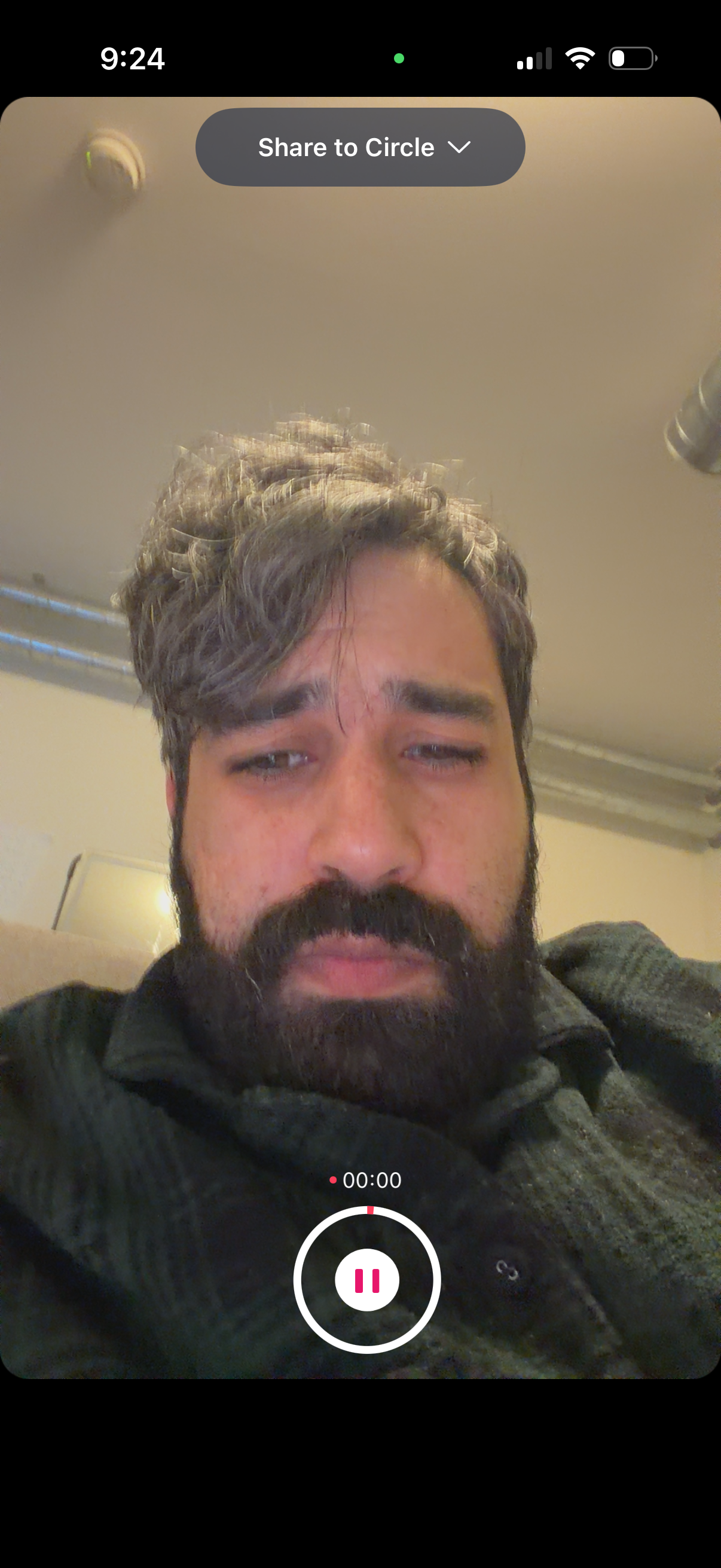
Front-facing camera story/video recording screen with a live selfie preview and a top dropdown to choose the sharing audience (“Share to Circle”). Shows an active recording timer and prominent pause/record control at the bottom for capturing and sharing a short video update.
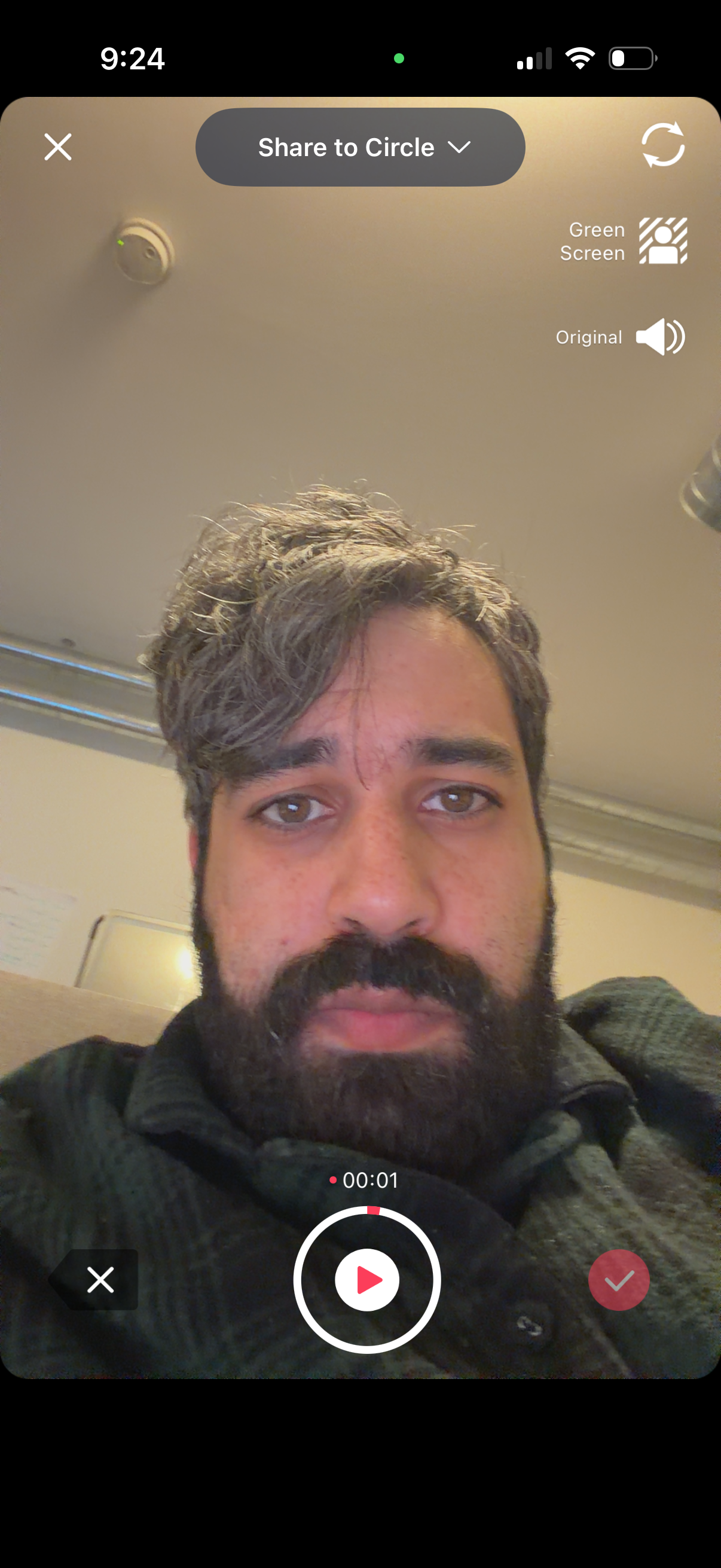
Front-facing camera recording screen for creating a short video story, showing a live selfie preview with controls to share to a selected circle/audience. Includes toggles for green screen effect and original audio, a flip camera button, a record/play button with timer, and cancel/confirm actions.
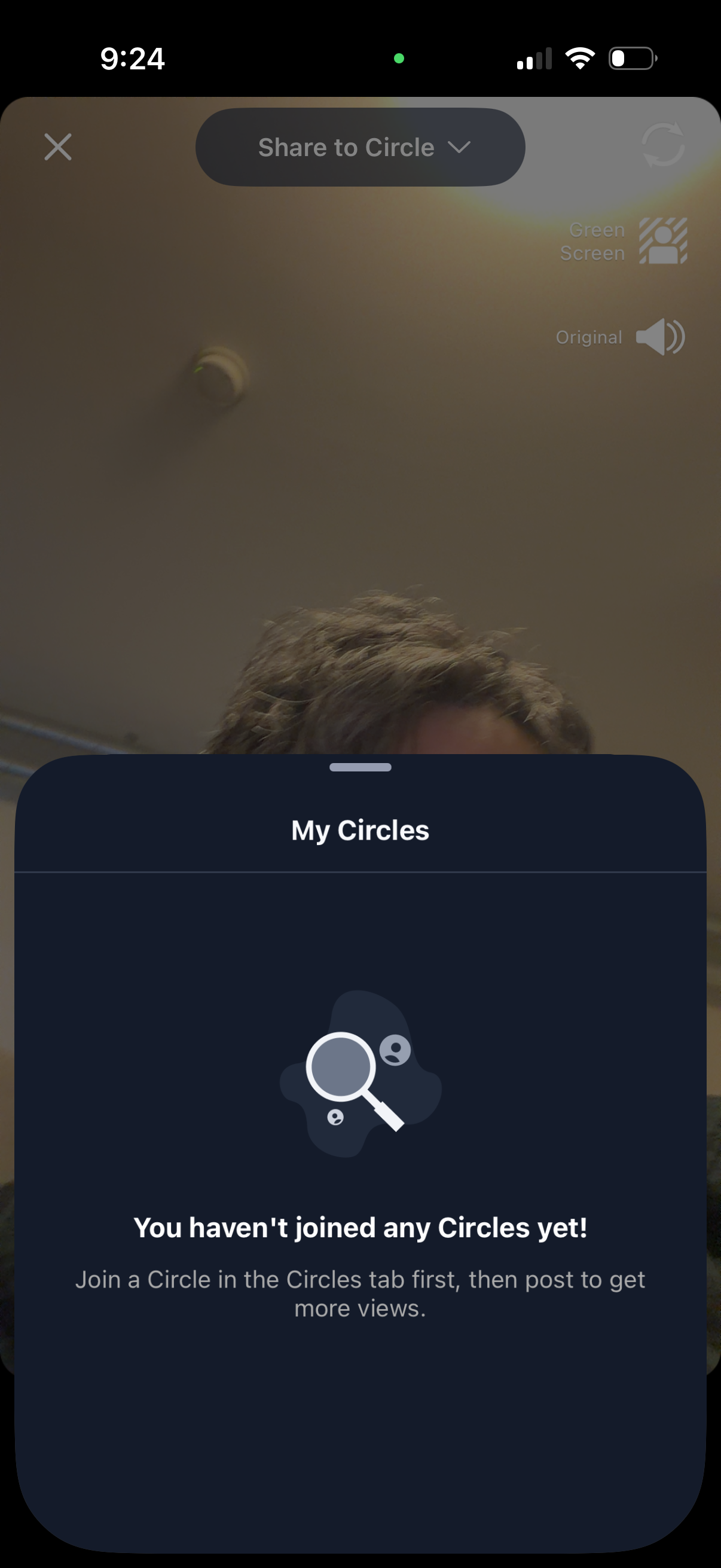
A video recording/share screen with a “Share to Circle” dropdown opens a “My Circles” bottom sheet showing an empty state that the user hasn’t joined any circles yet and prompting them to join a circle before posting. The overlay includes options like green screen and original audio while selecting an audience/community to share to.
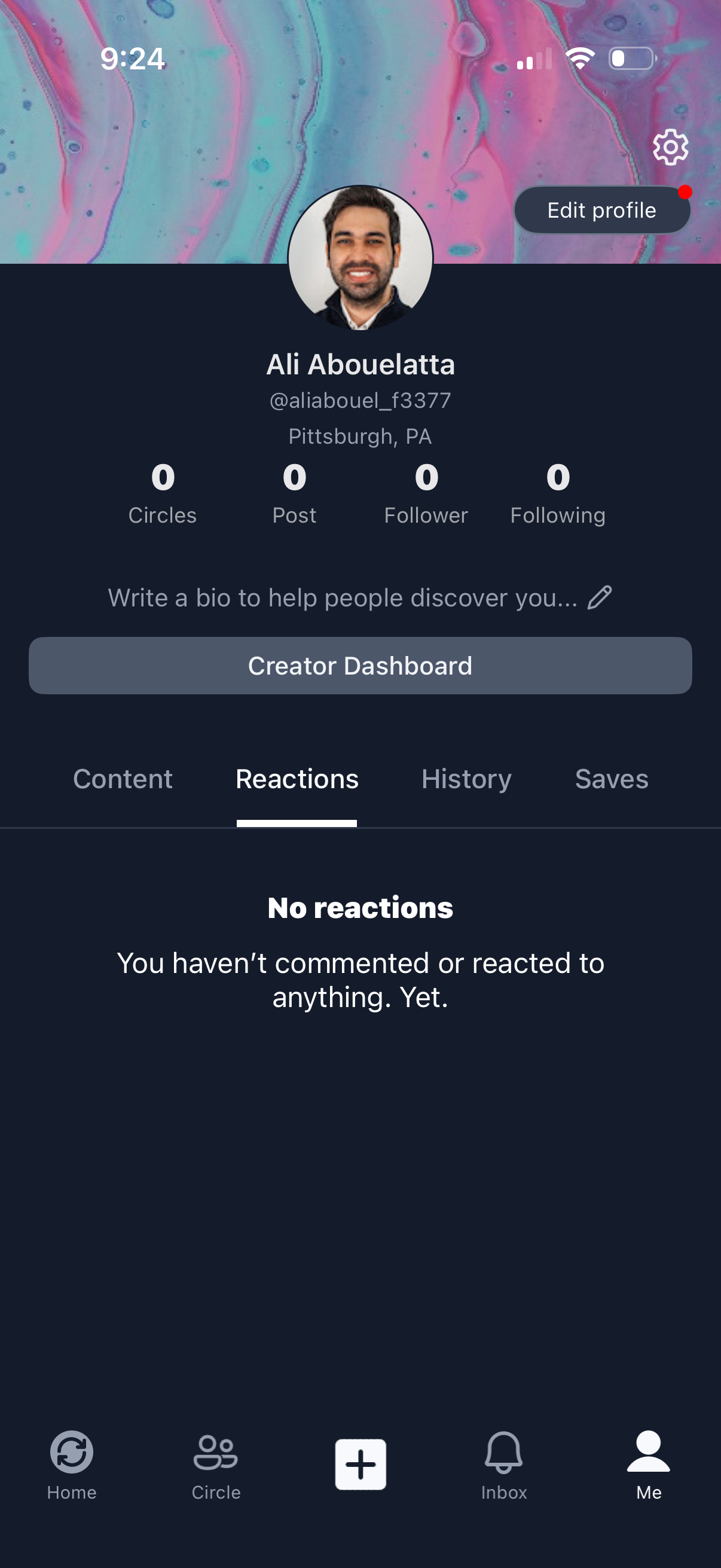
User profile screen in a social networking app showing avatar, username, location, and stats for circles, posts, followers, and following, with actions to edit profile, open settings, and access a creator dashboard or add a bio. Tabbed profile activity (Content, Reactions, History, Saves) is on the empty-state Reactions view, with a bottom navigation bar for Home, Circles, Create (+), Inbox, and Me.
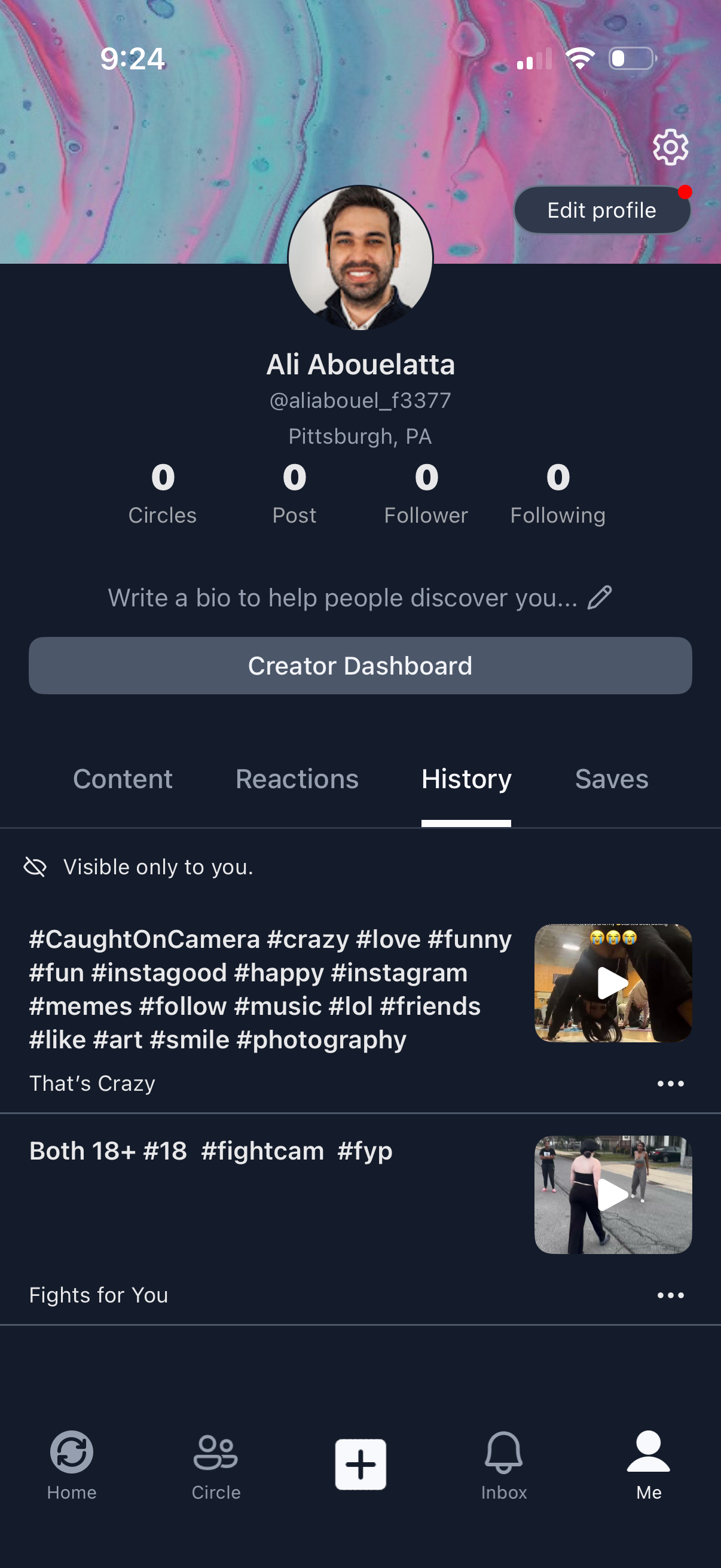
User profile page in a social video app showing avatar, username, location, and counts for circles, posts, followers, and following, with actions to edit profile, open settings, add a bio, and access a creator dashboard. Tabbed profile sections (Content, Reactions, History, Saves) display a private history feed of previously viewed videos with thumbnails and overflow menus, plus a bottom navigation bar with a central create/post button.
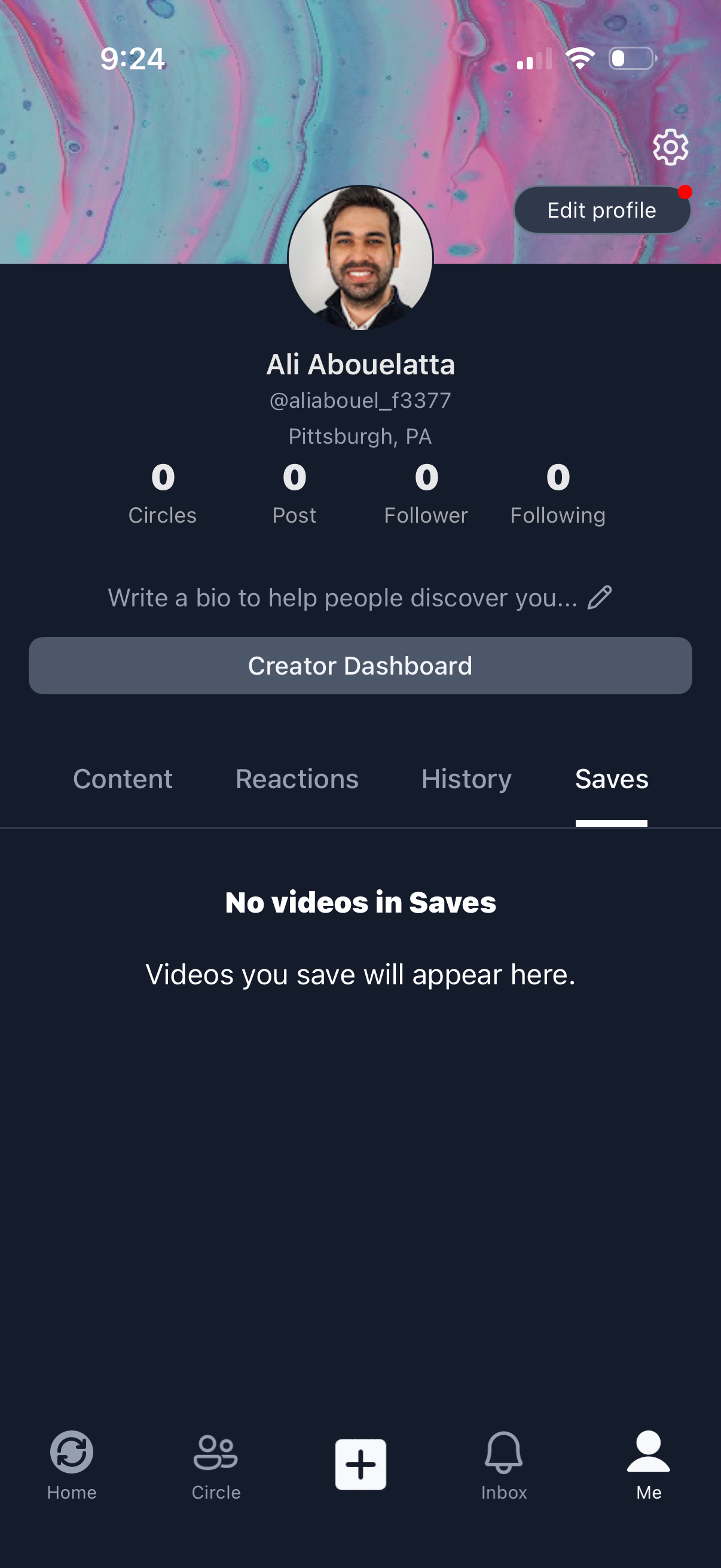
User profile screen in a social video app showing avatar, username, location, and stats (circles, posts, followers, following) with actions to edit profile, open settings, and access a creator dashboard. Includes tabbed sections for Content, Reactions, History, and Saves, with an empty state message indicating no saved videos, plus bottom navigation for Home, Circle, create (+), Inbox, and Me.