pick circle before posting
1
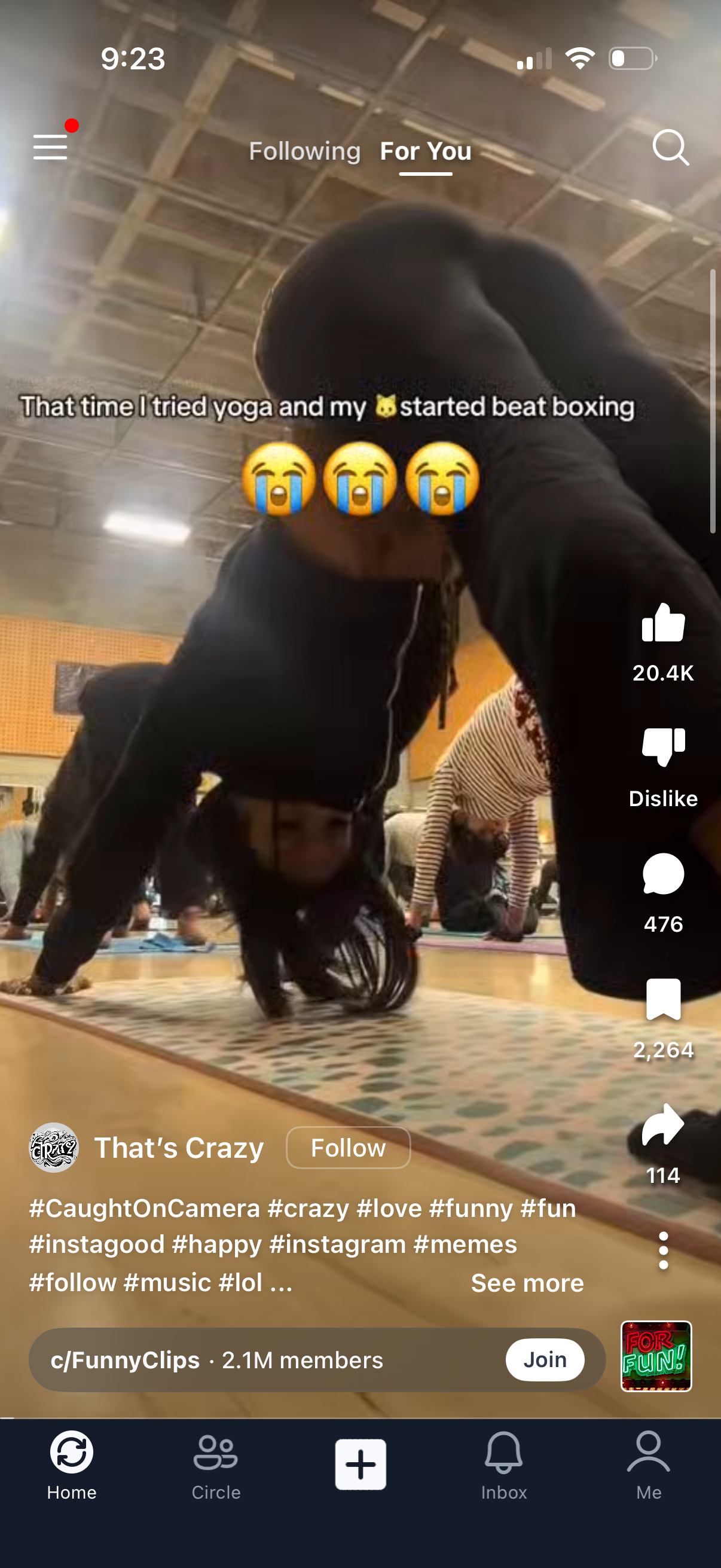
Short-form vertical video feed on a “For You” tab with an overlaid caption and creator info plus a Follow button. Right-side actions allow liking, disliking, commenting, saving, and sharing, with a search icon, menu access, hashtag/description text with “see more,” and a bottom navigation bar including Home, community, create (+), Inbox, and profile.
2
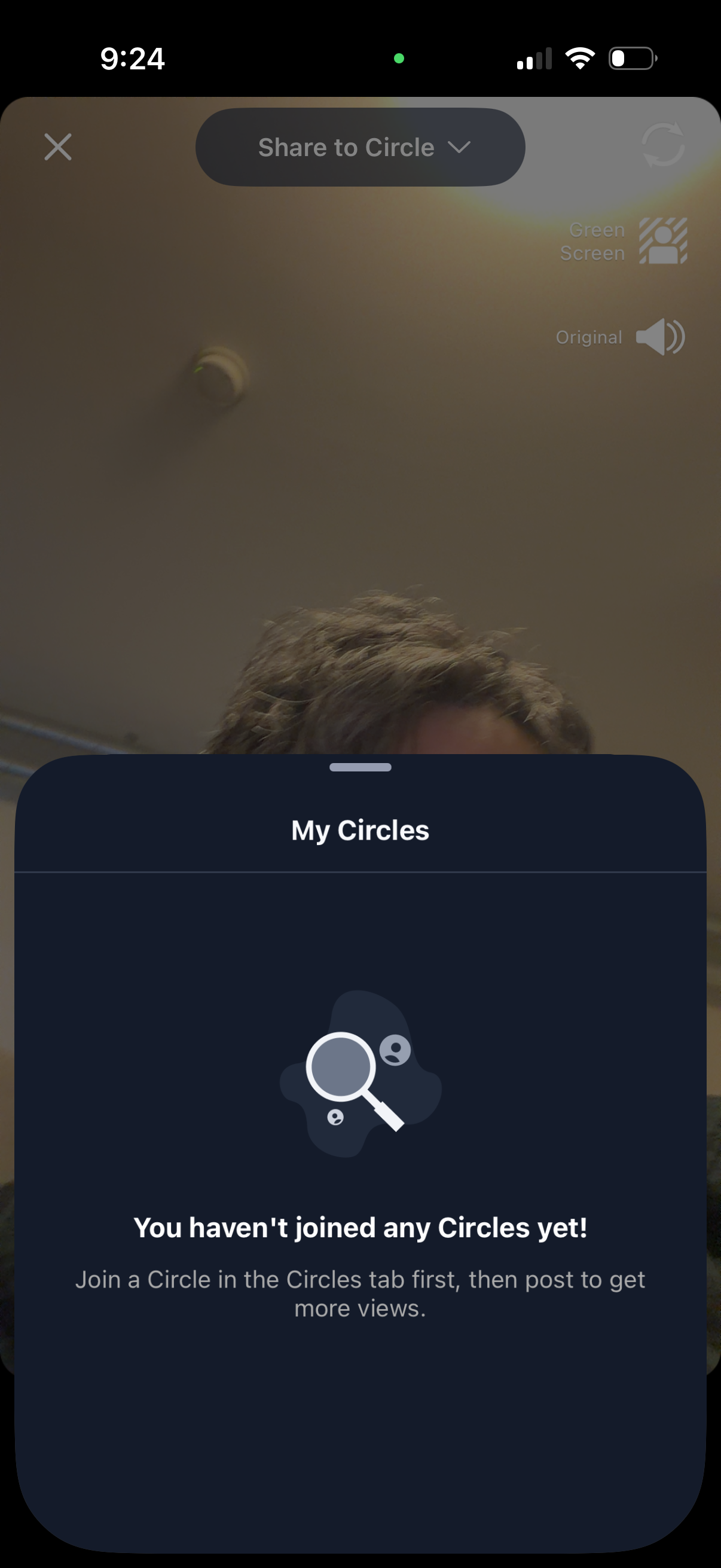
A video recording/share screen with a “Share to Circle” dropdown opens a “My Circles” bottom sheet showing an empty state that the user hasn’t joined any circles yet and prompting them to join a circle before posting. The overlay includes options like green screen and original audio while selecting an audience/community to share to.