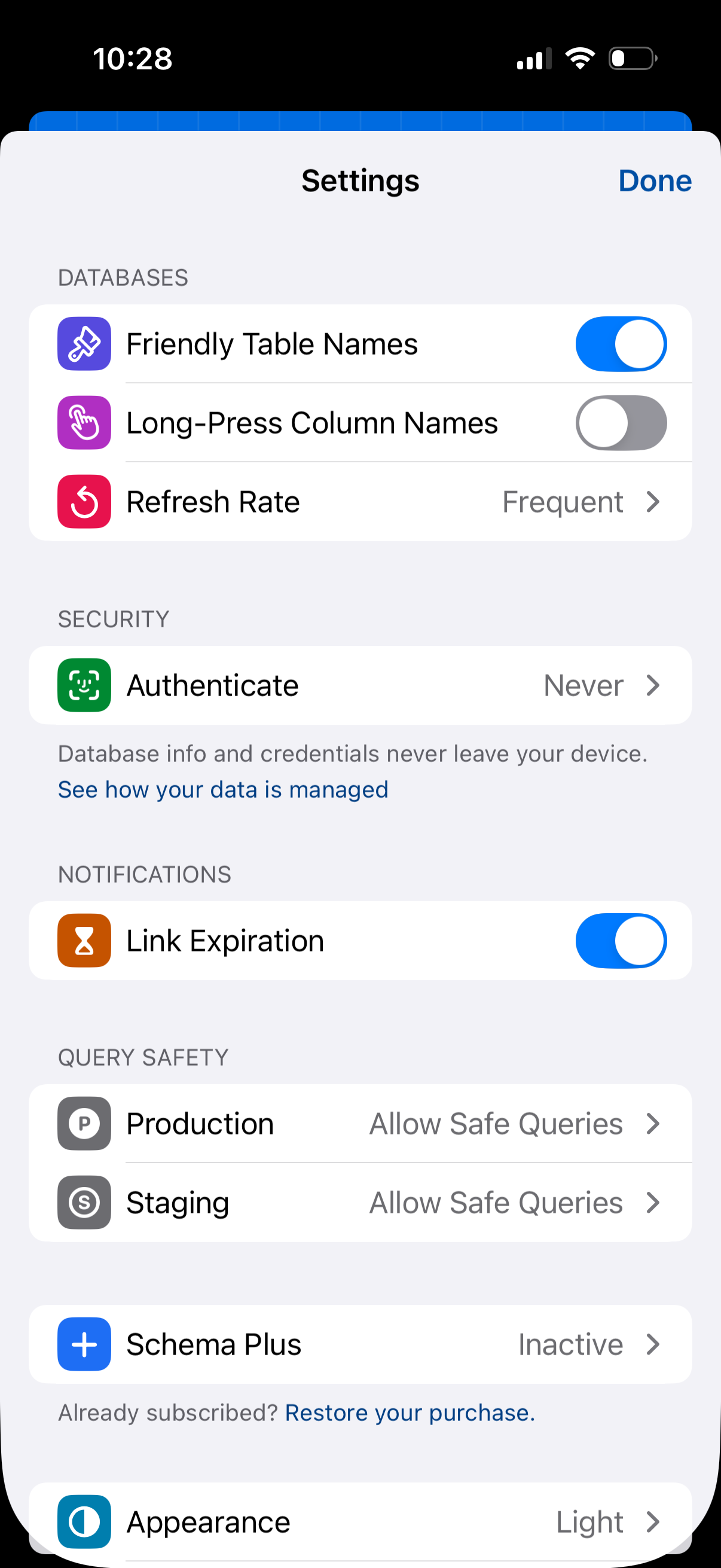
Settings screen for a database/query app with sections for database display options (friendly table names, long-press column names) and refresh rate, plus security authentication settings. Also includes notification toggle for link expiration, query safety controls for production and staging, subscription status/restore purchase, and an appearance theme selector with a Done button to exit.
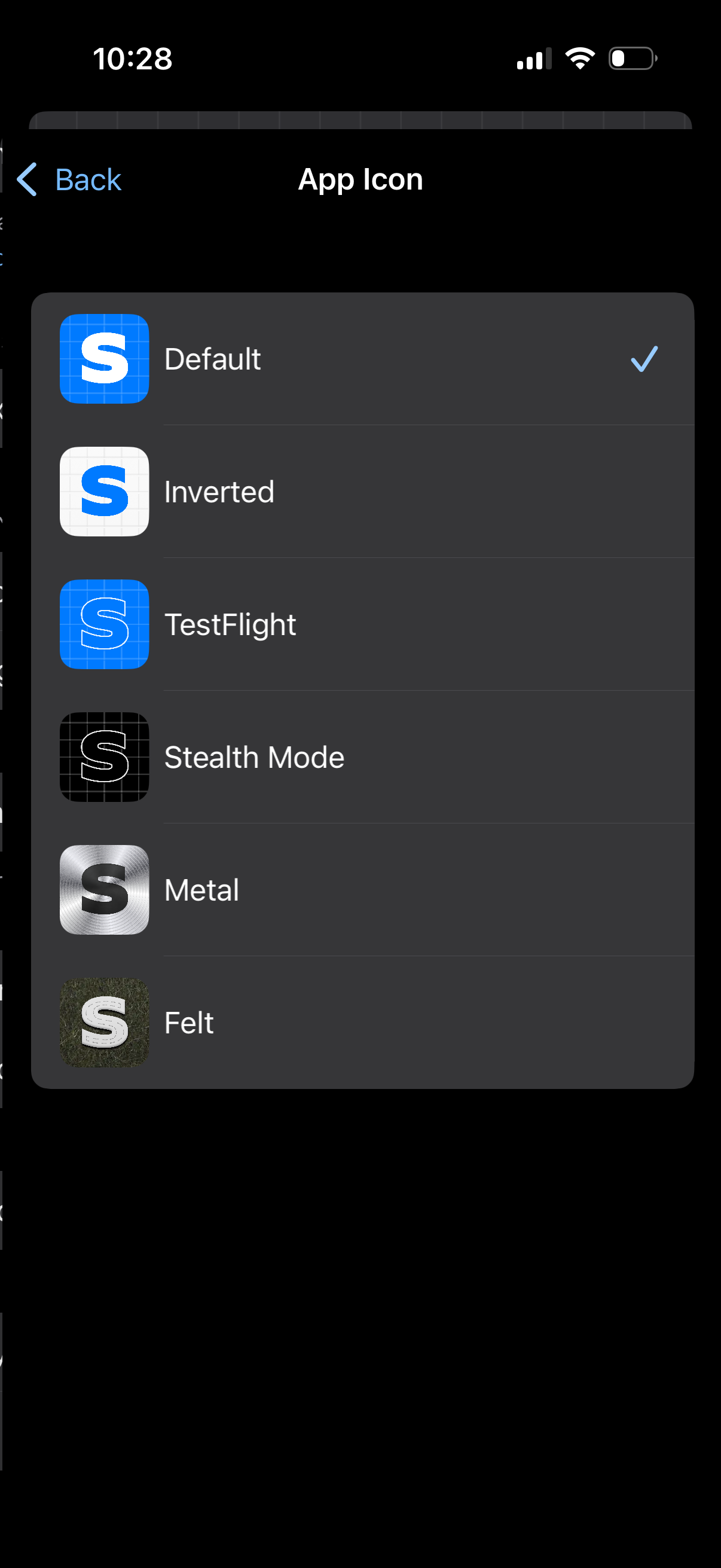
Settings screen for choosing an app icon, showing a list of alternate icon options with preview thumbnails and names. Users can tap an option to select it, with a checkmark indicating the currently active icon and a back button to return.
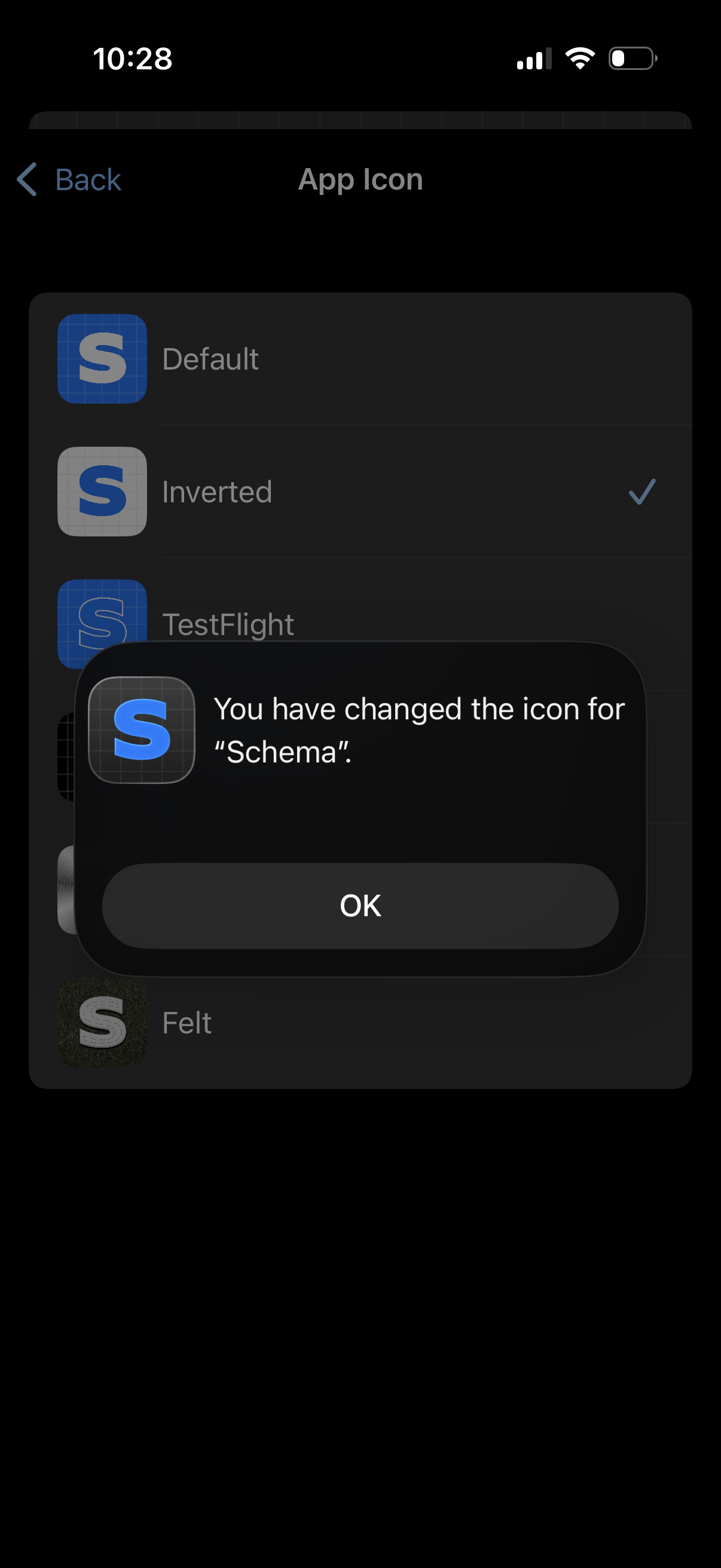
Settings screen for customizing the app icon, showing a list of icon variants with the selected option checked. An iOS confirmation dialog overlays the list to confirm the app icon has been changed, with an OK button to dismiss.
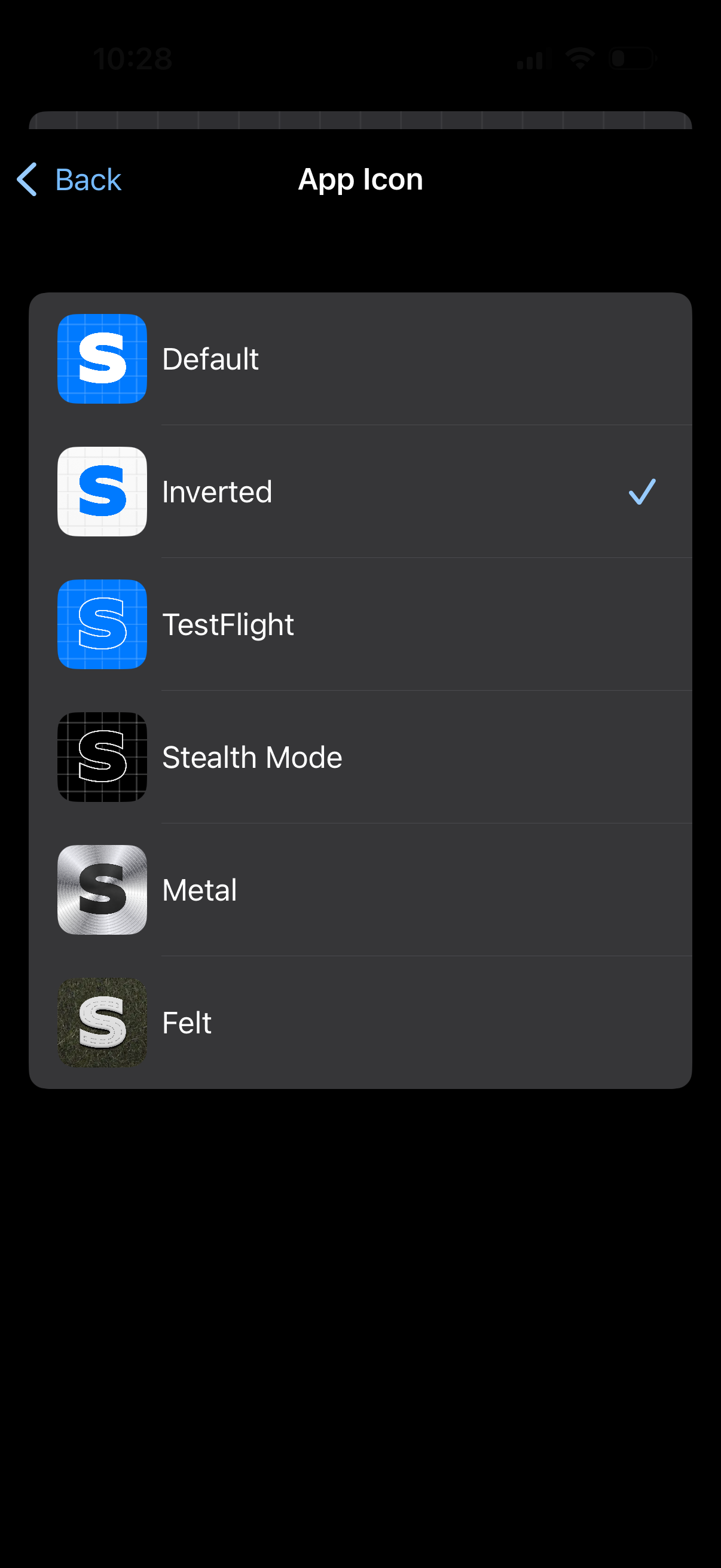
Settings screen for choosing an app icon, showing a list of icon variants with previews (e. g.
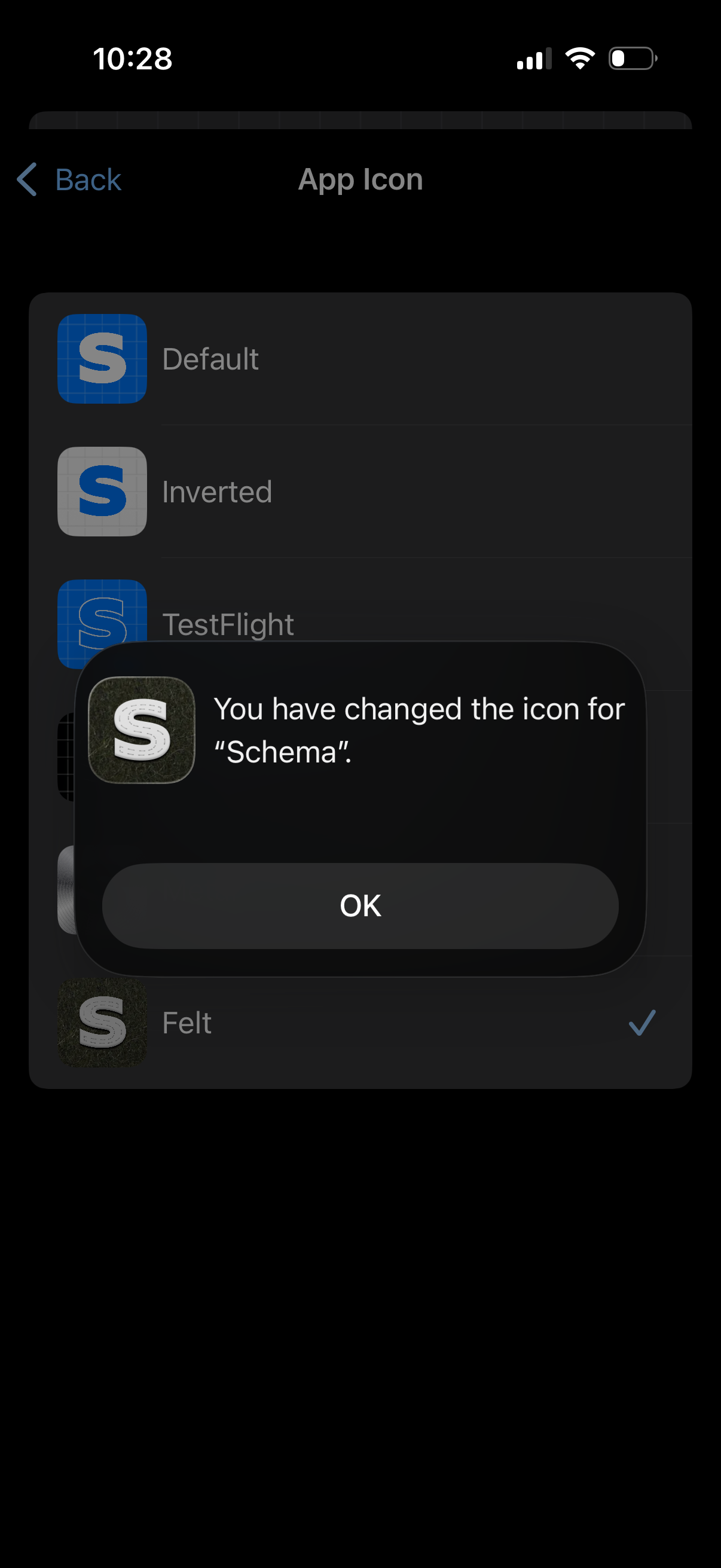
Settings screen for selecting and customizing the app icon, showing a list of icon options (e. g.
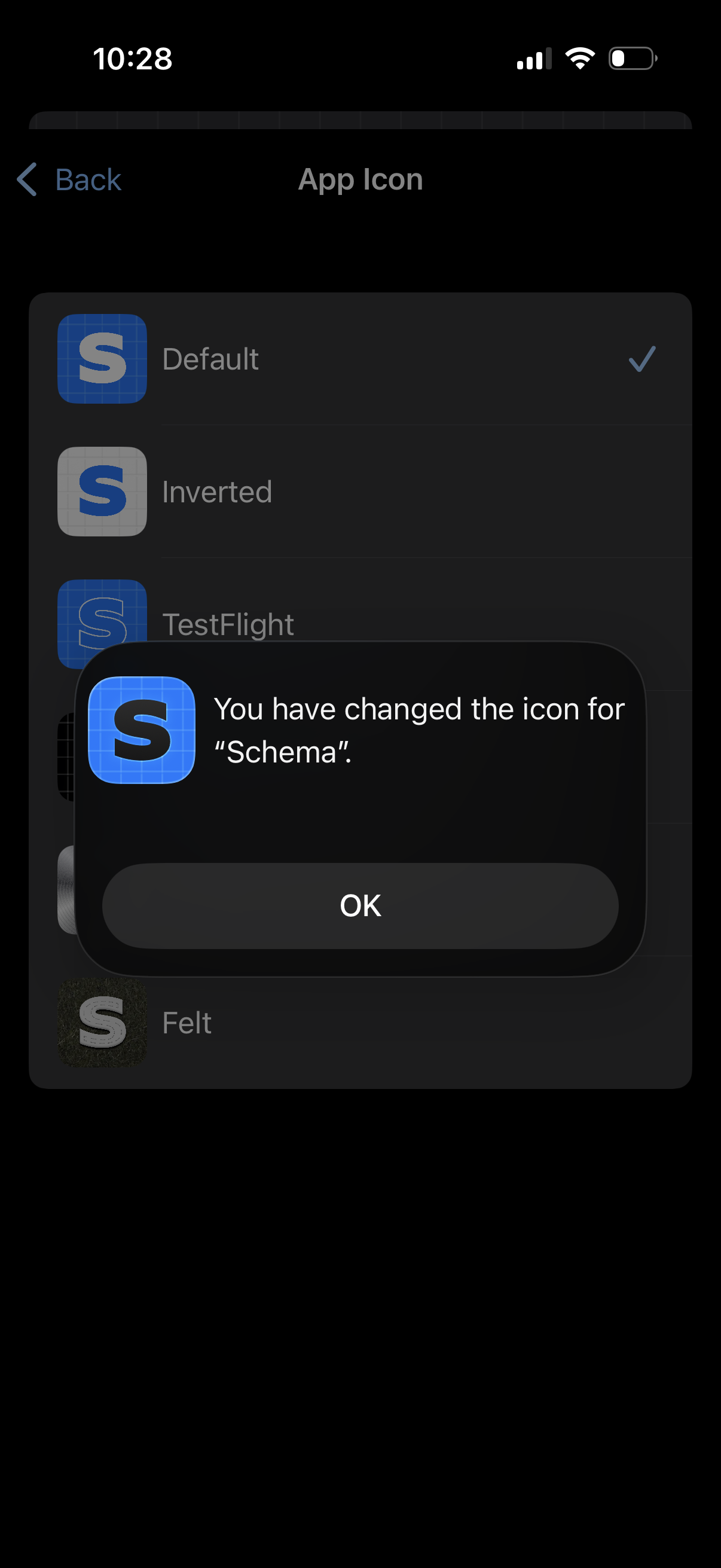
Settings screen for choosing an app icon, showing a list of icon variants with the current selection checkmarked. A confirmation alert appears stating the app icon has been changed, with an OK button to dismiss.