change authentication prompt timing
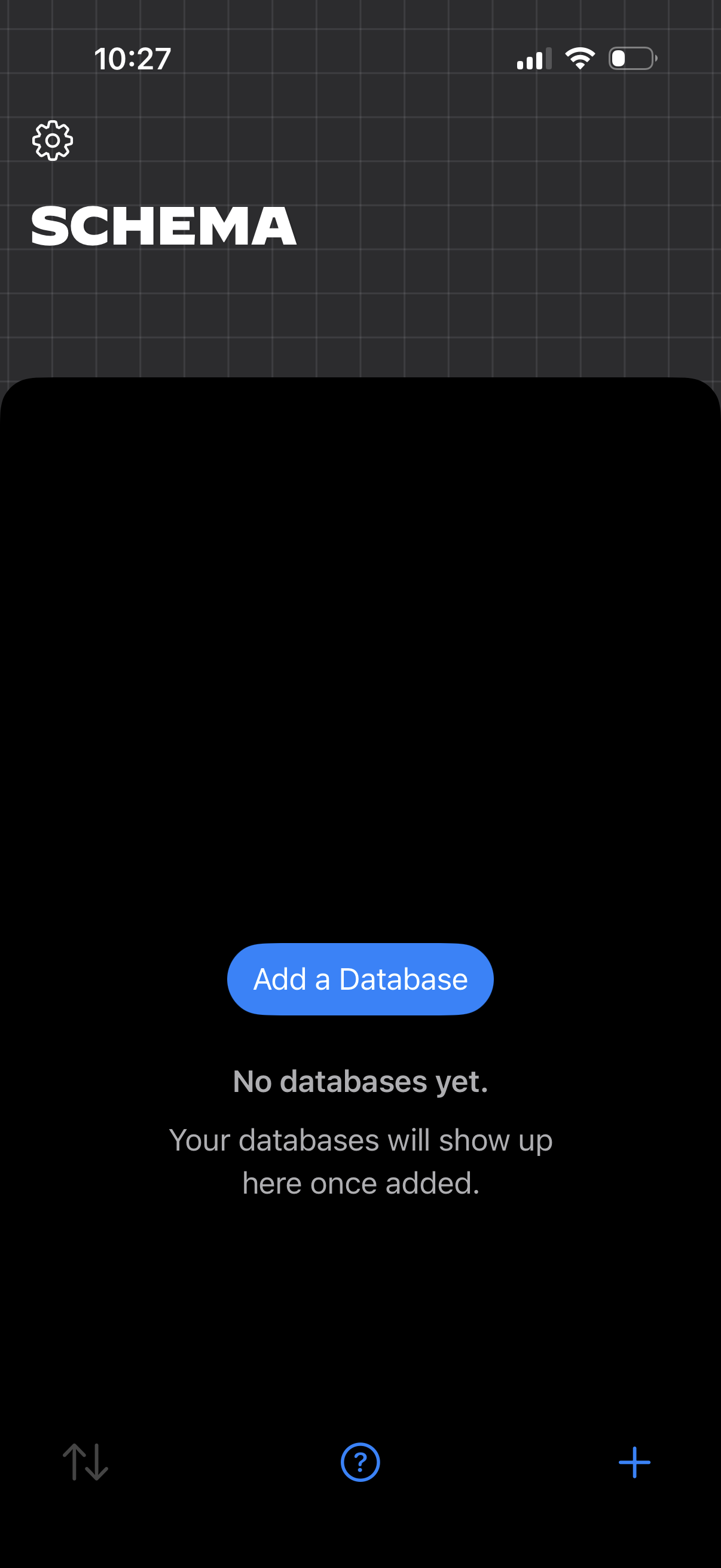
Empty-state database management screen for a “Schema” section, showing messaging that no databases exist yet and a primary CTA to “Add a Database. ” Includes a settings icon and bottom controls like sort, help, and a plus button to create new items.
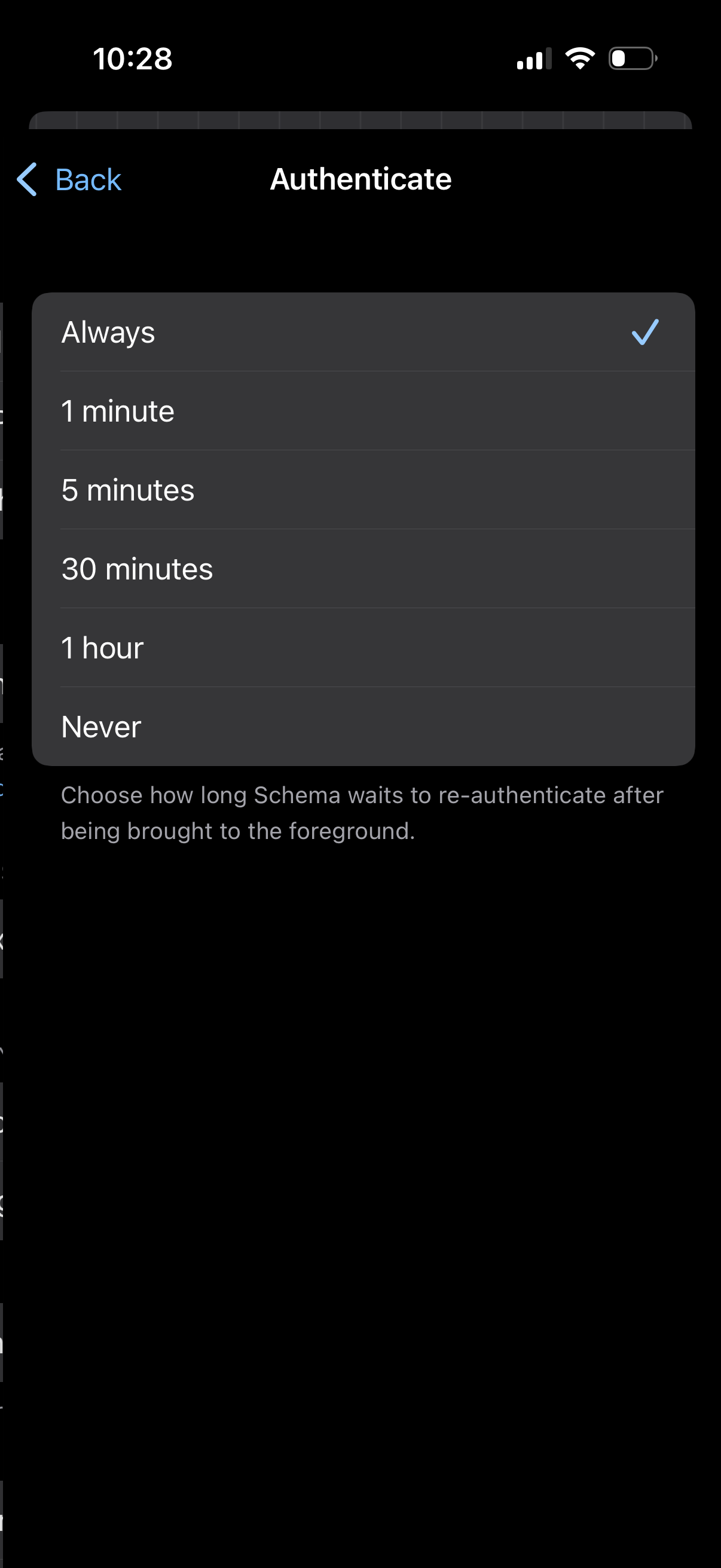
Settings screen for authentication timeout, letting users choose how long the app waits before requiring re-authentication when returning to the foreground. Presents a selectable list of intervals (Always, 1 minute, 5 minutes, 30 minutes, 1 hour, Never) with a checkmark for the current selection.
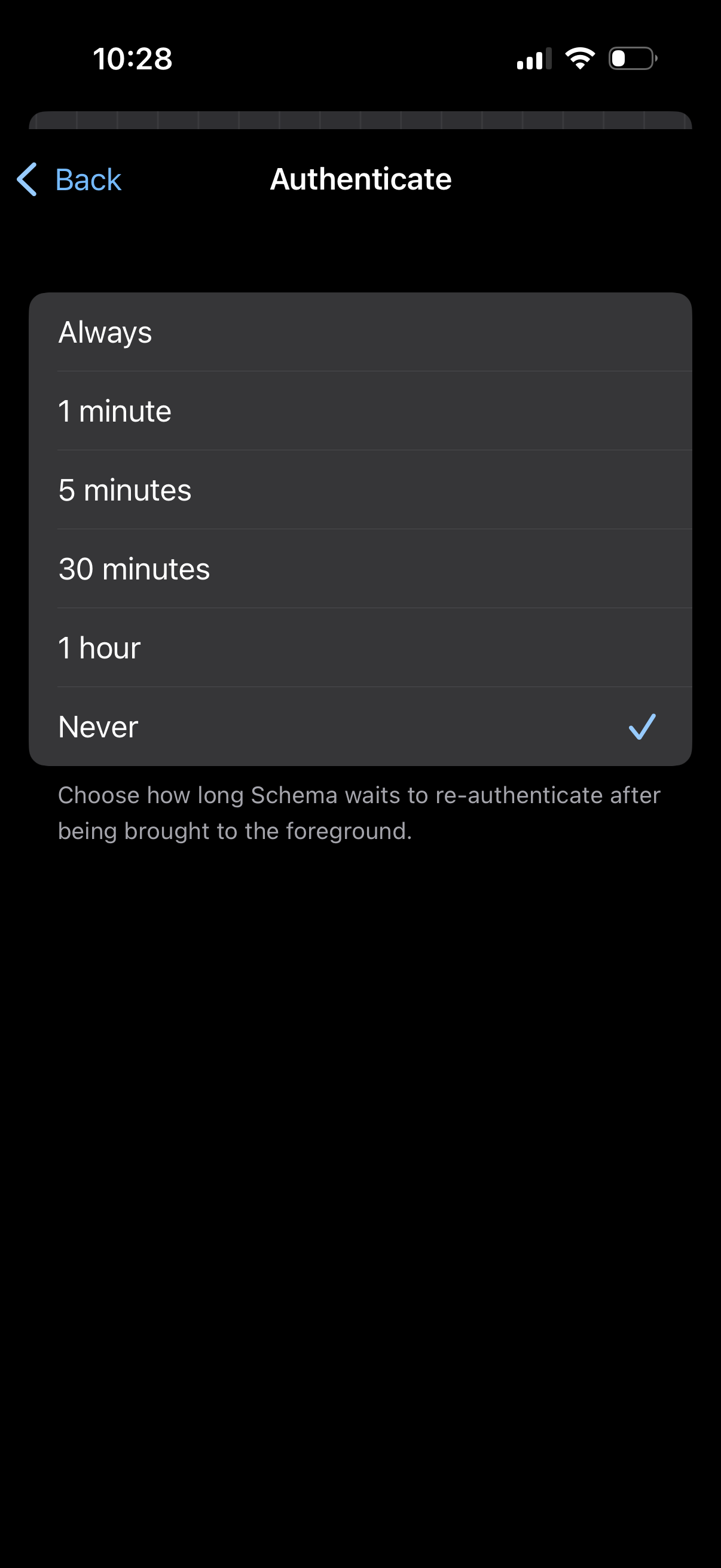
Authentication settings screen with a single-select list to choose how long the app waits before requiring re-authentication when returning to the foreground. Options include Always, 1 minute, 5 minutes, 30 minutes, 1 hour, or Never, with the current selection indicated by a checkmark.
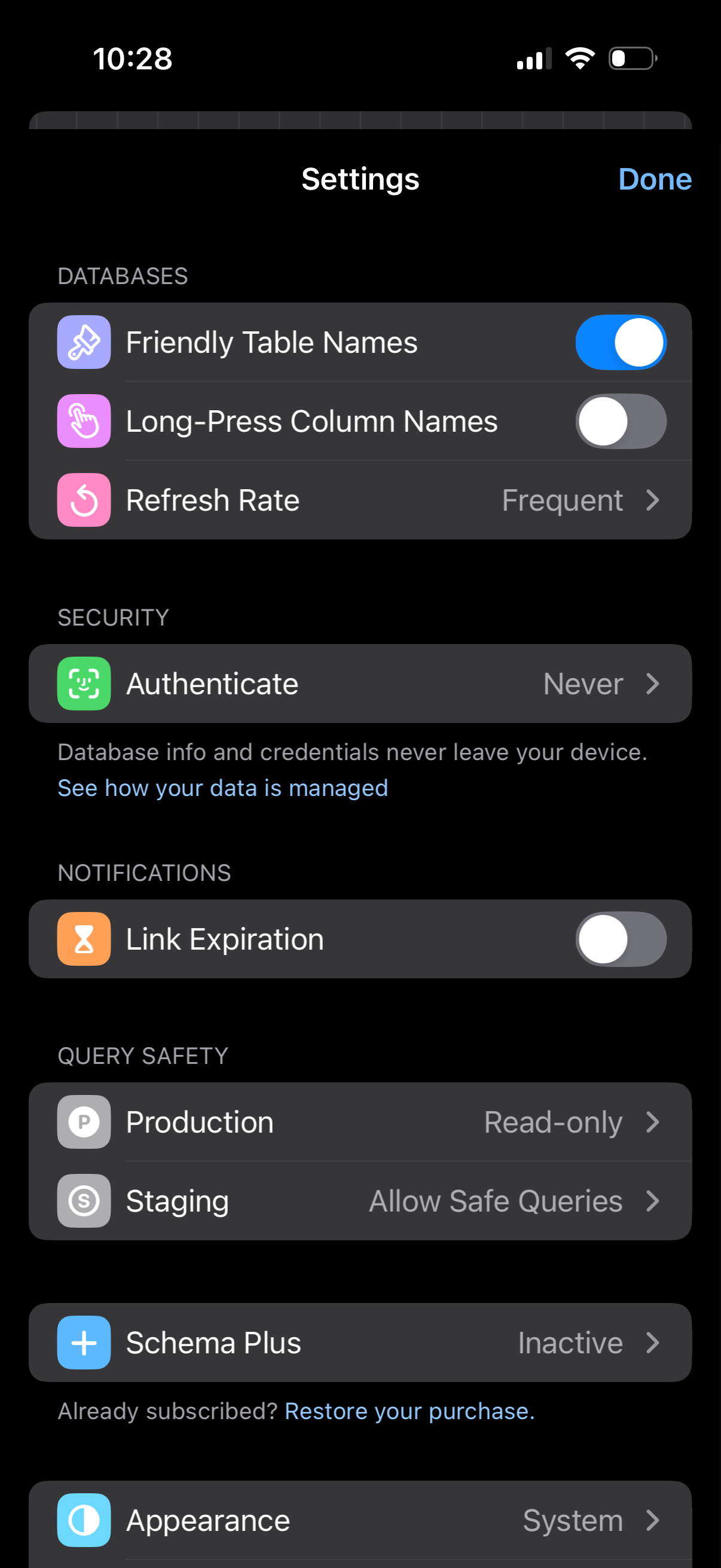
Settings screen for a database management app with sections for databases, security, notifications, and query safety, offering toggles and navigable options like friendly table names, long-press column names, refresh rate, authentication, and link expiration. Includes environment safety controls for production and staging (read-only and safe queries), plus links to manage a Schema Plus subscription and appearance settings, with a Done button to exit.