Sign Up
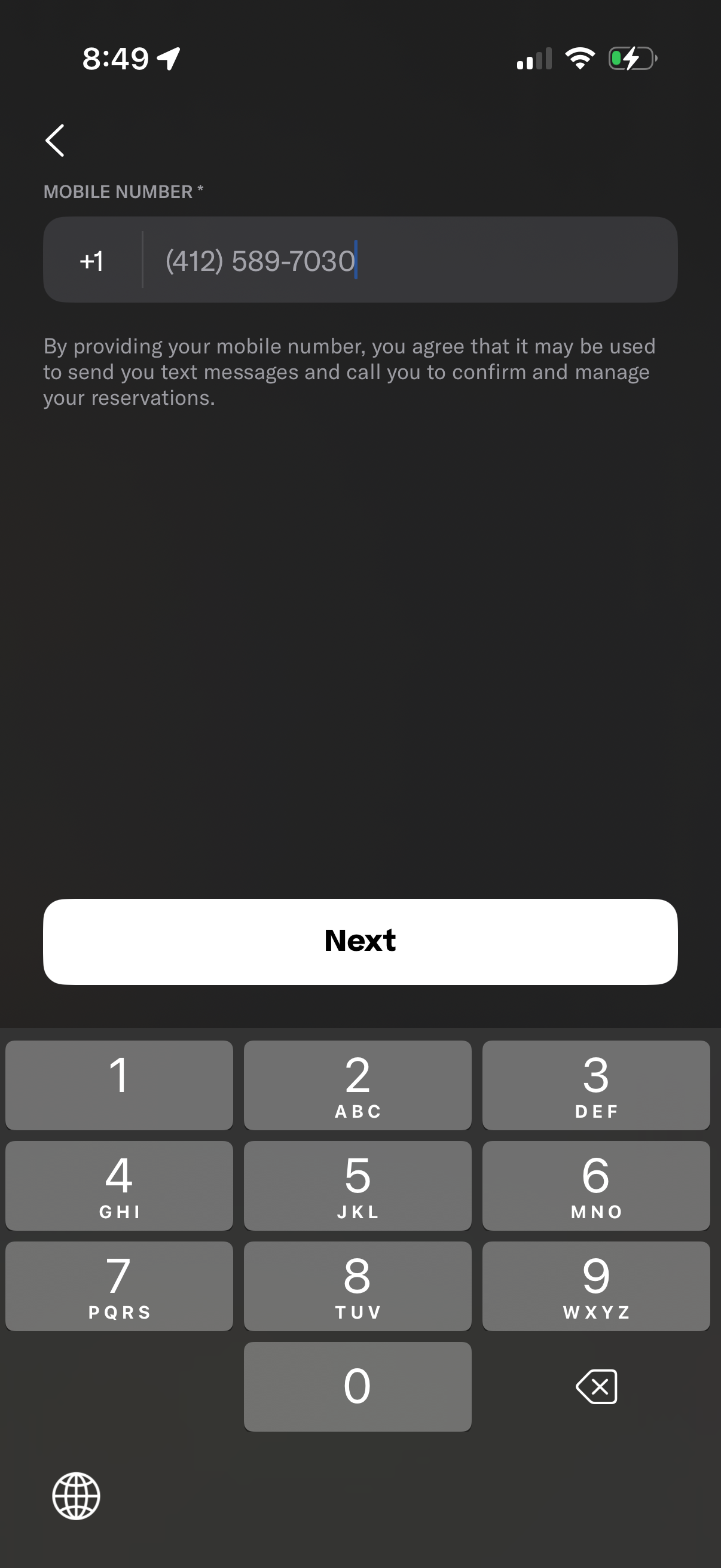
Mobile number entry screen for onboarding or reservation management, with a country code selector, phone number input field, and consent text explaining SMS/call usage for confirming and managing reservations. A prominent “Next” button advances to the next step.
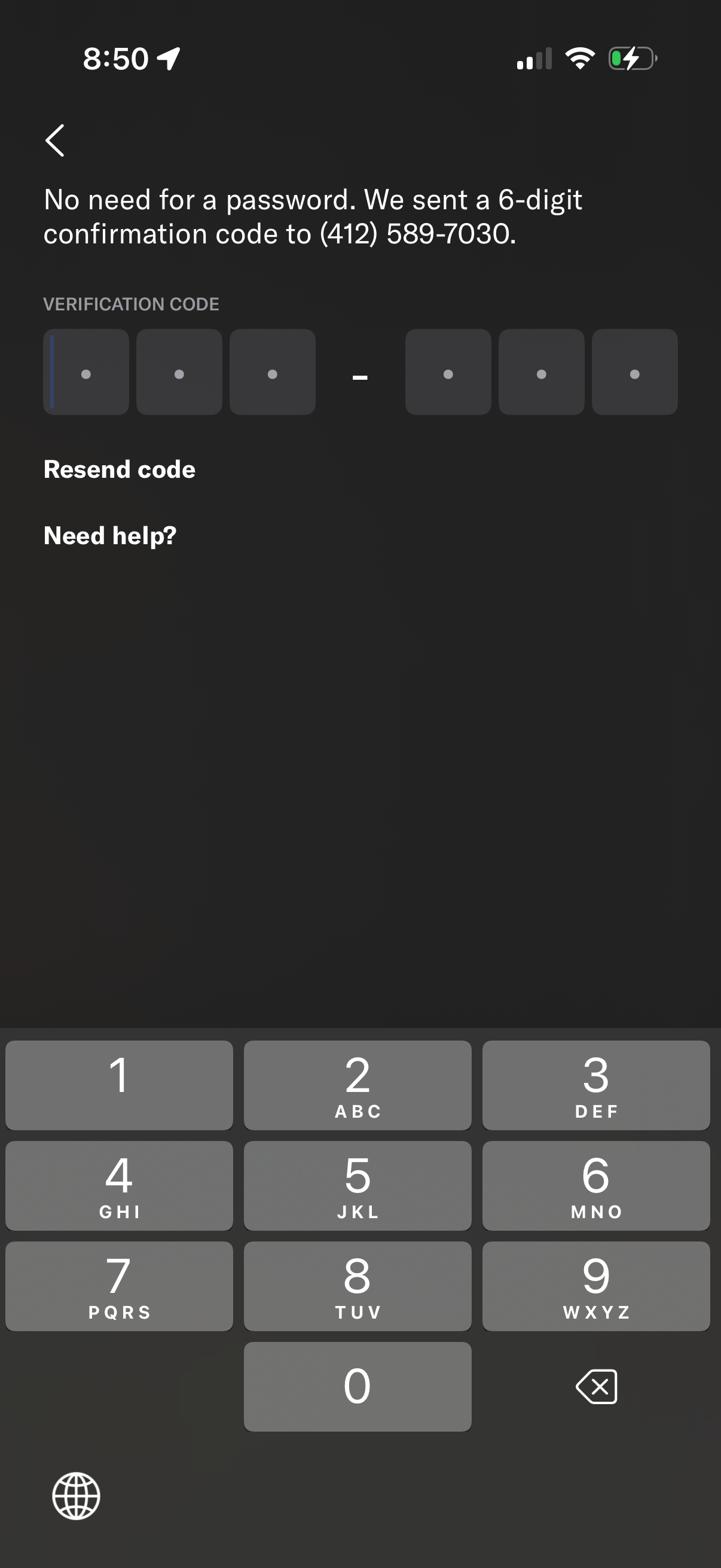
Passwordless login verification screen prompting the user to enter a 6-digit SMS confirmation code sent to their phone number, with segmented code input fields and numeric keypad. Includes actions to resend the code, get help, or navigate back.
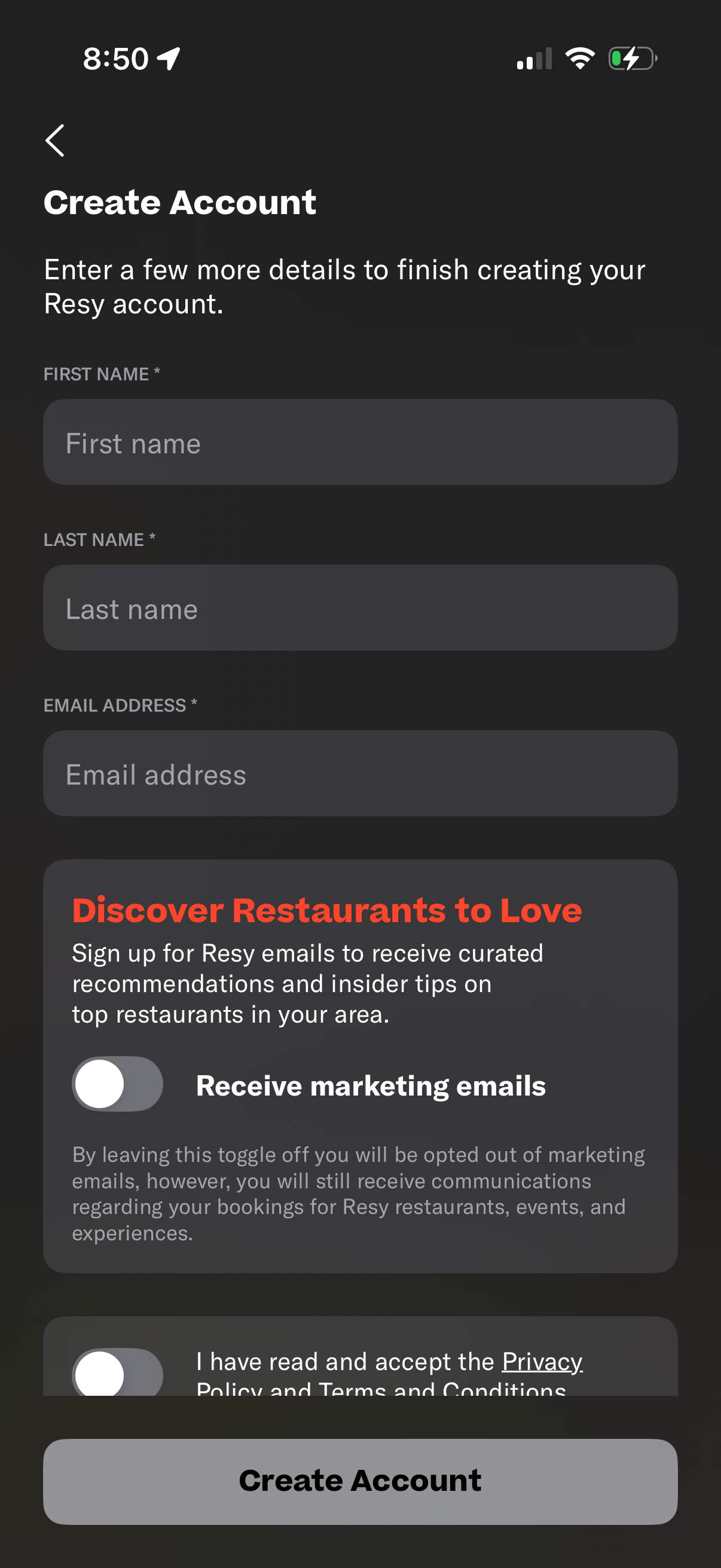
Account creation form asking for first name, last name, and email address to finish signing up. Includes an optional toggle to receive marketing/recommendation emails, a checkbox to accept privacy policy and terms, and a primary “Create Account” button with a back navigation control.

Celebratory welcome screen after sign up or first launch for a restaurant reservation app, featuring confetti animation and a personalized “Welcome” message. Includes a close (X) button to dismiss the onboarding modal and continue into the app.