Sign In
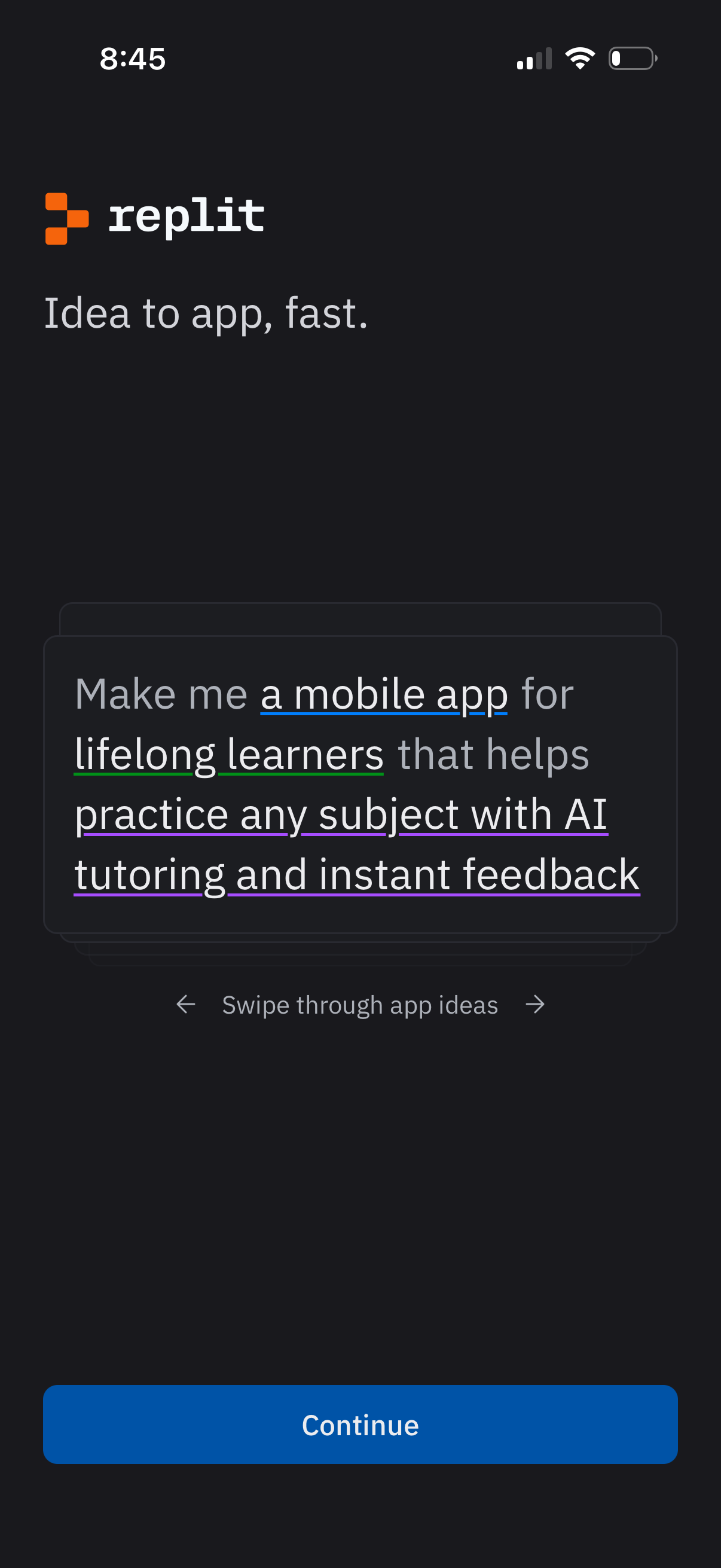
Onboarding screen for an AI app builder that introduces “Idea to app, fast” and presents swipeable example prompts for generating an app concept. Primary action is a prominent Continue button, with guidance to swipe through app ideas.
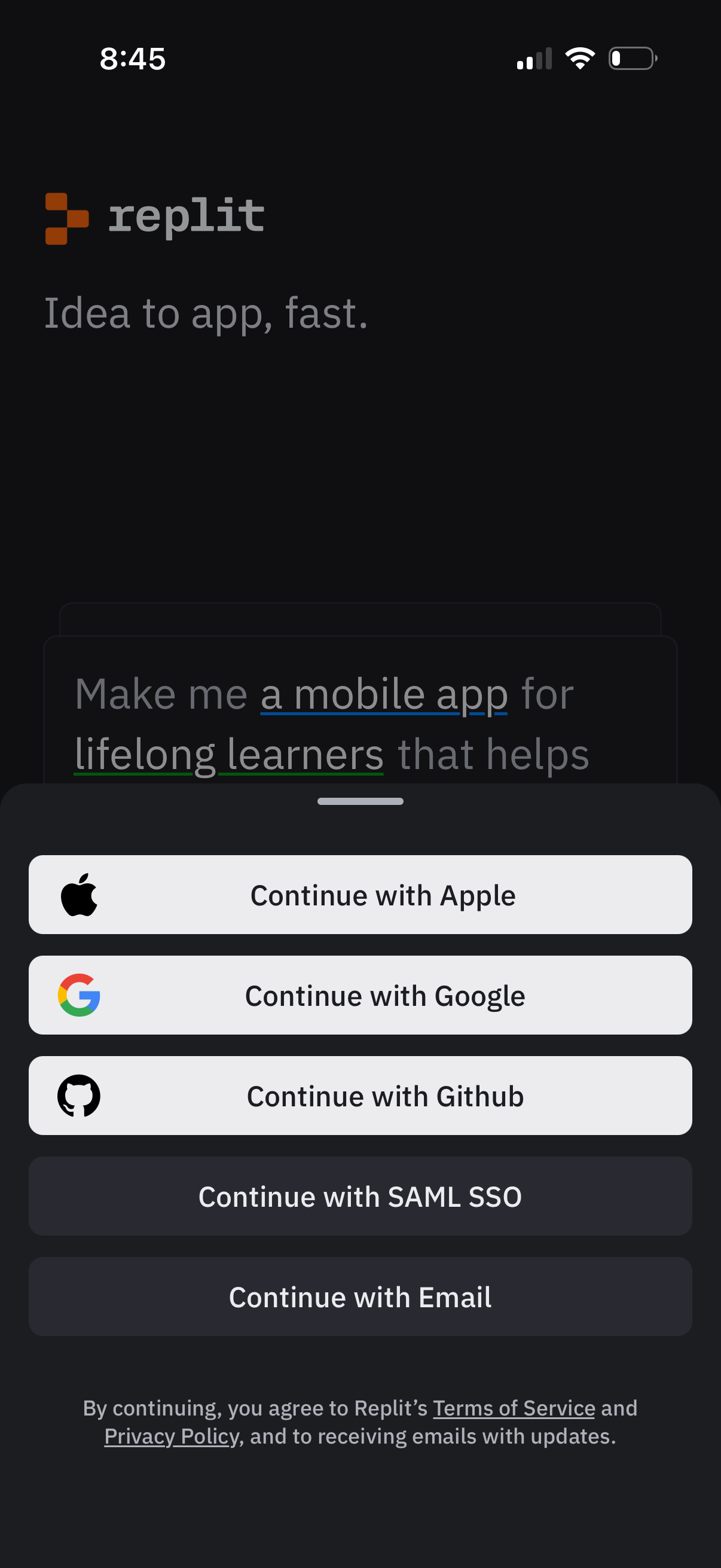
Login/sign-up screen for a developer app with a bottom-sheet authentication modal offering single sign-on options: Continue with Apple, Google, GitHub, SAML SSO, or Email, plus a terms of service and privacy policy consent note.
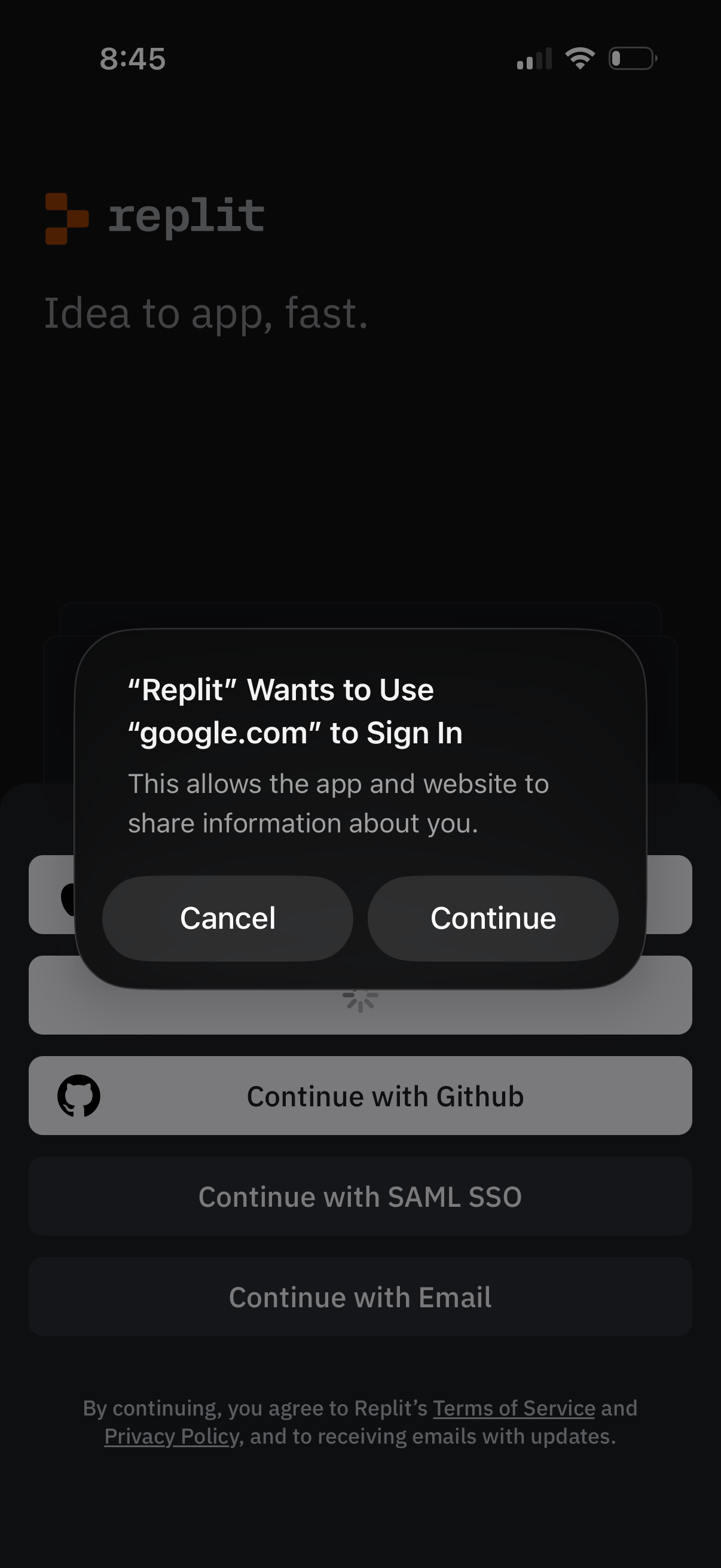
Login/sign-in screen for a developer tool app showing multiple authentication options (Continue with Google, GitHub, SAML SSO, or Email). An iOS system OAuth permission modal appears asking to use google.
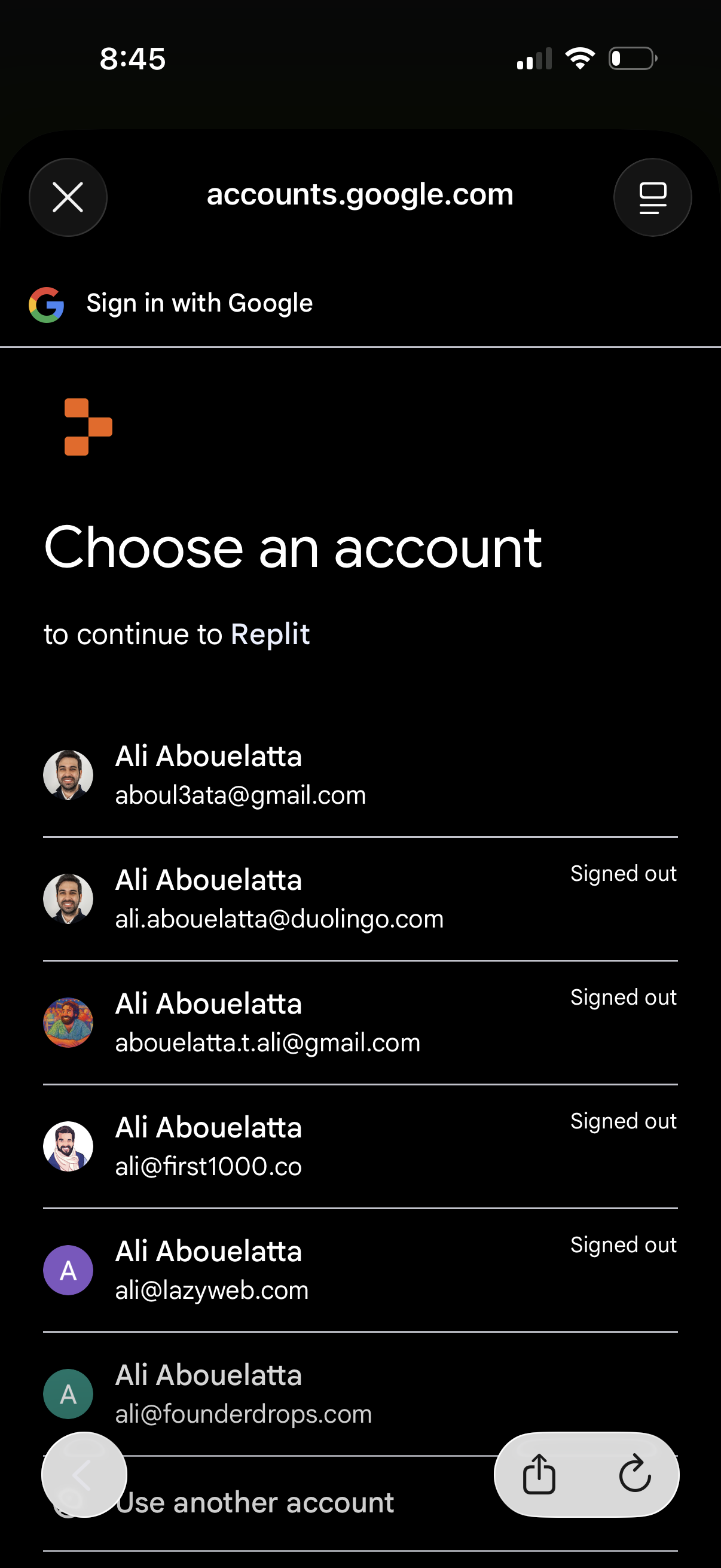
Google sign-in account chooser screen for continuing to an app, showing a list of saved Google accounts with avatars, email addresses, and signed-out status. Users can select an account to authenticate or tap “Use another account,” with close/back controls in the header.
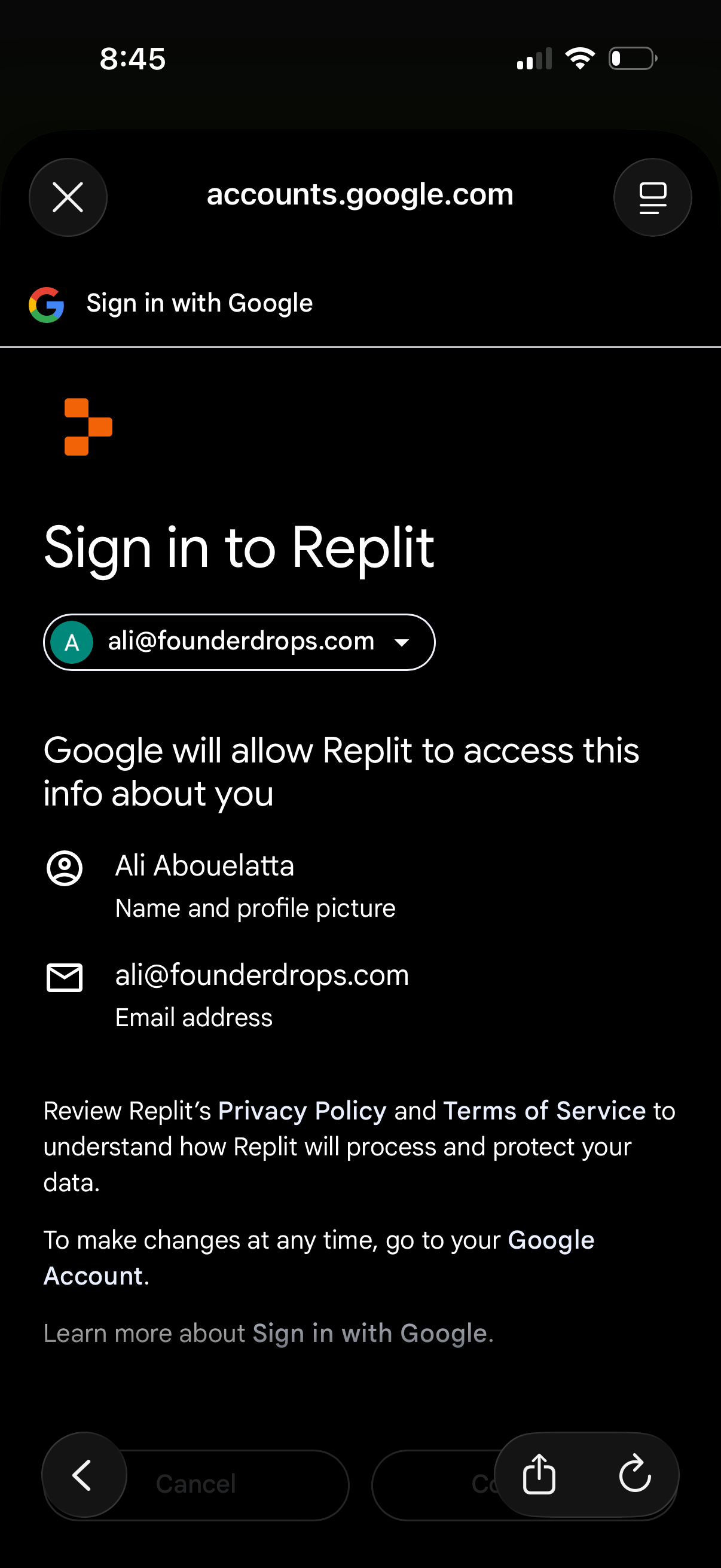
Google OAuth consent screen for signing in to an app (Replit) with a selected Google account, showing what profile information and email address the app will access. Includes account selector dropdown and actions to continue or cancel the sign-in.
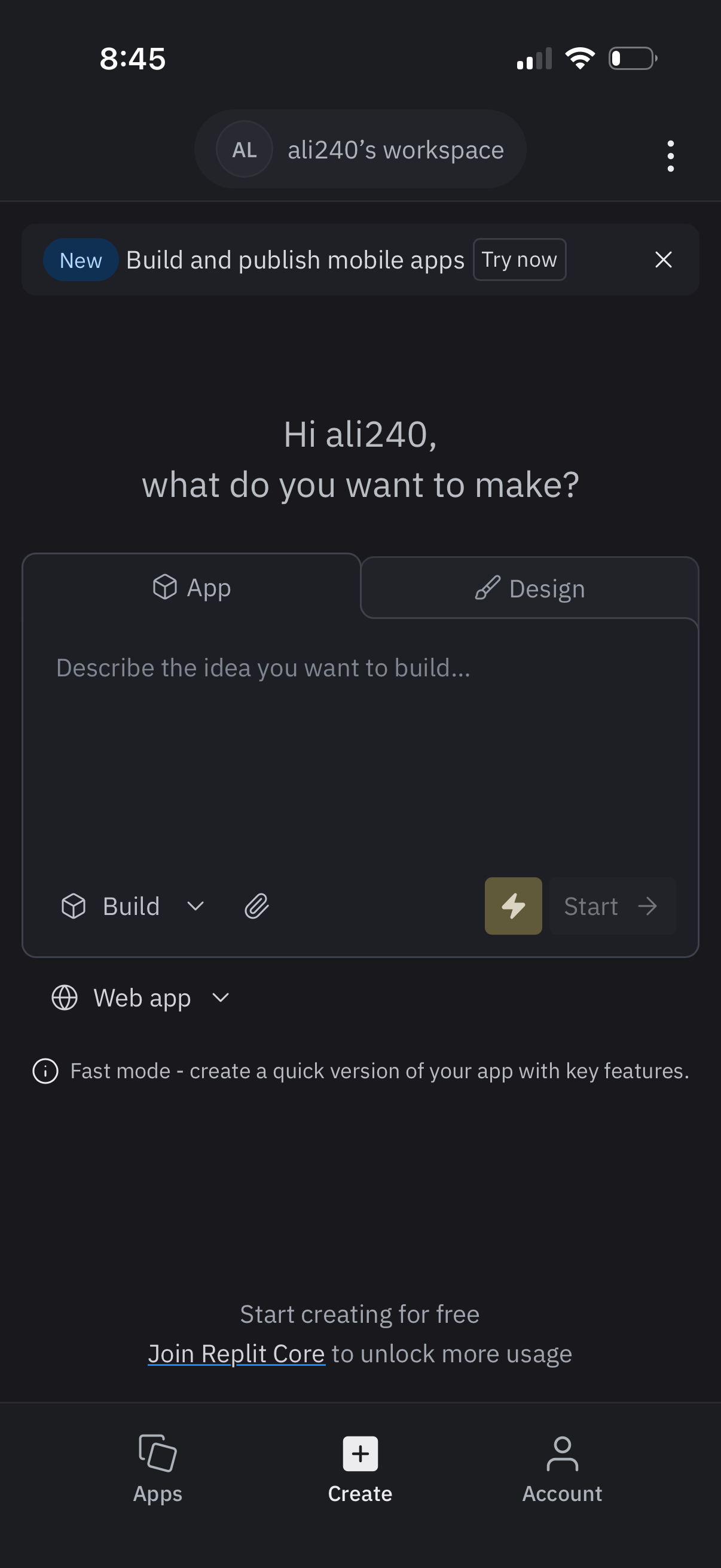
App creation home screen prompting the user to describe what they want to make, with tabs to choose App or Design, a text input to enter the idea, and a Start button to generate/build. Includes build mode and platform selectors (e.