Onboarding
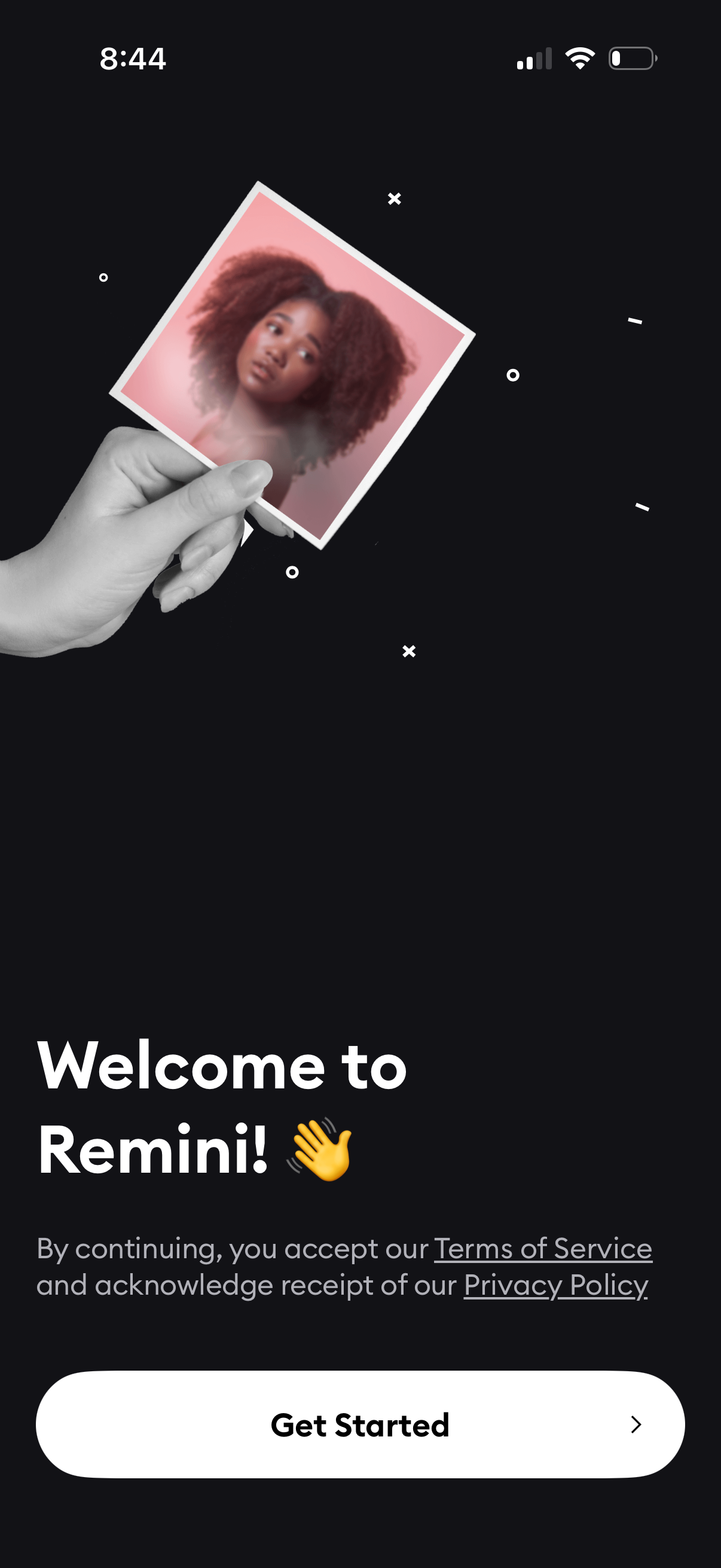
Welcome/onboarding screen for a photo editing app with a hero image illustration, brief consent text referencing Terms of Service and Privacy Policy links, and a primary “Get Started” button to begin setup or enter the app.
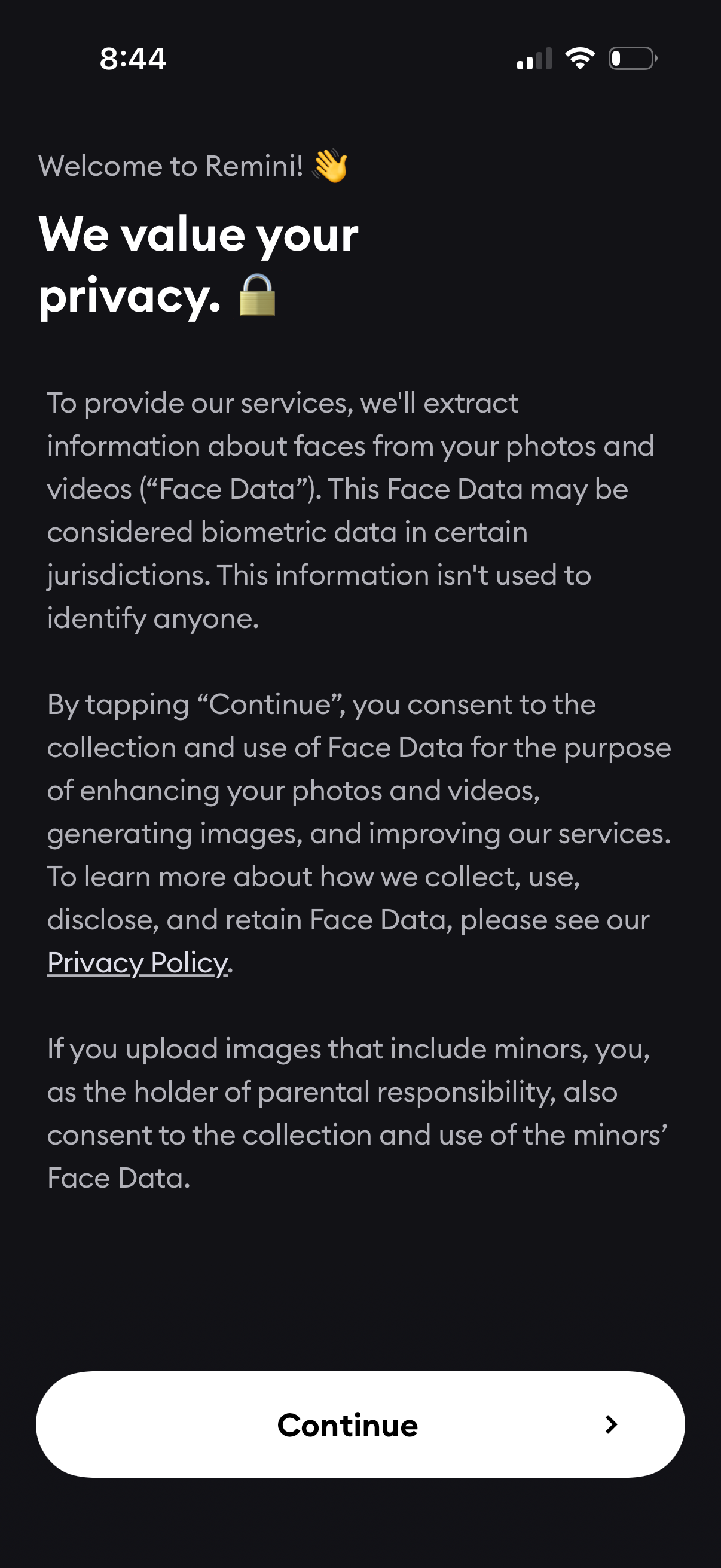
Privacy consent onboarding screen explaining collection and use of face/biometric data extracted from uploaded photos and videos, with a link to the Privacy Policy. Primary action is a large “Continue” button to accept and proceed.
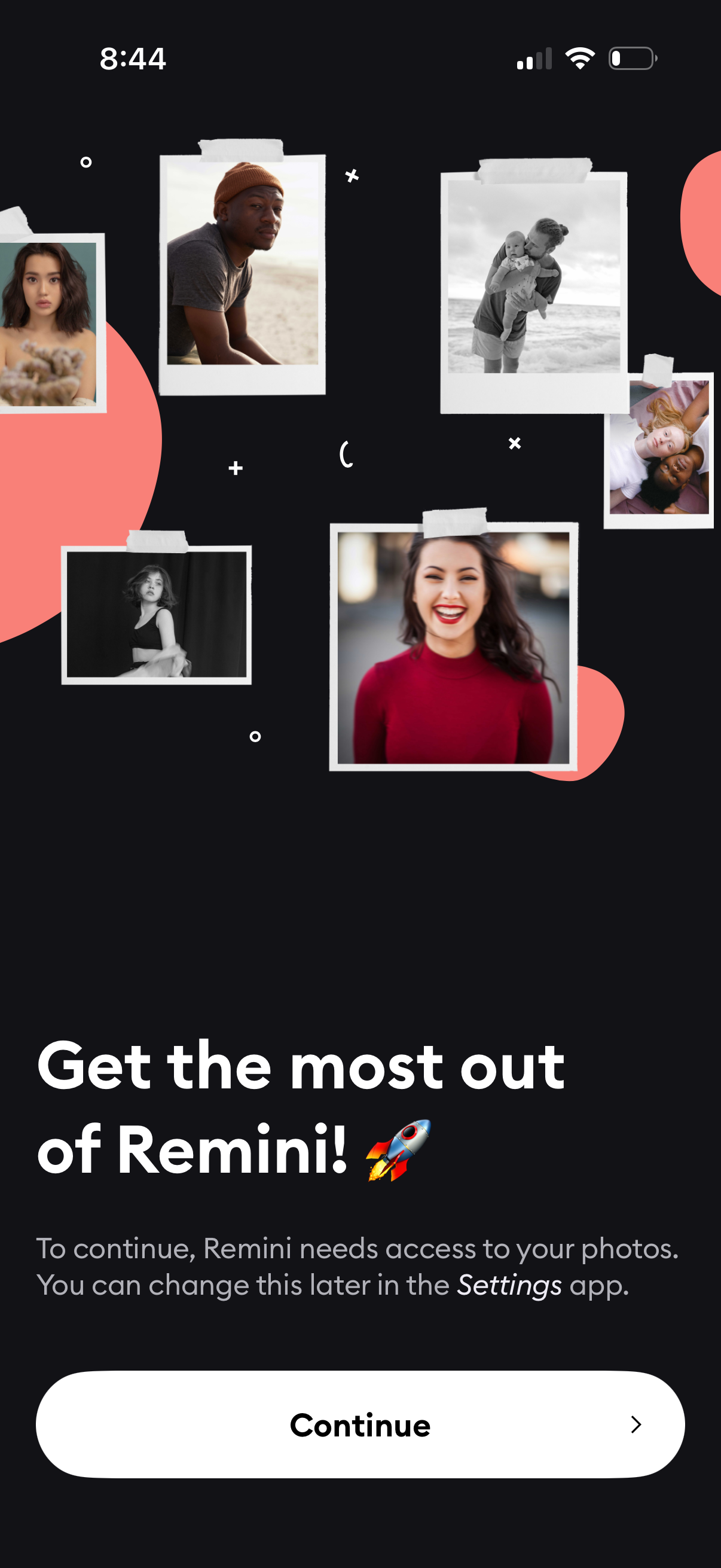
Onboarding permission prompt asking the user to grant the app access to their photo library to continue, with explanatory text about changing it later in Settings. A single primary CTA “Continue” is provided to proceed with enabling photo access.
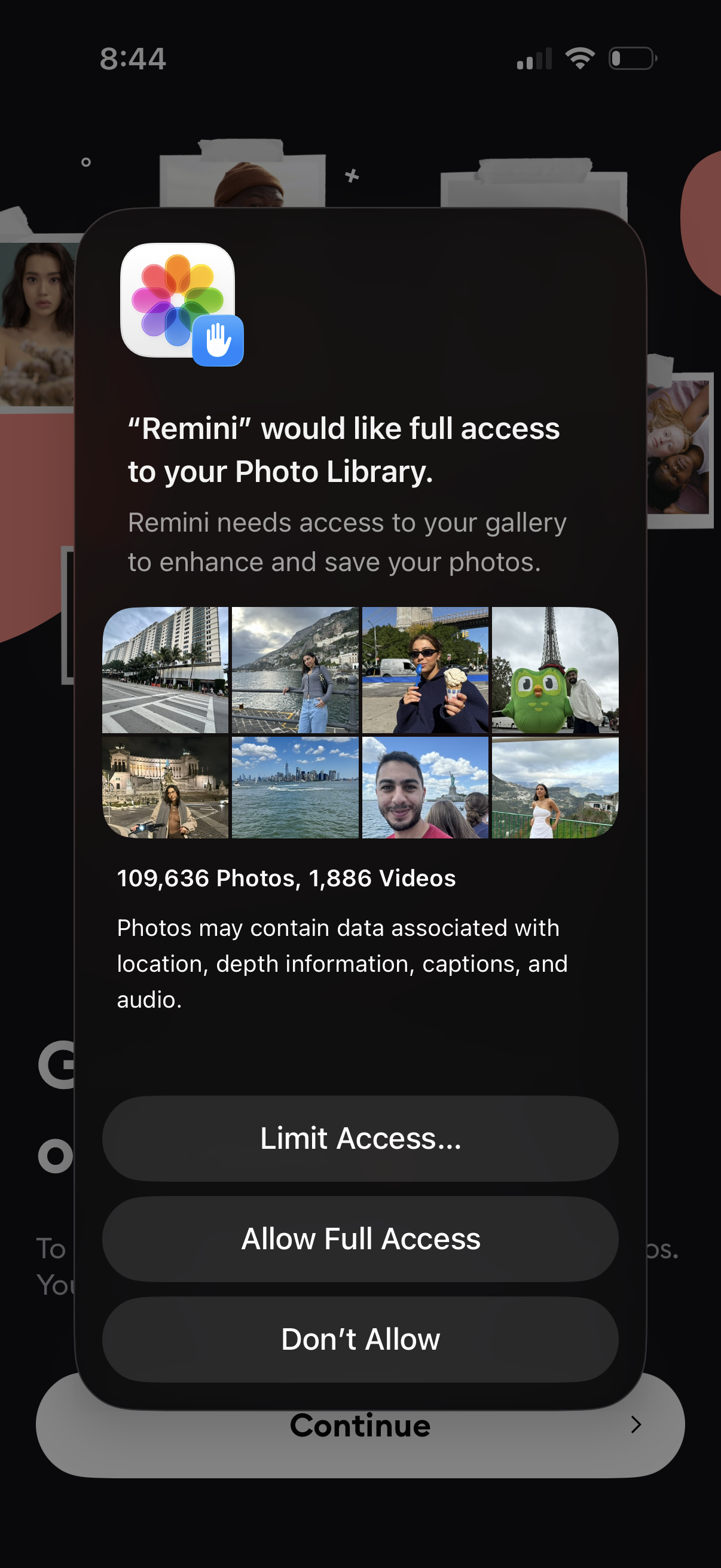
iOS system permission dialog requesting an app full access to the user’s Photo Library, showing a preview grid of recent photos/videos and a note about associated metadata. Provides actions to Limit Access, Allow Full Access, or Don’t Allow before continuing in the app.
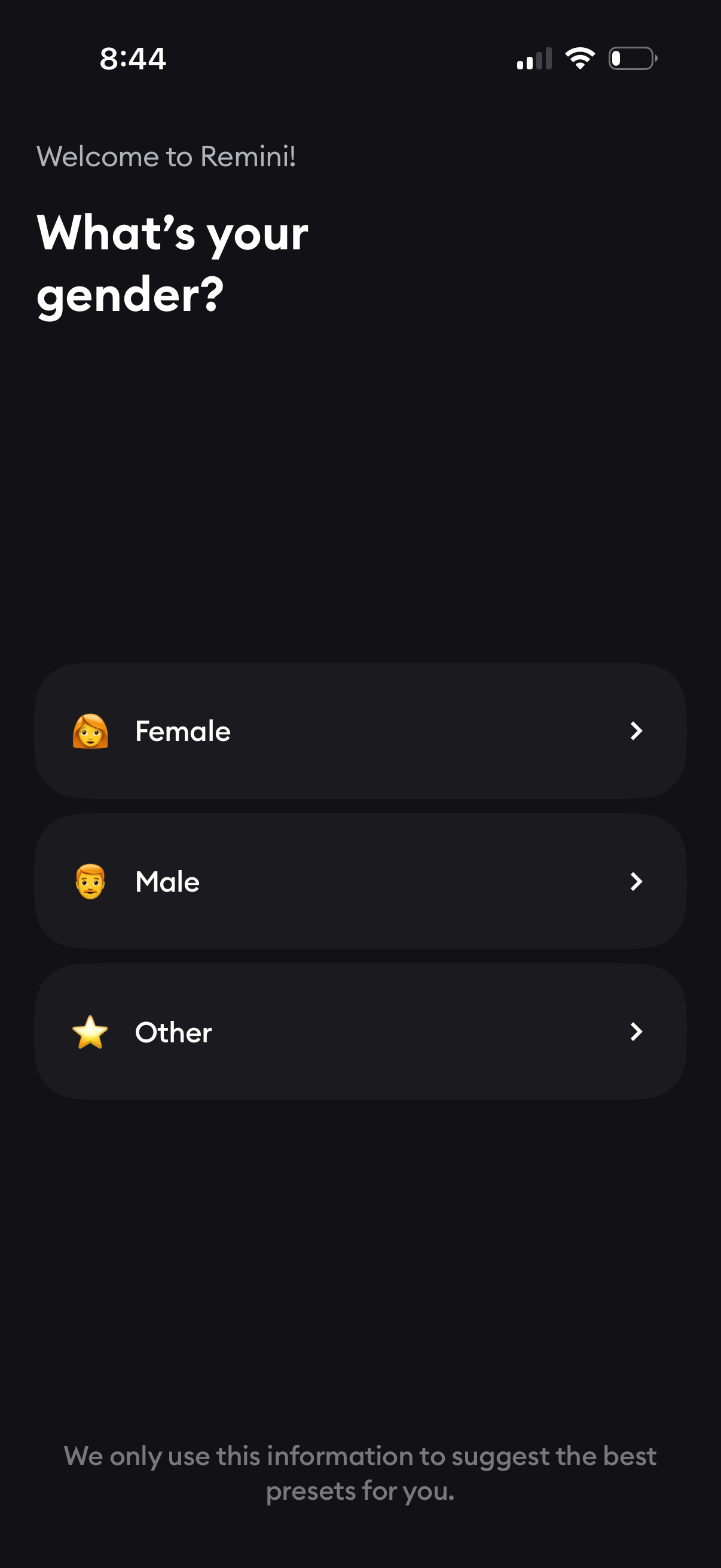
Onboarding profile setup screen asking the user to select their gender, with selectable list options for Female, Male, and Other. Each option is a tap-to-continue row used to personalize recommendations or presets.
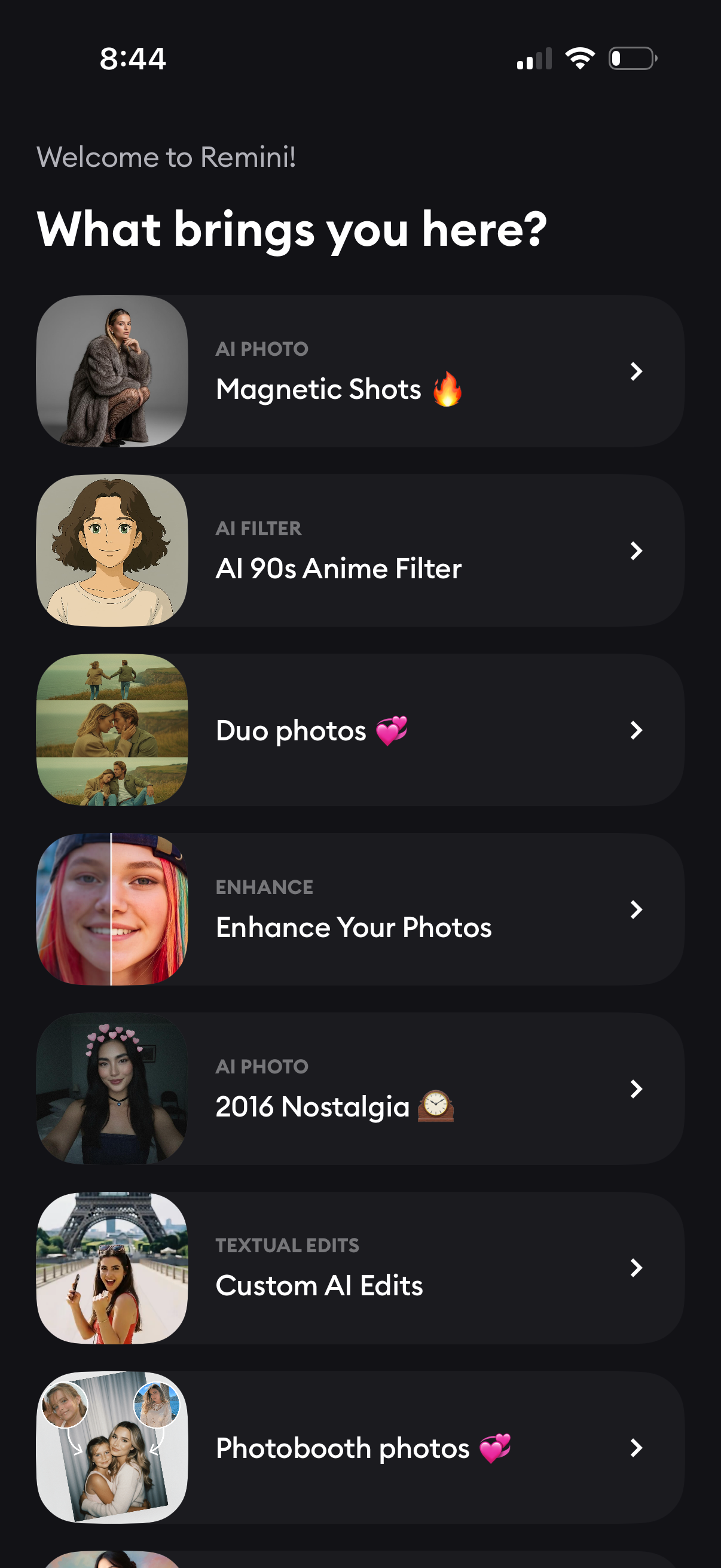
Onboarding welcome screen asking “What brings you here? ” and presenting a scrollable list of AI photo and editing features to choose from, each shown as a card with thumbnail, category label, title, and chevron.
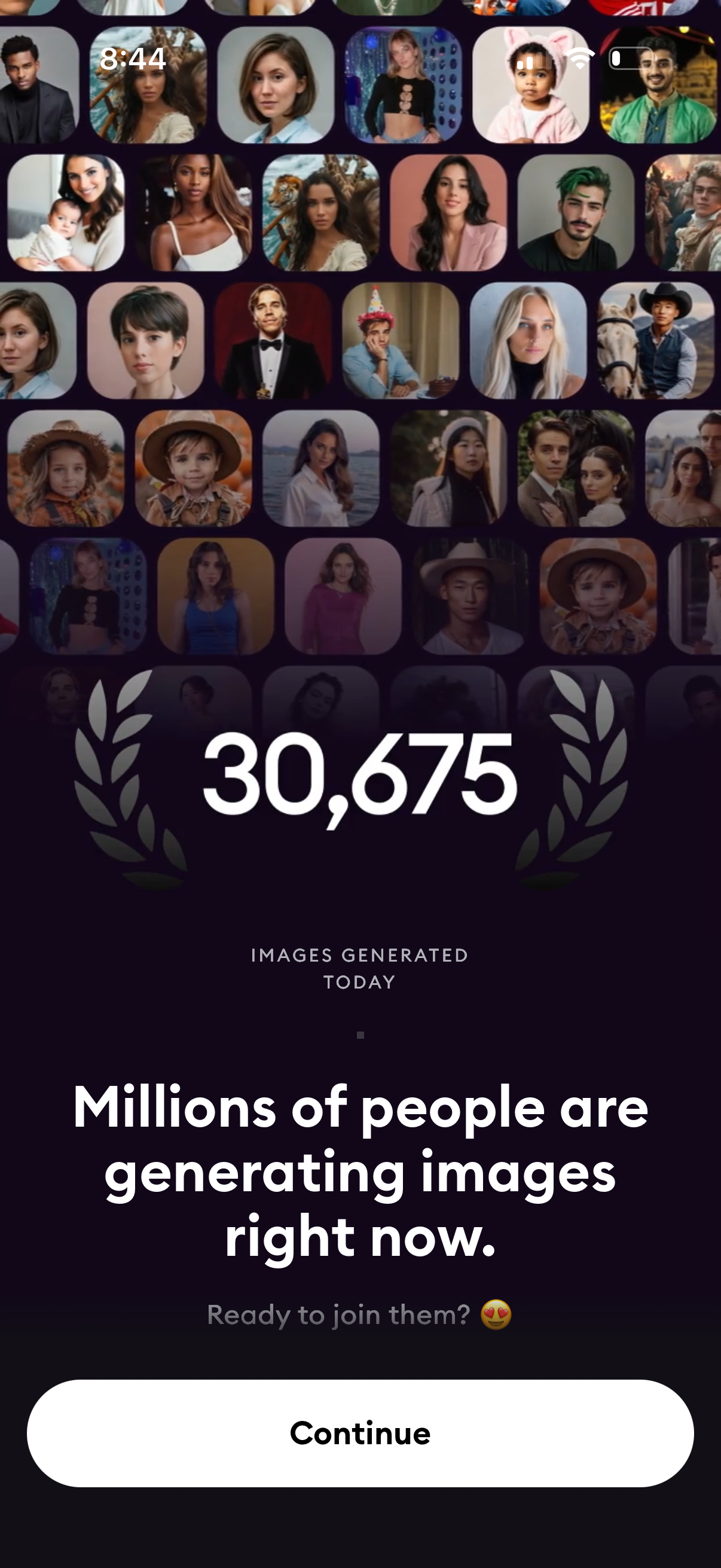
Onboarding or promotional screen for an AI image generation app showing a real-time social proof metric (images generated today) and a headline encouraging users to join. A single primary CTA button (“Continue”) advances into the app.
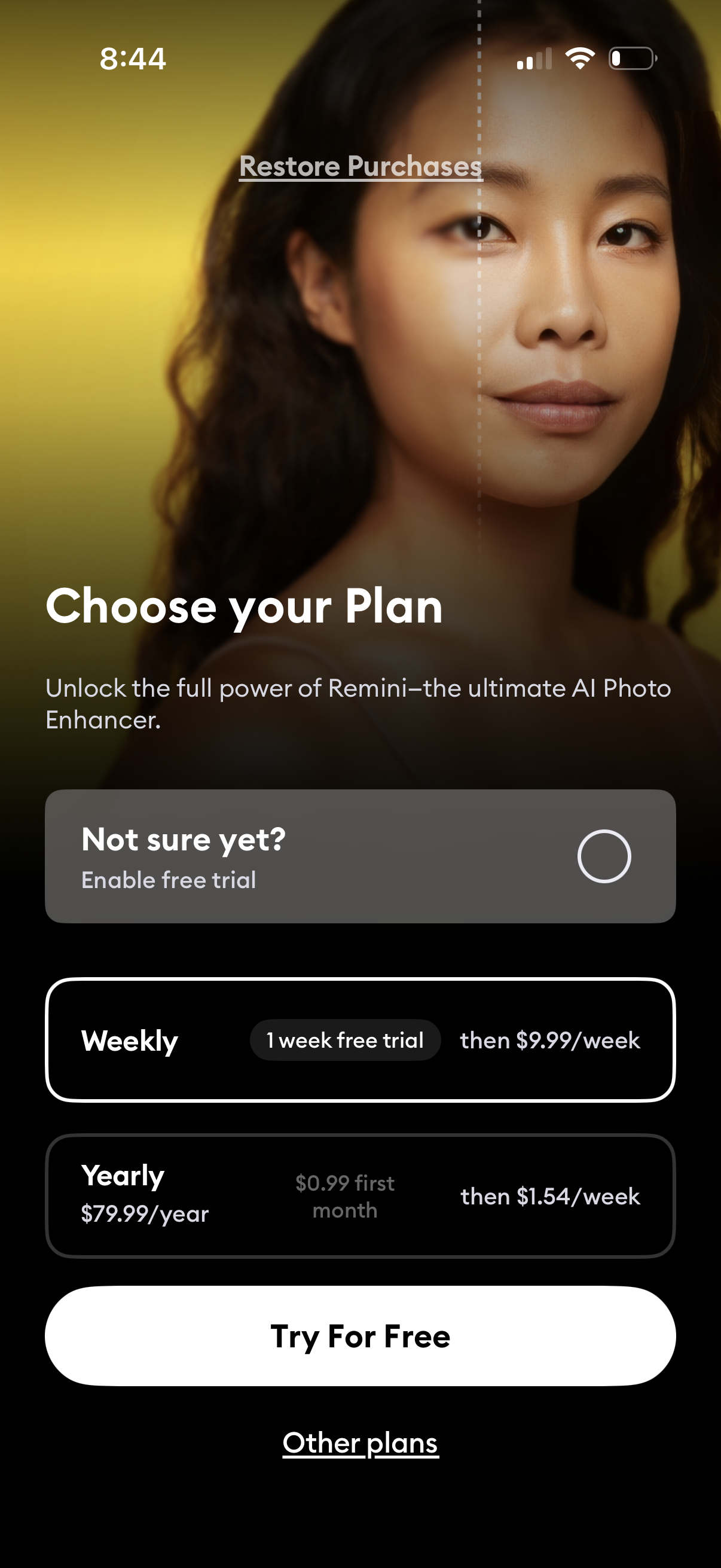
Subscription paywall screen prompting users to choose a premium plan for an AI photo enhancer, with an option to enable a free trial and select between weekly or yearly pricing. Includes actions to start the free trial (“Try For Free”), view other plans, and restore purchases.