edit and reorder lists
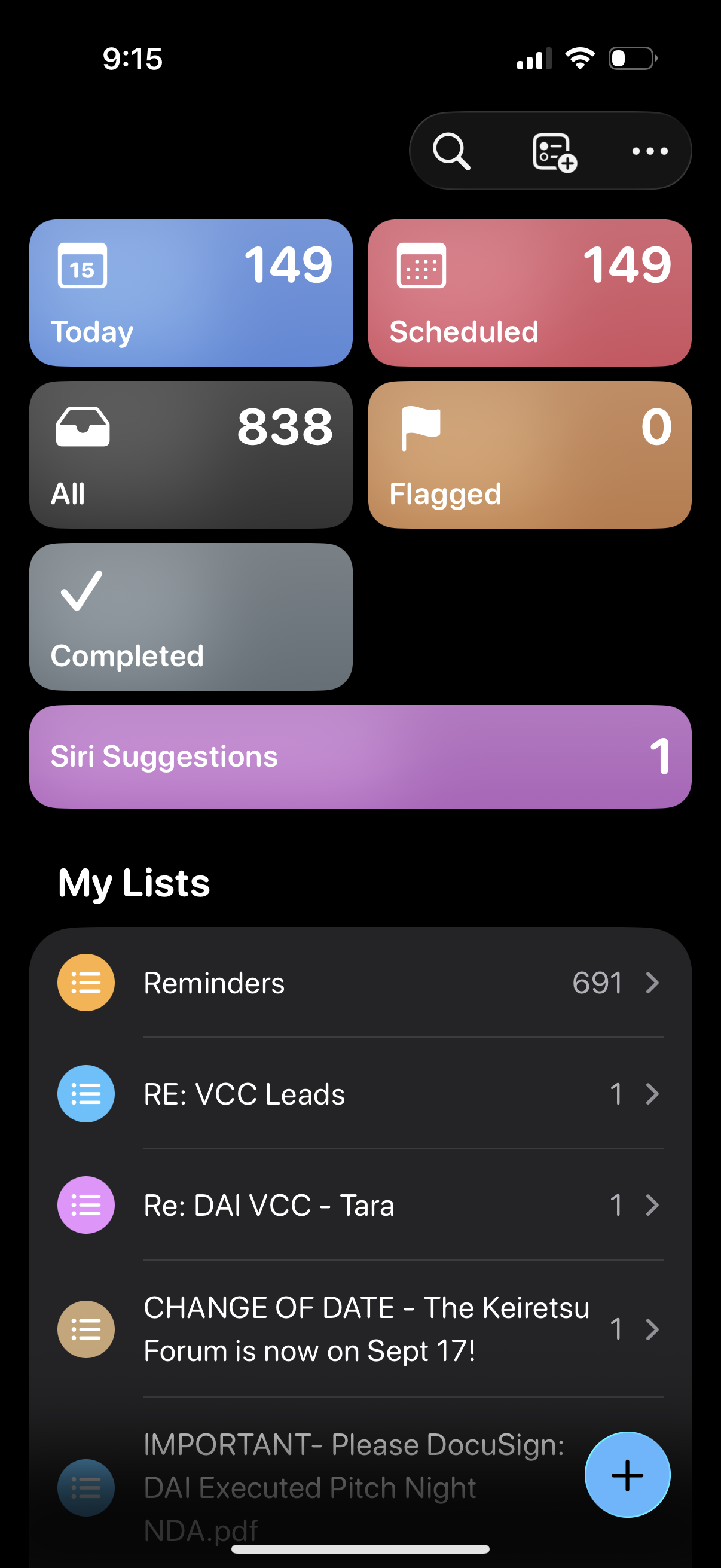
Reminders app home dashboard showing summary tiles for Today, Scheduled, All, Flagged, Completed, and Siri Suggestions with item counts, plus a “My Lists” section displaying reminder lists with counts. Top actions include search, add new list, and a floating compose button to create a new reminder.
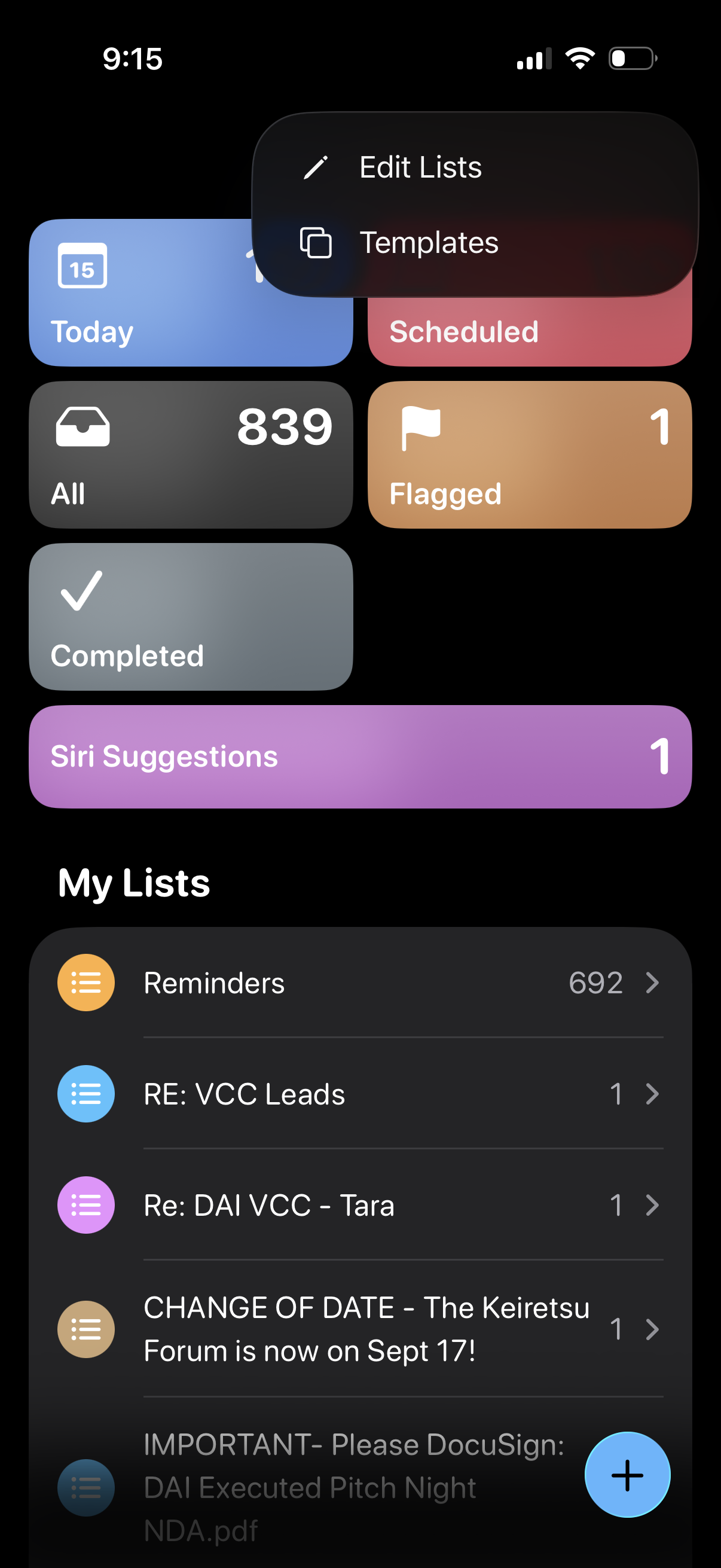
Reminders app home screen showing a dashboard of smart lists (Today, Scheduled, All, Flagged, Completed, Siri Suggestions) with item counts and a “My Lists” section listing user-created reminder lists. Includes a floating add (+) button to create a new reminder and an overflow menu for managing lists (Edit Lists) or using Templates.
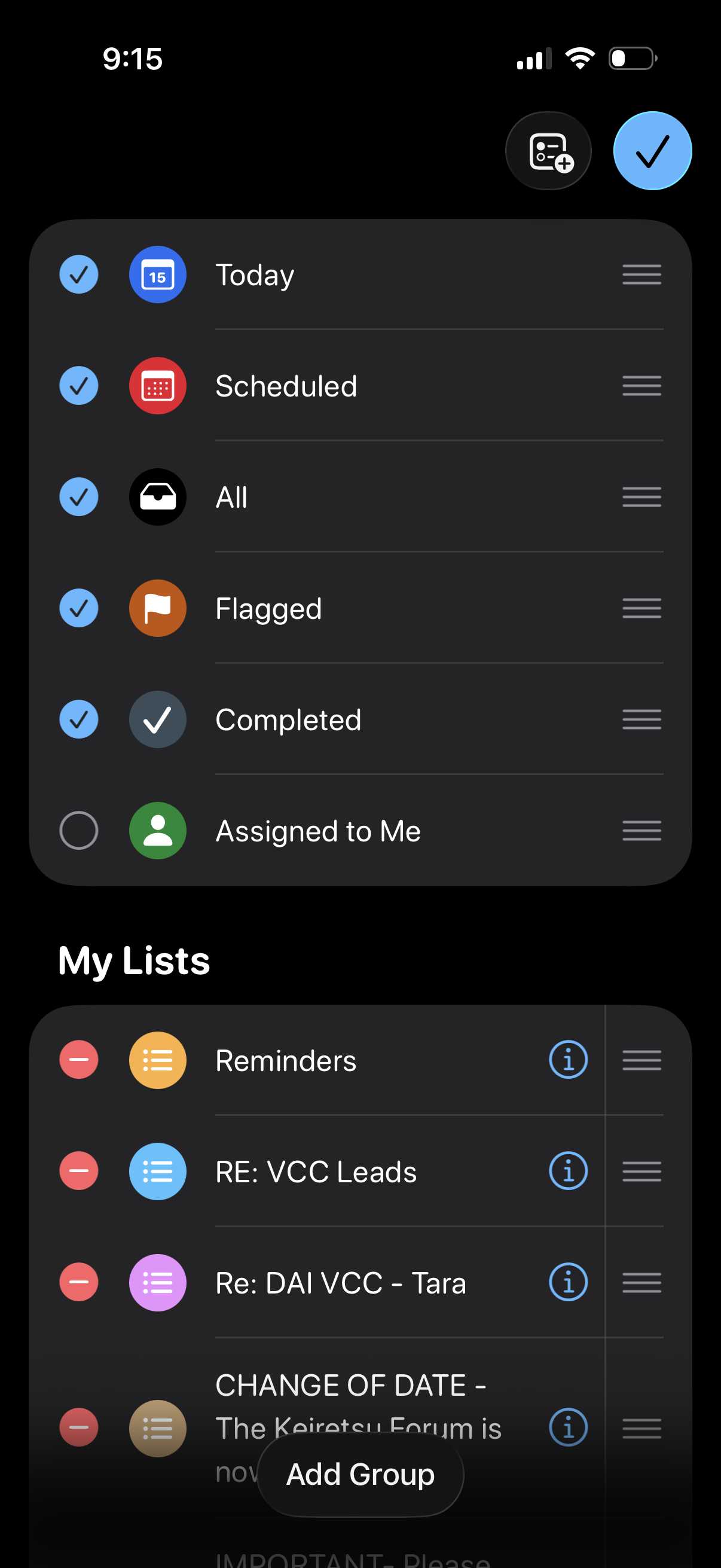
Task list management screen for a reminders/to‑do app showing smart lists (Today, Scheduled, All, Flagged, Completed, Assigned to Me) with toggles to show/hide each and drag handles to reorder. Below, the “My Lists” section lets users edit and reorder custom lists, open list info, remove lists, and add a new group/folder.