
Reminder creation screen with a text field to enter the reminder title and quick options to set the time (e. g.
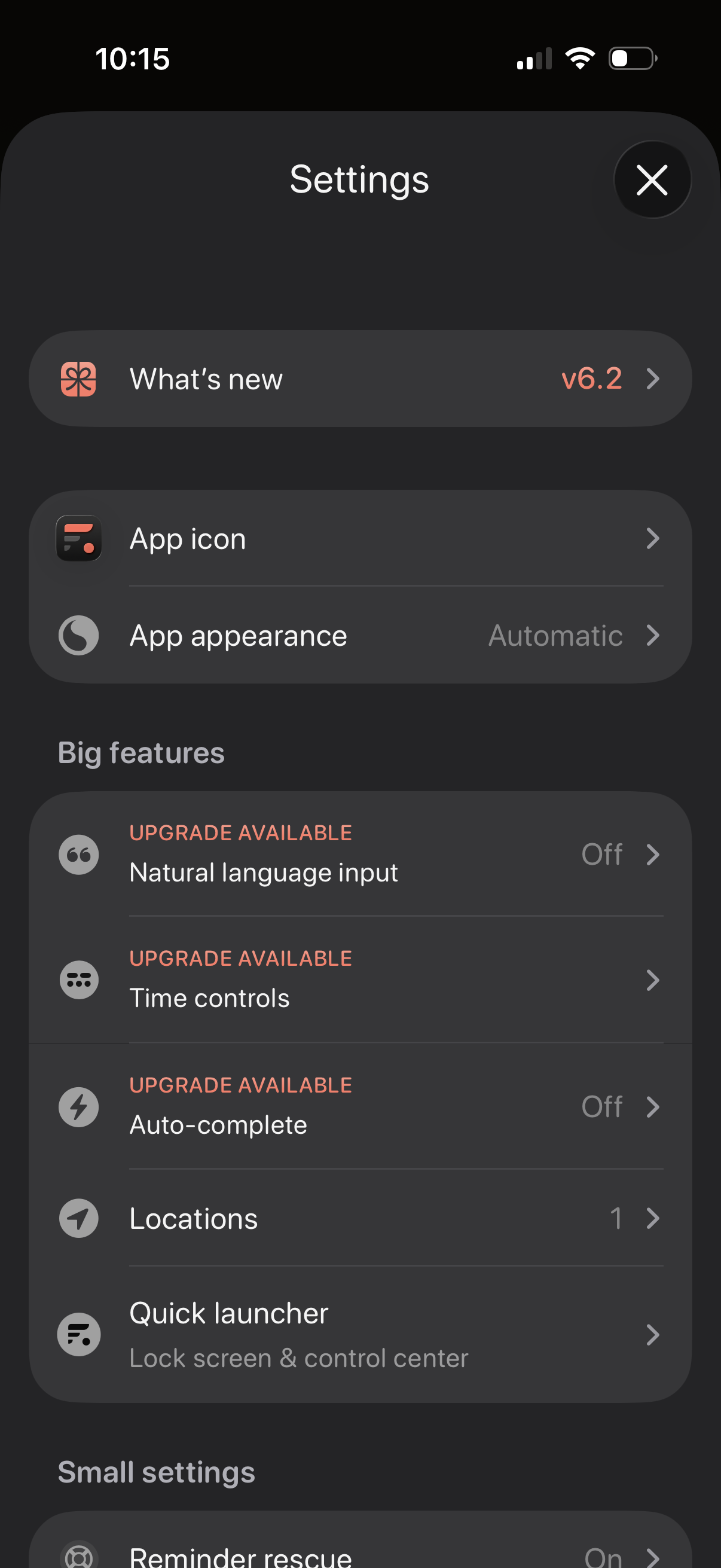
Settings screen for a productivity app with sections for “What’s new” release notes, customizing the app icon and appearance/theme, and managing feature options. Includes a “Big features” list with upgrade-gated toggles like natural language input, time controls, and auto-complete, plus options for locations and a quick launcher for lock screen/control center.
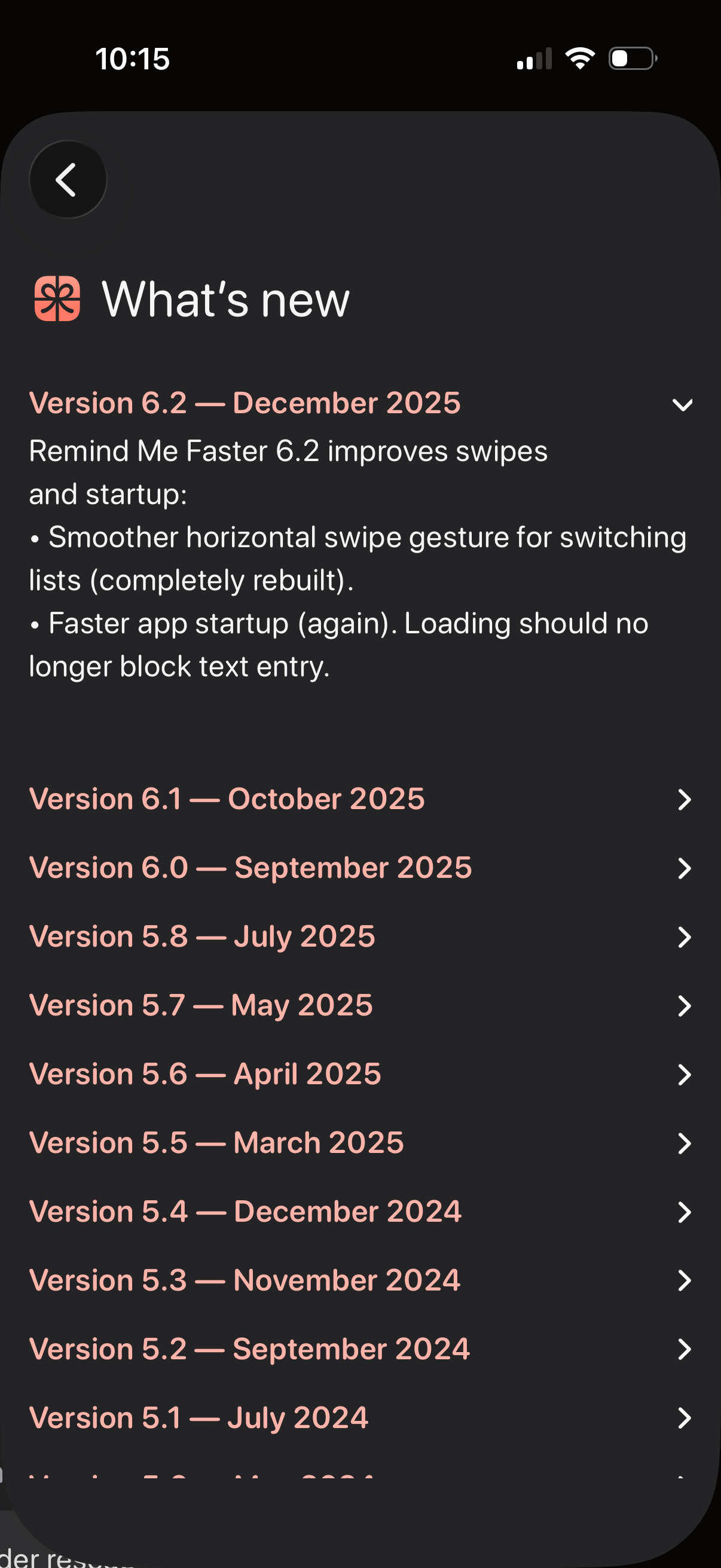
In-app “What’s new” release notes screen showing the latest app version with an expanded changelog and performance improvements, plus a scrollable list of previous versions by month. Users can tap version rows to expand/collapse details and navigate back.

App “What’s new” / release notes screen showing the latest version update details with bullet-pointed improvements and a collapsible list of past versions by date. Users can expand a version to read changelog content and navigate back.
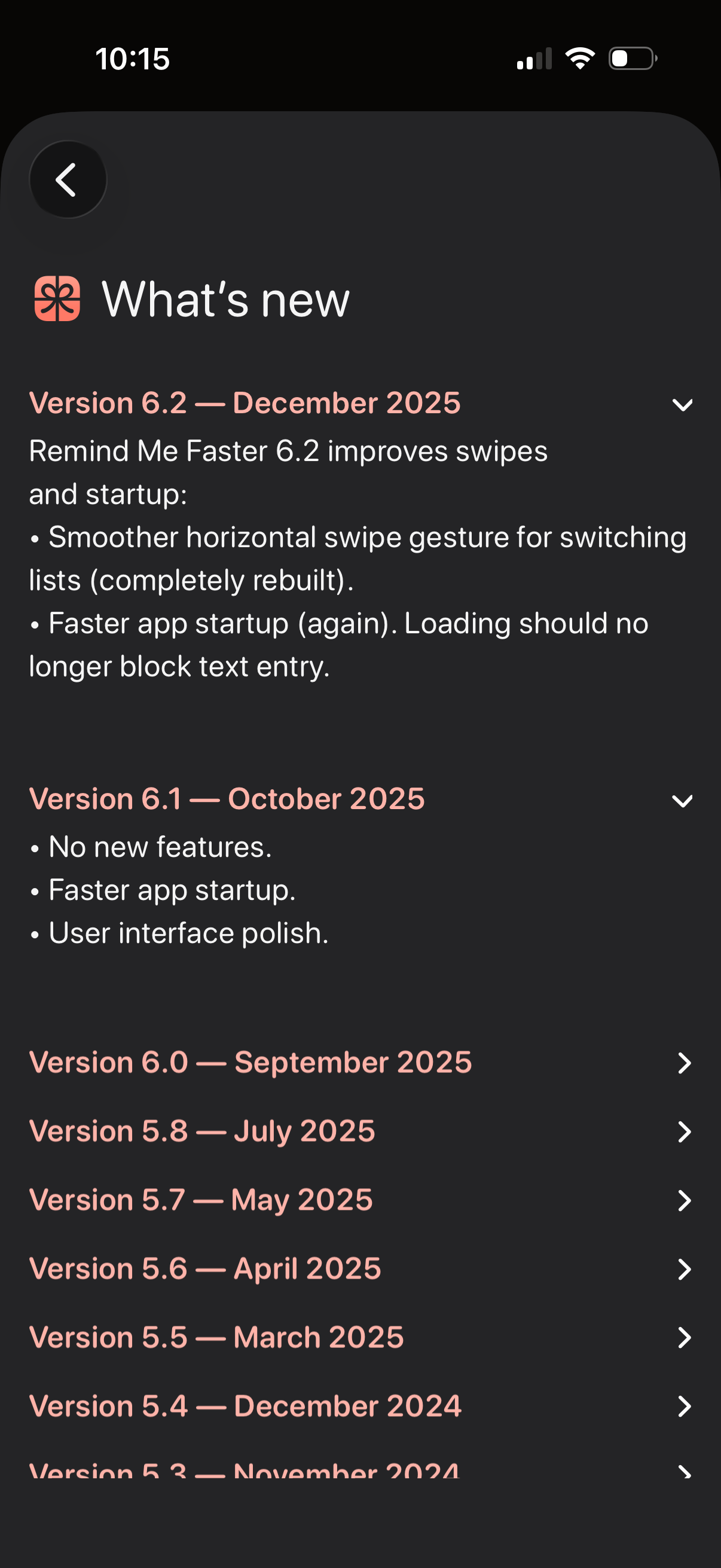
App “What’s new” / release notes screen showing a changelog by version and date with expandable sections to read update details like performance improvements and UI polish. Users can scroll through past versions, expand/collapse entries, and navigate back.