1
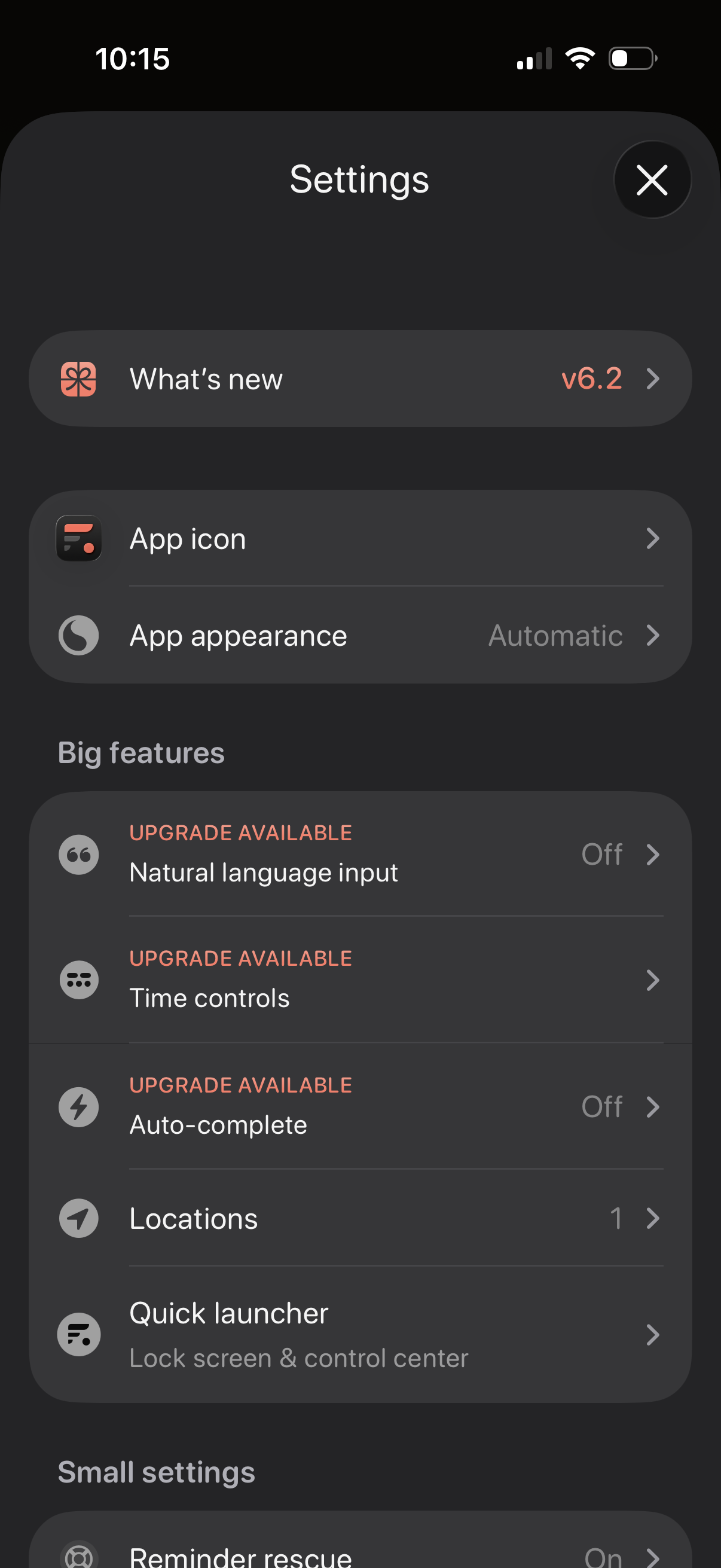
Settings screen for a productivity app with sections for “What’s new” release notes, customizing the app icon and appearance/theme, and managing feature options. Includes a “Big features” list with upgrade-gated toggles like natural language input, time controls, and auto-complete, plus options for locations and a quick launcher for lock screen/control center.
2
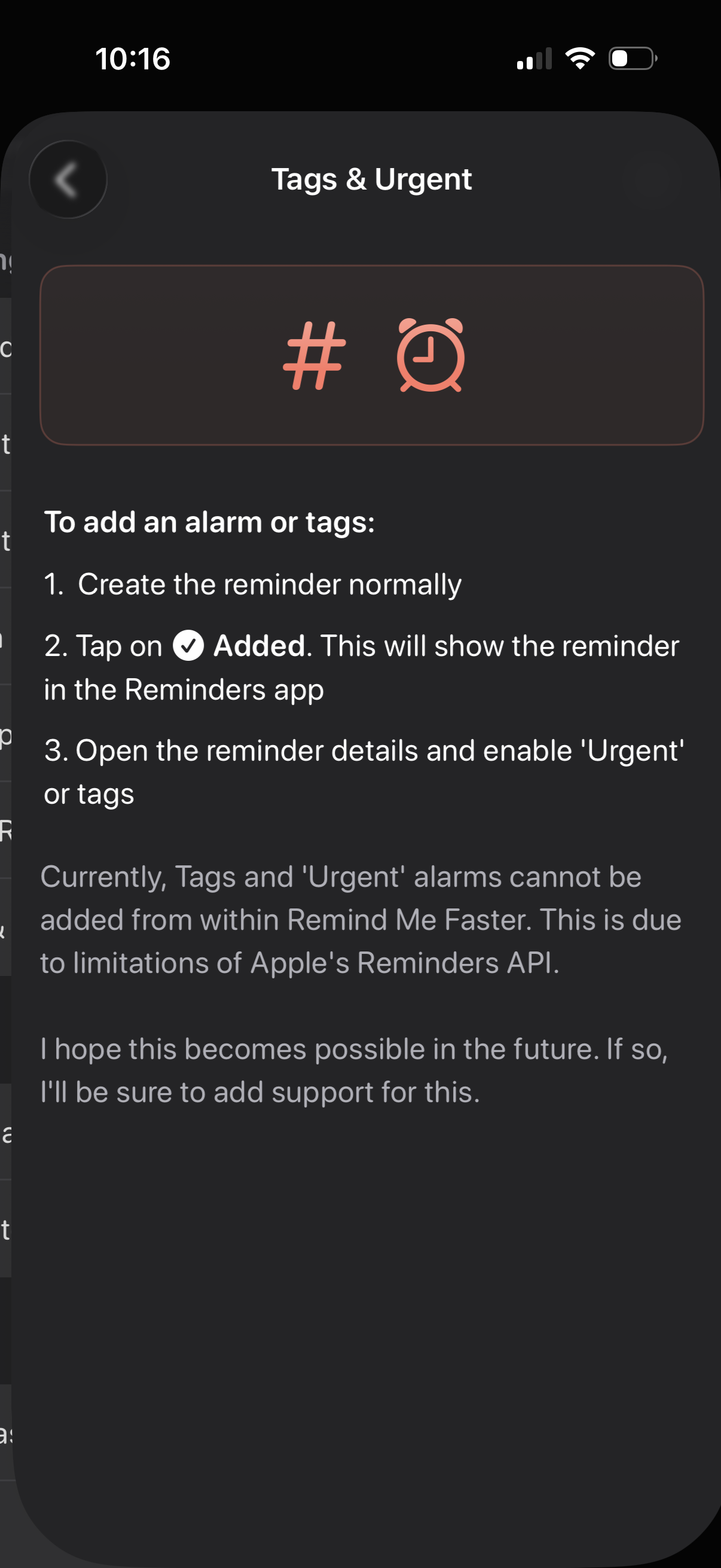
Help/instructions screen titled “Tags & Urgent” explaining how to add tags or an urgent alarm to a reminder by creating it, tapping “Added” to open it in Apple Reminders, then enabling Urgent or tags in the reminder details. It also notes these options can’t be added directly in the app due to Reminders API limitations and provides a back navigation control.