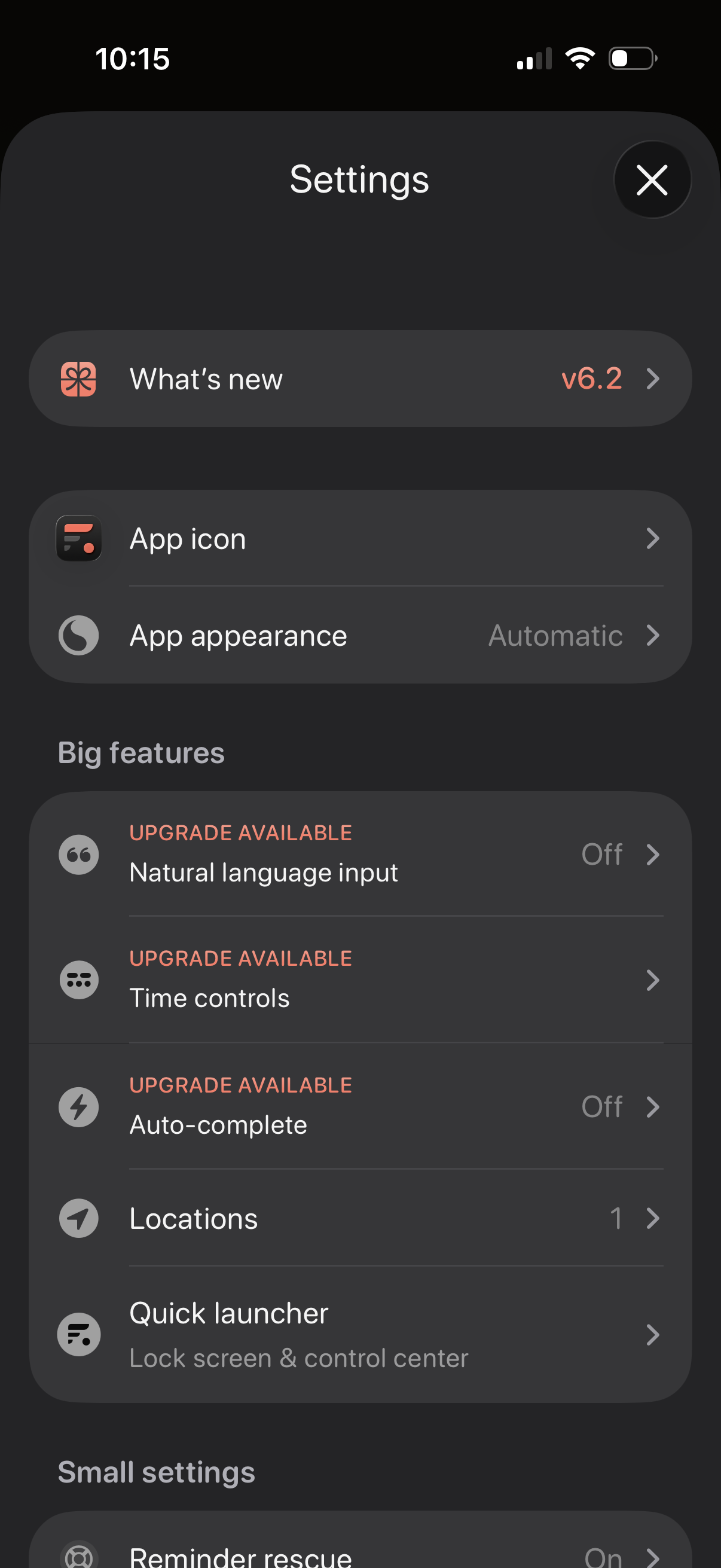
Settings screen for a productivity app with sections for “What’s new” release notes, customizing the app icon and appearance/theme, and managing feature options. Includes a “Big features” list with upgrade-gated toggles like natural language input, time controls, and auto-complete, plus options for locations and a quick launcher for lock screen/control center.

Settings screen for “Time controls” where users manage preset times (e. g.

Settings screen for time controls in a date/time picker, with toggles to select the next occurrence if today’s time has passed and to round minutes when incrementing hours. Includes configuration for quick increment buttons (choose up to four presets like 5m, 10m, 1h, 6h, 24h), a “round to closest” interval selector, and a dropdown to set which controls show on launch (date & time).