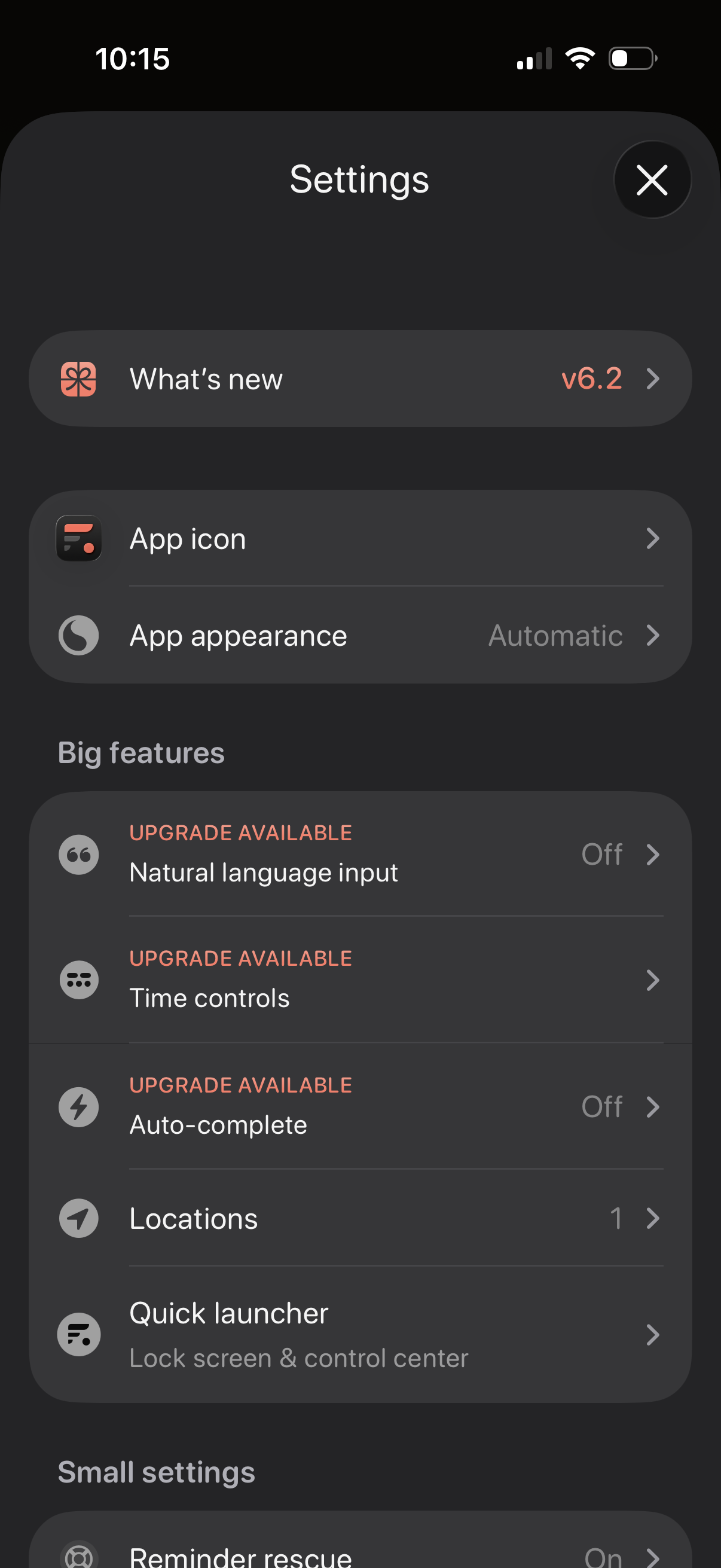
Settings screen for a productivity app with sections for “What’s new” release notes, customizing the app icon and appearance/theme, and managing feature options. Includes a “Big features” list with upgrade-gated toggles like natural language input, time controls, and auto-complete, plus options for locations and a quick launcher for lock screen/control center.
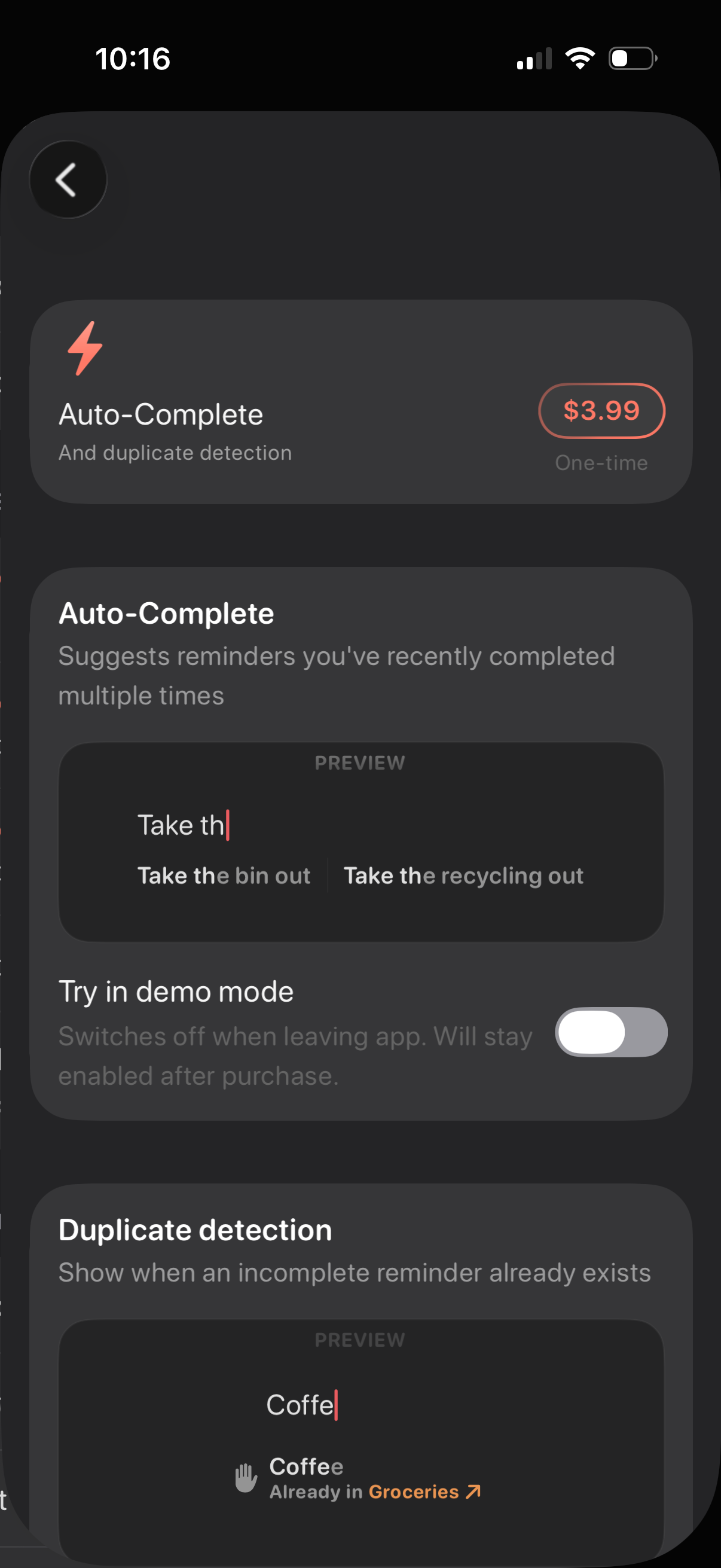
In-app purchase feature page for a reminders/to-do app promoting an “Auto-Complete” add-on with duplicate detection, showing a one-time price, preview examples of suggestion behavior, and a toggle to try the feature in demo mode. Users can review how auto-complete and duplicate reminder warnings work before purchasing.
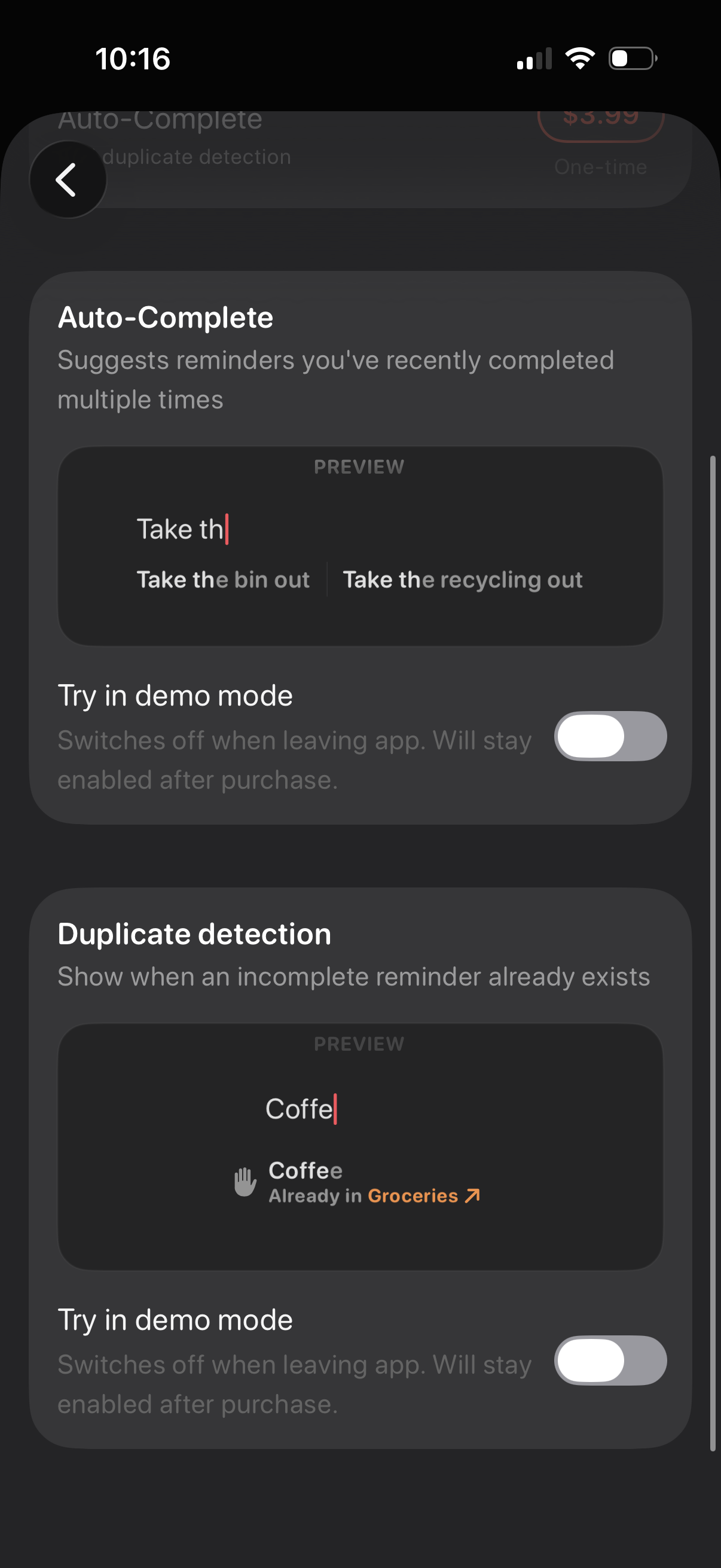
Settings screen for a reminders/to‑do app showcasing smart input features like Auto-Complete suggestions and Duplicate detection with preview examples while typing. Each feature includes a “Try in demo mode” toggle to enable/disable the behavior and test it before purchase.