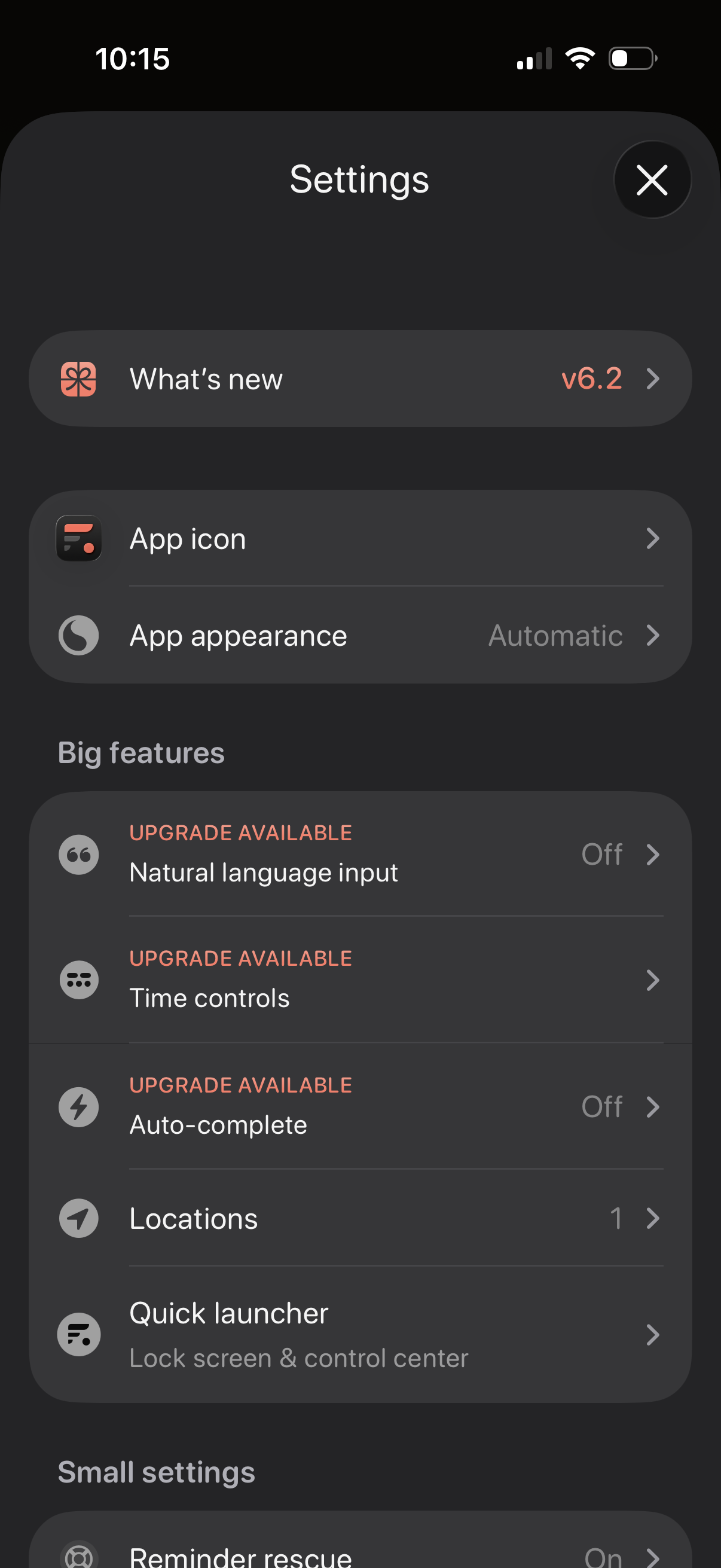
Settings screen for a productivity app with sections for “What’s new” release notes, customizing the app icon and appearance/theme, and managing feature options. Includes a “Big features” list with upgrade-gated toggles like natural language input, time controls, and auto-complete, plus options for locations and a quick launcher for lock screen/control center.
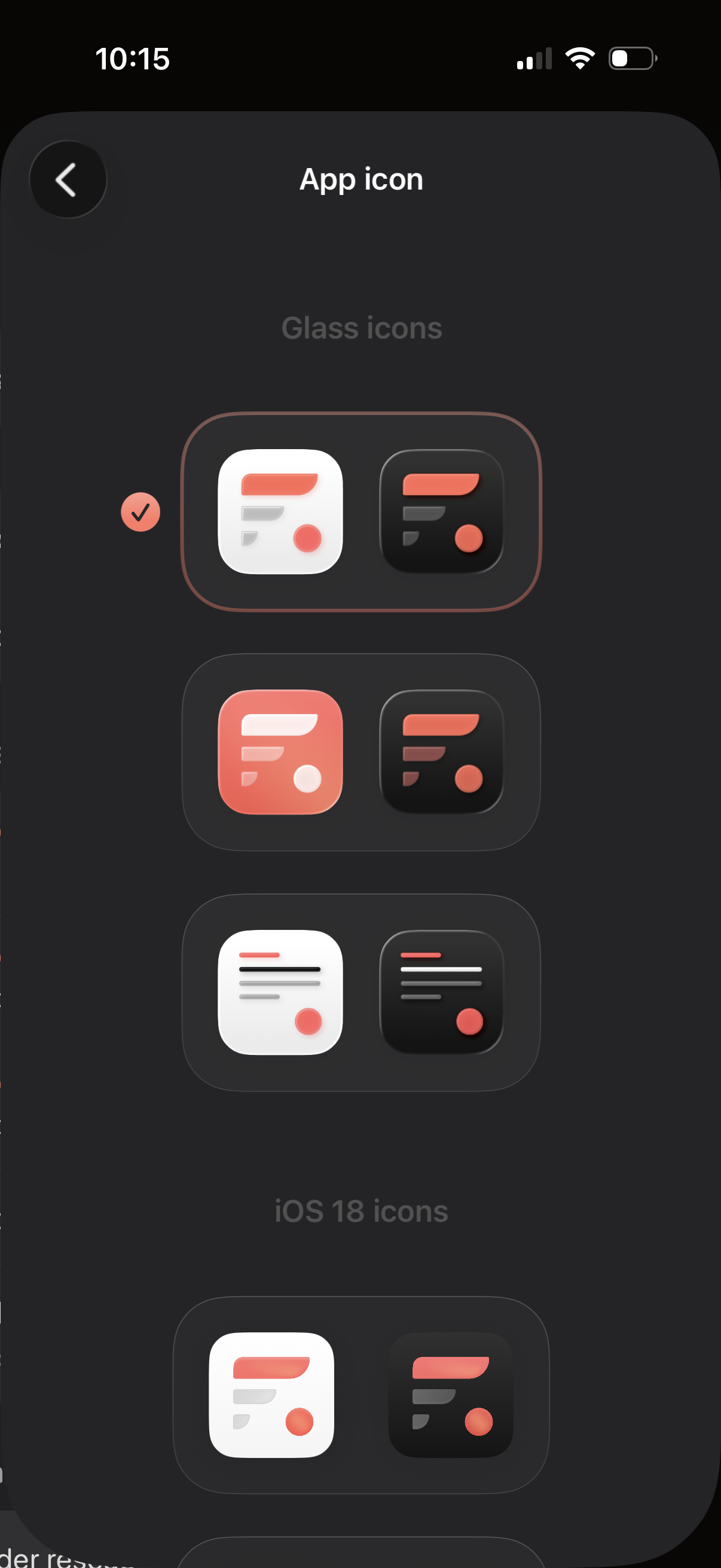
Settings screen for choosing and customizing the app icon, showing multiple icon style sets (e. g.
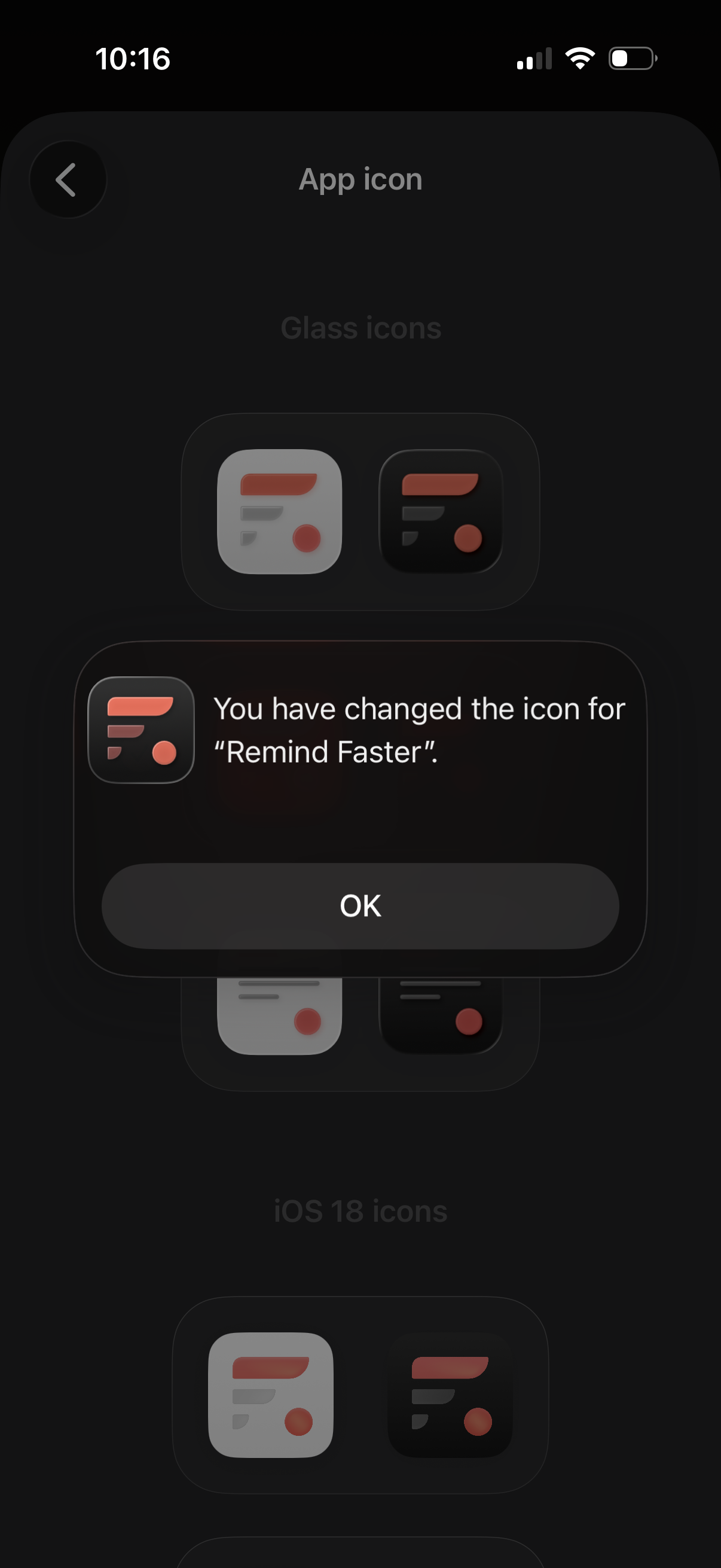
App settings screen for customizing the app icon, showing selectable icon packs (e. g.
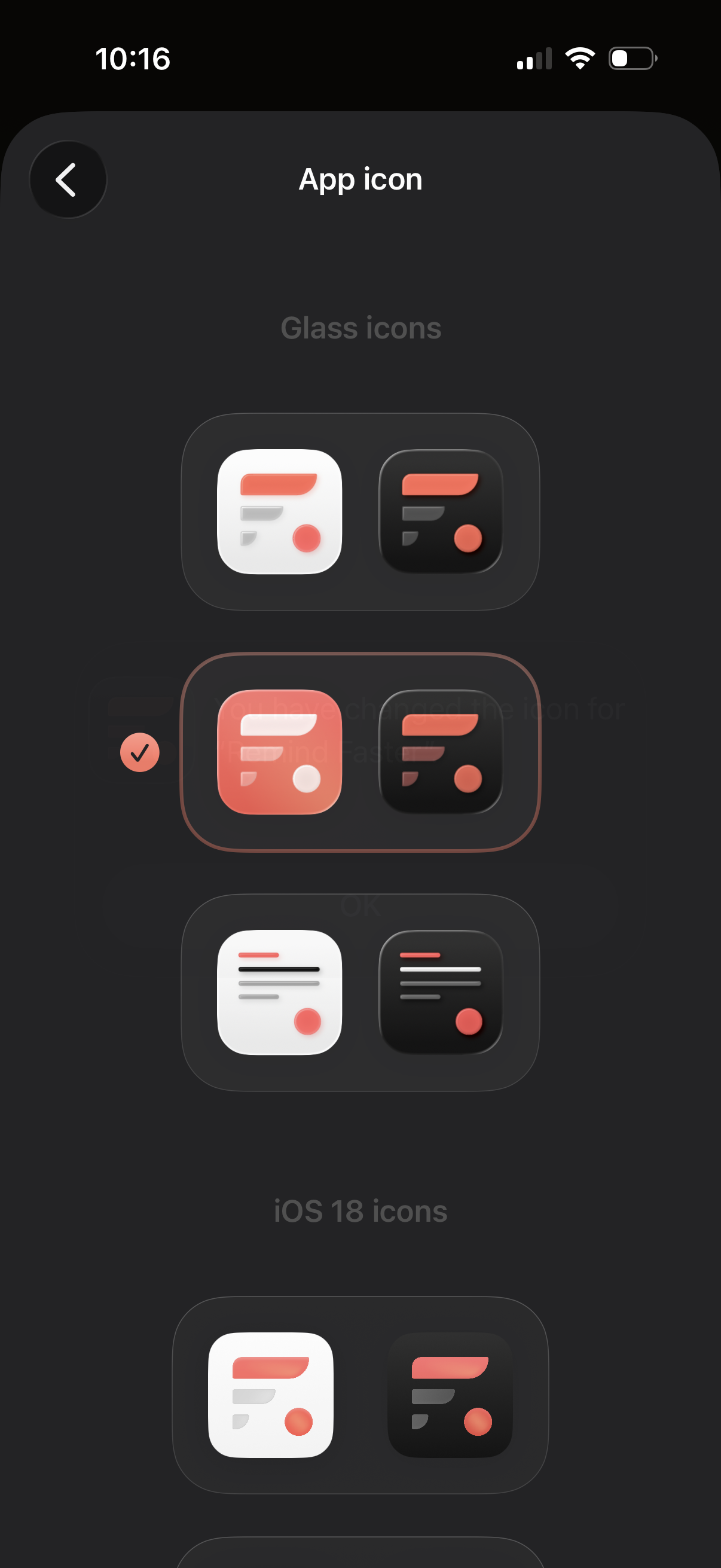
Settings screen for customizing the app icon, showing selectable icon style packs (e. g.
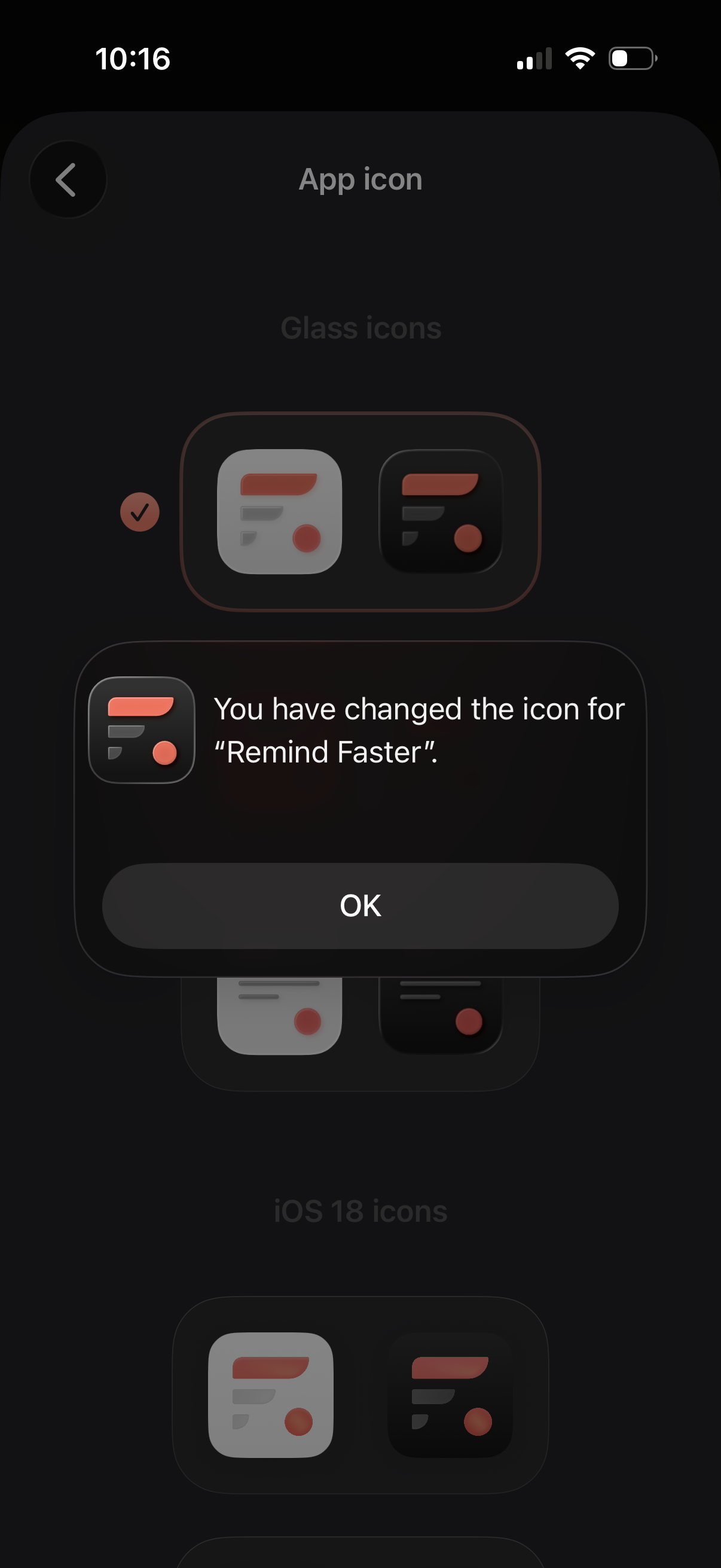
Settings screen for customizing the app icon, showing selectable icon variants in a list with a checkmark for the current choice. A confirmation modal overlays the page indicating the app icon has been changed and provides an OK button to dismiss.