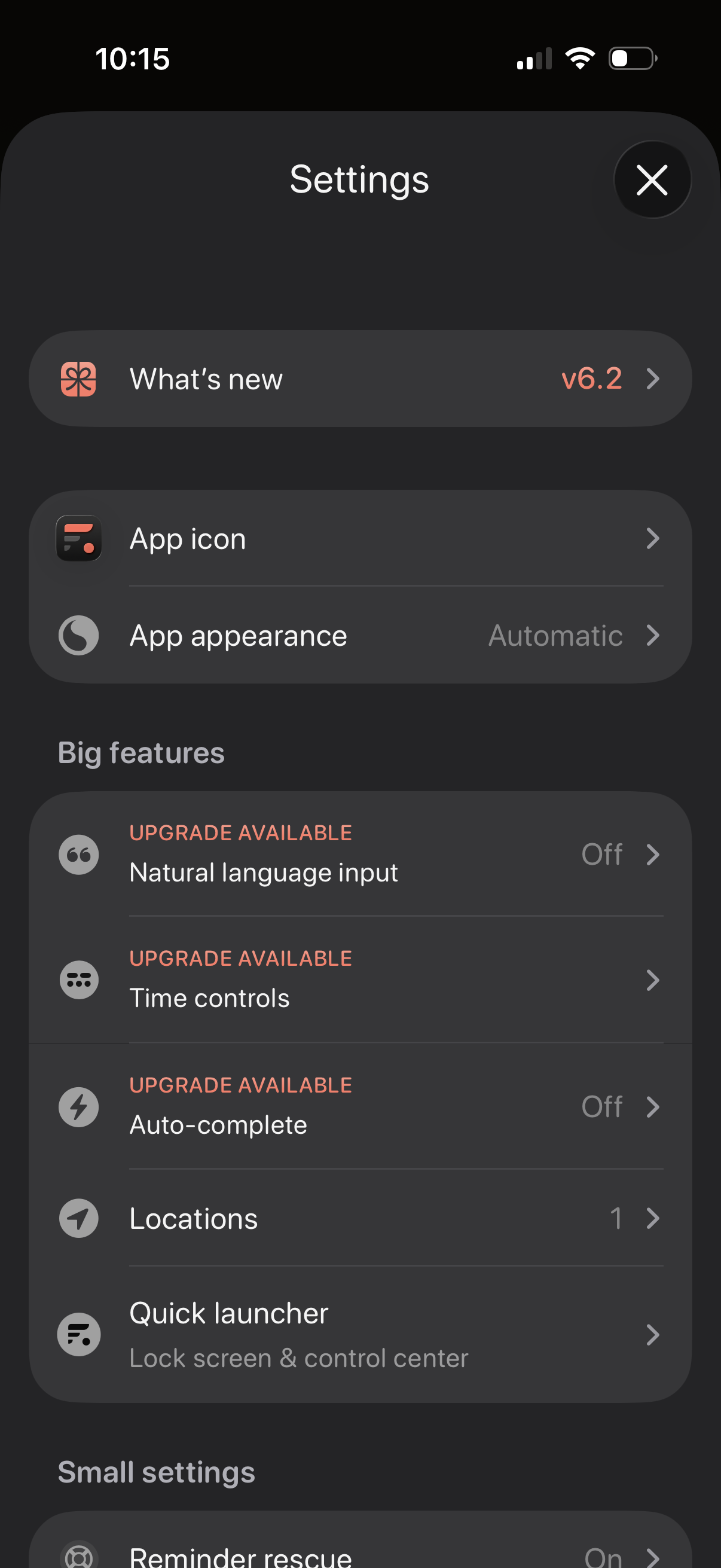
Settings screen for a productivity app with sections for “What’s new” release notes, customizing the app icon and appearance/theme, and managing feature options. Includes a “Big features” list with upgrade-gated toggles like natural language input, time controls, and auto-complete, plus options for locations and a quick launcher for lock screen/control center.
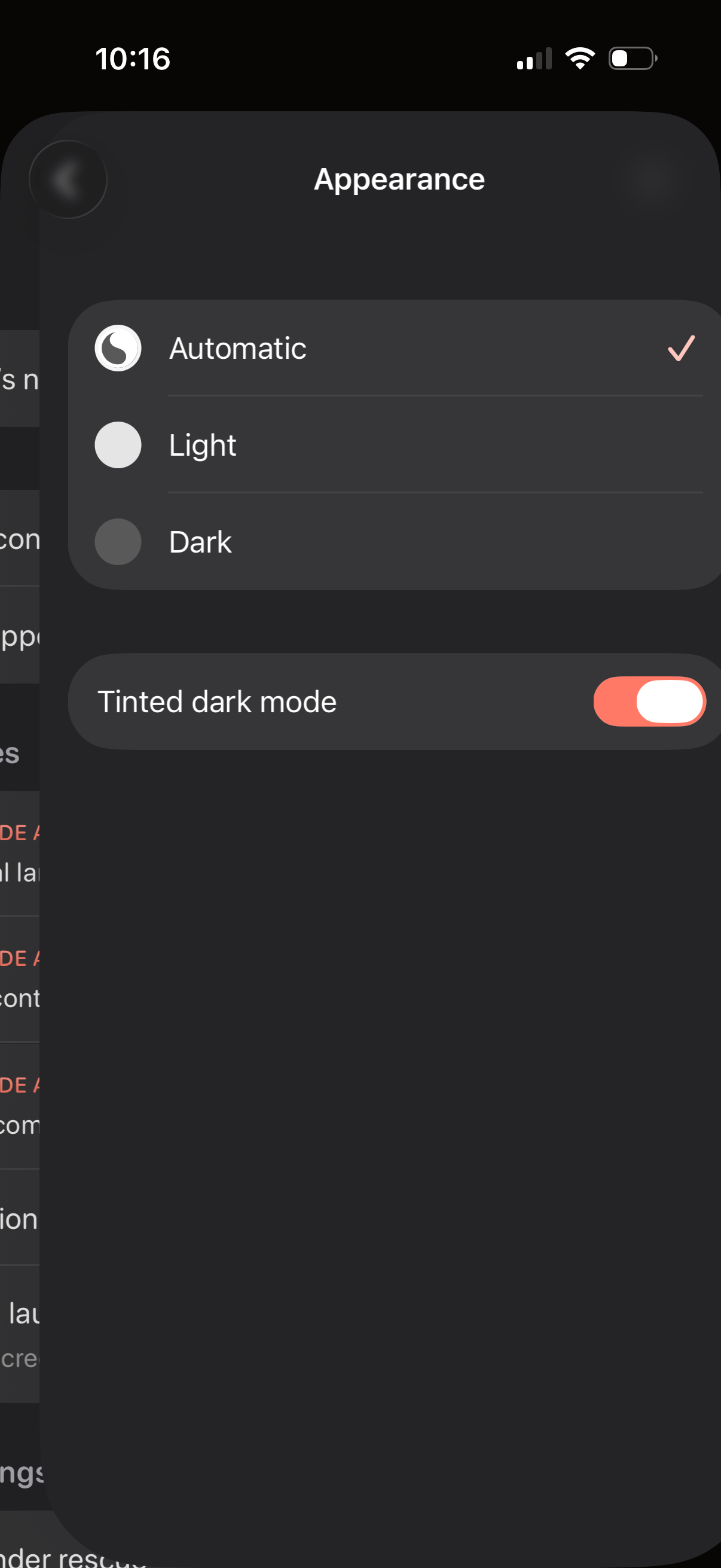
Appearance settings screen for choosing the app theme with radio options for Automatic, Light, or Dark mode and a toggle to enable tinted dark mode. Shows the currently selected theme with a checkmark and allows switching display preferences.
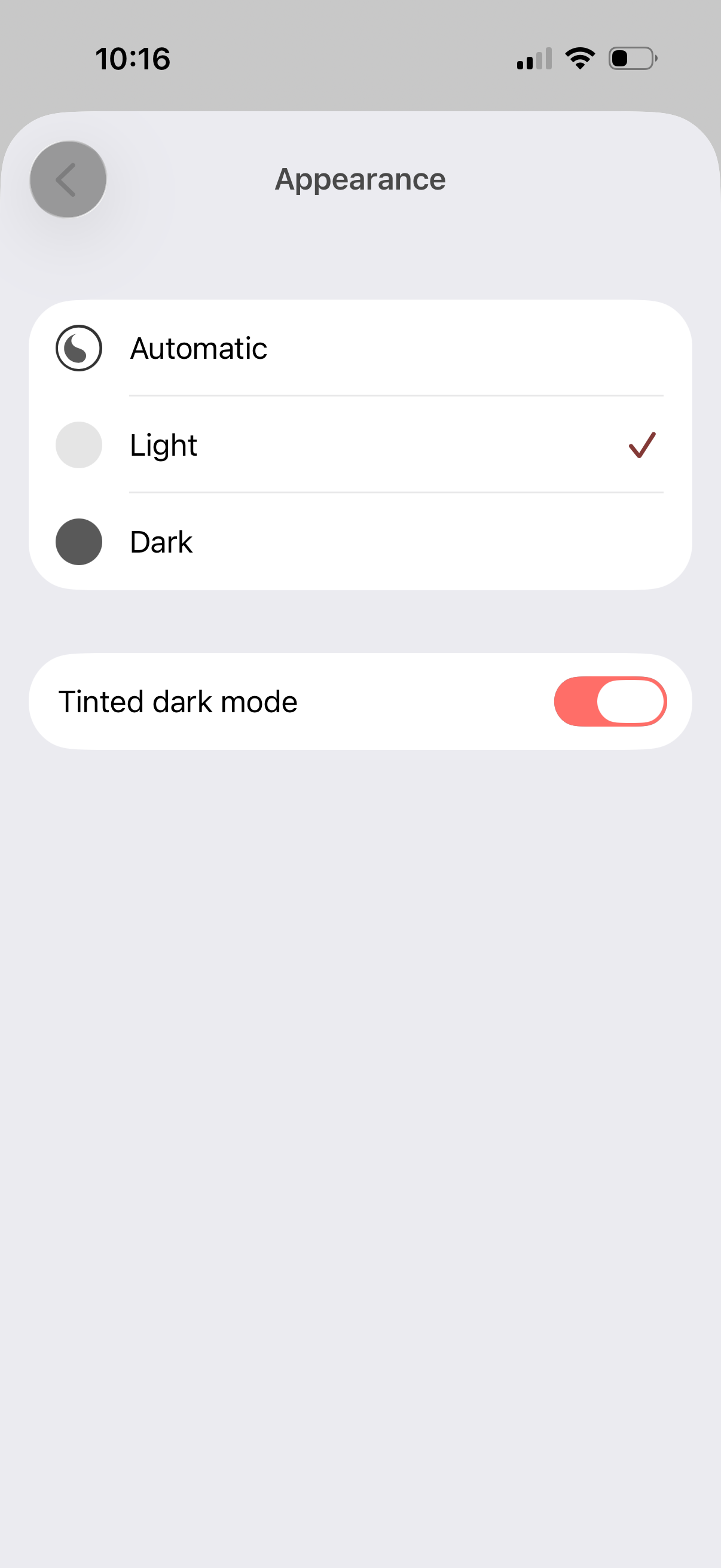
Appearance settings screen for selecting the app theme with radio options for Automatic, Light, or Dark mode, showing the current selection. Includes a toggle switch to enable or disable tinted dark mode.
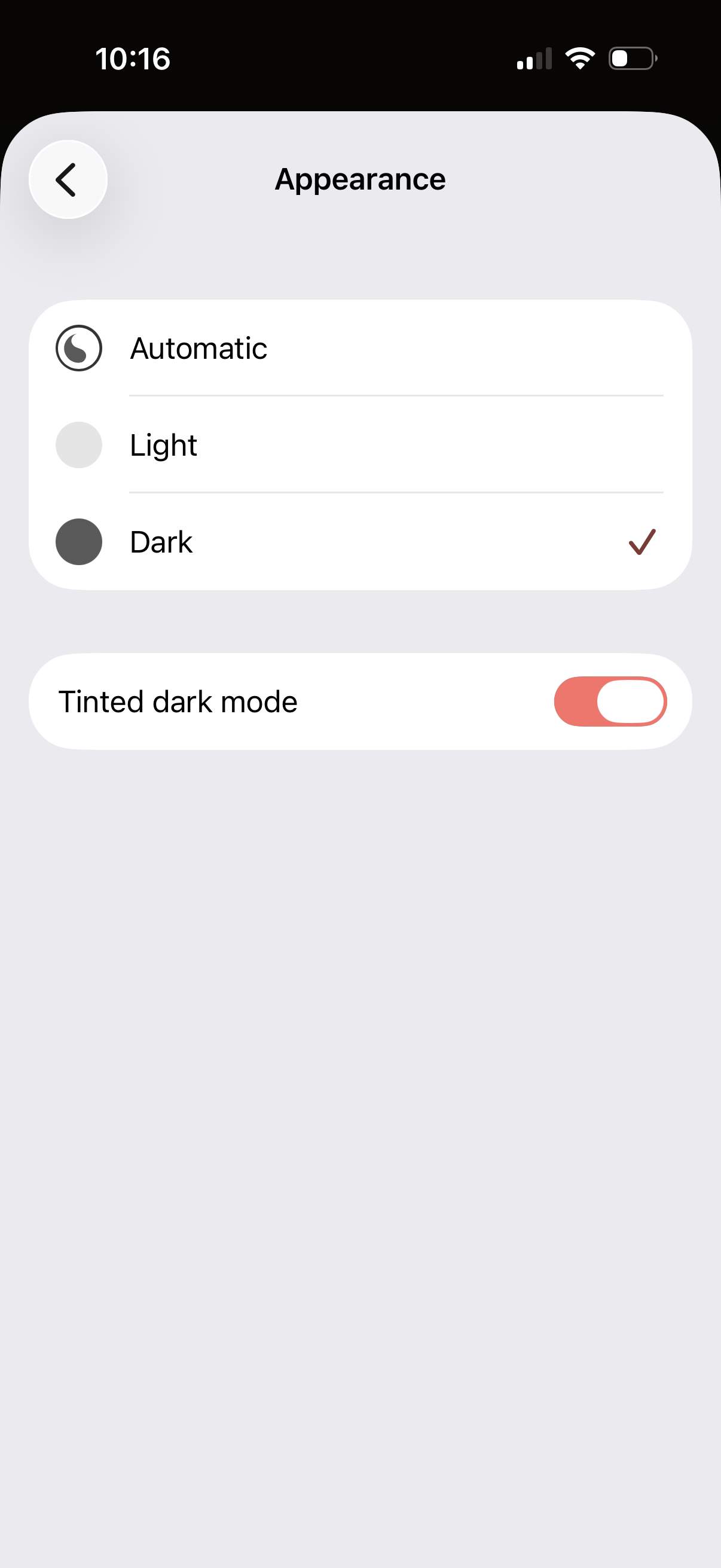
Appearance settings screen for selecting the app theme with radio options for Automatic, Light, or Dark mode (Dark currently selected). Includes a toggle to enable or disable tinted dark mode and a back navigation button.

Appearance settings screen for choosing the app theme with radio options for Automatic, Light, or Dark (Dark selected). Includes a toggle to enable or disable “Tinted dark mode” and a back navigation button.