View Saved
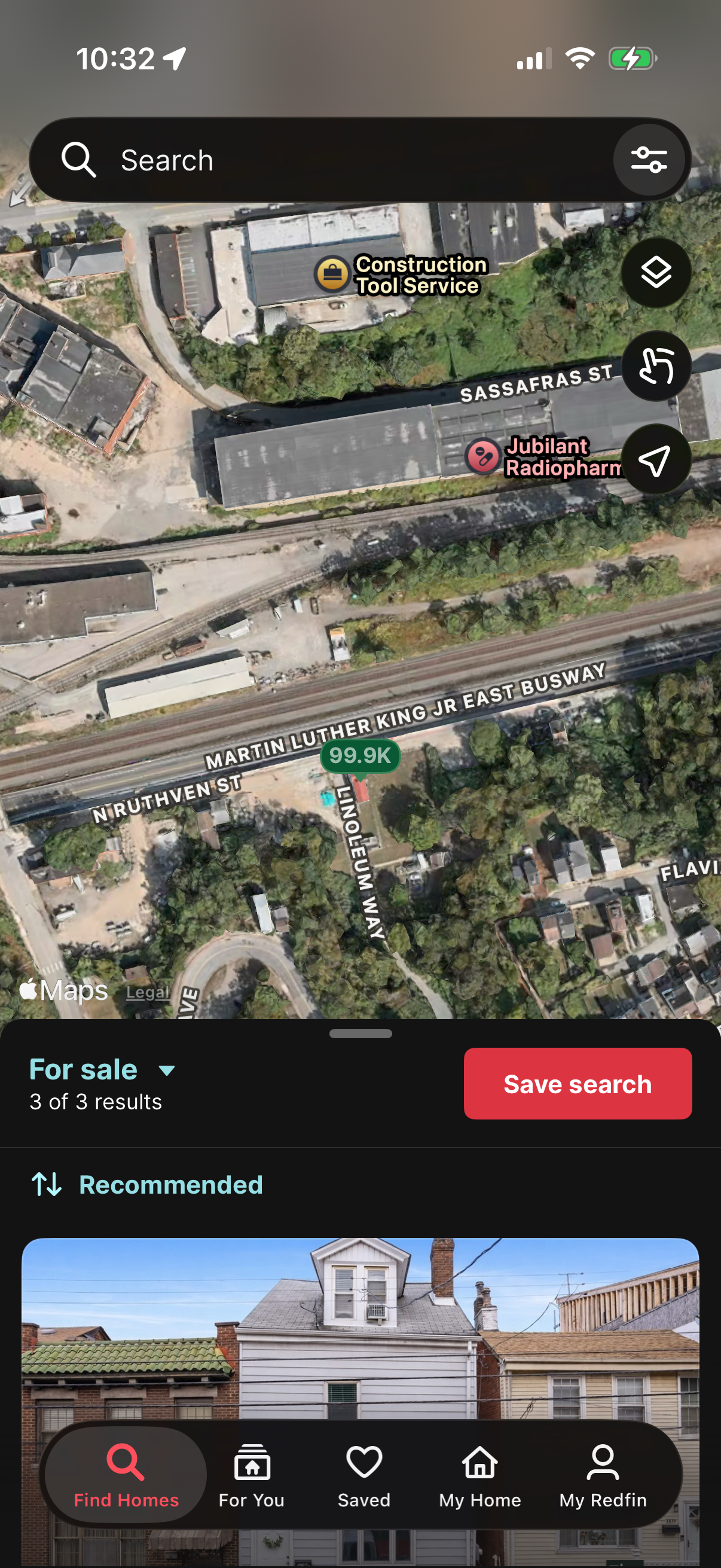
Real estate map search screen showing satellite view with pins and a top search bar with filters, plus quick map controls for layers and locating. A bottom sheet lists “For sale” results with sorting (Recommended) and a prominent “Save search” button, alongside tab navigation for browsing homes and saved listings.
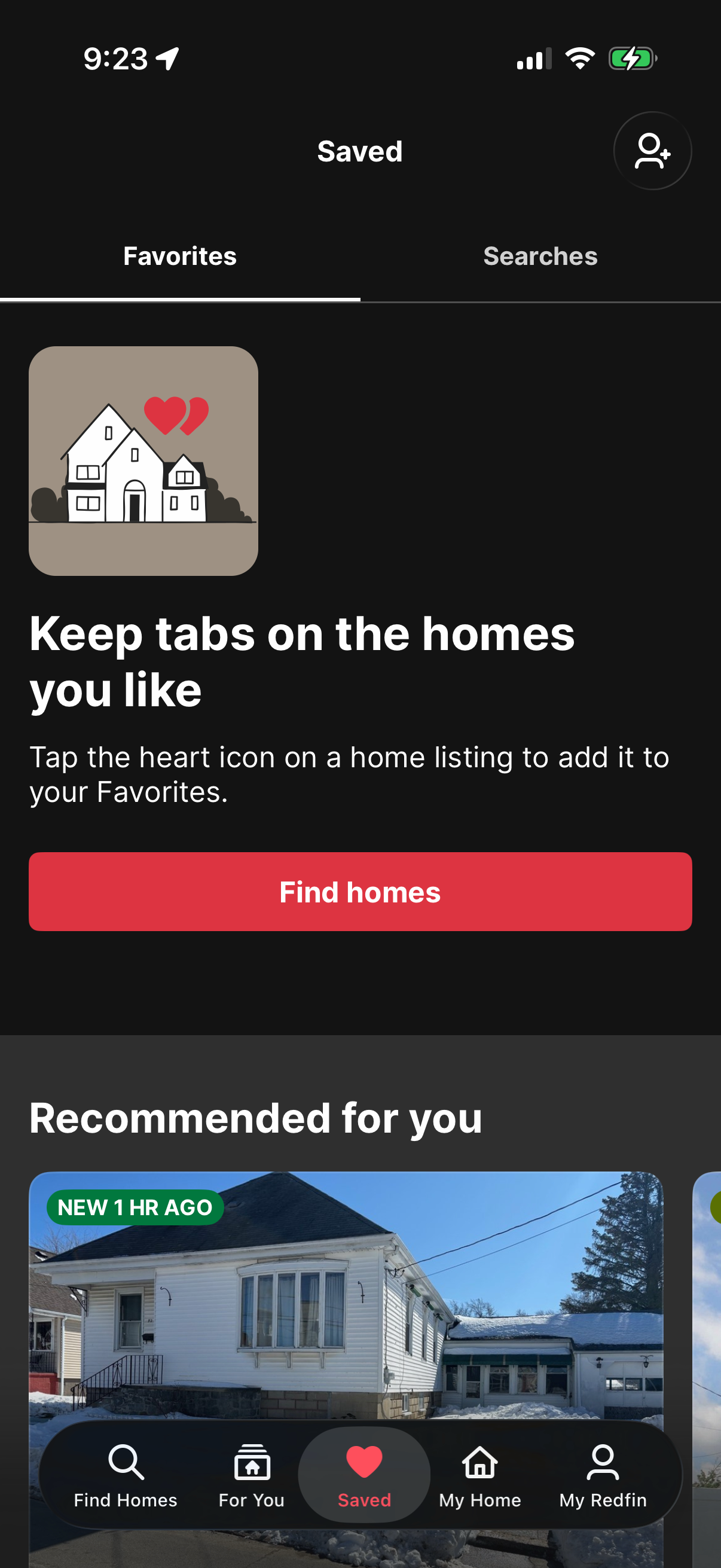
Real estate app “Saved” screen showing tabs for Favorites and Searches, with an empty-state prompt explaining how to heart listings to add them to Favorites. Includes a primary “Find homes” call-to-action and a recommended listings section below.
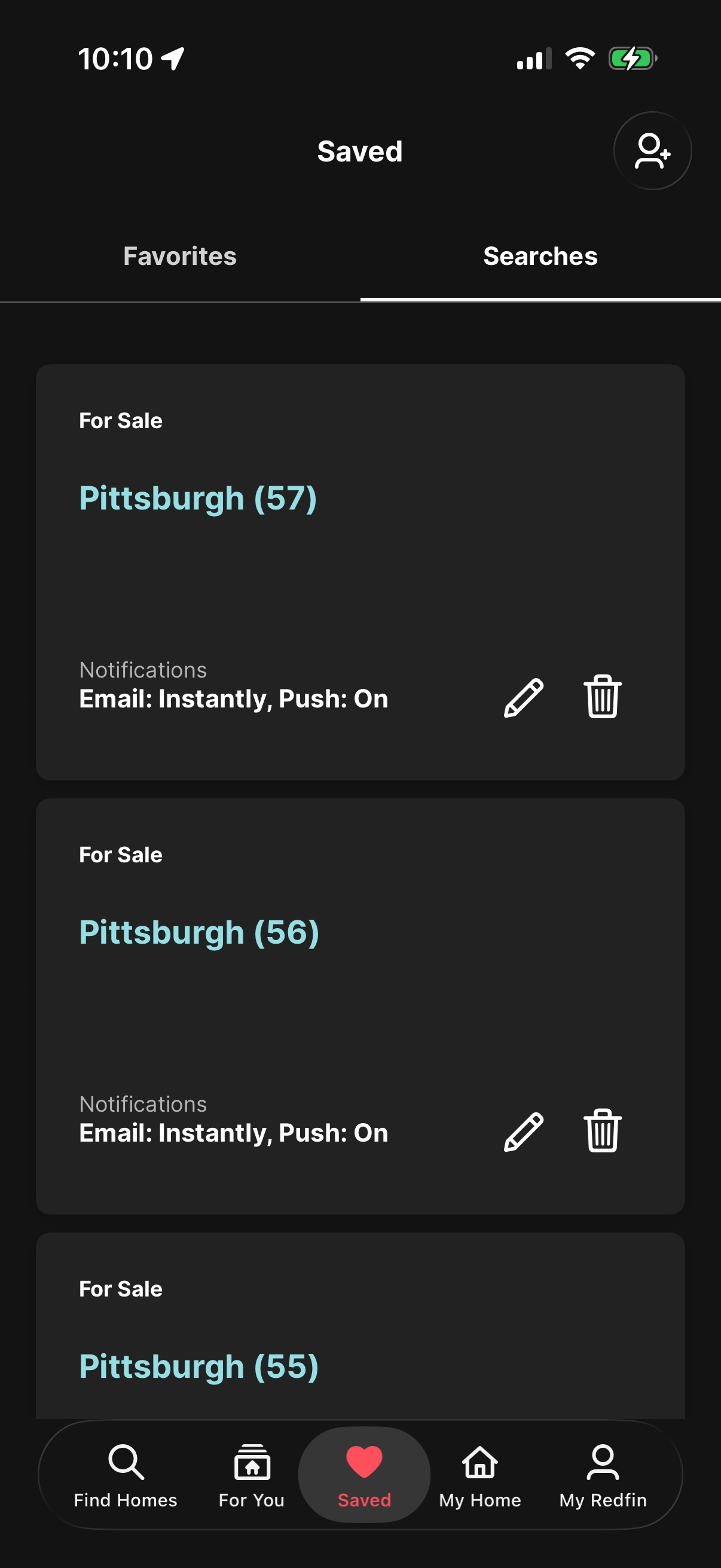
Saved searches screen in a real estate app showing a list of saved “For Sale” search alerts for a location with result counts and notification settings (email frequency and push on). Each saved search card includes actions to edit or delete the alert, with tabs to switch between Favorites and Searches.