Redfin real estate app launch splash screen showing the Redfin logo with “Powered by Rocket” on a solid red background, indicating the app is loading/starting.
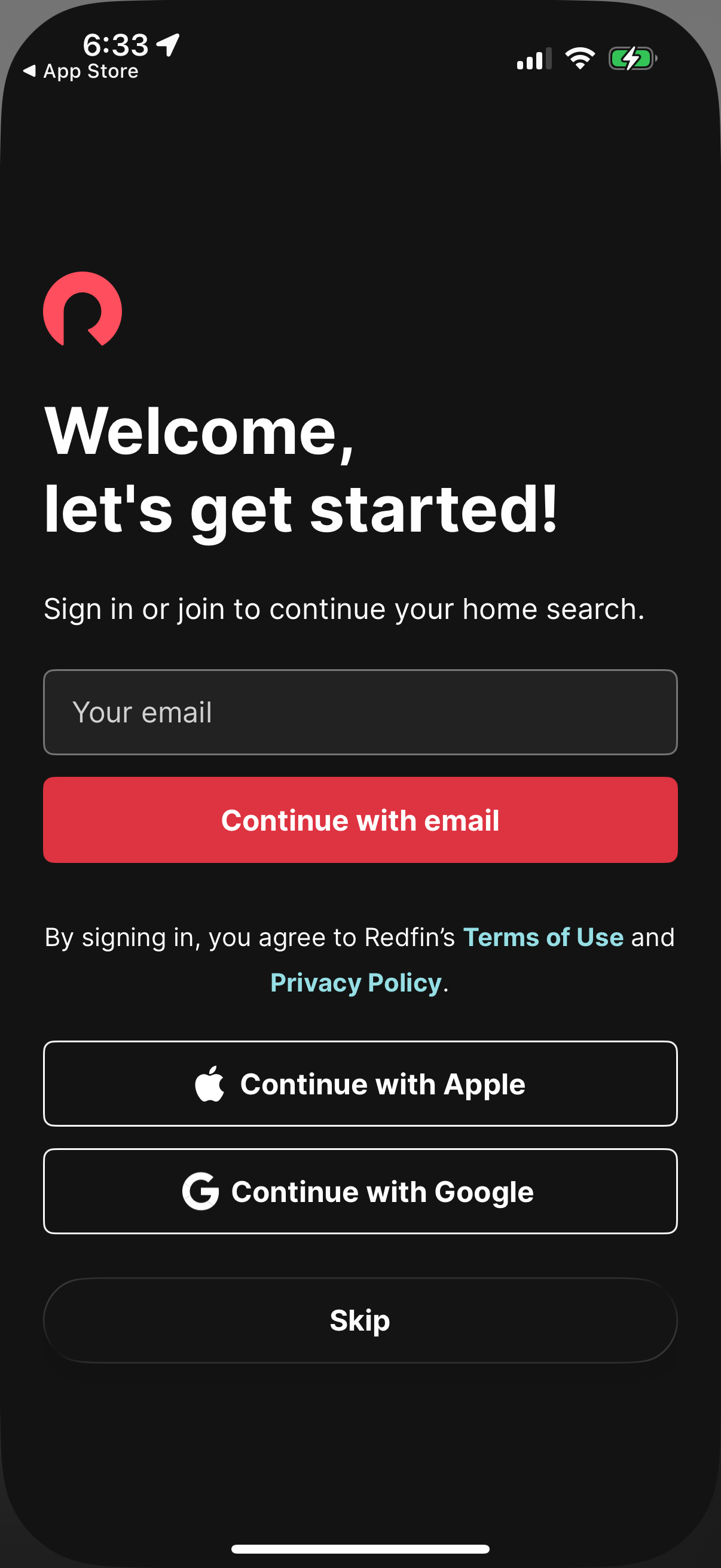
Welcome sign-in/onboarding screen for a home search/real estate app prompting users to join or log in to continue, with an email input and “Continue with email” button. Offers social login options via Apple and Google, displays terms and privacy links, and includes a Skip option to proceed without signing in.
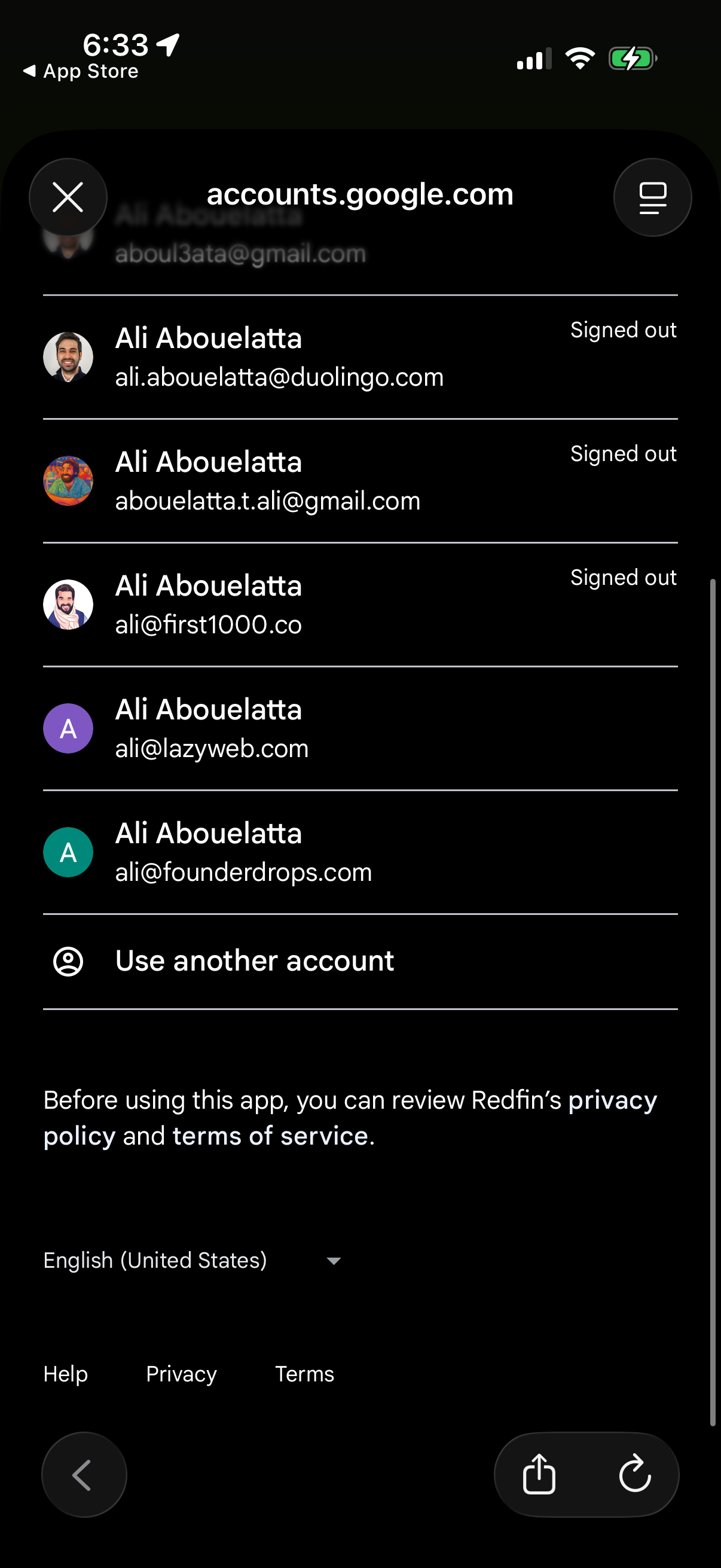
Google Accounts sign-in chooser screen listing multiple saved accounts with profile avatars and emails, showing signed-out status and allowing the user to select an account or choose “Use another account” to log in. Includes links to privacy policy/terms, language selector, and close/back controls in an in-app browser modal.
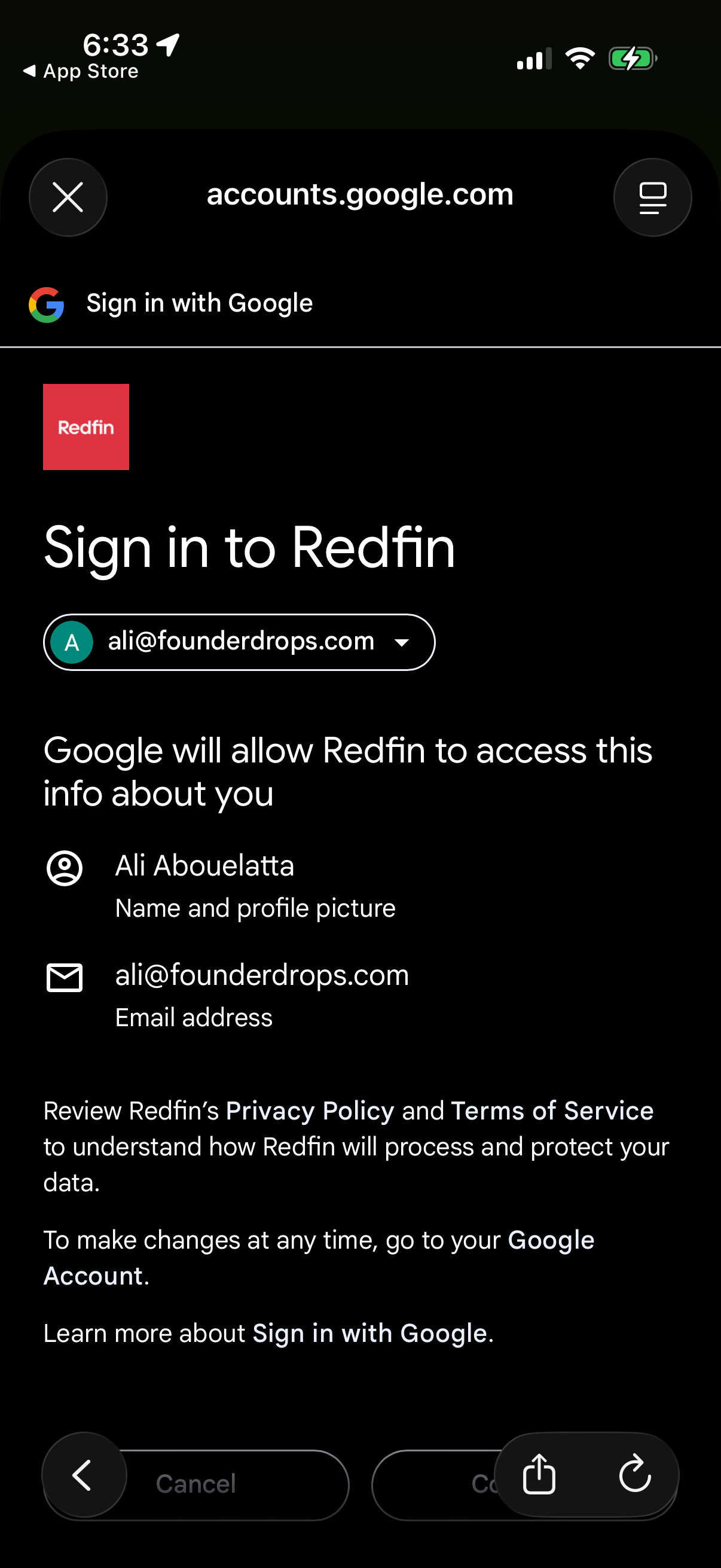
Google OAuth consent screen for signing into a third-party app, letting the user choose a Google account and review what profile data (name, profile photo, email) will be shared. Provides actions to cancel or continue and links to the app’s privacy policy and terms.
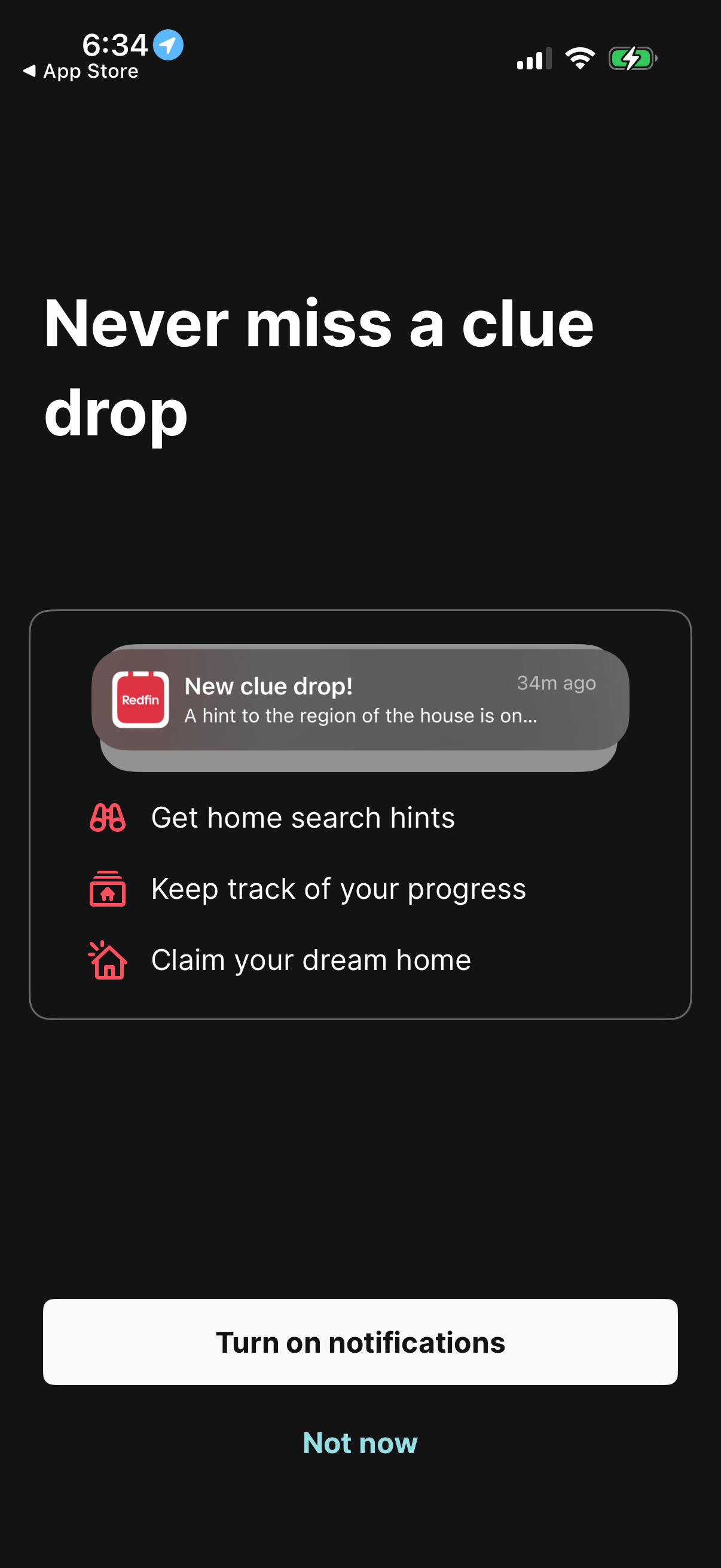
Notification permission prompt screen encouraging users to turn on push notifications so they never miss “clue drops,” get home search hints, track progress, and claim a dream home. Primary action is “Turn on notifications” with a secondary “Not now” option.
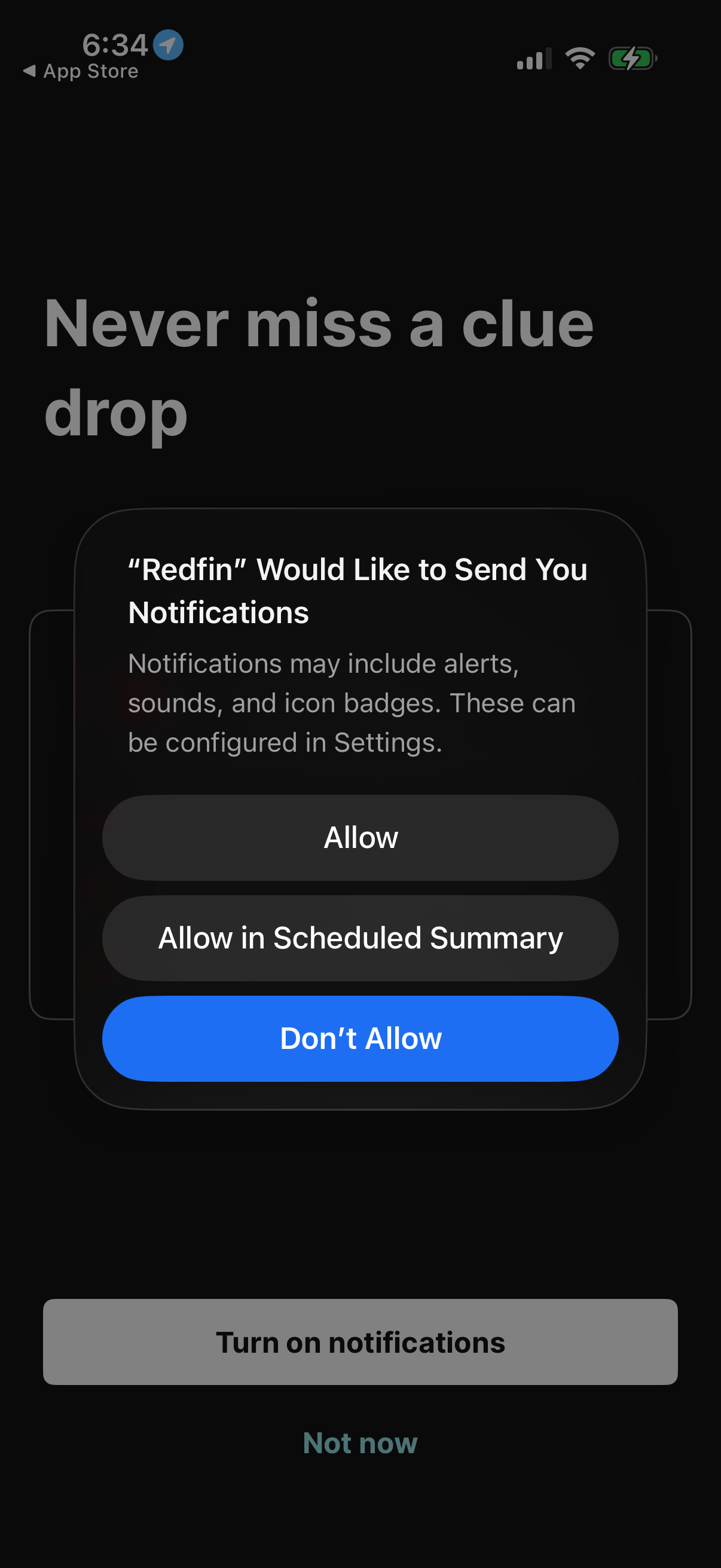
Onboarding screen prompting the user to enable push notifications to stay updated, with the iOS system permission modal offering Allow, Allow in Scheduled Summary, or Don’t Allow. The underlying page includes primary and secondary actions to turn on notifications now or skip for later.
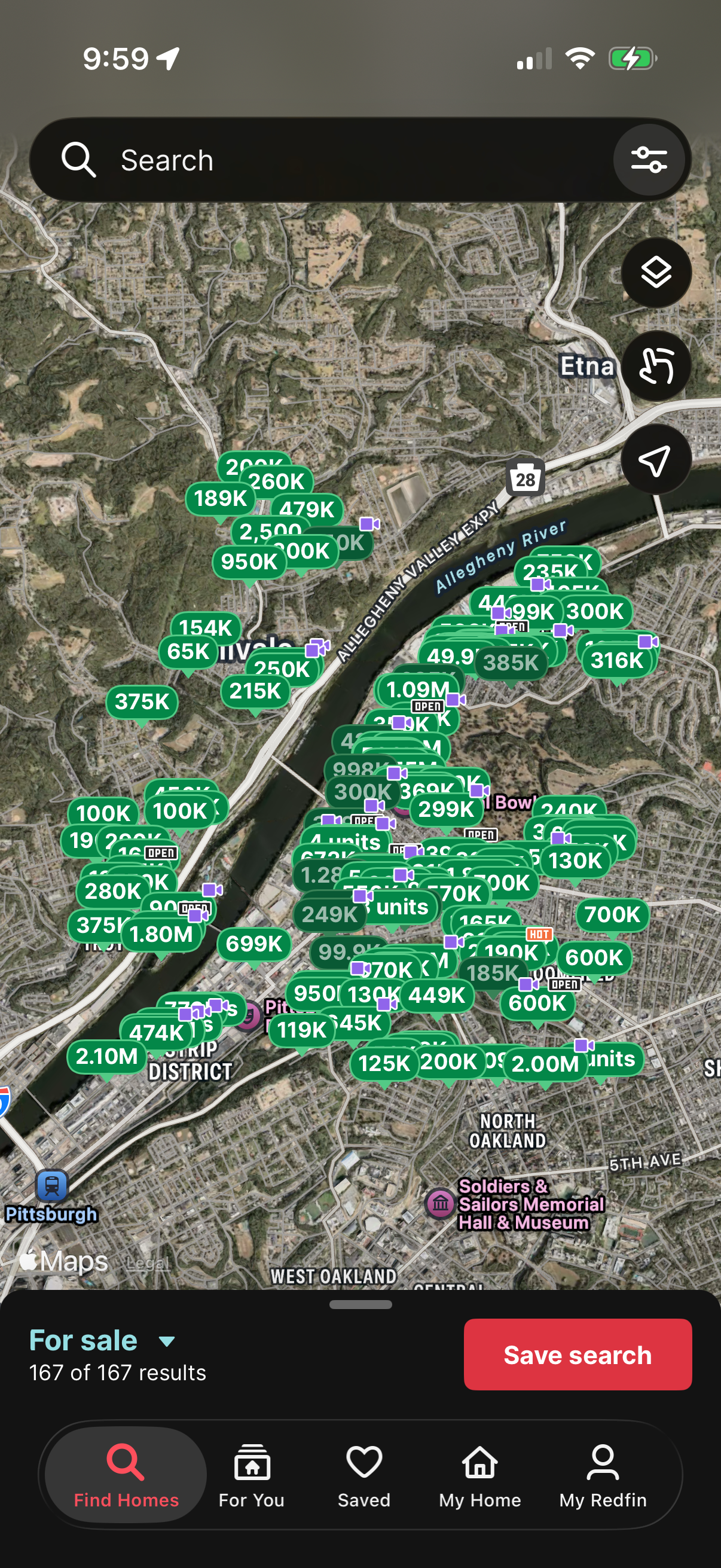
Map-based home search screen showing clustered property price pins on a satellite map with a top search bar and filter controls. A bottom sheet indicates “For sale” results with a prominent “Save search” button and tab navigation for finding homes, recommendations, saved listings, and account.