Onboarding
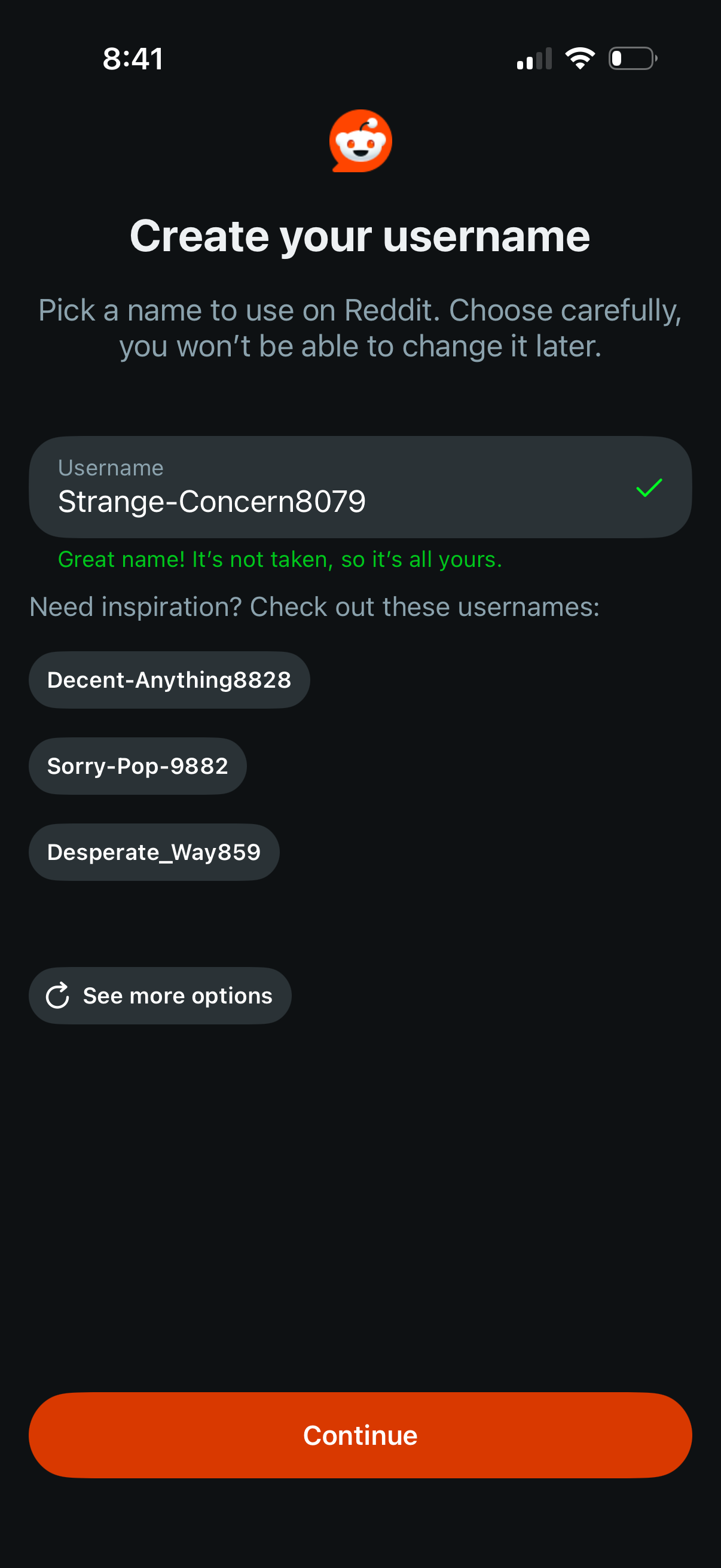
Account signup screen for creating a username, with a text field that validates availability and confirms the name isn’t taken. Offers suggested username options with a “see more options” link and a primary “Continue” button to proceed.
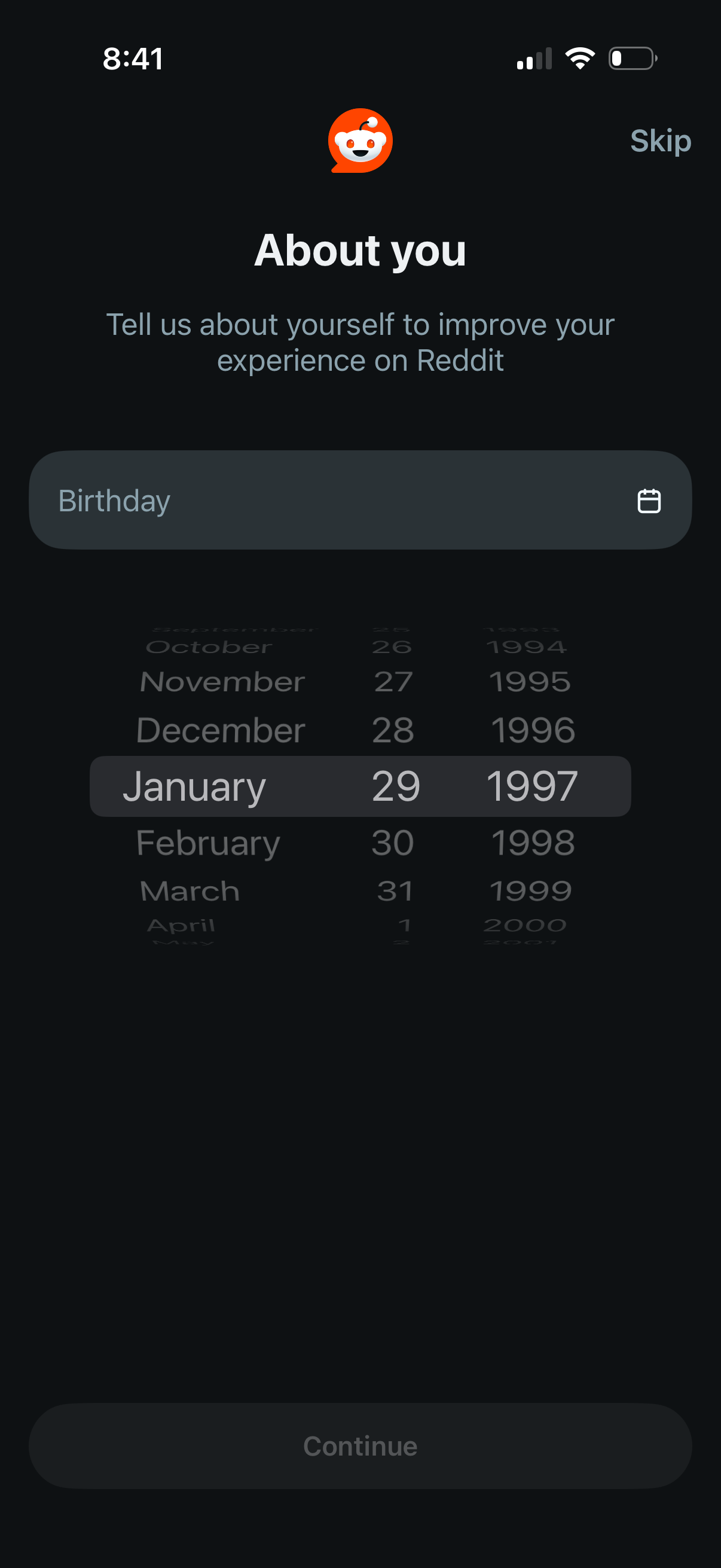
Onboarding “About you” profile setup screen prompting the user to enter their birthday using a date picker wheel, with a calendar icon in the input field. Includes a Skip option and a Continue button to proceed after providing age information for personalization.
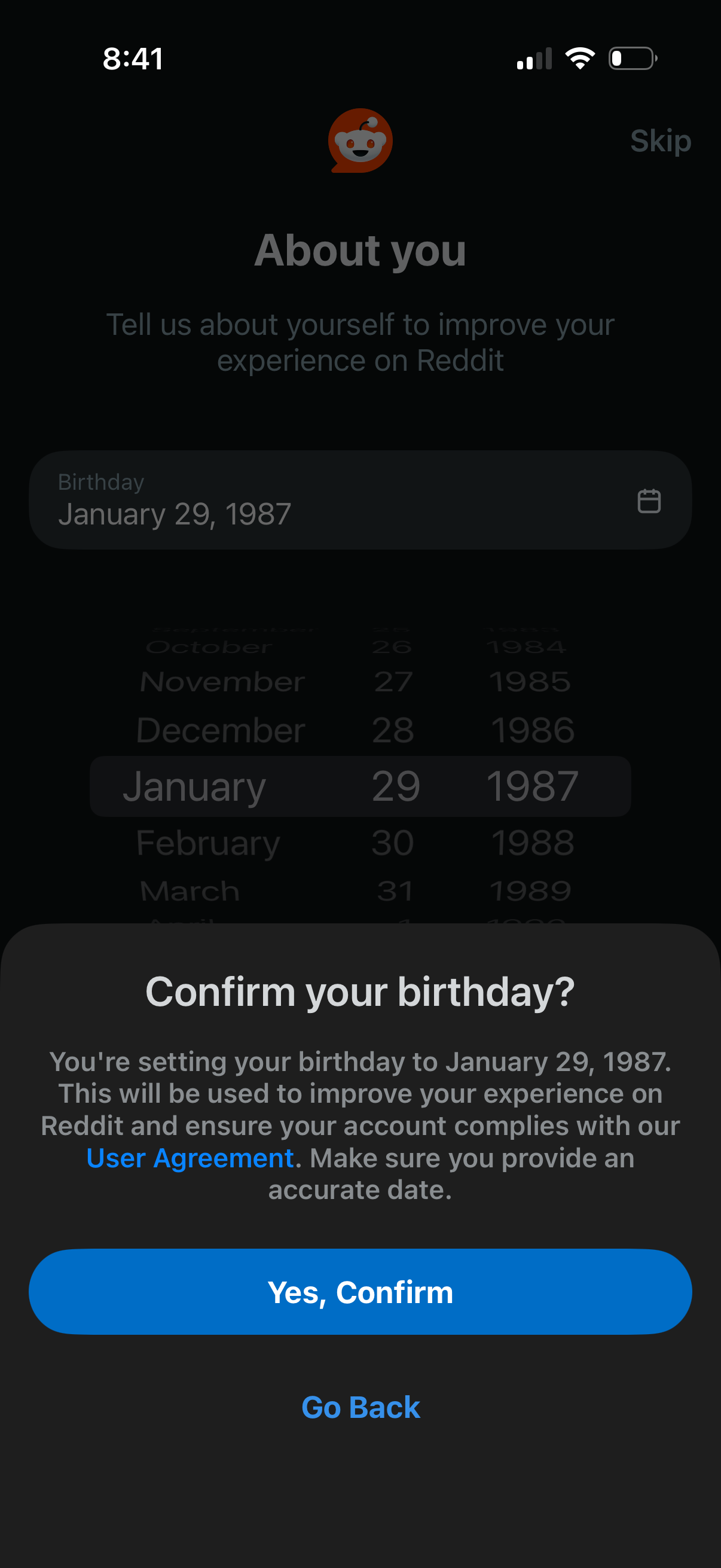
Onboarding “About you” profile step prompting the user to enter their birthday using a date picker, with an option to skip. A confirmation bottom sheet asks to confirm the selected birthdate for account compliance, offering primary “Yes, Confirm” and secondary “Go Back” actions.
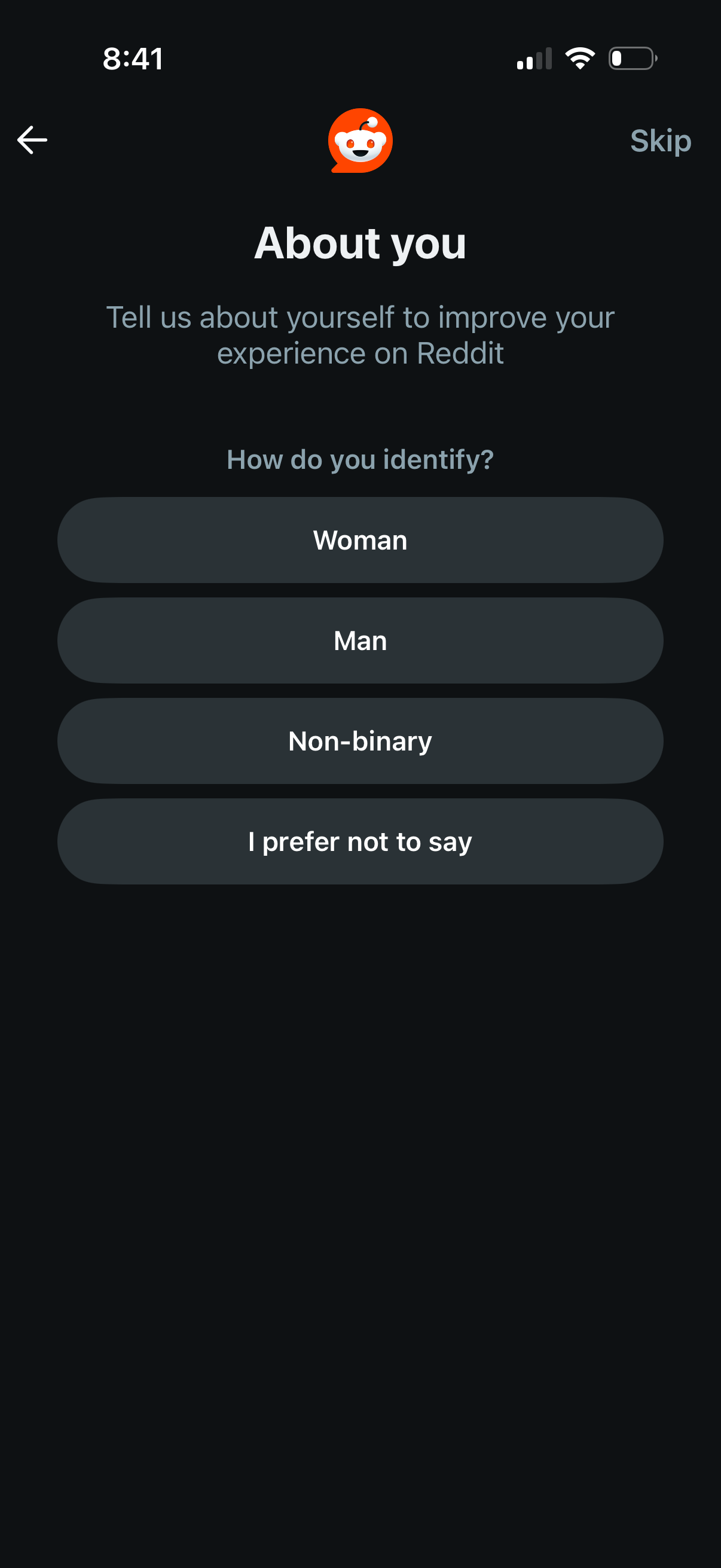
Onboarding “About you” profile setup screen asking the user to select their gender identity to personalize the app experience. Provides large single-tap options (Woman, Man, Non-binary, Prefer not to say) with back navigation and a Skip action.
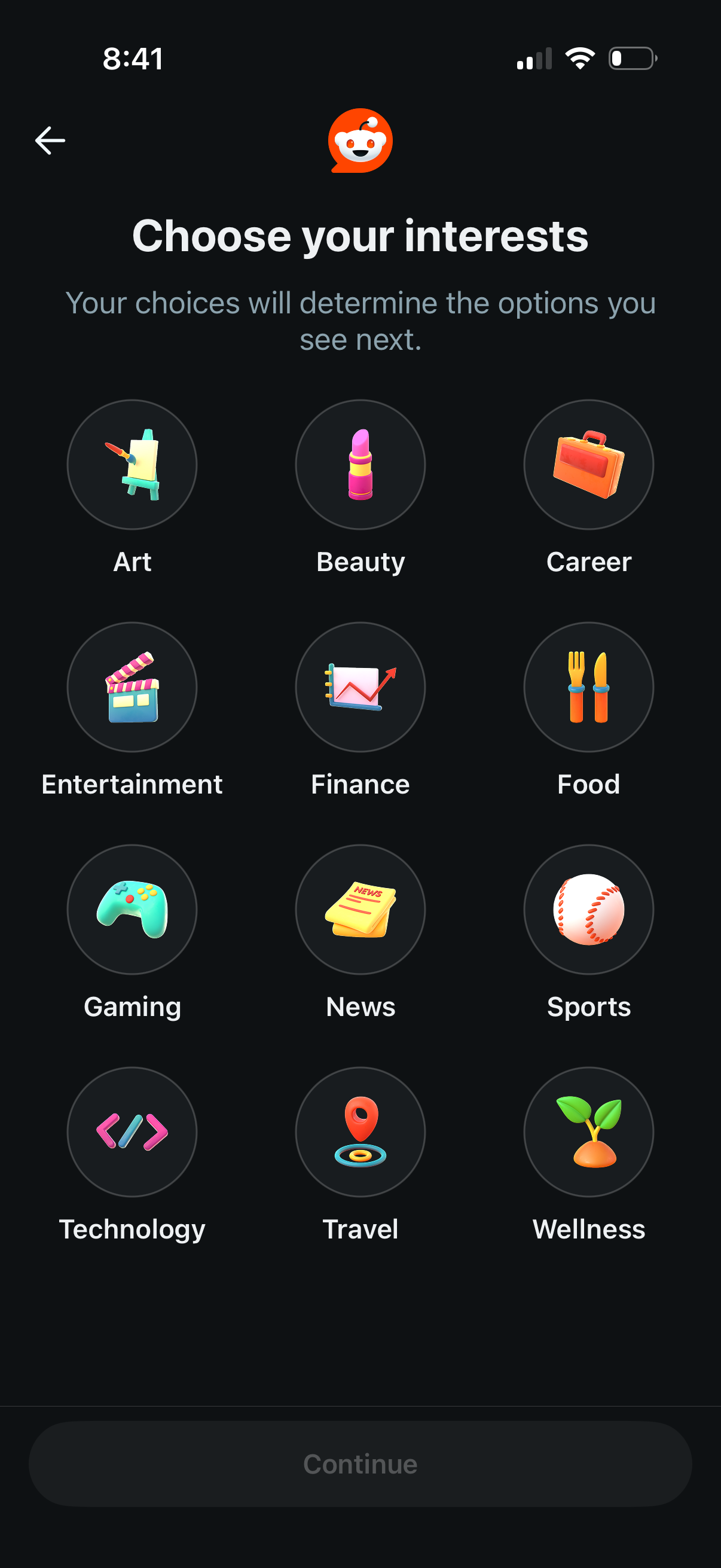
Onboarding personalization screen prompting the user to choose their interests to customize the content shown next. Displays a grid of selectable interest categories (e.
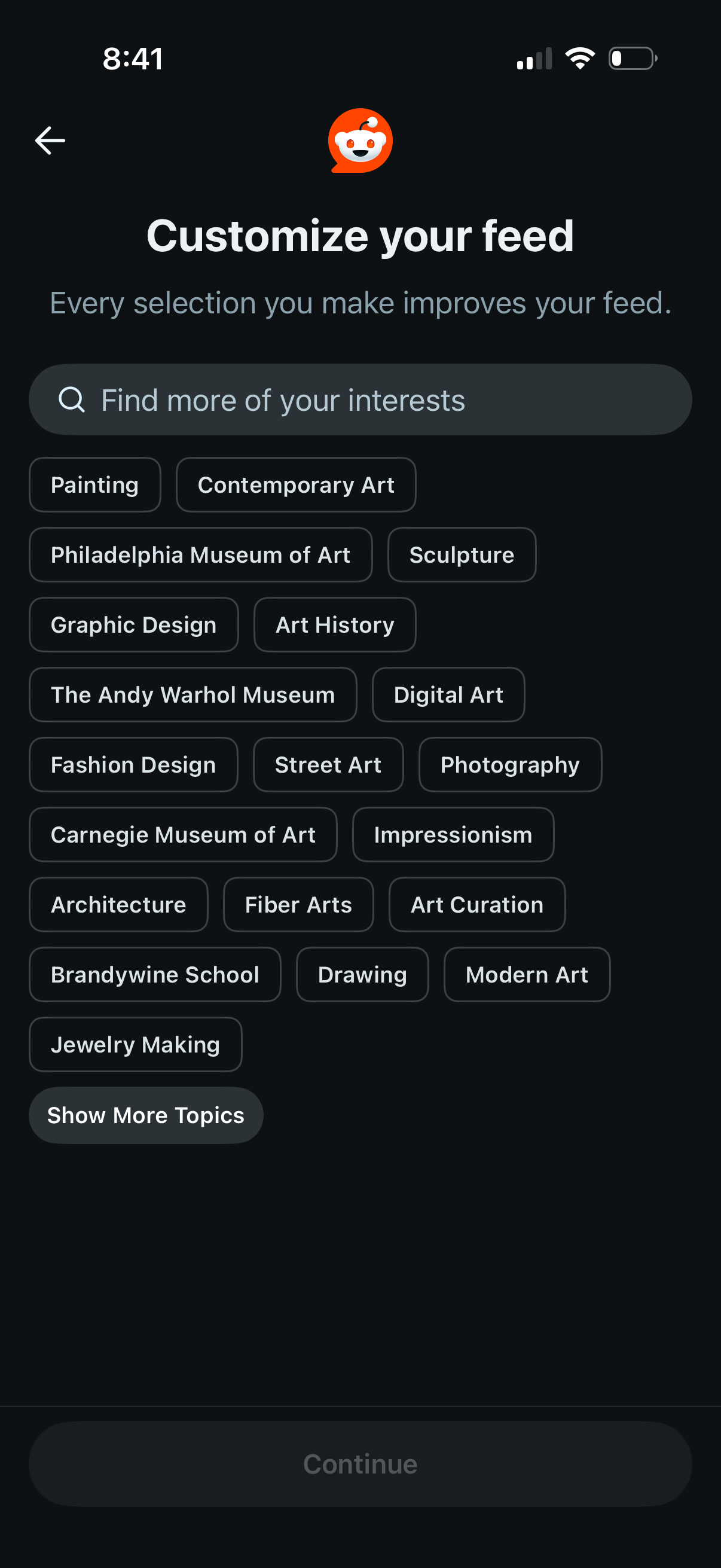
Interest selection screen for customizing a content feed, featuring a search bar to find topics and selectable topic chips (e. g.
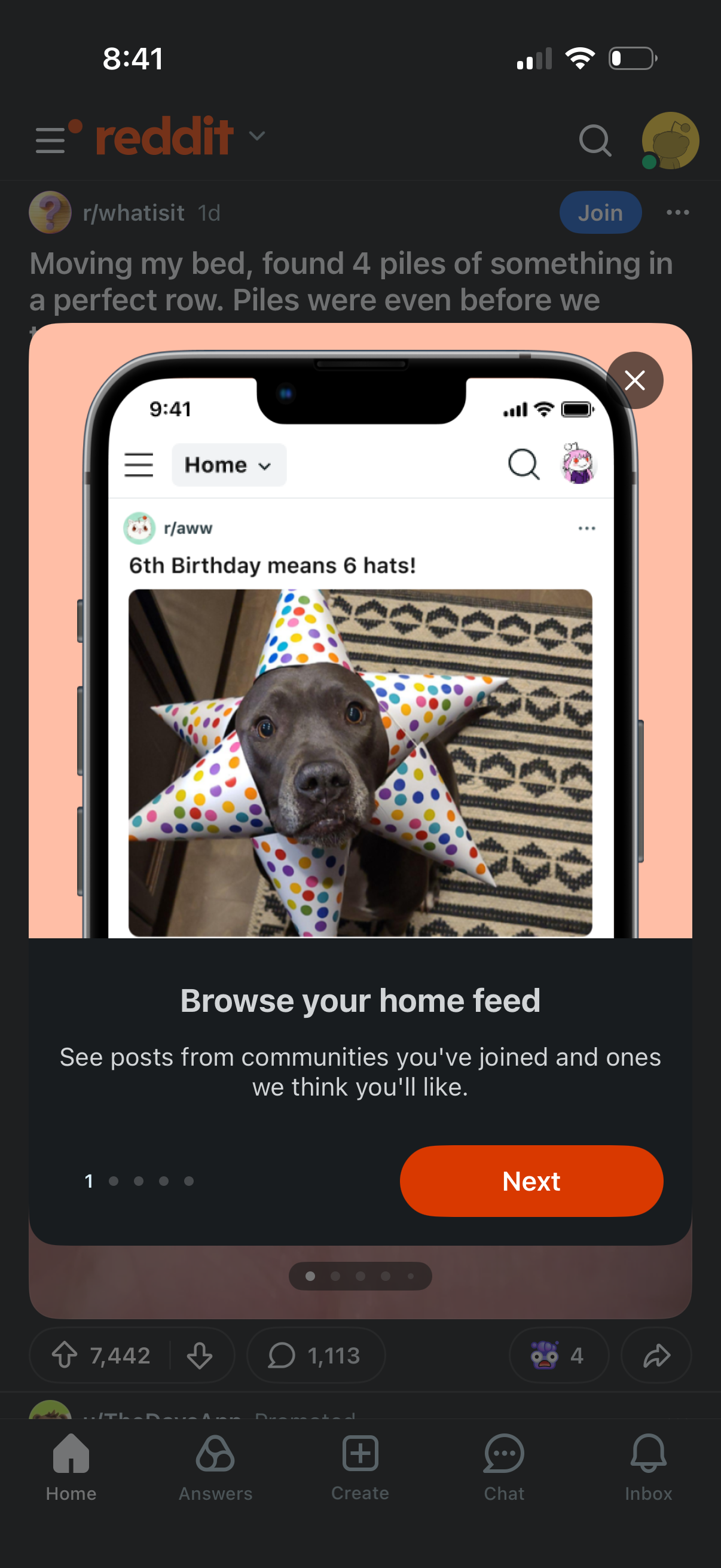
Onboarding tutorial overlay introducing the app’s Home feed, showing a preview of a community post and explaining that it surfaces posts from joined communities and recommended ones. Includes a step indicator, a “Next” CTA to continue the walkthrough, and a close button to dismiss.