update compliance details
1
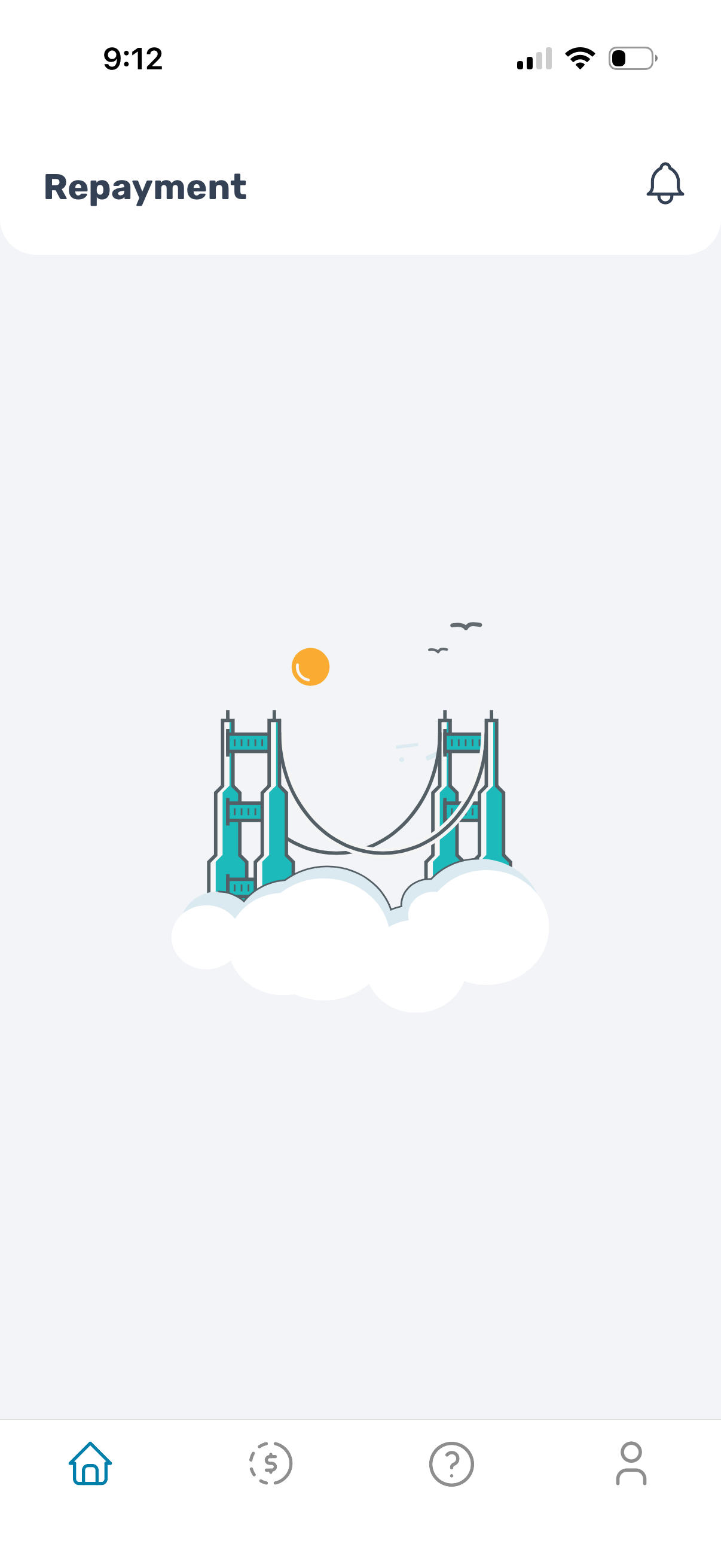
Repayment dashboard screen in a finance or lending app, showing an empty state illustration with a header title “Repayment” and a notifications bell. Bottom tab navigation provides access to home, repayments/payments, help/support, and profile.
2
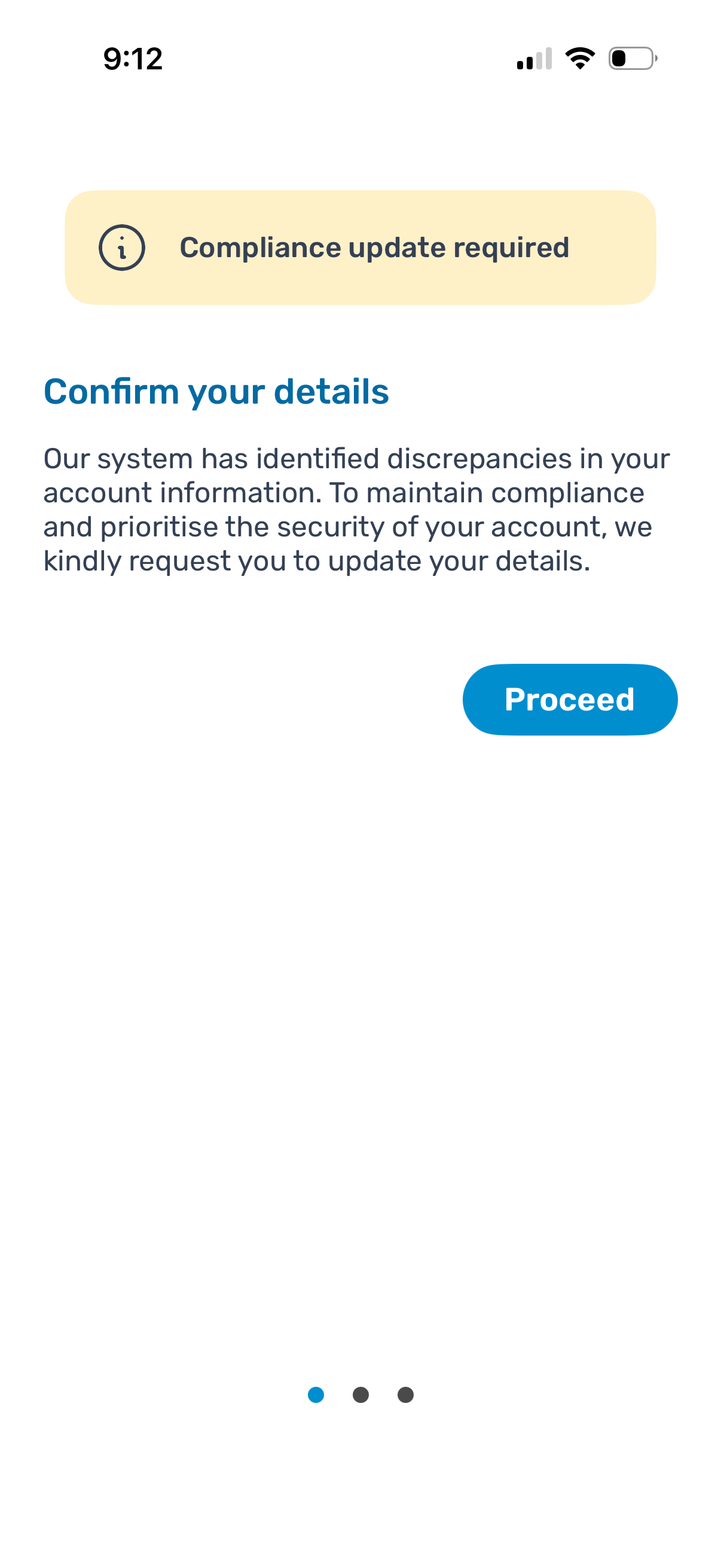
A compliance notification screen prompting the user to confirm and update account details due to detected discrepancies to maintain security and regulatory compliance. Includes an informational banner and a primary “Proceed” CTA to start the details update flow.
3

Phone number verification screen asking the user to confirm their contact number by selecting a country code from a dropdown and entering a phone number. Includes navigation actions to go Back or Proceed to continue the onboarding flow.