Sign In
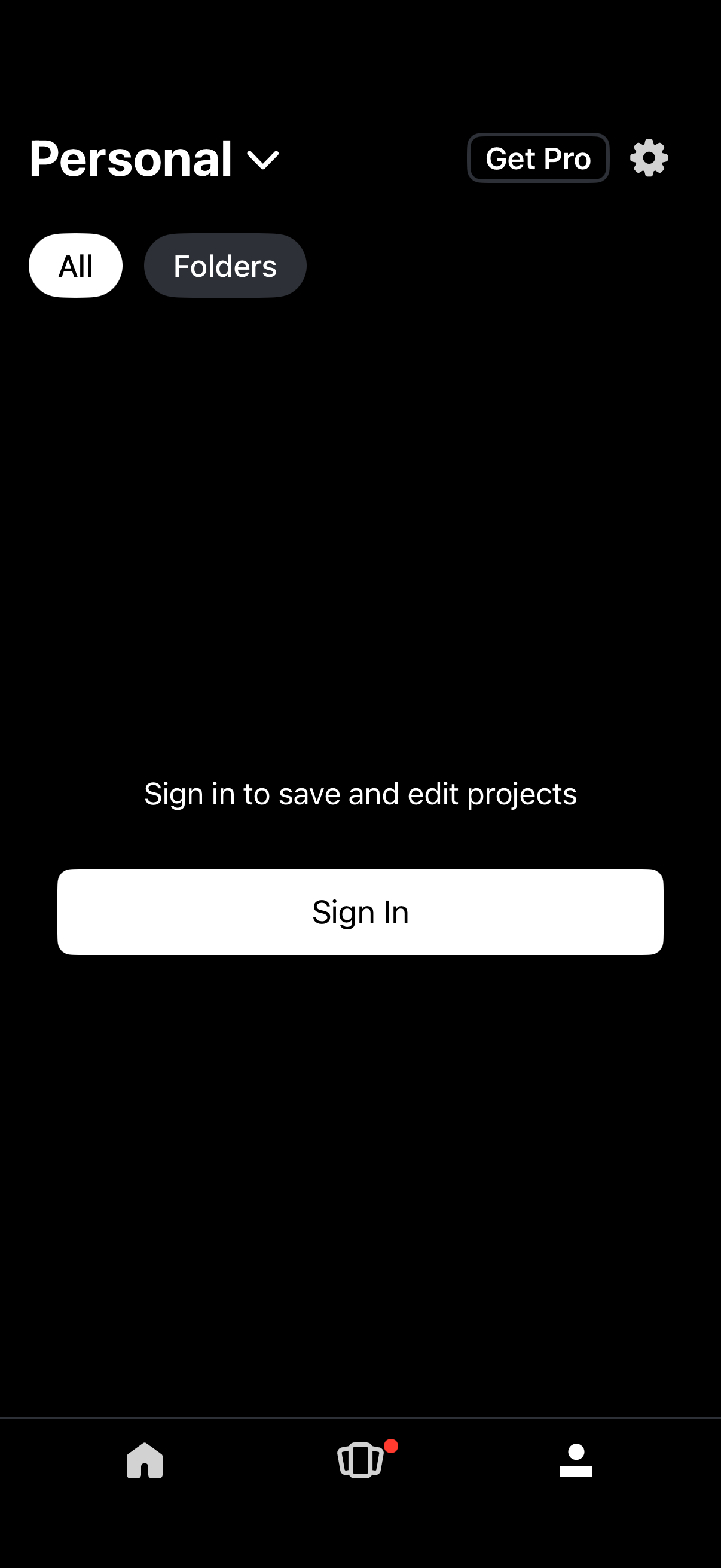
Workspace/projects home screen in a personal account showing tabs to view all items or folders, with access to settings and a “Get Pro” upgrade button. The main call to action prompts users to sign in to save and edit projects, with a prominent Sign In button and bottom navigation.
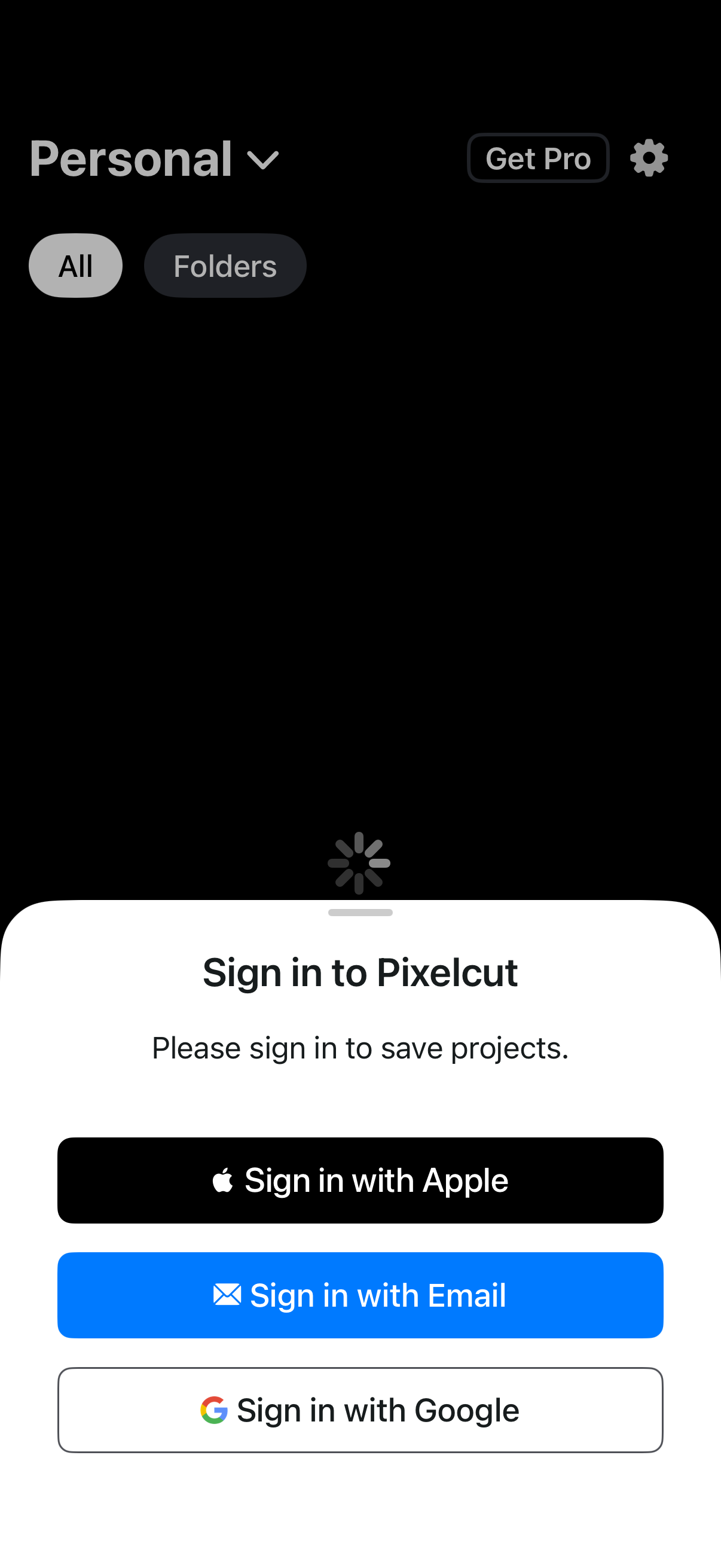
Bottom-sheet sign-in prompt that blocks saving projects, offering authentication options via Apple, email, or Google. The underlying home/library screen shows a workspace selector (Personal) with tabs to view All items or Folders, plus a Get Pro upsell and settings icon.
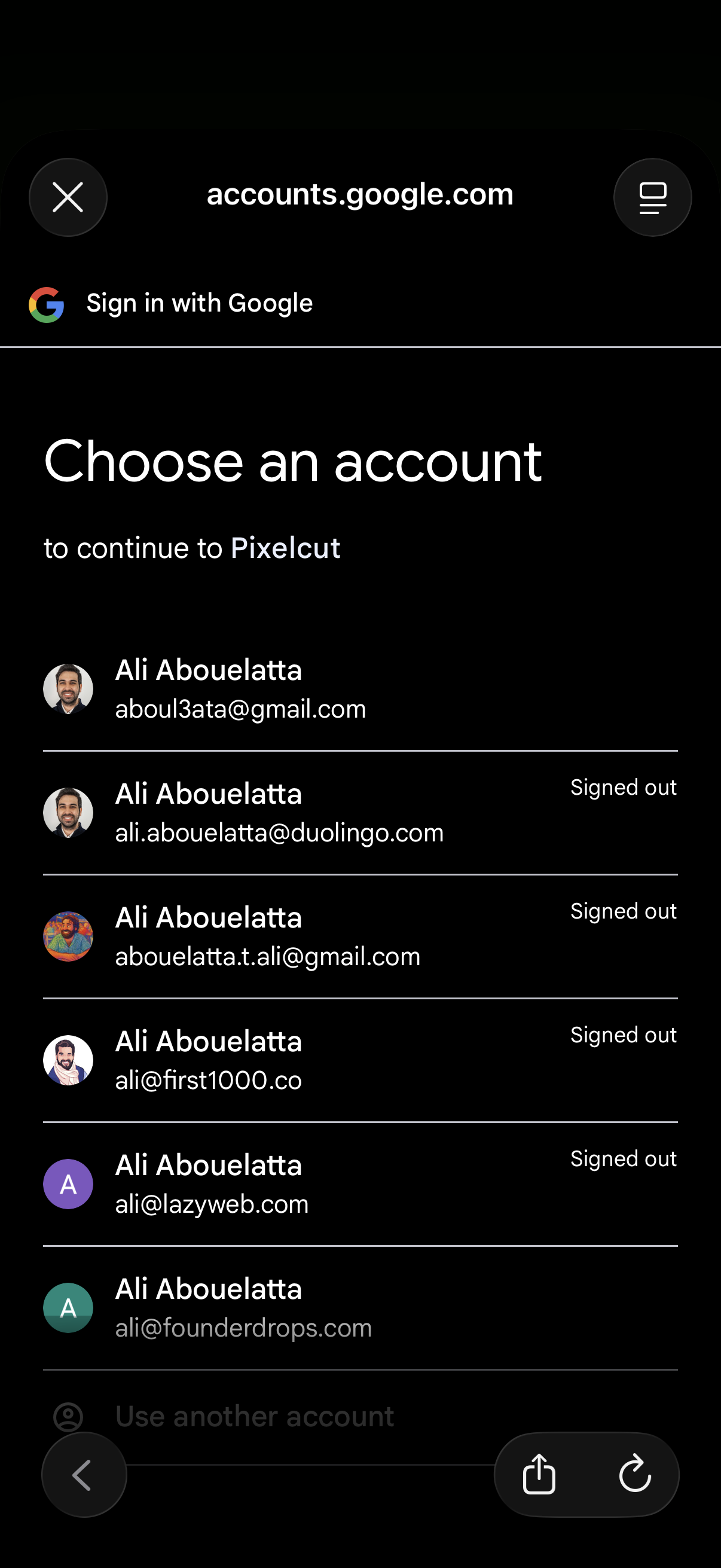
Google OAuth sign-in screen prompting the user to choose an account to continue to a third-party app, showing a list of saved Google accounts with avatars, email addresses, and signed-out status. Includes an option to use another account and controls to close or navigate back.