Onboarding
App launch splash screen with a centered logo icon on a plain dark background, shown while the app loads before entering the main experience.
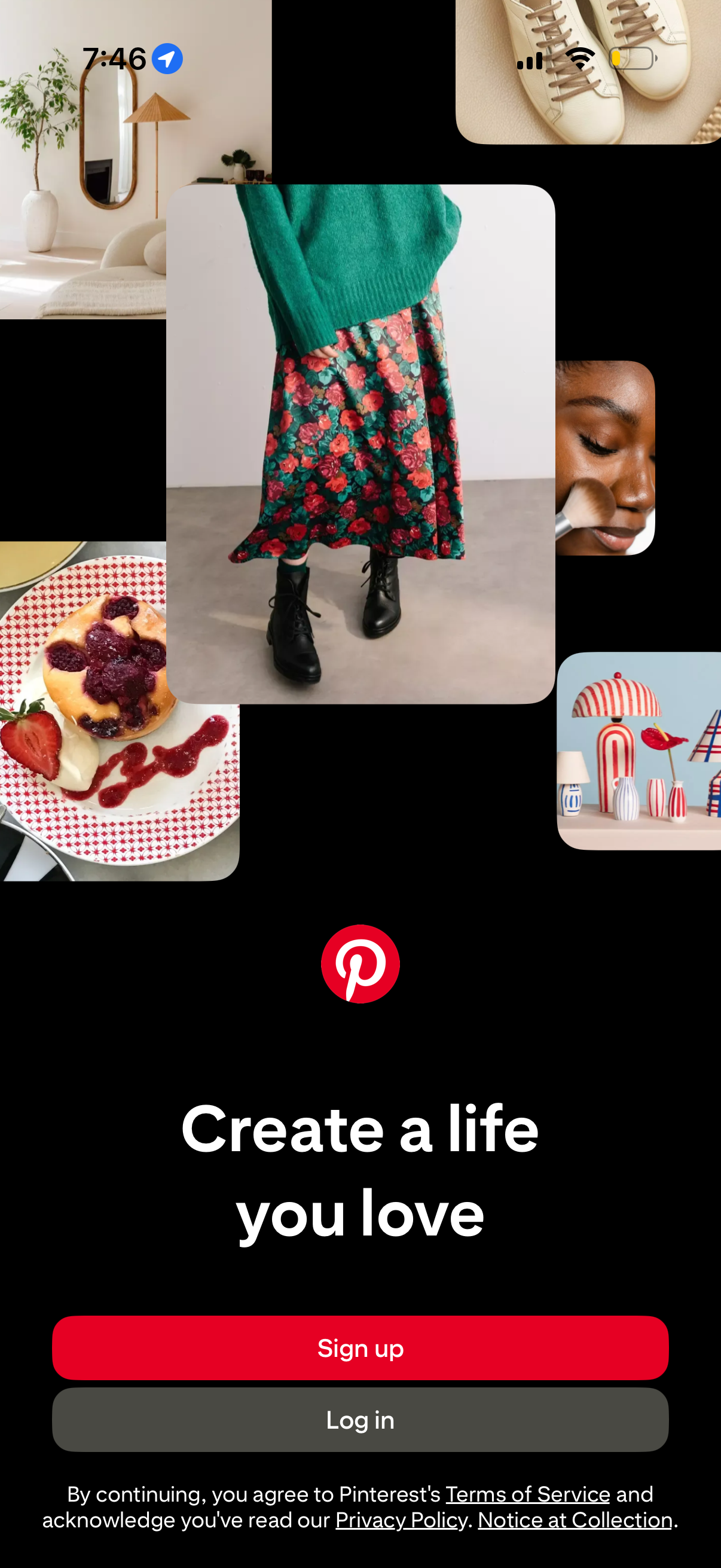
Onboarding welcome screen for a visual discovery app showing a collage of inspirational images and a tagline, prompting users to create an account. Primary actions are prominent Sign up and Log in buttons, with links to terms of service and privacy policy.
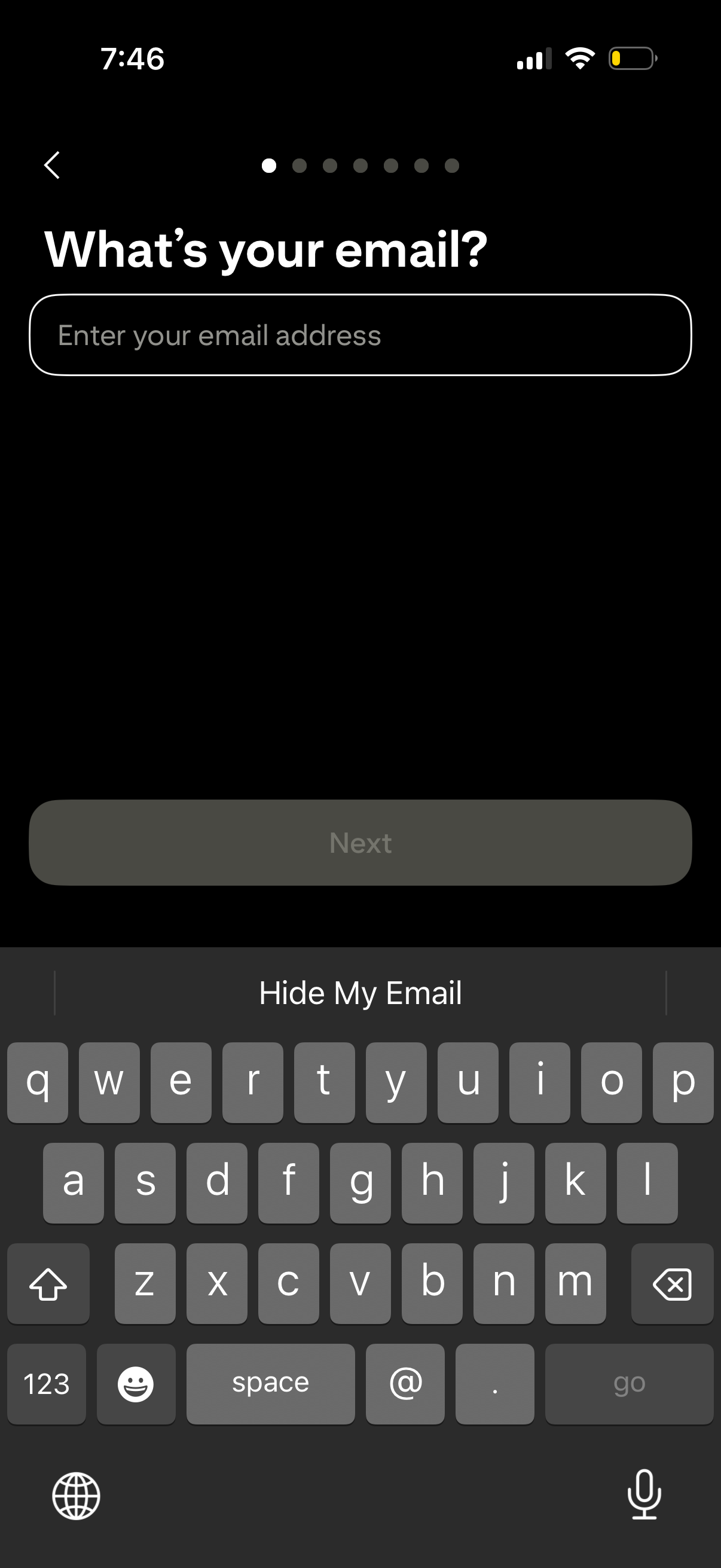
Onboarding sign-up screen asking “What’s your email? ” with a single email address input field, progress indicator, and a disabled “Next” button that becomes available after entering an email, plus a back navigation arrow.
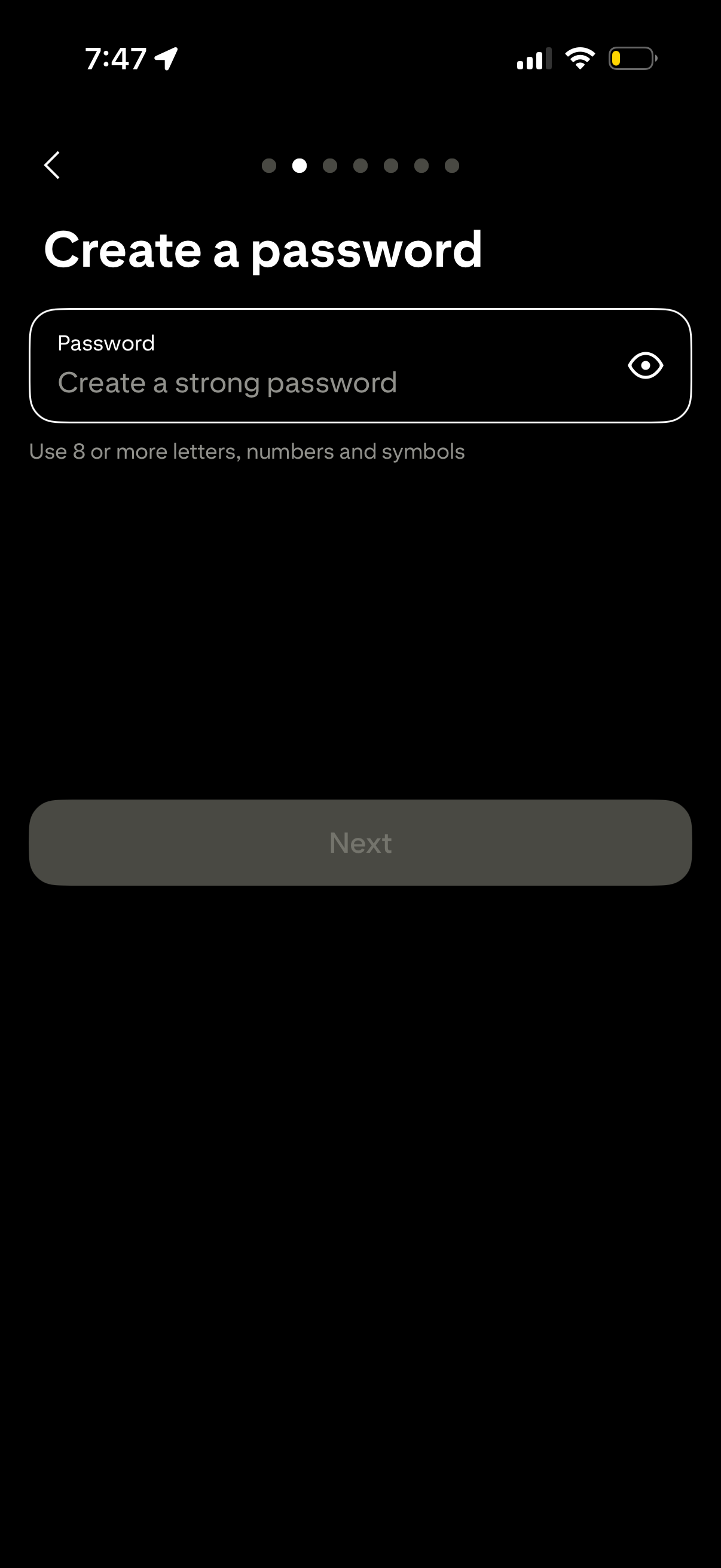
Account sign-up onboarding screen prompting the user to create a strong password with a single password input field and an eye icon to show/hide the password. Includes guidance for minimum requirements (8+ characters with numbers and symbols) and a disabled “Next” button until a valid password is entered, with back navigation and step progress indicator.
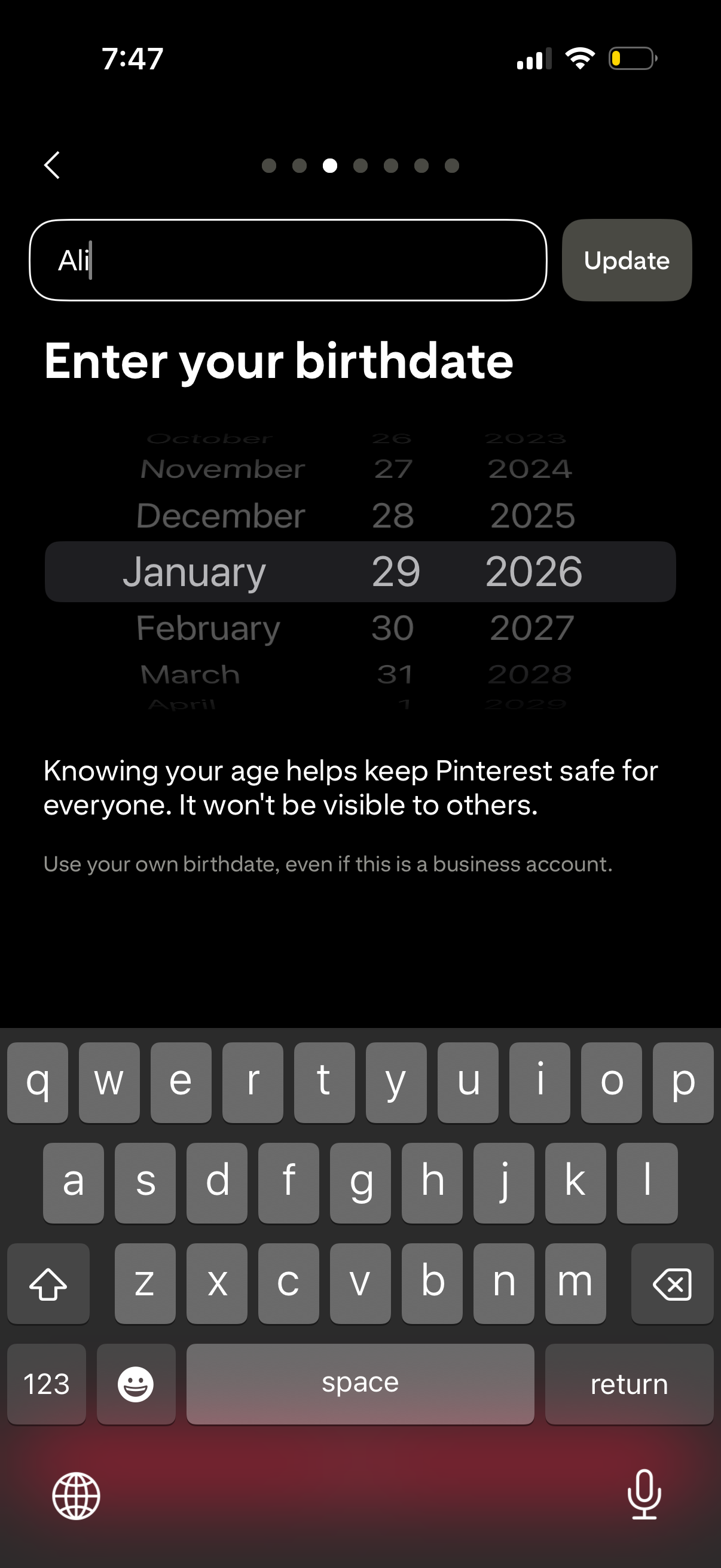
Profile settings screen prompting the user to enter or update their birthdate for age verification, using a scrollable date picker (month/day/year) with an Update button. Includes helper text explaining the birthday is used for safety and won’t be visible to others, plus back navigation in a multi-step flow.
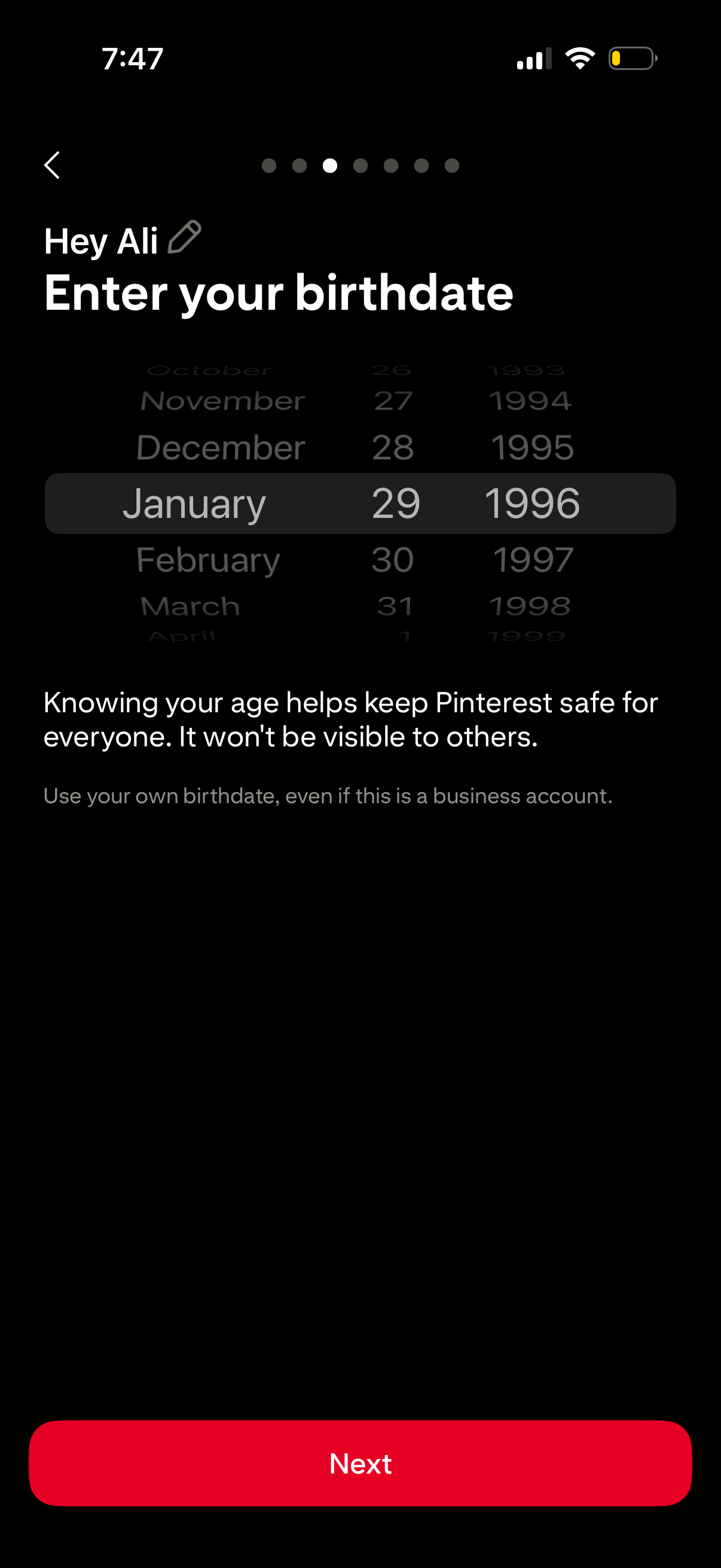
Onboarding sign-up screen prompting the user to enter their birthdate using a three-column scrolling date picker (month, day, year) for age verification and safety. Includes explanatory privacy text, a back arrow, progress indicator, and a primary Next button to continue.
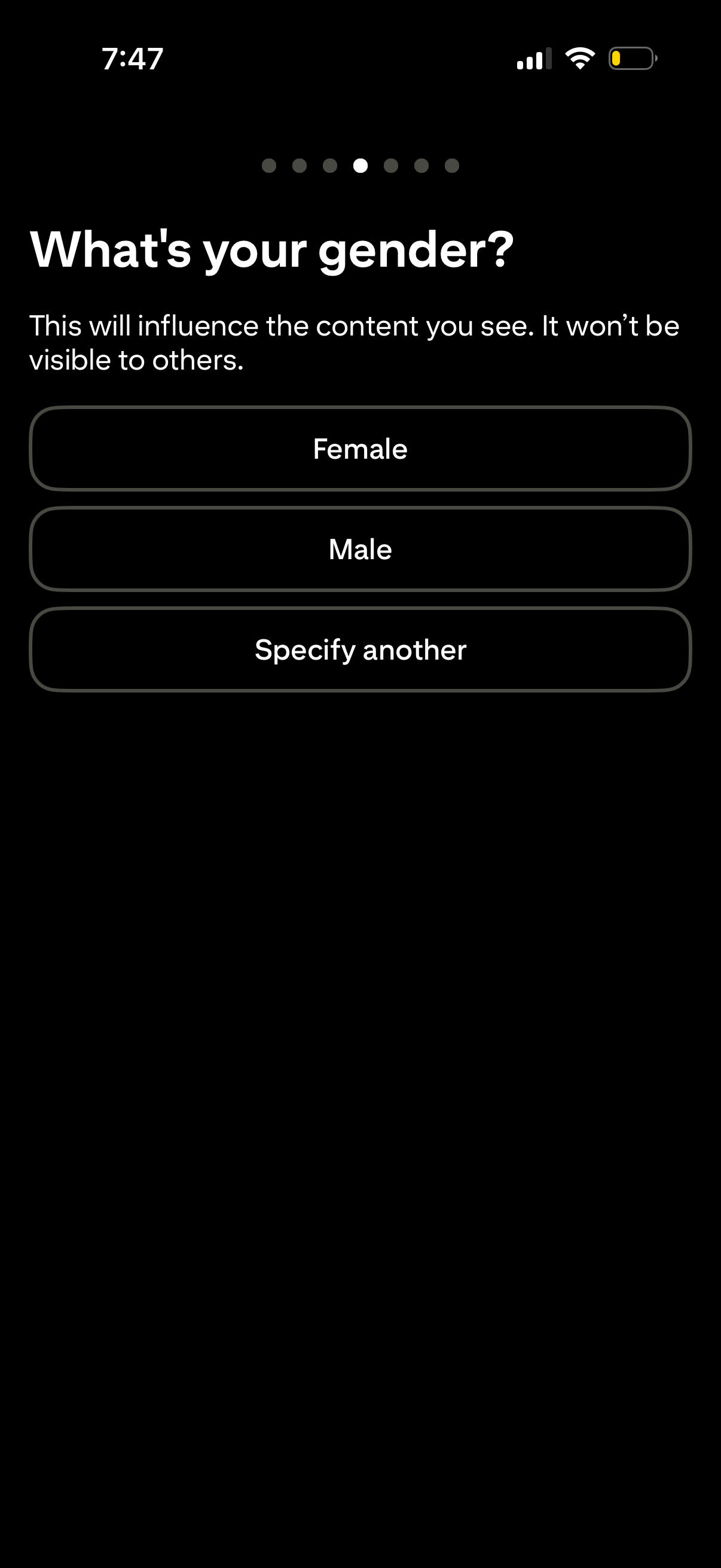
Onboarding profile setup screen asking “What’s your gender? ” to personalize content with a note about privacy.
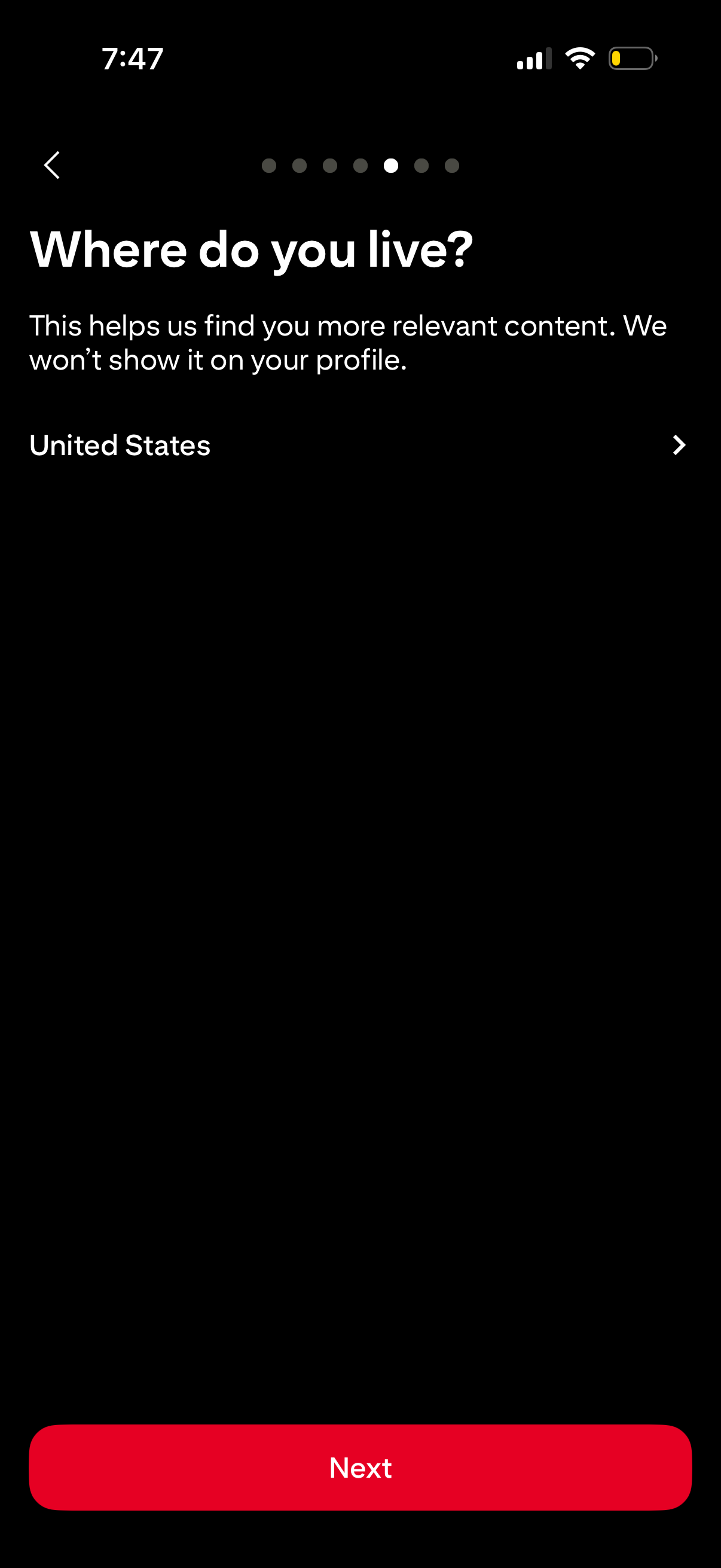
Onboarding profile setup screen asking the user where they live to personalize content, with a selectable country field and privacy note that it won’t appear on the profile. Includes a back arrow, progress indicator, and a primary “Next” button to continue.
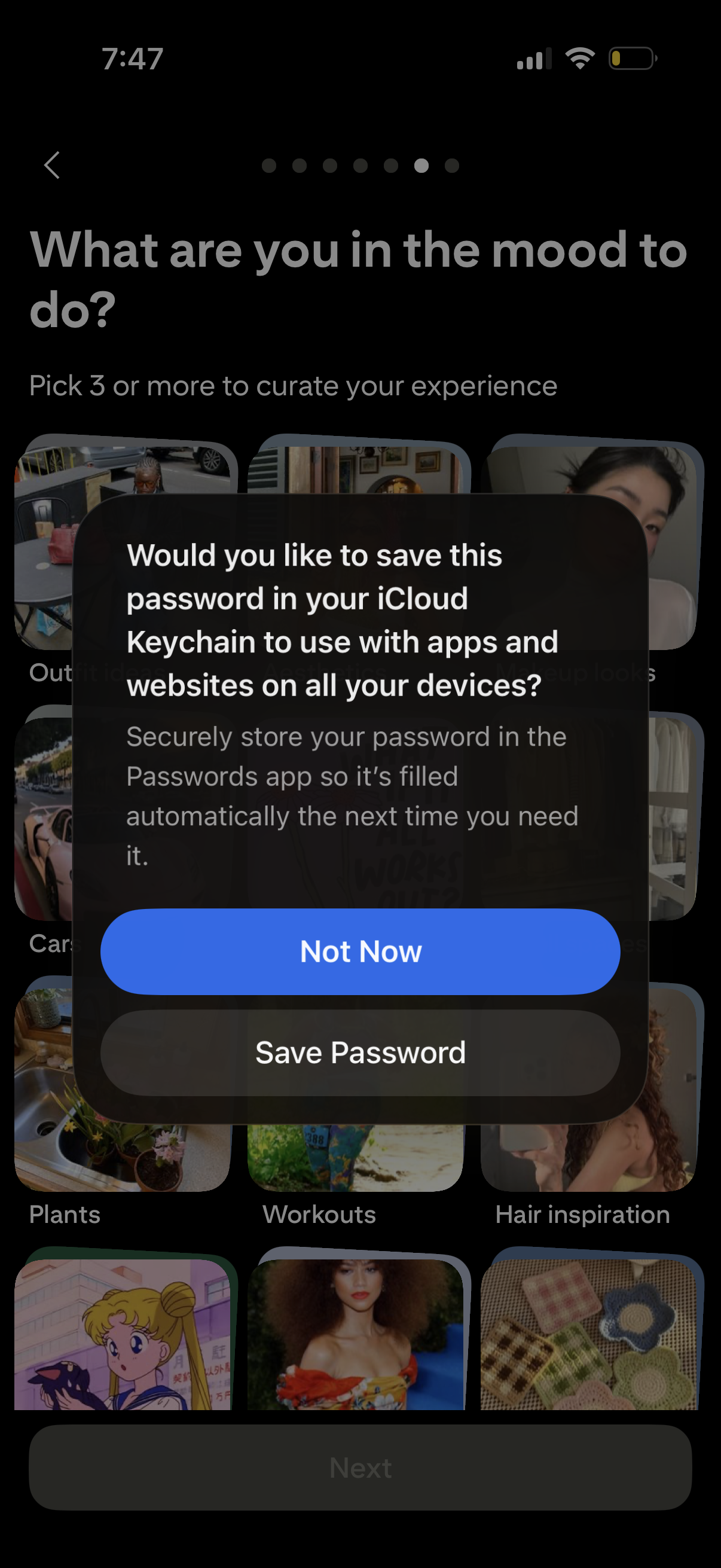
An onboarding interests selection screen asks “What are you in the mood to do? ” and lets users pick 3+ content categories in a grid to curate their experience, with a Next button.
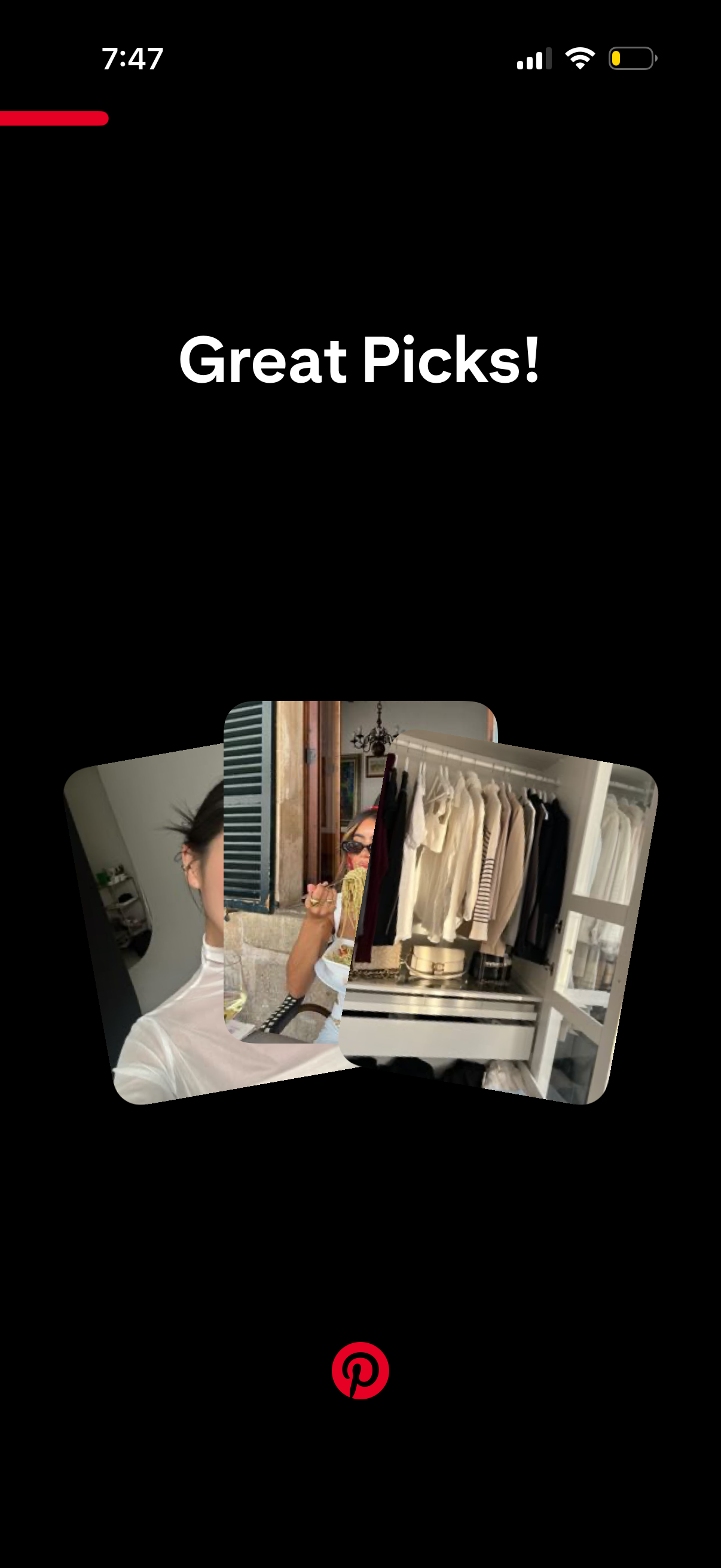
Confirmation screen after selecting items, showing the message “Great Picks! ” with a stack of chosen photo cards.
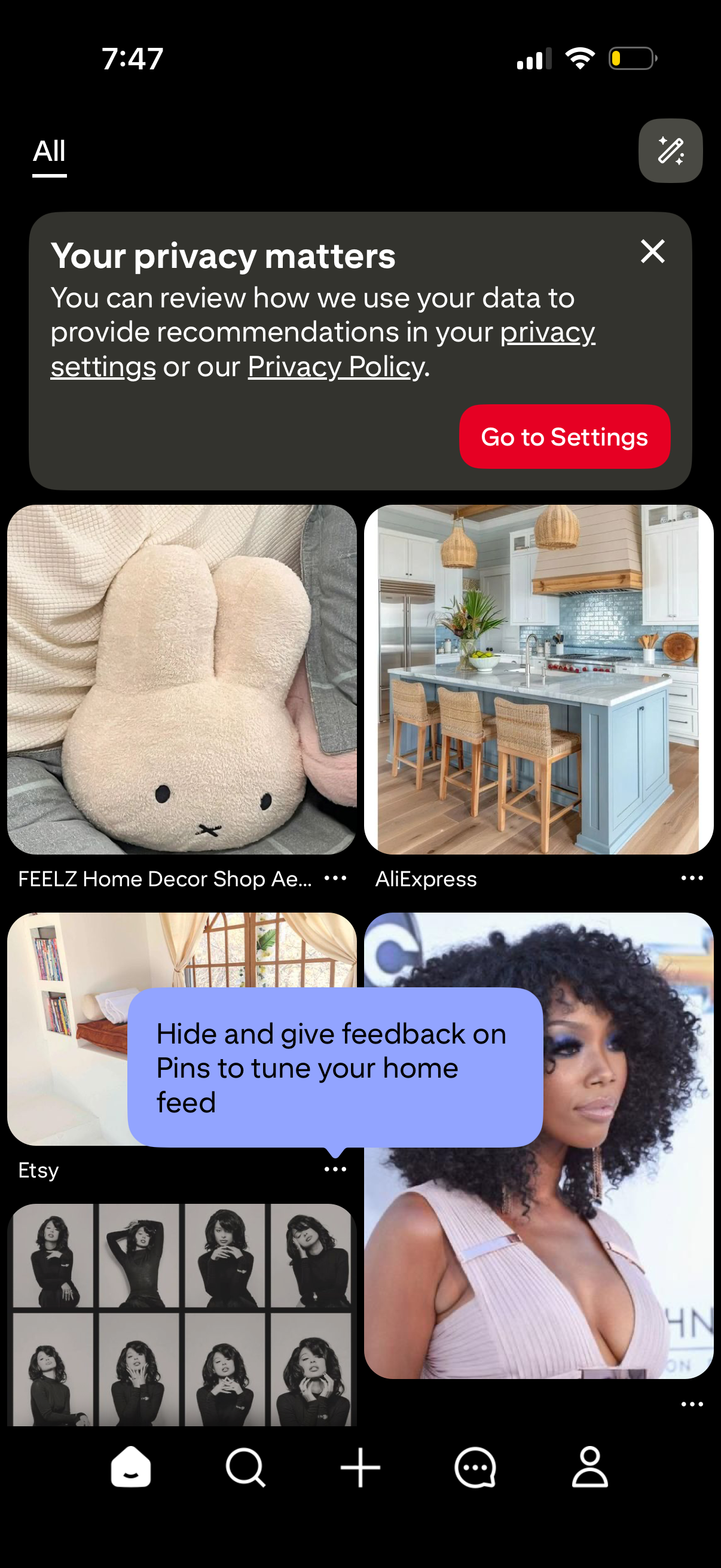
Home feed screen showing a grid of recommended pins with source labels and overflow menus, plus a privacy notice banner prompting users to review privacy settings or policy and a tip encouraging hiding/giving feedback to tune the feed. Bottom navigation supports switching between home, search, create, messages, and profile.