sign up with phone
App launch/welcome splash screen with a branded logo over an animated abstract background and a primary “Get started” call-to-action button to begin onboarding or account setup. Designed as the entry point to the app before sign up or login.
Onboarding welcome screen with a branded logo and app name on a celebratory background, featuring a prominent “Get started” button to begin the sign-up or setup flow.
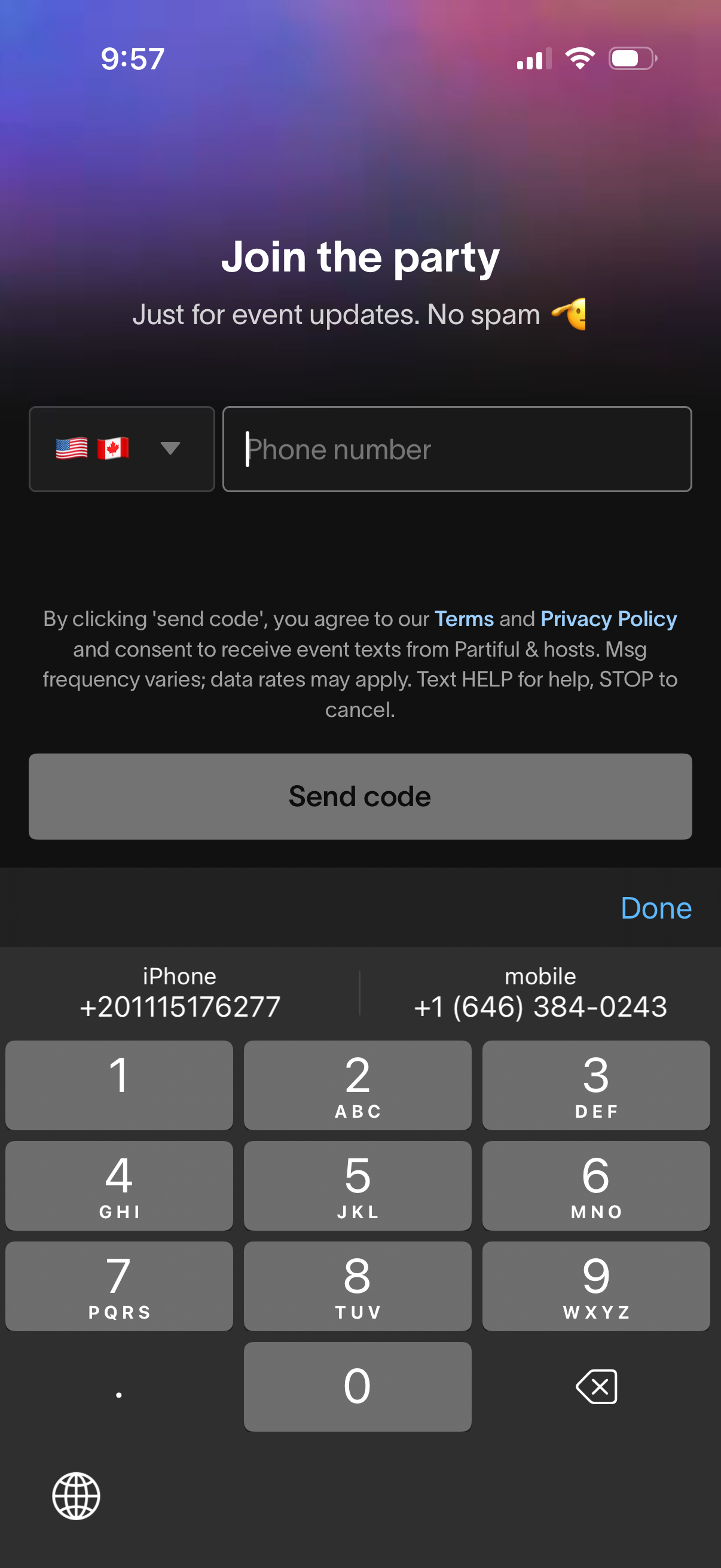
Phone number signup screen for joining an event updates list, with a country code selector, phone number input field, and primary “Send code” CTA to request an SMS verification code. Includes terms and privacy policy consent text about receiving event texts and messaging rates.
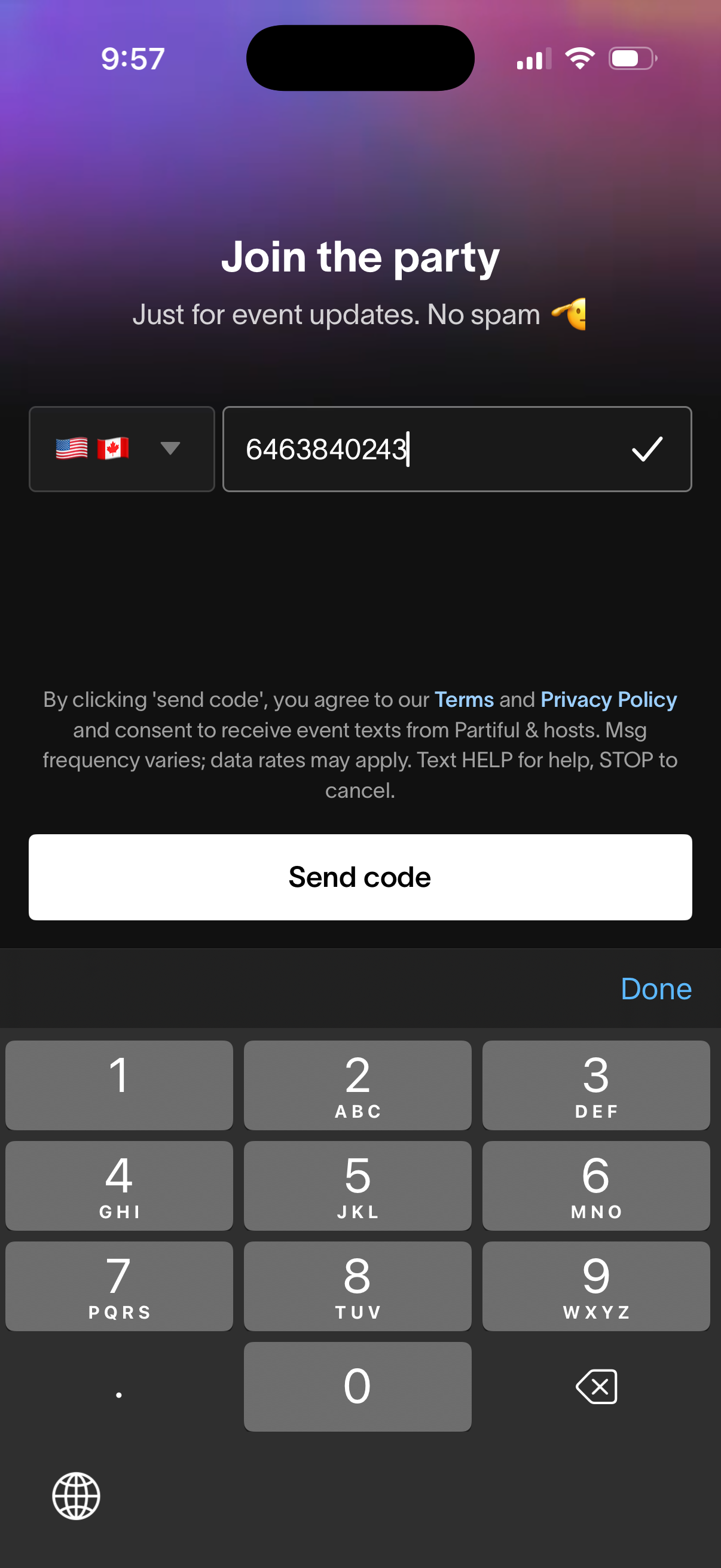
Phone number signup screen for joining an event community, with country code selector, numeric input field, and a primary “Send code” button to receive an SMS verification code. Includes consent text with links to Terms and Privacy Policy for receiving event updates via text.
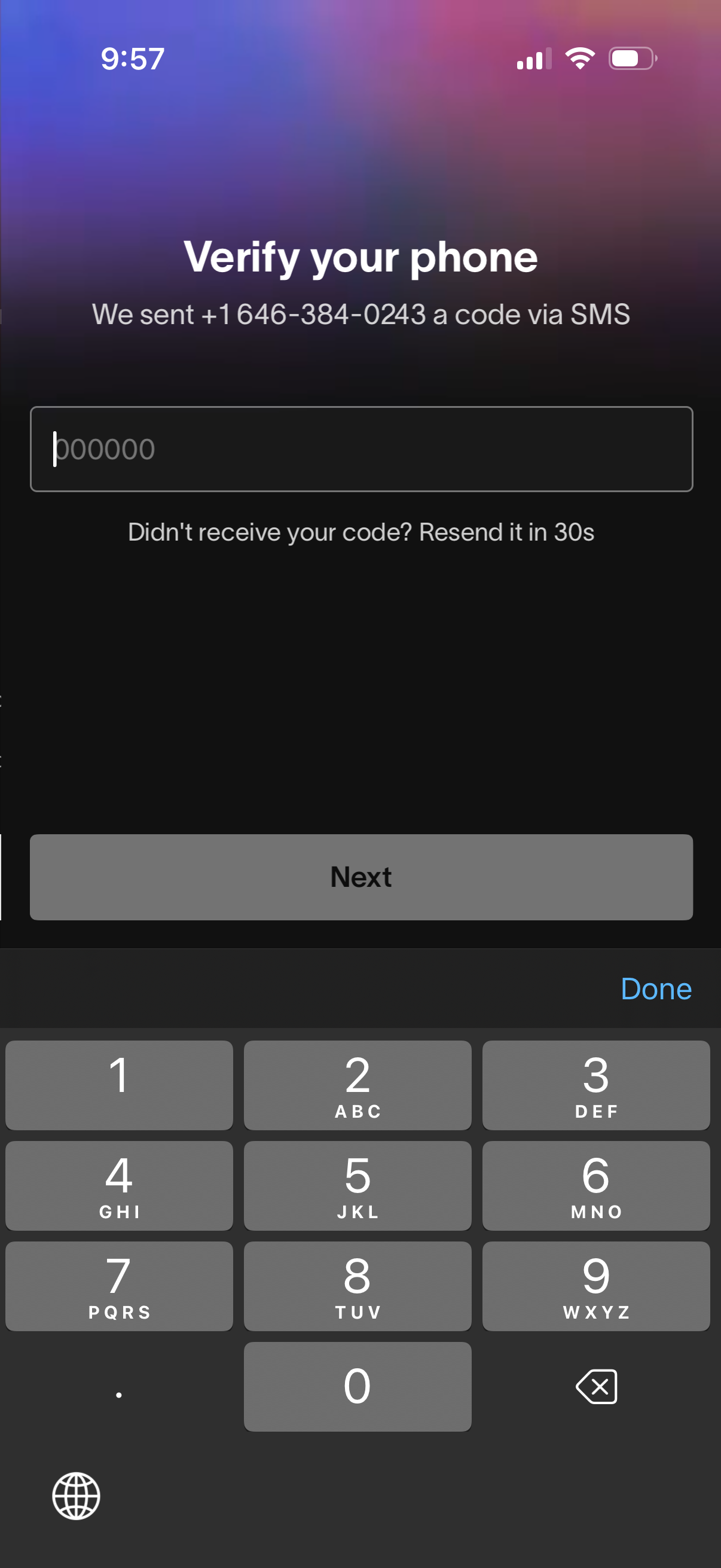
Phone number verification screen prompting the user to enter a 6-digit SMS one-time passcode, with messaging about resending the code after a countdown. Includes a code input field and a primary “Next” button to continue the sign-in or account setup flow.
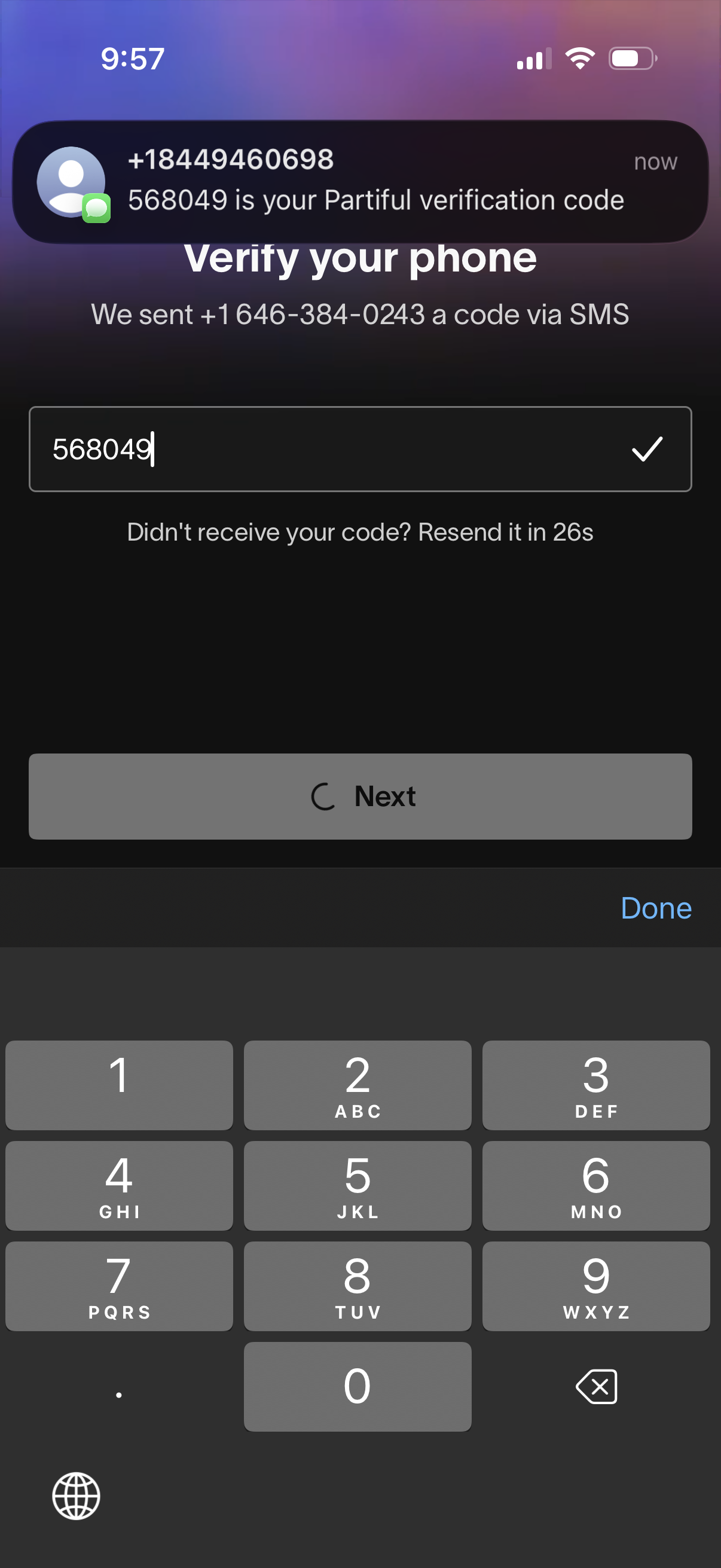
Phone number verification screen for onboarding that prompts the user to enter a 6-digit SMS verification code, shows the destination phone number, and provides a resend-code countdown. Includes a code input field with confirmation checkmark and a primary Next button to continue.
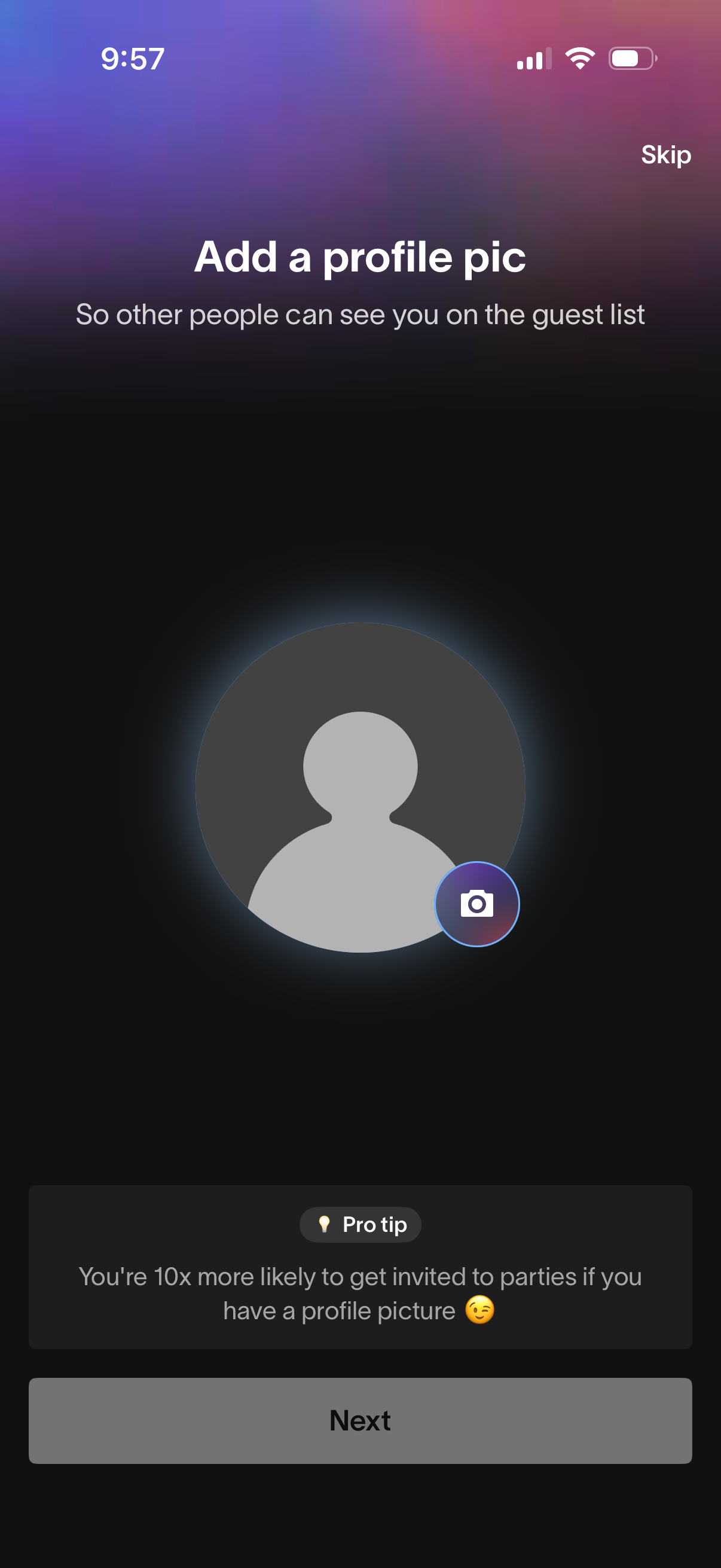
Onboarding prompt asking the user to add a profile picture so others can see them on a guest list, featuring a camera icon on the avatar placeholder to upload or take a photo. Includes options to Skip or proceed with Next, plus a pro tip encouraging adding a photo to increase party invites.