manage profile settings
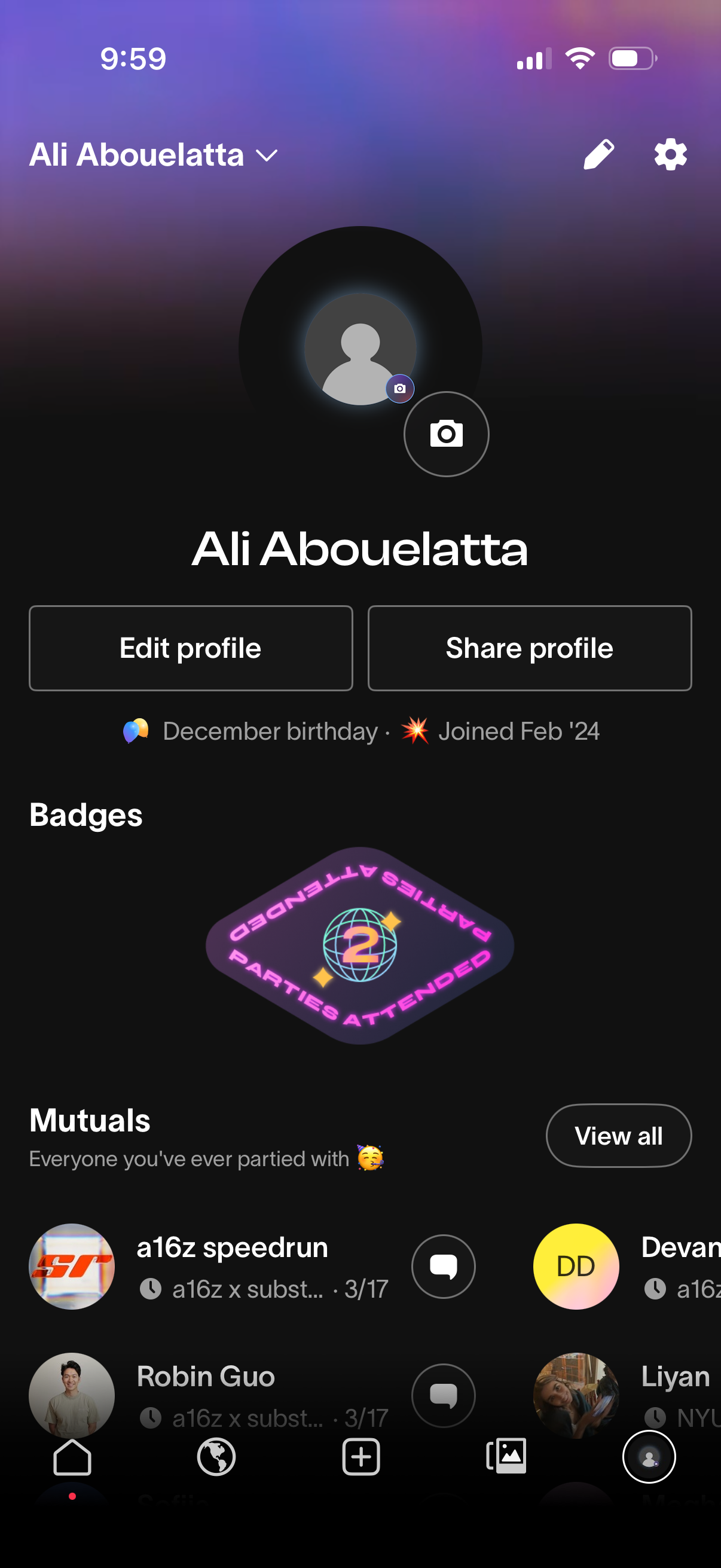
User profile screen showing a large avatar with camera button to change photo, profile name, and quick actions to edit profile or share profile. It also displays account details like birthday and join date, earned badges, and a “Mutuals” section listing connections with a View all option and message icons.
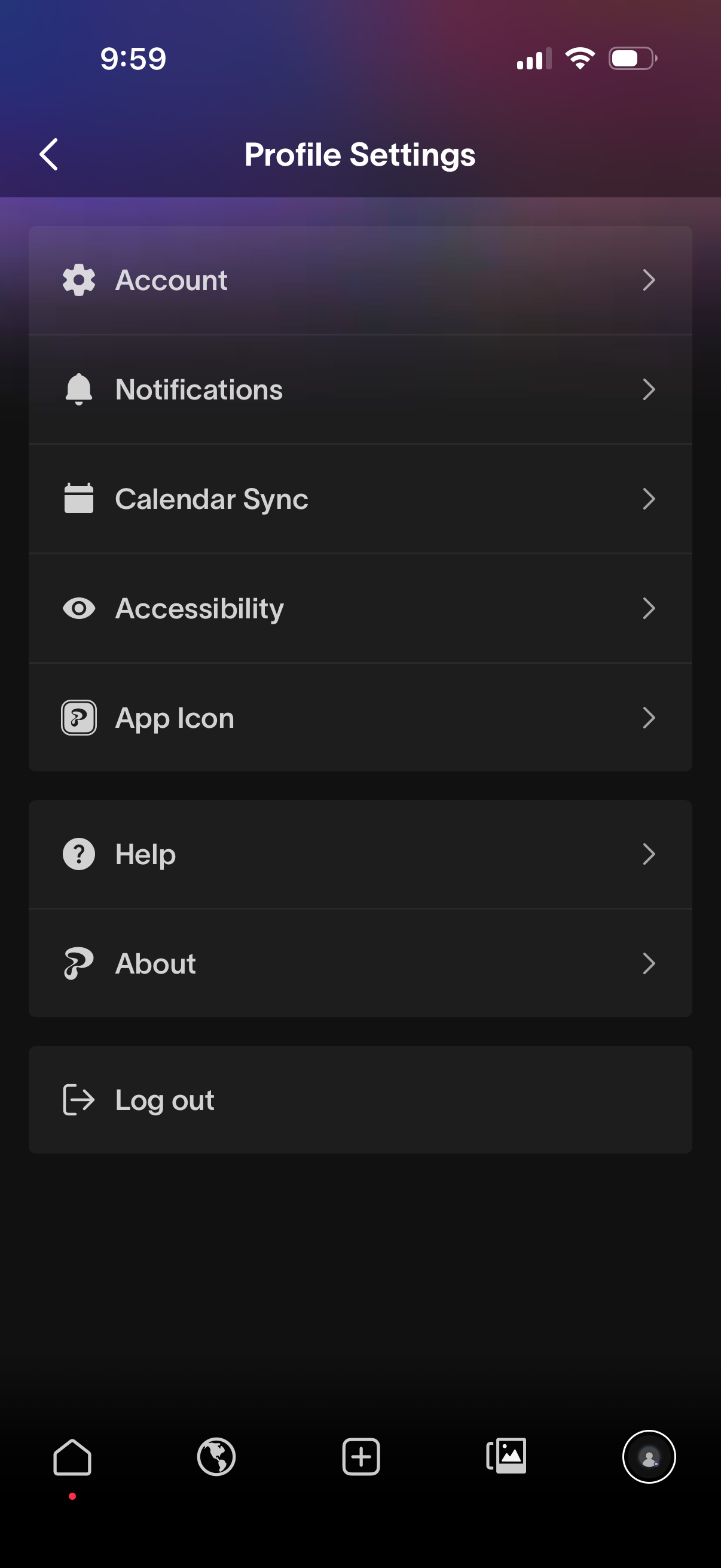
Profile settings menu screen showing a list of options to manage account settings, notification preferences, calendar sync, accessibility, and app icon customization, plus Help and About pages. Includes a primary action to log out, with each row navigating to a detailed settings subpage.
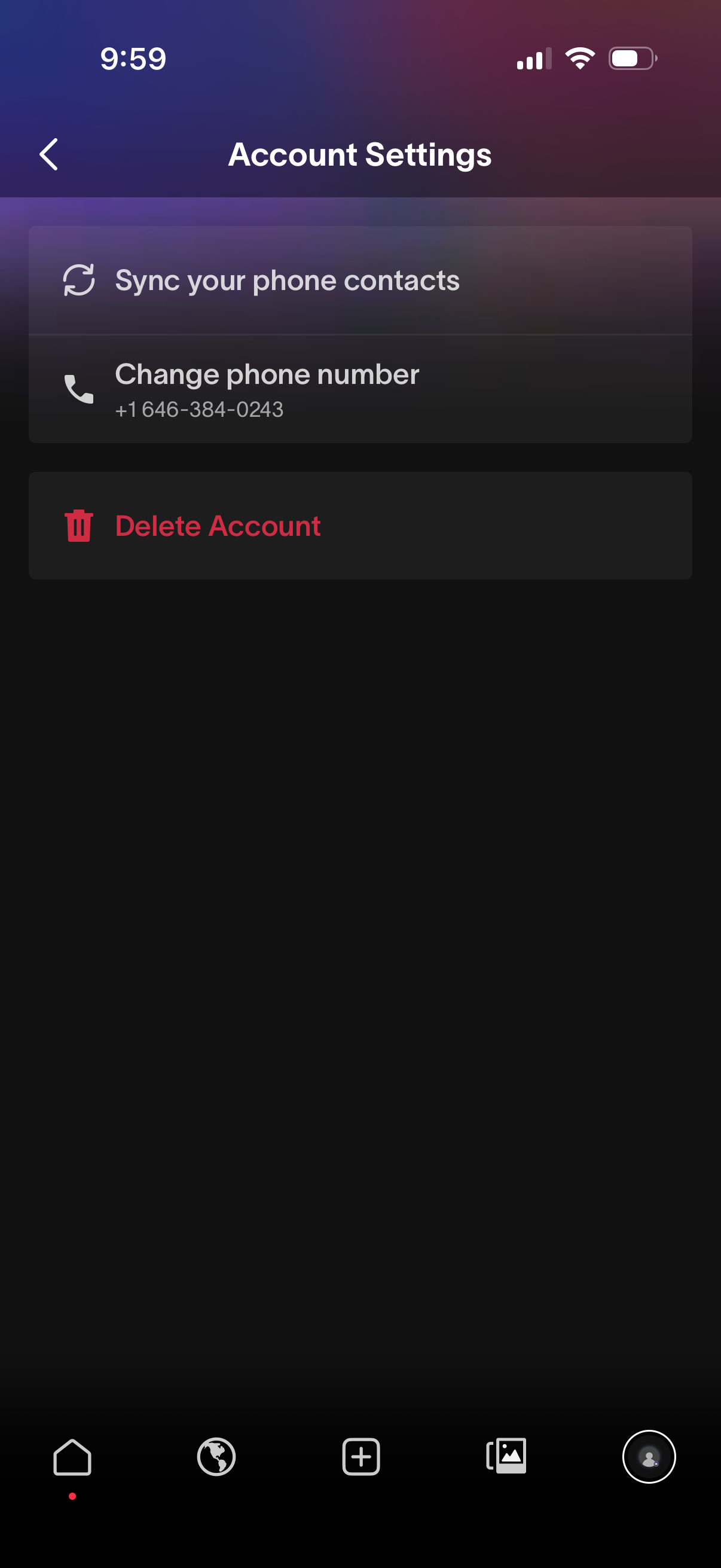
Account settings screen with options to sync phone contacts and change the linked phone number. Includes a prominent destructive action to delete the account, with back navigation in the header.
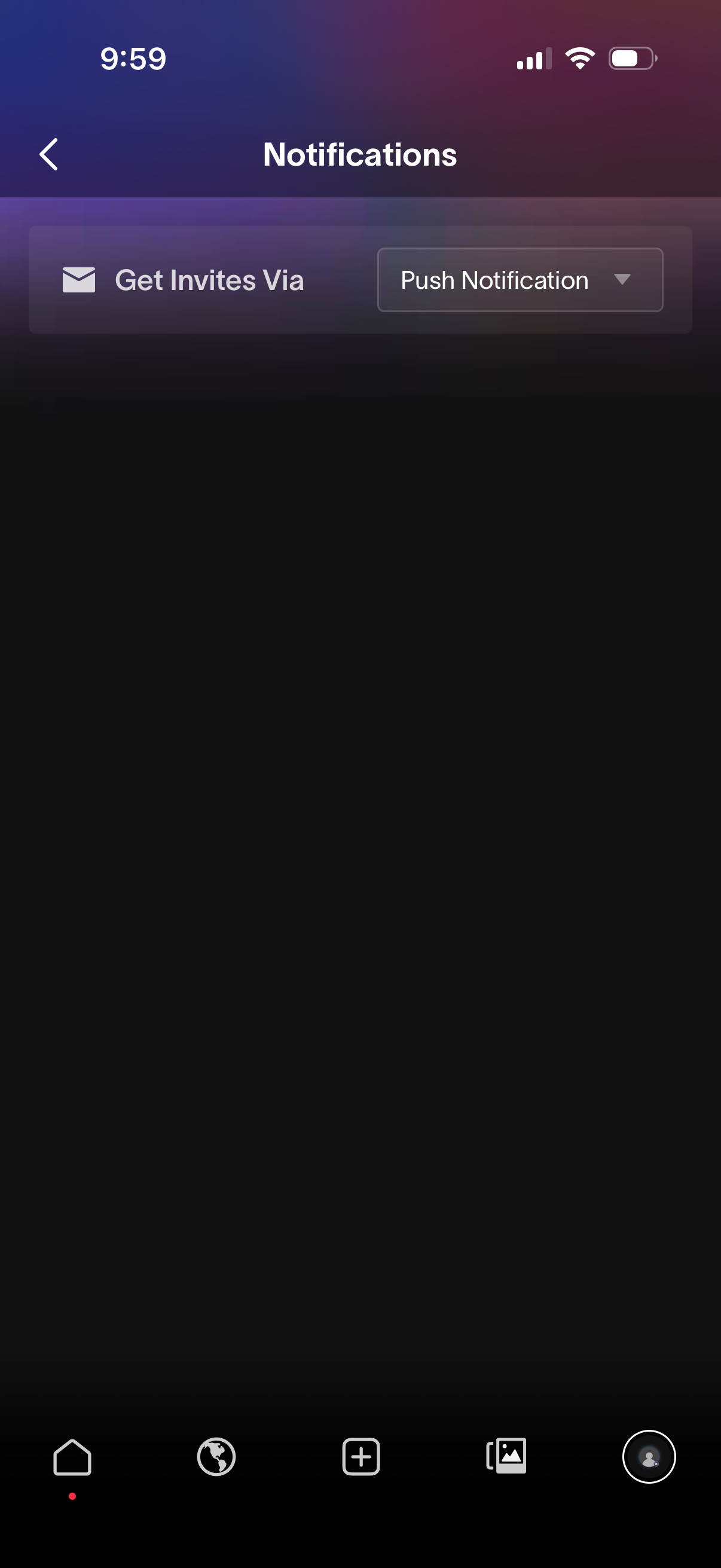
Notifications settings screen where users choose how to receive invites, featuring a “Get Invites Via” option with a dropdown selector currently set to Push Notification and a back navigation control.
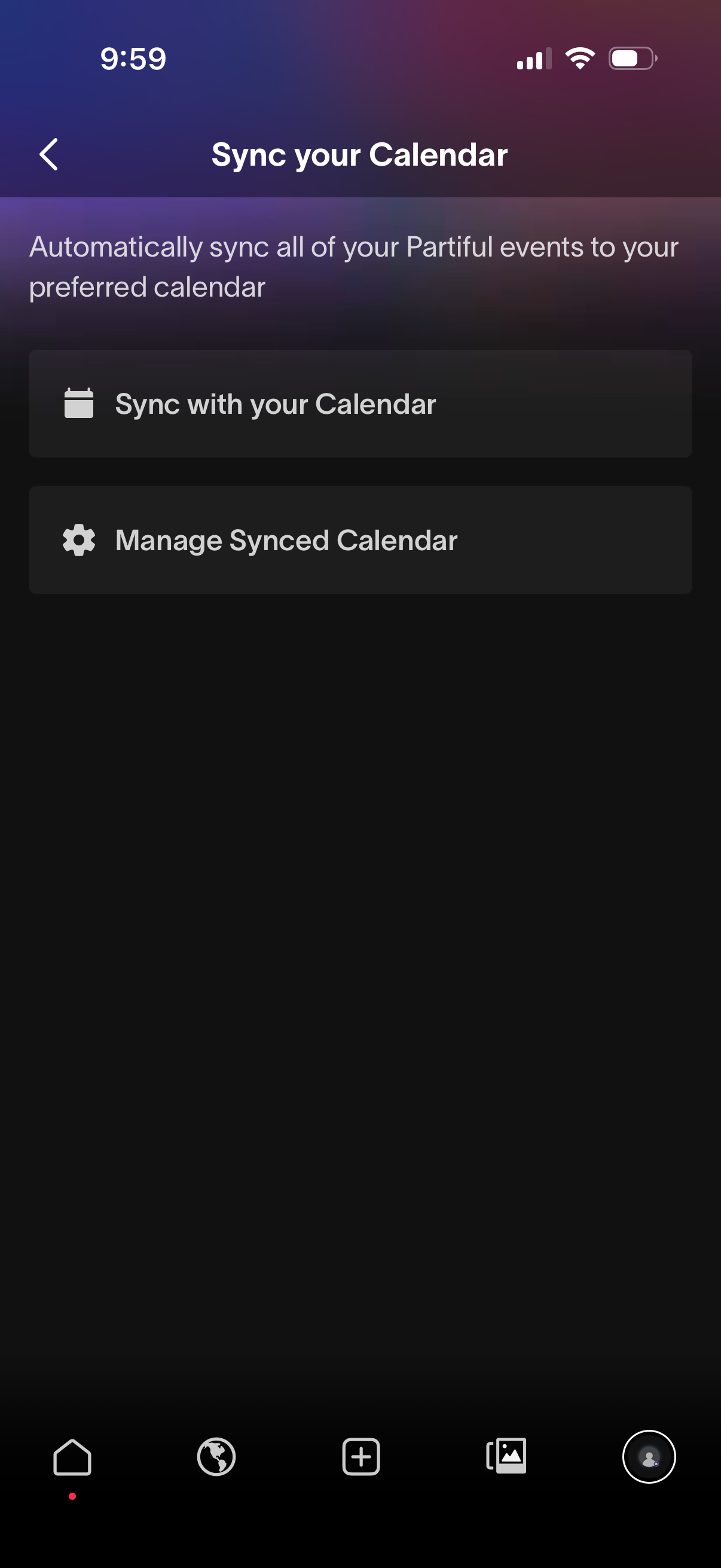
Settings screen for syncing app events to a user’s preferred calendar, offering actions to connect/sync with a calendar and to manage an existing synced calendar. Includes a back button and brief explanation of automatic calendar synchronization.
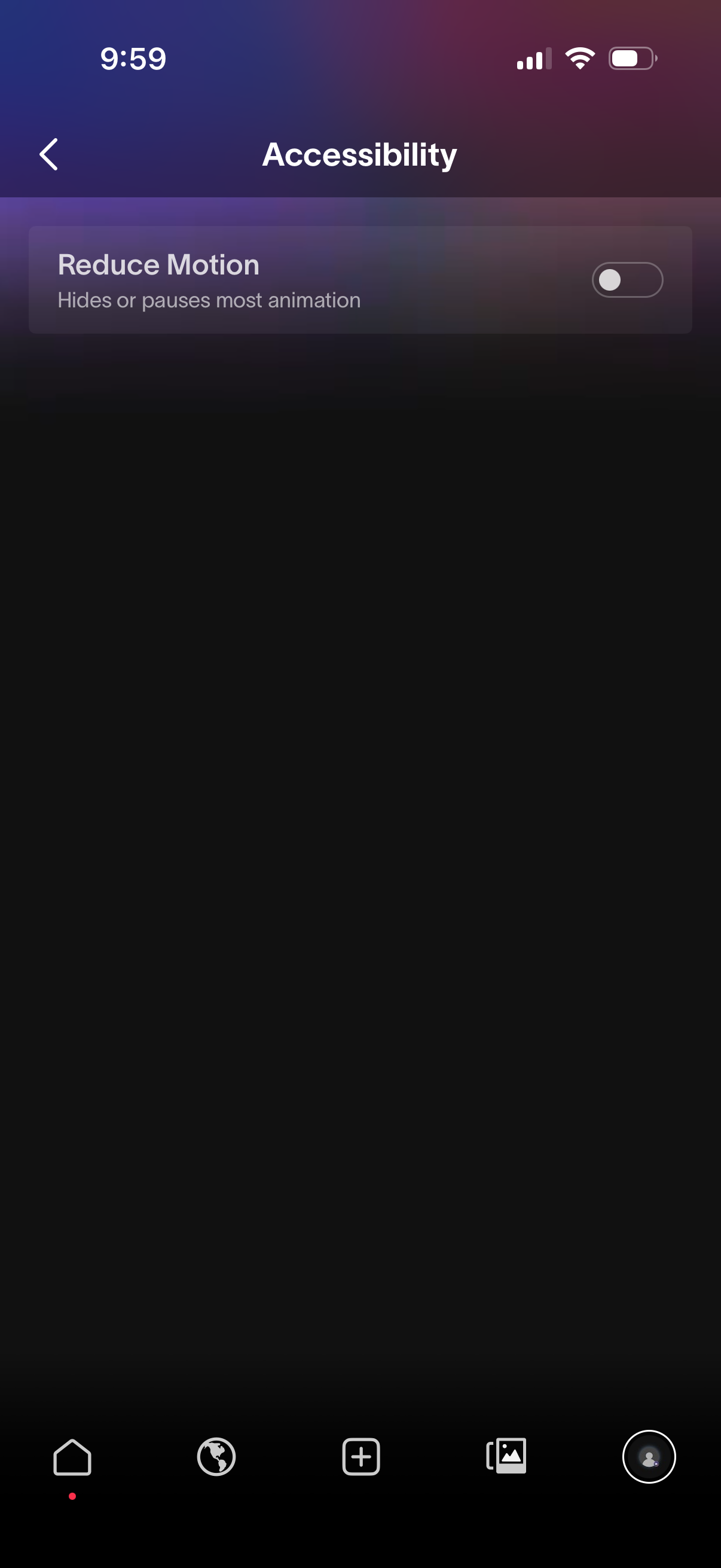
Accessibility settings screen with a single “Reduce Motion” option that lets users toggle off or pause most animations. Includes a back navigation arrow and an on/off switch control for the setting.