Onboarding
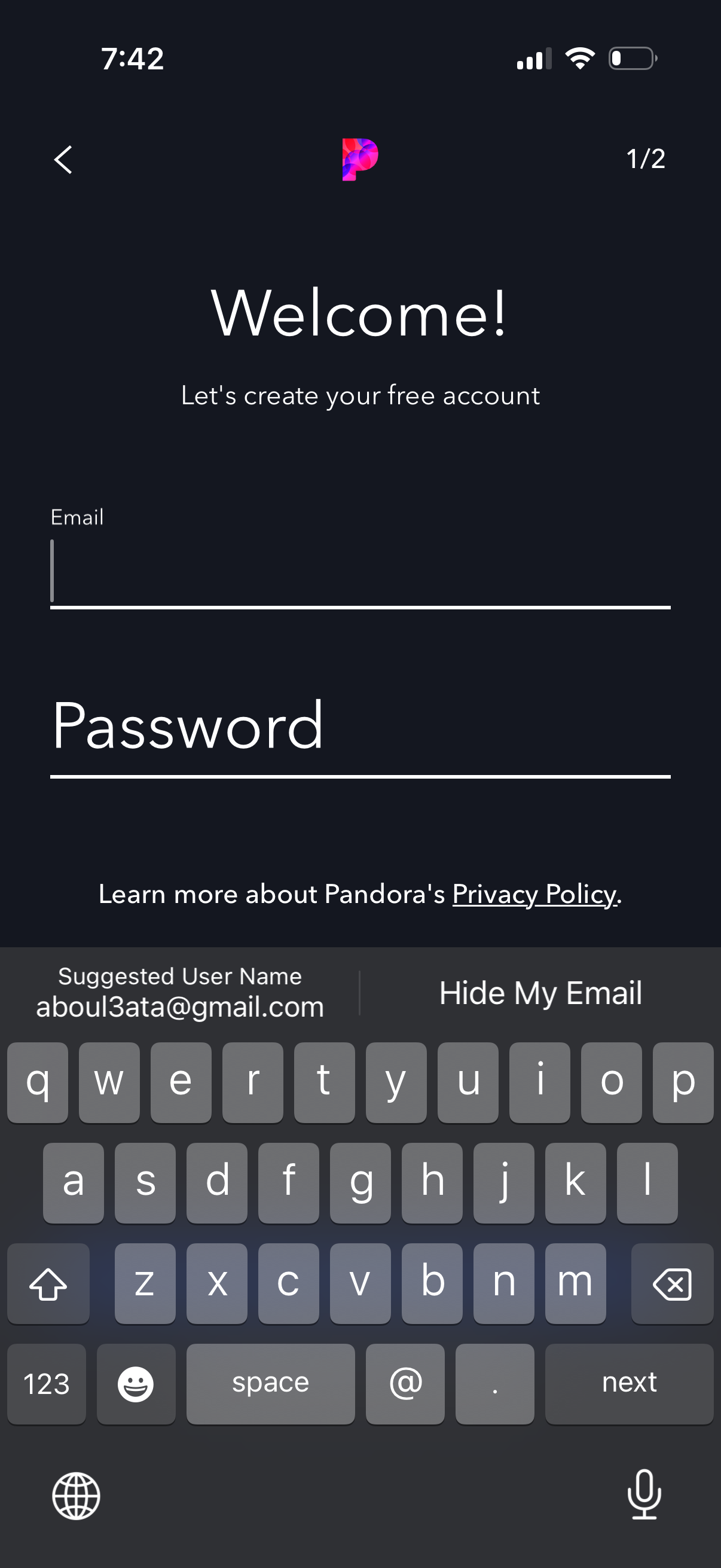
Account sign-up onboarding screen prompting users to create a free account by entering email and password, with a back navigation arrow and step indicator. Includes a link to the privacy policy while the keyboard is open for email input.
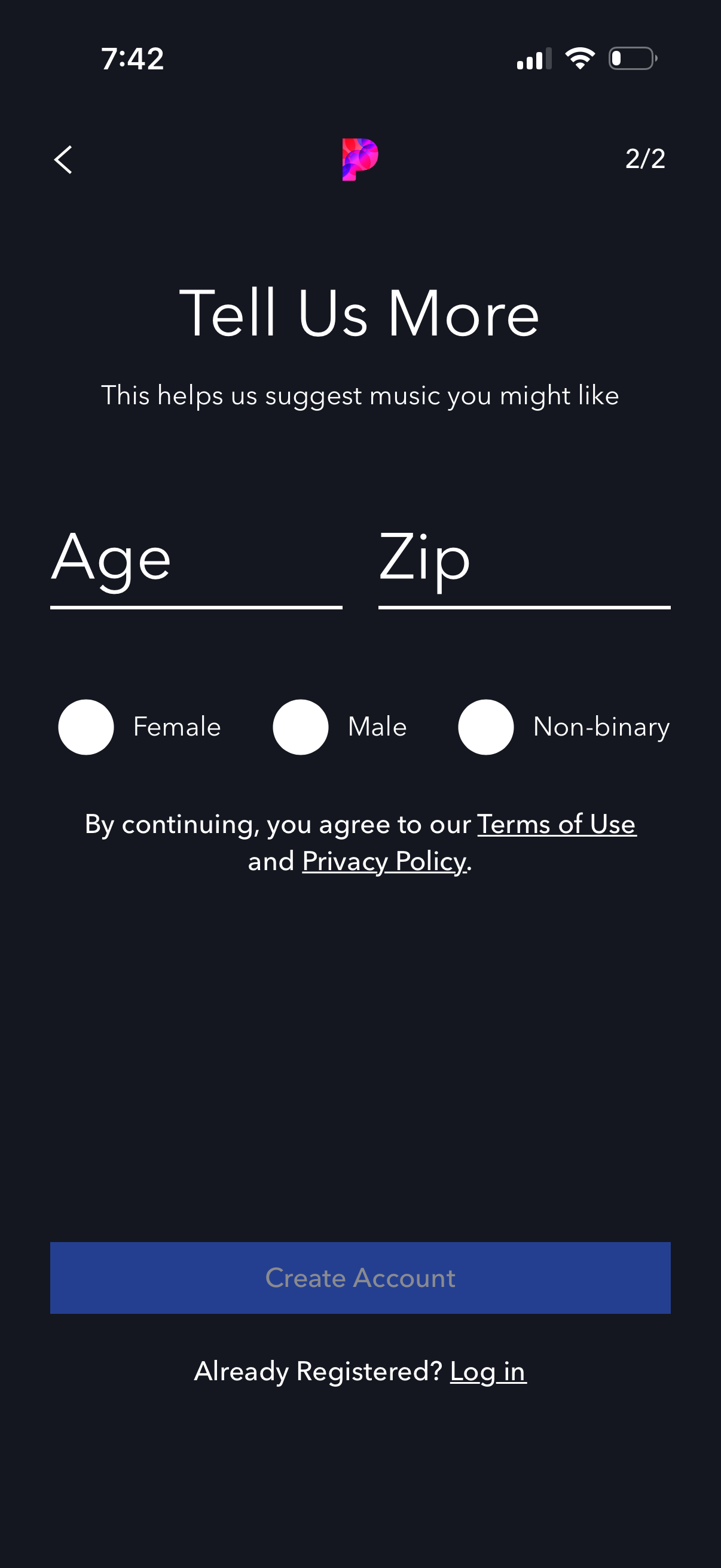
Music app onboarding/sign-up step asking for demographic details to personalize recommendations, with text fields for age and zip code and radio buttons for gender (female, male, non-binary). Includes links to Terms of Use and Privacy Policy, a primary Create Account button, and an option to log in for existing users.

Music app onboarding screen prompting users to pick a few favorite artists to create a personalized radio station. Includes a search bar, horizontal genre filter tabs, a grid of artist profile tiles to select from, and a Skip option to bypass setup.

Music app onboarding screen for picking favorite artists to create a personalized radio station, with search and genre filters plus a grid of artist tiles. A modal explains that selecting artists improves recommendations and offers actions to go back or skip anyway.