view notifications
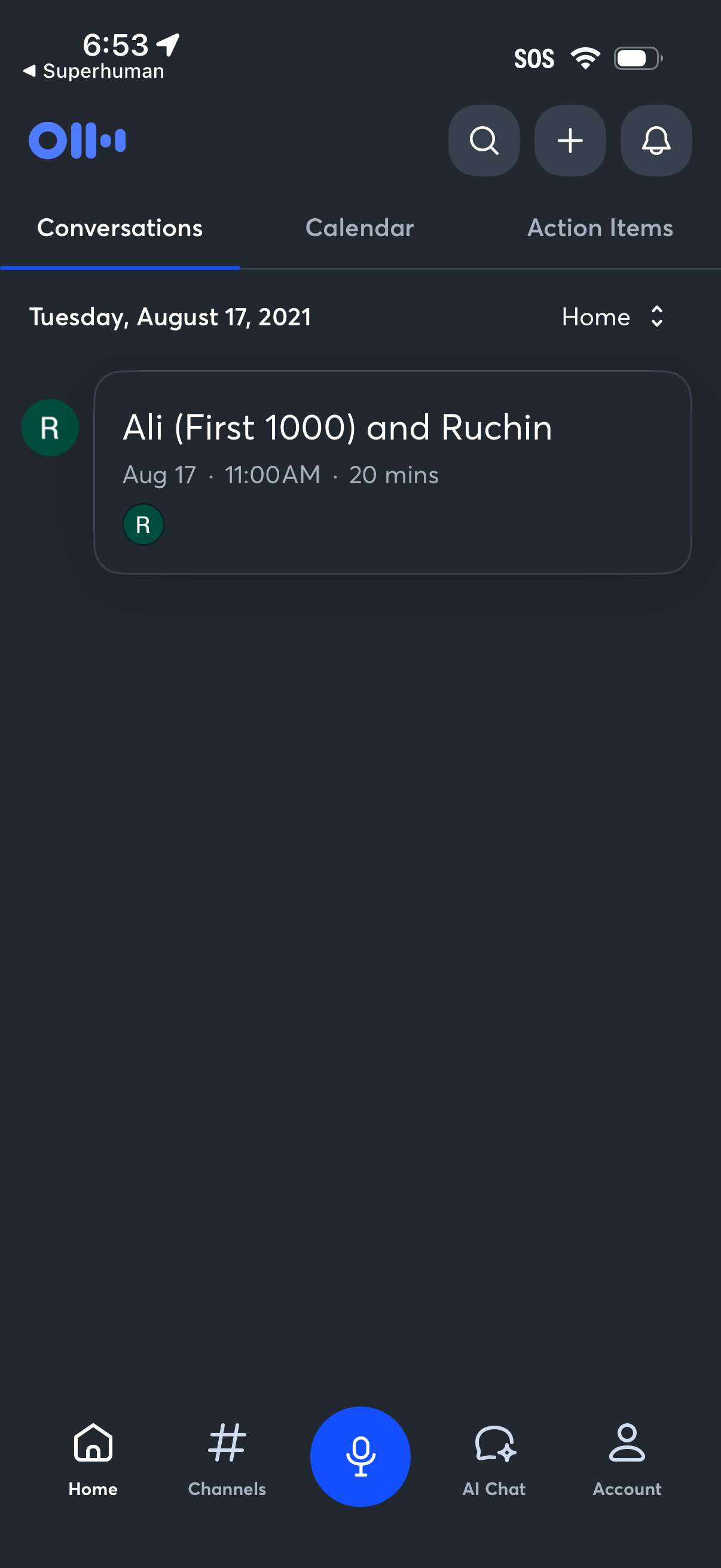
Home dashboard of a voice-first productivity app showing tabbed sections for Conversations, Calendar, and Action Items, with a dated list of meetings including time and duration. Top actions include search, add/new, and notifications, plus a bottom navigation bar with Home, Channels, a large microphone button for voice input, AI Chat, and Account.
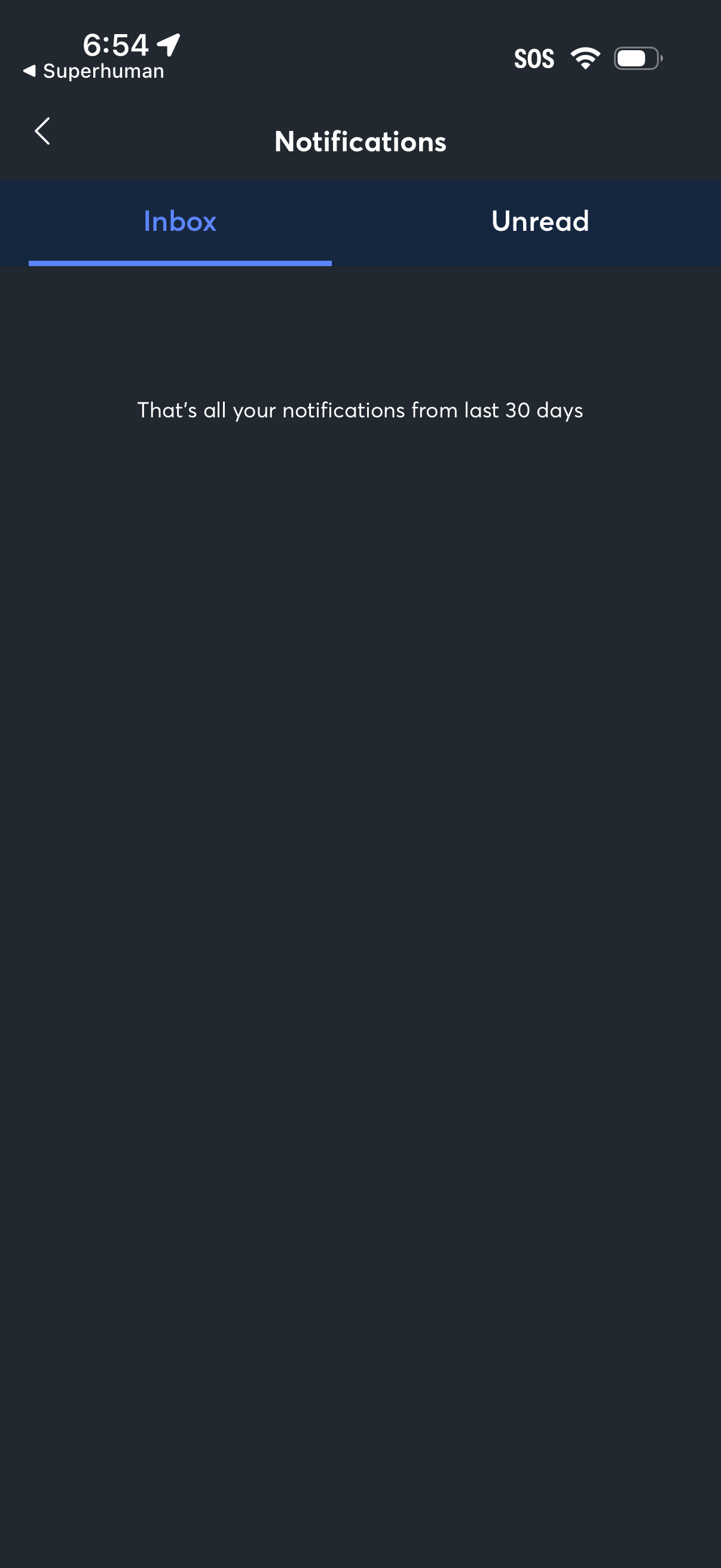
Notifications center screen with segmented tabs to switch between Inbox and Unread notifications. Displays an empty state message indicating there are no notifications left from the last 30 days, with a back navigation option.
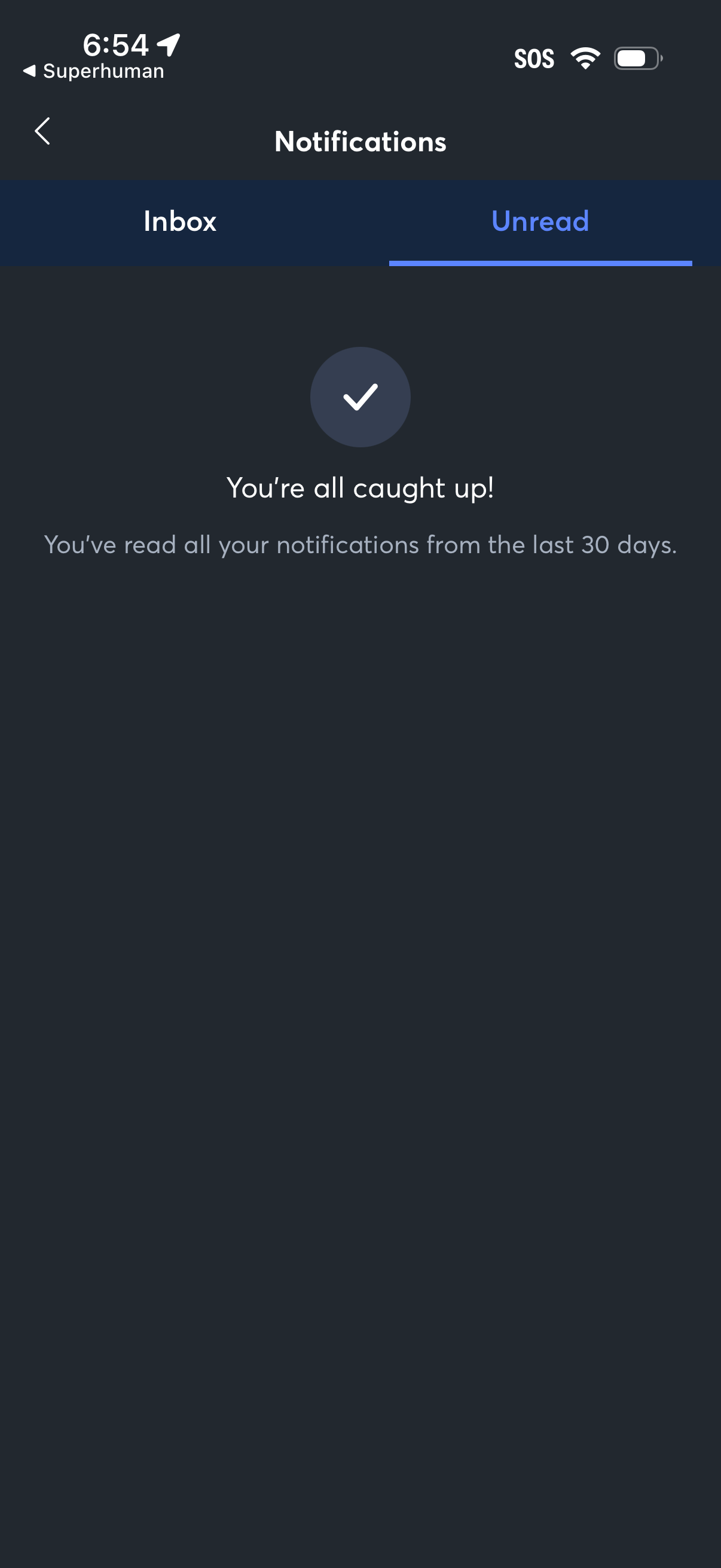
Notifications inbox screen with tabs to switch between Inbox and Unread. Shows an empty state confirmation (“You’re all caught up”) indicating all notifications from the last 30 days have been read.