sign in with email
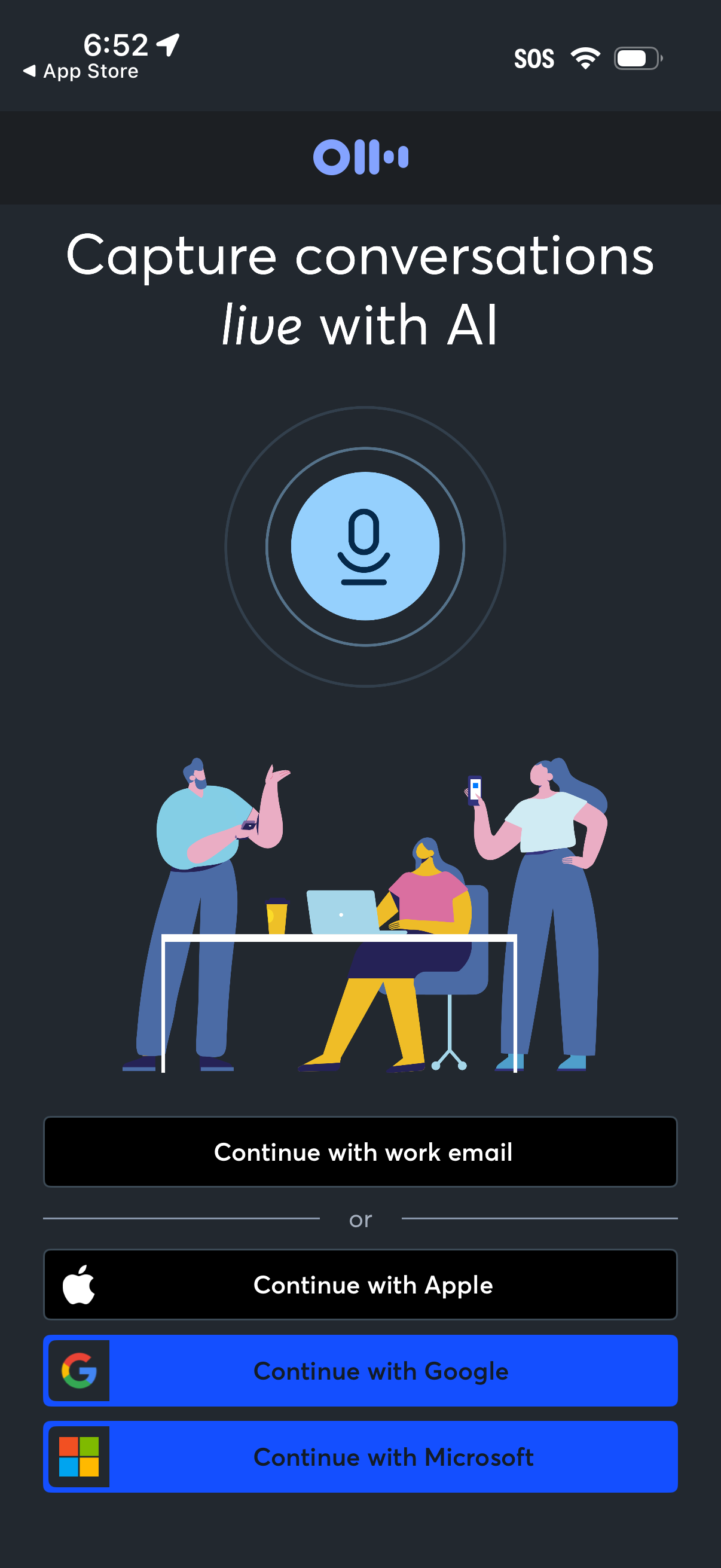
Onboarding sign-in screen for an AI meeting/conversation capture app, highlighting “Capture conversations live with AI” with a microphone icon illustration. Provides authentication options to continue with work email, Apple, Google, or Microsoft.
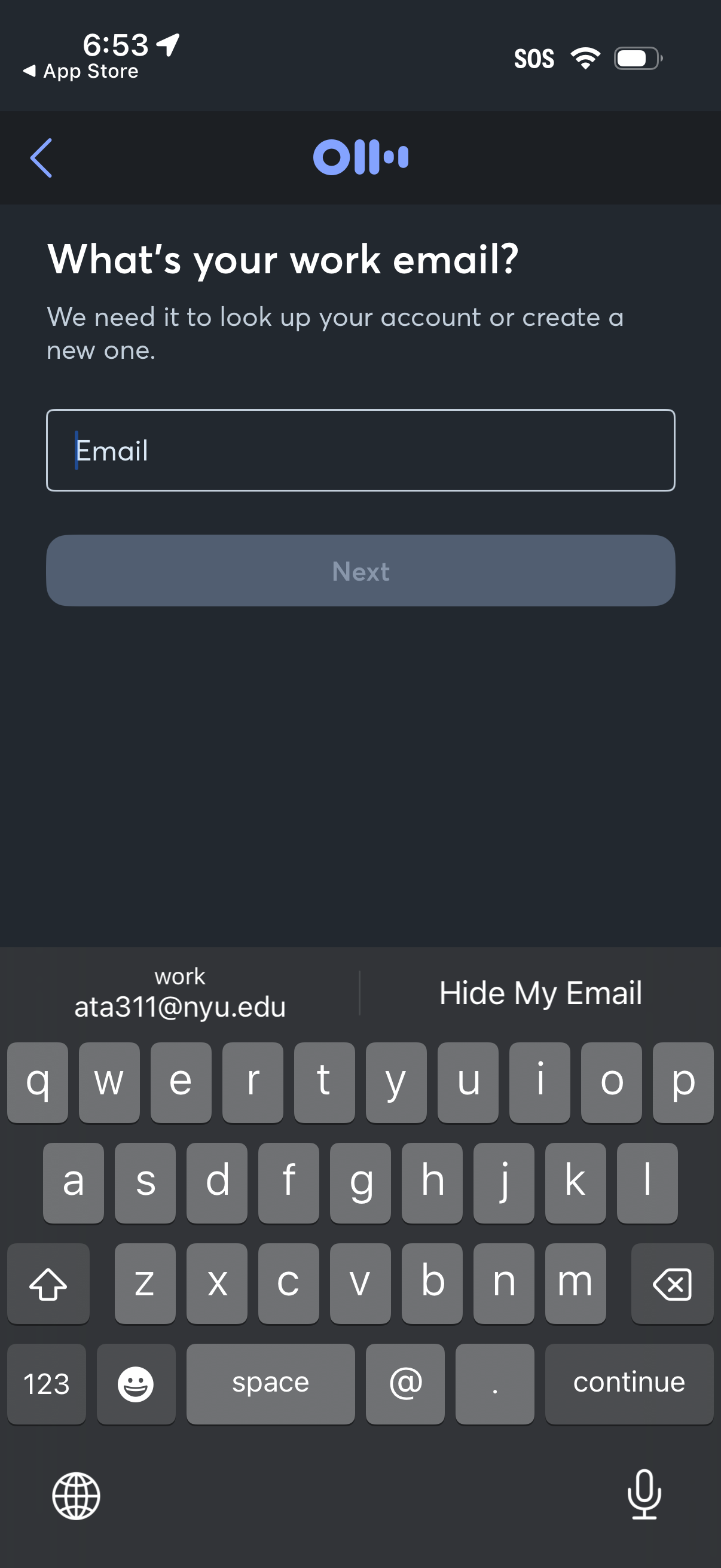
Account sign-in/onboarding screen asking for a user’s work email to look up an existing account or create a new one. Includes a single email input field, back navigation, and a disabled “Next” button that becomes available after entering an email.
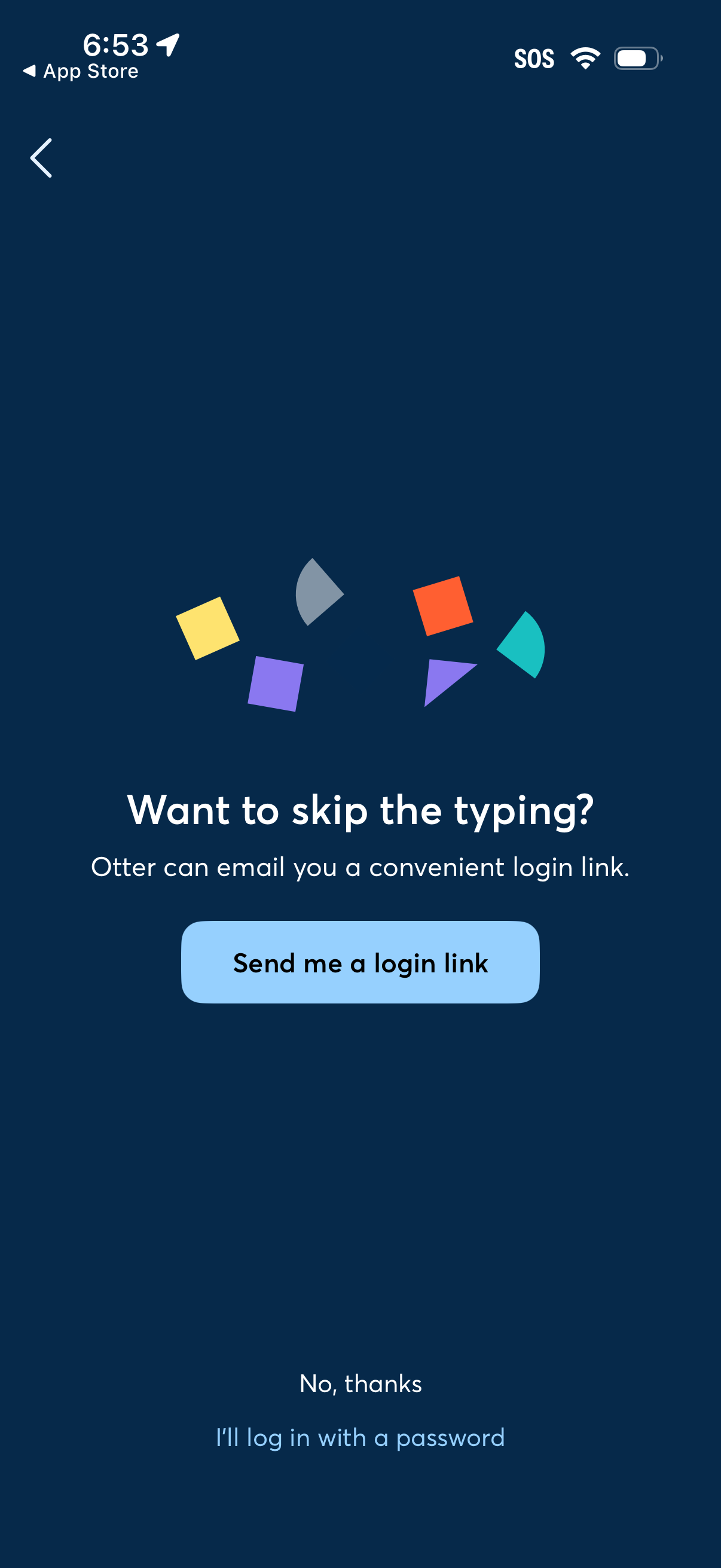
Login screen offering a passwordless authentication option by emailing the user a one-time login link, with a primary CTA to “Send me a login link. ” Secondary actions let the user decline and continue with traditional password login, plus a back navigation button.
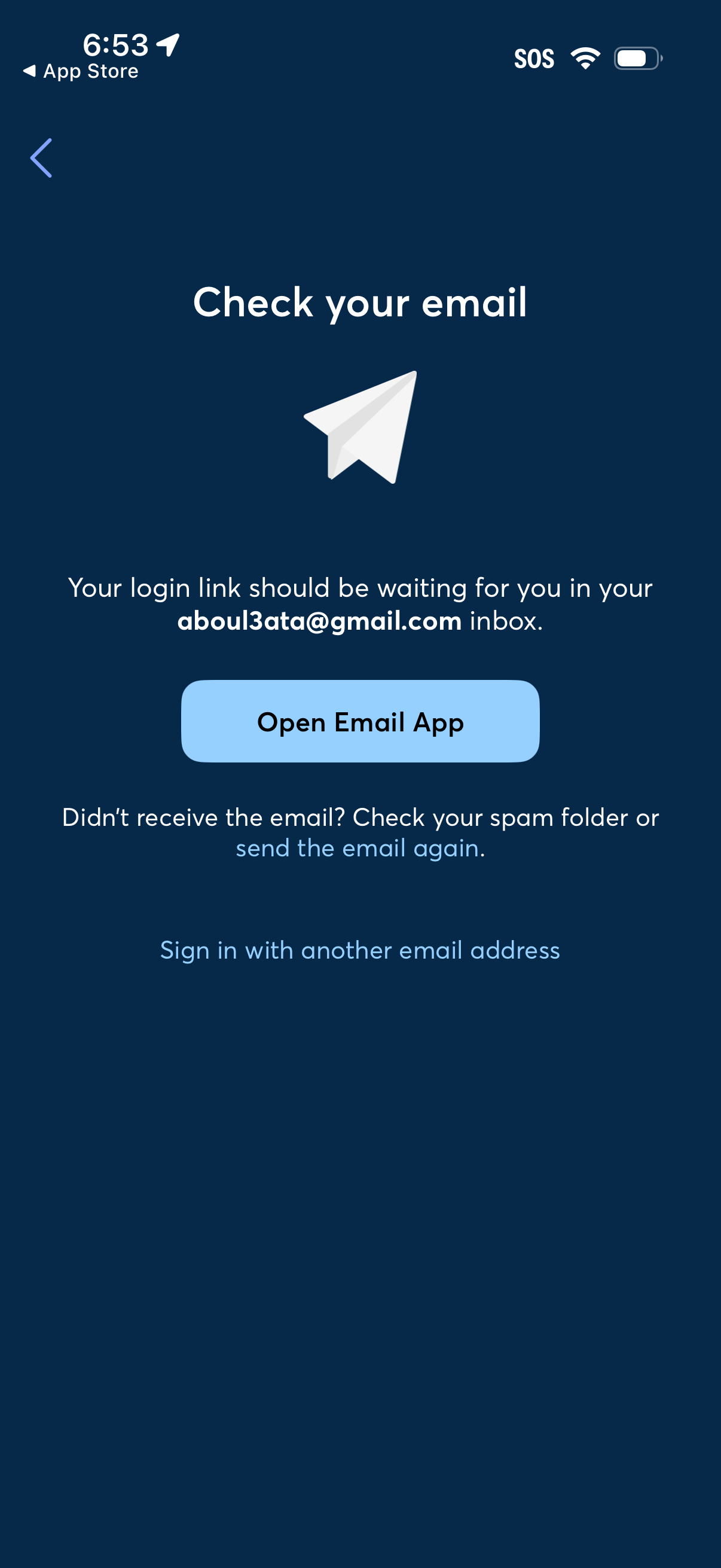
Passwordless login verification screen prompting the user to check their email for a magic sign-in link, with a primary action to open the email app. Includes options to resend the email, troubleshoot by checking spam, and sign in with another email address.
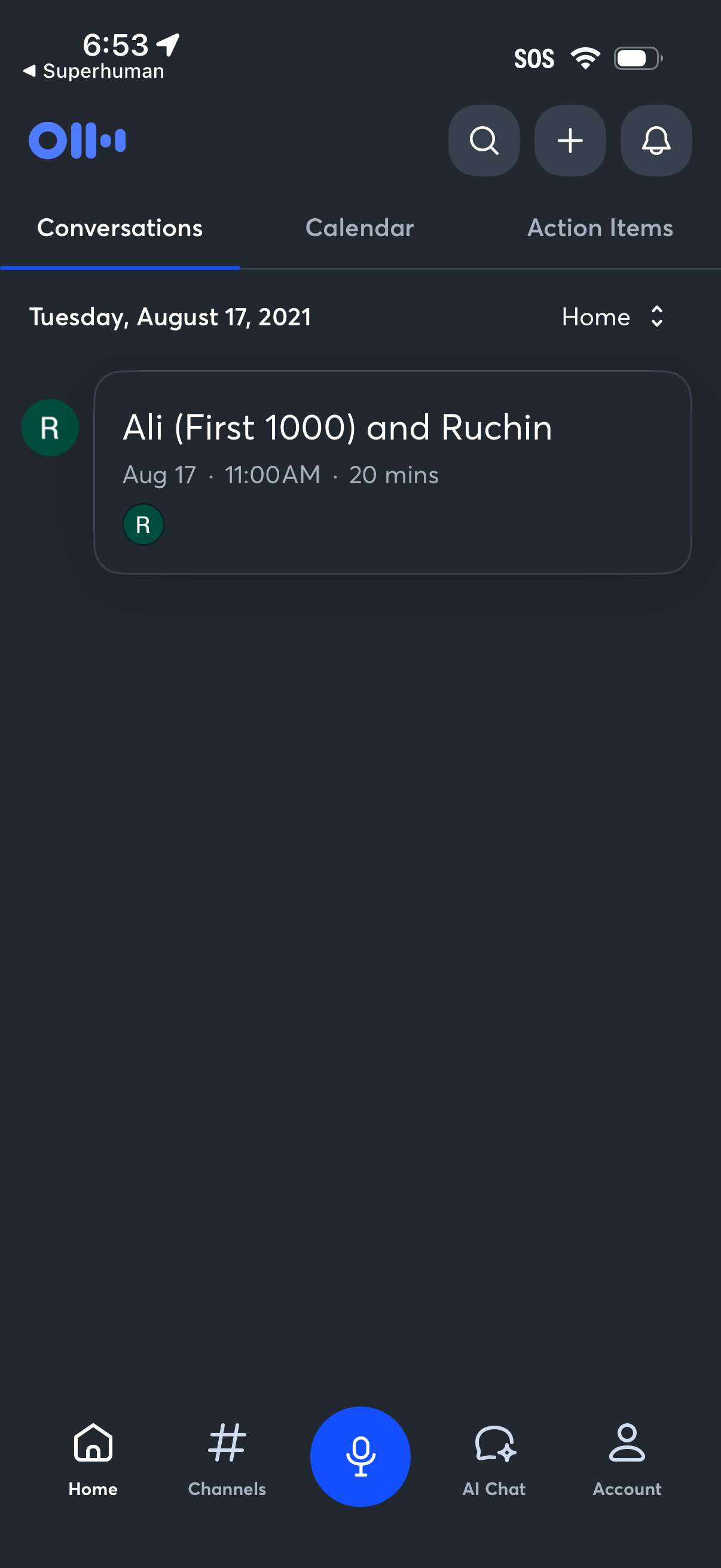
Home dashboard of a voice-first productivity app showing tabbed sections for Conversations, Calendar, and Action Items, with a dated list of meetings including time and duration. Top actions include search, add/new, and notifications, plus a bottom navigation bar with Home, Channels, a large microphone button for voice input, AI Chat, and Account.