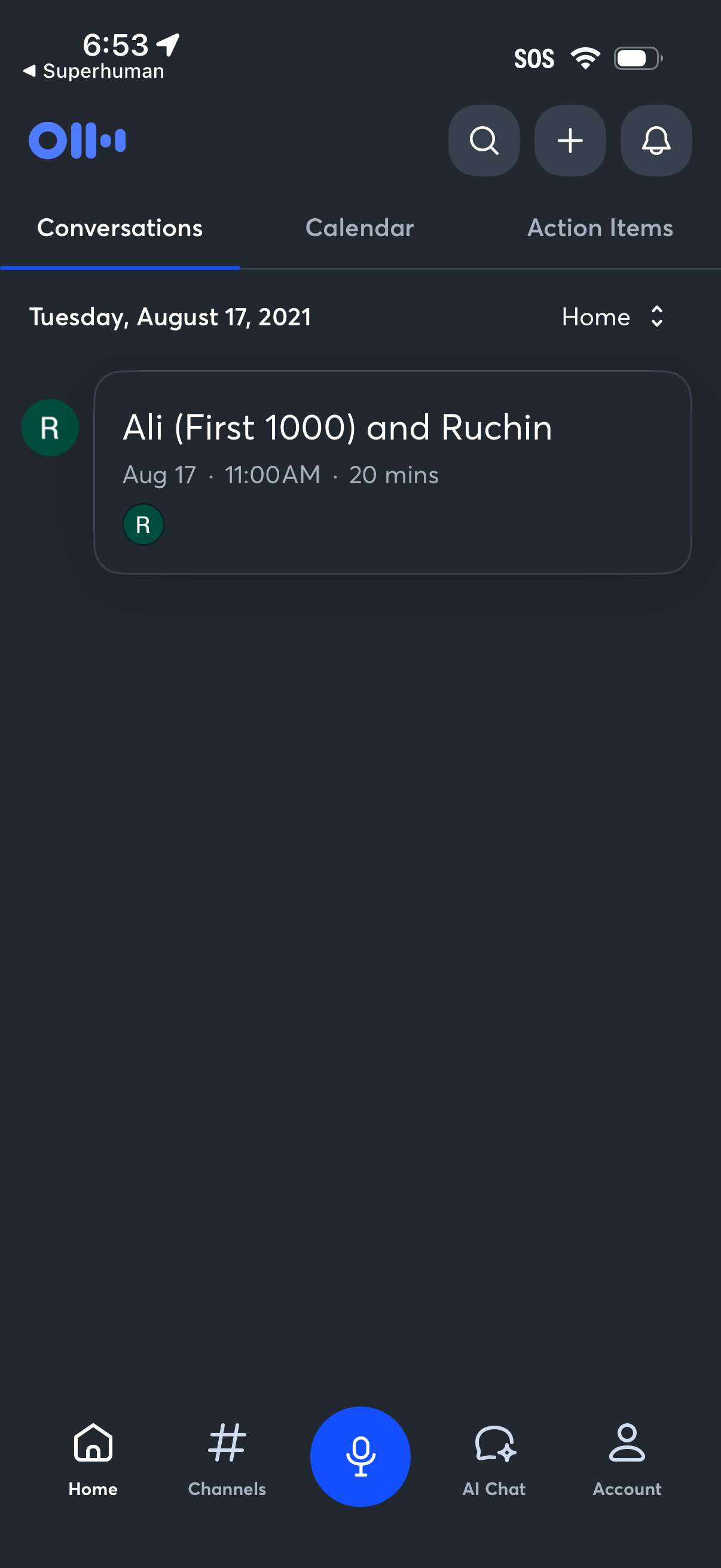
Home dashboard of a voice-first productivity app showing tabbed sections for Conversations, Calendar, and Action Items, with a dated list of meetings including time and duration. Top actions include search, add/new, and notifications, plus a bottom navigation bar with Home, Channels, a large microphone button for voice input, AI Chat, and Account.
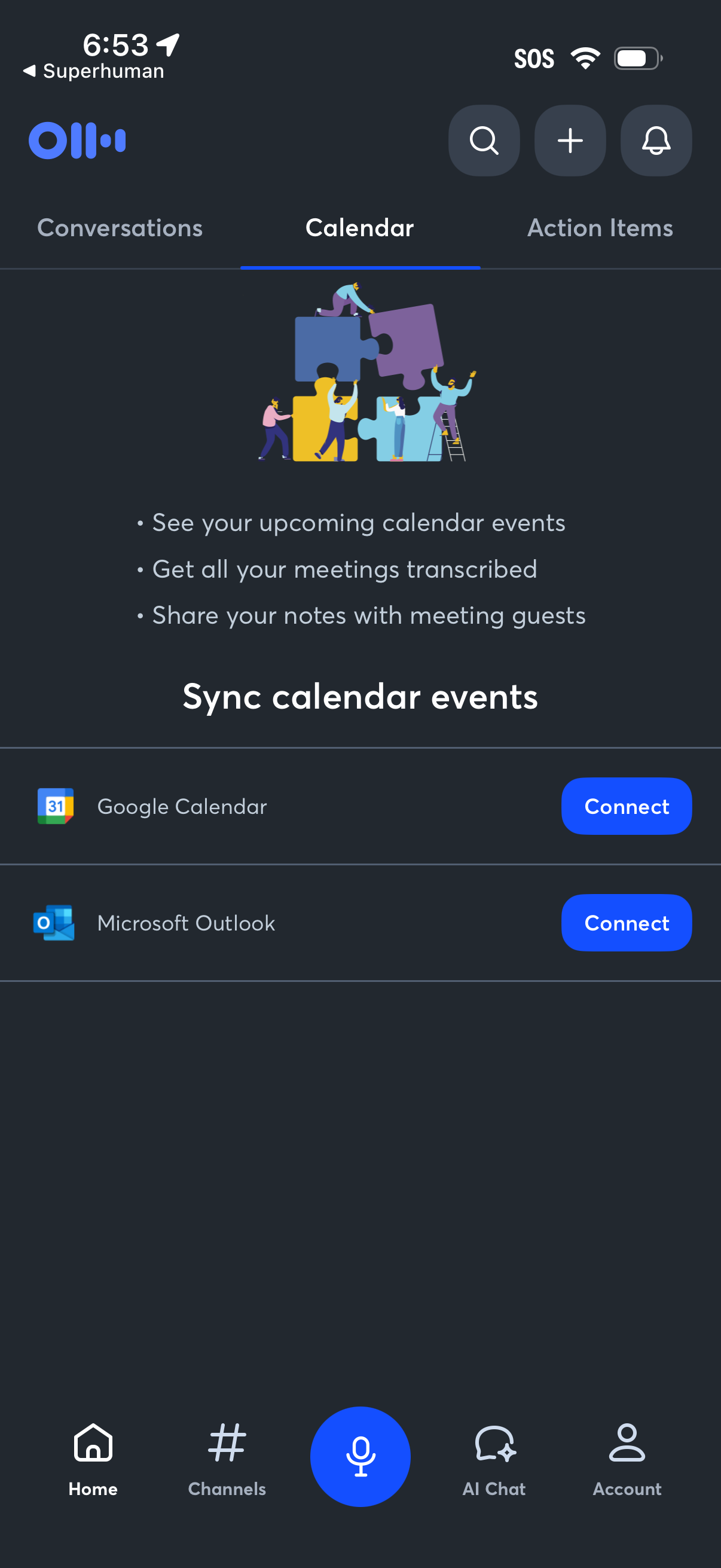
Calendar integration setup screen prompting users to sync upcoming events for meeting transcription and note sharing, with options to connect Google Calendar or Microsoft Outlook. Includes tab navigation between Conversations, Calendar, and Action Items plus top actions for search, add, and notifications.
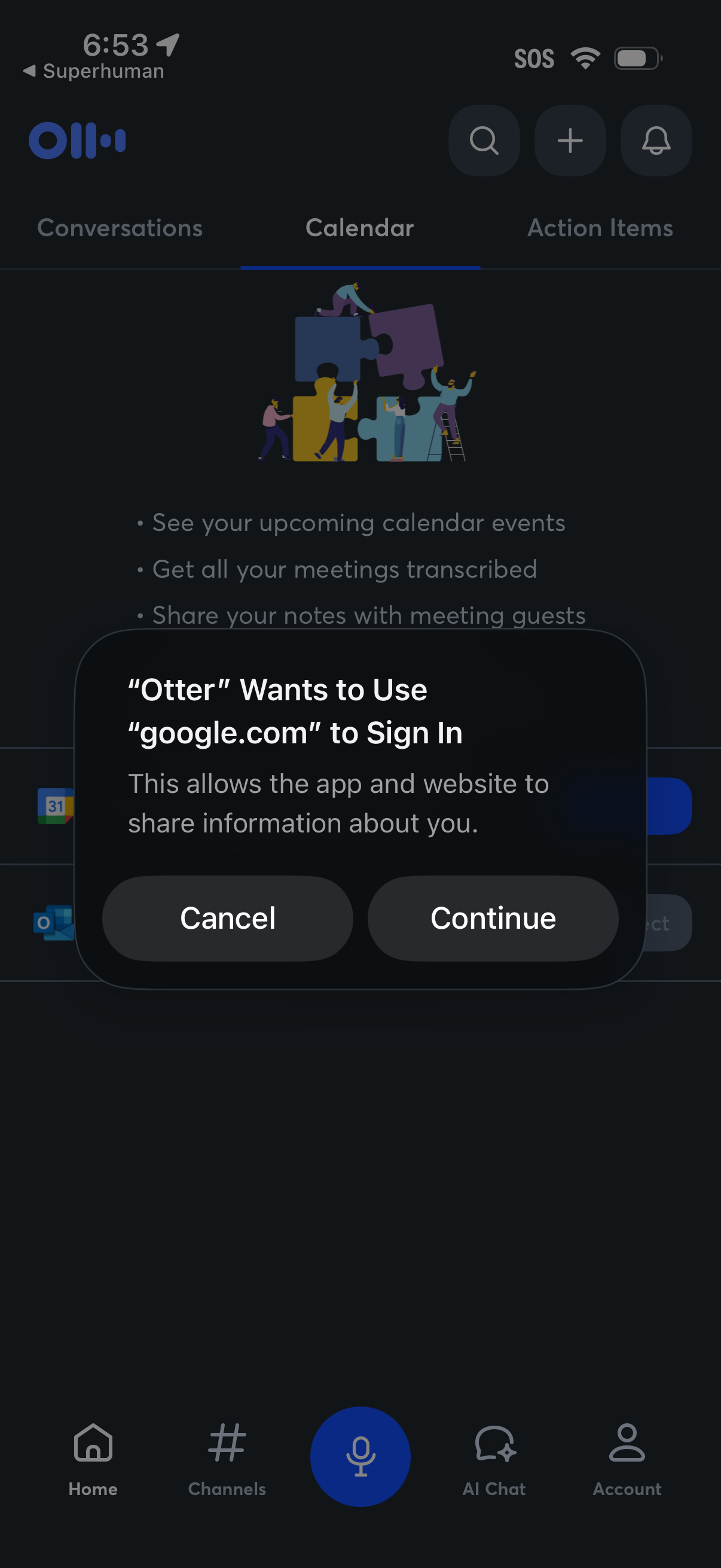
A mobile calendar tab in a meeting assistant app is shown with an iOS permission modal requesting to use a Google account domain to sign in, offering Cancel or Continue. The underlying screen highlights calendar features like viewing upcoming events, transcribing meetings, and sharing notes, with top actions for search/add/notifications and bottom navigation.
In-app web page or document viewer loading screen with a progress bar at the top and controls to close/dismiss, view options, go back, and share. The main content area is blank while the page loads.
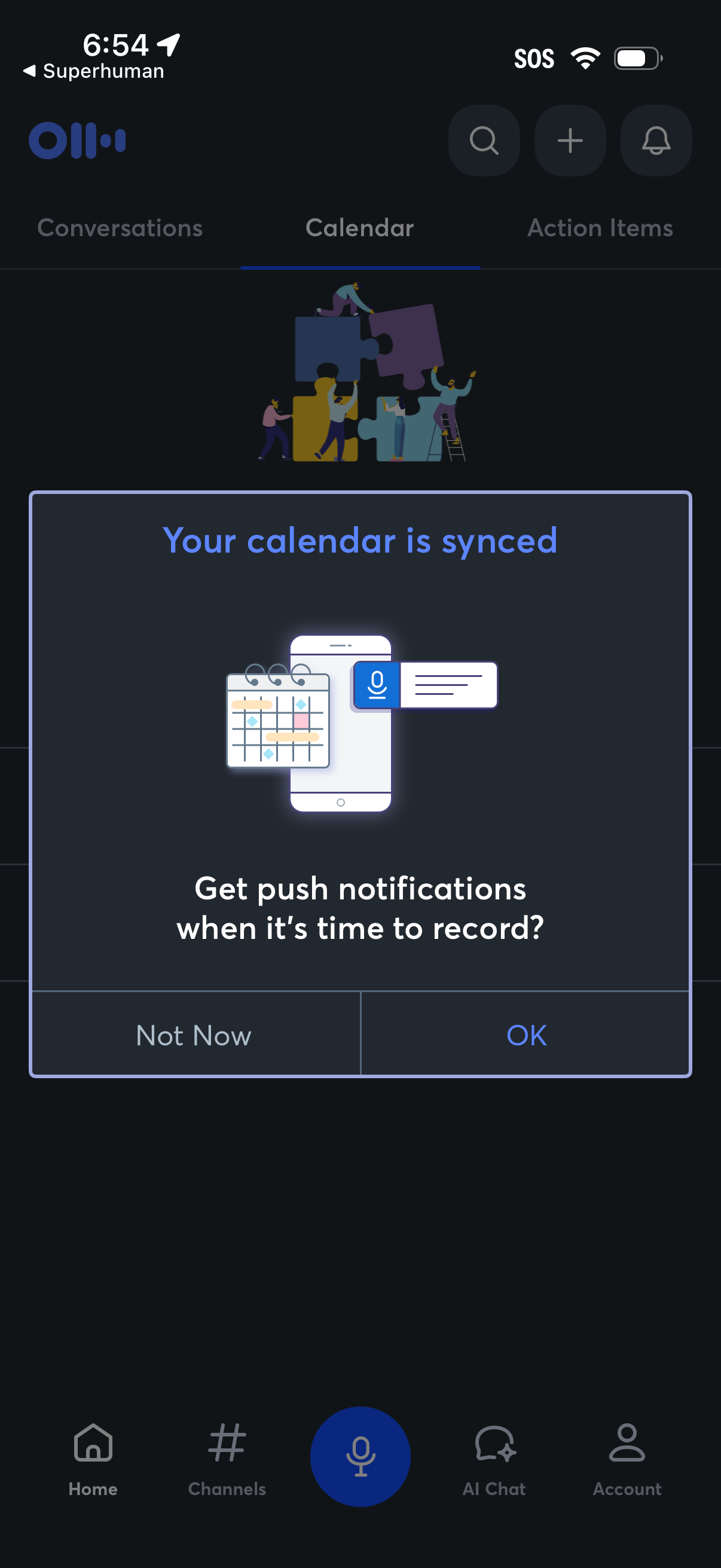
Calendar tab of a productivity app showing a confirmation modal that the user’s calendar is synced and prompting to enable push notifications for recording reminders. The dialog presents two actions, “Not Now” and “OK,” over a tabbed interface (Conversations, Calendar, Action Items) with search/add/notification icons and bottom navigation.
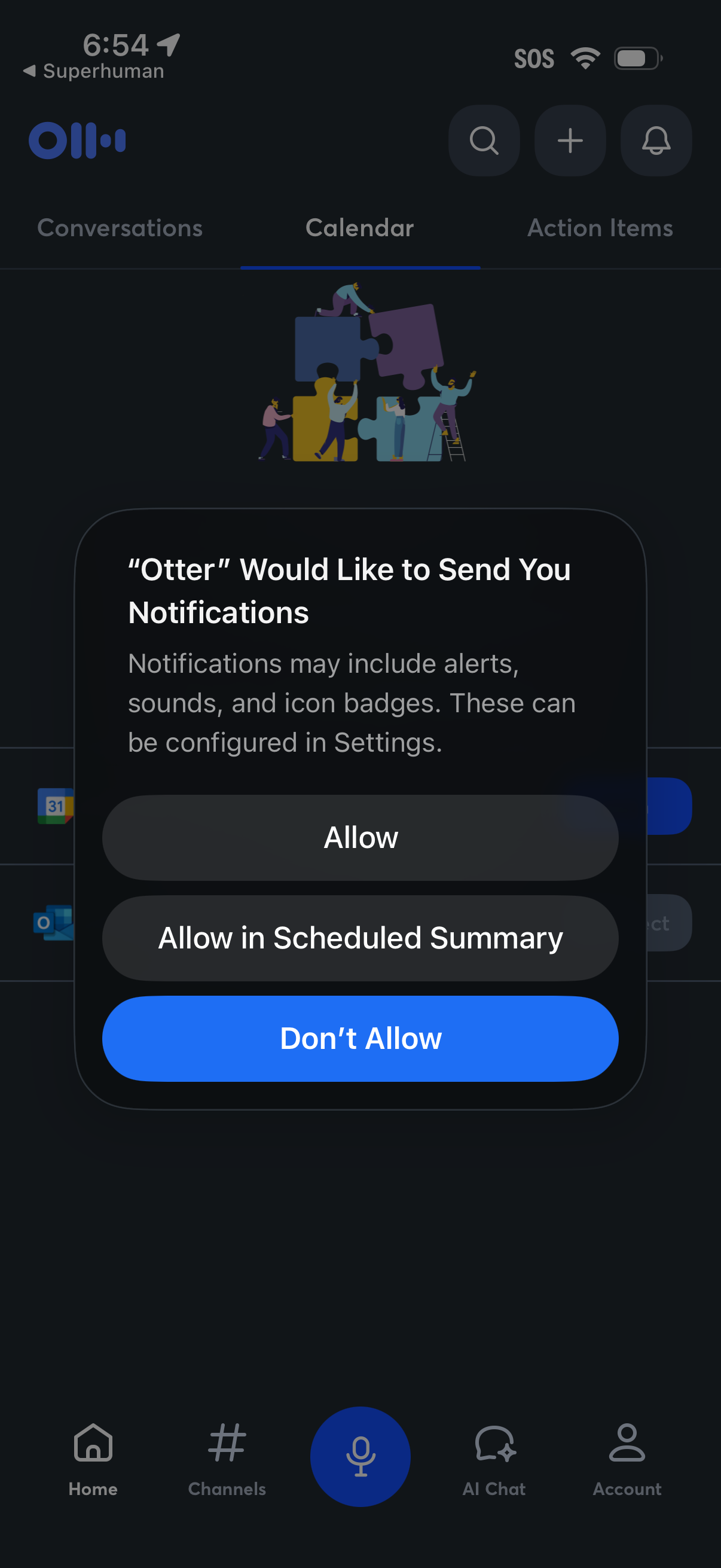
An iOS system permission modal asking the user to enable push notifications for the app, explaining alerts, sounds, and badges, with actions to Allow, Allow in Scheduled Summary, or Don’t Allow. The modal appears over the app’s home screen with tab navigation and sections for conversations, calendar, and action items.
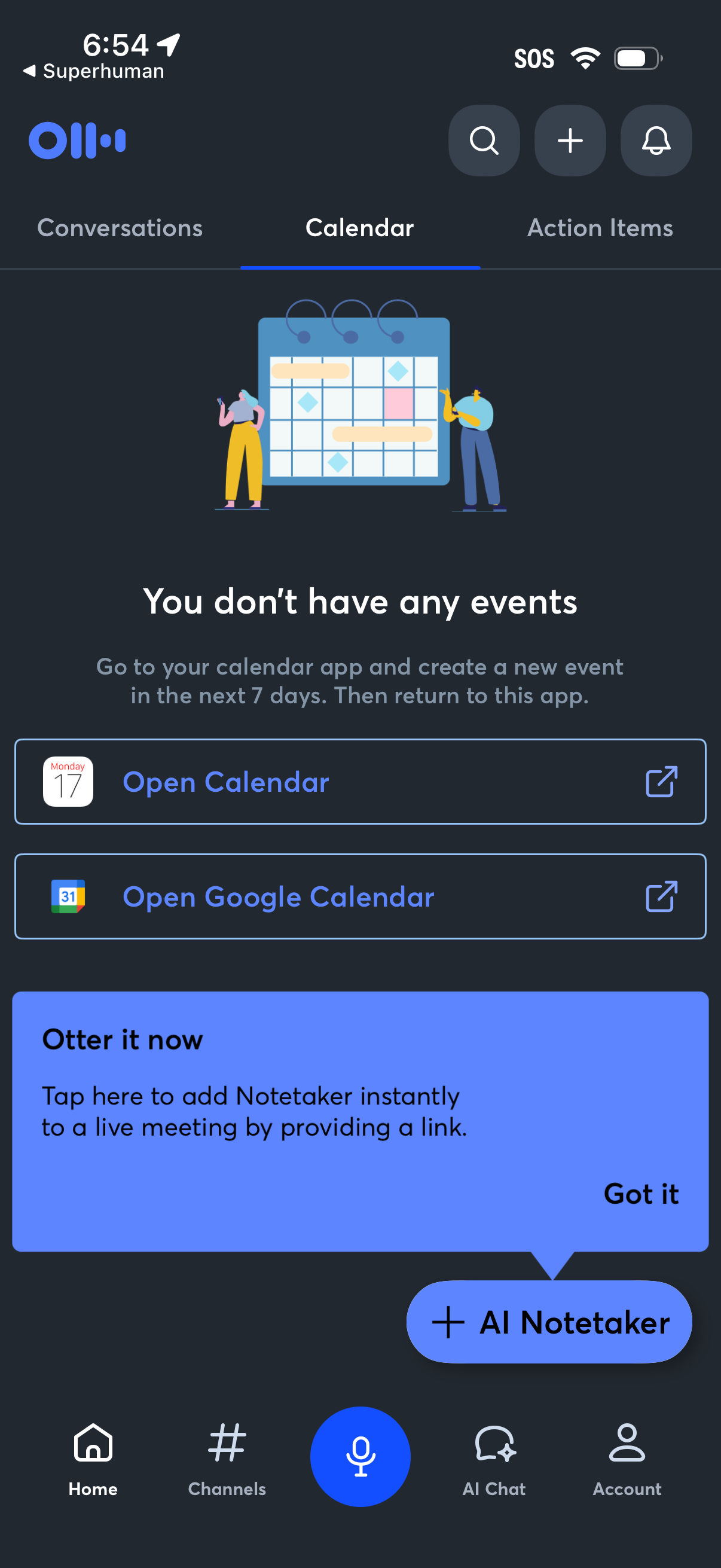
Calendar tab empty state in a productivity or AI assistant app showing “You don’t have any events” with prompts to create an event in the next 7 days and deep links to open the device Calendar or Google Calendar. Includes top actions for search, add, and notifications plus a persistent CTA to add an AI Notetaker to a live meeting via link with an onboarding tooltip.