Onboarding

Welcome/onboarding screen with a hero image, headline and brief value proposition, offering primary CTA to “Get Started” and a secondary “Sign In” option for existing users.
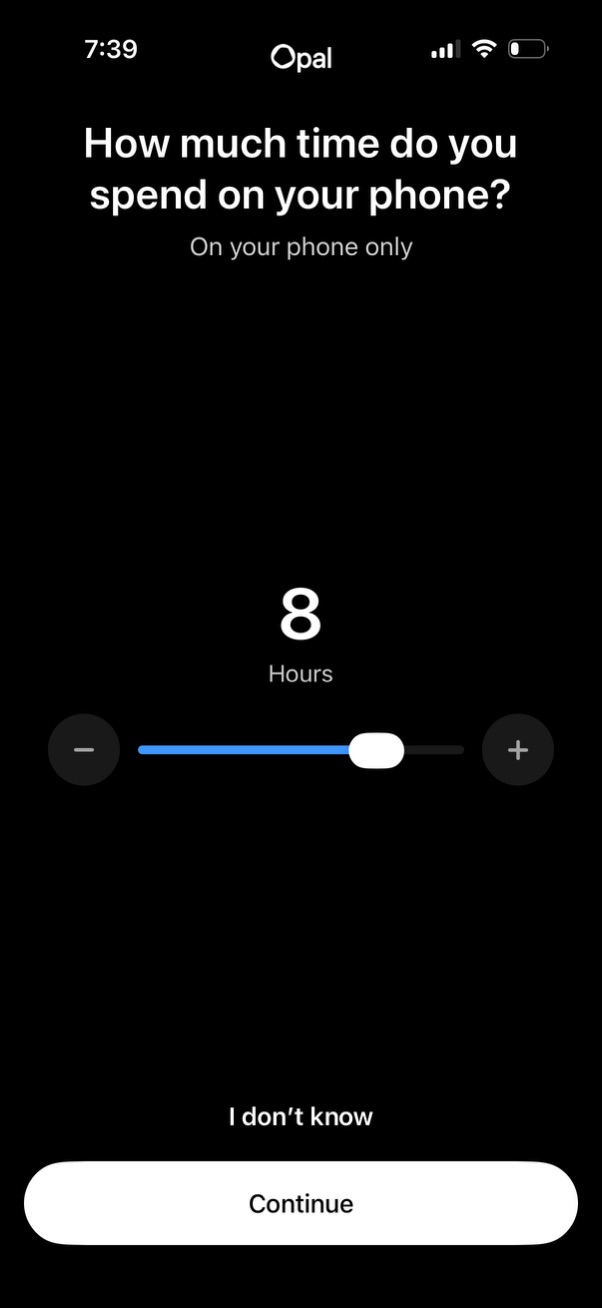
Onboarding survey screen asking users to estimate their daily phone usage time, with a slider and plus/minus controls to select hours. Includes an “I don’t know” option and a primary “Continue” button to proceed.

Onboarding survey screen asking “What habit would you like to change? ” with a multi-select list of phone-related behaviors (e.

Onboarding preference selection screen asking how the user plans to use the app, with options like using it alone, with family/kids, or with friends. Includes a disabled Continue button that becomes active after choosing an option.
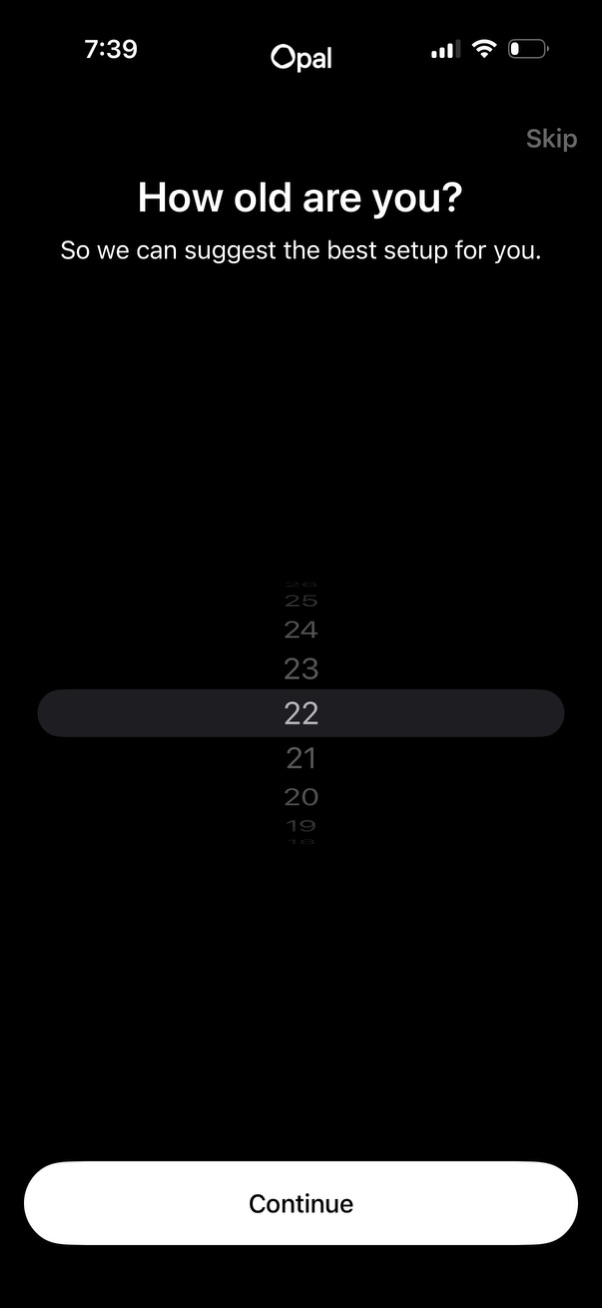
Onboarding age verification screen asking “How old are you? ” with a wheel picker to select an age and a primary Continue button, plus an option to Skip.
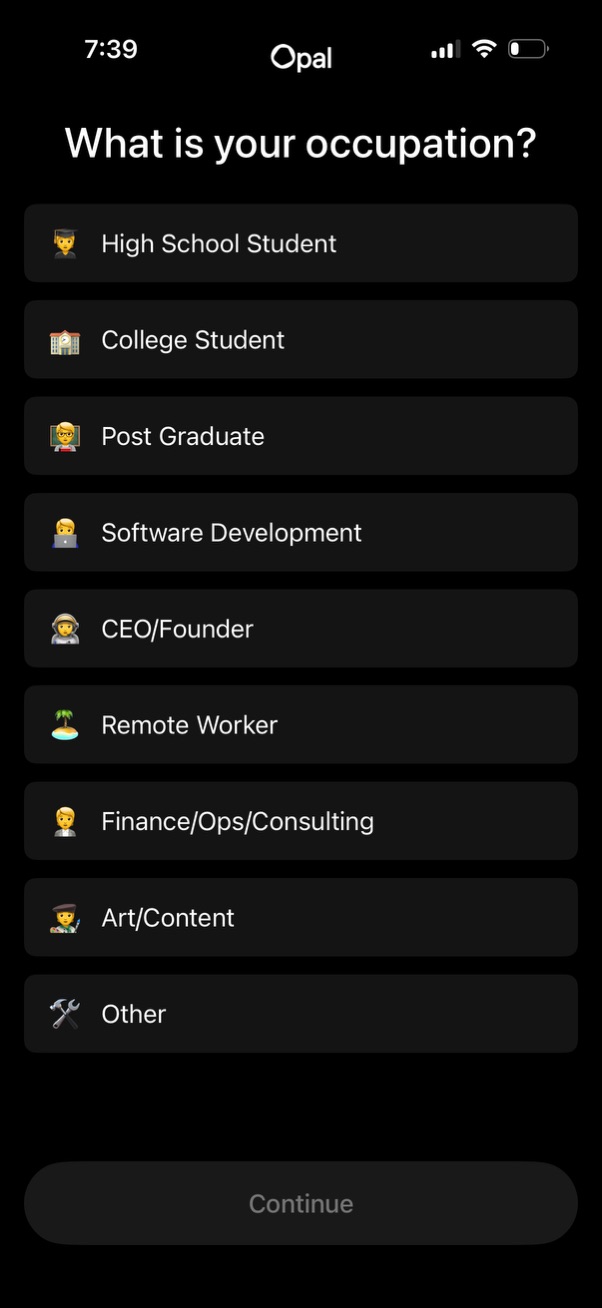
Onboarding profile question screen asking “What is your occupation? ” with a single-select list of occupation options (student levels, software development, CEO/founder, remote worker, finance/ops/consulting, art/content, other).
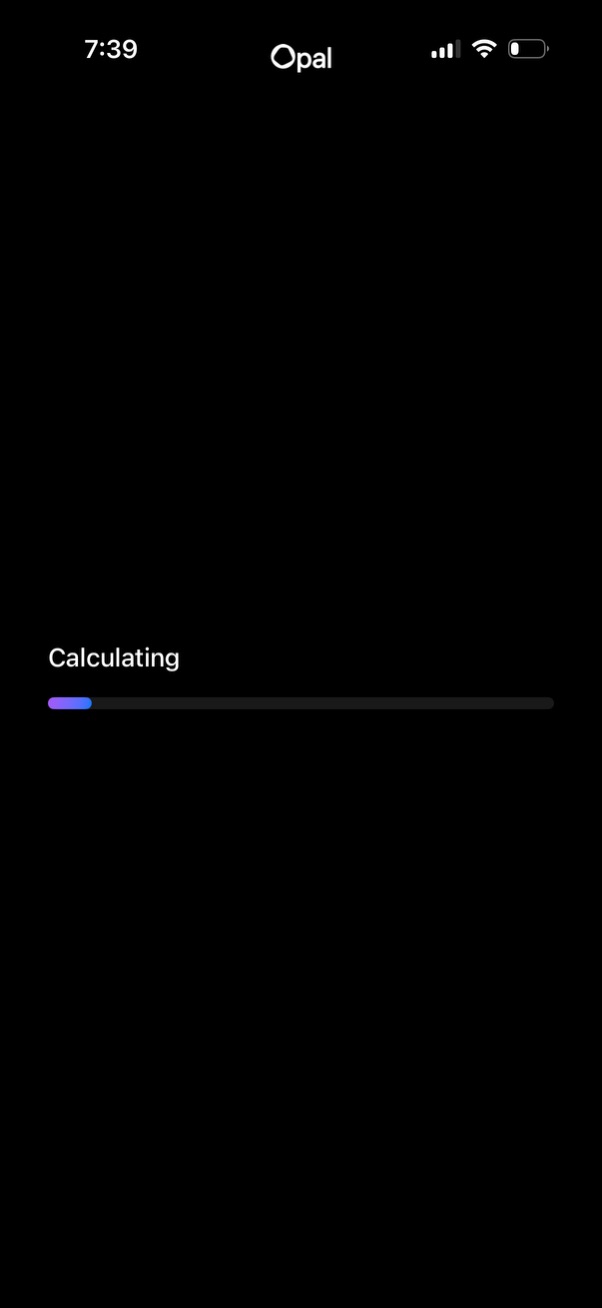
Dark loading screen showing a “Calculating” status message with a horizontal progress bar, indicating the app is processing or computing results before displaying the next view.
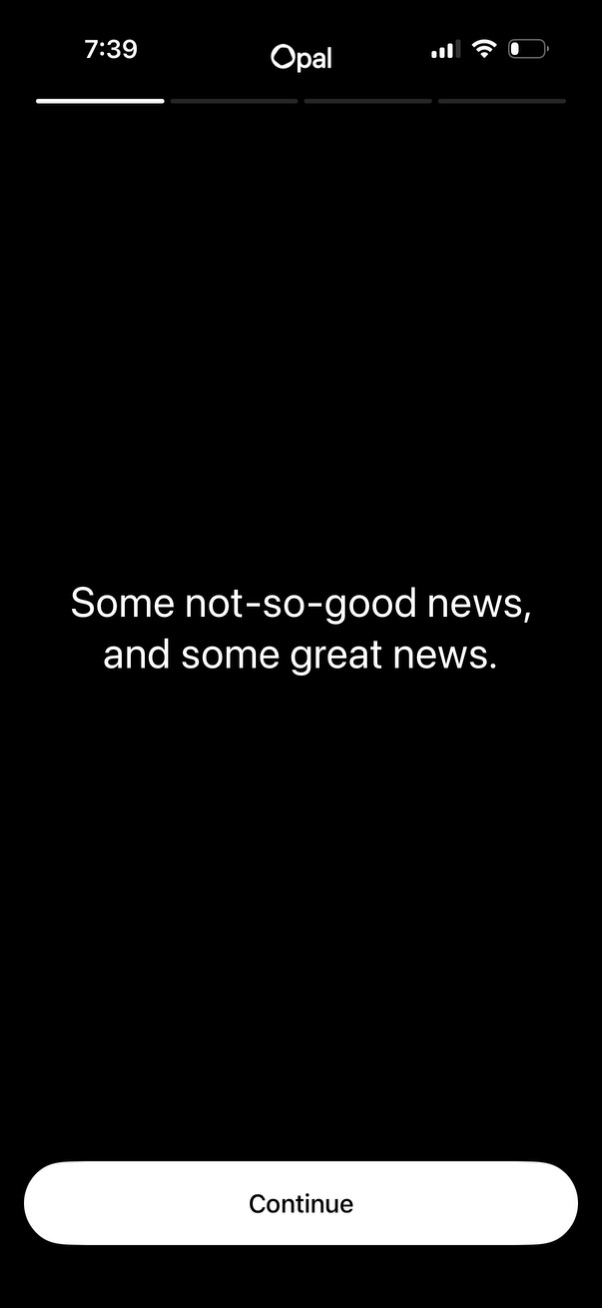
An onboarding or setup step screen that introduces upcoming information with a headline message (“Some not-so-good news, and some great news. ”) and a single primary call-to-action button to continue.
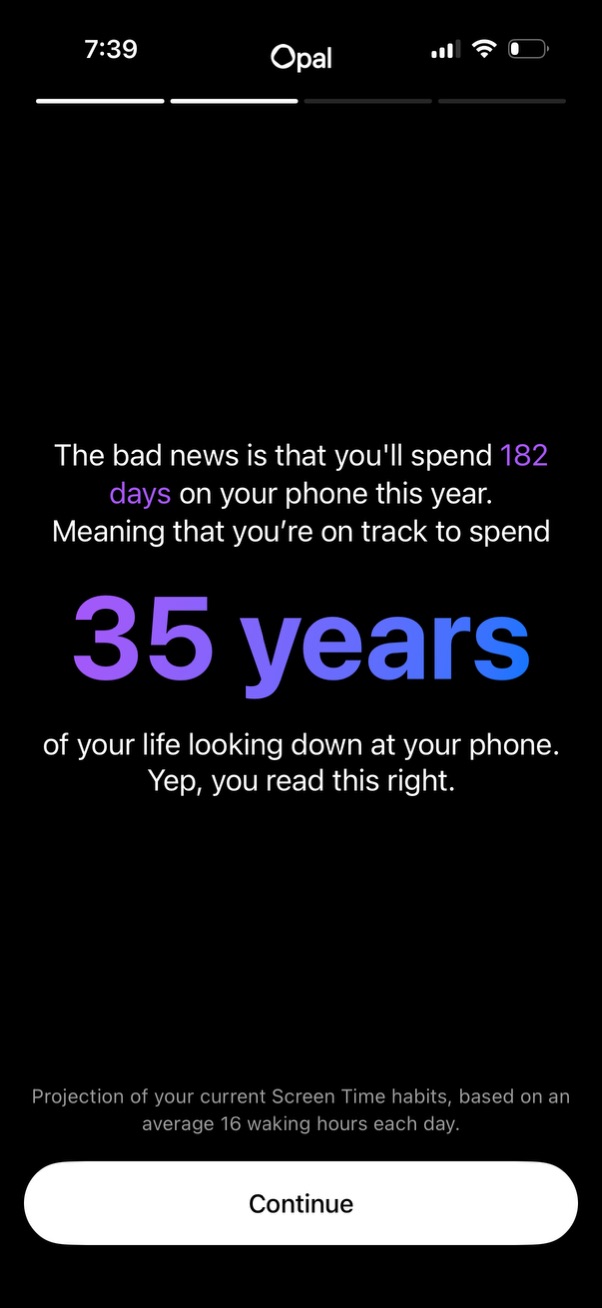
An onboarding insight screen for a screen-time/wellbeing app showing a personalized projection of annual phone usage and lifetime hours (highlighting a large “35 years” statistic) based on current habits. Includes a progress indicator and a primary “Continue” button to advance through the onboarding flow.

An onboarding insight screen in a digital wellbeing app that shocks users with a projection of their annual phone time and lifetime years spent on the phone, using large headline stats and “Truth bomb” messaging. Includes a primary “Continue” button to proceed and a close icon to exit the flow.
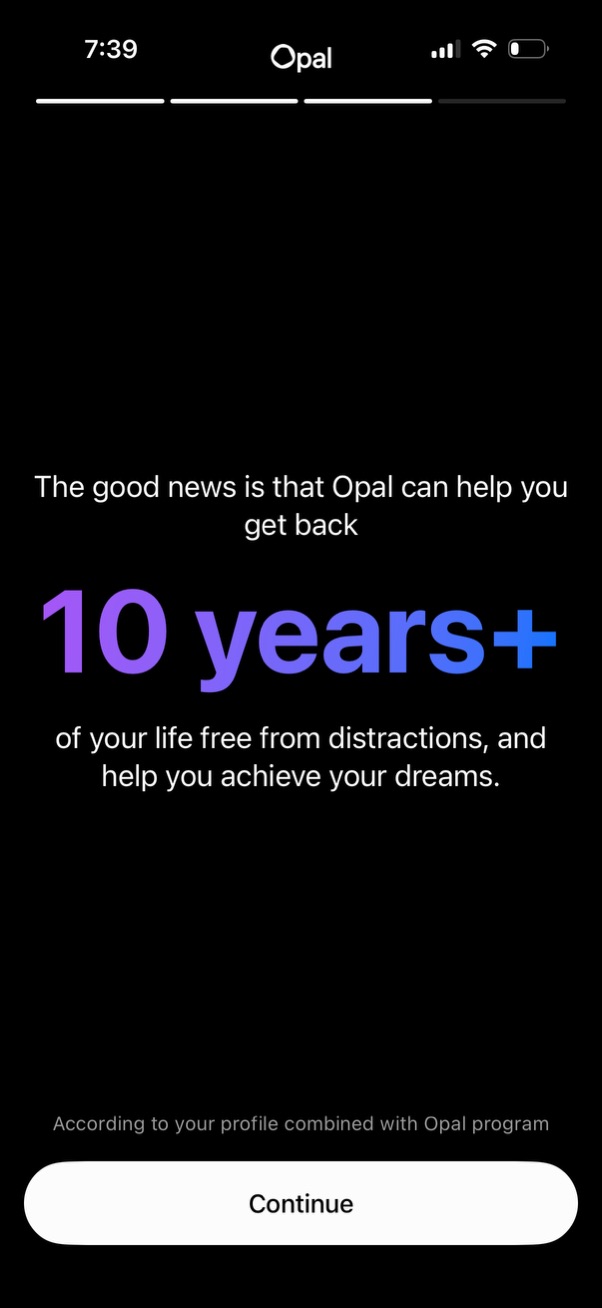
Onboarding value proposition screen for a digital wellbeing app highlighting a personalized benefit estimate (“10 years+” regained free from distractions) based on the user’s profile. Includes a single primary CTA button to continue to the next step.

In-app rating prompt modal asking “Enjoying Opal? ” with a 5-star App Store rating selector and a “Not Now” dismiss button, overlaying the current screen.

Onboarding permission screen explaining that the app will connect to iOS Screen Time to generate a personalized focus report. Includes a primary “Continue” button to proceed with granting access.

Permission onboarding screen prompting the user to securely connect the app to iOS Screen Time so it can analyze activity data, restrict content, and limit app/website usage. Shows the system access dialog with primary actions to Continue (grant access) or Don’t allow, plus a Learn More link about privacy and on-device data protection.
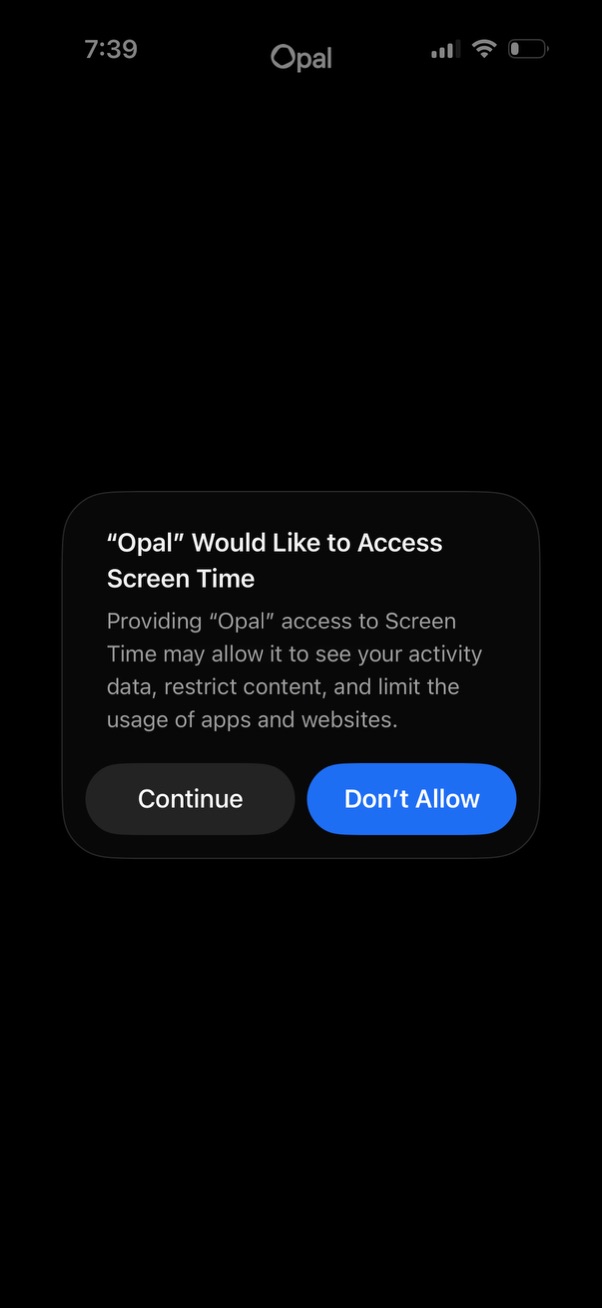
iOS system permission modal requesting access to Screen Time for an app, explaining it can view activity data and restrict content or limit app and website usage. Provides primary actions to Continue (grant permission) or Don’t Allow (deny).
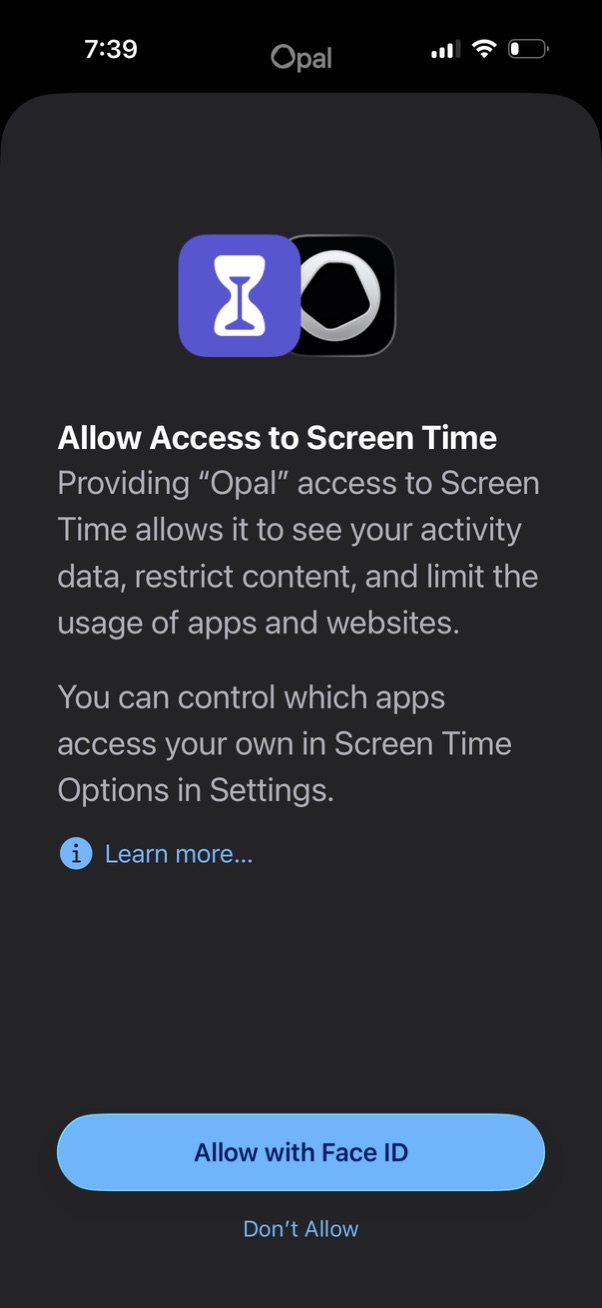
iOS permission prompt requesting to allow an app access to Screen Time so it can view activity data and enforce content and app/website usage limits, with a “Learn more” link. Primary actions are “Allow with Face ID” or “Don’t Allow” to grant or deny the Screen Time access.
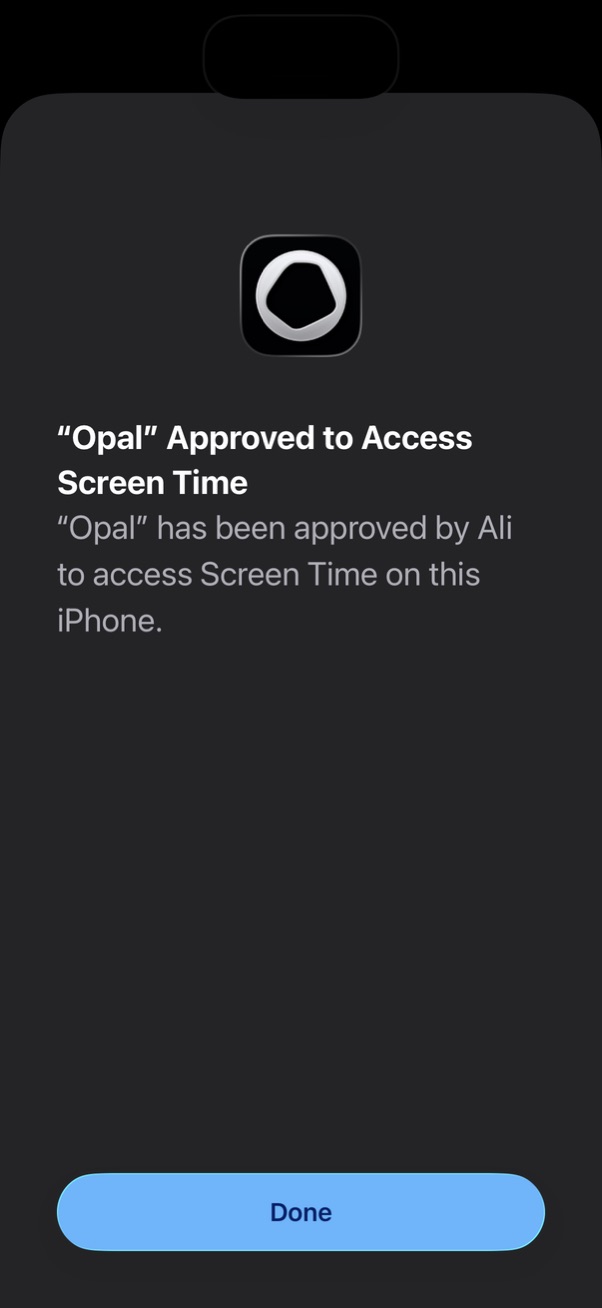
System permission confirmation screen indicating a third-party app has been approved to access iOS Screen Time data on the device. Includes a single primary action button to dismiss and finish the authorization flow.
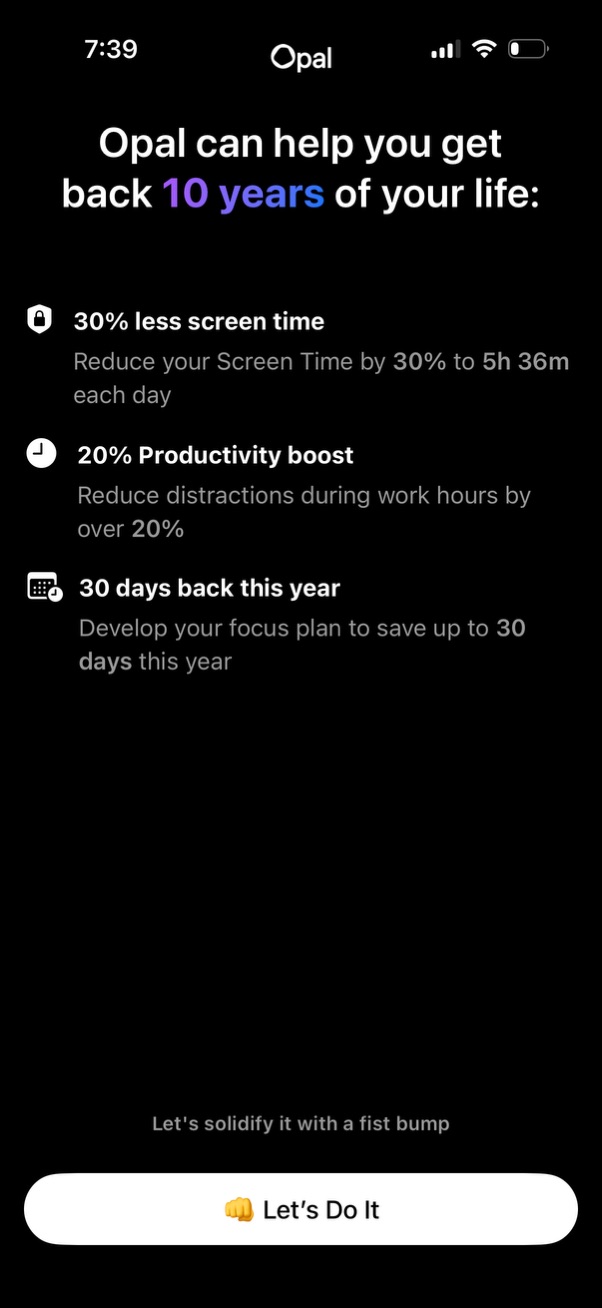
An onboarding value-proposition screen for a digital wellbeing/focus app explaining benefits like reducing screen time, boosting productivity, and saving days per year, with brief supporting copy. A prominent primary CTA button at the bottom (“Let’s Do It”) advances the setup/commitment flow.
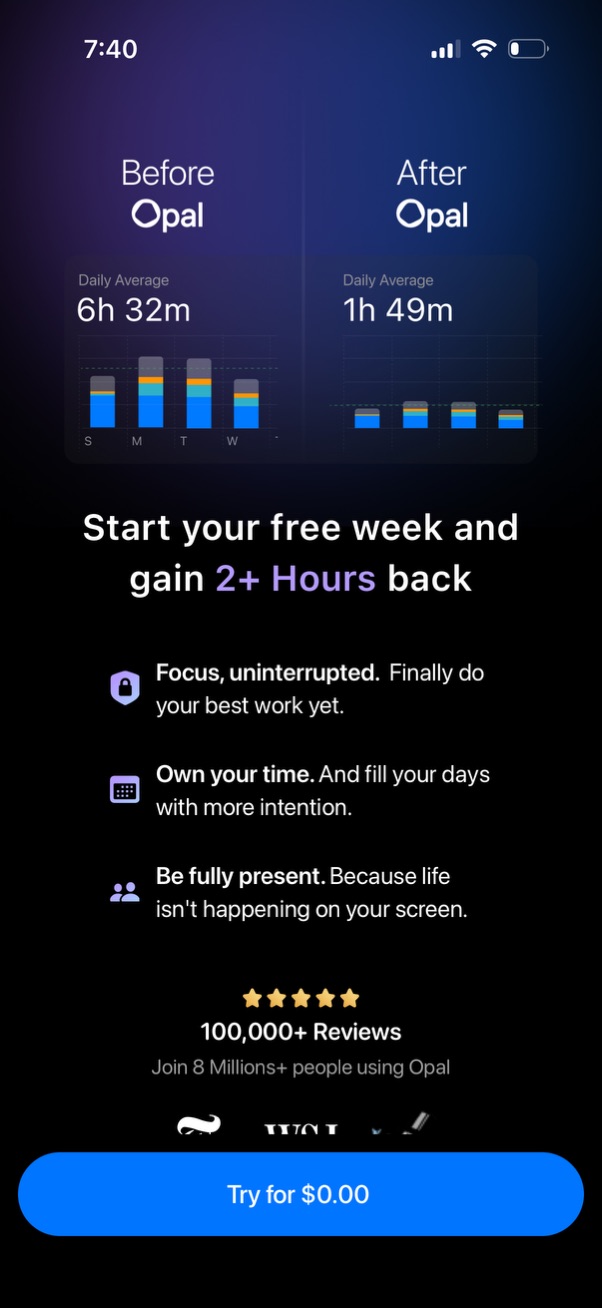
Paywall/upgrade landing screen for a screen-time focus app showing “Before vs After” usage stats with bar charts and daily averages to demonstrate reduced time on phone. Highlights benefits of starting a free week, includes social proof with star ratings and review count, and a primary CTA button to start a $0.