Signup

Minimal black splash/loading screen showing a centered Nike swoosh logo, used as an app launch or startup branding screen with no user actions or navigation.
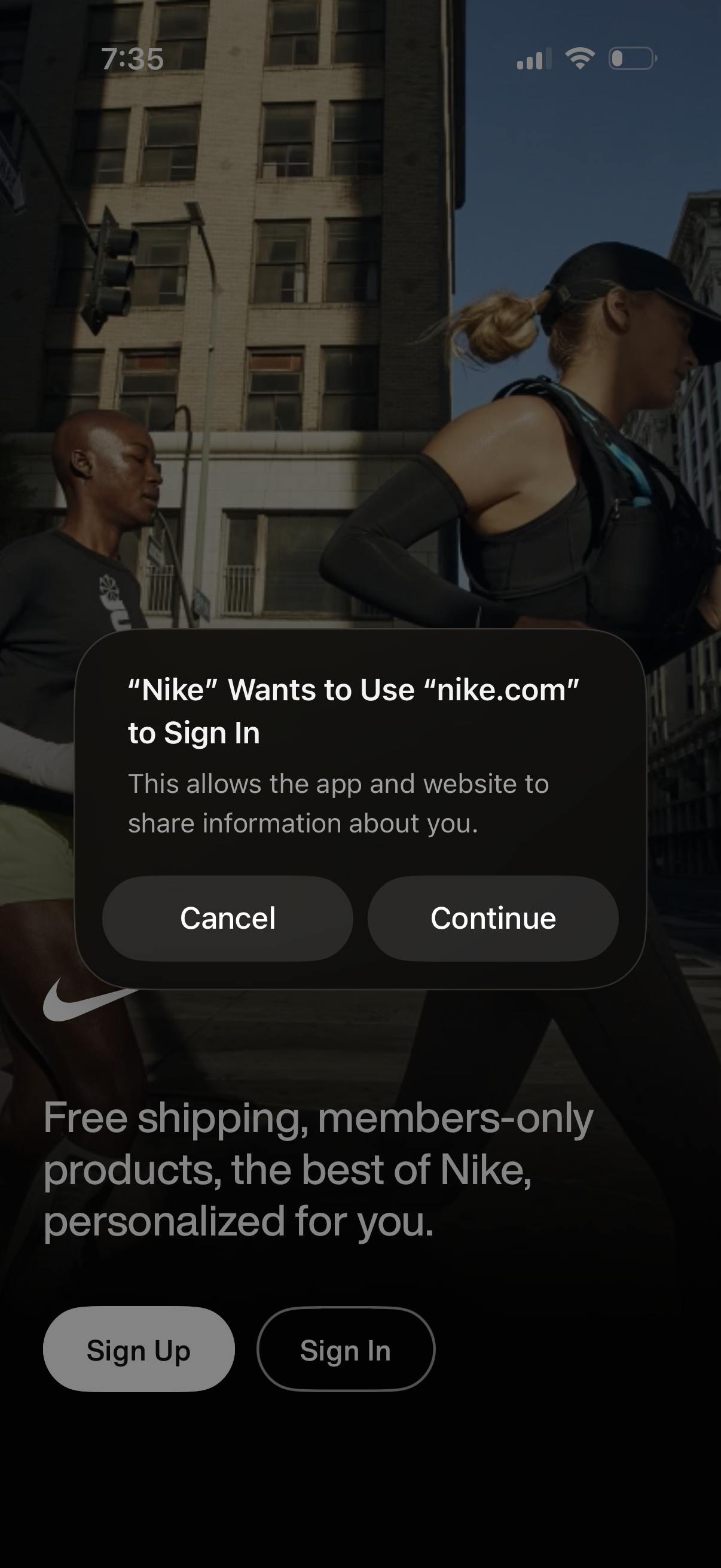
iOS “Sign in with web” permission modal asking to use a website domain to sign in and share information, with primary Continue and secondary Cancel actions. The underlying welcome/login screen promotes membership benefits and offers Sign Up and Sign In buttons.
iOS “Sign in with web” permission modal asking to use a website domain to sign in and share information, with primary Continue and secondary Cancel actions. The underlying welcome/login screen promotes membership benefits and offers Sign Up and Sign In buttons.
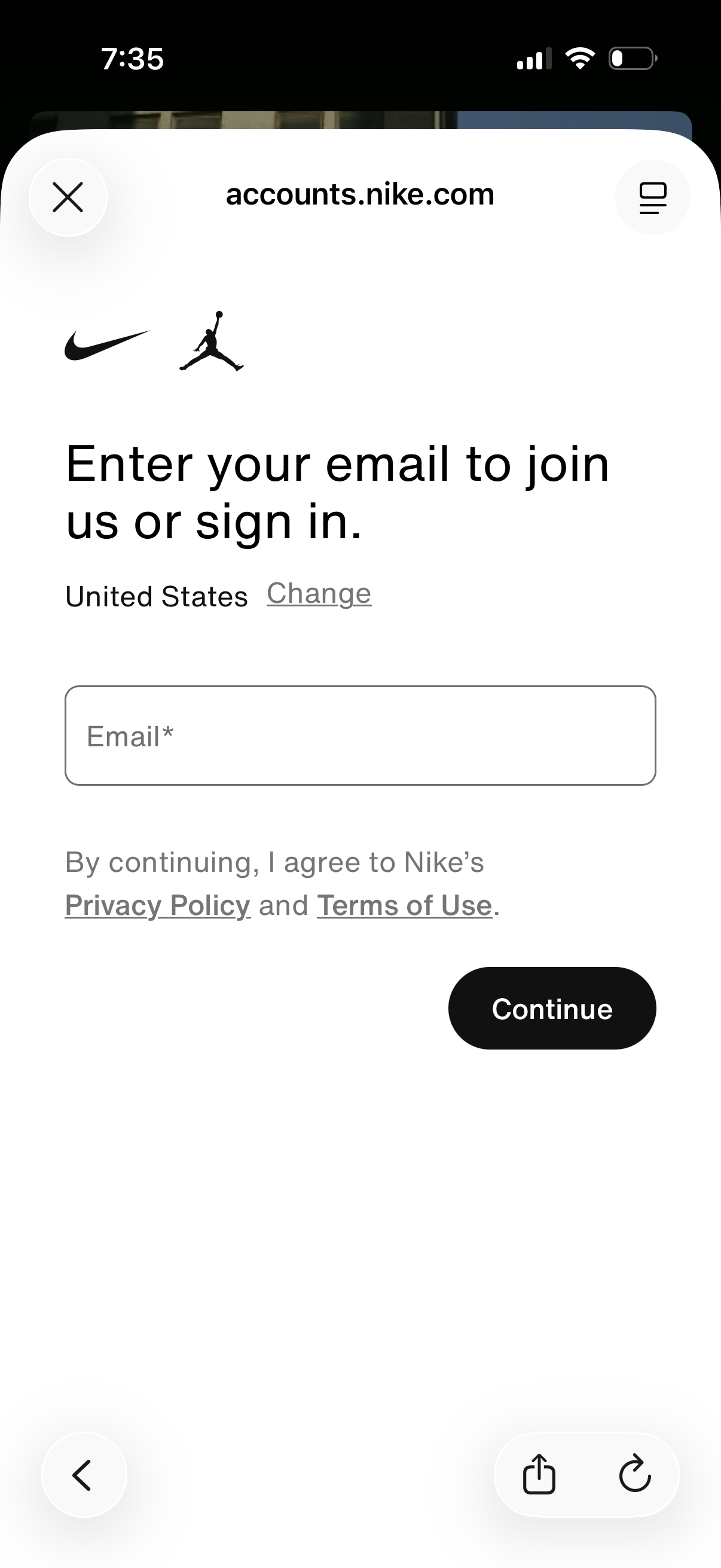
Email-based authentication screen for account creation or sign-in, prompting the user to enter an email address and continue. Includes country/region selector, links to privacy policy and terms of use, and a primary Continue button.