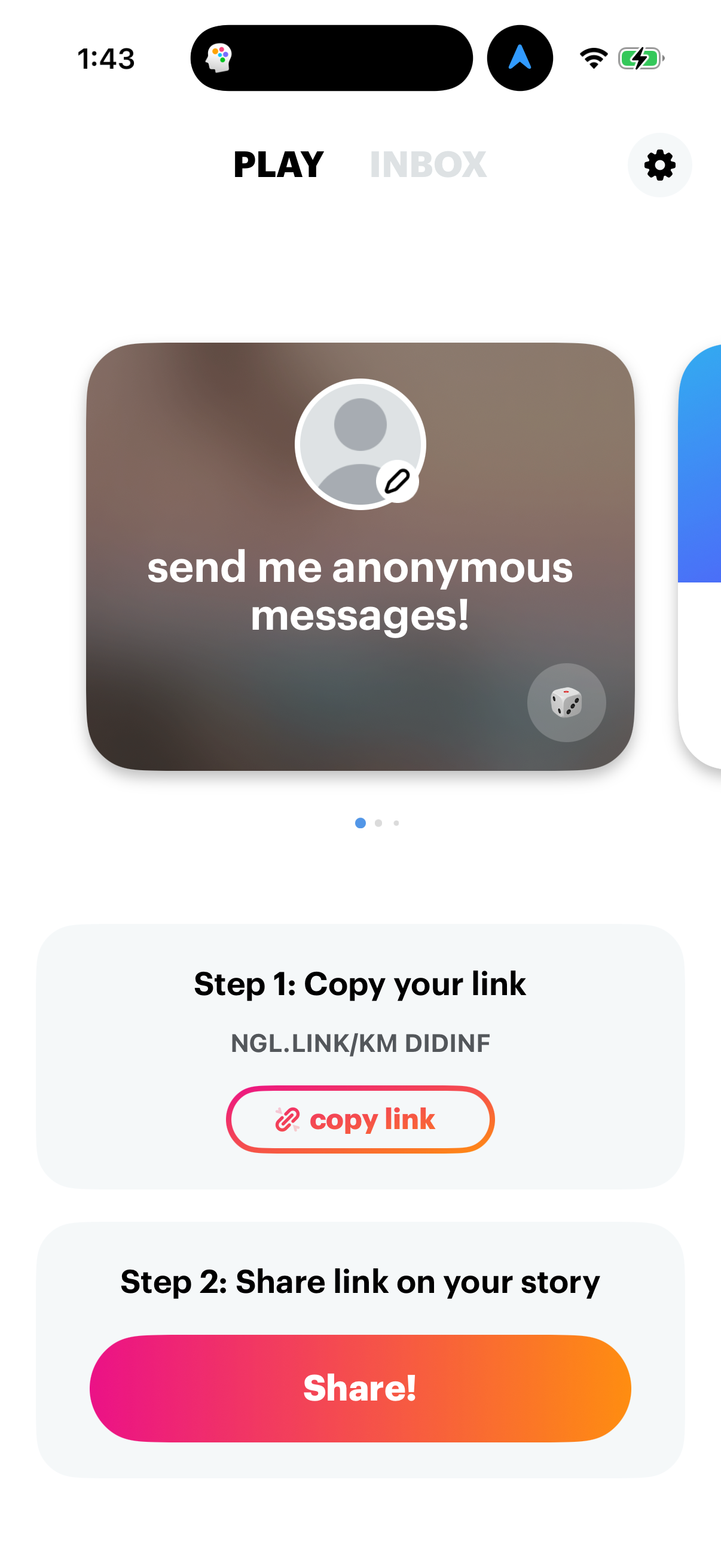
Onboarding

App welcome/onboarding start screen with a large brand logo on a gradient background and a prominent “Get Started! ” call-to-action button.

Age verification onboarding screen prompting the user to confirm their date of birth using a scrollable month/year picker, with a back arrow for navigation. Includes a primary “Continue” button and legal consent text linking to Terms of Use and Privacy Policy.
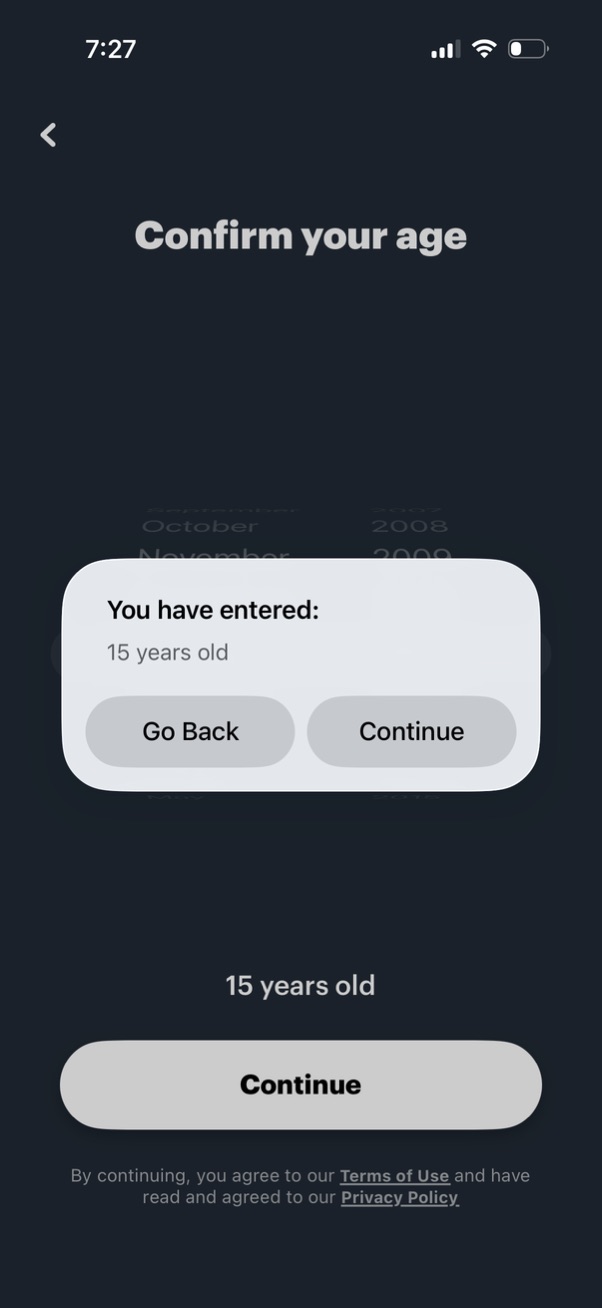
Age verification screen prompting the user to confirm their age after selecting a birthdate, showing the entered age in a confirmation modal. The dialog provides primary actions to go back and edit or continue, with a continue button and terms/privacy consent text on the page.

Age verification screen prompting the user to confirm their age from a date-of-birth picker, showing the calculated age and a primary Continue CTA. A confirmation modal summarizes “You have entered: [age]” and offers Go Back or Continue, with terms of use and privacy policy links at the bottom.
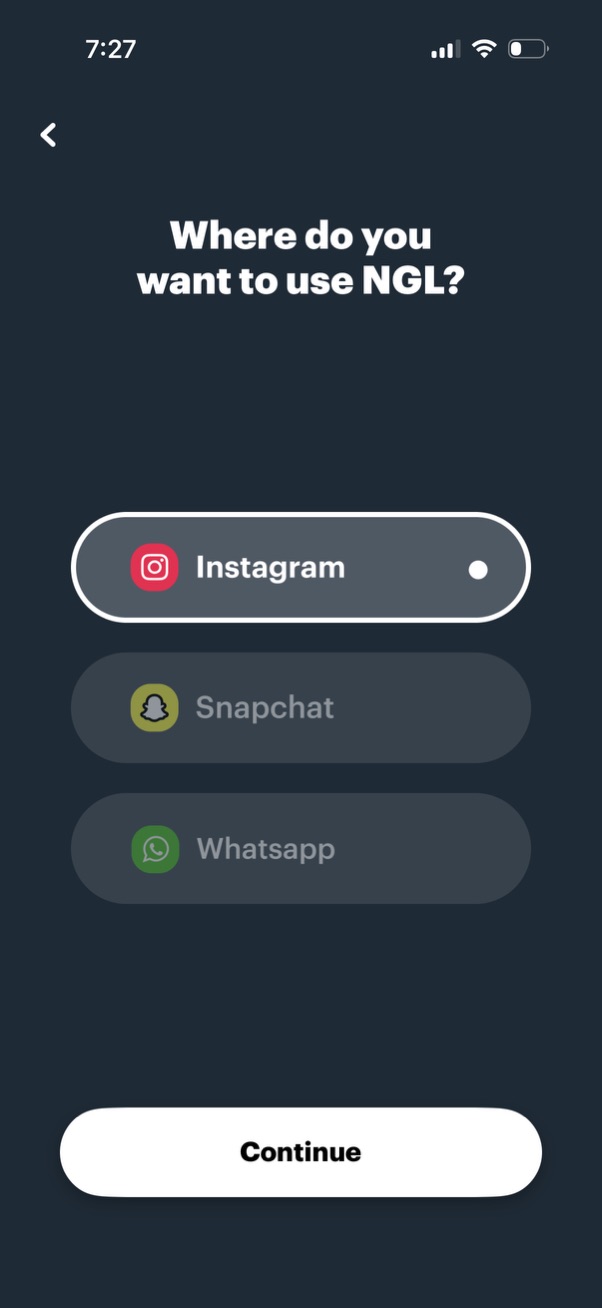
Onboarding selection screen asking where the user wants to use the app, with radio-style options for Instagram, Snapchat, and WhatsApp. Includes a back button and a primary “Continue” call-to-action to proceed with the chosen platform.
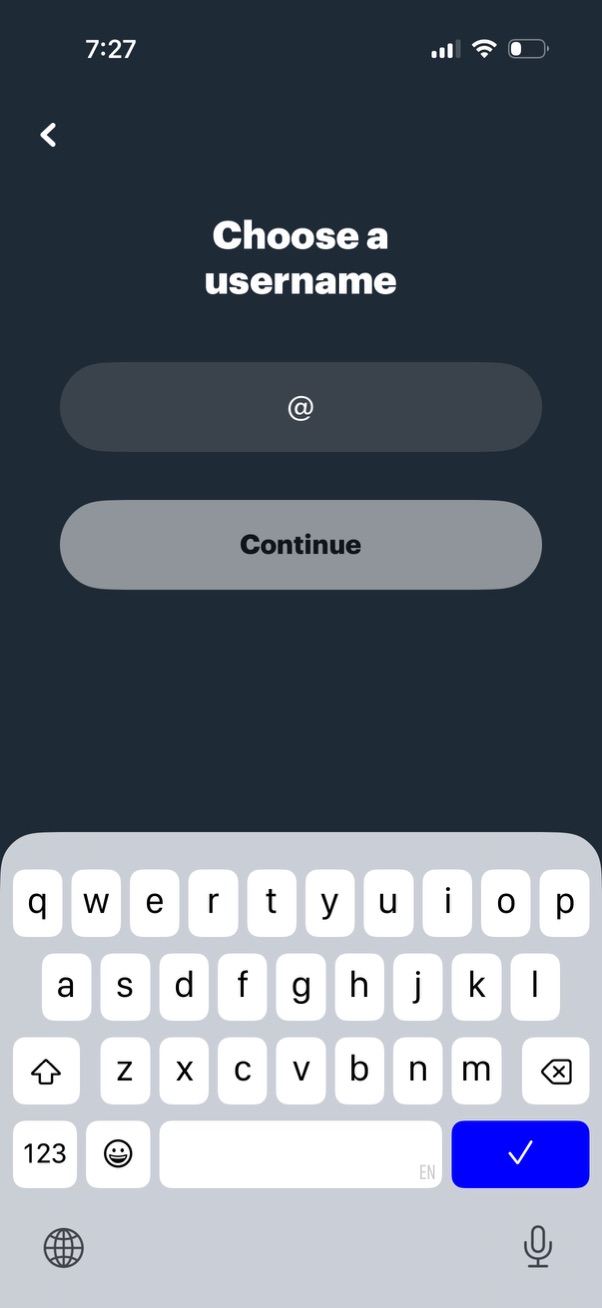
Account setup screen prompting the user to choose a username, with an @ handle text field and a primary Continue button to proceed. Includes a back navigation arrow and on-screen keyboard for entering the username.

Subscription paywall screen prompting users to “Unlock Unlimited Access,” highlighting premium benefits like viewer hints, sender hints, and exclusive Q&A games. Includes a primary Continue CTA to start the paid plan with auto-renew pricing, plus options to skip, restore purchases, and view privacy/terms.

Onboarding profile setup screen prompting the user to choose a profile picture, featuring an avatar placeholder with an add (+) icon and a primary “Choose photo” button. Includes back navigation and a “Skip” option to continue without uploading a photo.

iOS App Tracking Transparency permission modal asking whether to allow the app to track activity across other apps and websites for personalized ads. Provides two primary actions: “Ask App Not to Track” or “Allow.