browse properties
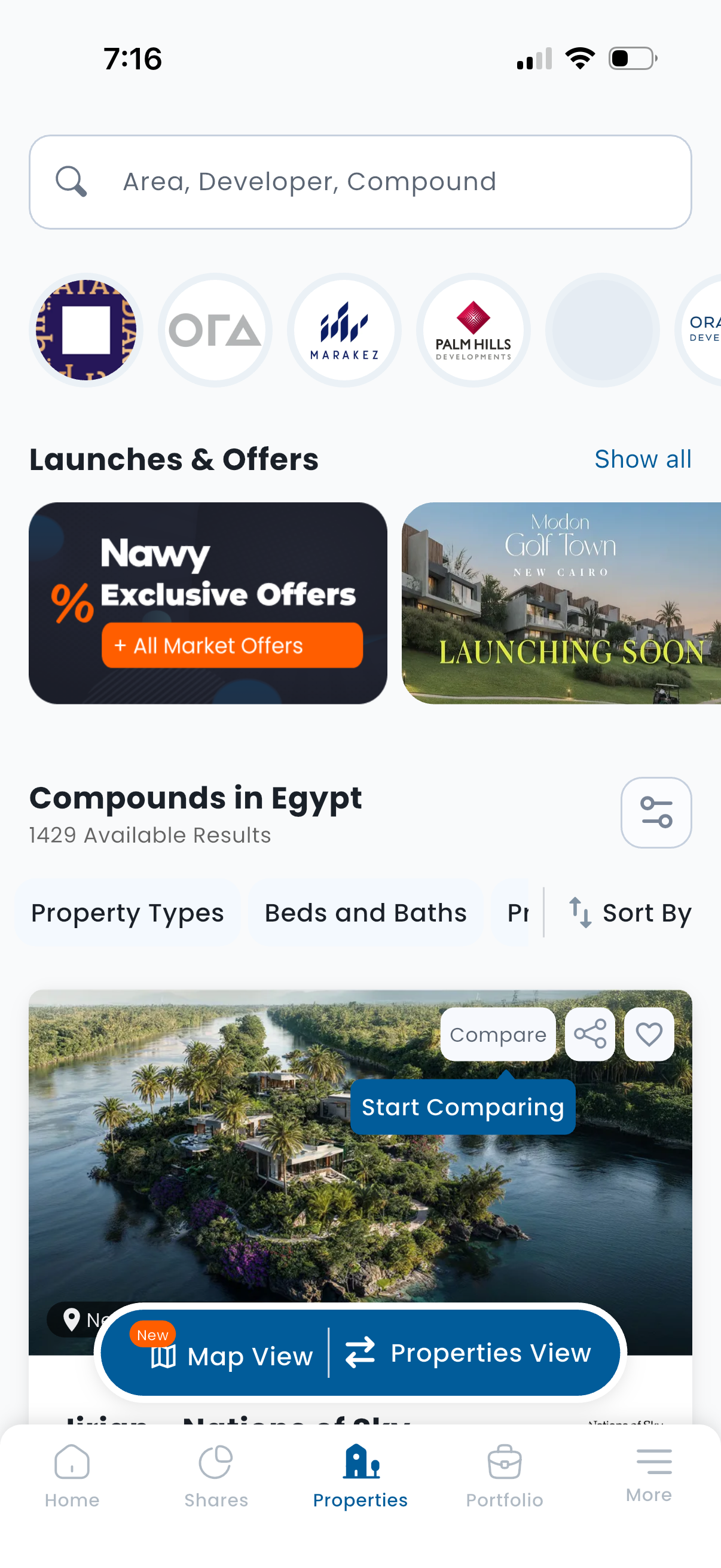
Real estate properties browse screen with a search bar for area/developer/compound, a horizontal developer logo carousel, and promotional “Launches & Offers” banners. Shows a list of available compounds with filter chips (property type, beds & baths, price), sort and filter controls, compare/save actions, and a toggle between map view and properties list view via bottom navigation.
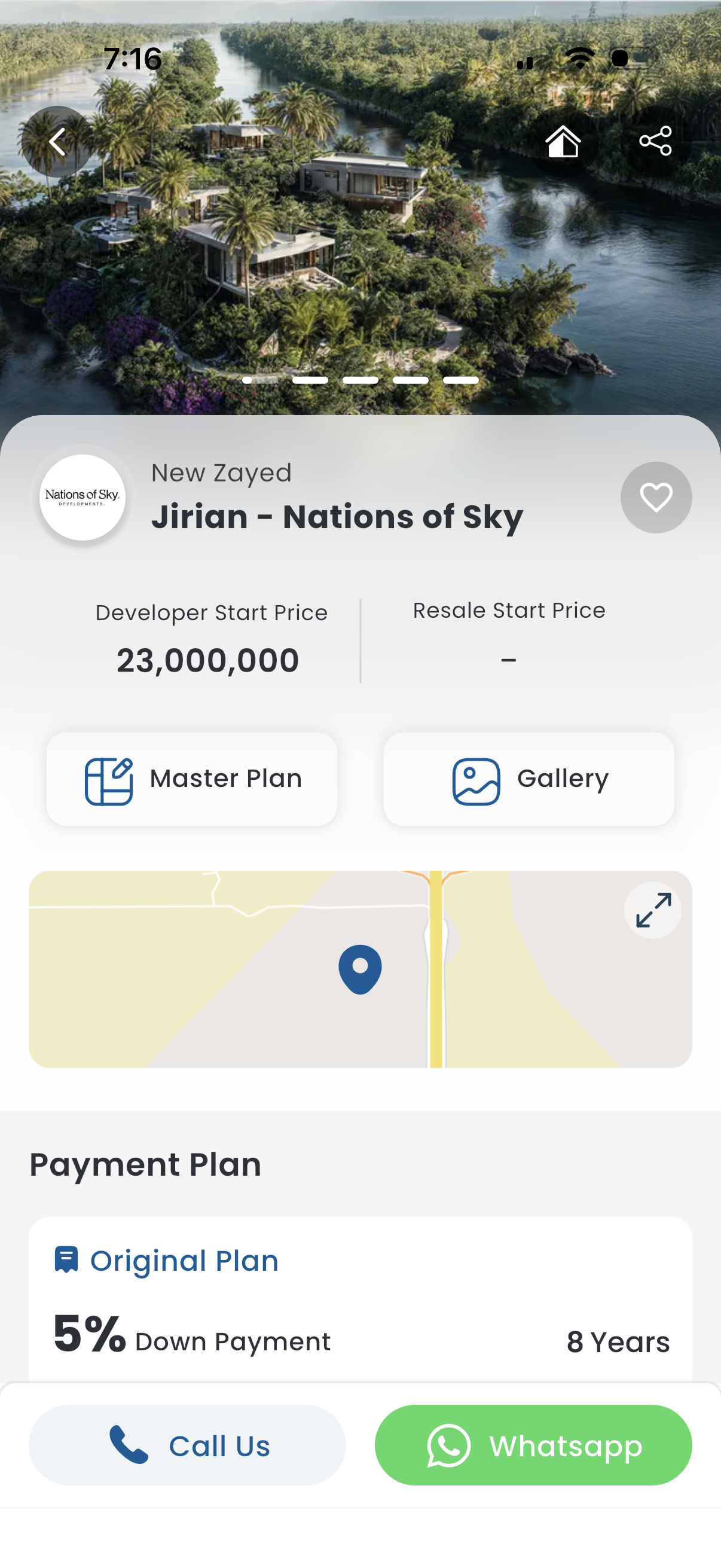
Real estate project detail screen showing a hero image carousel with back/home/share actions, project name and developer, favorite (heart) button, and starting prices for developer vs resale. Includes quick links to view the master plan and photo gallery, a location map preview, a payment plan section with down payment and term, and bottom contact CTAs to call or message via WhatsApp.