simulate new smile
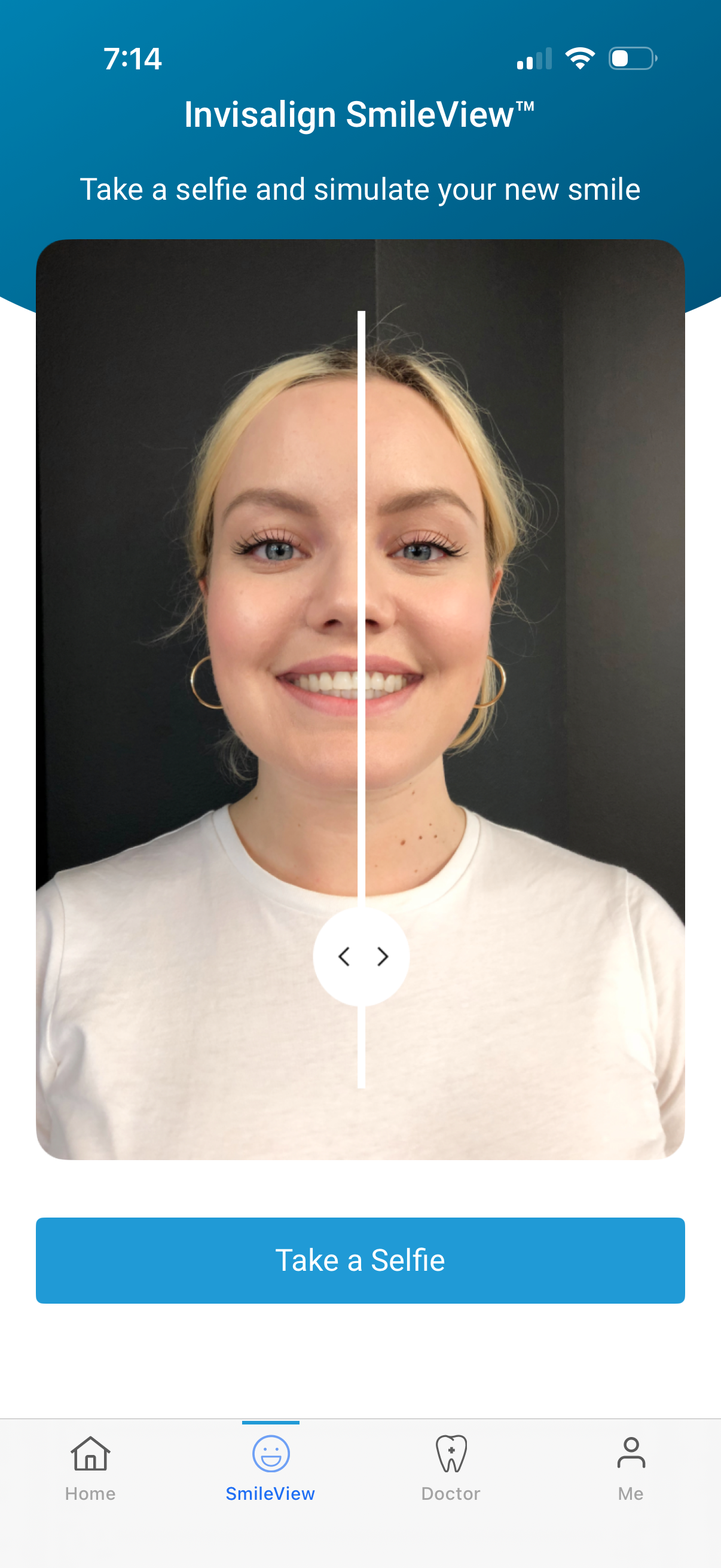
Smile simulation screen for a dental/orthodontic app where users take a selfie to preview an Invisalign-style “new smile,” featuring a before/after split comparison on a face photo. Primary action is a large “Take a Selfie” button with bottom navigation to Home, SmileView, Doctor, and Profile.

Front-facing camera capture screen for a face scan/selfie with an auto mode indicator, face alignment oval and crosshair overlay, and a “Hold still” prompt while detecting a smile (SmileView). Includes actions to close, toggle camera/flash, and restart the scan with a refresh button.
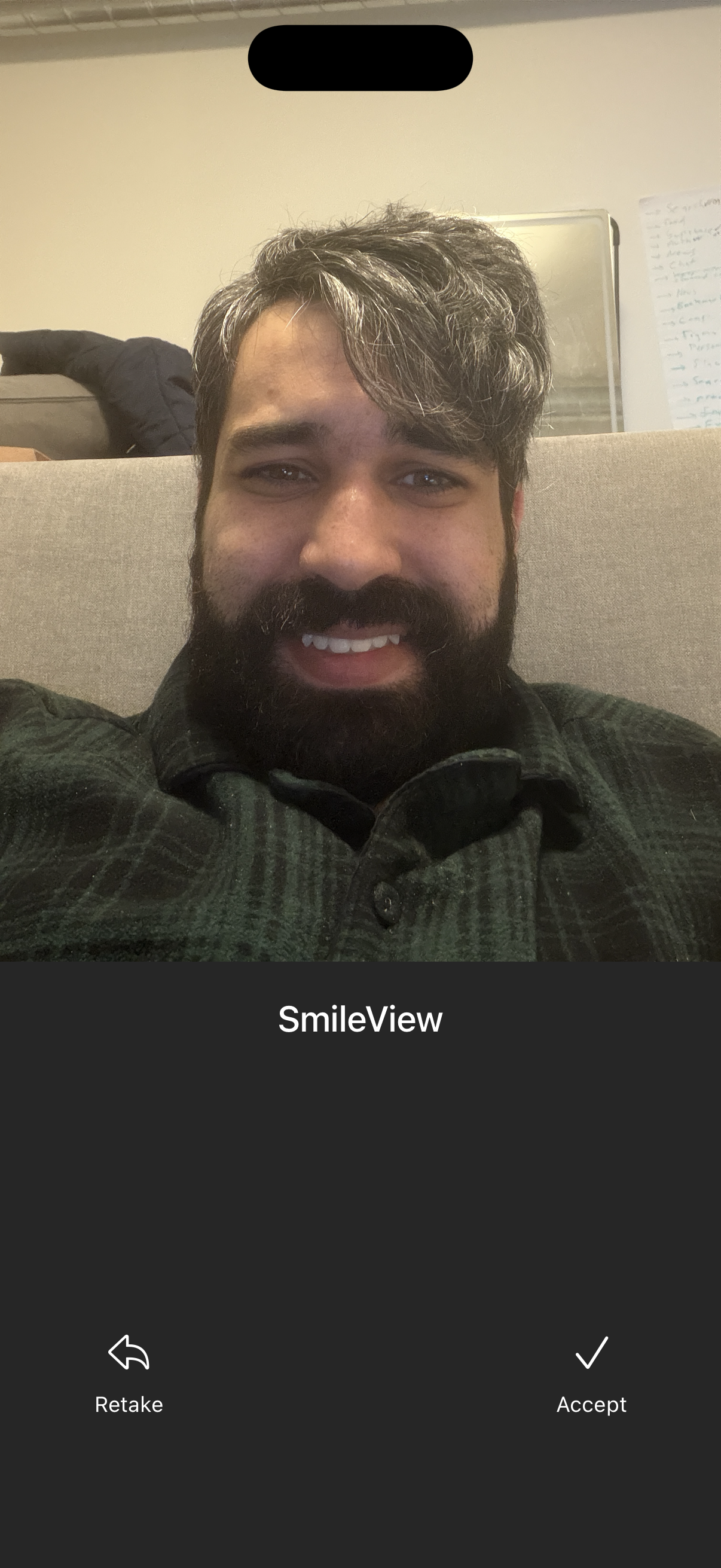
Front-facing camera selfie preview screen for verifying a smile, labeled “SmileView,” with primary actions to Retake the photo or Accept/confirm the captured image. The UI focuses on the captured face image with a bottom action bar for approval flow.

Full-screen loading/progress overlay showing an upload in progress with a horizontal progress bar and status text “0% Preparing visualization (uploading)” over a blurred background. This screen communicates that the app is processing content and generating a visualization while uploading.
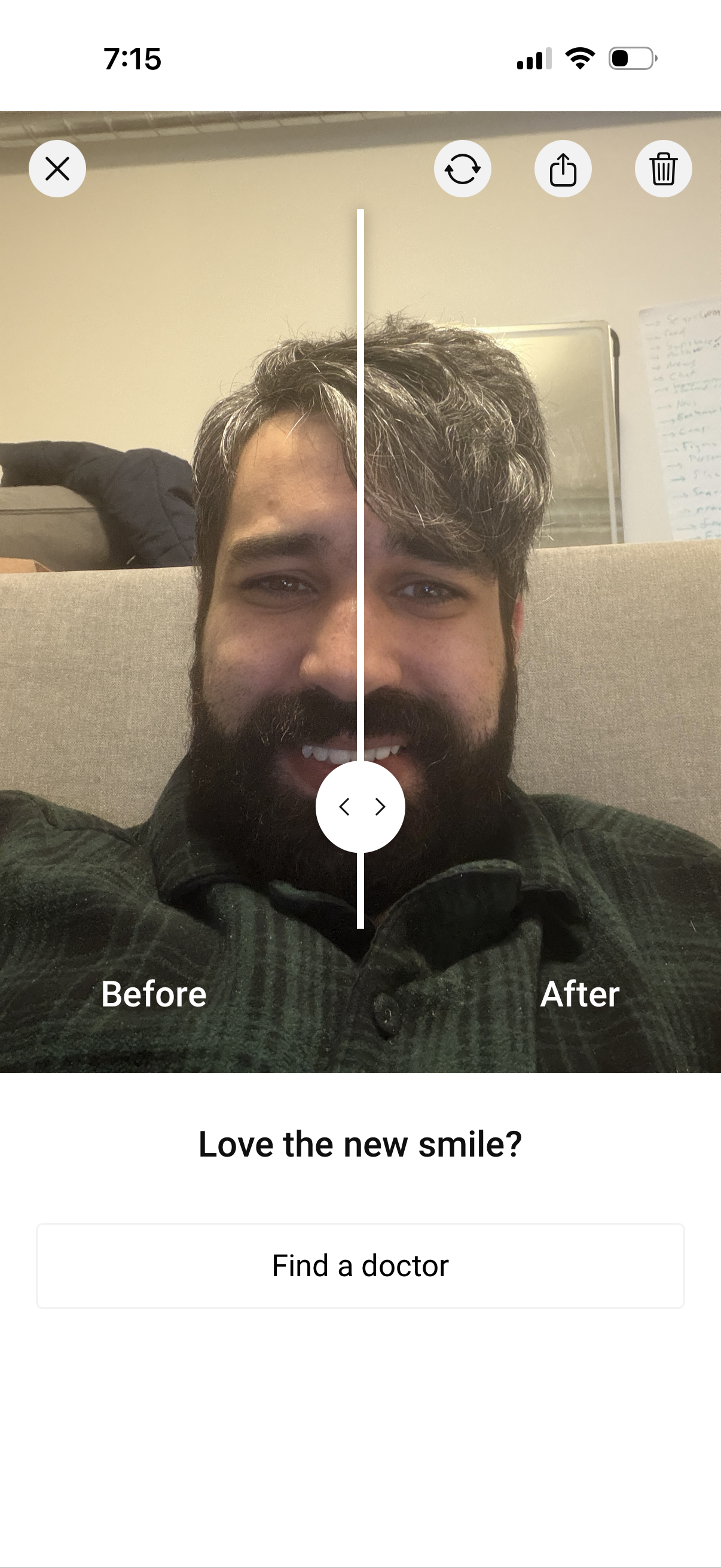
Before-and-after photo comparison screen with a draggable vertical slider to preview a smile/teeth enhancement edit. Includes actions to close, redo/refresh, share, delete, and a primary CTA prompting “Love the new smile?
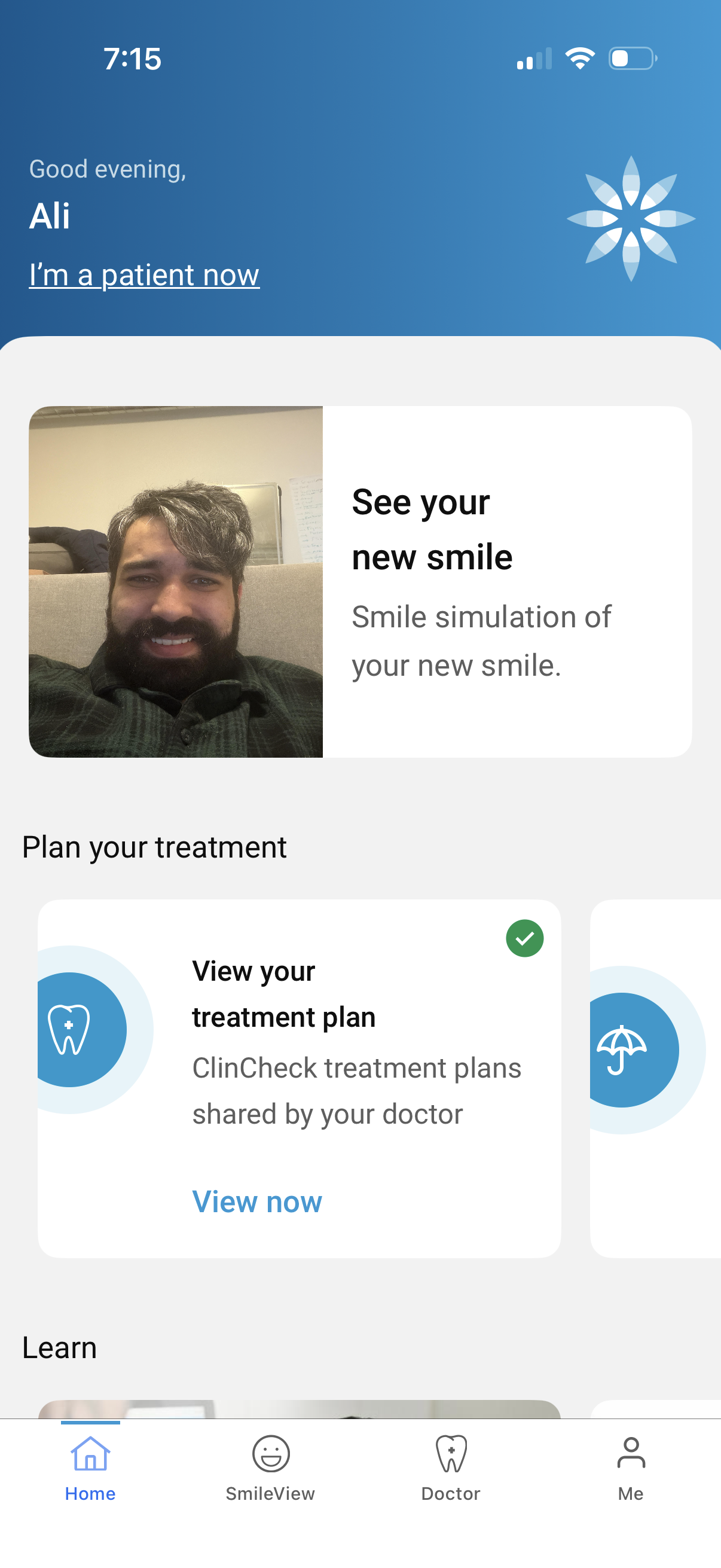
Home dashboard for a dental/orthodontic patient app with a greeting and quick access cards to preview a “new smile” simulation and plan treatment. Users can view their doctor-shared treatment plan (with status indicator and “View now” CTA) and navigate via a bottom tab bar to Home, SmileView, Doctor, and Profile.