Purchase Mill
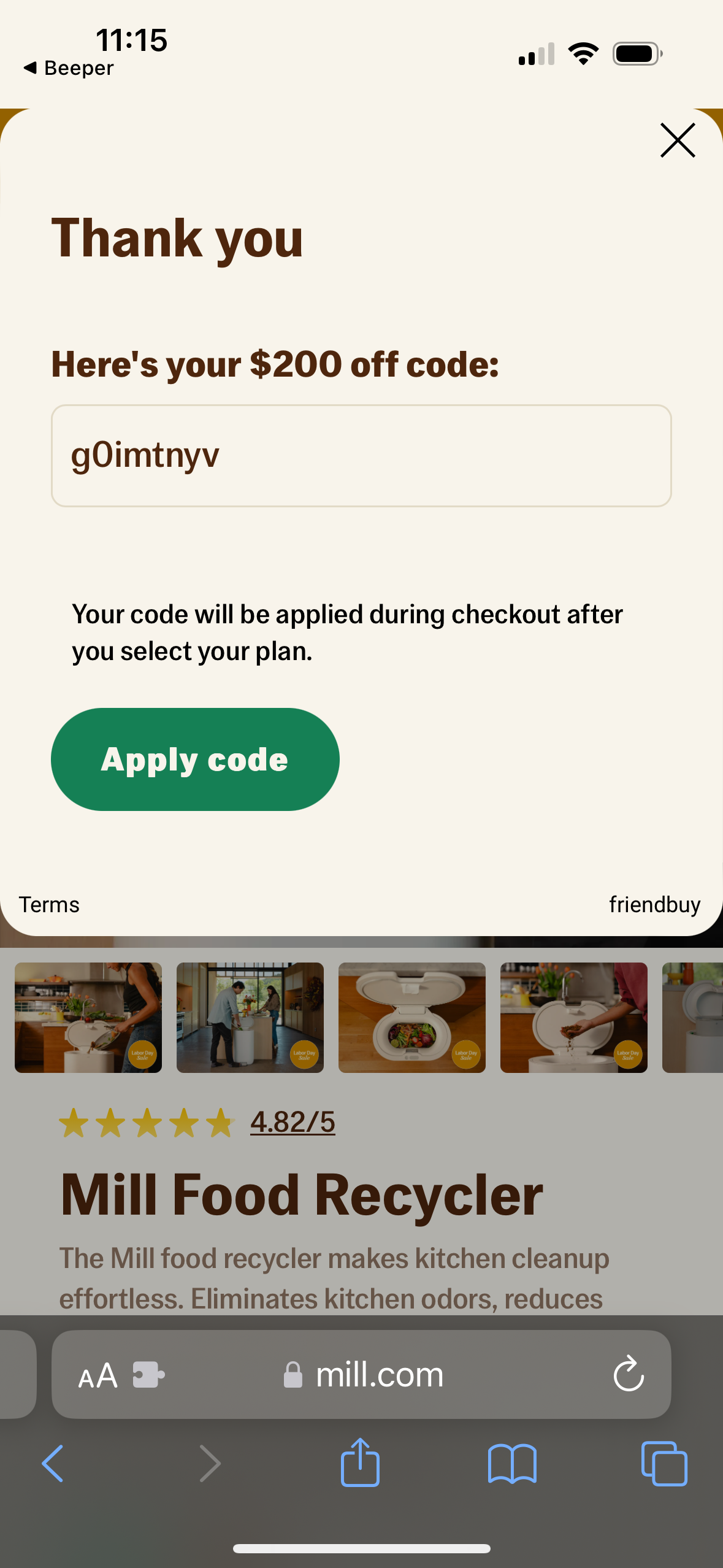
Promotional discount code confirmation modal that thanks the user and displays a generated “$200 off” coupon code in a text field with an “Apply code” primary button. Includes guidance that the code will be applied during checkout after selecting a plan, with options to close the pop-up and view terms.
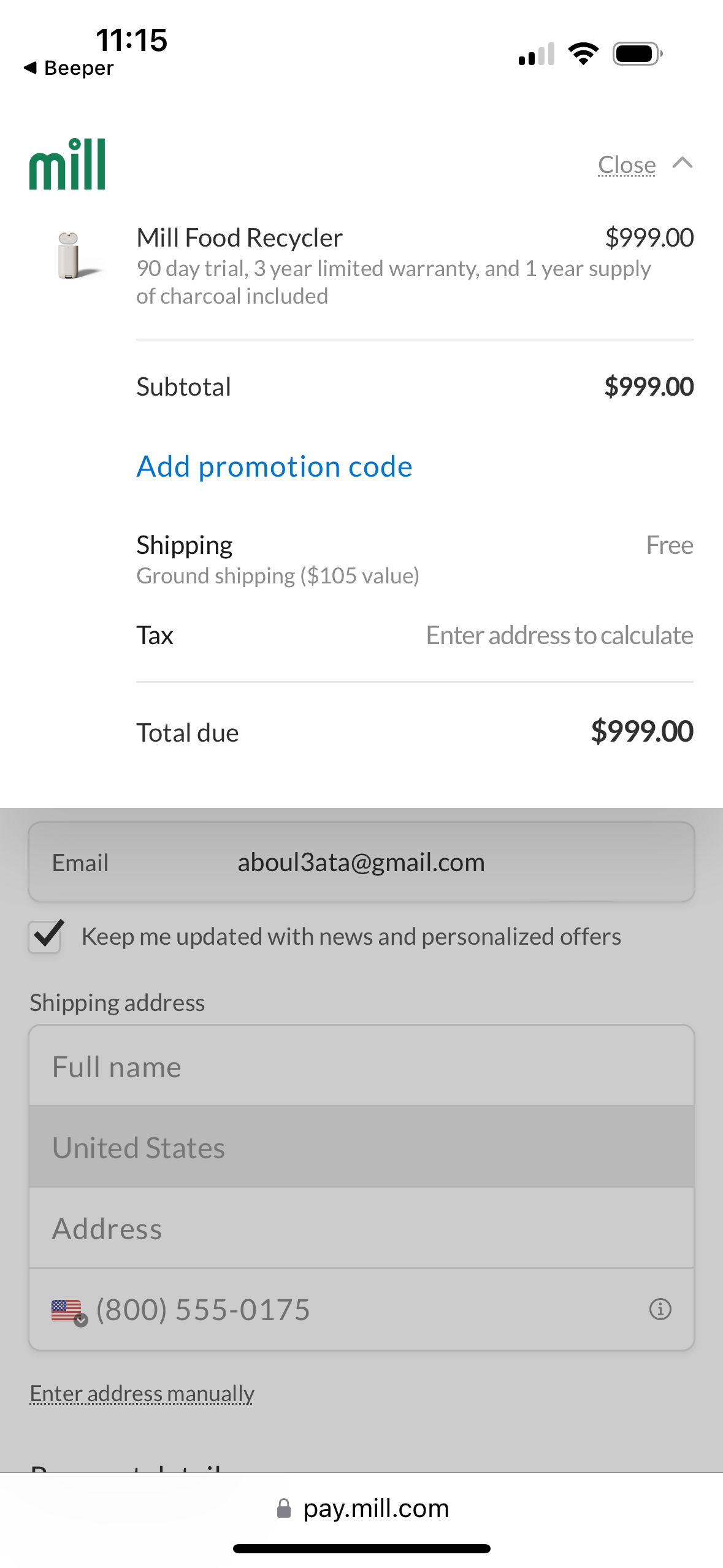
Mobile checkout payment screen showing an order summary for a single product with price, subtotal, shipping (free), tax calculation prompt, and total due, plus an action to add a promotion code. Below, the form collects email, opt-in to marketing updates, and shipping address details (name, country, address, phone) with an option to enter the address manually.
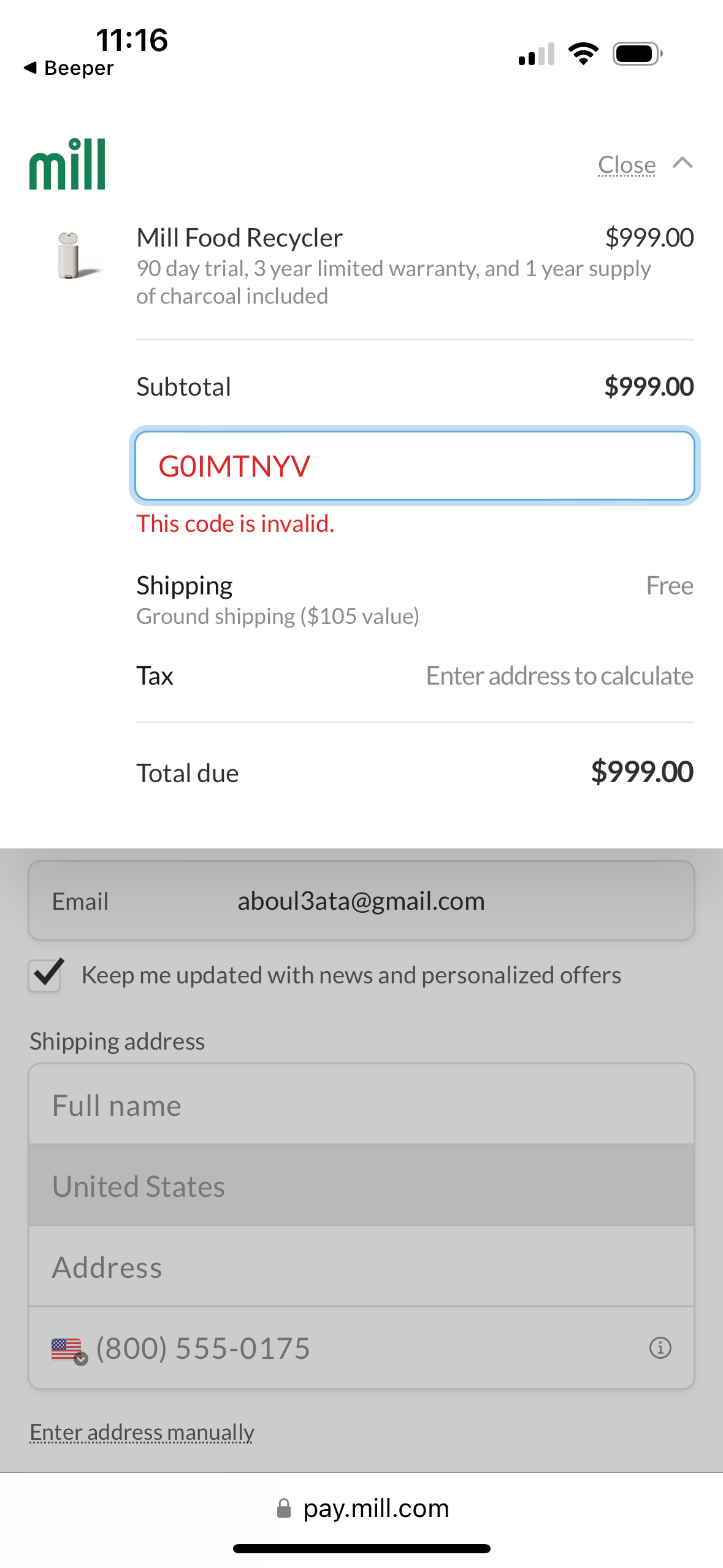
Checkout payment screen showing an order summary with subtotal, shipping, tax, and total due, plus a promo/discount code field displaying an “invalid code” error. Below, the form collects email, marketing opt-in, and shipping address details to calculate tax and complete the purchase.
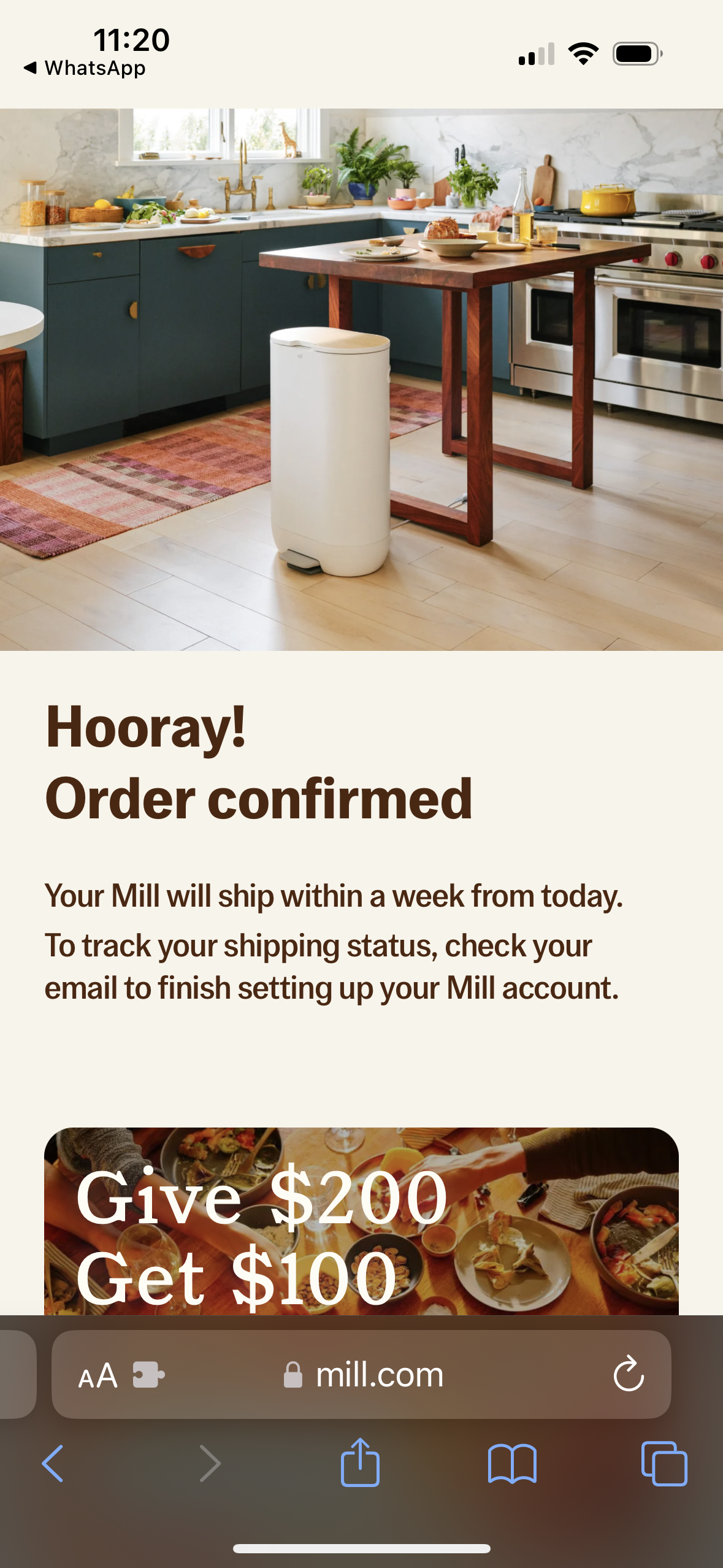
Order confirmation success screen for an e-commerce purchase, celebrating “Order confirmed” and explaining estimated shipping timeline and next steps to track shipping status via email while finishing account setup. The page also promotes a referral offer (“Give $200, Get $100”) below the confirmation message.