Search Birds

Bird identification home screen showing “Your bird of the day” with a large bird photo, species name, and a share button plus a live “listening now” count. Primary actions let users identify birds via step-by-step guide, record sound with a microphone button, or take/upload a photo, with a shortcut to view saved sound recordings and bottom navigation for Identify, Explore, Life List, and Settings.
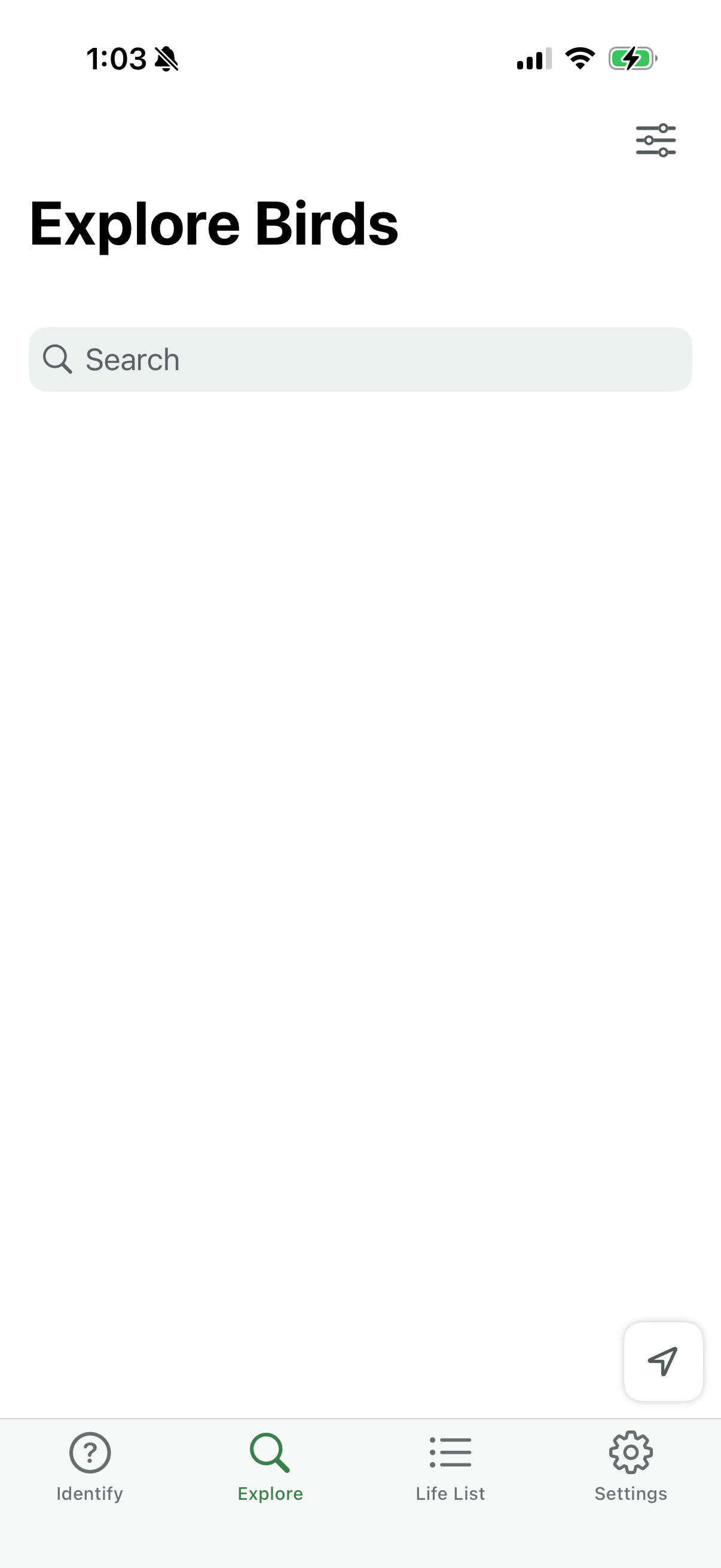
Bird exploration browse screen with a prominent search bar to find birds by name and a filter/settings icon for refining results. Bottom tab navigation lets users switch between Identify, Explore, Life List, and Settings, with a floating action button for quick map/location-based discovery.
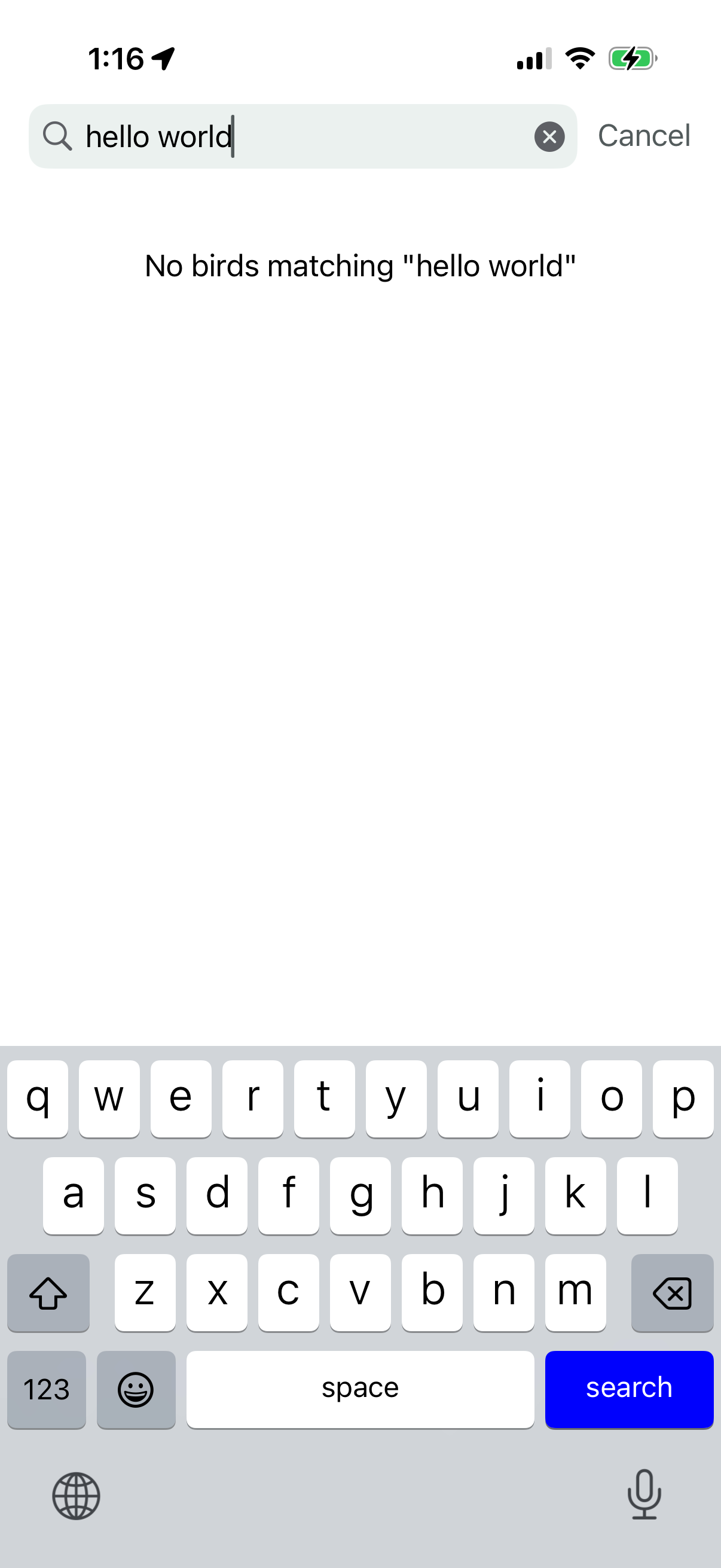
In-app search screen with a text input field, clear (x) button, and Cancel action while the user types a query. Shows an empty state message indicating no results found for the search term.