Signup
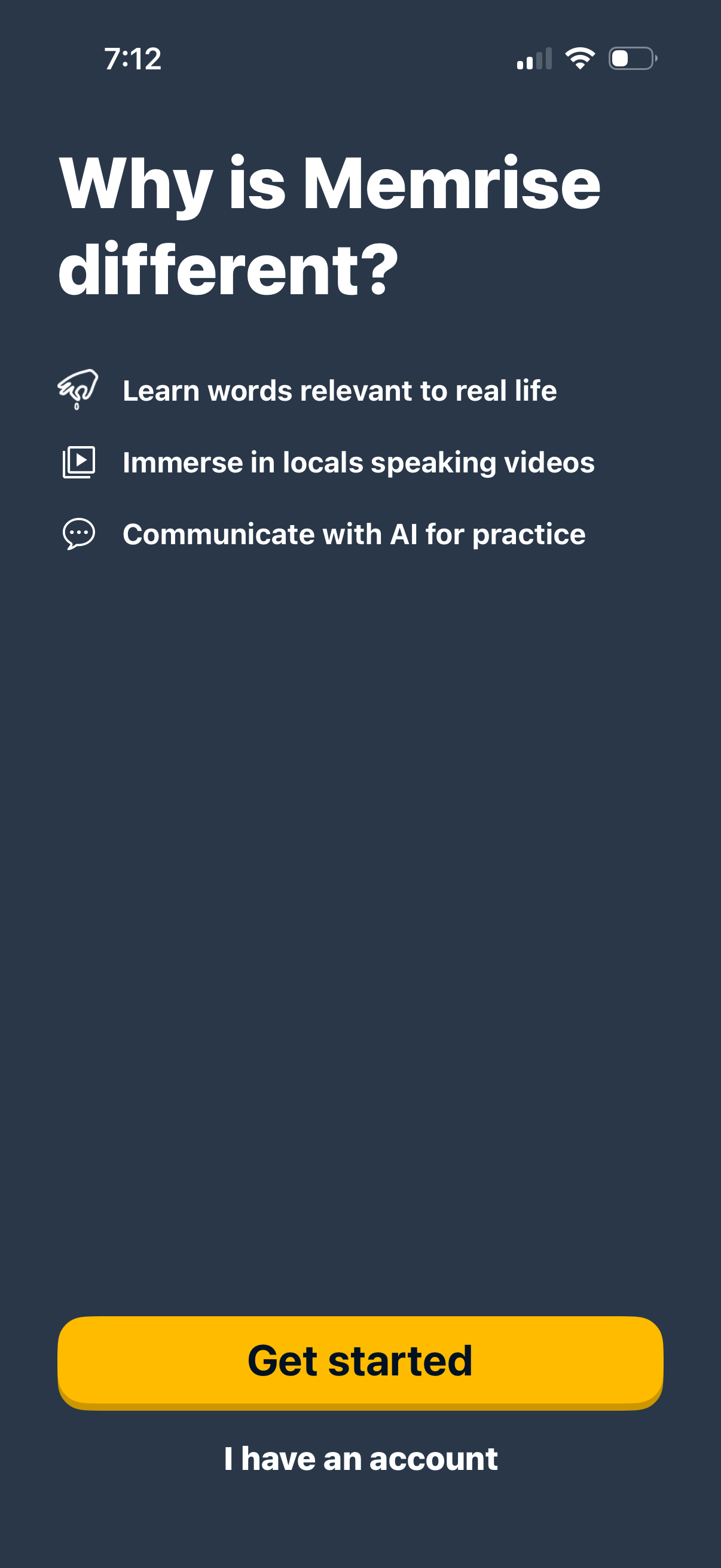
Onboarding explainer screen for a language-learning app highlighting key benefits like real-life vocabulary, locals-speaking videos, and AI conversation practice. Includes primary CTA to Get started and a secondary link for existing users to log in.
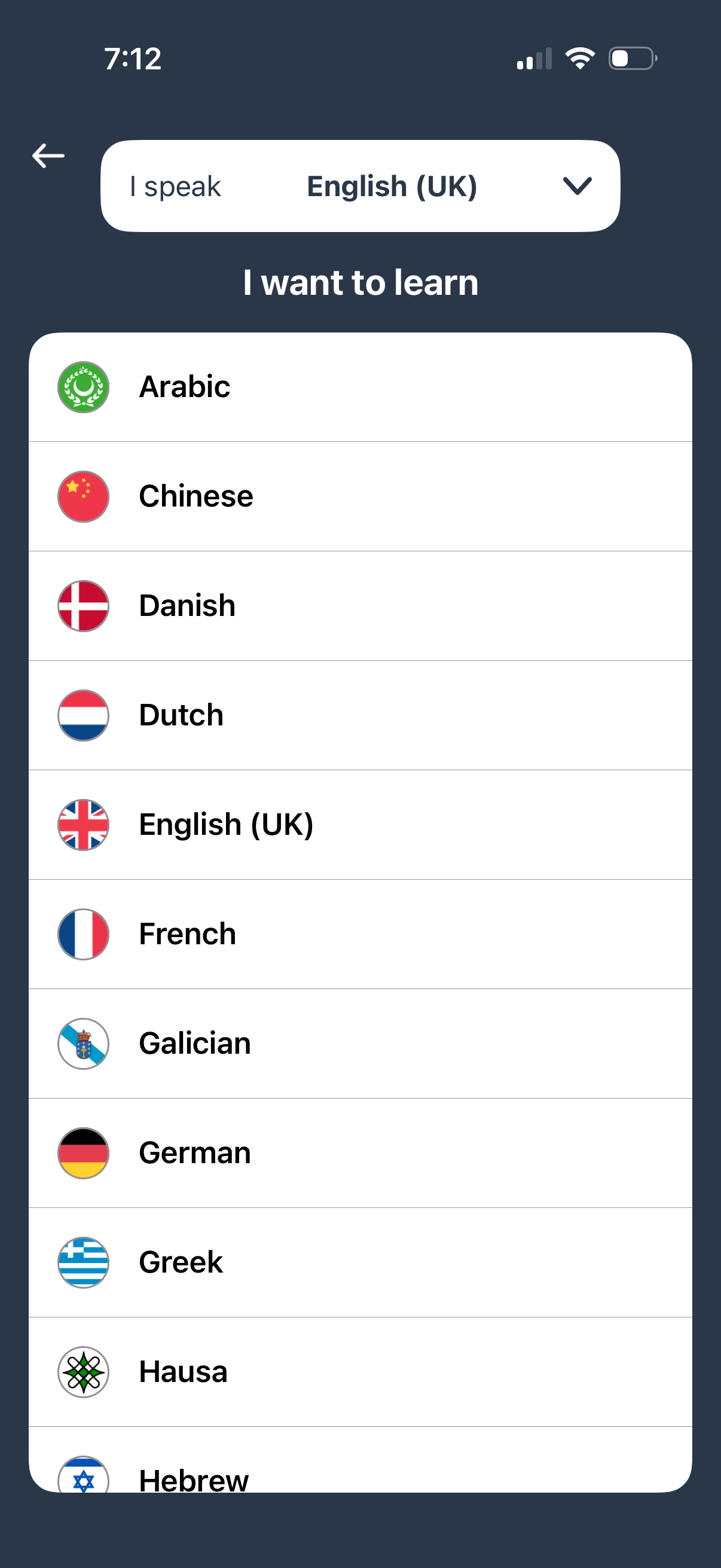
Language learning app onboarding screen where users set their native language (“I speak”) and choose a target language to learn from a scrollable list with flags. Includes a dropdown selector for the current spoken language and a back navigation button.
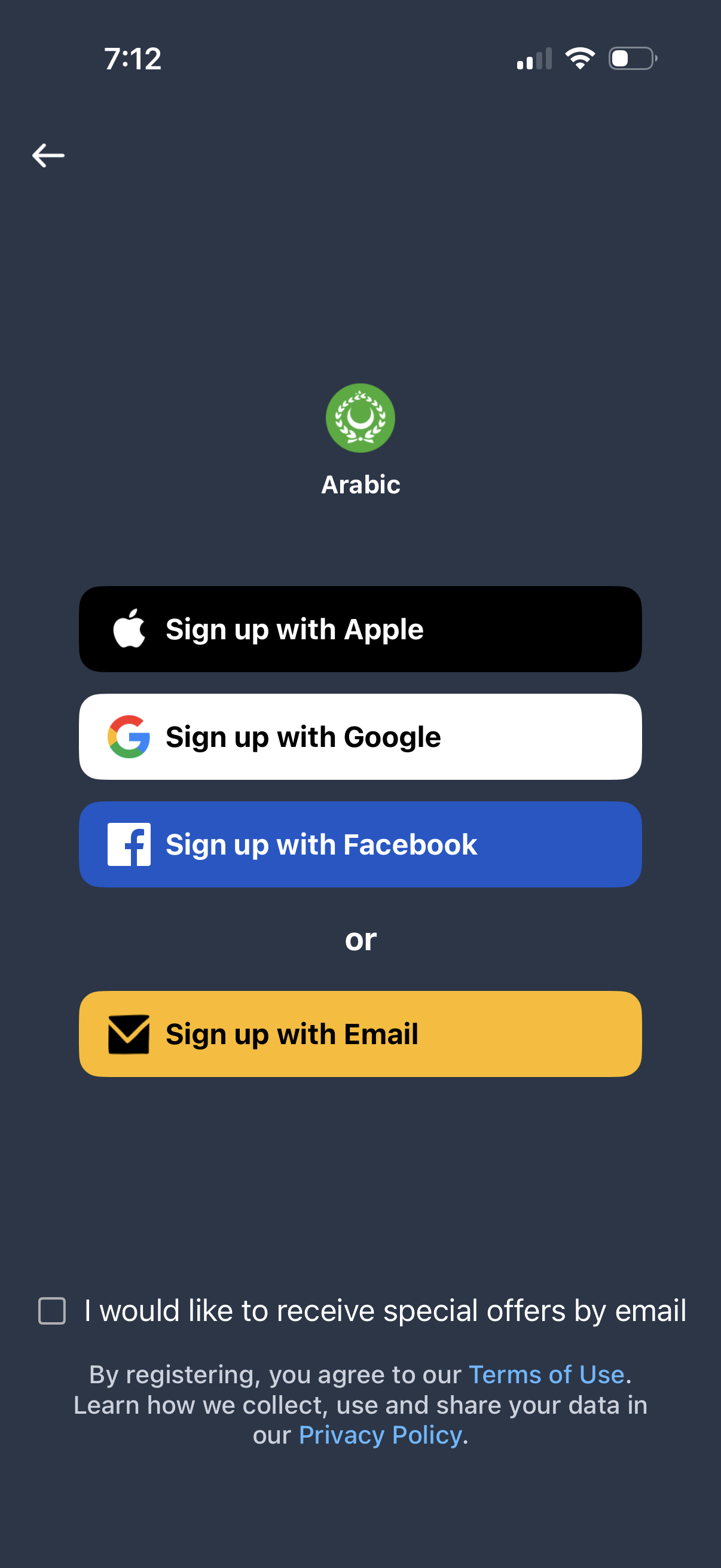
Language selection sign-up screen set to Arabic, offering account creation via Apple, Google, Facebook, or email with an “or” divider. Includes an opt-in checkbox for marketing emails and links to Terms of Use and Privacy Policy, with a back button to exit.
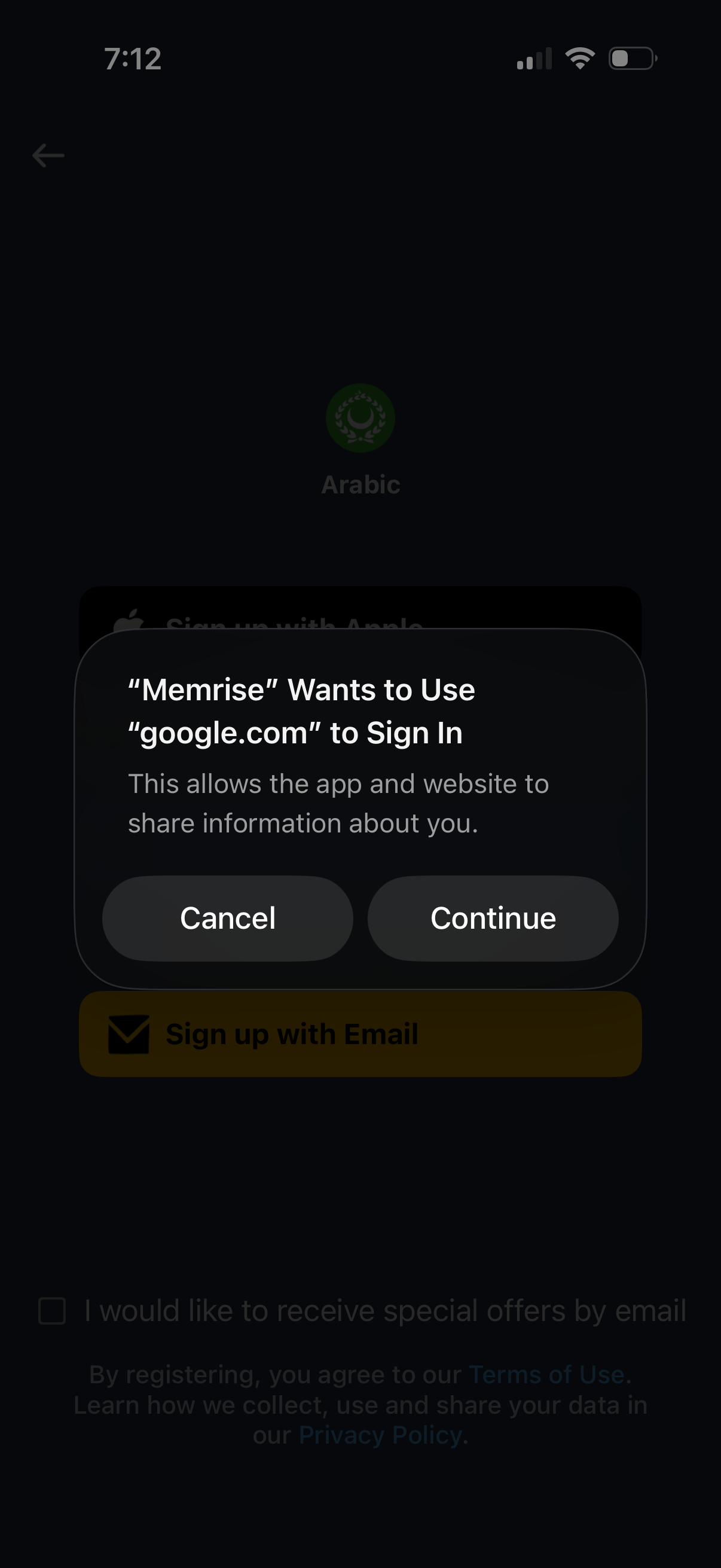
An iOS system sign-in authorization modal prompts the user to allow the app to use google. com for authentication, warning that the app and website can share information.
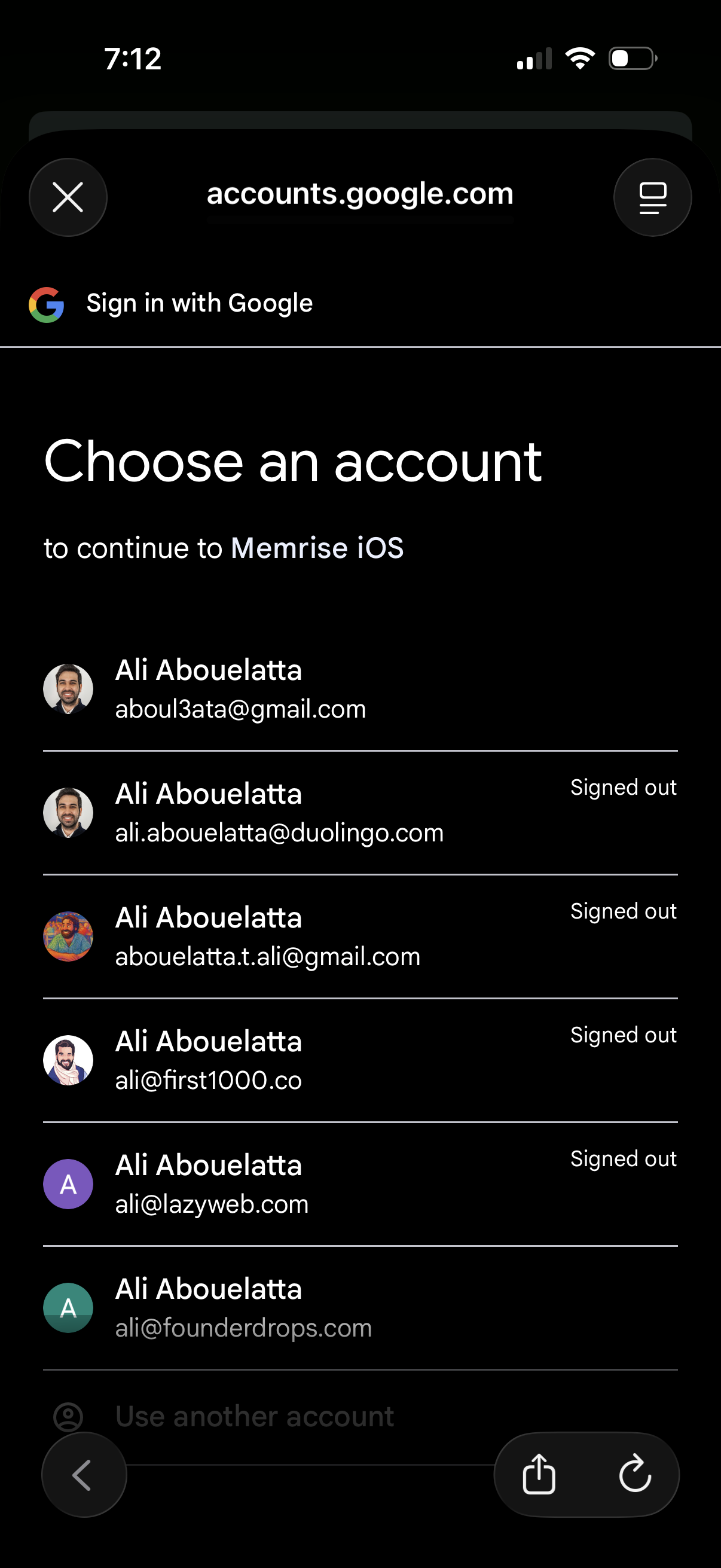
Google Sign-In account chooser screen prompting the user to select a Google account to continue in an app, showing a list of saved accounts with avatars/emails and signed-out status. Includes options to use another account and close/back out of the authentication flow.
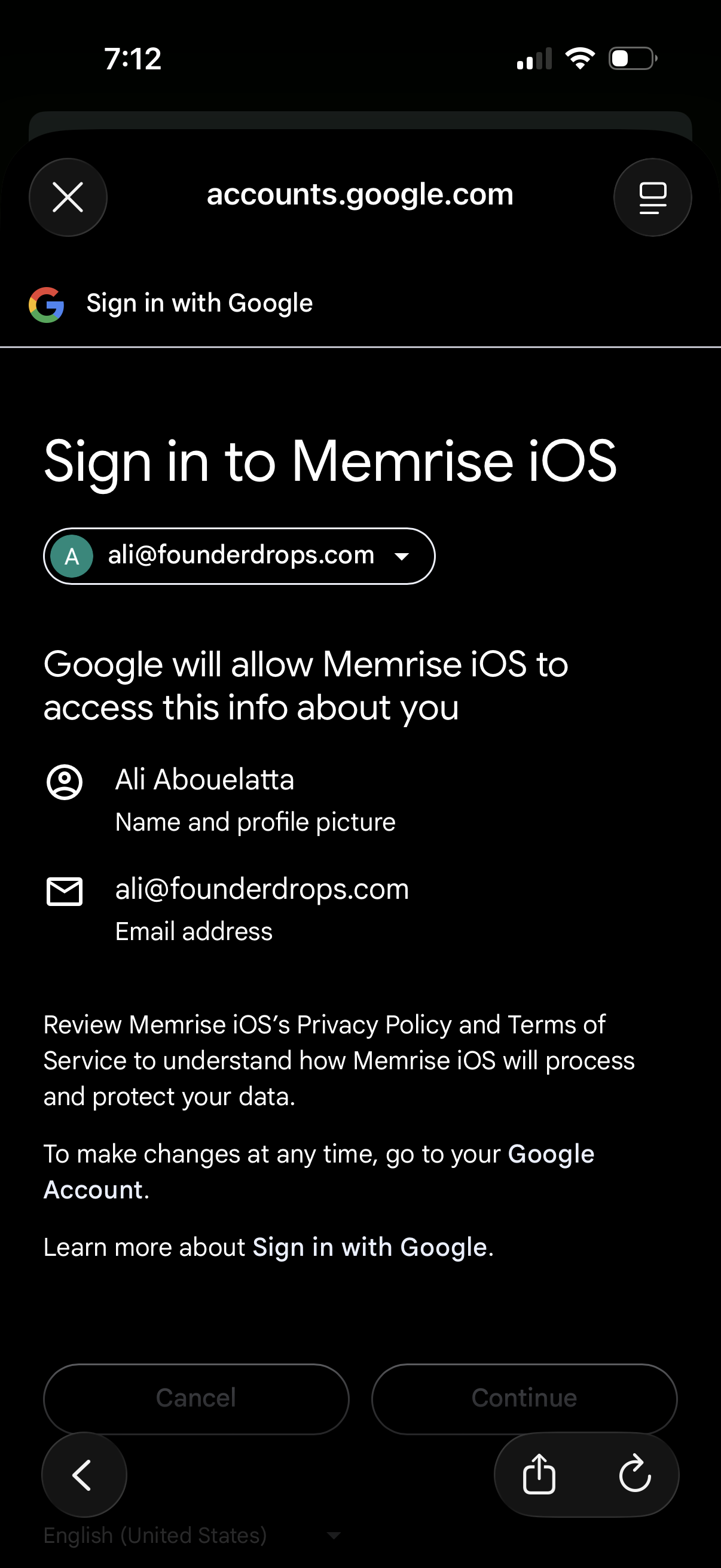
Google OAuth “Sign in with Google” consent screen for logging into an iOS app, showing the selected Google account and the data permissions the app will access (name/profile photo and email). Provides primary actions to cancel or continue to authorize the sign-in and links to privacy policy and terms.
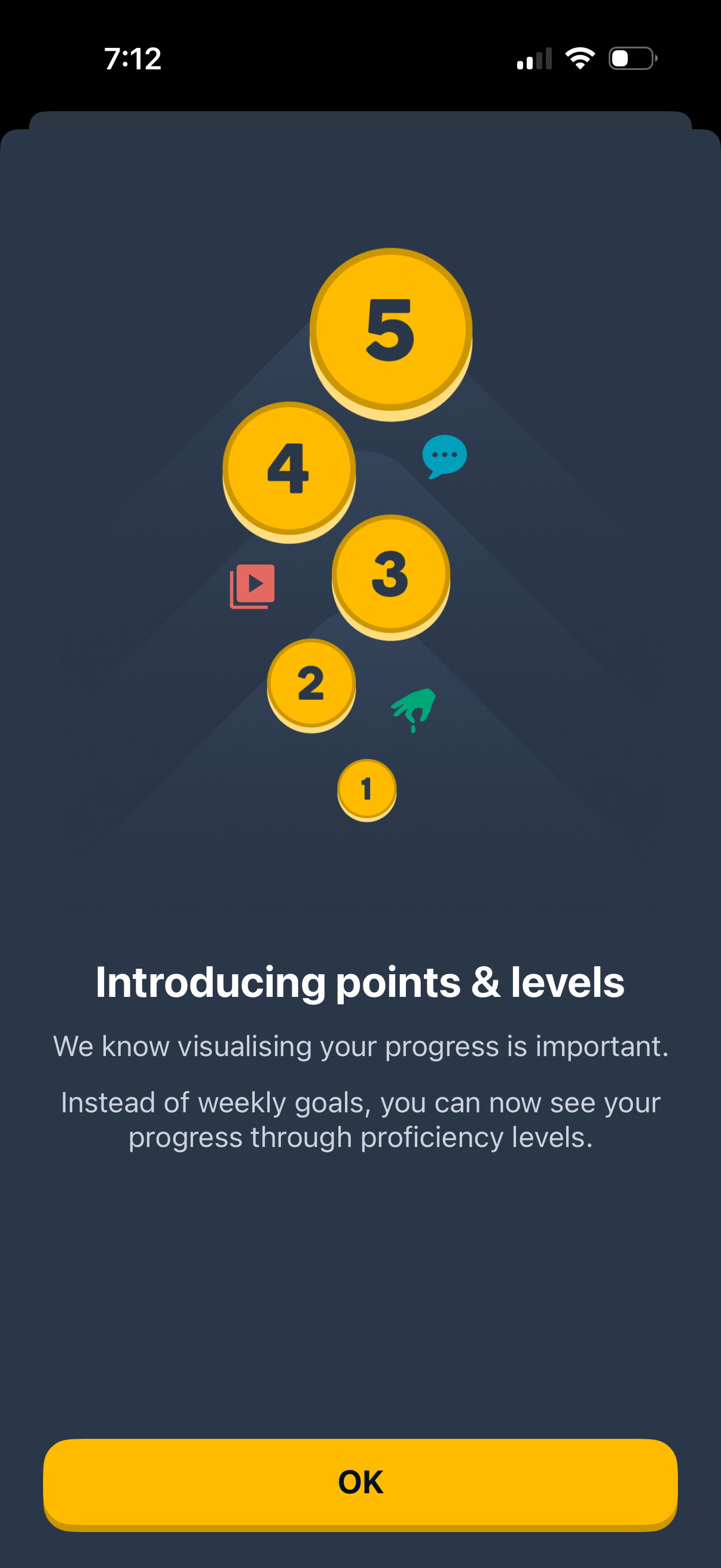
Onboarding announcement modal introducing a gamified progress system with points and proficiency levels, illustrated with level badges. Includes explanatory text about tracking progress and a single primary “OK” button to acknowledge and continue.
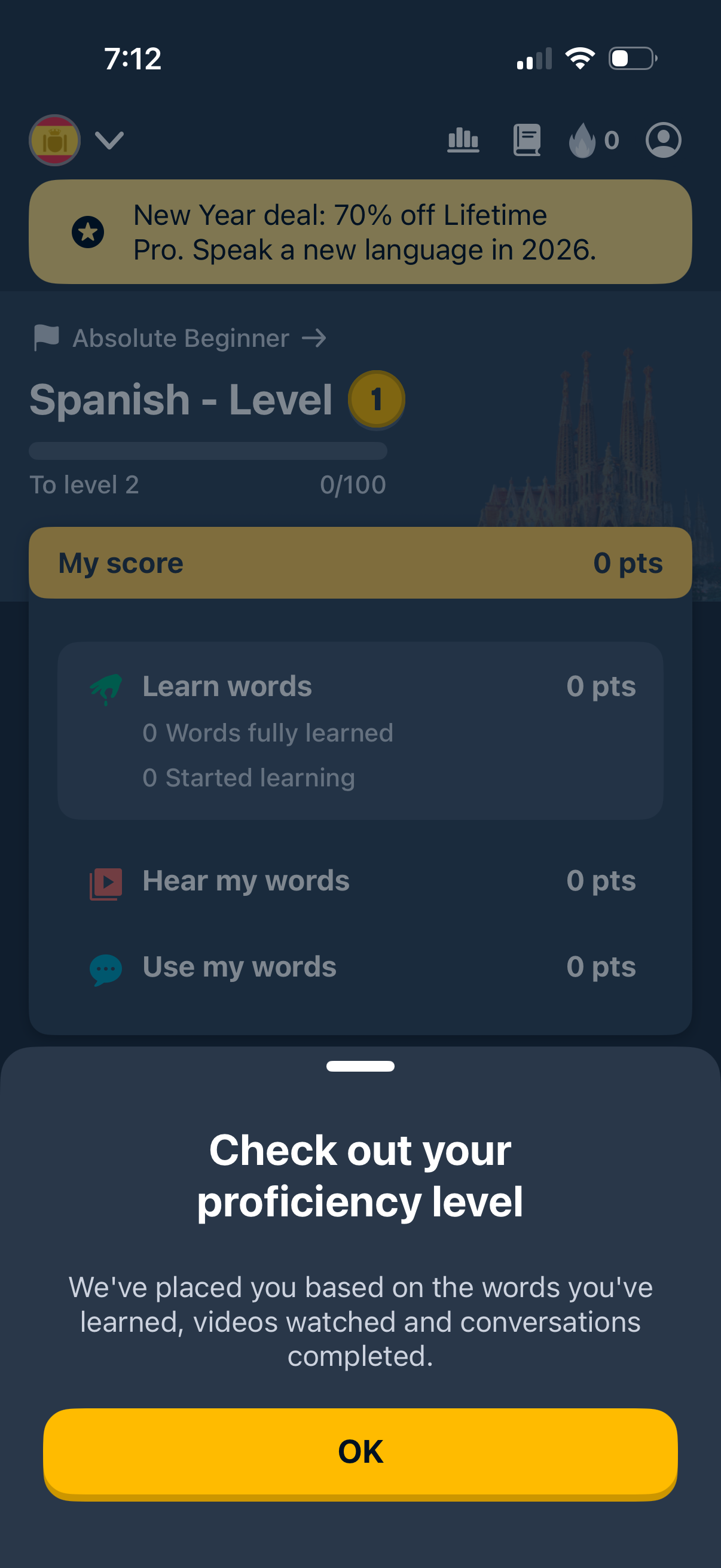
Language learning course dashboard for Spanish showing current level, progress to next level, and a score breakdown across activities like learn words, hear my words, and use my words. A bottom sheet modal explains the user’s calculated proficiency level with a single OK button to dismiss.
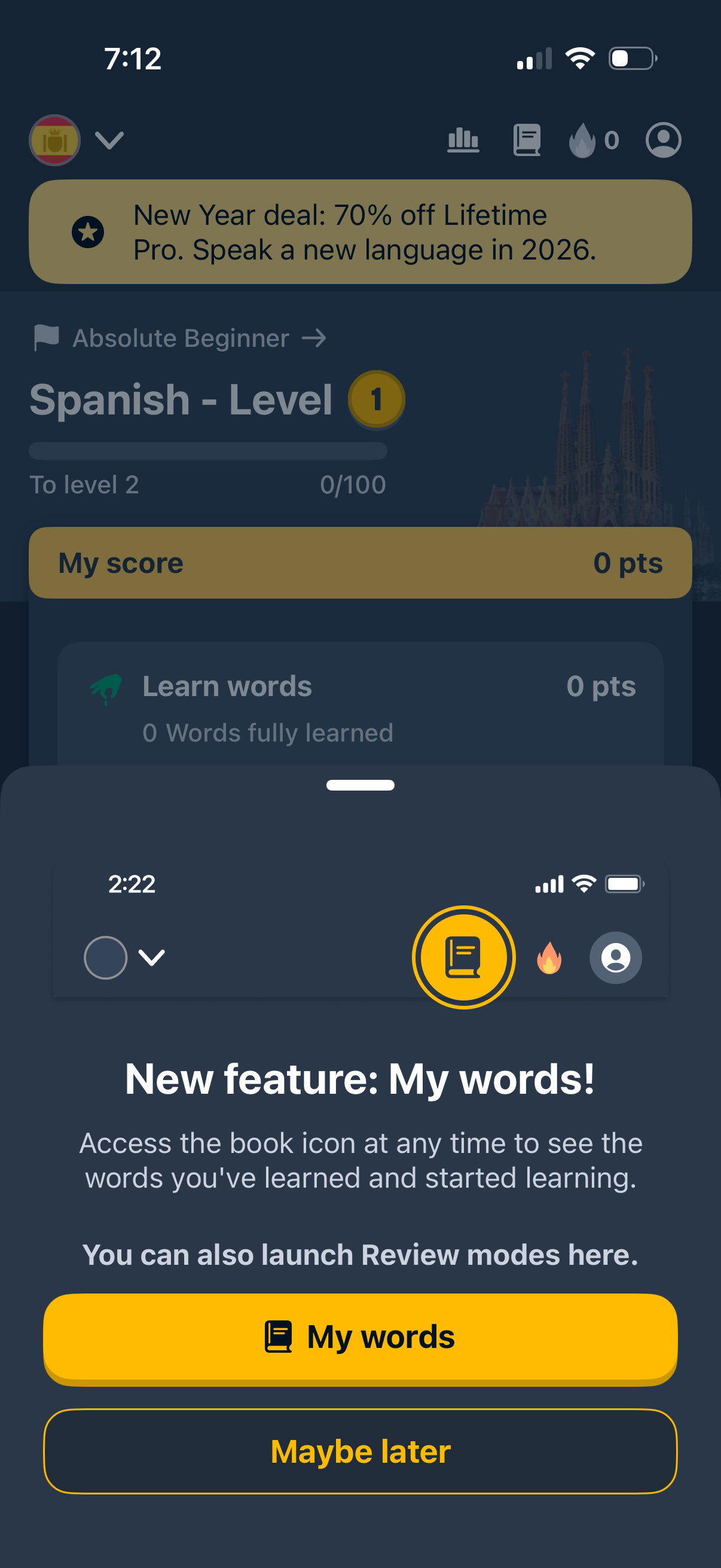
In-app modal announcement introducing a new “My words” vocabulary feature in a language learning app, explaining that the book icon lets users view learned and in-progress words and launch review modes. The popup offers primary and secondary actions: open “My words” or dismiss with “Maybe later,” overlaying the course dashboard with progress and score.
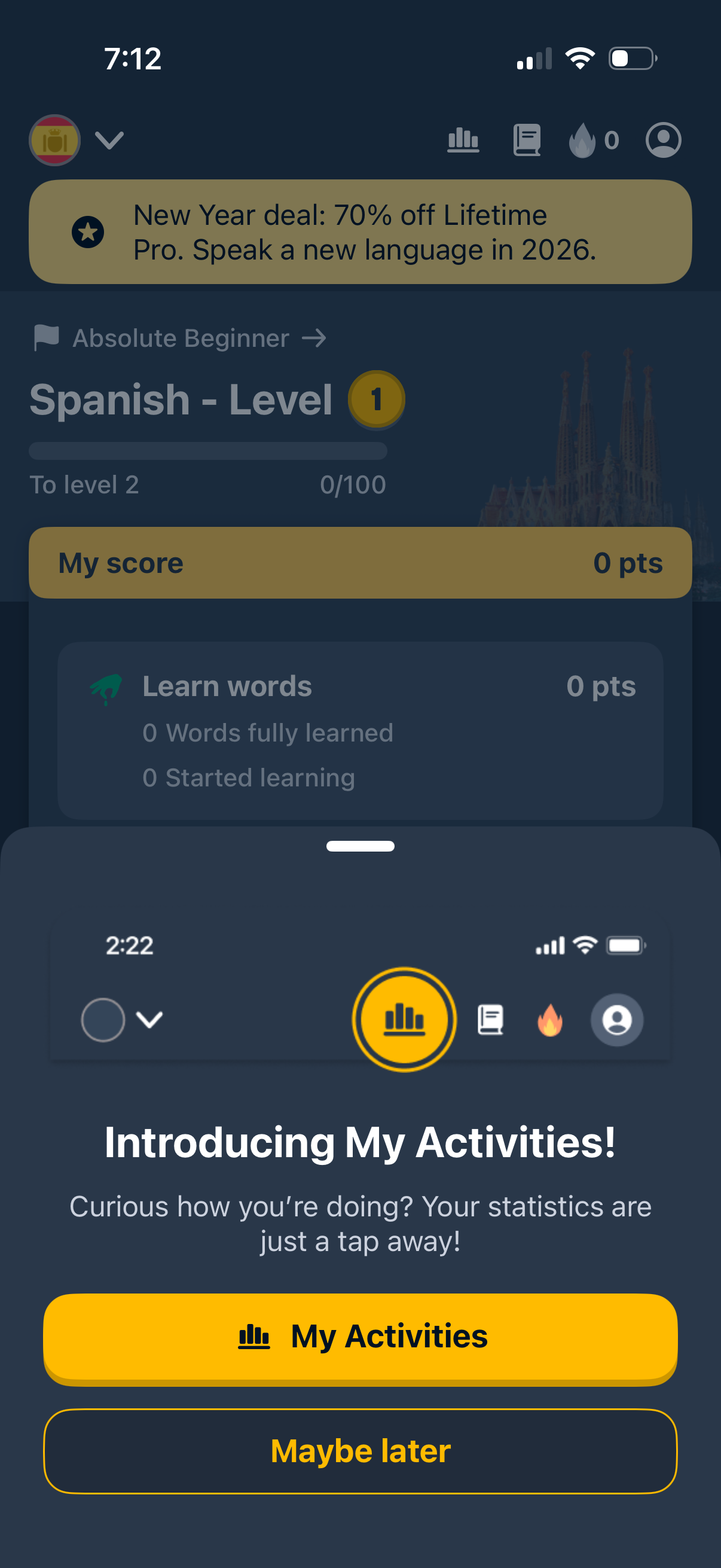
Language learning app home/dashboard screen for a Spanish course showing level progress, score, and learning stats, with navigation icons for activities, lessons, streak, and profile. A promotional modal announces “My Activities” and offers primary and secondary actions to open My Activities or dismiss with “Maybe later.