Sign up
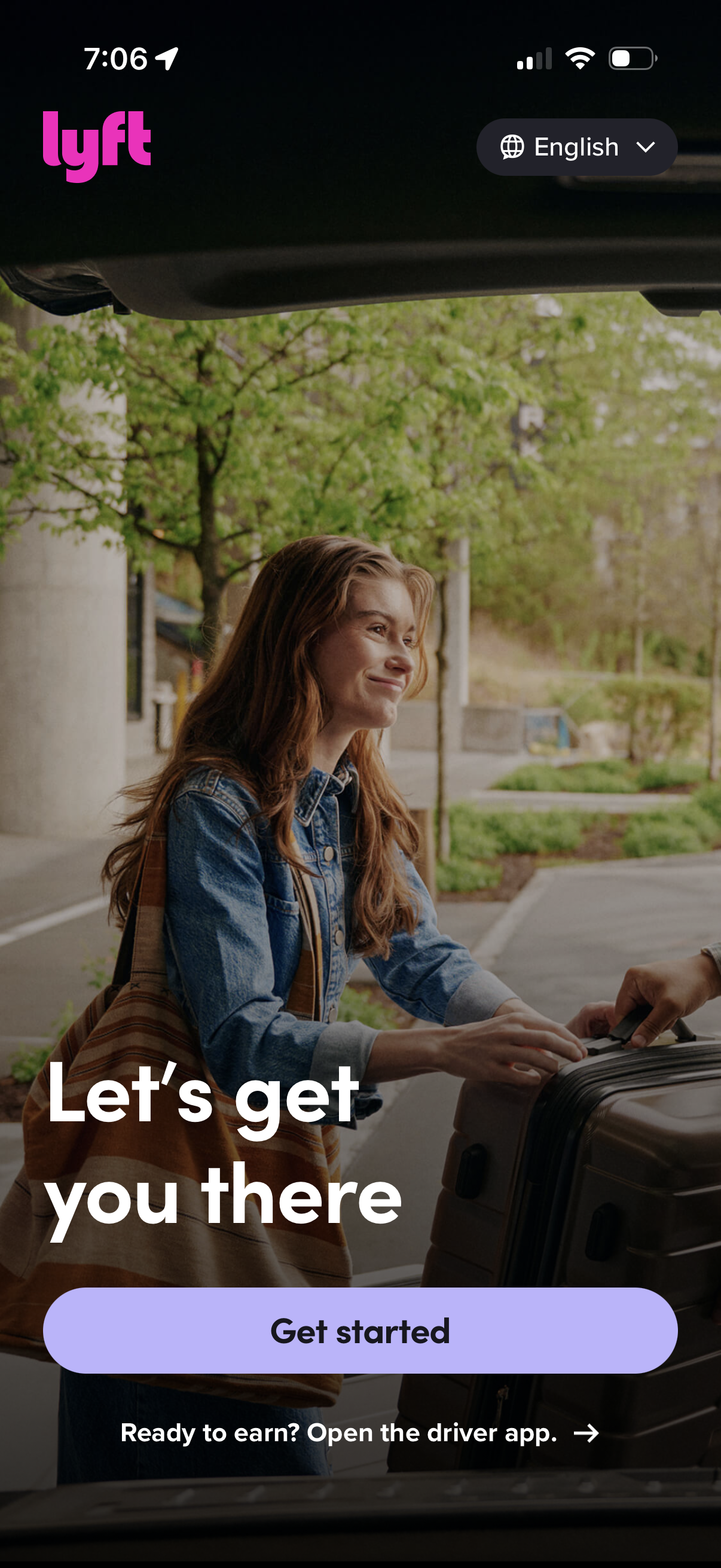
Lyft onboarding welcome screen with a hero image and tagline prompting new users to begin. Primary CTA button to “Get started,” plus a language selector dropdown and a secondary link to open the driver app for earning.
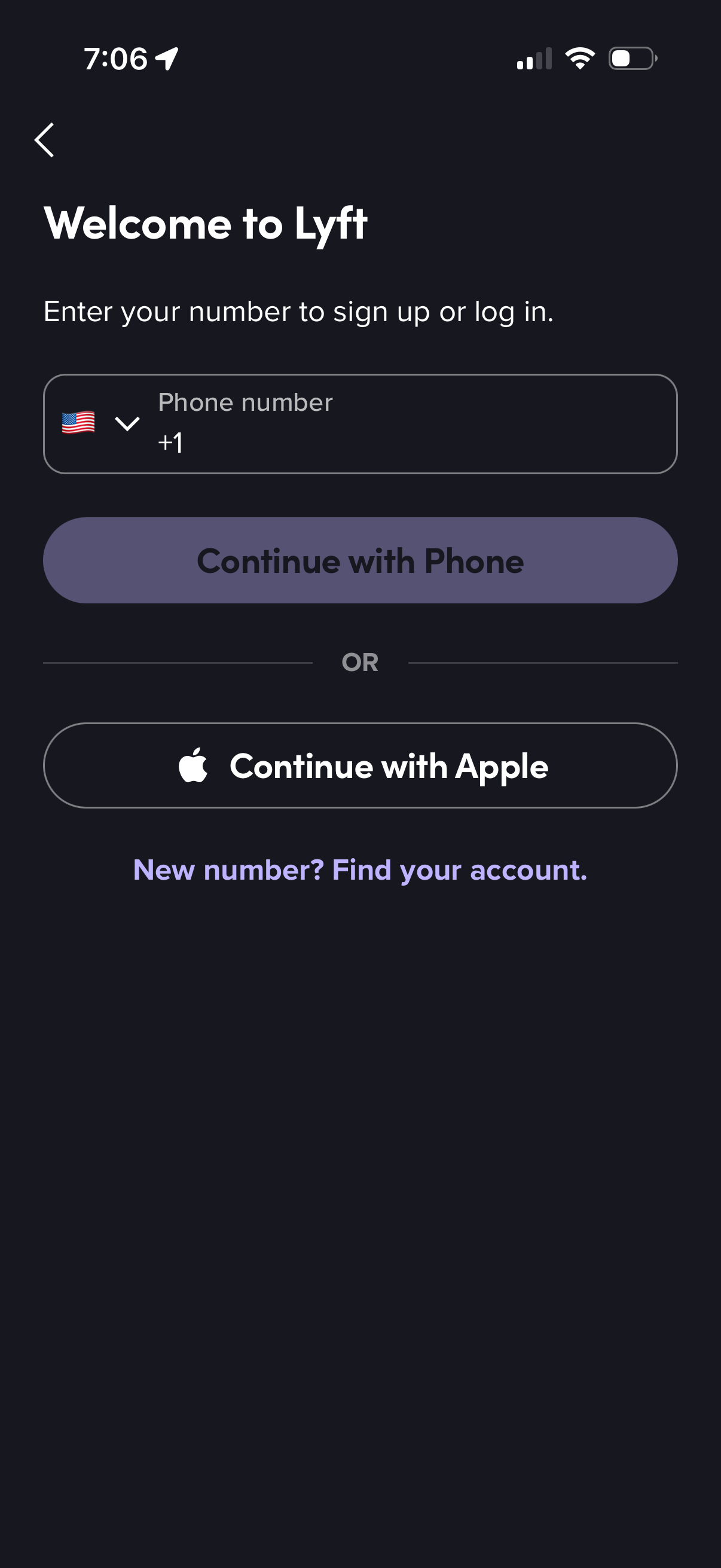
Welcome/login screen for a rideshare app prompting users to enter a phone number with country code selector to sign up or log in, with primary “Continue with Phone” CTA. Offers alternative authentication via “Continue with Apple” and a link to recover an account when the phone number has changed.
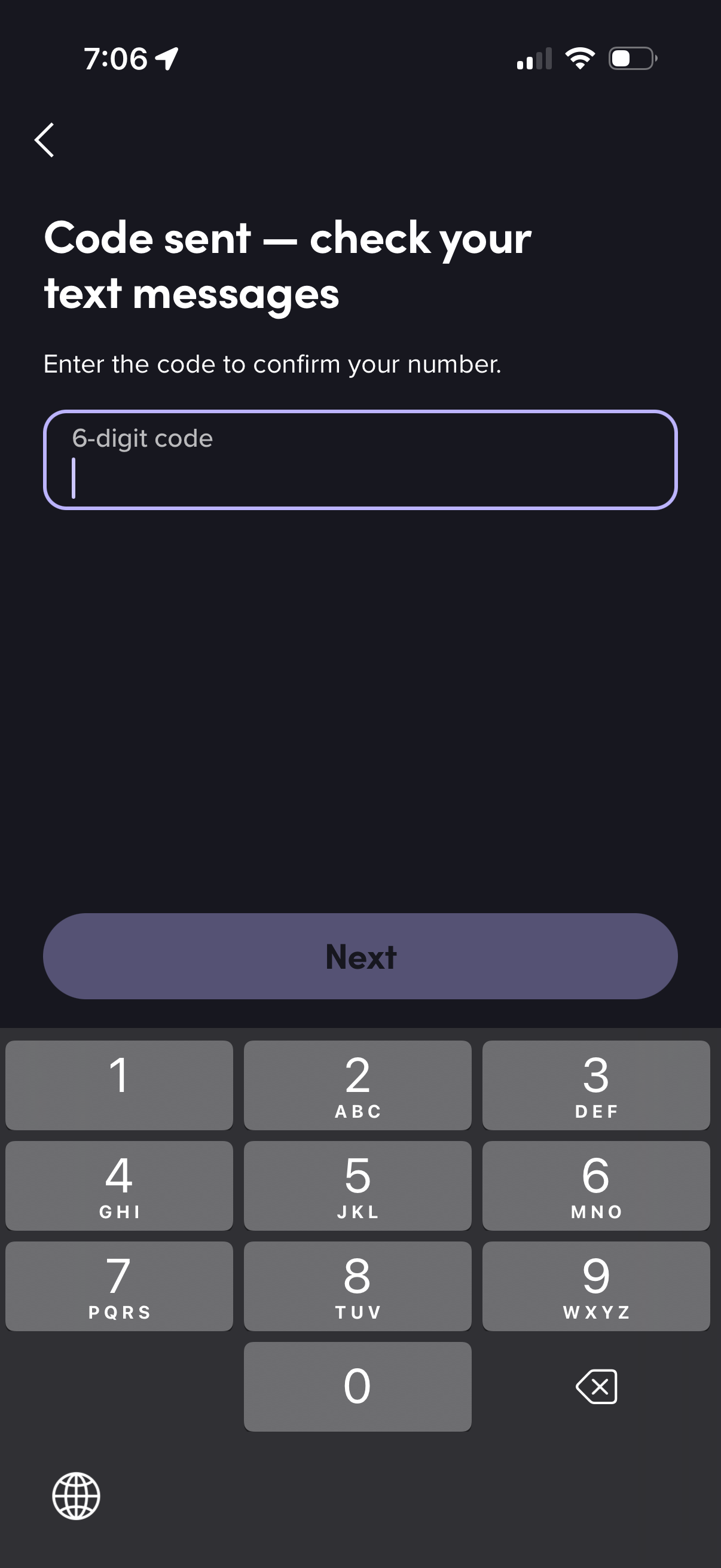
SMS verification screen confirming a phone number, prompting the user to enter a 6-digit code received via text message. Includes a single code input field, back navigation, and a “Next” button to continue.
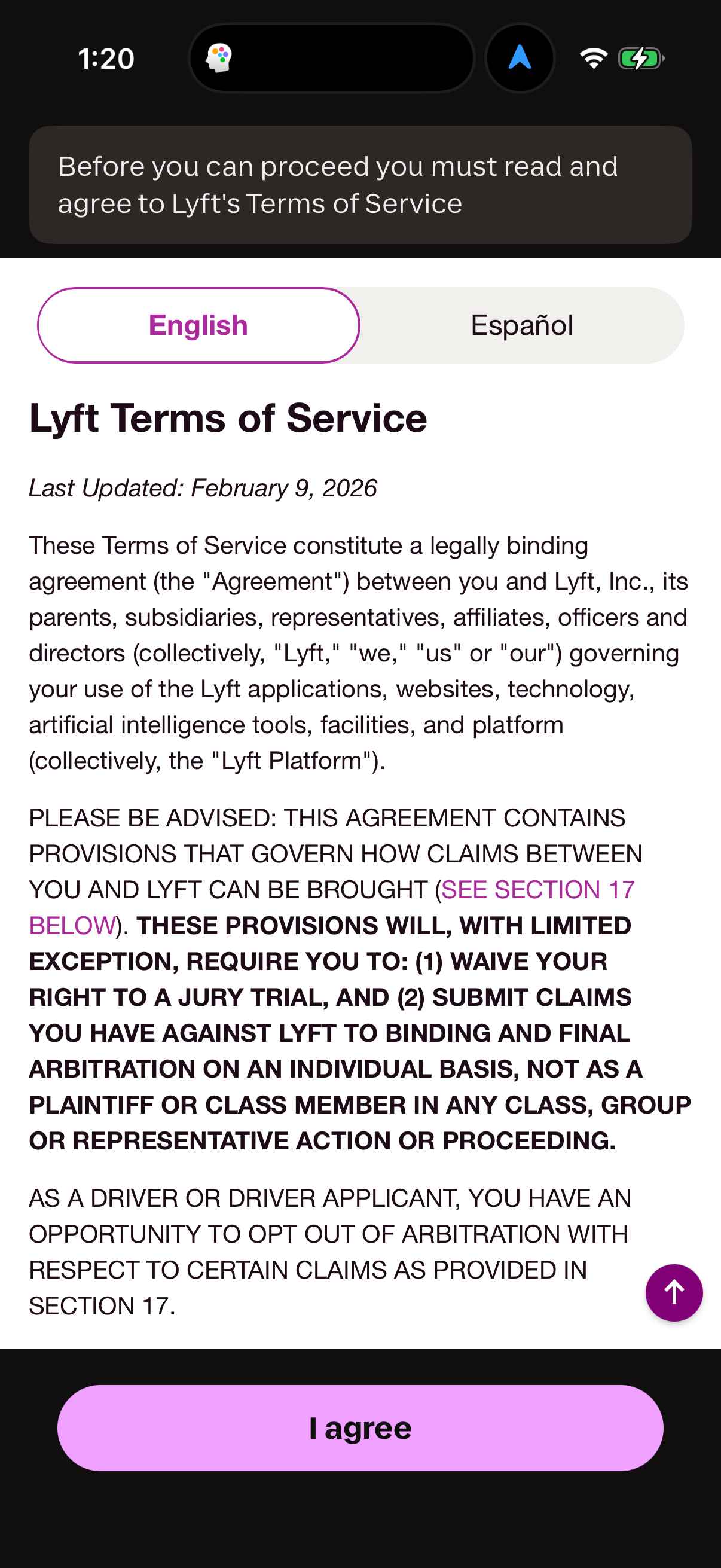
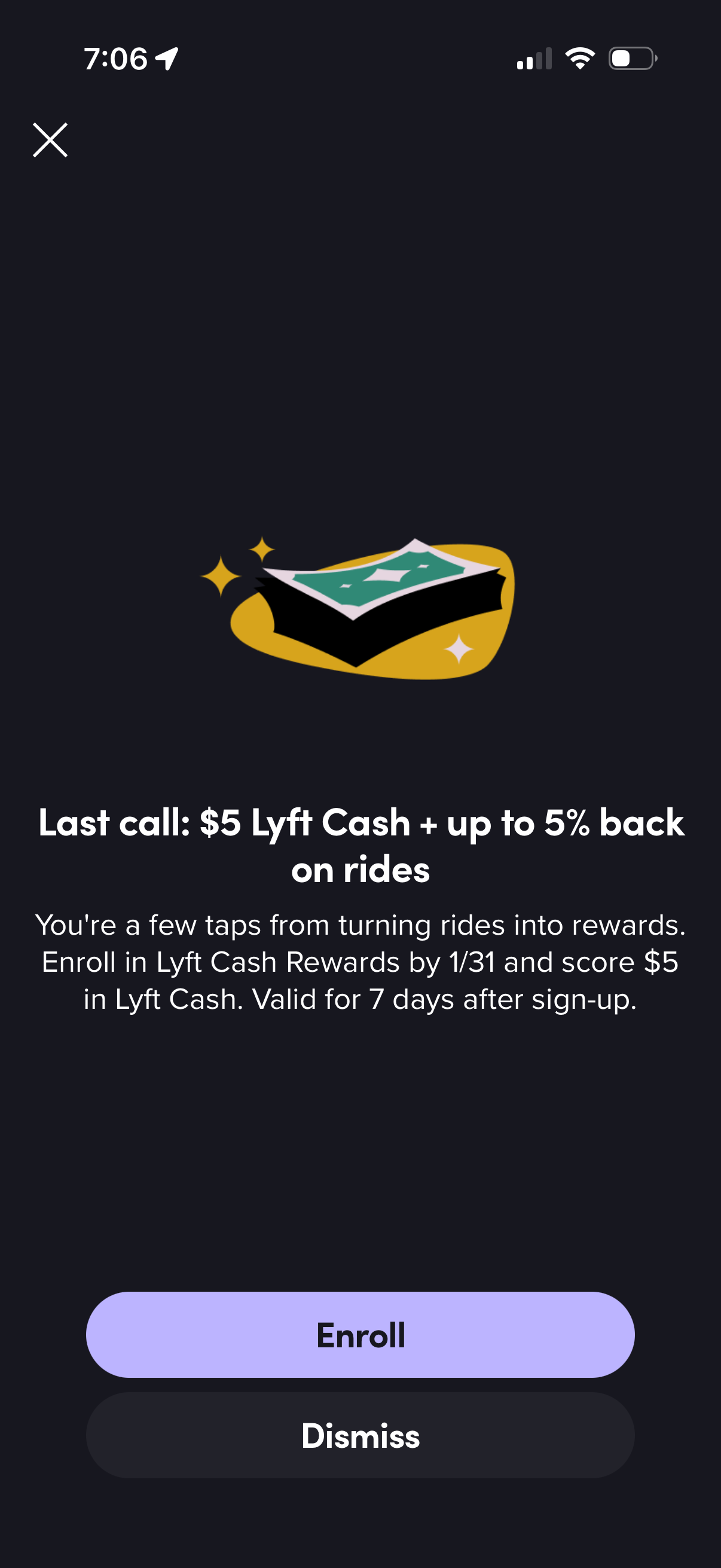
Promotional modal encouraging users to enroll in a cash rewards/loyalty program offering a signup bonus and percentage back on rides, with explanatory terms and limited-time eligibility. Primary actions include an “Enroll” CTA and secondary “Dismiss” plus a close icon.
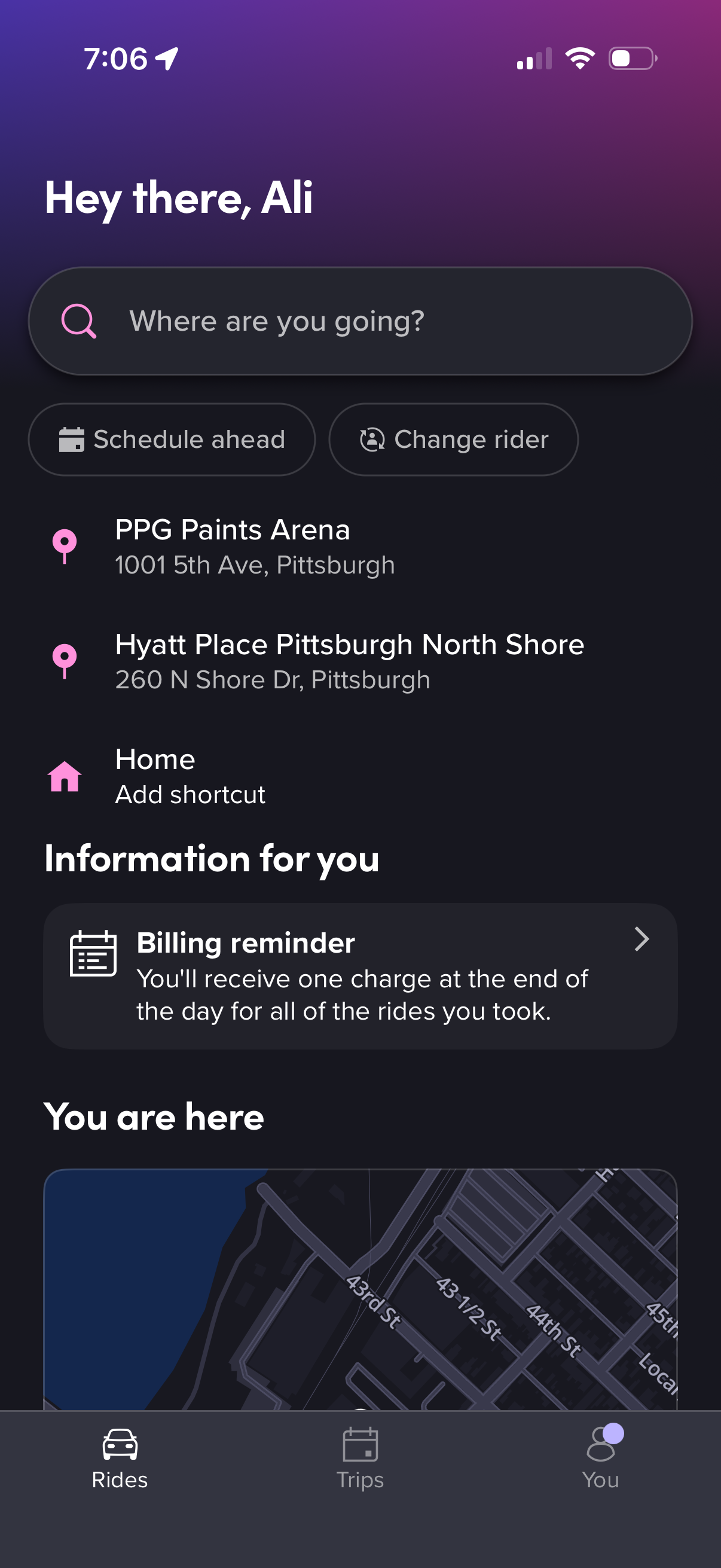
Ride-hailing home screen with a “Where are you going? ” destination search bar, quick actions to schedule a ride and change rider, and a list of suggested/recent places plus home shortcut.