Onboarding
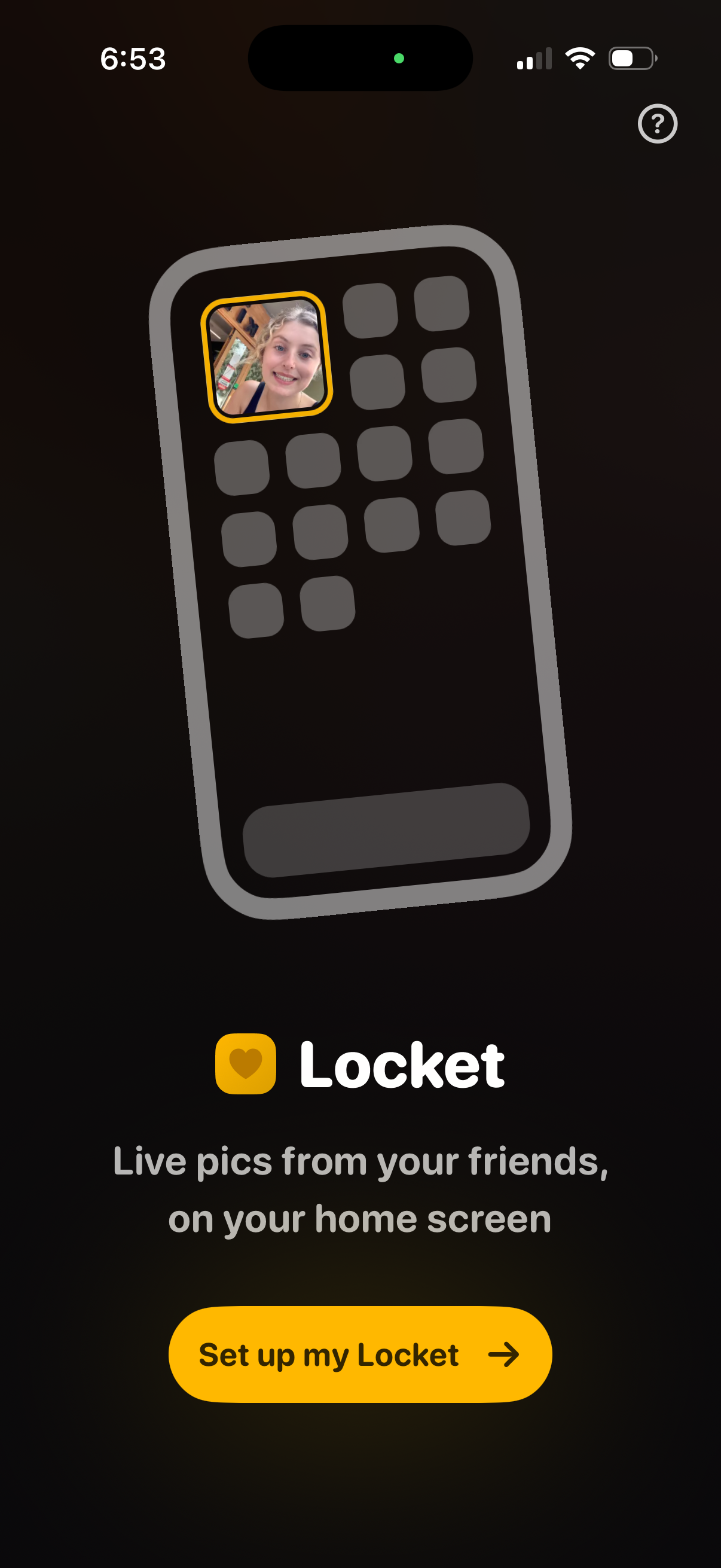
Intro onboarding screen for a social photo widget app that shows a homescreen widget preview with friends’ live pictures. Primary CTA button to “Set up my Locket” to begin widget setup, with a help/info icon.
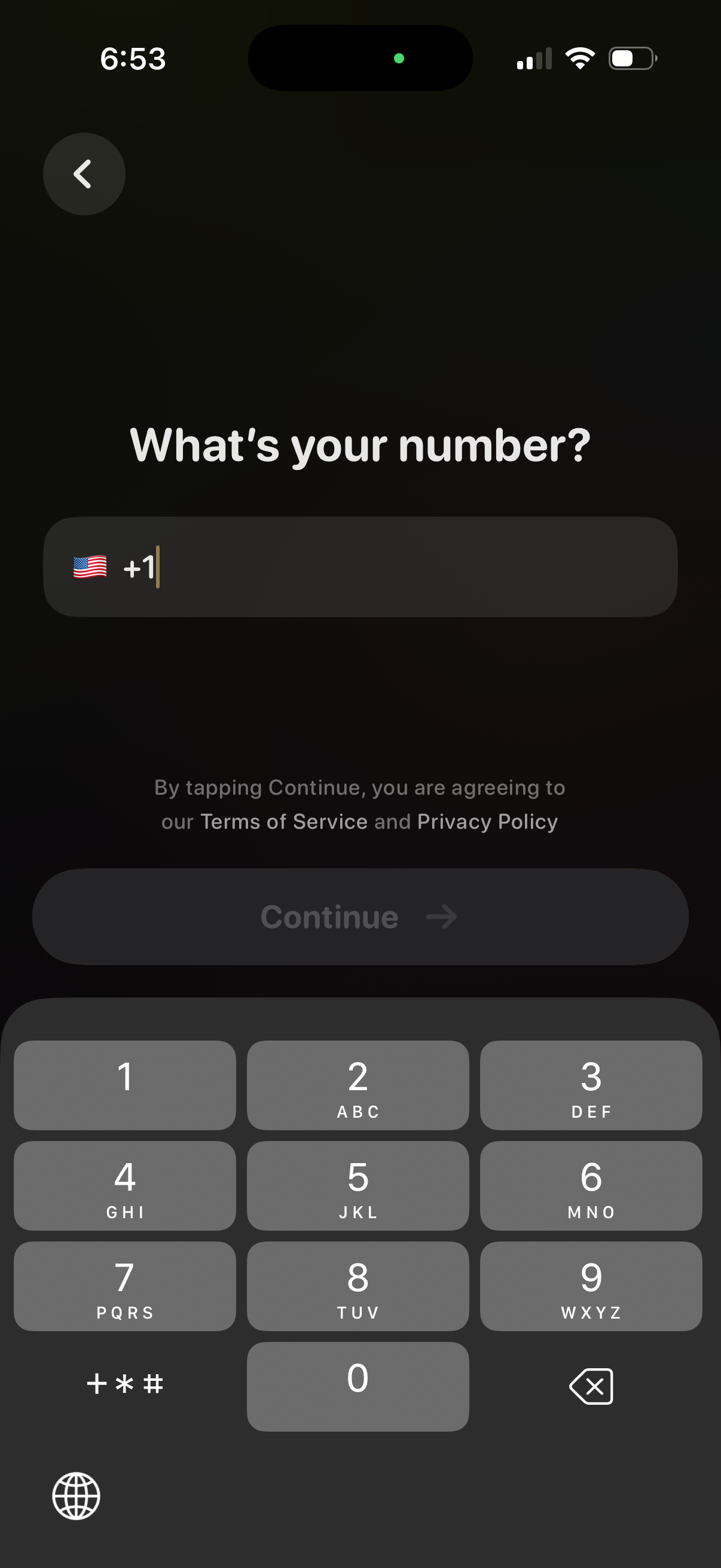
Phone number sign-up/login screen asking “What’s your number? ” with a country code selector and input field, plus a Continue button to proceed with SMS verification.
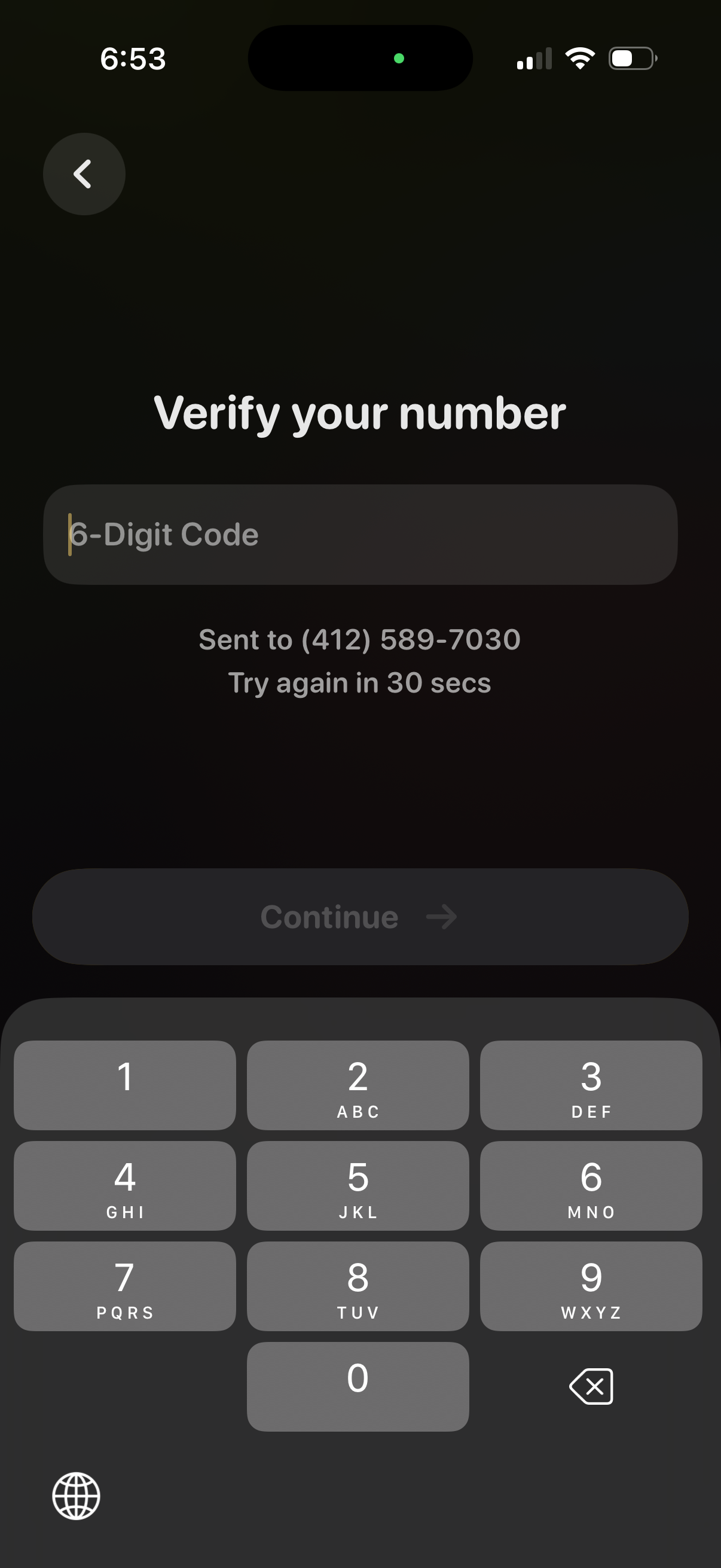
Phone number verification screen prompting the user to enter a 6-digit SMS code sent to their number, showing a resend cooldown timer. Includes a disabled “Continue” button until code entry, a numeric keypad, and a back navigation control.
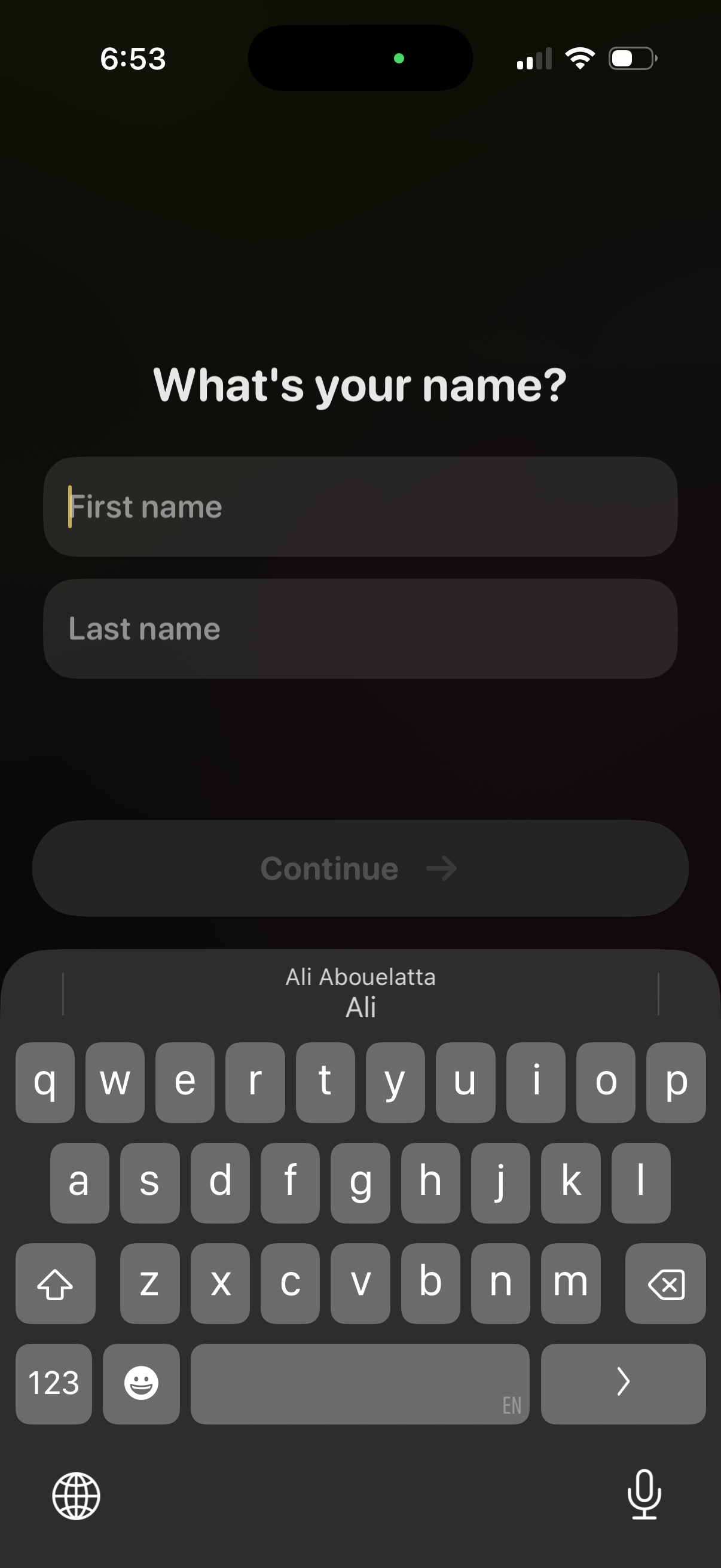
Onboarding profile setup screen asking “What’s your name? ” with text fields for first name and last name and a primary Continue button to proceed after entering personal details.
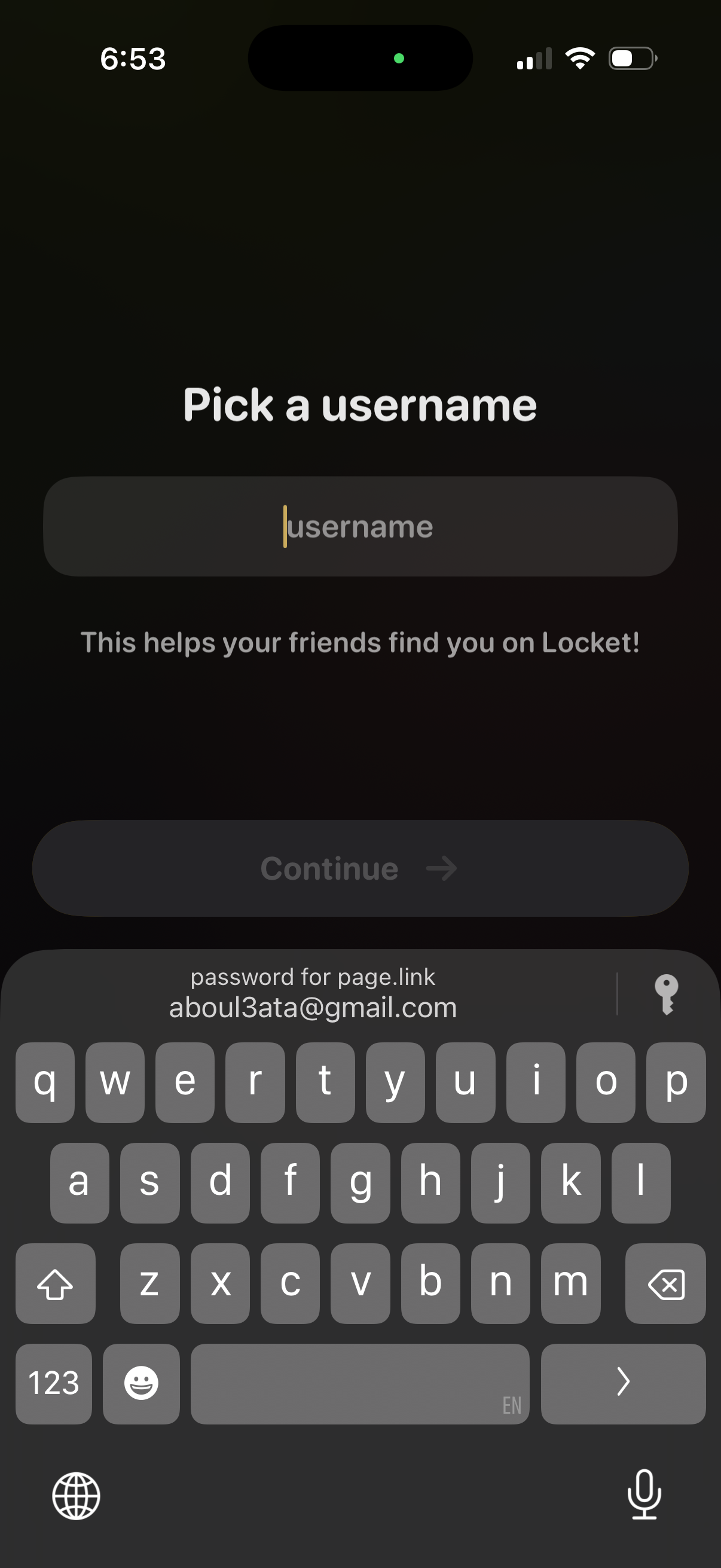
Onboarding screen prompting the user to pick a username with a single text input field and helper text explaining it helps friends find them. A disabled Continue button becomes available after entering a valid username to proceed in account setup.
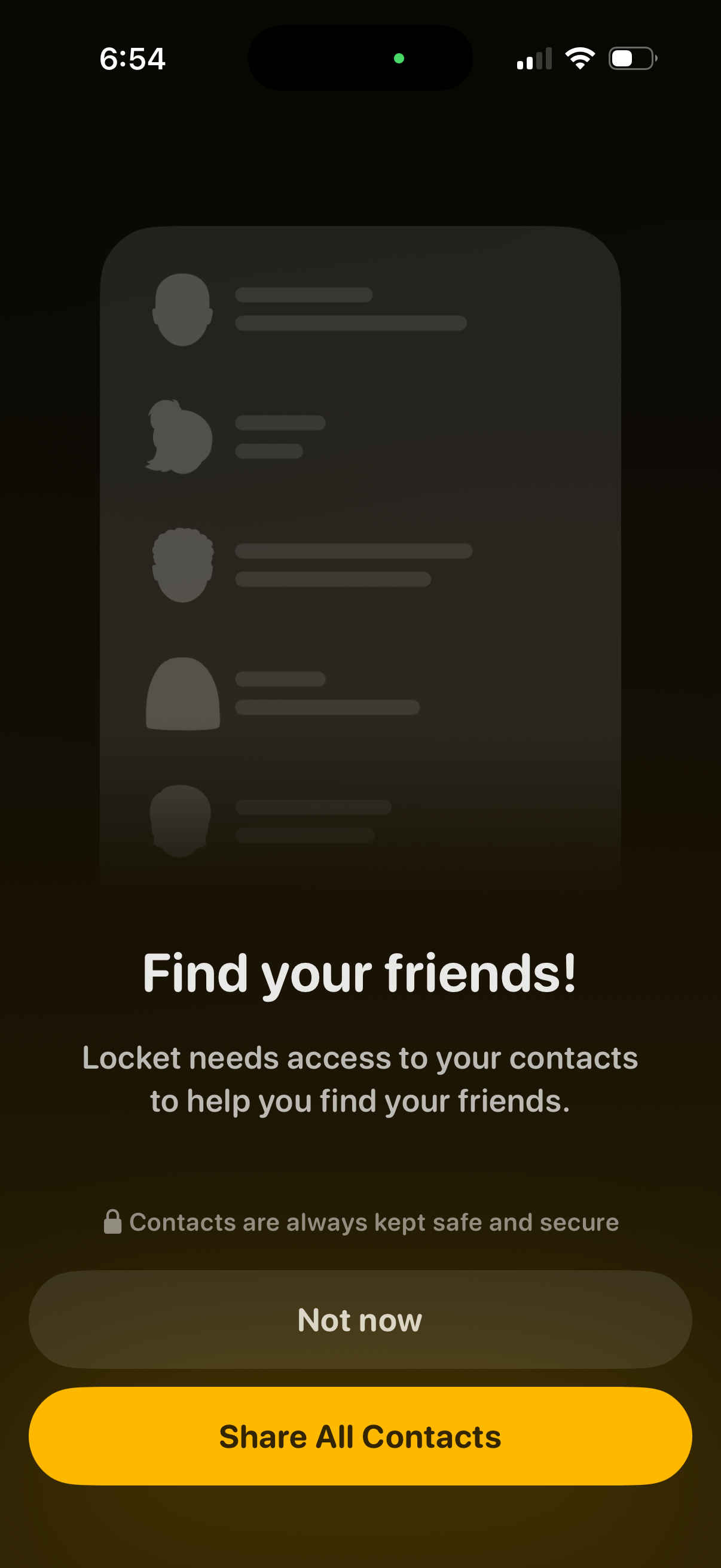
Contacts permission prompt for a social app to help users find friends by accessing the phone’s address book. Screen explains privacy/security and offers primary action to “Share All Contacts” with a secondary “Not now” option.
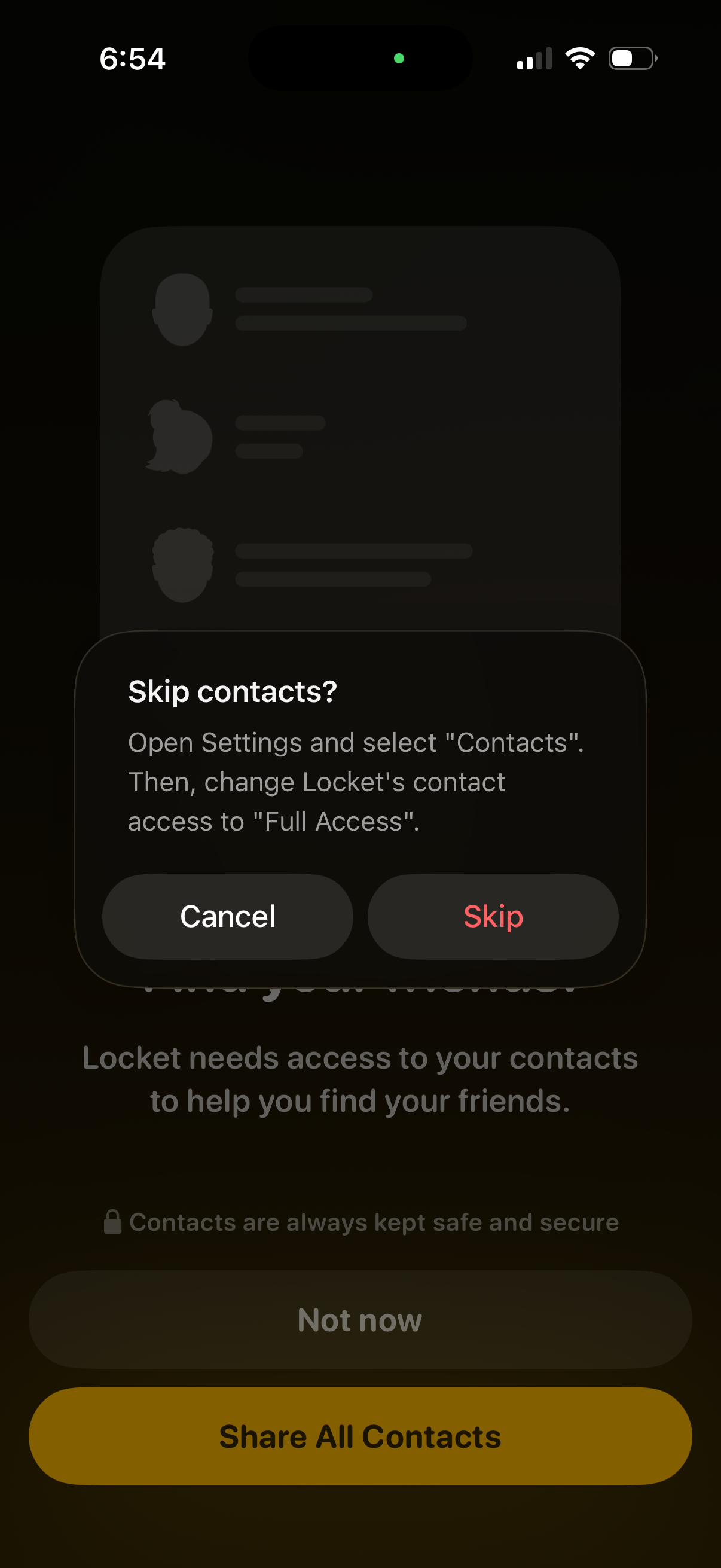
A modal confirmation dialog on a contacts-permission onboarding screen asks “Skip contacts? ” and explains how to enable full contacts access in device Settings.
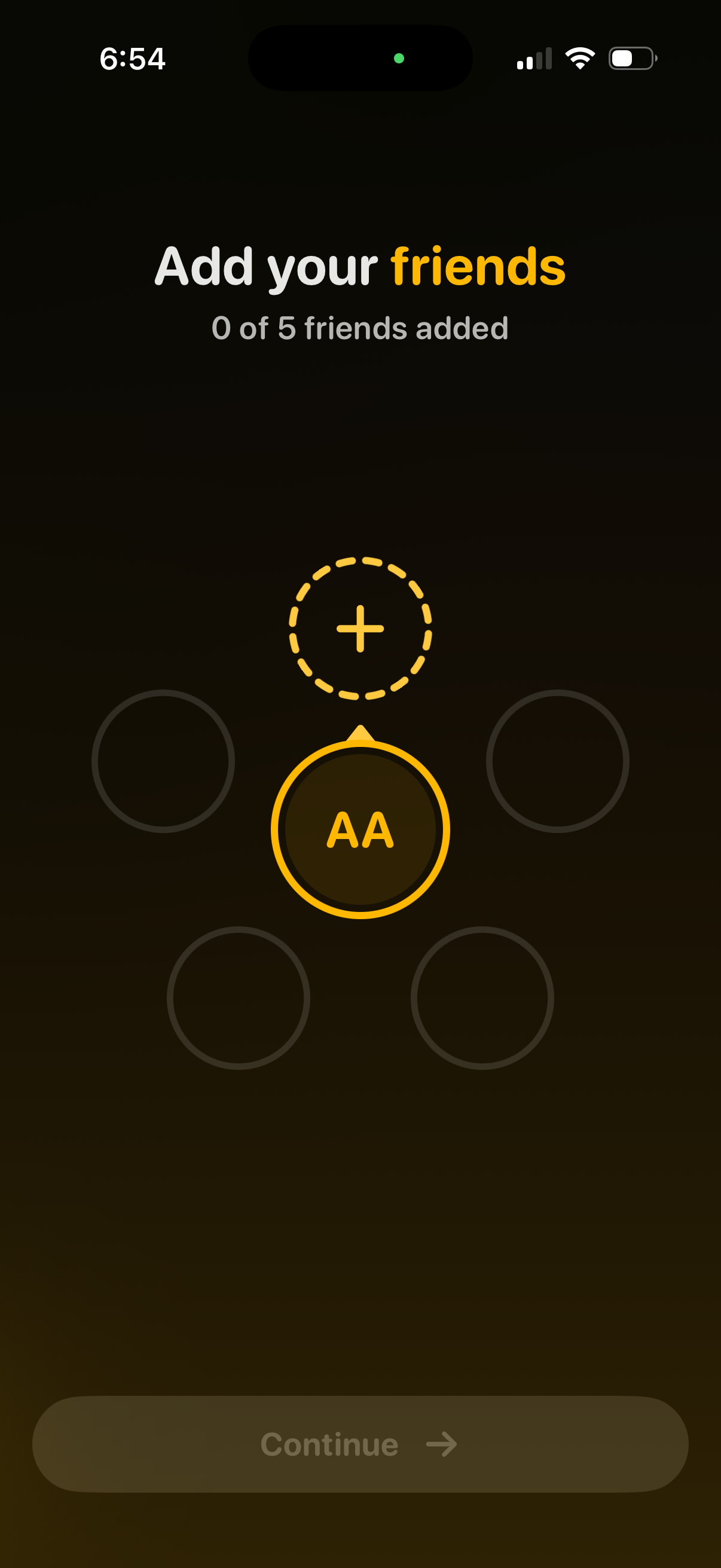
Onboarding screen prompting users to add friends, showing progress (0 of 5 friends added) and a central add (+) action with empty friend slots. A disabled “Continue” button at the bottom indicates the user must invite or select friends before proceeding.