failed login
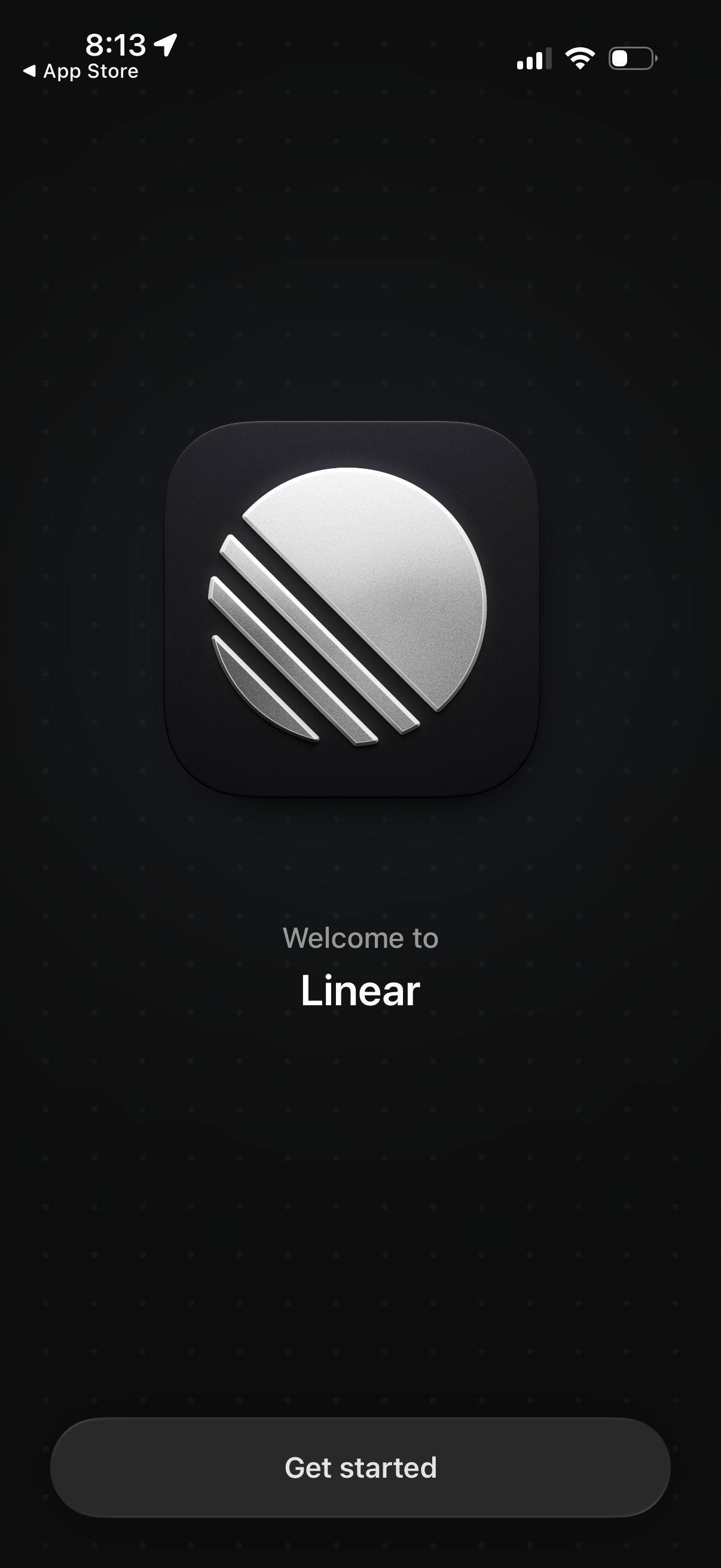
Welcome/onboarding splash screen for the Linear app featuring the app logo and a primary “Get started” button to begin setup or sign in after installation.
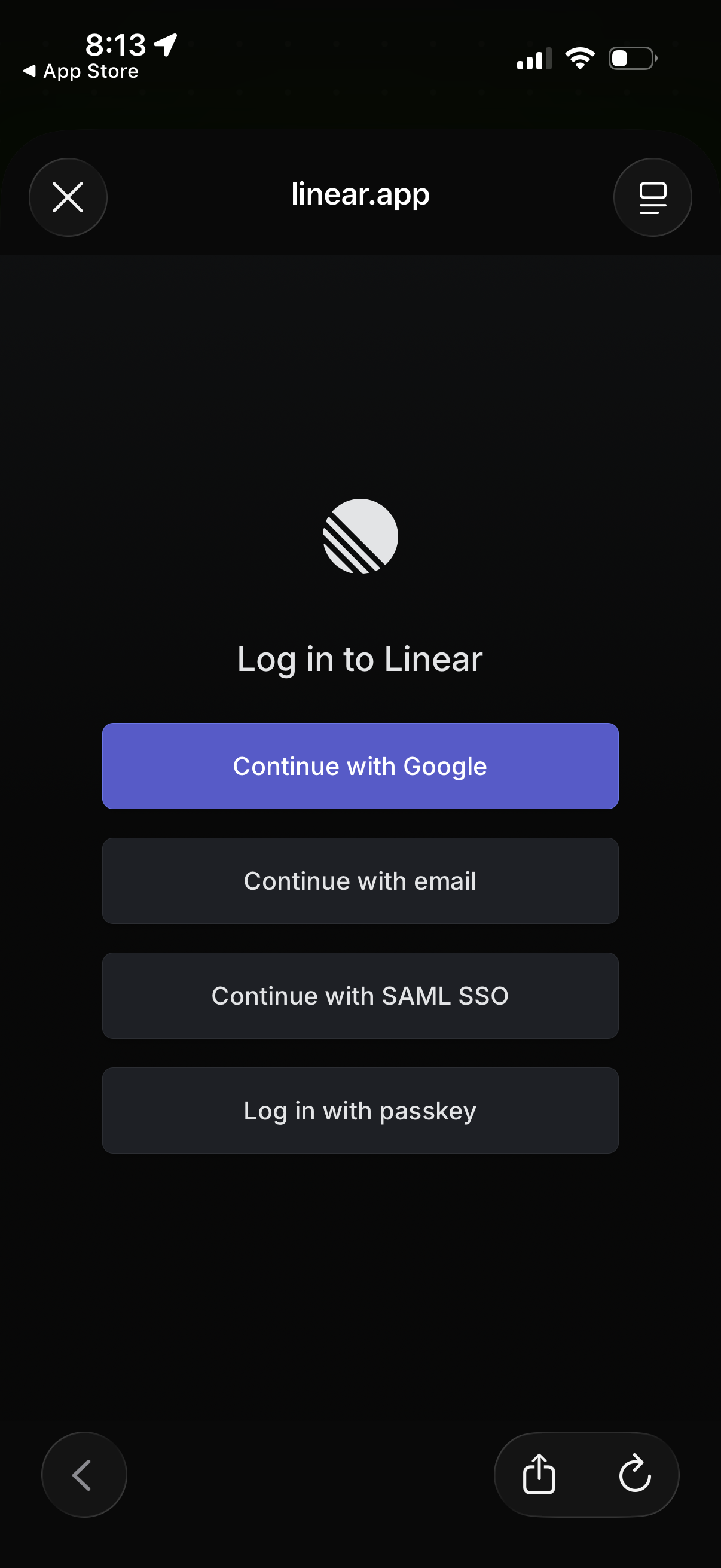
Login screen for Linear offering multiple authentication methods, including Continue with Google, email, SAML SSO, and passkey sign-in. Includes a close button to exit and a menu/options icon in the top bar.
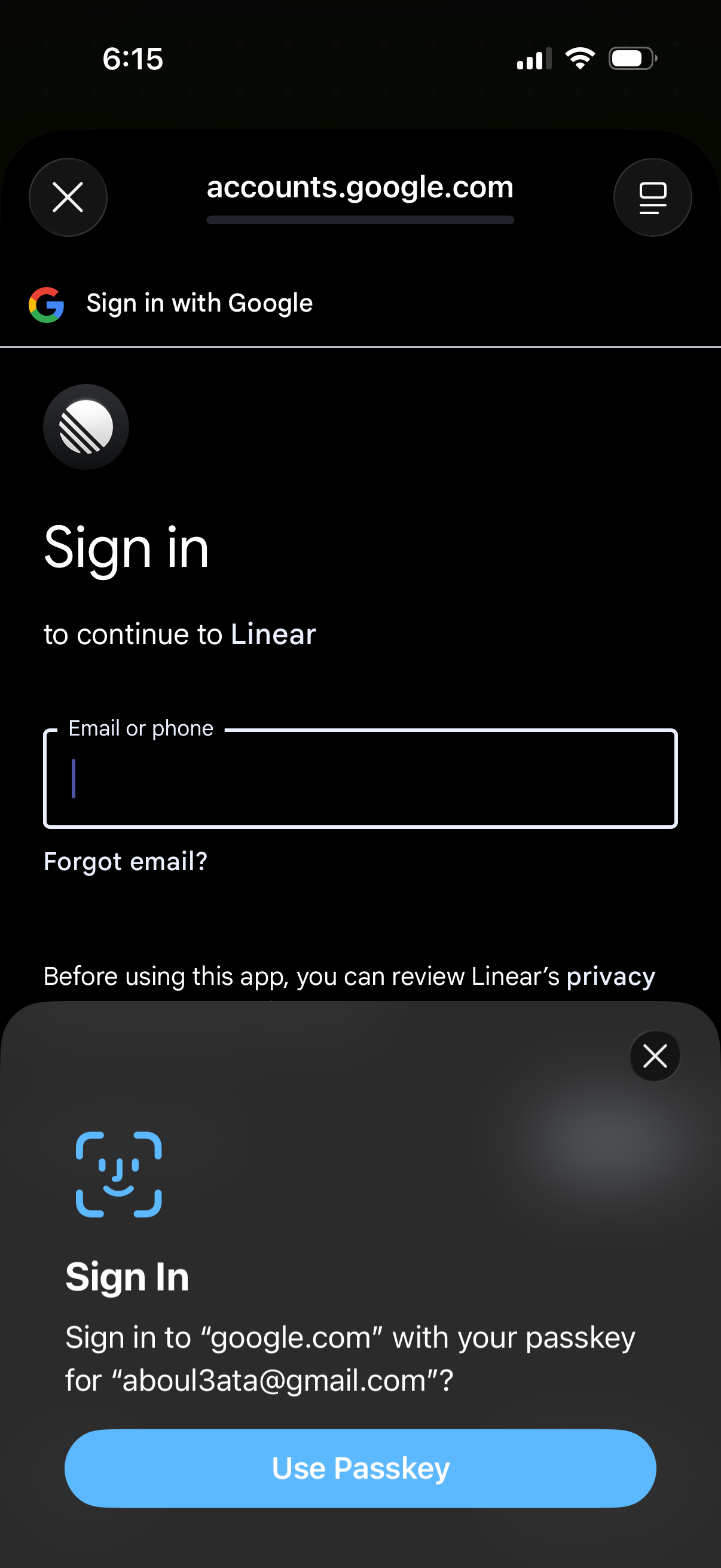
Google OAuth sign-in screen in an in-app browser to continue to a third-party app, with an “Email or phone” input and “Forgot email? ” link.
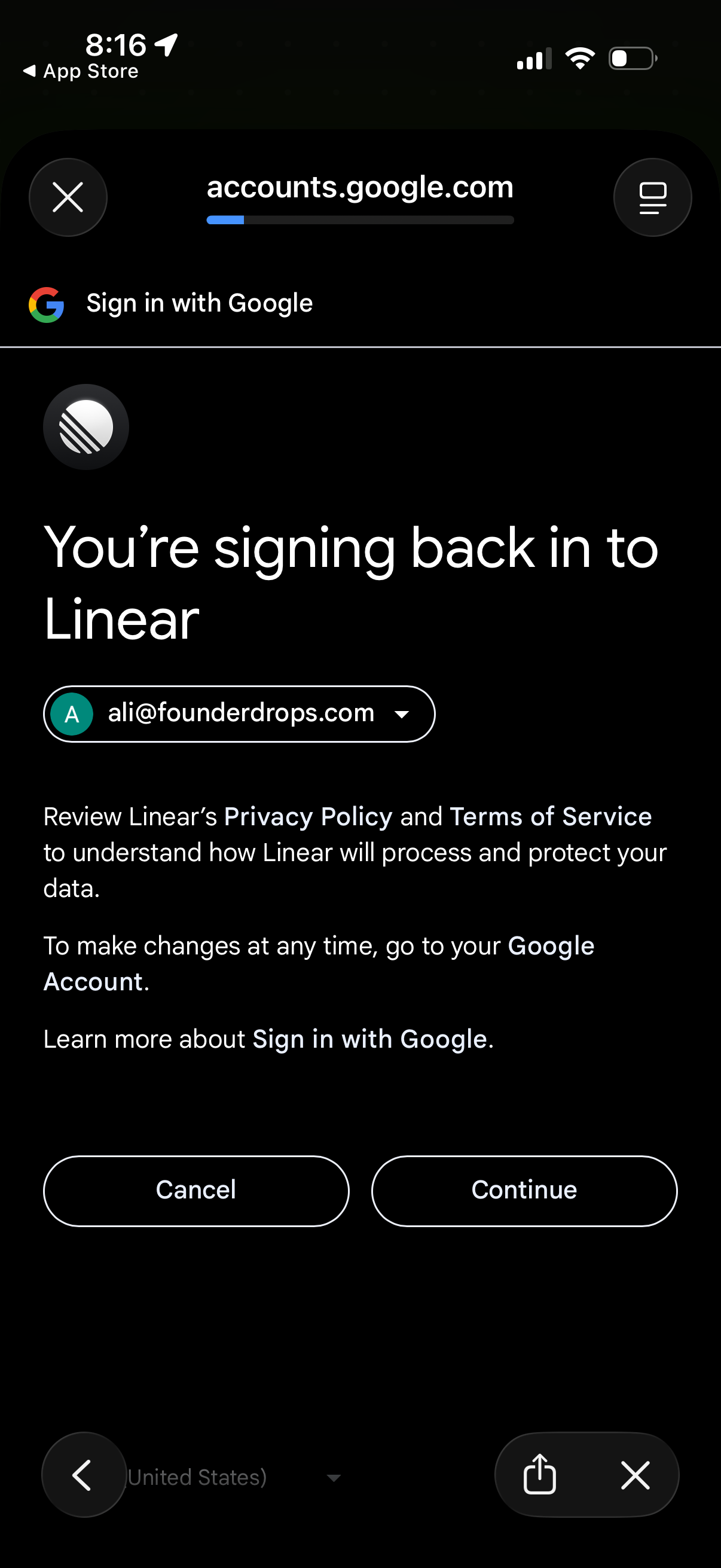
Google OAuth sign-in confirmation screen for returning to an app (Linear), showing the selected Google account with a dropdown to switch accounts and links to privacy policy and terms. Primary actions are Cancel or Continue to proceed with authentication.
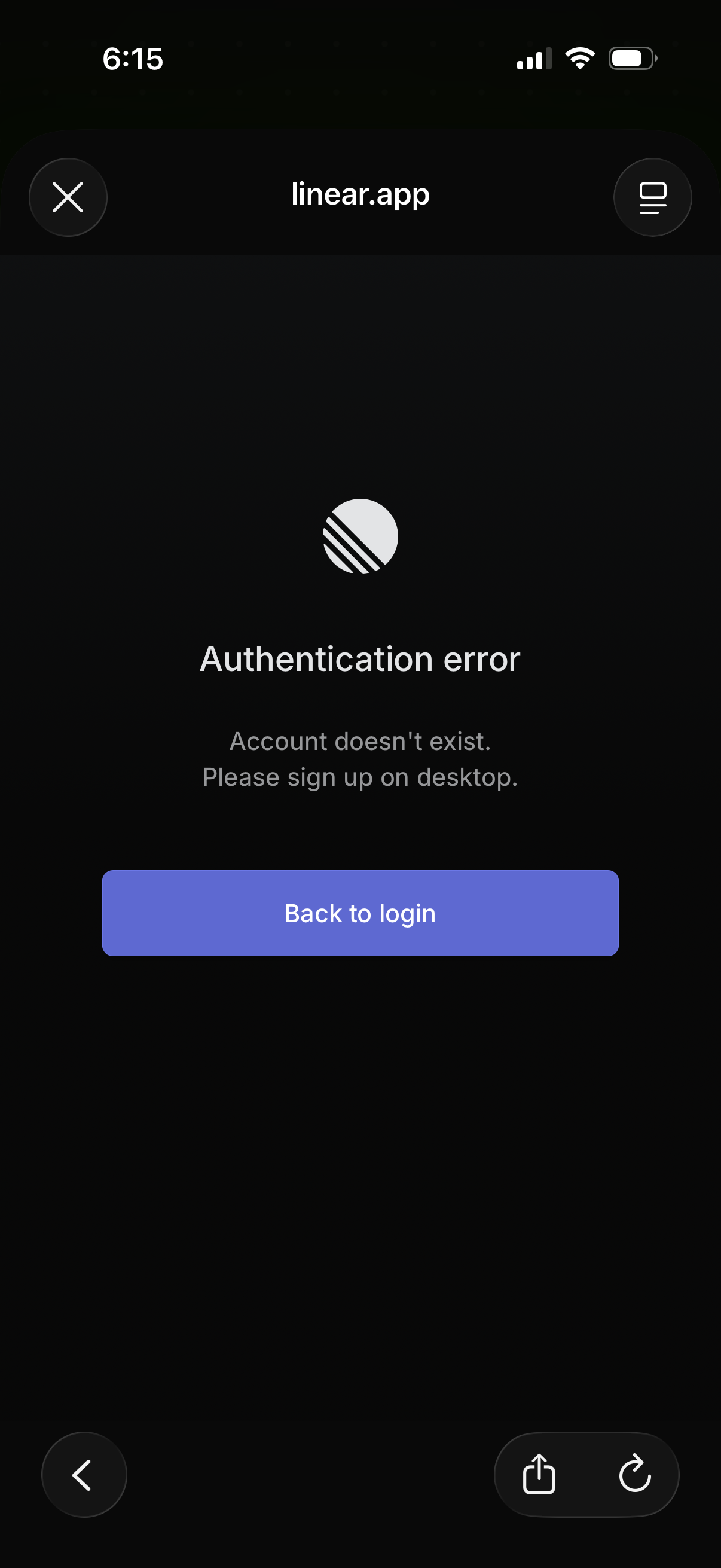
Mobile authentication error screen shown after a failed login, stating the account doesn’t exist and instructing the user to sign up on desktop. Provides a primary “Back to login” button to return to the login flow.