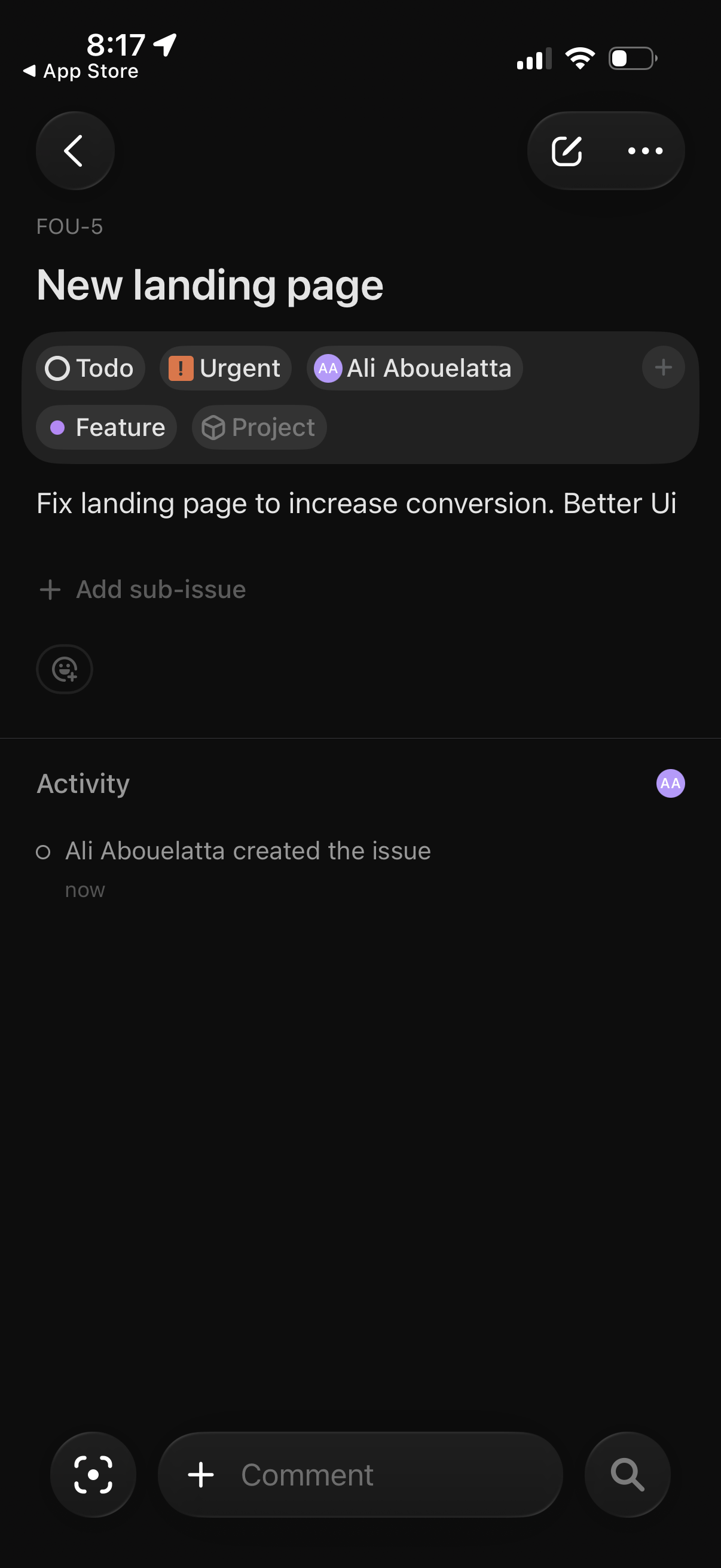
Issue detail screen in a project/task management app showing a task title and description with status and priority tags, assignee, and labels, plus controls to add sub-issues. Includes an activity feed and a bottom comment input for collaborating, with quick actions to edit/share or open more options.
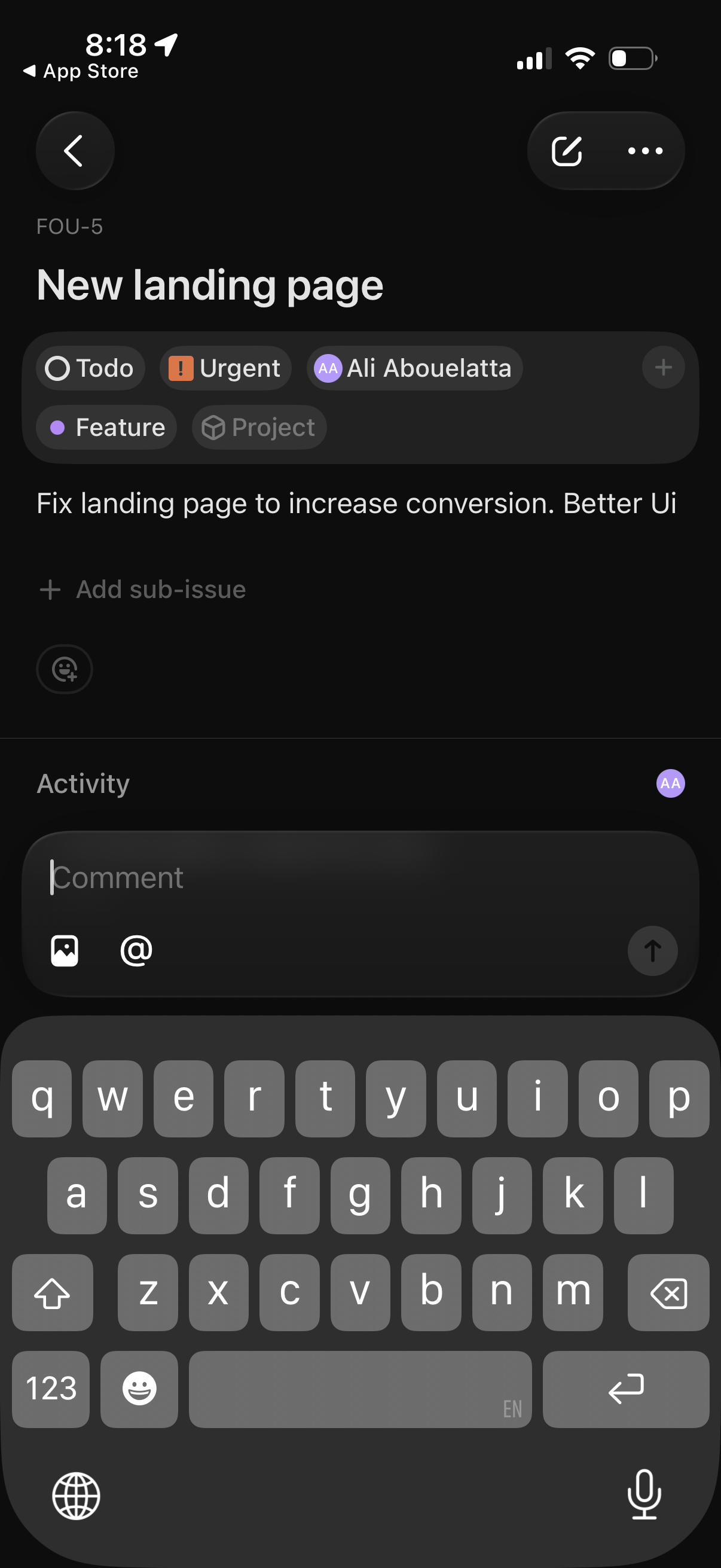
Task/issue detail screen in a project management app showing a ticket title and description with status and priority tags, assignee, and category labels, plus options to add sub-issues. The Activity section is open with a comment composer to type a message, attach an image, mention teammates, and send the comment.
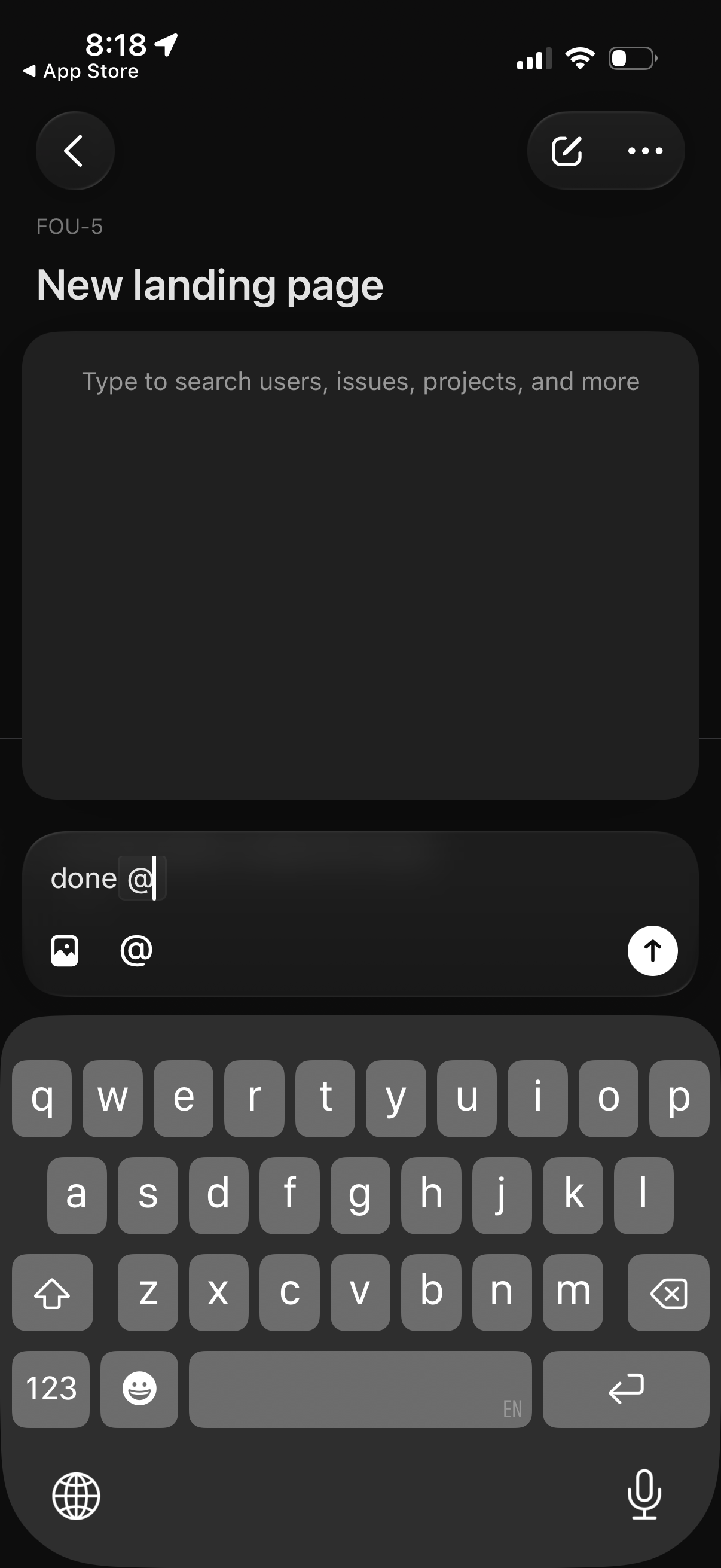
Screen for editing or creating a page titled “New landing page” with a large search field to find users, issues, or projects, plus an input composer that supports @mentions, attaching images, and sending the message. Top navigation includes a back button and overflow/more actions menu.