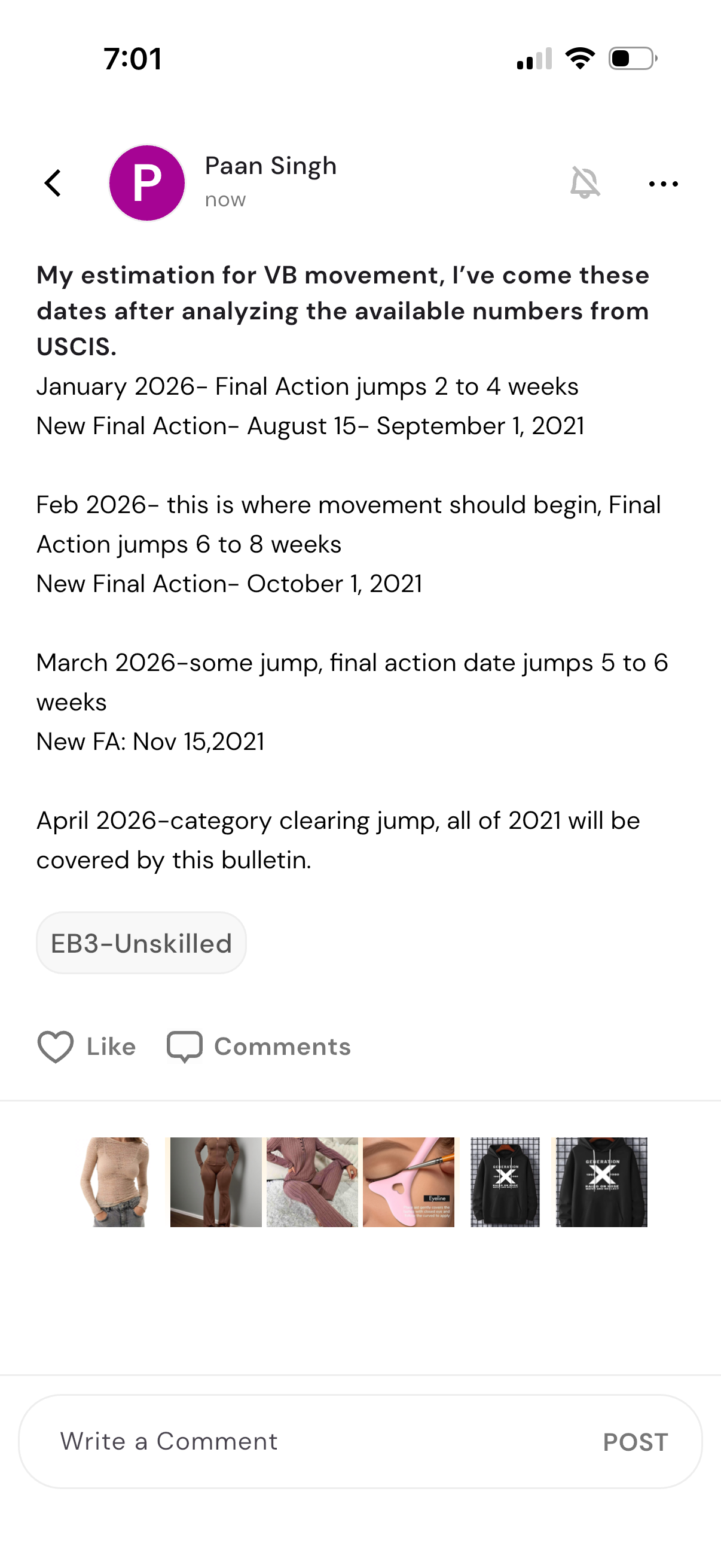
Social community post detail screen showing a long text update with a category/tag chip, along with post actions to like and view/add comments. Includes a comment composer at the bottom with a “Post” button and a horizontal strip of suggested items/content thumbnails above the input.
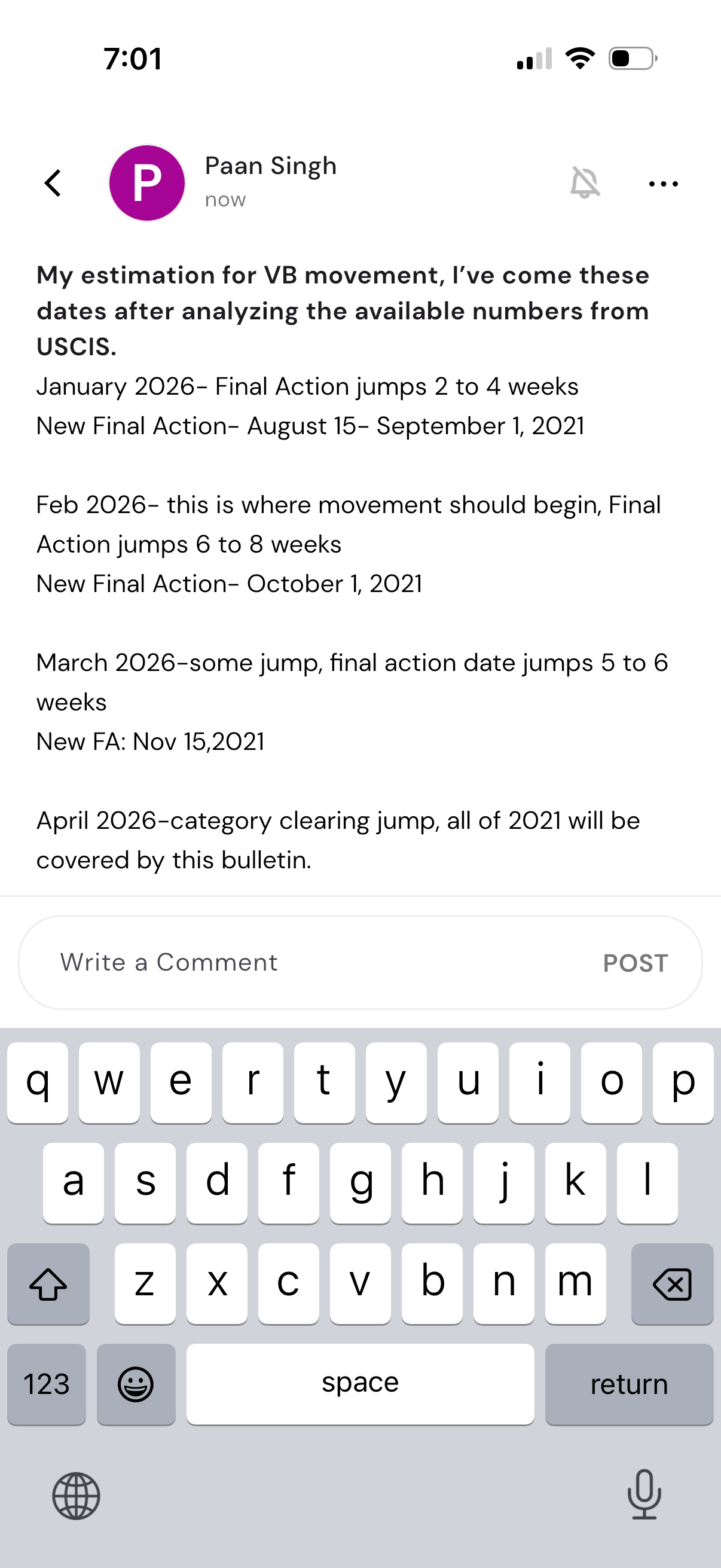
A social feed post detail screen showing a long text update from a user, with options to go back, mute notifications, and open a more actions menu. At the bottom is a comment composer with a “Write a Comment” field and a Post button for submitting a reply.
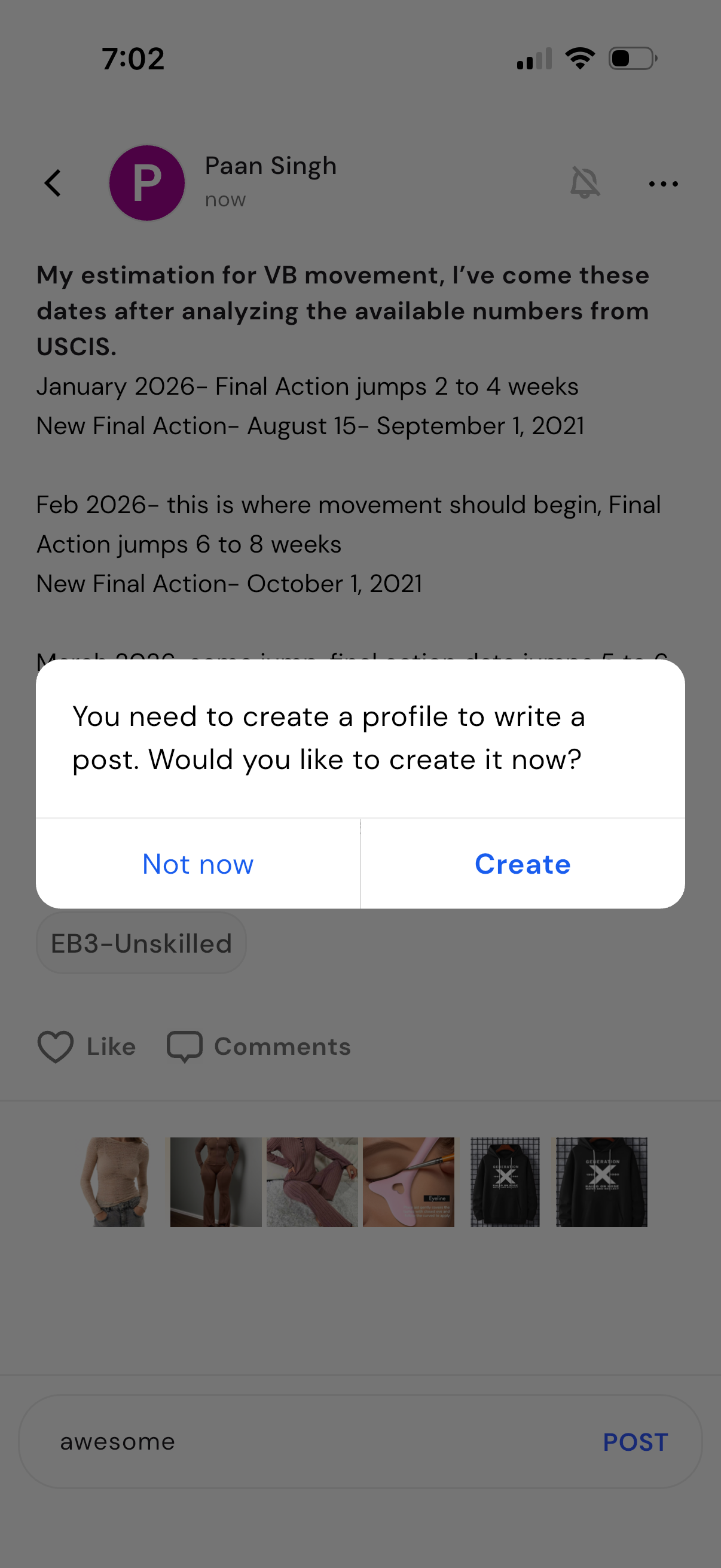
A social feed post detail screen with like and comments actions where the user is attempting to write and post a comment. A modal alert blocks posting and prompts the user to create a profile, offering “Not now” or “Create” options.
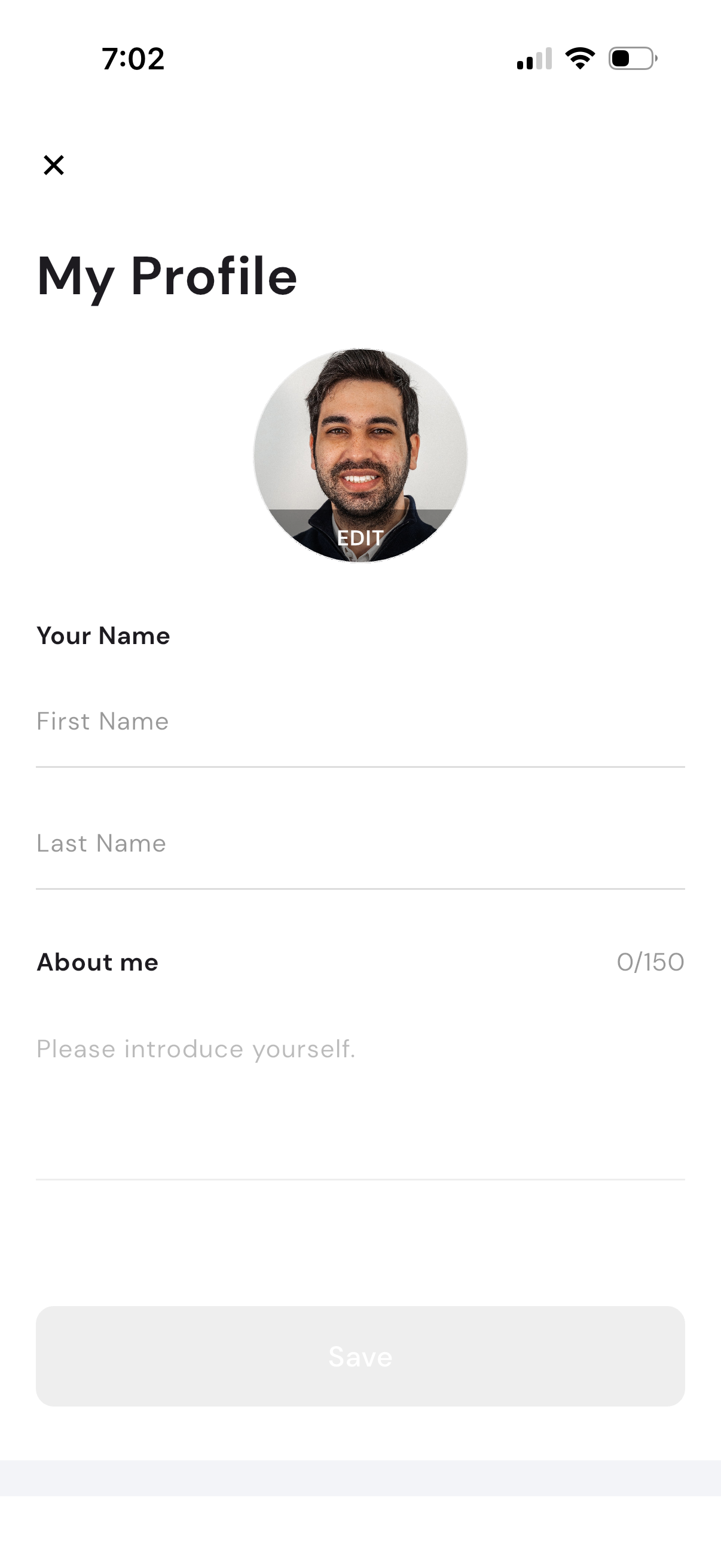
Profile editing screen for updating a user account, featuring an editable profile photo/avatar, first and last name input fields, and a short “About me” bio with character limit. Includes a close button and a disabled Save action that becomes enabled after changes.
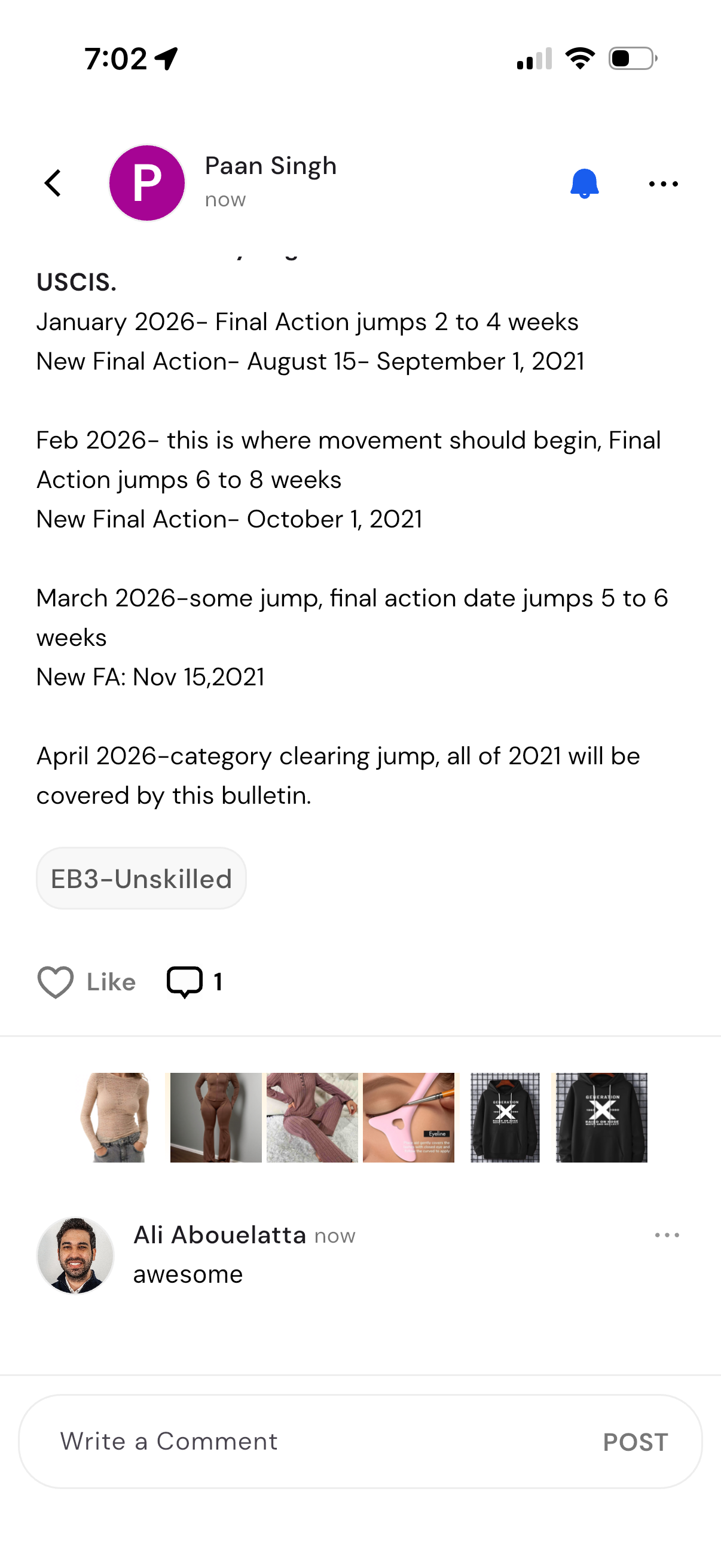
Social feed post detail screen showing a long text update with a category tag, plus actions to like and view comment count. Includes a comment thread preview and an input field to write and post a new comment, with options for post notifications and a more menu.
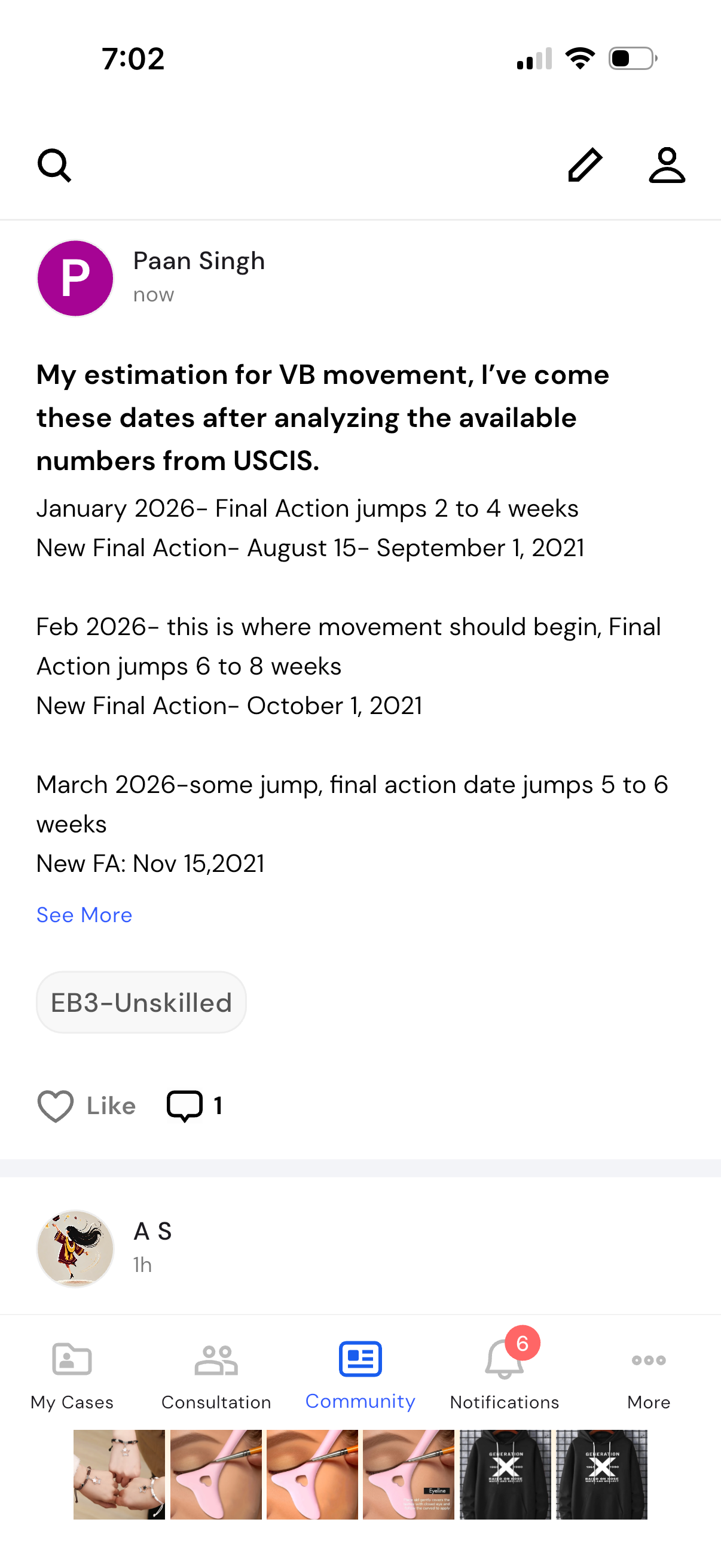
Community feed screen showing a detailed text post with expandable “See more,” a topic tag, and engagement actions like like and comment count. Top navigation includes search, compose/edit, and profile, while a bottom tab bar lets users switch between My Cases, Consultation, Community, Notifications, and More.