add visa bulletin info
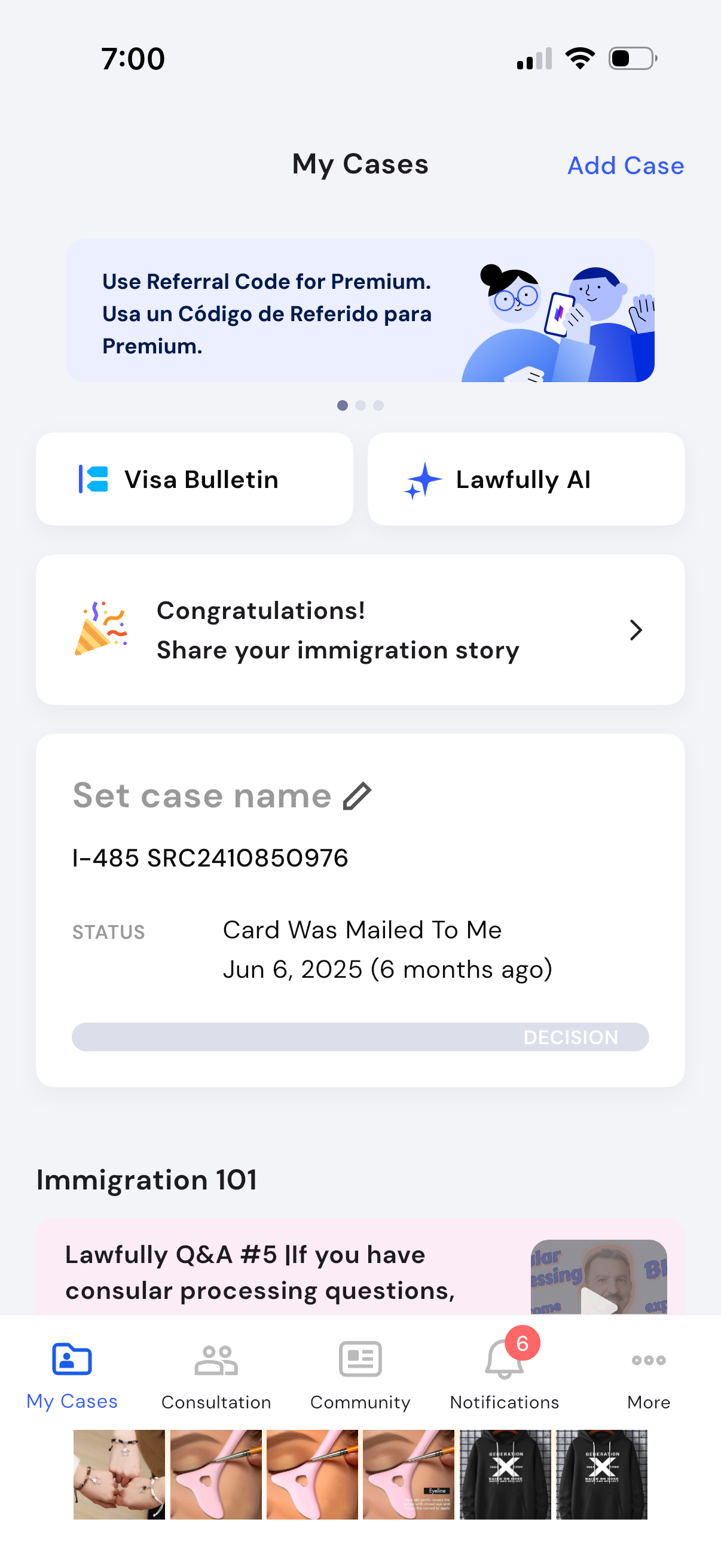
Immigration case tracking home screen showing “My Cases” with an Add Case action, promotional banner, and quick links like Visa Bulletin and AI help. Displays a case card with editable case name, receipt number, current status and decision timeline, plus a tab bar for navigating to consultations, community, notifications, and more.
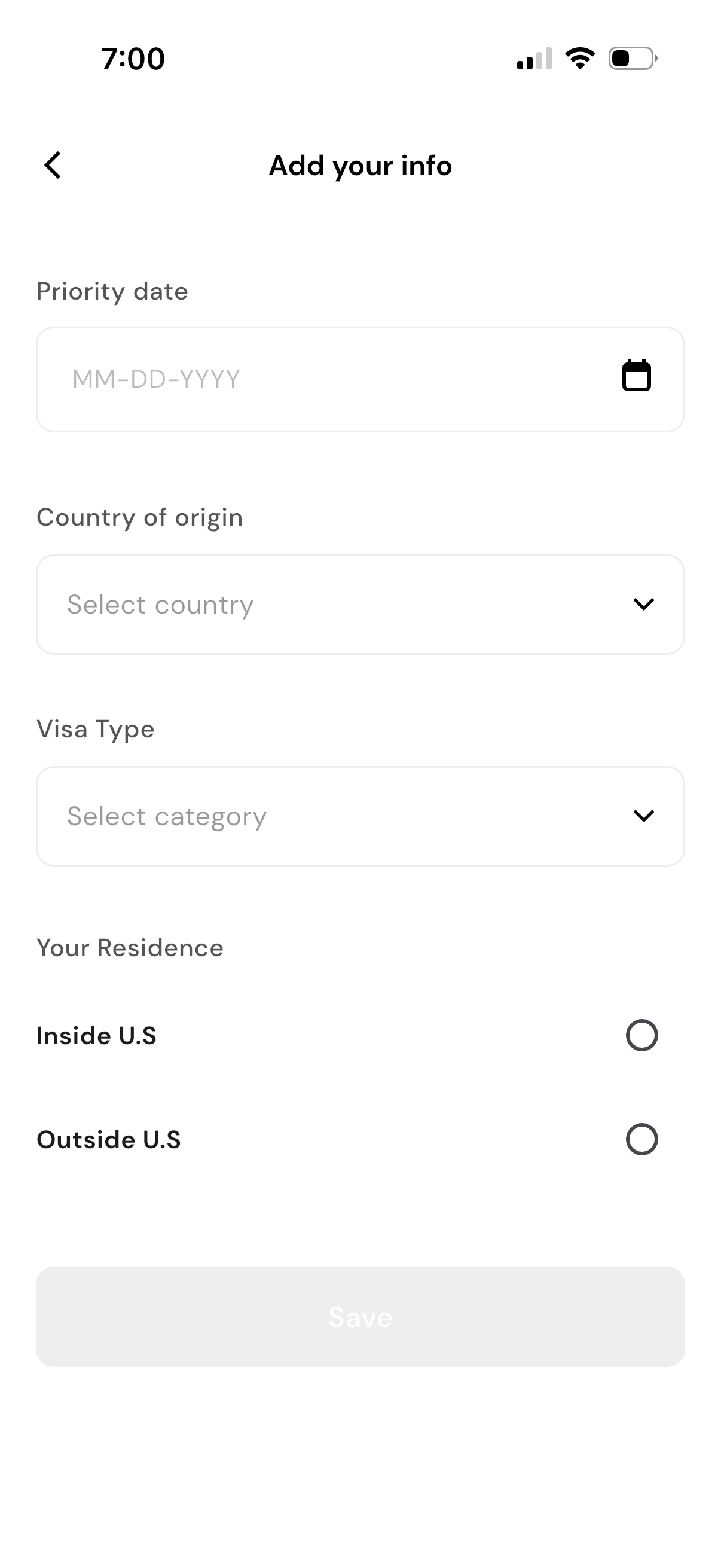
Form screen for adding immigration/visa details, with inputs for priority date via date picker, country of origin dropdown, and visa type category selector. Includes a residence radio choice (inside U.
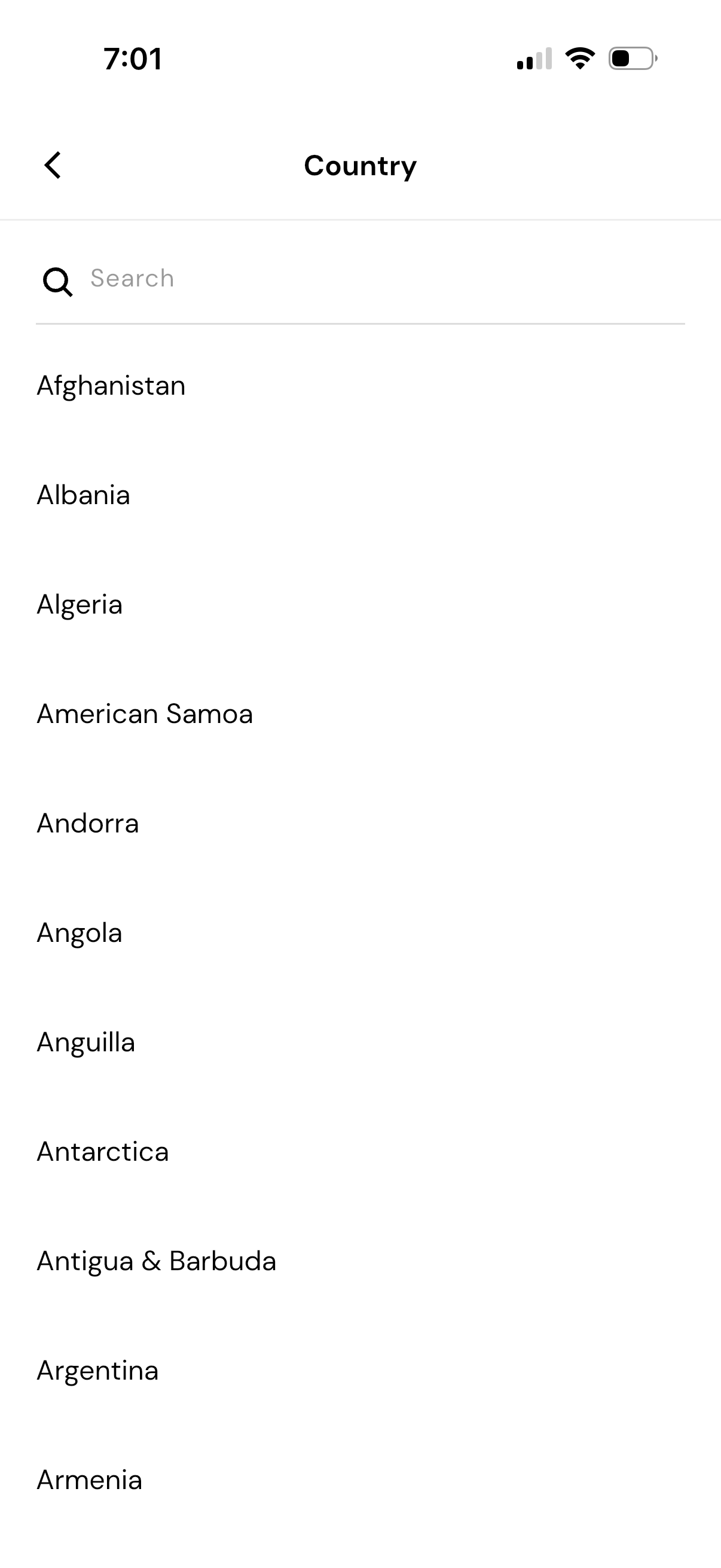
Country selection screen with a search bar and an alphabetical scrollable list of countries for choosing a user’s location, including a back navigation control. Users can type to filter results and tap a country name to select it.
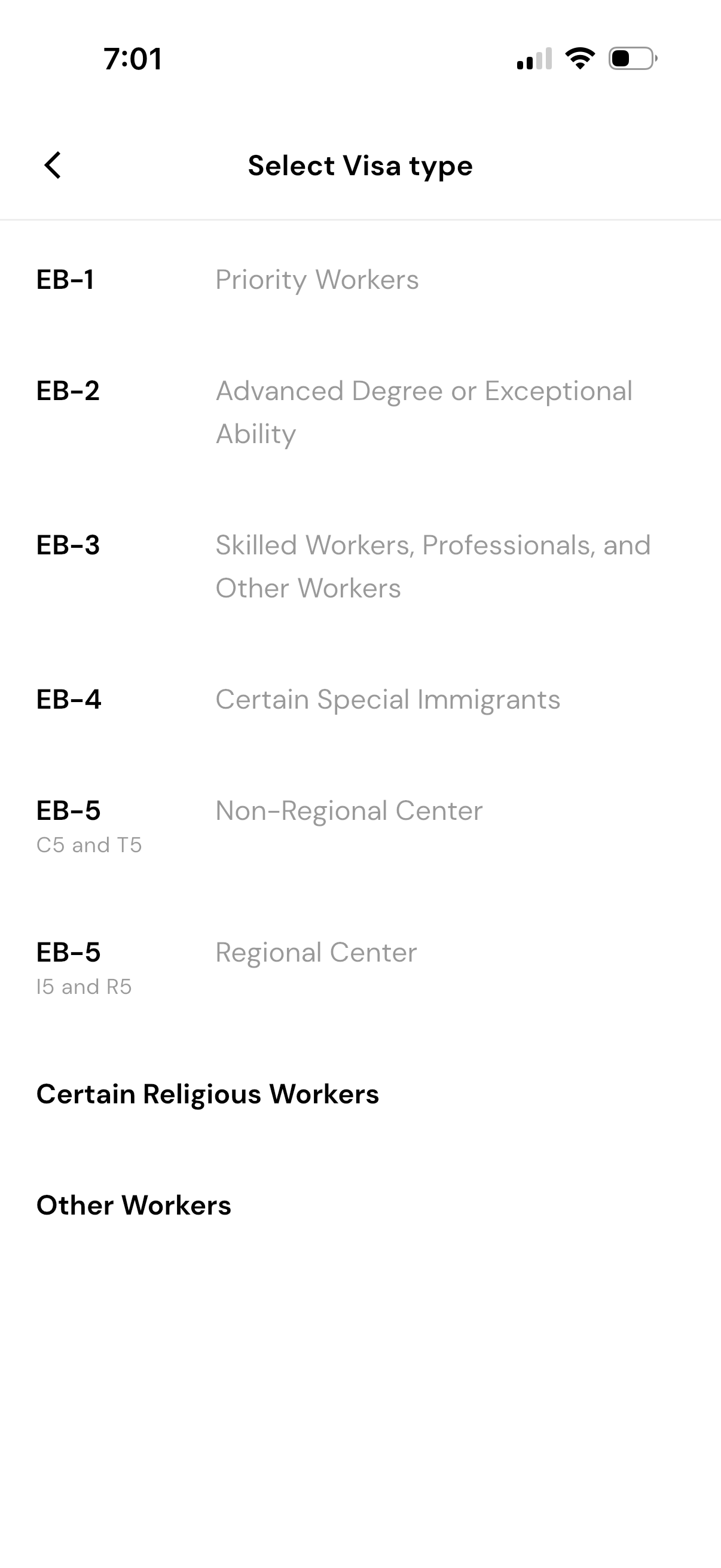
Visa application form screen for selecting an employment-based (EB) visa type from a scrollable list, showing categories like EB-1 priority workers, EB-2 advanced degree/exceptional ability, EB-3 skilled workers, EB-4 special immigrants, and EB-5 investor options. Users tap an option to proceed, with a back button in the header for navigation.
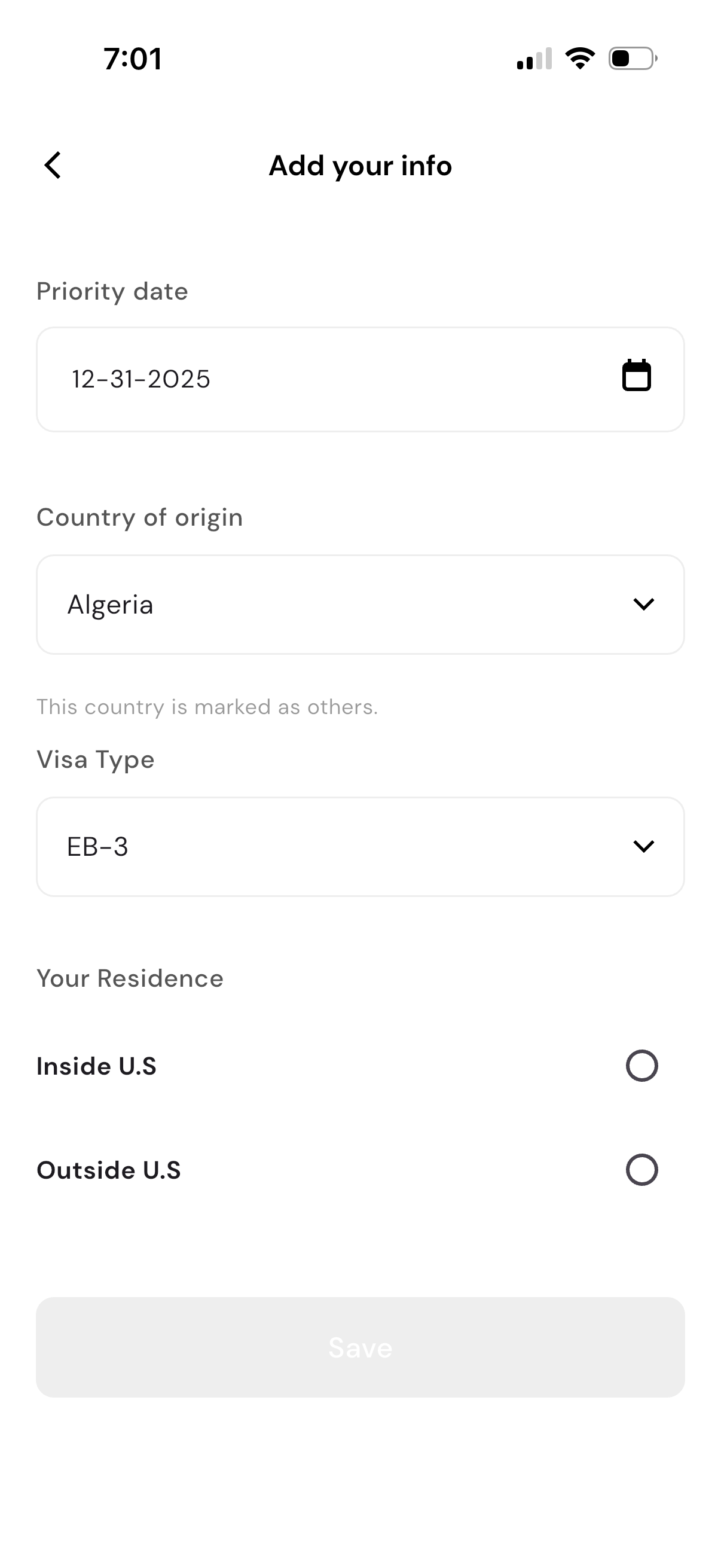
Form screen for adding immigration/visa details, including a priority date picker, country of origin dropdown, and visa type selection. Also includes a residence location radio choice (inside or outside the U.
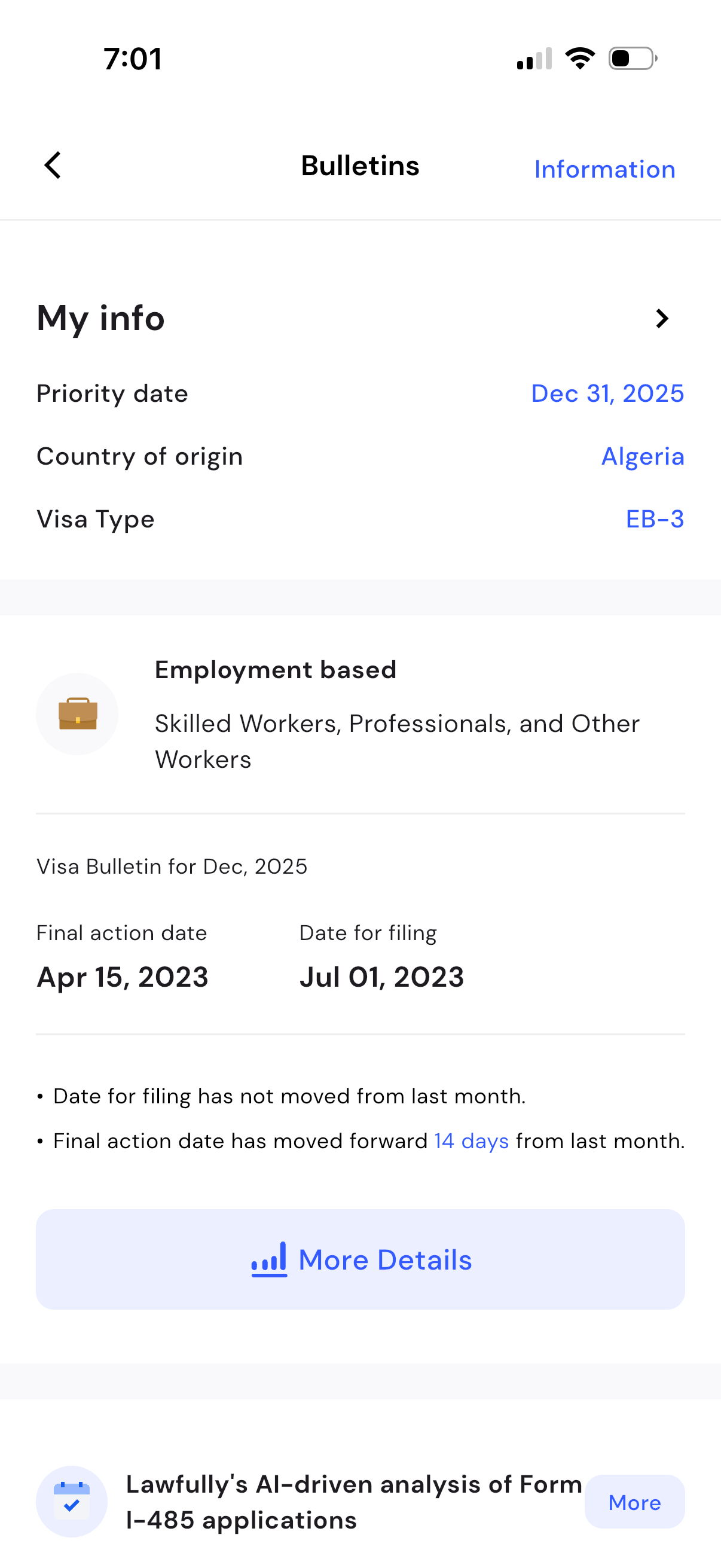
Immigration visa bulletin summary screen showing the user’s profile details (priority date, country of origin, visa type) and employment-based category status for a selected month. Displays key cutoff dates for final action and date for filing with notes on month-to-month movement and a primary “More Details” action plus an information link.
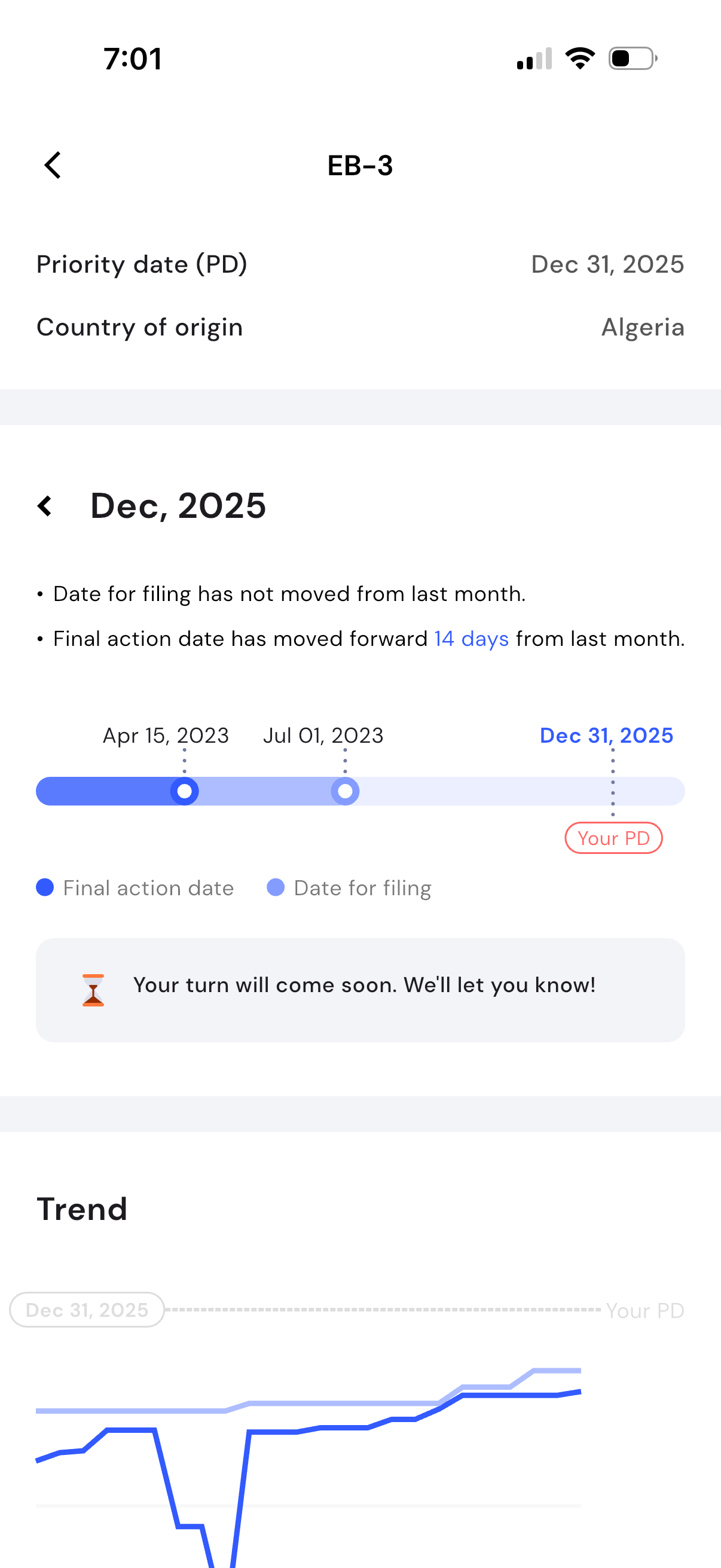
Immigration visa bulletin tracking detail screen for an EB-3 category showing the user’s priority date and country of origin, with a monthly update summary indicating whether the filing date changed and how many days the final action date advanced. Includes a timeline slider comparing “final action date” vs “date for filing,” a “Your PD” marker, a status message that the user’s turn is coming soon, and a trend chart of date movement over time.