Onboarding

Onboarding welcome screen introducing a questionnaire to create a personalized plan, featuring a primary “Get Started” CTA. Includes a secondary link for existing users to log in.
Onboarding questionnaire screen asking “What motivates you most? ” with a progress indicator and a list of selectable goal options.

Fitness app onboarding screen asking “What’s your main goal? ” with a progress indicator and selectable goal cards to personalize the plan, including options like Lose weight, Build muscle, and Keep fit.
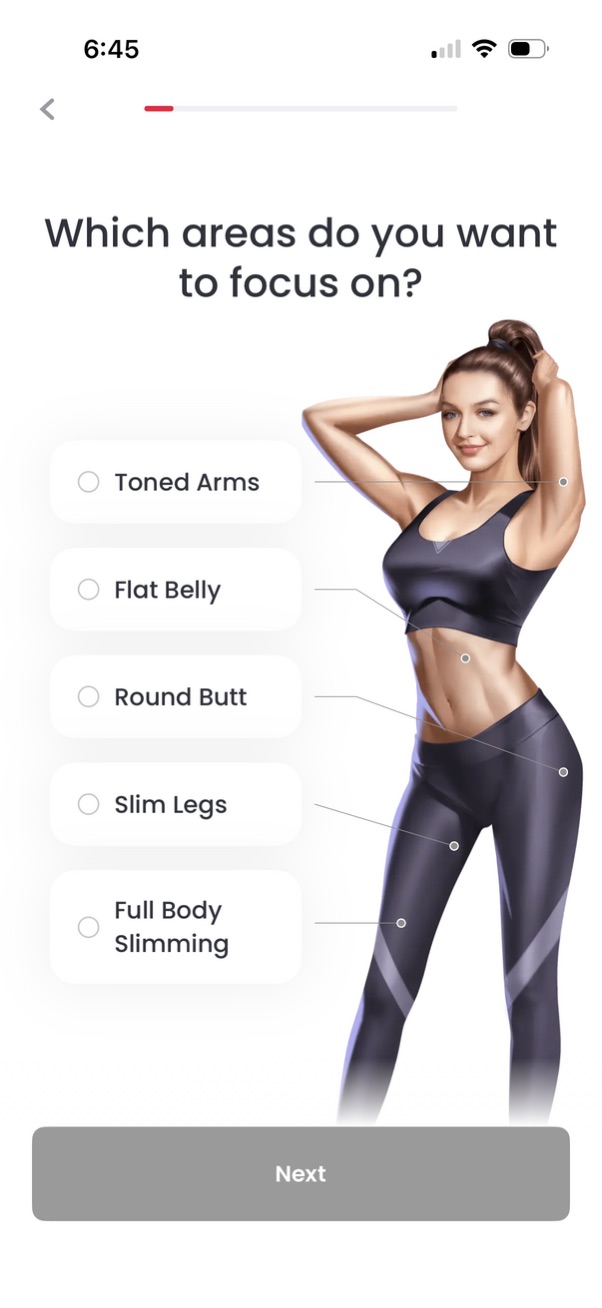
Fitness app onboarding screen asking users to choose which body areas to focus on, with radio-button options like toned arms, flat belly, round butt, slim legs, and full body slimming. Includes an illustration and a primary “Next” button to continue personalization.

Onboarding/social proof screen for a fitness or weight loss app highlighting user success stories with before-and-after photos, 5-star ratings, and a testimonial quote. Includes a progress indicator at the top and a primary “Next” button to continue setup.

Onboarding profile setup screen asking the user to enter their height using a vertical ruler-style picker with a toggle to switch between feet and centimeters. Includes a back arrow, progress indicator, large selected height value display, and a “Next” button to continue.

Onboarding health screen asking the user to enter their current weight using a scrollable ruler picker, with a toggle to switch between lbs and kg. Displays calculated BMI with a brief fitness tip and includes a primary “Next” button to continue.

Onboarding screen for a weight loss/fitness app asking the user to set a goal weight, with a lbs/kg toggle and a scrollable ruler picker showing the selected weight. Includes a “reasonable goal” guidance card estimating percentage weight loss and a primary Next button to continue.

Onboarding fitness profile screen prompting the user to choose a body type/body fat percentage using a horizontal slider with a 3D avatar preview that updates based on selection. Includes progress indicator, back navigation, and a primary “Next” button to continue setup.

Onboarding fitness goal screen asking the user to choose their desired body type/body fat percentage, showing an avatar preview and a slider ranging from under 15% to over 40%. Includes a progress indicator, back navigation, and a primary “Next” button to continue.

Onboarding or paywall-style promotional screen for a weight loss/fitness app featuring a bold claim headline, a top progress indicator and back navigation, and a primary “Next” button to continue through the setup flow.

Onboarding screen for a weight loss/fitness app showing an illustration of abdominal fat with labeled problem areas (love handles, potbelly) and a displayed weight value, guiding the user through a transformation or goal-setting flow. Includes a progress indicator, back navigation, and a primary “Next” button to continue.

A weight loss goal prediction screen shows an estimated target weight by a specific date with a progress curve from today to the goal point. Includes confirmation message and a primary “Next” button to continue the onboarding or plan setup flow.

Onboarding questionnaire screen asking “What’s your gender? ” to personalize a fitness/nutrition plan and calculate basal metabolic rate.

Onboarding questionnaire screen asking the user to select their age using a vertical number picker (wheel selector) to personalize a plan, with a progress indicator, back navigation, and a primary “Next” button to continue.
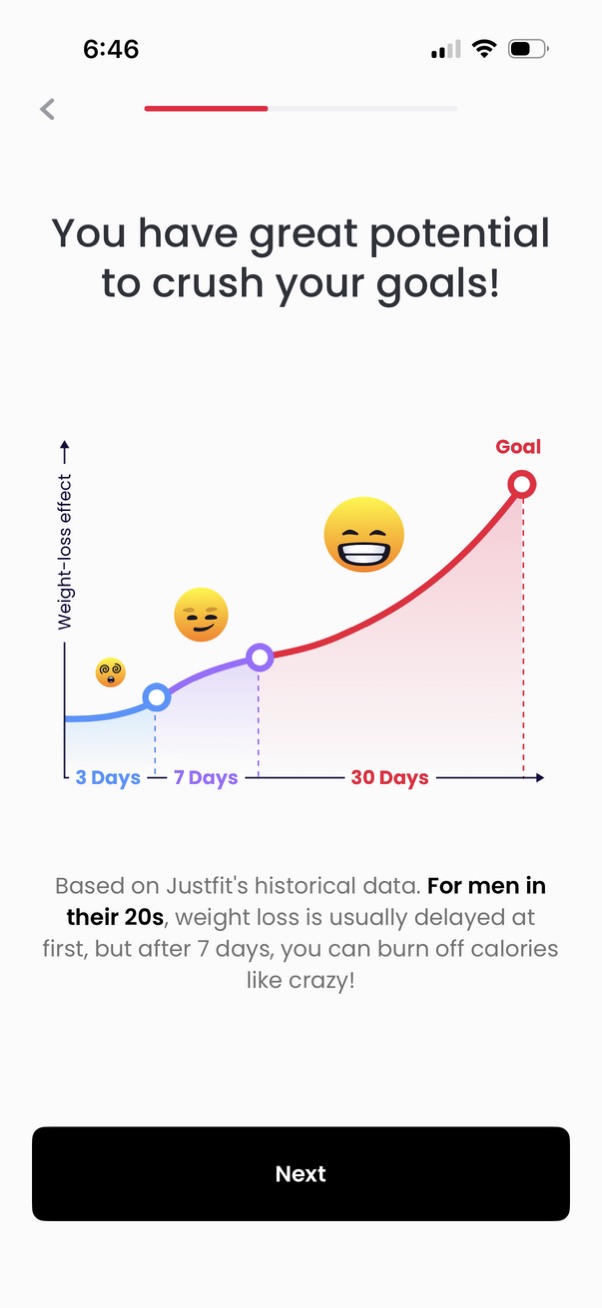
Motivational onboarding screen for a fitness/weight-loss app showing a progress curve chart of expected weight-loss effect over time (3 days, 7 days, 30 days) leading to a goal milestone with personalized insight text. Includes a step progress indicator, back navigation, and a primary “Next” button to continue.
Workout setup step asking the user to choose where they will exercise, with selectable cards for “On the yoga mat,” “On the couch & bed,” or “No preference” so the app can tailor exercise recommendations. Includes back navigation and a progress indicator for the onboarding flow.
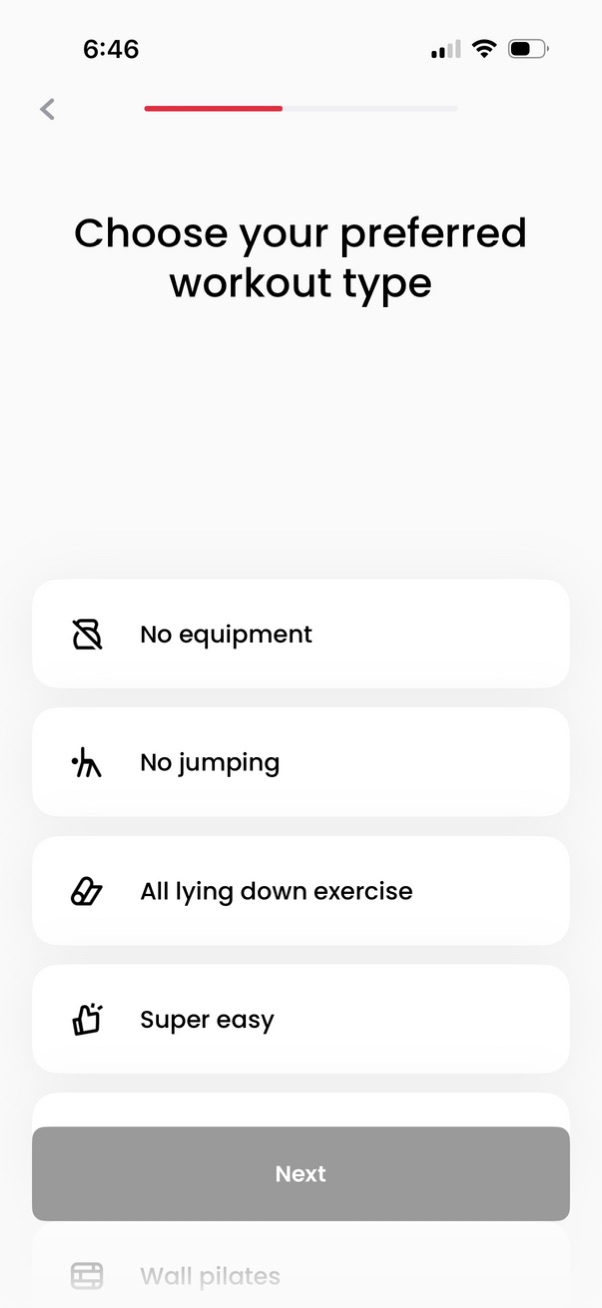
Workout app onboarding preference screen prompting users to choose a preferred workout type with selectable options like no equipment, no jumping, all lying-down exercises, and super easy. Includes a progress indicator, back navigation, and a primary “Next” button to continue setup.
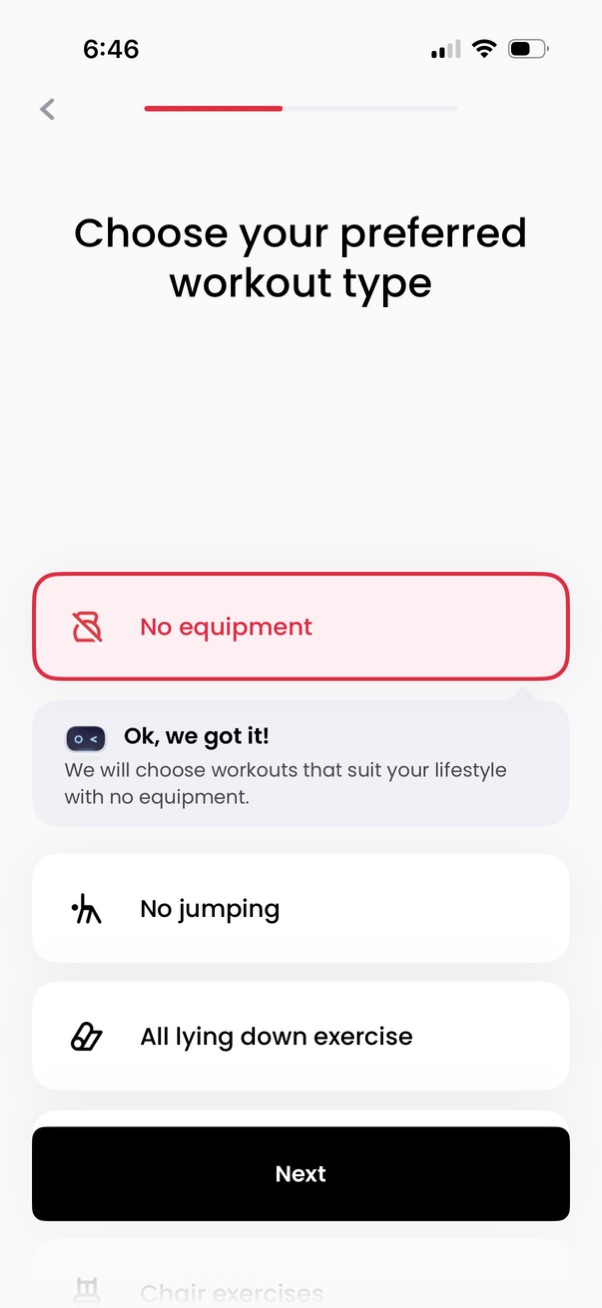
Onboarding preference screen for a fitness app where users choose their preferred workout constraints like no equipment, no jumping, or only lying down exercises, with a highlighted selected option and a “Next” button to continue. Includes brief confirmation text explaining how workouts will be personalized based on the selected preference.
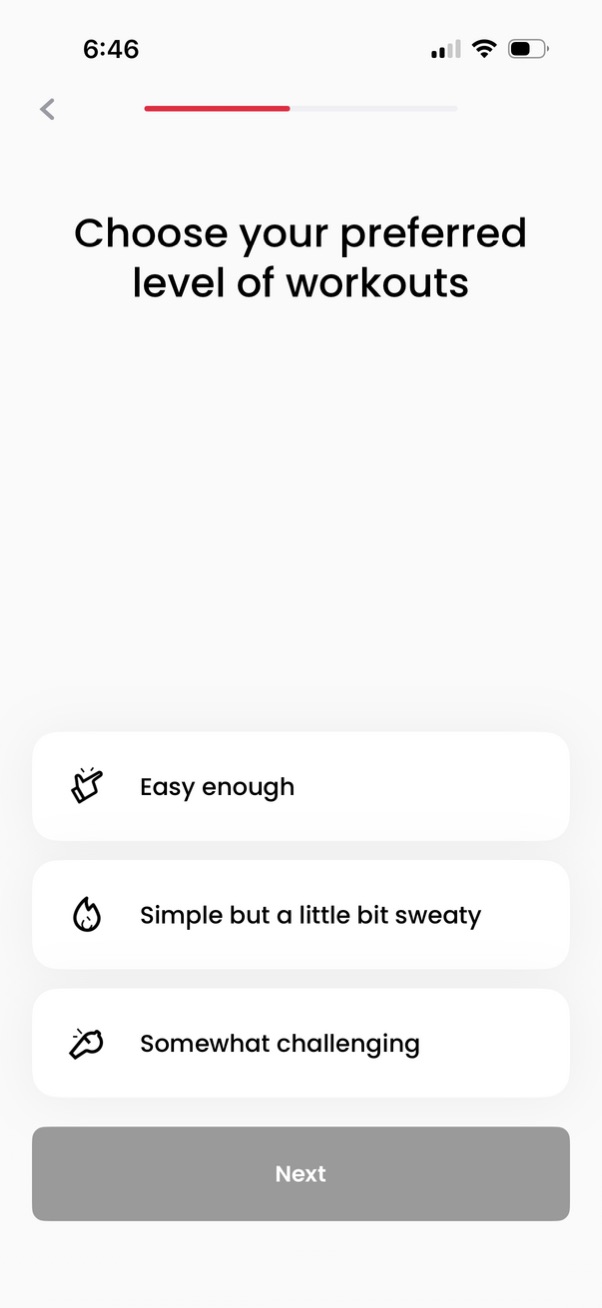
Onboarding fitness preference screen prompting the user to choose a preferred workout difficulty level with selectable options (easy, moderate, challenging). Includes a progress indicator, back navigation, and a disabled Next button that becomes available after a selection.

Onboarding screen in a fitness app asking the user to choose their preferred workout difficulty level, with selectable options like “Easy enough,” “Simple but a little bit sweaty,” and “Somewhat challenging. ” A progress indicator and a primary “Next” button guide the setup to personalize workouts and track progress.

Onboarding health questionnaire screen asking if the user has suffered injuries in specific body areas to personalize and filter workouts. Shows selectable options (None, Knee, Lower Back, Ankle, Wrist) with radio buttons, a progress indicator, back navigation, and a disabled/enabled Next button to continue.

A weight loss goal prediction screen showing a projected target weight by a specific date with a progress curve graph from today to the goal date. It reassures the user they’re “still on track,” notes the goal will be incorporated into a personalized plan, and provides a primary Next button to continue onboarding.

A weight loss goal prediction screen shows a line chart projecting future weight with highlighted milestone dates and a message confirming the user is on track. Includes a prominent “Next” button to continue setting up a personalized plan.

Onboarding profile selection screen asking “Which of the following best describes you? ” with a progress indicator and multiple large tap options such as student, full-time professional, part-time worker, freelancer, focusing on home and family, or exploring new career opportunities.
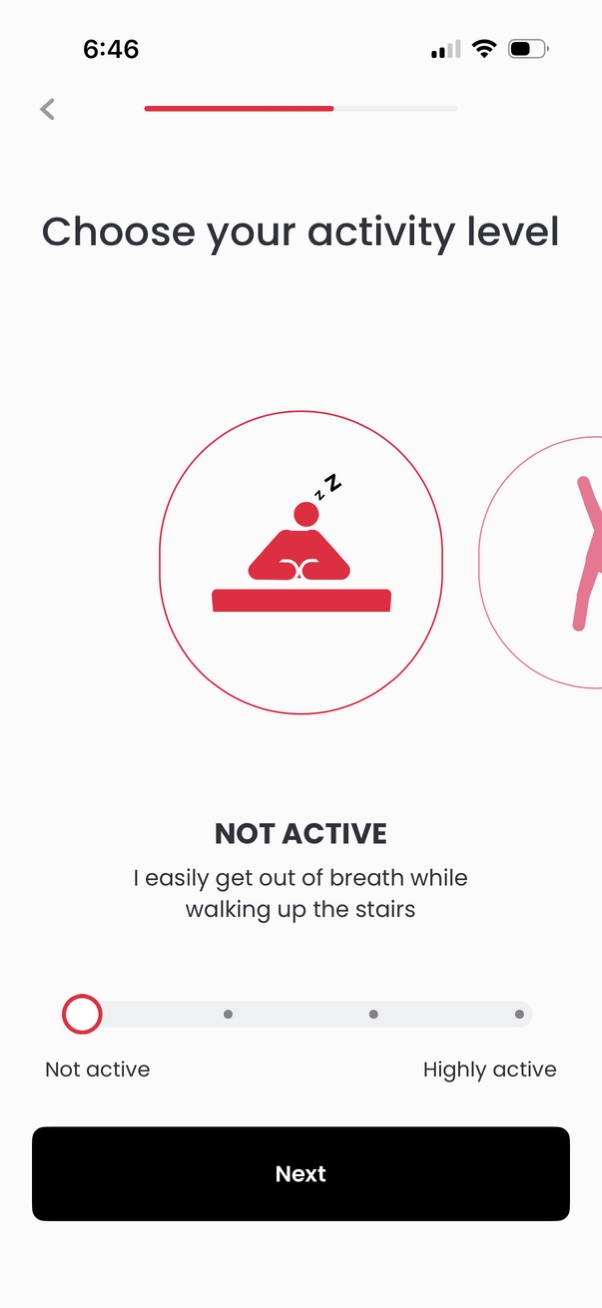
Onboarding fitness profile screen prompting the user to choose their activity level, showing a selectable option card (e. g.
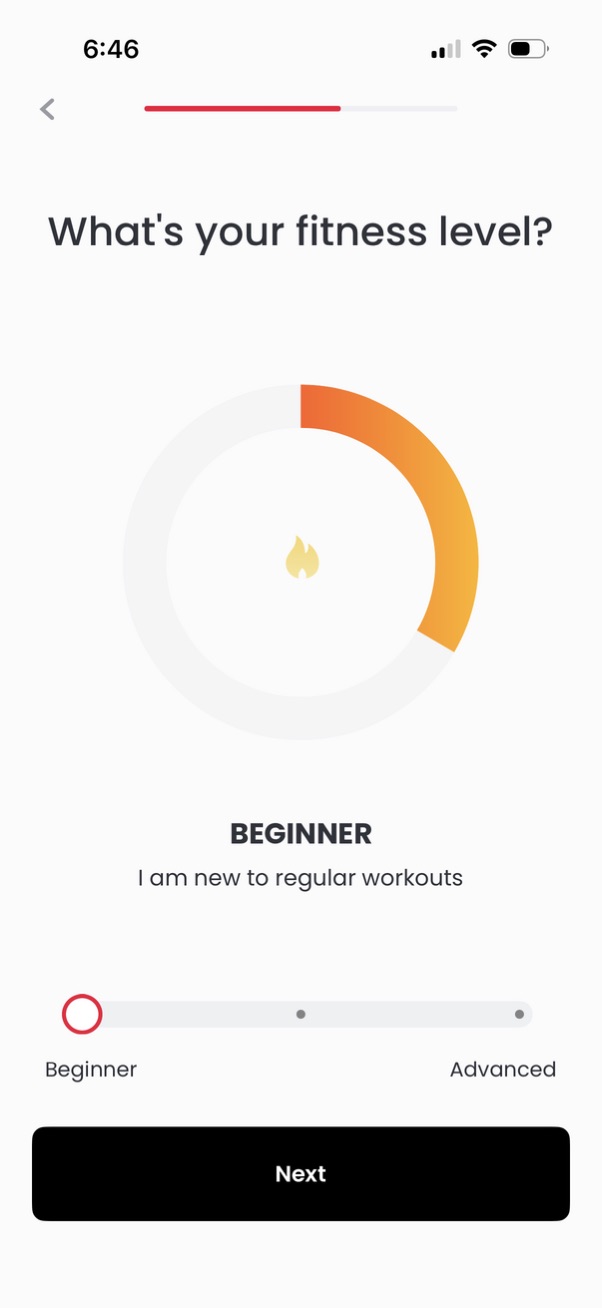
Onboarding questionnaire screen asking the user to select their fitness level using a slider from Beginner to Advanced, with a circular progress-style indicator and a descriptive label for the current selection. Includes a back arrow, a step progress bar, and a primary “Next” button to continue.
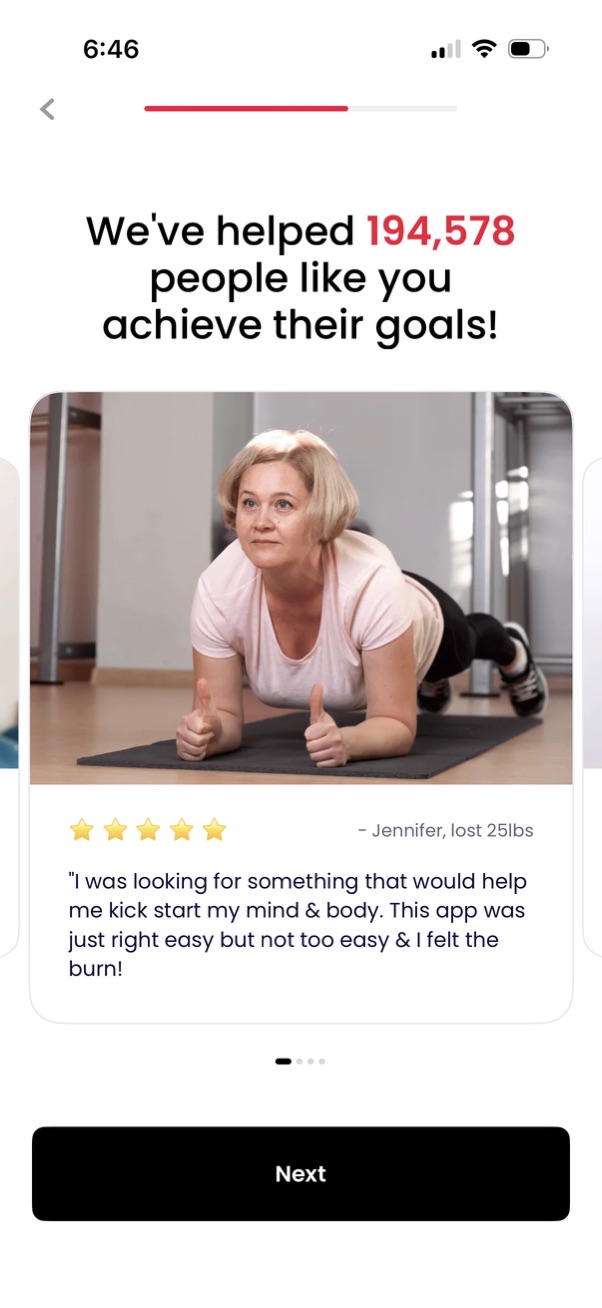
Onboarding testimonial/social proof screen for a fitness or weight loss app highlighting how many users have achieved their goals, showing a customer review card with photo, star rating, and quote. Includes a progress indicator, back navigation, and a prominent “Next” button to continue setup.
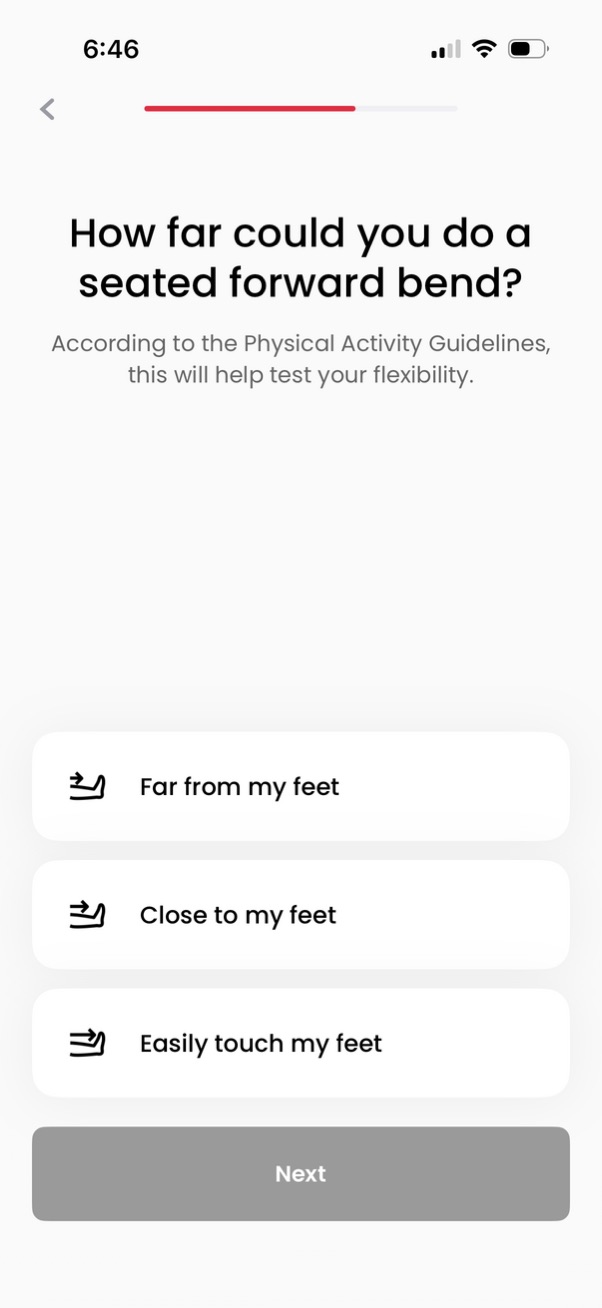
A fitness assessment questionnaire screen asking how far the user can perform a seated forward bend to gauge flexibility, with three selectable answer options (far from feet, close to feet, easily touch feet). Includes a progress indicator, back navigation, and a disabled “Next” button that becomes available after selecting an option.

Fitness onboarding assessment screen asking how far the user can do a seated forward bend to gauge flexibility, offering selectable options (far from my feet, close to my feet, easily touch my feet) with a reassurance info card. Includes progress indicator, back navigation, and a primary “Next” button to continue.

Health assessment questionnaire screen asking how the user feels after climbing stairs to evaluate cardiorespiratory function, with multiple-choice options (out of breath, somewhat tired but okay, easily). Includes a progress indicator, back navigation, and a disabled Next button that becomes available after selecting an answer.
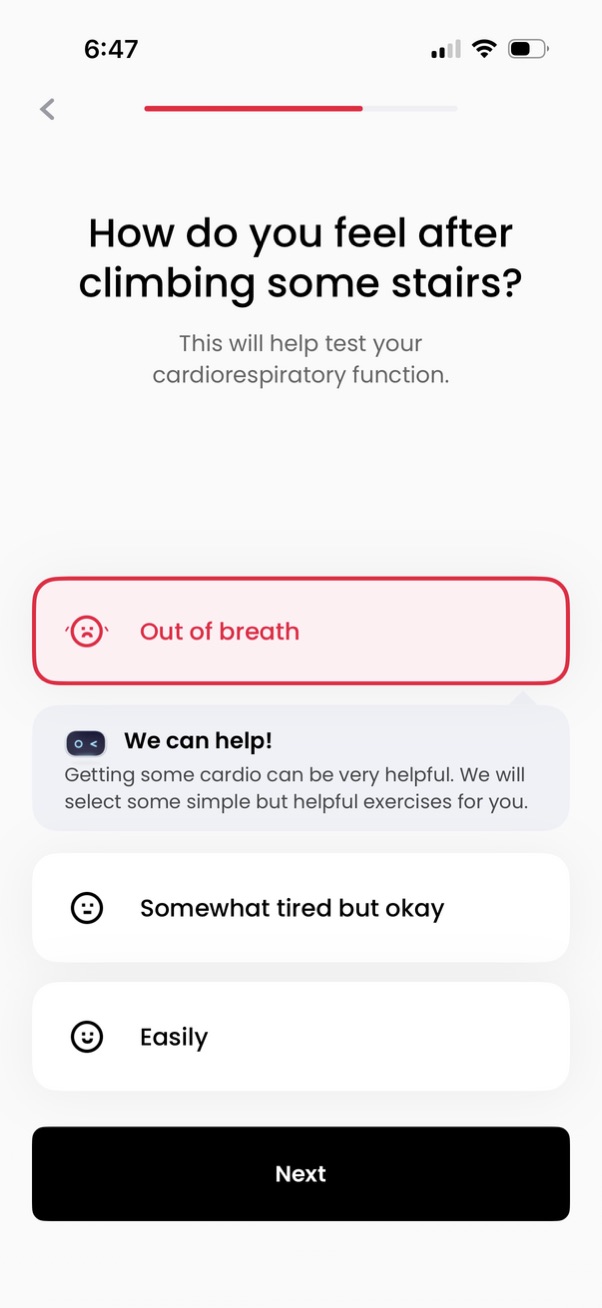
Health assessment onboarding screen asking how the user feels after climbing stairs to gauge cardiorespiratory function, with selectable response cards (e. g.
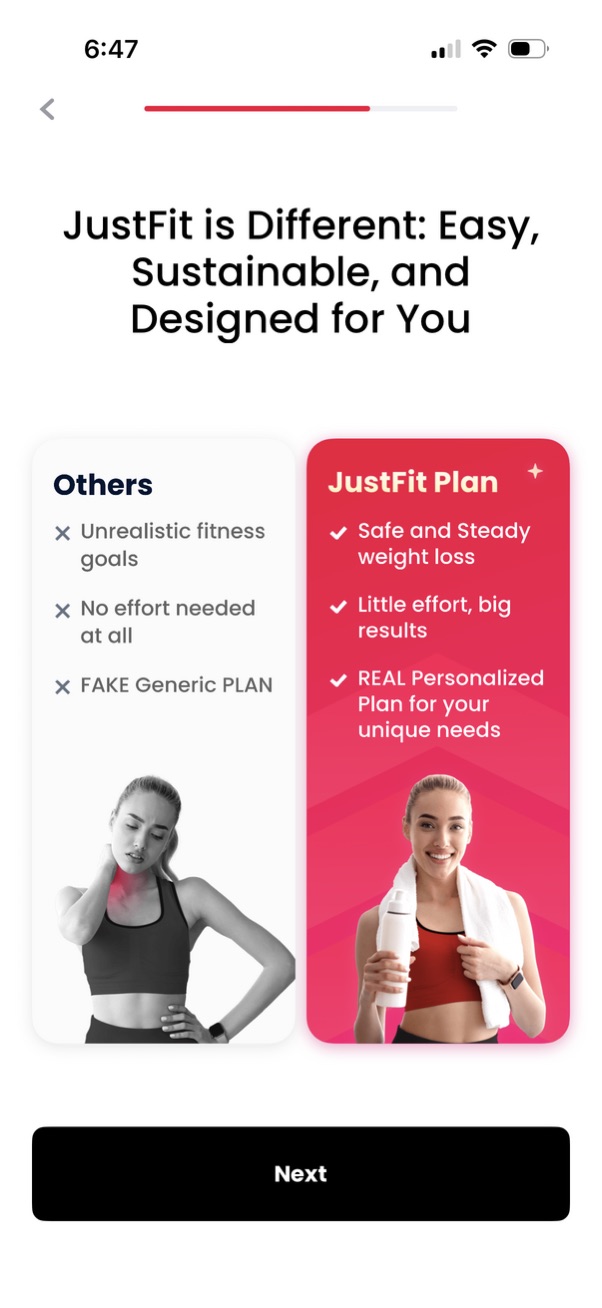
Fitness app onboarding/marketing screen explaining how the personalized “JustFit Plan” differs from other generic plans, using a side-by-side comparison of benefits like safe, steady weight loss and tailored goals. Includes a progress indicator, back navigation, and a primary “Next” button to continue onboarding.
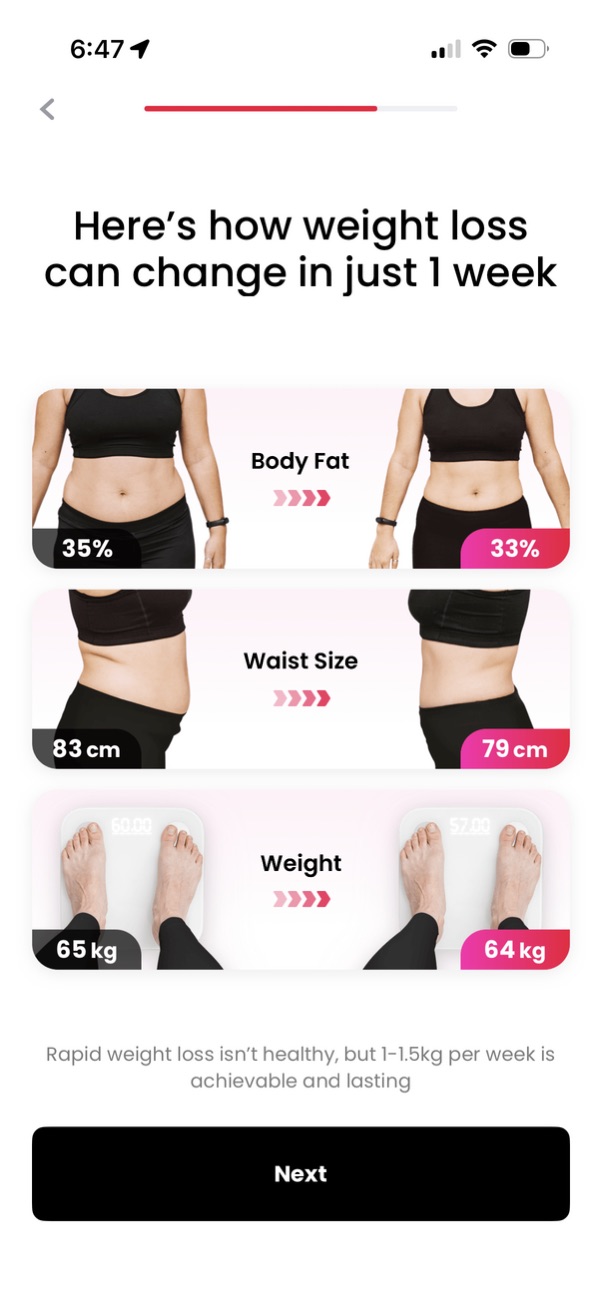
Onboarding education screen for a weight loss app explaining how results can change in one week, using before/after visuals for body fat percentage, waist size, and weight. Includes a progress indicator, back navigation, a short health disclaimer, and a primary “Next” button to continue.
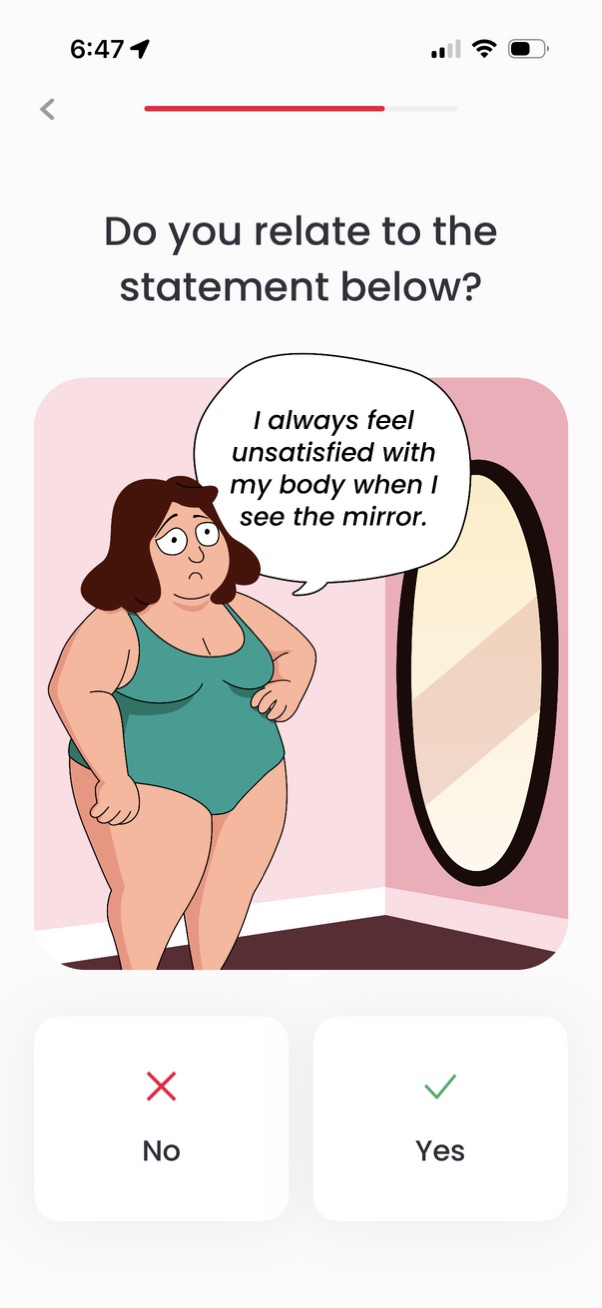
Mental health or wellbeing onboarding questionnaire screen asking if the user relates to a body image dissatisfaction statement, shown with an illustration and a progress indicator. The user answers with large Yes or No buttons to proceed through the assessment.

Onboarding quiz screen in a fitness app asking if the user relates to a statement about not knowing how to choose suitable workouts, with an illustration and progress indicator. Provides two large response buttons to answer Yes or No.

Onboarding self-assessment question screen asking whether the user relates to a motivational statement about giving up when exercises are too hard or boring. Includes a progress indicator, back navigation, an illustration, and binary Yes/No choice buttons.
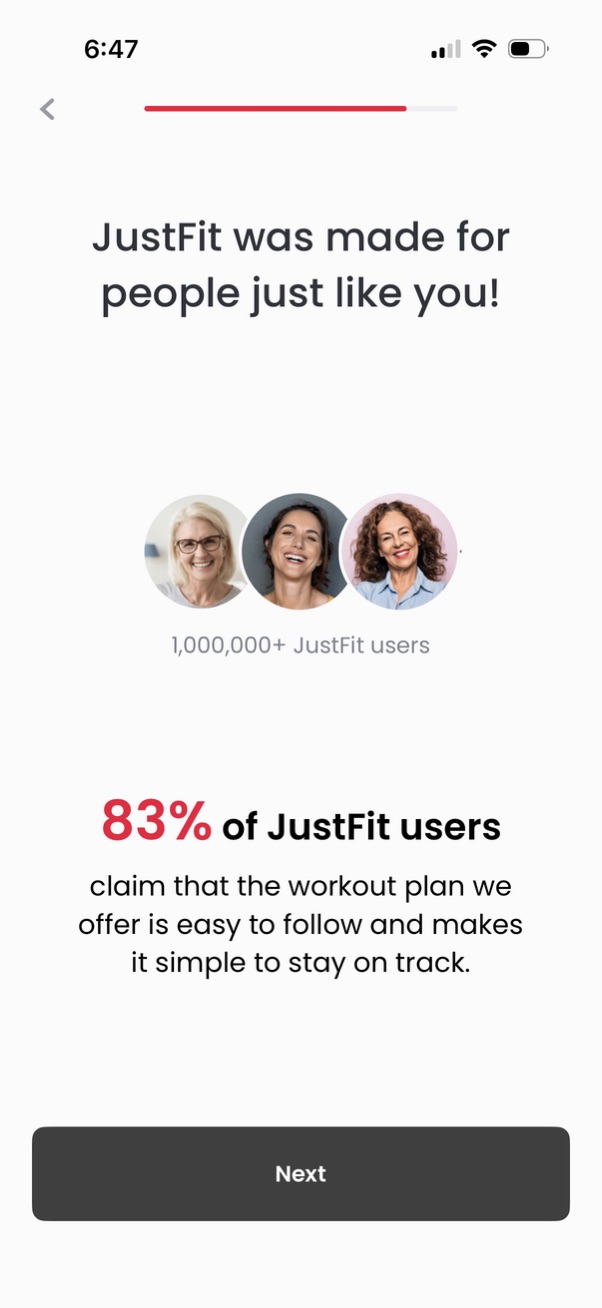
Onboarding/social proof screen for a fitness app highlighting that it’s made for users like you, showing user avatars, total user count, and a satisfaction statistic about the workout plan being easy to follow. Includes a progress indicator, back navigation, and a prominent “Next” button to continue setup.
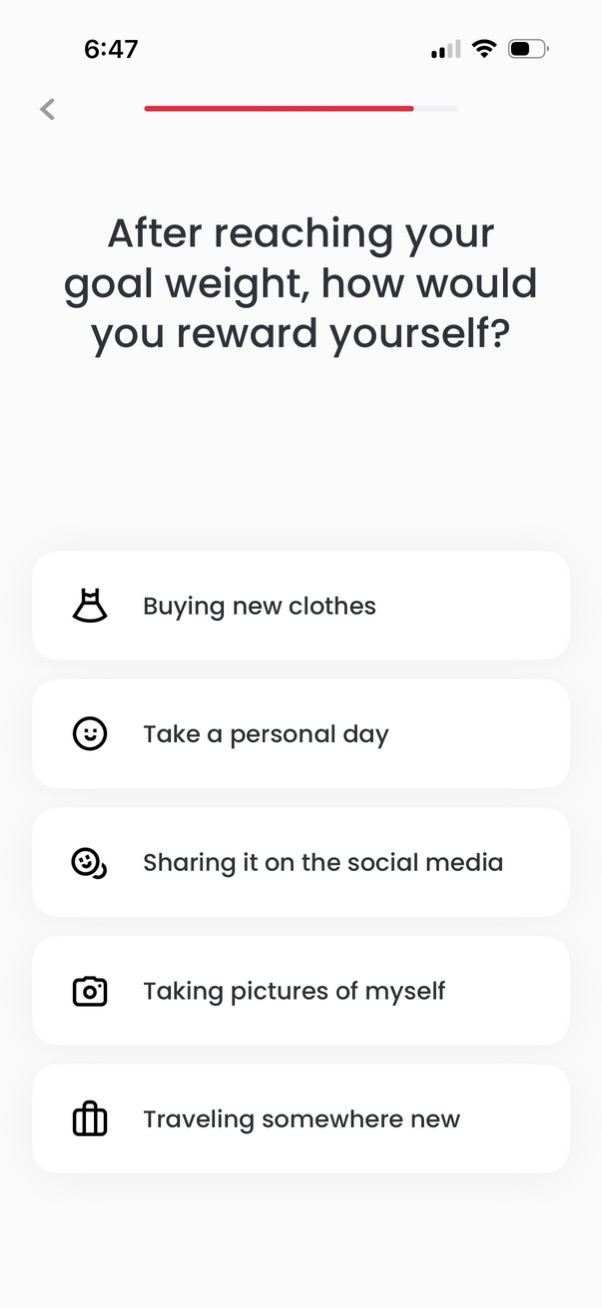
Onboarding survey screen in a weight loss/fitness app asking how the user would reward themselves after reaching their goal weight. Presents multiple selectable reward options (e.
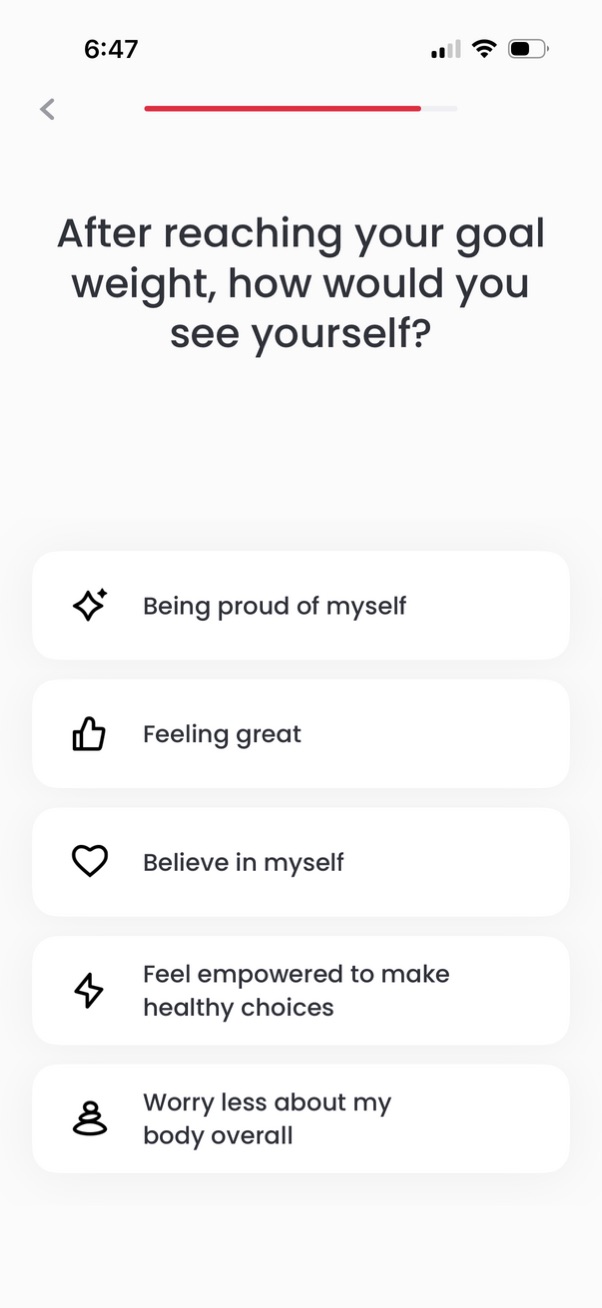
Onboarding survey screen for a weight loss/health app asking how the user will feel after reaching their goal weight. Users select one of several motivational statements (e.

Onboarding screen for a weight loss/body reshaping program showing a visual before-to-after transformation with selectable target weights (160 lbs, 140 lbs, 120 lbs). Includes brief benefit copy and a prominent “Next” button to continue.

Onboarding/education screen for a weight loss app explaining how losing weight can change facial appearance, showing a before-to-after face transformation across weight milestones (160 lbs, 140 lbs, 120 lbs) with a progress indicator. Includes a prominent “Next” button to continue through the onboarding flow.
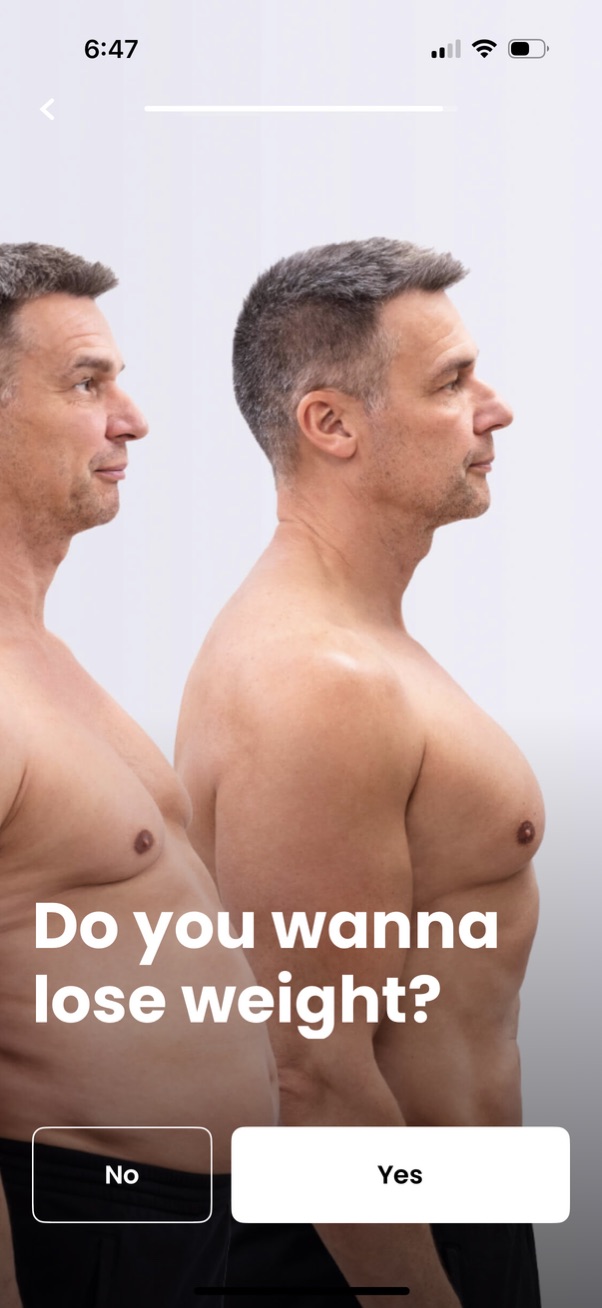
Onboarding question screen for a fitness or weight-loss app asking “Do you wanna lose weight? ” with a background body transformation image.
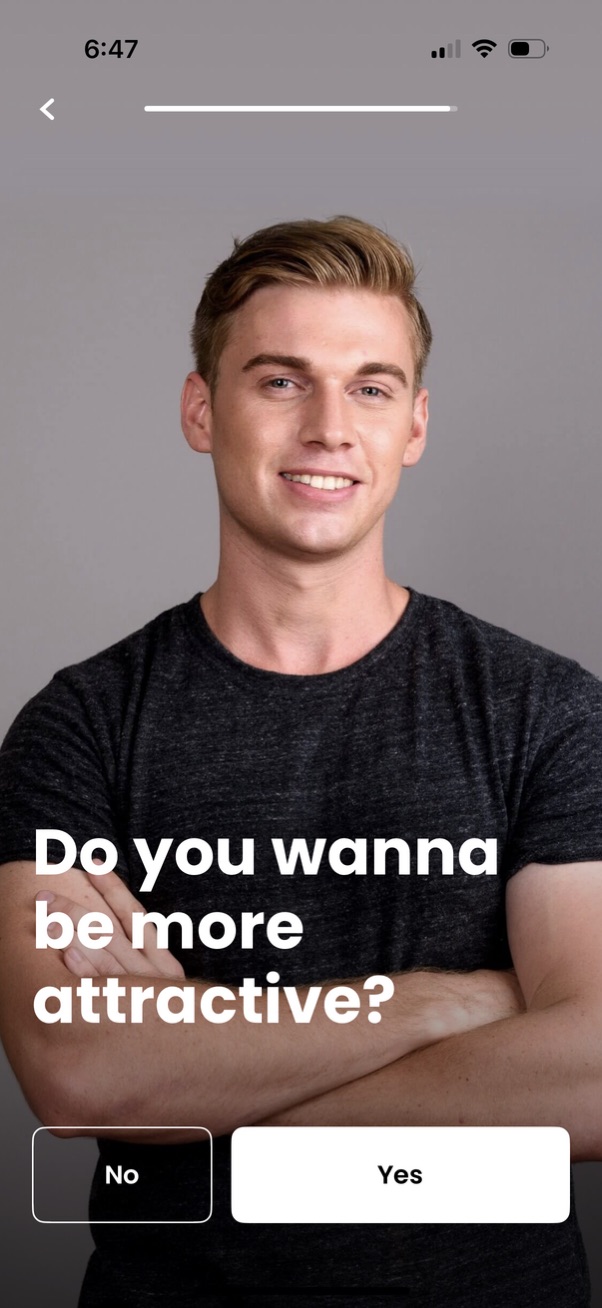
Onboarding question screen with a full-screen hero photo asking “Do you wanna be more attractive? ” and two large call-to-action buttons for a binary choice: No or Yes.

Full-screen onboarding or marketing prompt for a health/fitness app asking “Do you wanna farewell to chronic diseases? ” over a hero image, with two primary CTA buttons at the bottom for Yes or No to capture user intent.
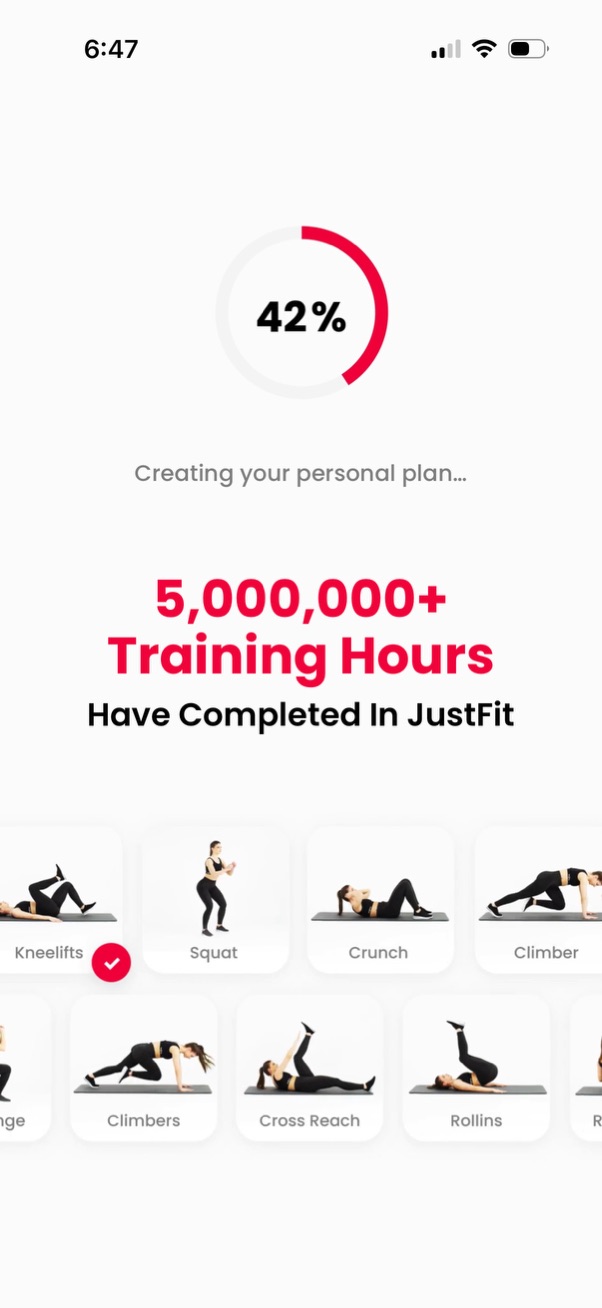
Workout/fitness app onboarding progress screen showing a circular percentage loader while “Creating your personal plan” with a social proof stat about total training hours completed. The bottom displays a selectable grid/carousel of exercise options (e.
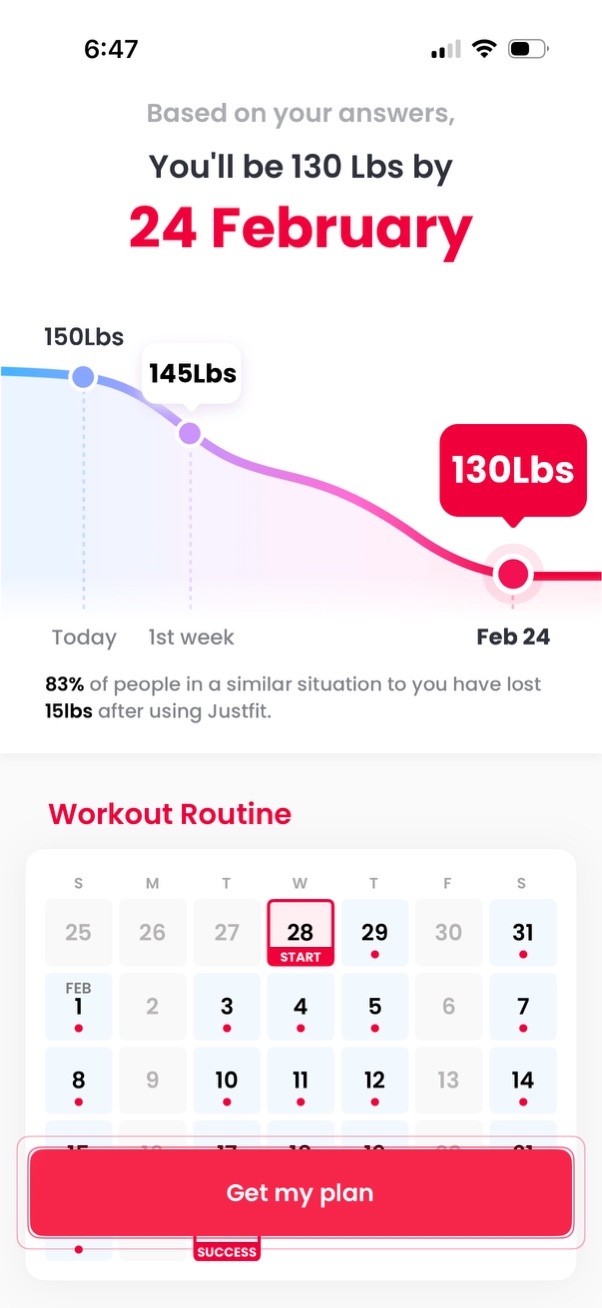
Weight loss plan results screen showing a projected goal date and target weight with a progress curve over time, plus a statistic comparing outcomes for similar users. Includes a workout routine calendar schedule with a highlighted start day and a primary CTA button to “Get my plan.