start smart order
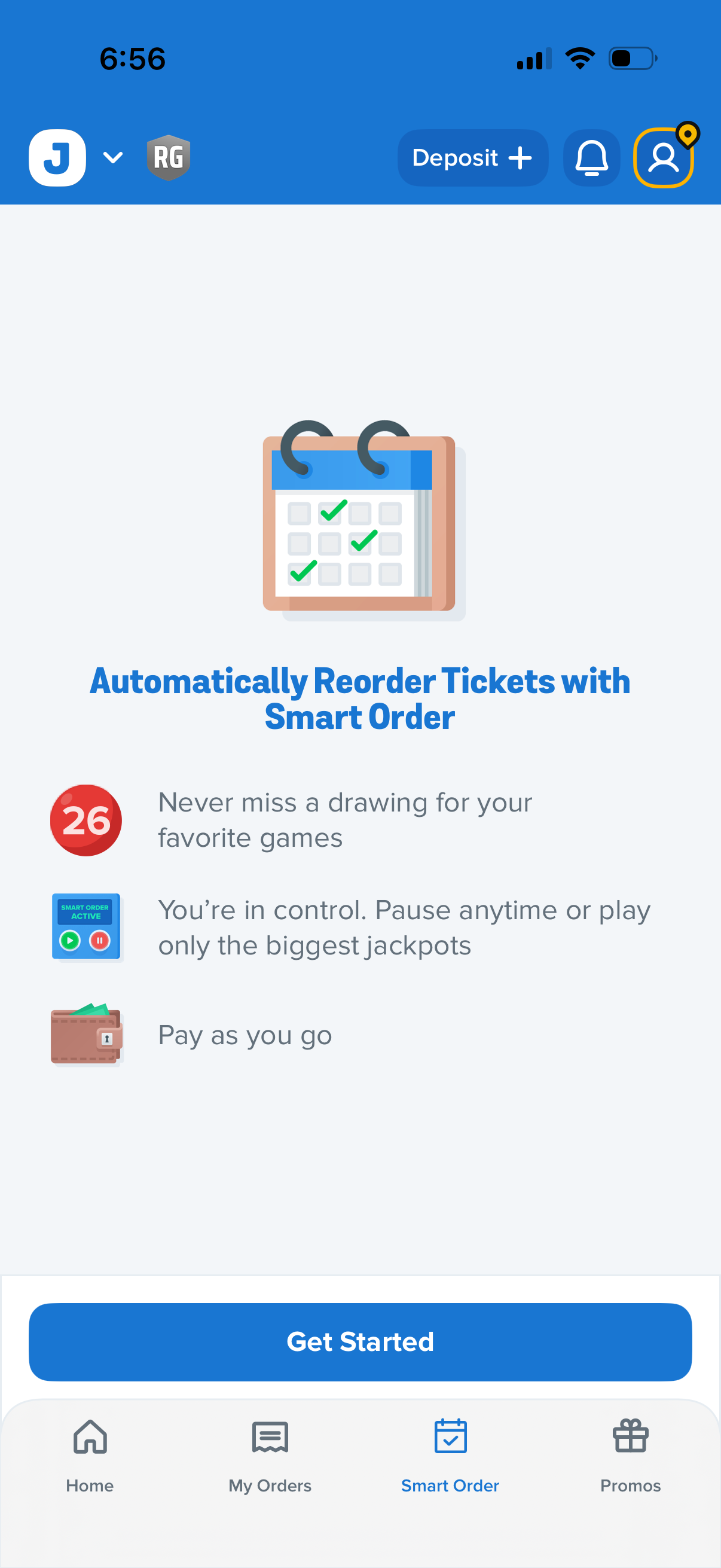
Onboarding/feature intro screen for a Smart Order subscription that automatically reorders lottery tickets, highlighting benefits like never missing drawings, pausing or targeting big jackpots, and pay‑as‑you‑go. Includes a primary “Get Started” CTA plus top actions for deposit, notifications, and search, with bottom tab navigation.
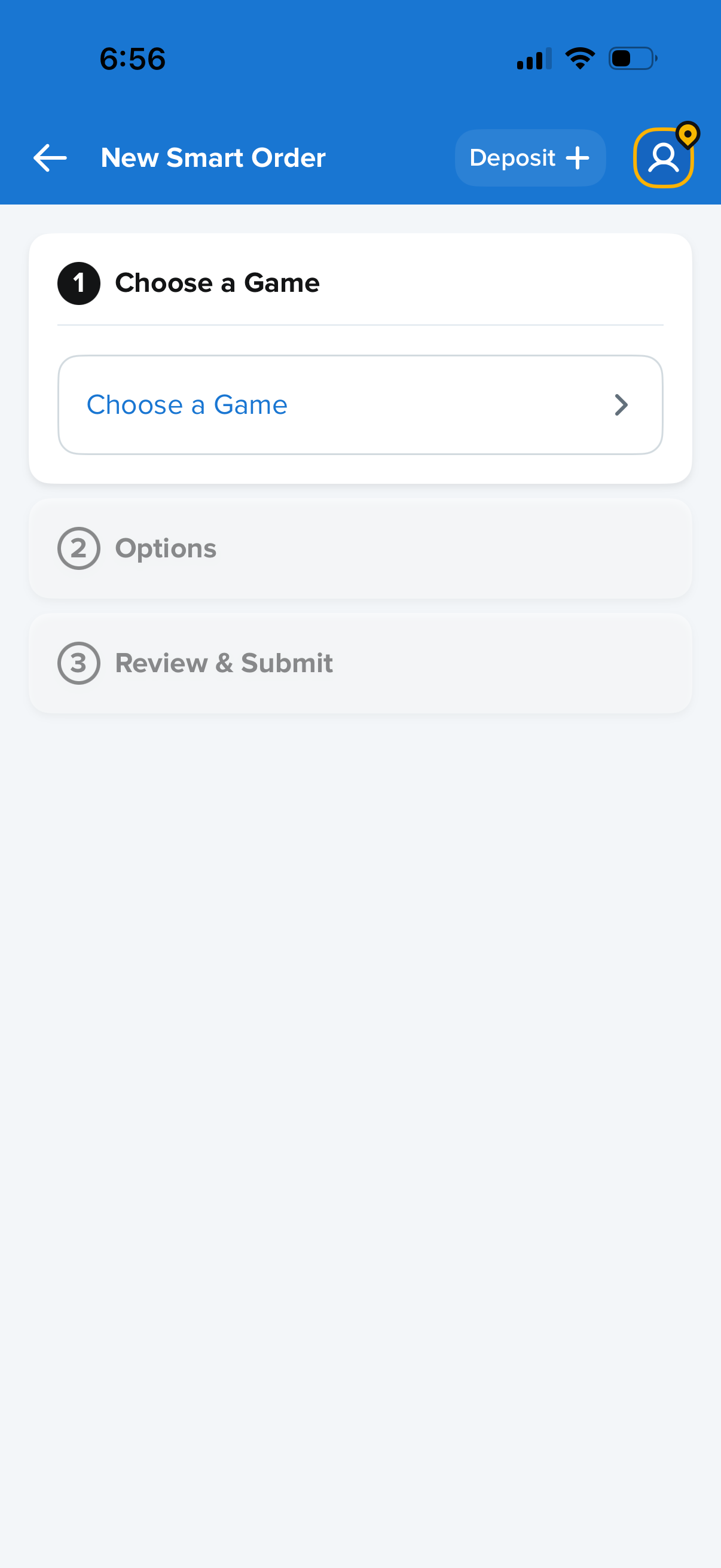
New Smart Order setup screen showing a three-step flow to place a bet, starting with “Choose a Game” and followed by disabled steps for Options and Review & Submit. The header includes back navigation, a Deposit button to add funds, and an account/profile icon.
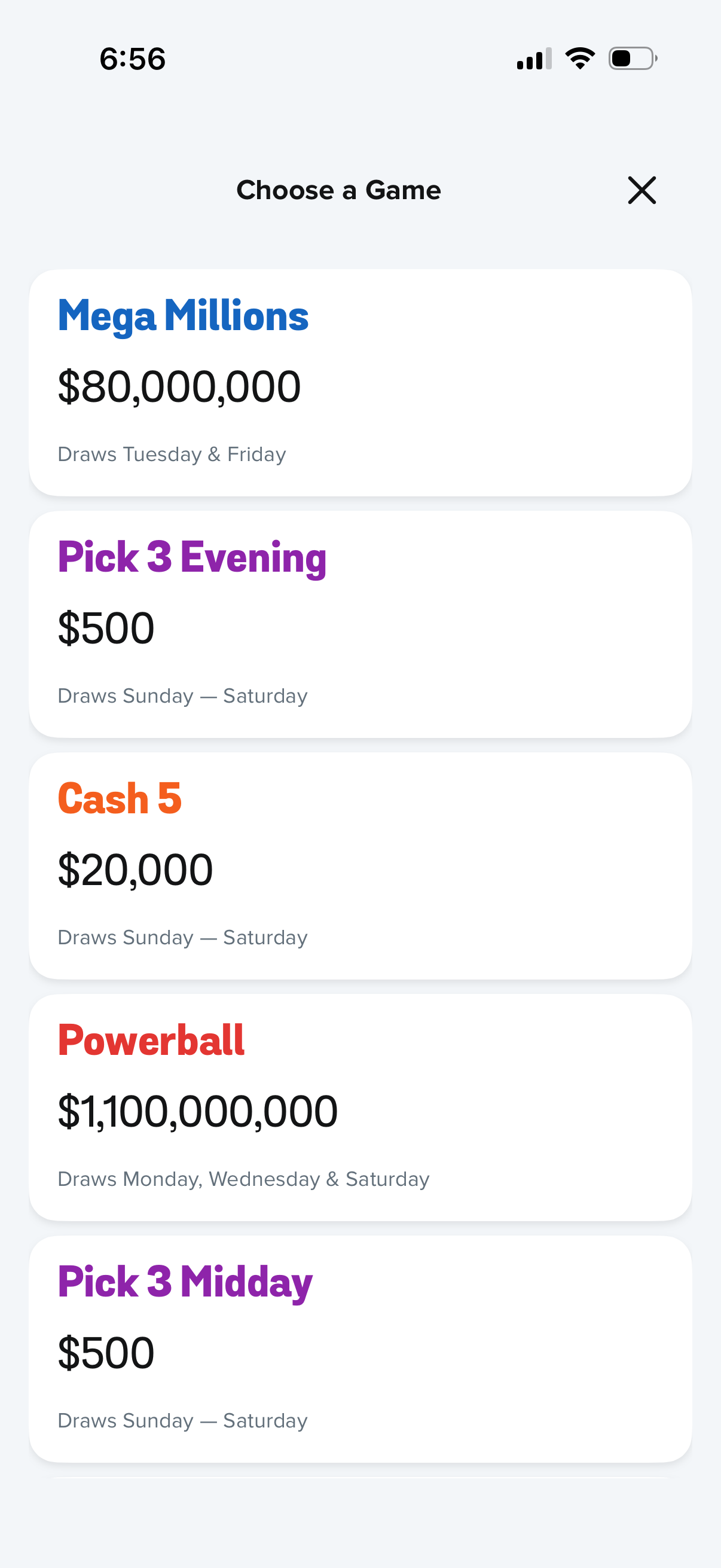
Lottery app “Choose a Game” selection screen showing a scrollable list of available games as cards, each displaying the game name, current jackpot/prize amount, and draw schedule. Users tap a game to proceed, with an X button to close the modal.
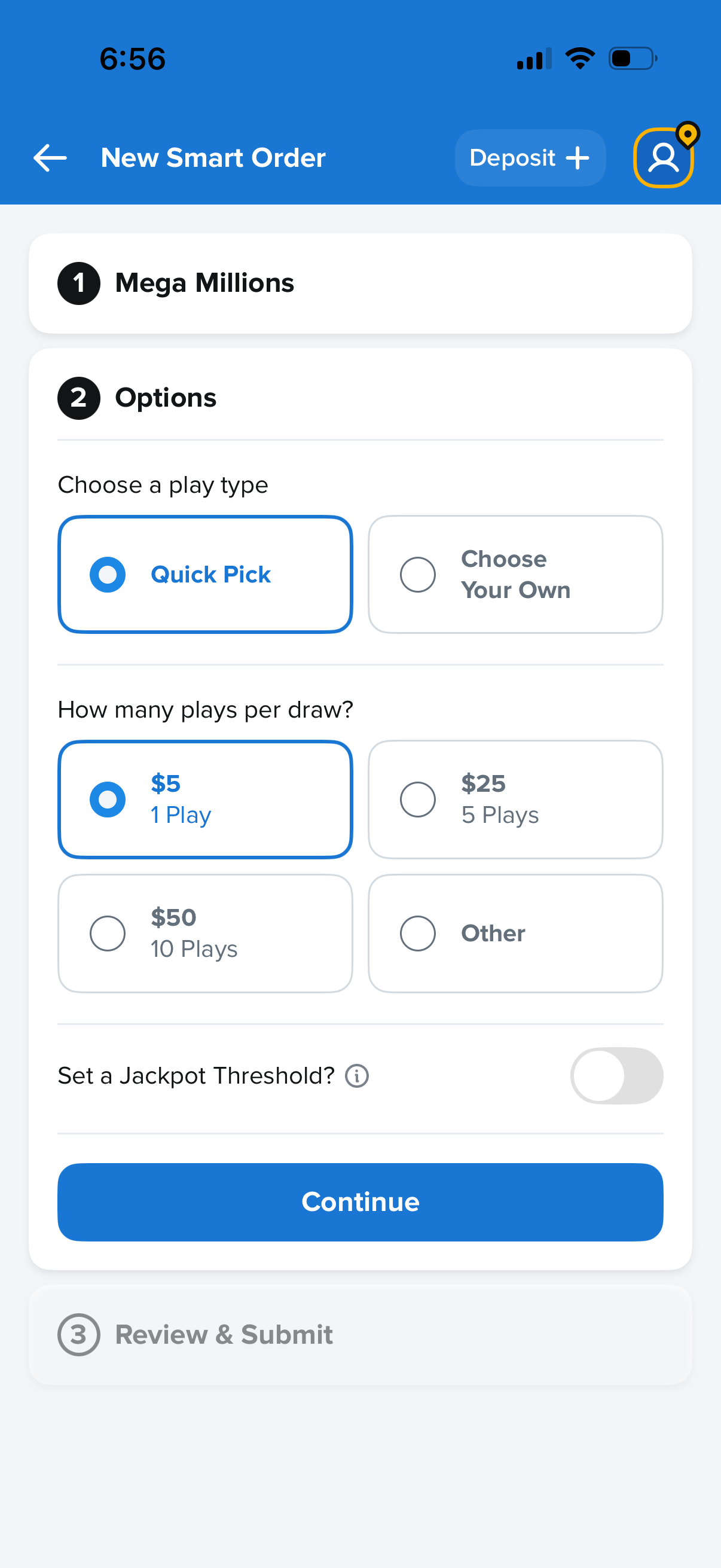
Lottery ticket purchase setup screen for creating a new smart order for Mega Millions, where users choose a play type (Quick Pick or choose your own numbers), select how many plays per draw with preset price options or “Other,” and optionally enable a jackpot threshold toggle. Primary action is a “Continue” button to proceed to review and submit, with a deposit shortcut in the header.
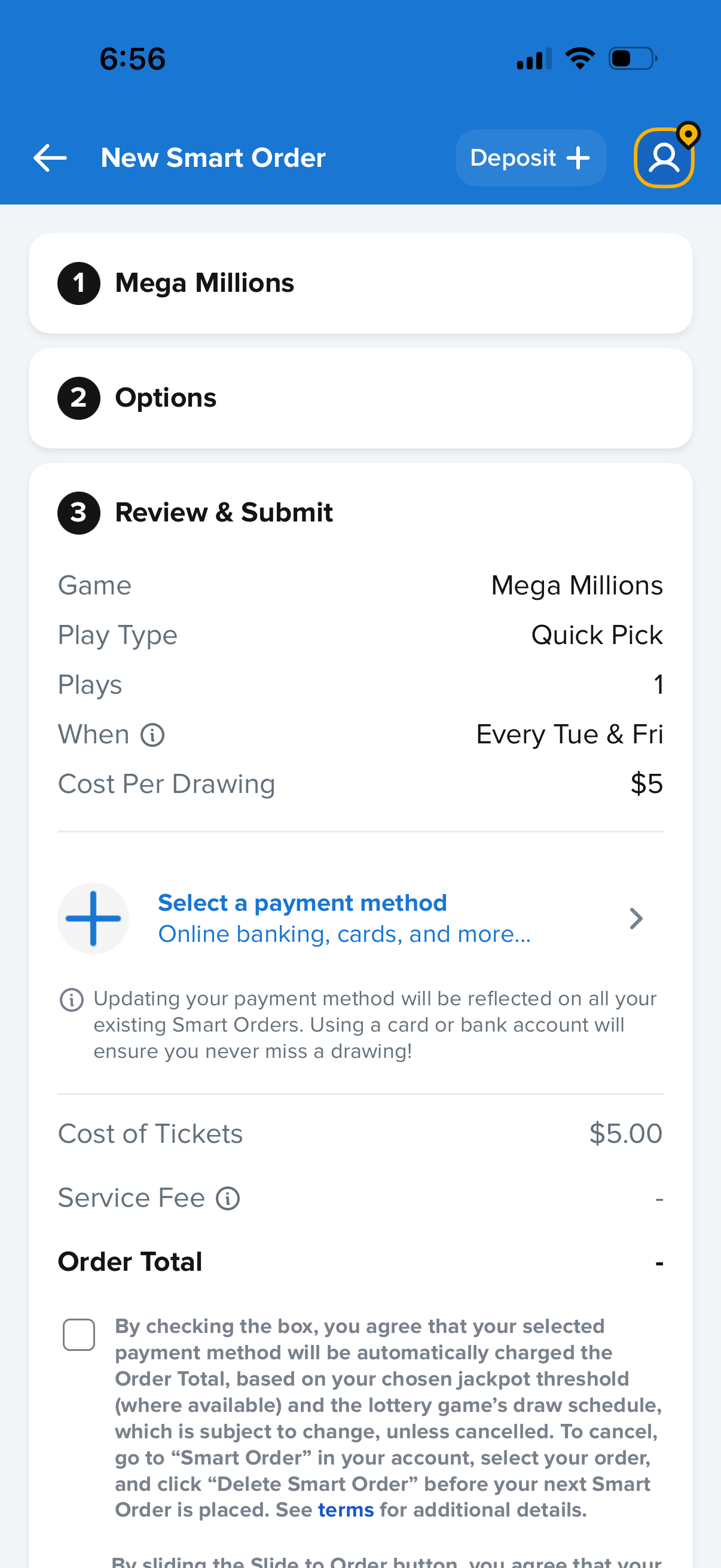
Checkout review screen for creating a new recurring “Smart Order” lottery ticket, showing selected game, play type, number of plays, draw schedule, and cost per drawing. Users can select or add a payment method, view ticket cost and fees with an order total, and confirm terms via a checkbox before submitting the order.