write a review
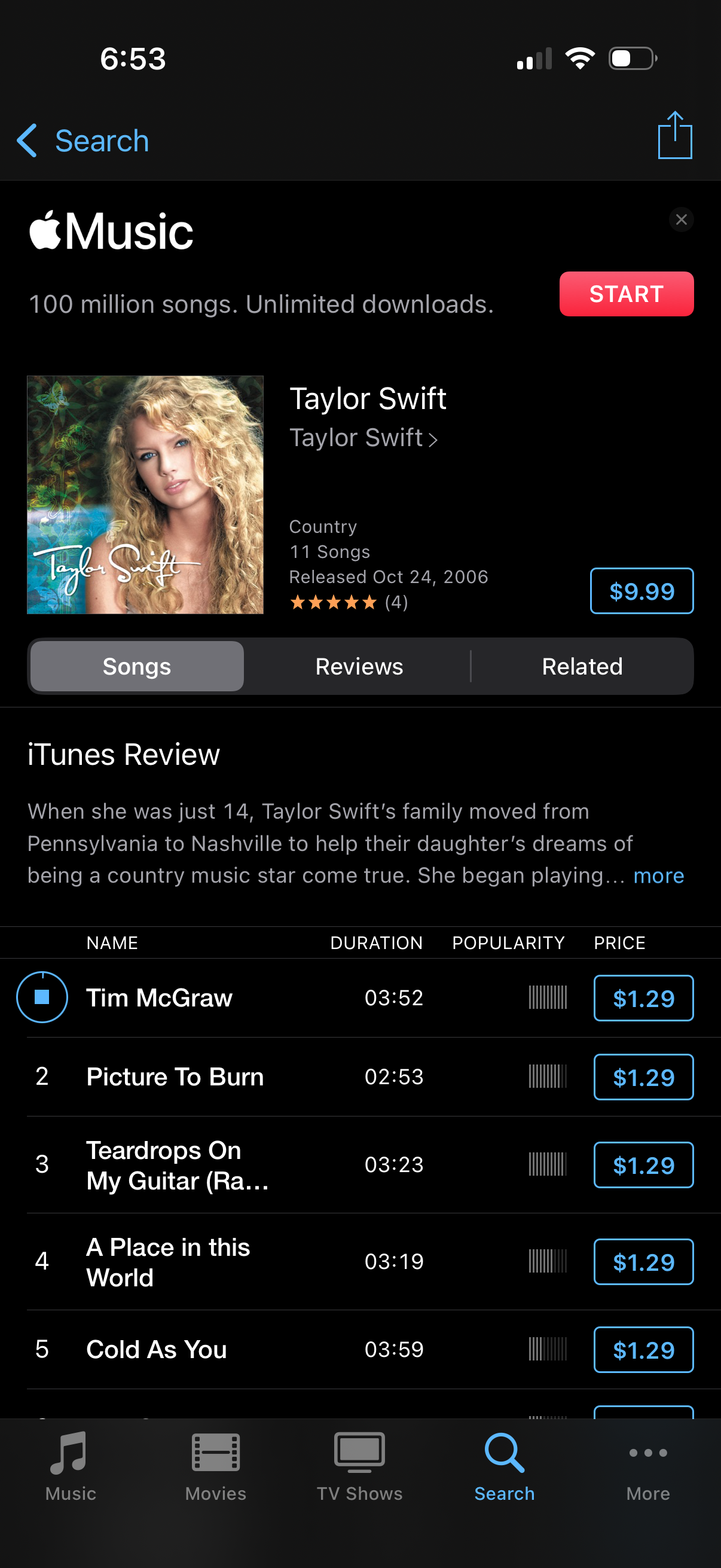
Music store album detail screen showing cover art and metadata (genre, song count, release date, rating) with actions to start a subscription, buy the full album, and share. Includes tabs for Songs, Reviews, and Related plus a tracklist with durations, popularity indicators, play preview, and per-song purchase buttons.
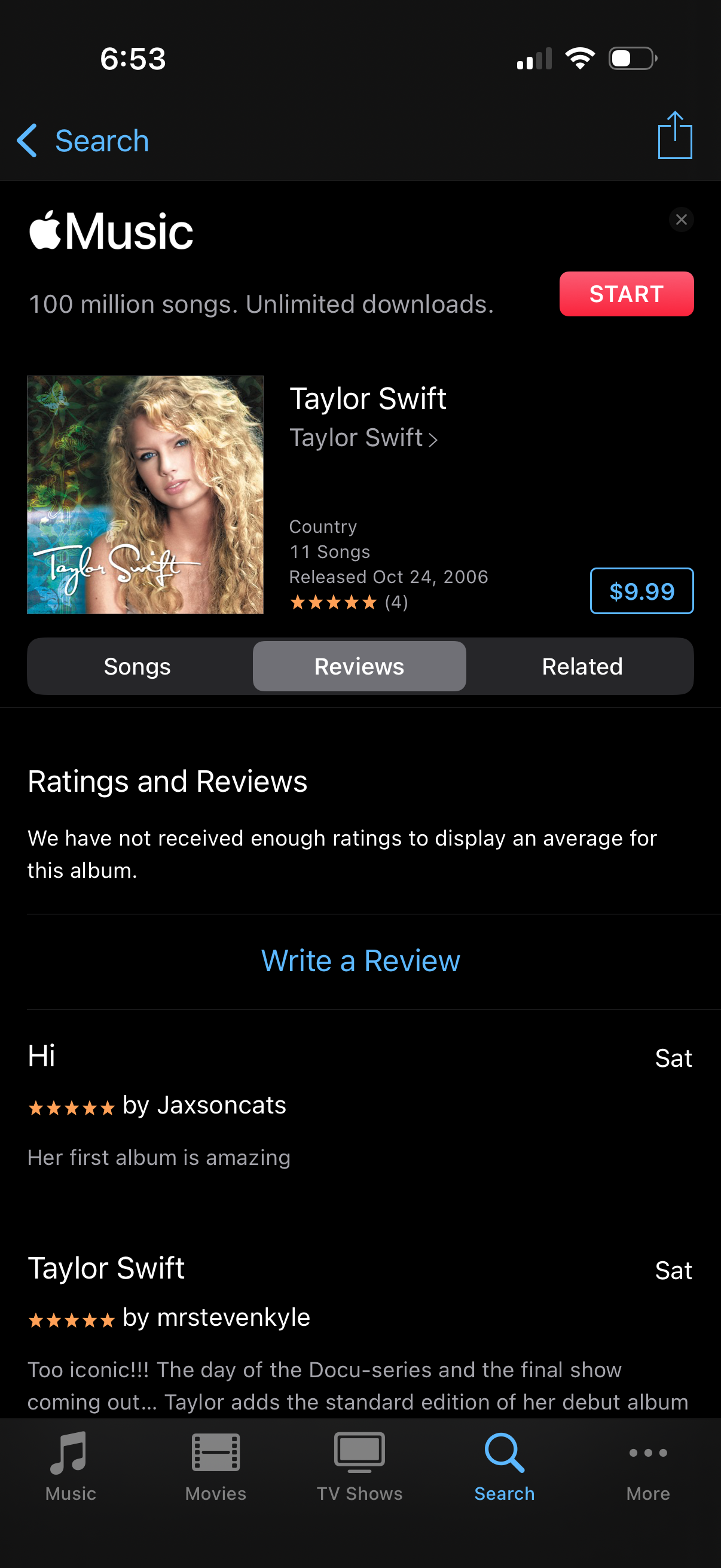
Apple Music album detail page focused on the Reviews tab, showing album artwork, artist and release info, star rating, price/purchase button, and a promotional “Start” subscription CTA. Users can switch between Songs, Reviews, and Related, scroll through ratings and review comments, and tap “Write a Review” to submit feedback.

Modal “Write a Review” screen that lets users rate with a 5-star selector and optionally enter a review title and text. Includes Cancel and Send actions to discard or submit the review.