Onboarding
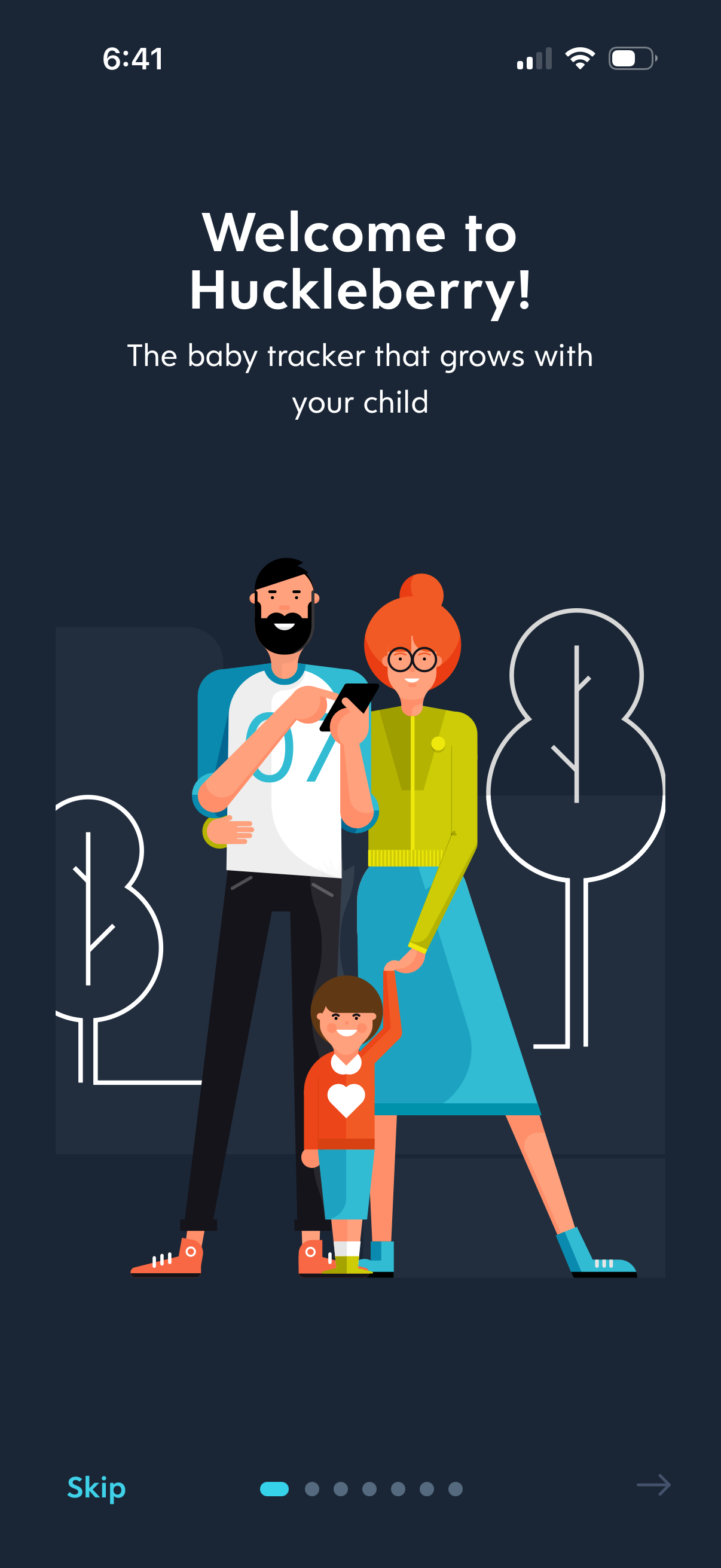
Onboarding welcome screen for a baby tracking app, introducing the product with a headline and tagline alongside an illustration of parents and child. Includes onboarding pagination dots with a Skip option and a next arrow to proceed through the intro slides.
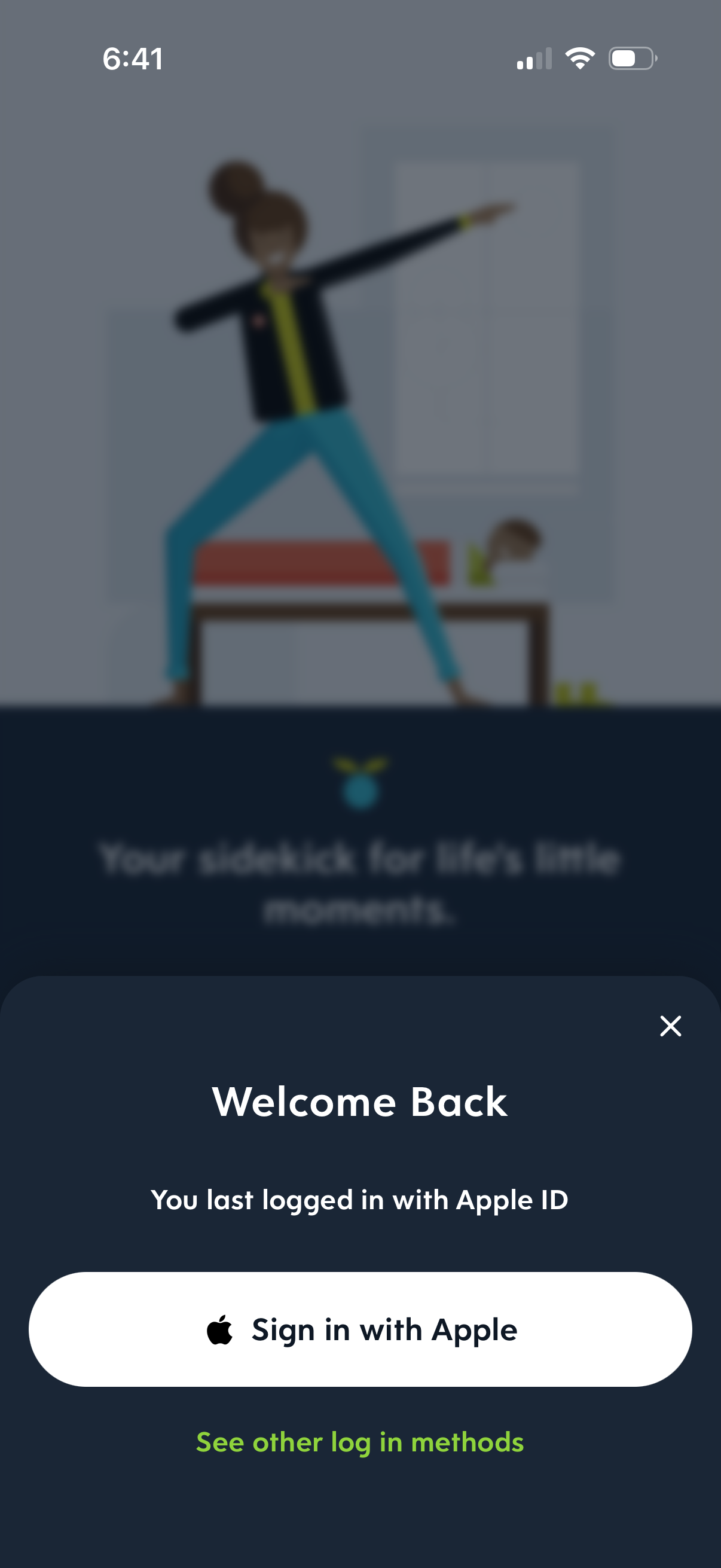
Welcome back login modal prompting the user to sign in with Apple ID, featuring a primary “Sign in with Apple” button and a link to view other login methods, with a close icon to dismiss the sheet.
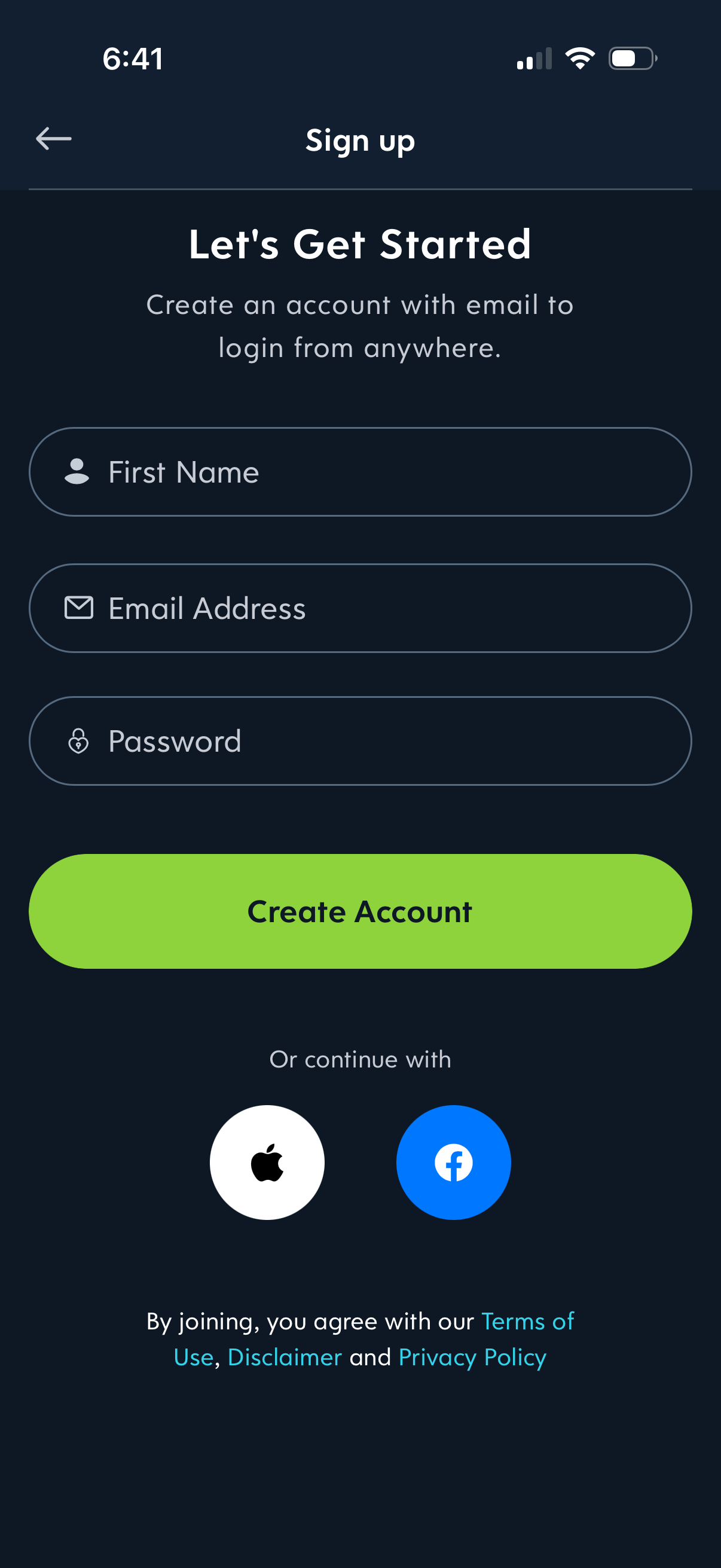
Email-based sign up screen with fields for first name, email address, and password, plus a primary “Create Account” button. Includes alternative social login options (Apple and Facebook) and links to terms of use, disclaimer, and privacy policy with a back navigation icon.
Welcome/onboarding screen that greets the user and introduces a personalization setup flow, prompting them to begin customizing their experience. Includes a prominent primary CTA button to proceed to the next step.
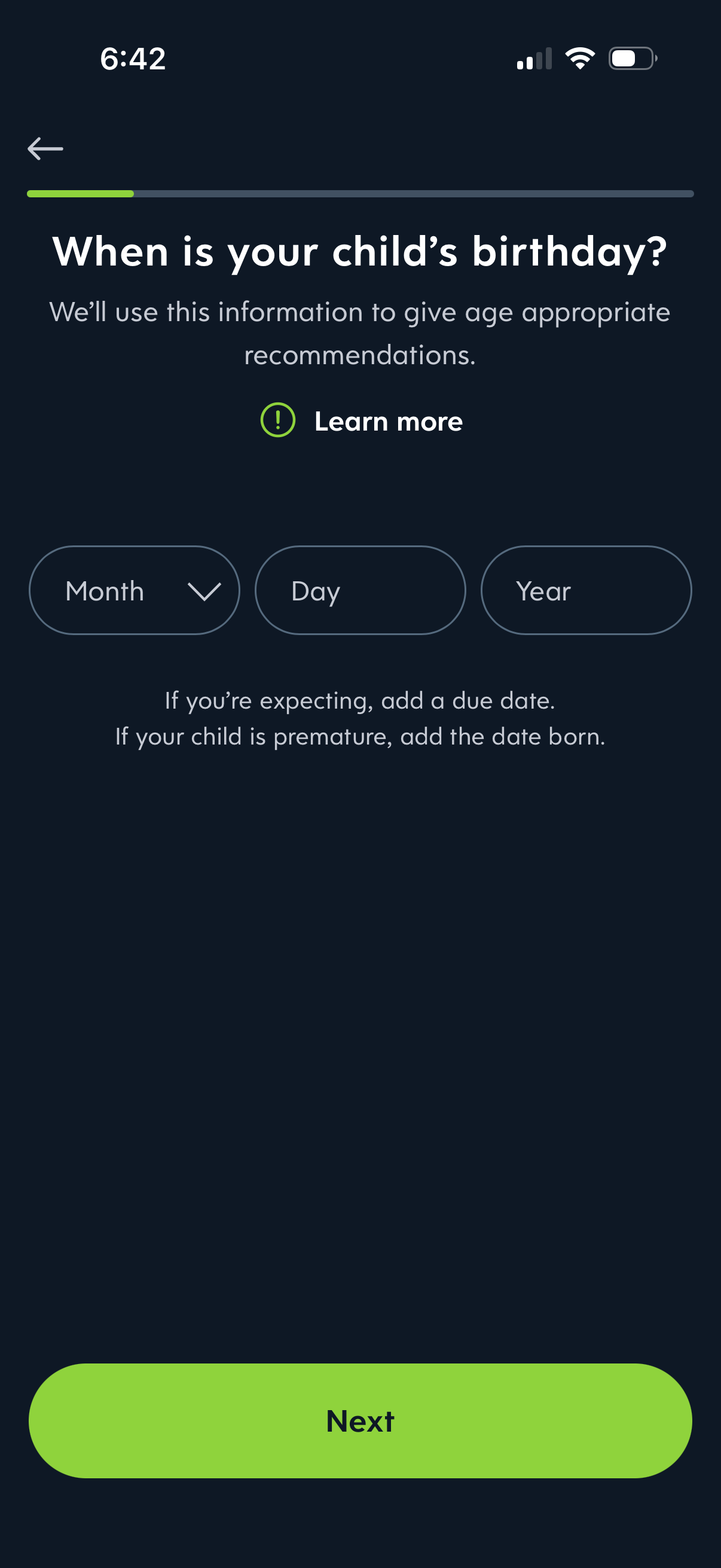
Onboarding form screen asking for a child’s birthday to personalize age-appropriate recommendations, with dropdown fields for month, day, and year plus a “Learn more” link. Includes progress indicator, back navigation, and a primary “Next” button to continue.
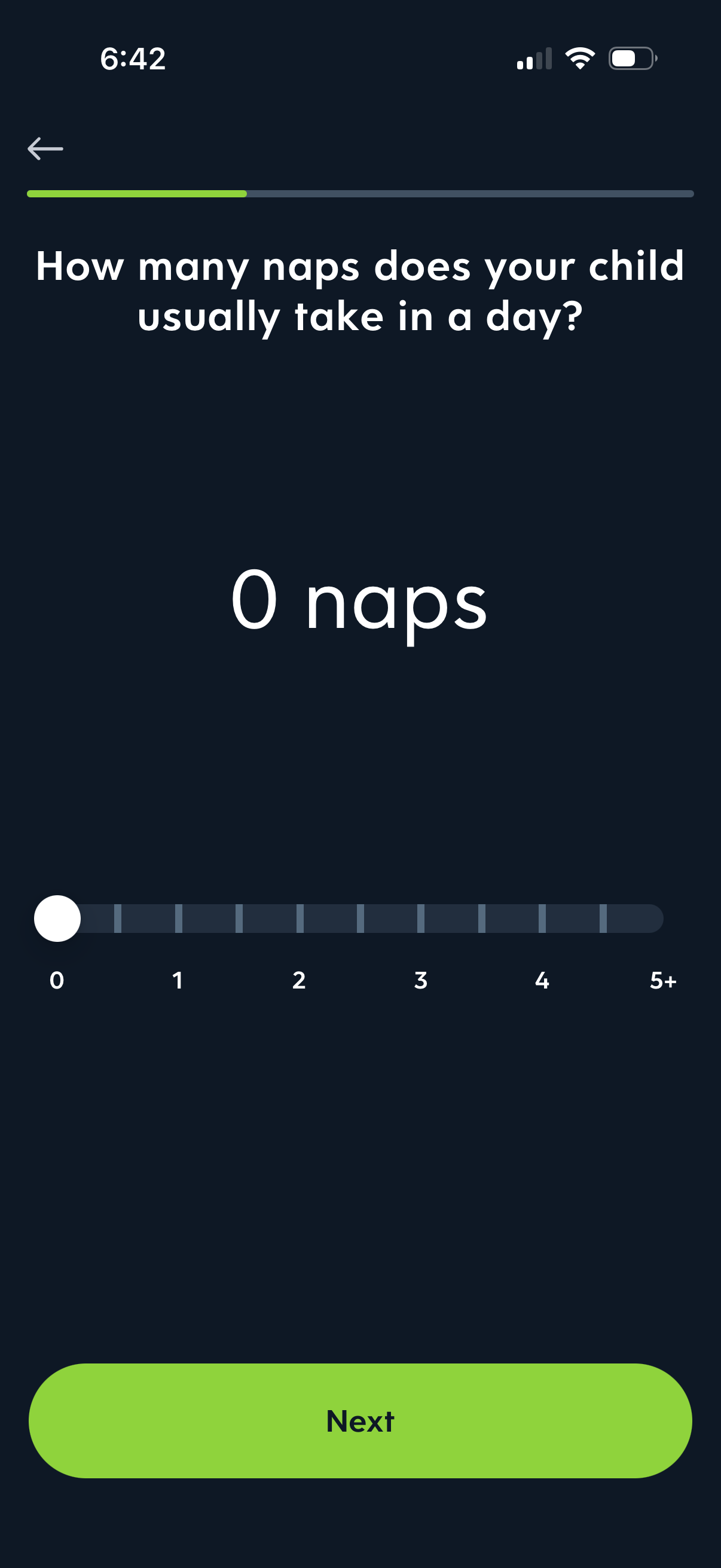
Onboarding questionnaire screen in a parenting/child sleep tracking app asking how many naps a child usually takes per day. Users adjust a horizontal slider from 0 to 5+ naps, see the selected value displayed prominently, and tap Next to continue with progress indicator and back navigation.
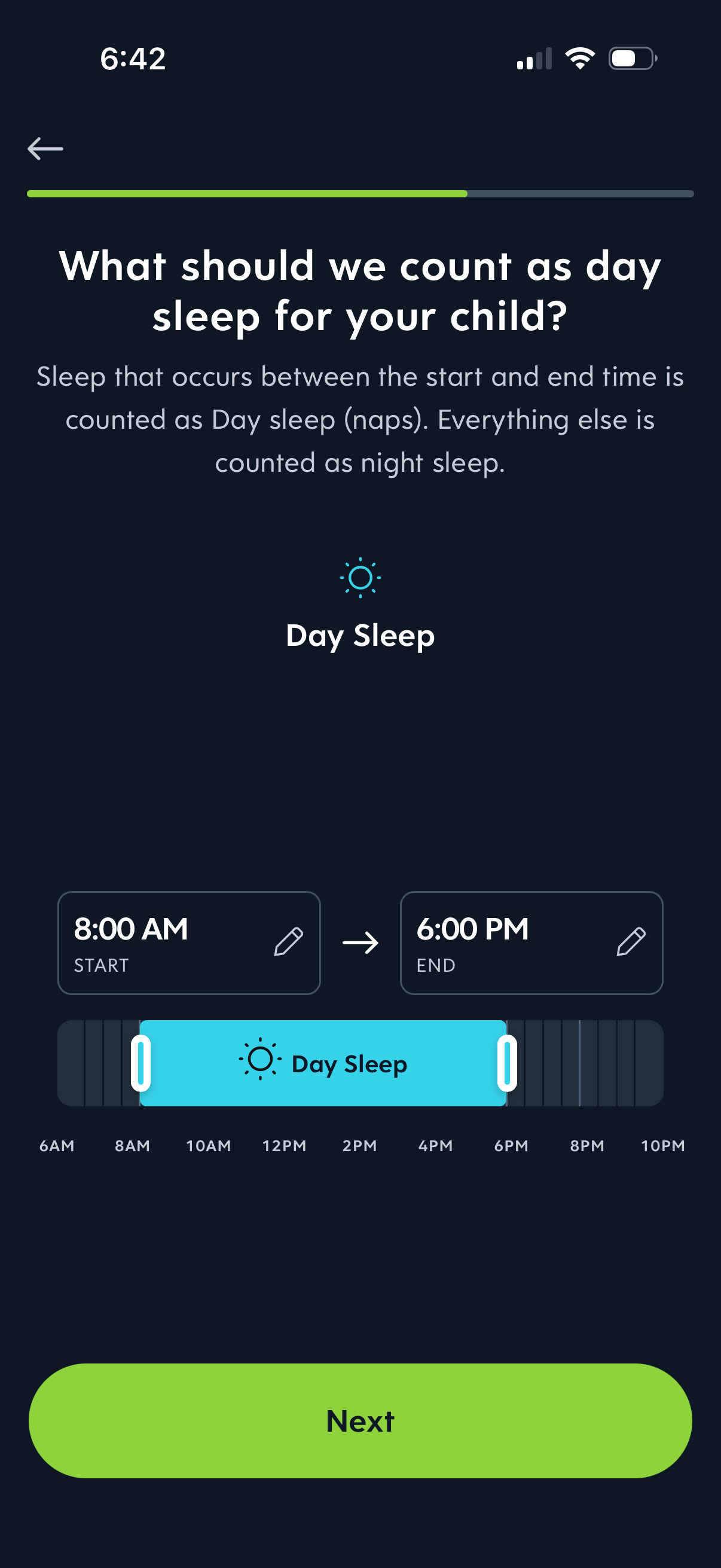
Onboarding settings screen for a child sleep tracking app that defines what counts as “day sleep” and lets the user set start and end times for naps. Includes editable time fields and a draggable timeline range selector, with a primary Next button to continue.
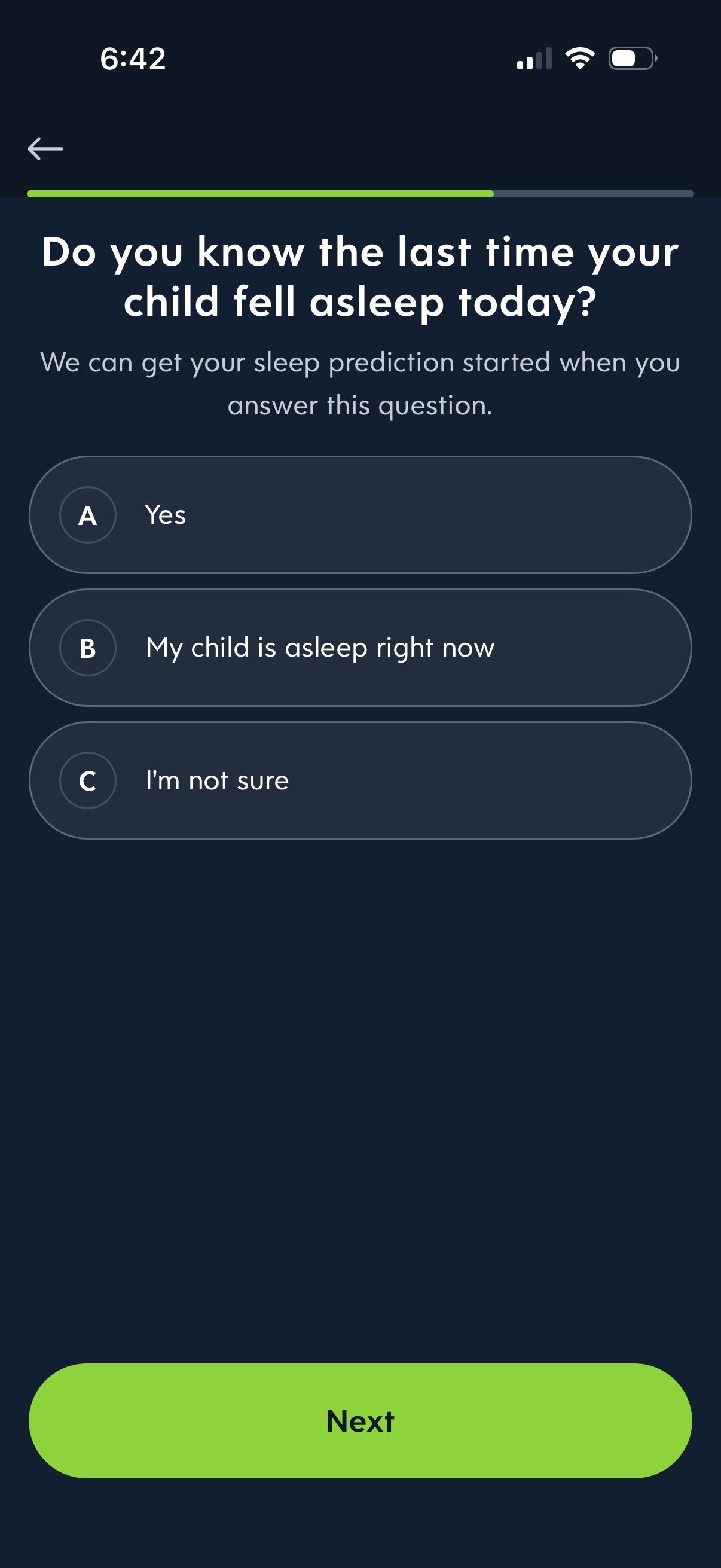
Onboarding questionnaire screen for a child sleep tracking app asking whether the parent knows the last time their child fell asleep today to start sleep prediction. Users choose from multiple-choice answers (yes, child asleep now, not sure) and tap Next to continue, with a progress indicator and back navigation.
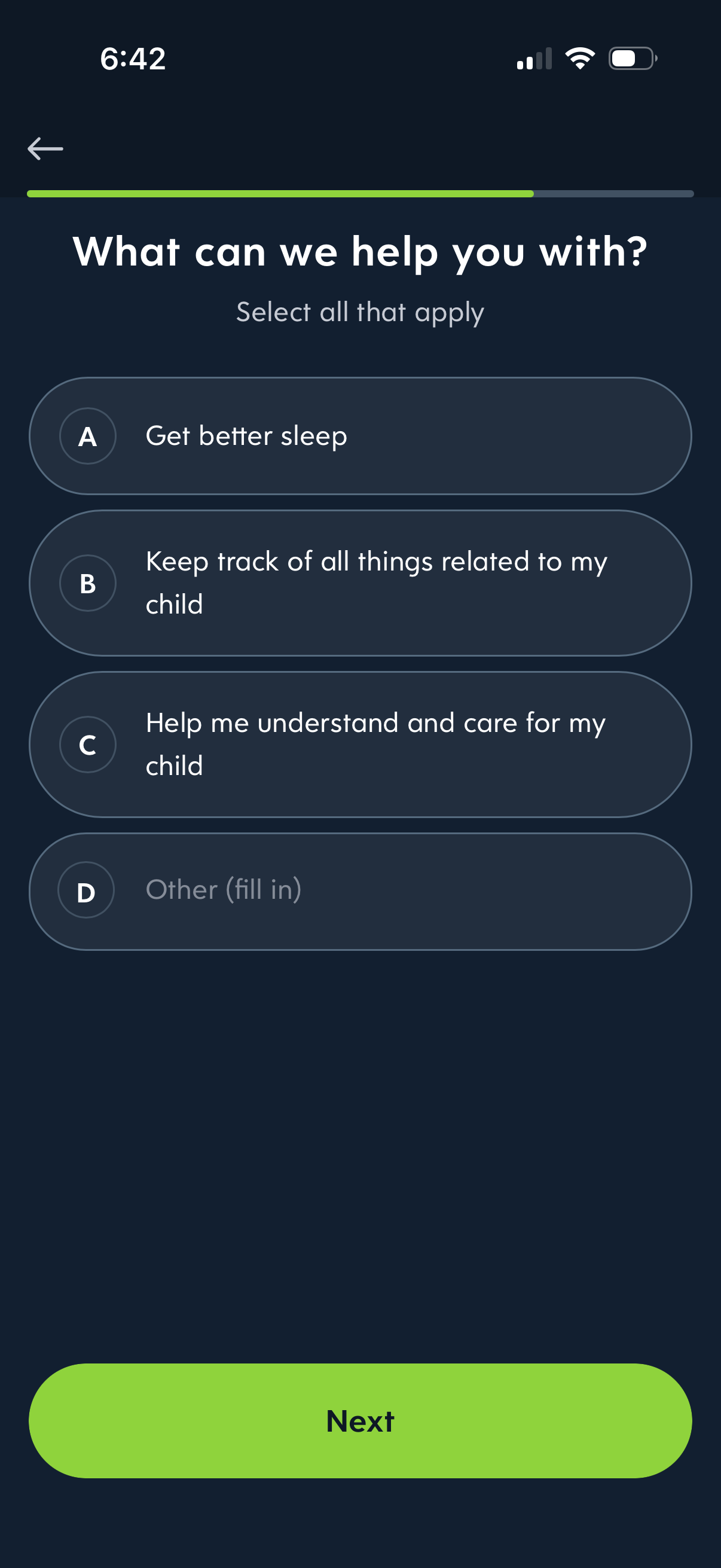
Onboarding preference selection screen asking “What can we help you with? ” where users select all applicable goals such as better sleep, tracking child-related tasks, understanding and caring for a child, or entering an “Other” option.
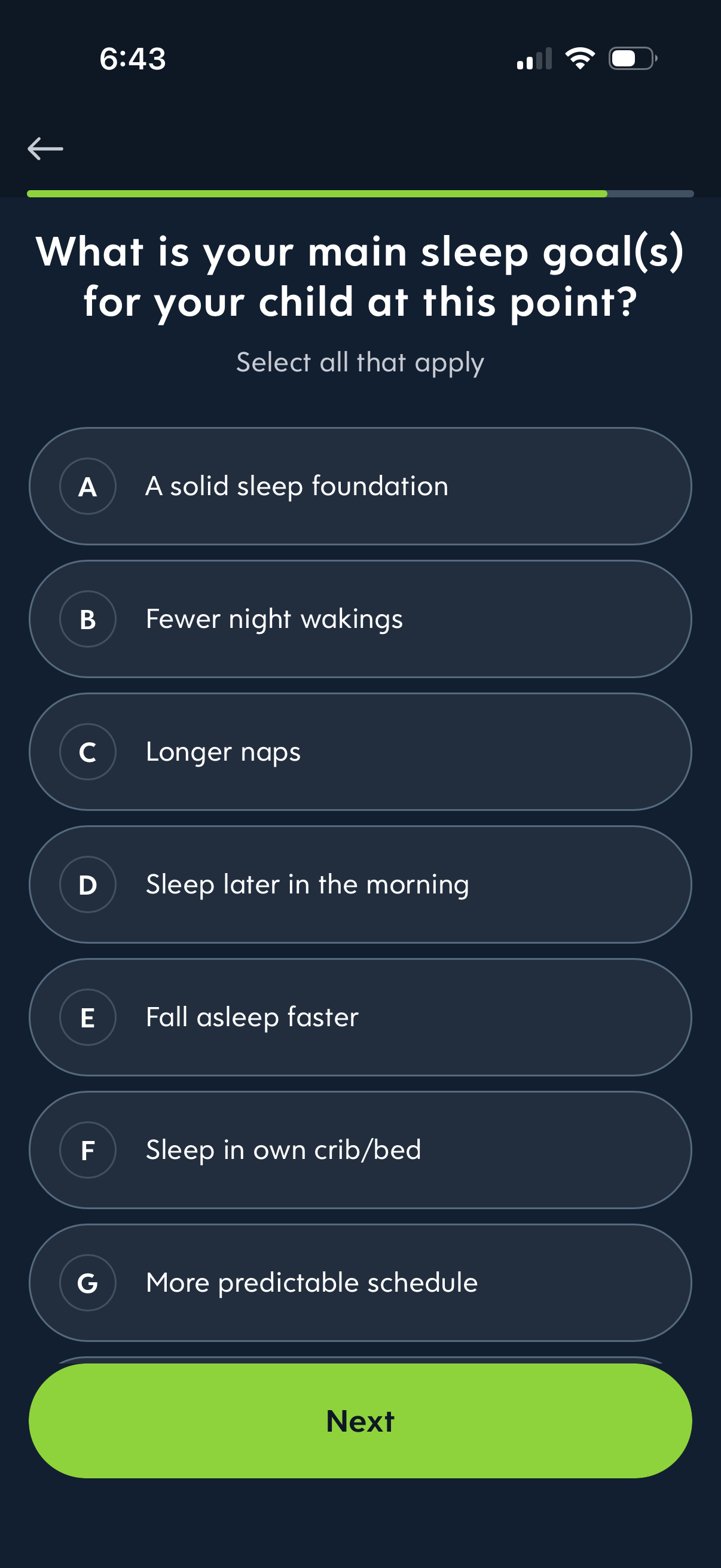
Onboarding questionnaire screen in a child sleep coaching app asking parents to select all main sleep goals for their child, with multiple-choice options like fewer night wakings, longer naps, fall asleep faster, and sleep in own crib/bed. Includes a progress indicator, back navigation, and a primary “Next” button to continue setup.
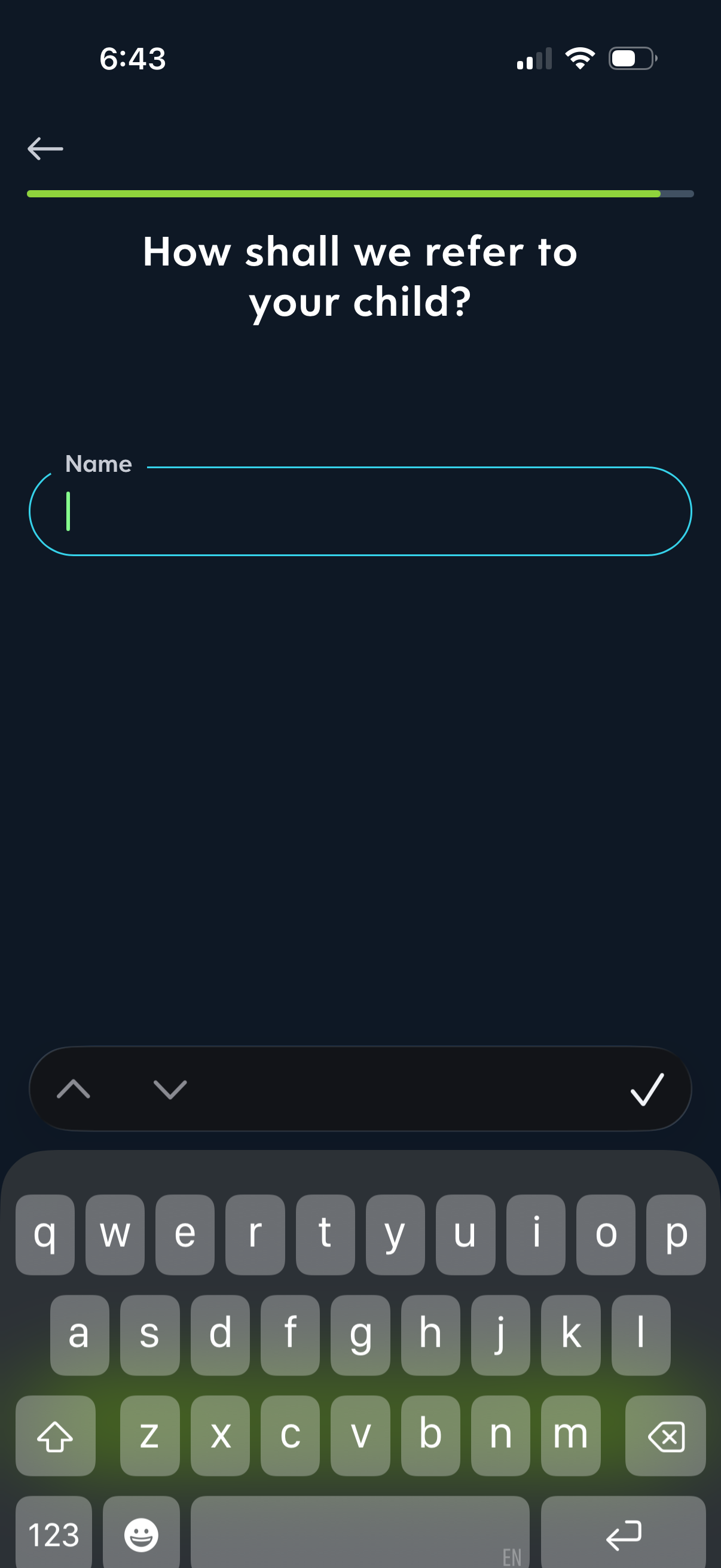
Onboarding form screen asking “How shall we refer to your child? ” with a single text input to enter the child’s name, a progress indicator, and a confirm/continue checkmark action to proceed.
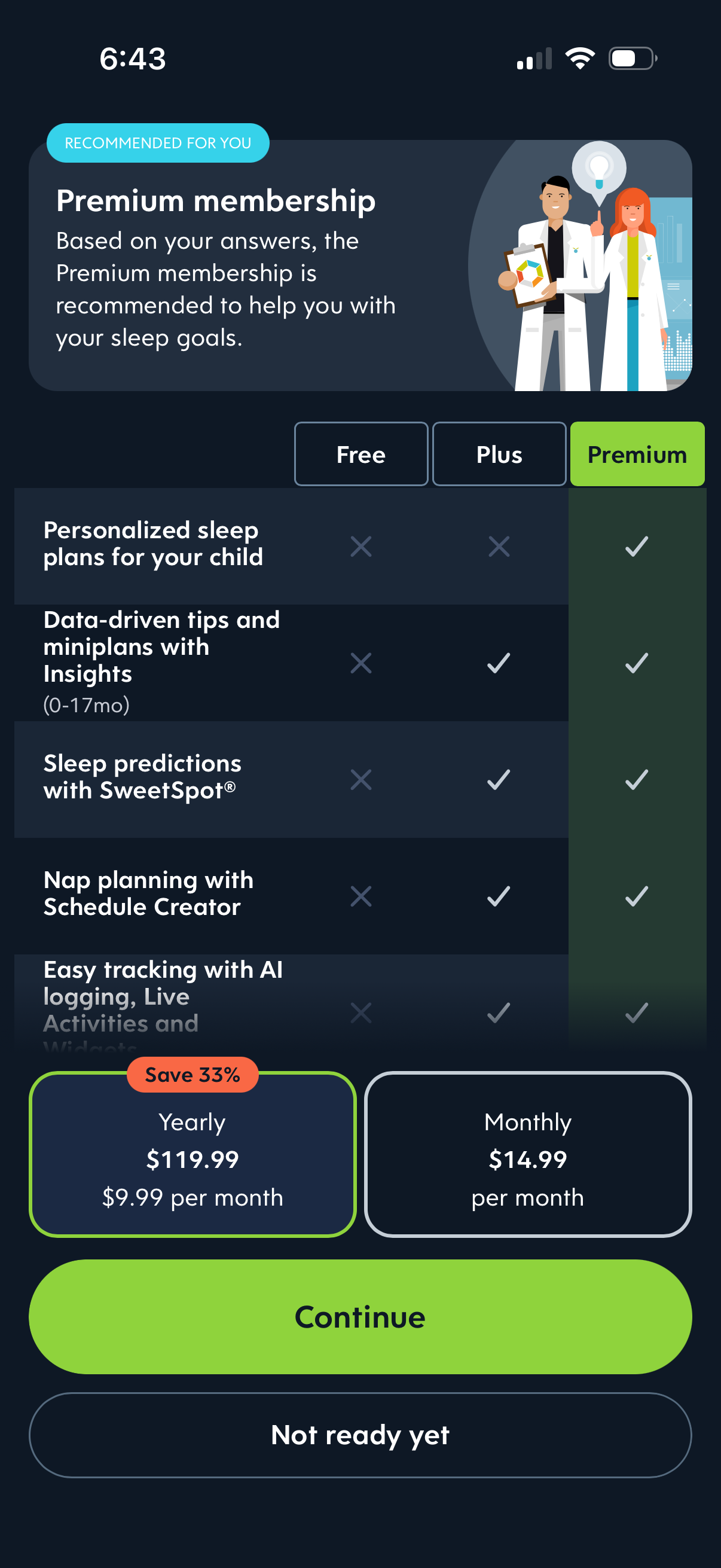
Premium membership upsell screen for a sleep/parenting app, recommending an upgraded plan based on user answers and comparing Free, Plus, and Premium features in a checklist table. Users can choose a subscription billing option (yearly with discount vs monthly) and proceed via a primary Continue CTA or dismiss with Not ready yet.
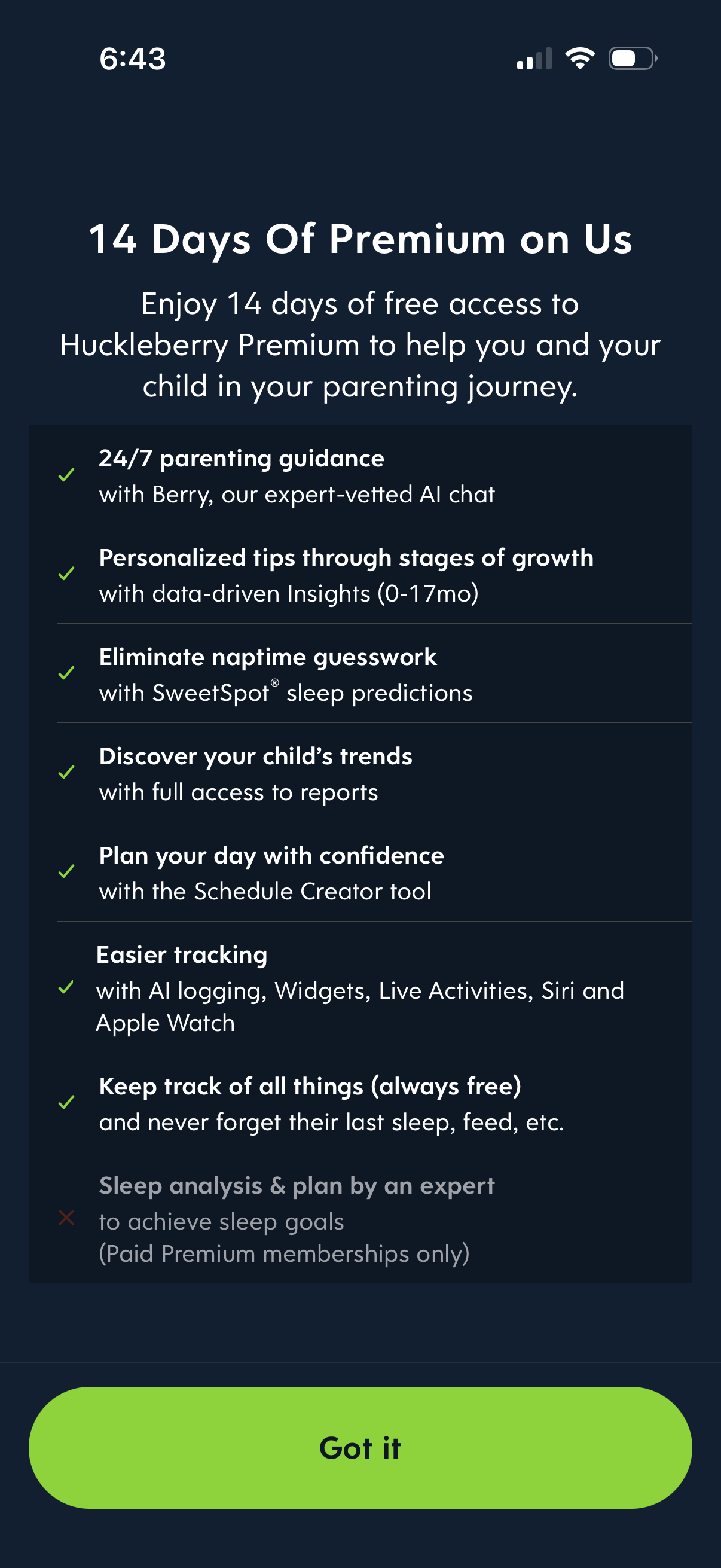
Premium free-trial upsell screen promoting 14 days of premium access, listing benefits like 24/7 AI parenting chat guidance, personalized tips, sleep predictions, reports, schedule creator, and easier tracking integrations. Includes a single primary confirmation CTA button to acknowledge and continue.